- التسوق ، اصبح سهلا.
- /
- احصل على التطبيق!
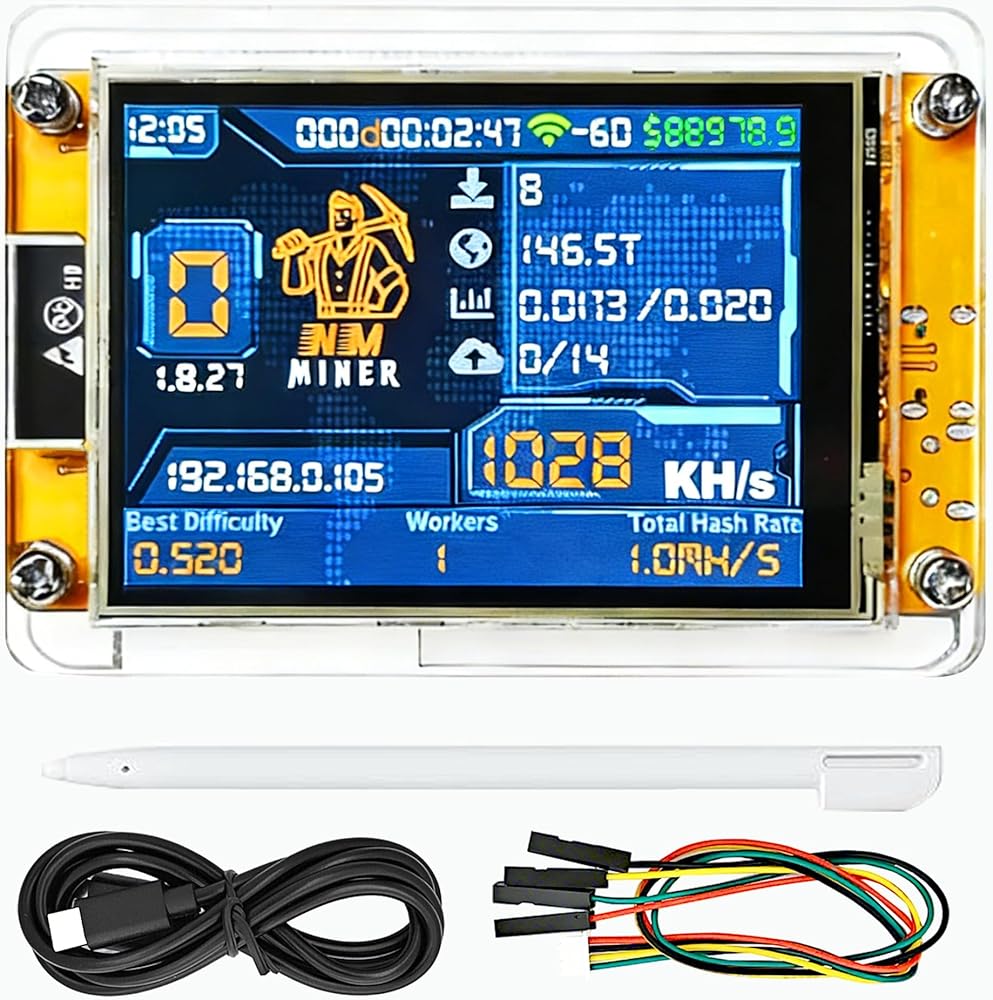
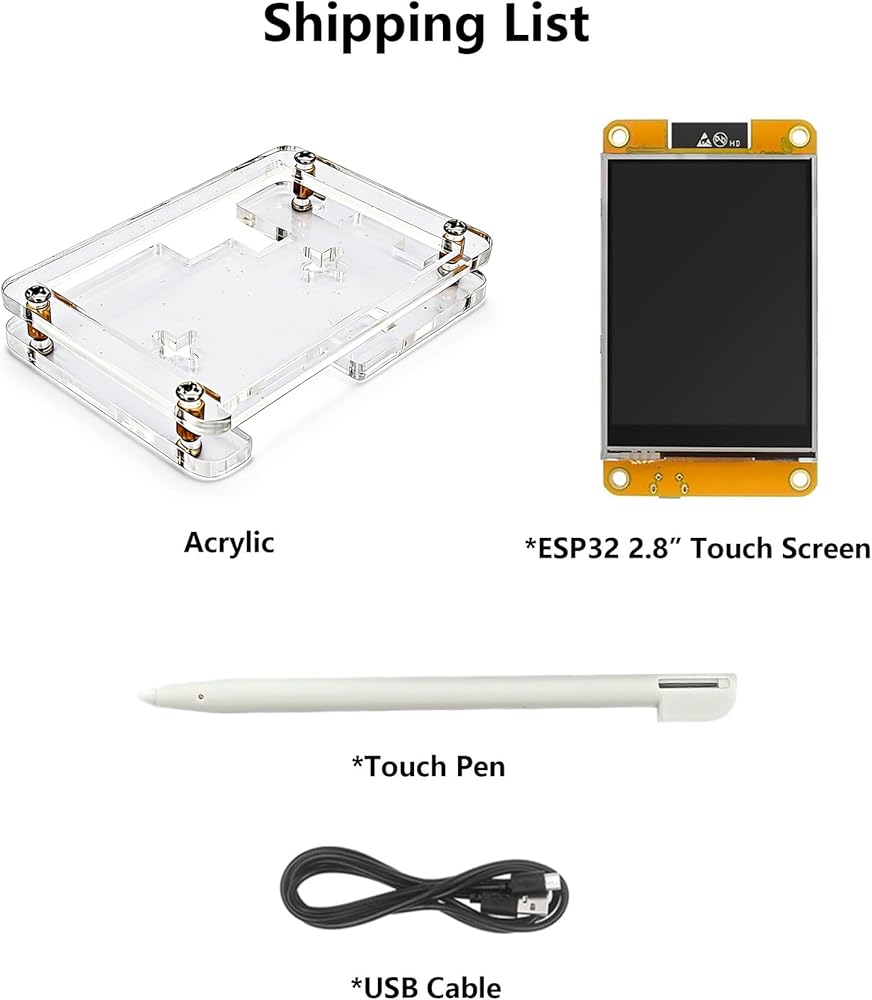
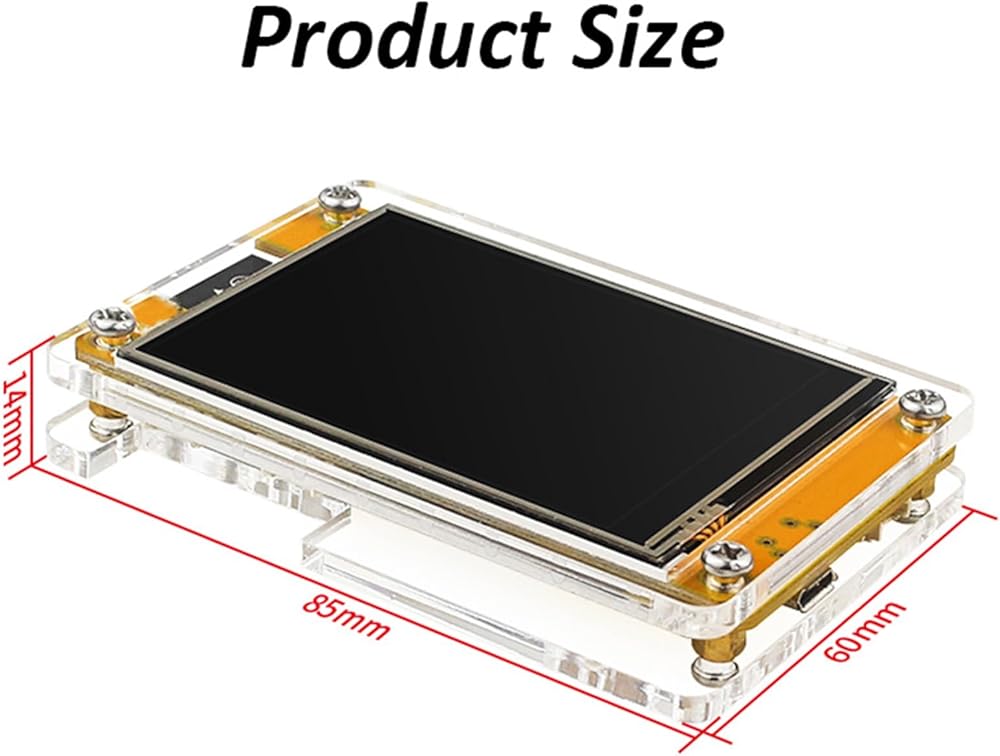
Step 1: assemble. Pretty much only goes together one way, bug open rectangle piece goves over the big open rectangle screen.
Use long screws from the top down and use the brass hexagonal standoffs to secure it to the board.
The only other plate goes on the bottom and goes in the only direction that makes sense and uses the only 4 matching screws left which are shorter. Done.
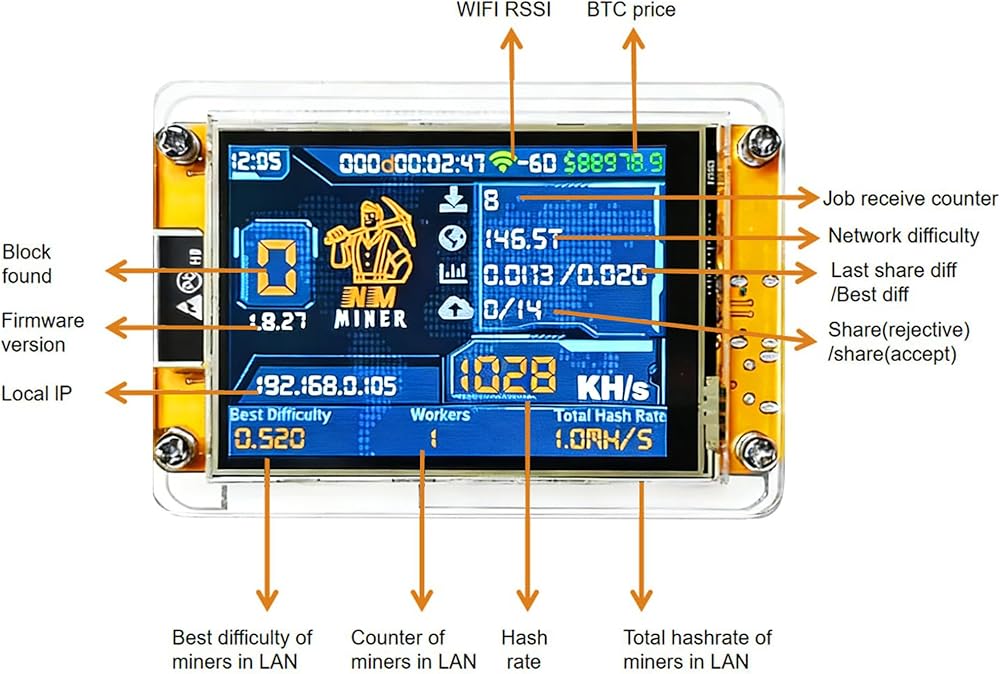
Step 2: scan QR or connect your phone to the wifi displayed on the solo miner screen.
It will take you to an interface for the miner where you can connect it to your wifi.
I recommend setting up a separate isolated vlan and creating a wifi ssid that lives only on the vlan but FEAR NOT you can literally just connect it to your regular wifi ssid and its fine
Step 3: enter crypto/bitcoin wallet id. This is legit the hardest part and if you dont know how to do this, youll want to watch some online videos of cryptocurrency, Bitcoin, and crypto wallets because its just good info to know.
Anyway just add you wallet id to where it says wallet id.
Step 4: save and wait.
Extra: if you mess up hold the boot button for 15 seconds to reset and start over its literally that easy.
 مجموعة Raspberry Pi Zero 2 W الأساسية، لوحة Pi Zero 2 W، مبدد حراري من الألومنيوم، كابل USB OTG، محول HDMI-USB صغير، رأس 40 دبوسًا
SAR 167
مجموعة Raspberry Pi Zero 2 W الأساسية، لوحة Pi Zero 2 W، مبدد حراري من الألومنيوم، كابل USB OTG، محول HDMI-USB صغير، رأس 40 دبوسًا
SAR 167
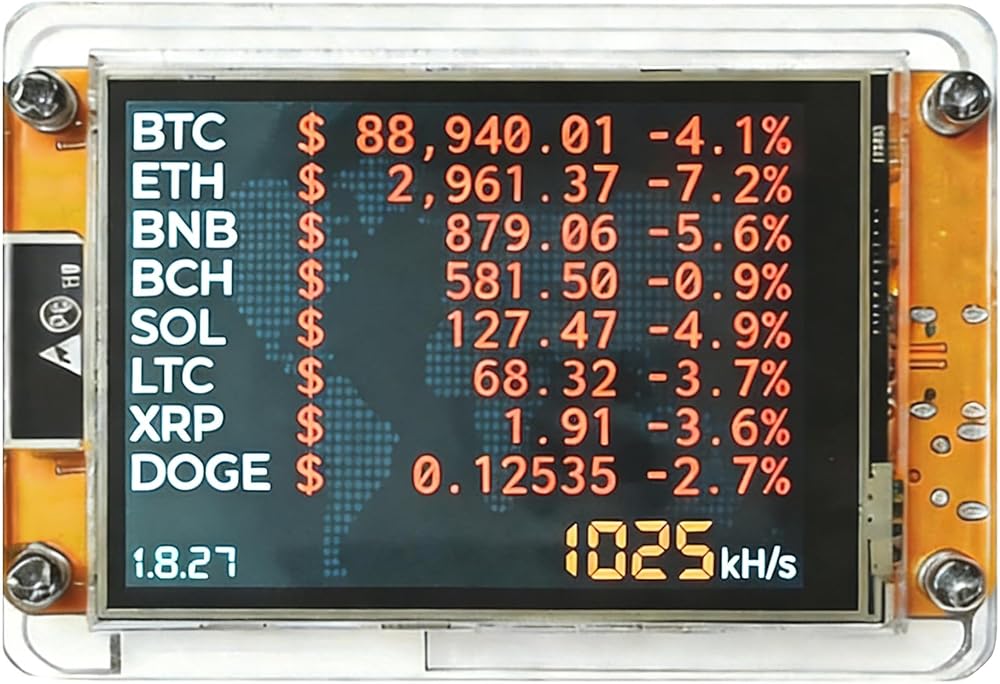
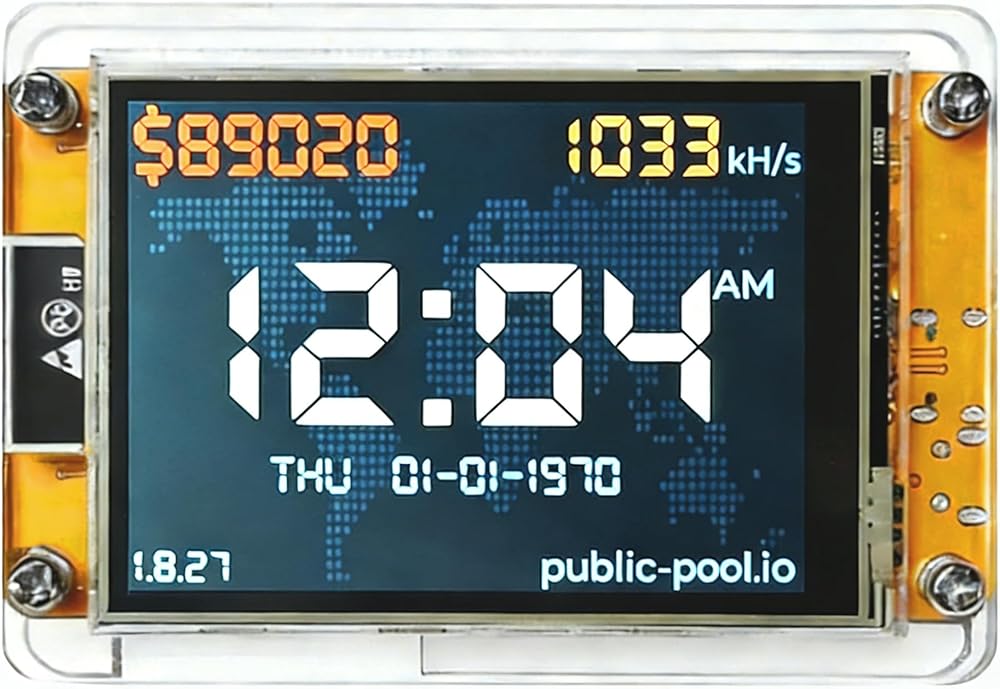
 Bitcoin Miner-One-Shot Miner NMMiner مع شاشة ذكية مقاس 2.8 بوصة، جهاز تعدين تشفير منفرد محظوظ بمعدل 1010 كيلو هرتز في الثانية للتعليم أو اليانصيب
SAR 136
Bitcoin Miner-One-Shot Miner NMMiner مع شاشة ذكية مقاس 2.8 بوصة، جهاز تعدين تشفير منفرد محظوظ بمعدل 1010 كيلو هرتز في الثانية للتعليم أو اليانصيب
SAR 136
 3 عبوات Lonely Binary ESP32 Gold Edition مع هوائي IPEX خارجي واي فاي بلوتوث ثنائي النواة MCU مع لوحات توسيع لولبية/غير لولبية، منفذ من النوع C متوافق مع Arduino IDE وMicroPython وESP-IDF
SAR 183
3 عبوات Lonely Binary ESP32 Gold Edition مع هوائي IPEX خارجي واي فاي بلوتوث ثنائي النواة MCU مع لوحات توسيع لولبية/غير لولبية، منفذ من النوع C متوافق مع Arduino IDE وMicroPython وESP-IDF
SAR 183
 -24%
NerdMiner V2 NMMiner Lucky Miner Hashrate 980KH/s ESP32 واي فاي BLE وحدة ESP32-2432S028R 2.8 بوصة عرض ذكي BTC تشفير منفرد اليانصيب
SAR 119
-24%
NerdMiner V2 NMMiner Lucky Miner Hashrate 980KH/s ESP32 واي فاي BLE وحدة ESP32-2432S028R 2.8 بوصة عرض ذكي BTC تشفير منفرد اليانصيب
SAR 119