- التسوق ، اصبح سهلا.
- /
- احصل على التطبيق!
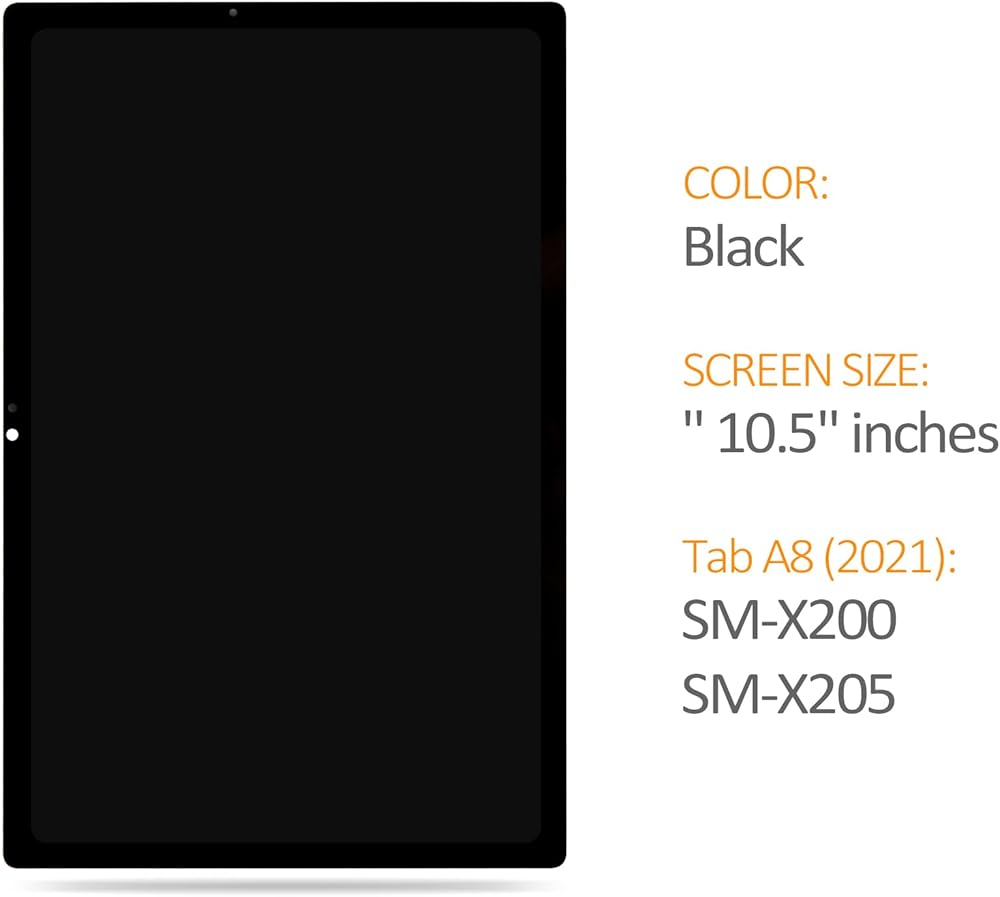
📌Compatible Models:
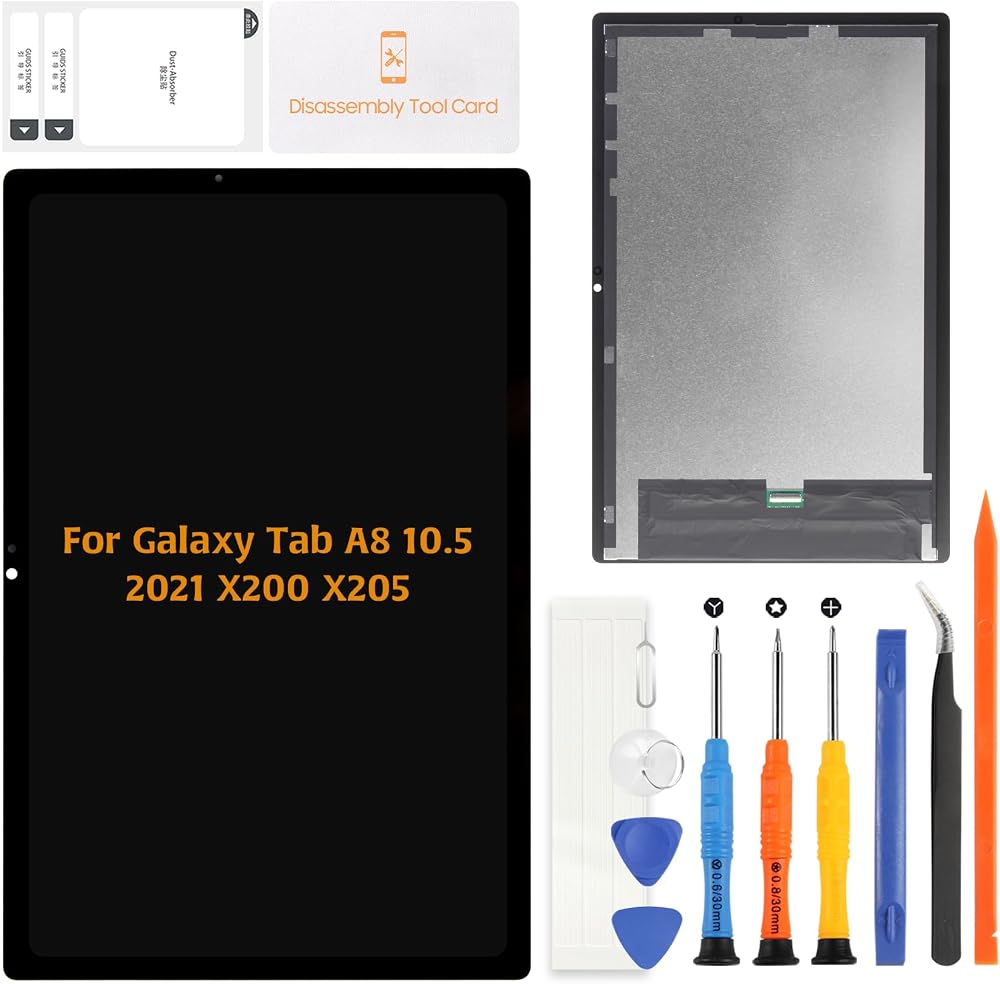
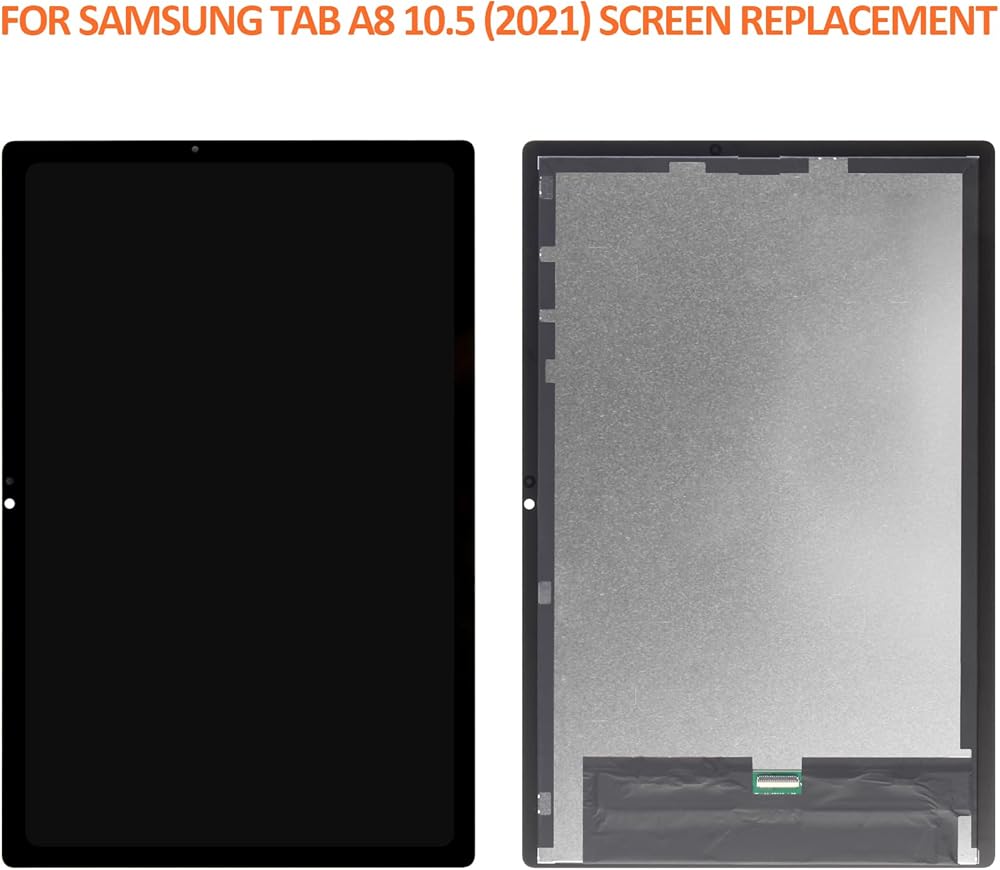
This screen replacement kit is designed for the Samsung Galaxy Tab A8 10.5" (2021 release), compatible with model numbers SM-X200 / SM-X205. Please confirm your device model in Settings > About Tablet before purchasing.
🖥️Product Overview:
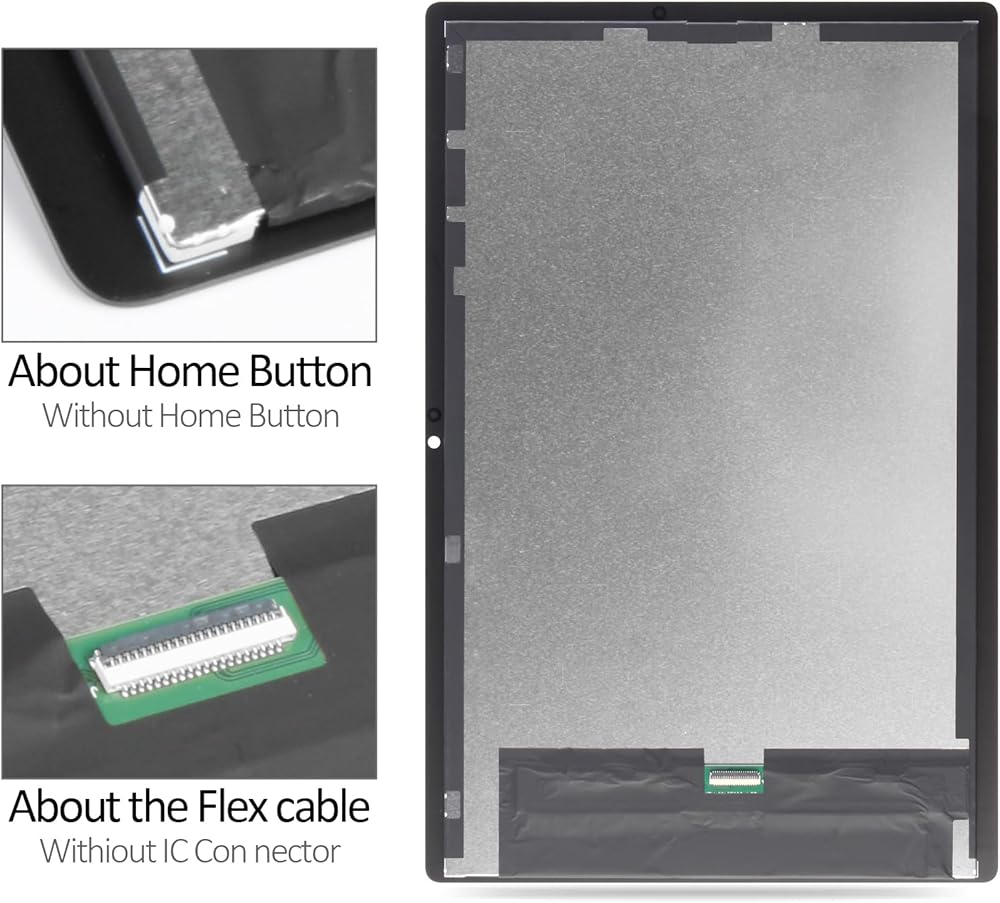
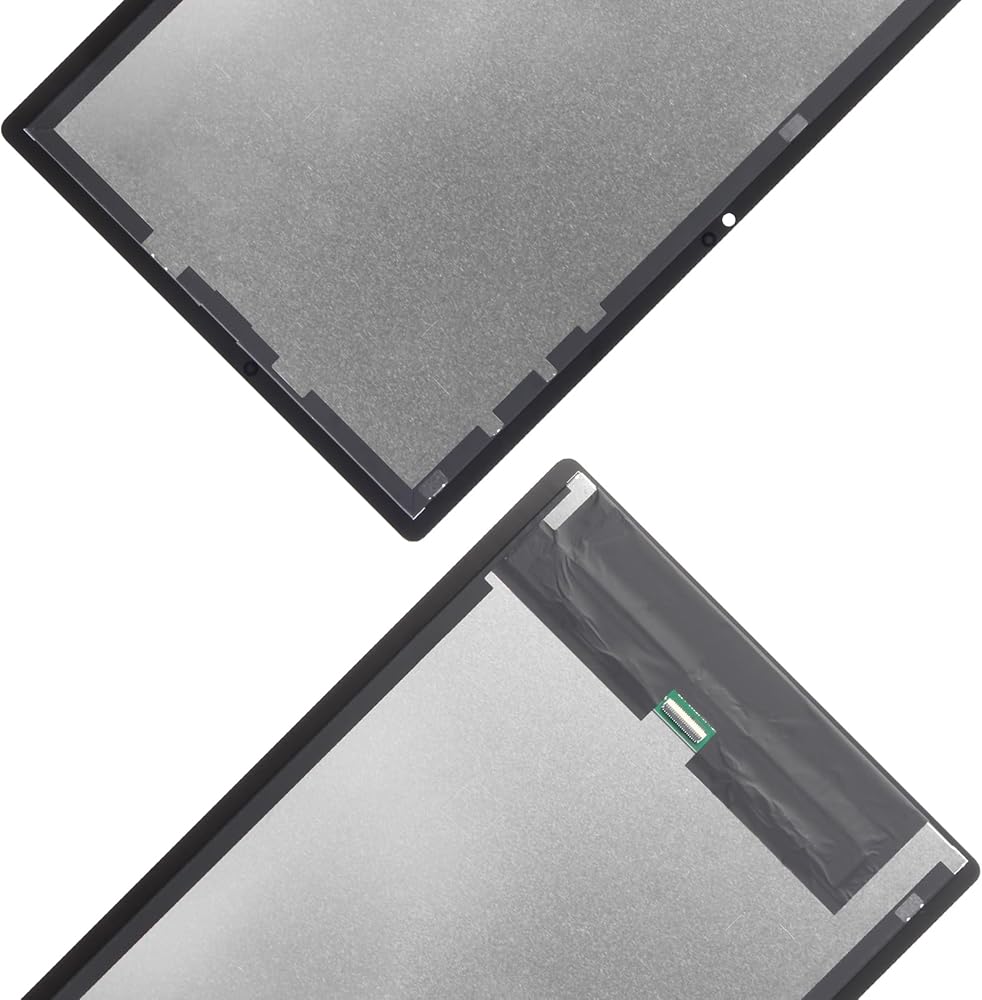
The package includes an LCD display panel + touch screen digitizer pre-bonded into one assembly. This replacement restores your tablet's viewing clarity and touch response. Built with high-grade components to ensure stable performance after replacement.
🧩Use Scenarios:
This screen assembly is suitable for repairing:
Cracked or shattered touch screens
Ghost touch or unresponsive areas
Vertical lines or color issues
Flickering or black LCD panel
⚠️ If your tablet shows no display or charging problems due to motherboard damage, this product will not resolve the issue. Confirm the root cause before purchasing.
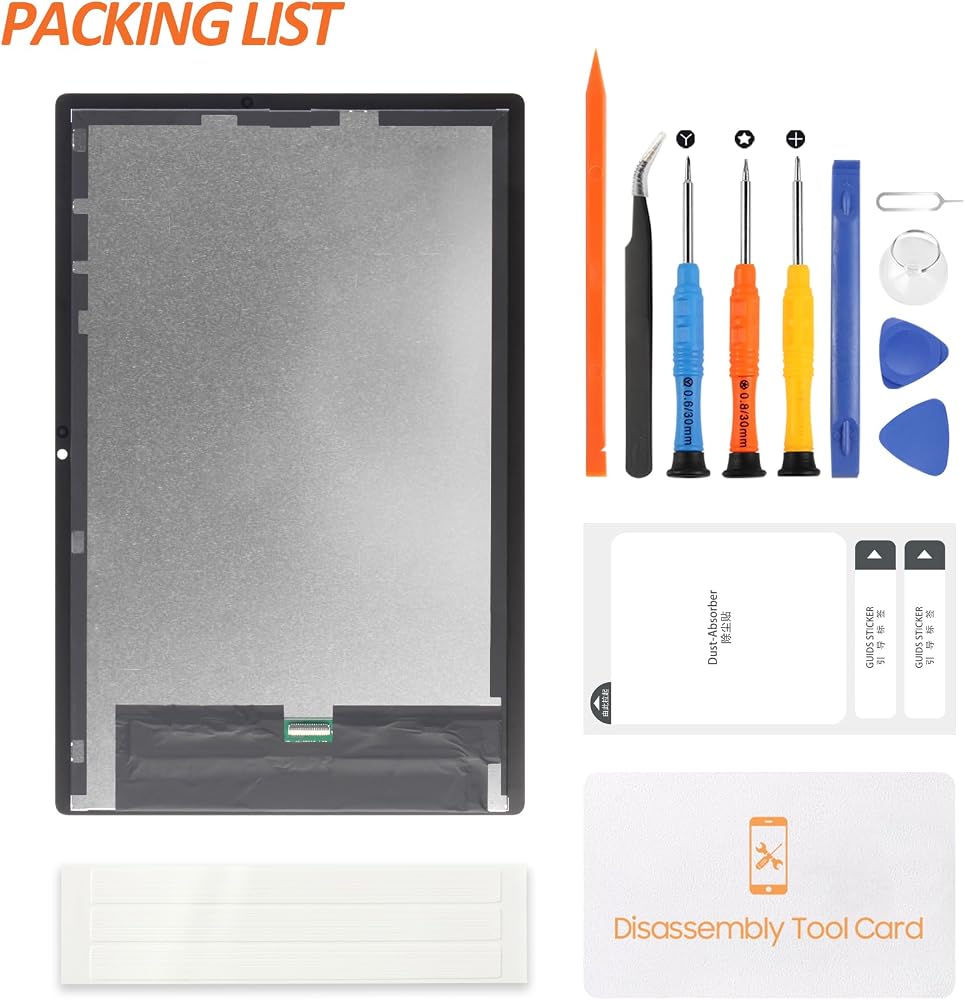
🧰Included Tool Kit:
1x Pointed Pry Tool
1x Tweezers
1x Triangular Pry Tool
1x Screwdriver Set
1x Flat Dual-Ended Pry Bar
1x Twin-Sided Adhesive Tape
1x Dust Removal Sticker
The tools included are basic repair tools—professional repair skills are still required for safe installation.
📽️Installation Notes:
Power off the device before disassembly
Disconnect the battery before removing the old display
Do not force or over-bend the flex cable
Always test the display and touch before sealing the device
Use anti-static tools to protect sensitive components
For best results, seek assistance from a repair professional
📩Customer Support:
If the product arrives damaged or fails during normal use (excluding installation mishandling), please contact us with a photo or video. Our team is available to help with replacements, questions, or installation tips.
✅ FAQ: Q: Is this screen compatible with Galaxy Tab A8 10.5 (2021)?
A: Yes. This product fits SM-X200 and SM-X205 models only. Please verify your model before purchase.
Q: Is the LCD and touch digitizer pre-attached?
A: Yes. The LCD and touch screen are bonded together in one complete assembly for easier installation.
Q: Can I install it myself?
A: If you have experience repairing tablets, yes. If not, we recommend professional installation to avoid accidental damage.
Q: What should I do if the screen doesn't work after installation?
A: Double-check all connections, especially the flex cable. If the issue continues, contact us with images or video for assistance.
Q: Does it include a tool kit?
A: Yes. The package includes basic repair tools, including tweezers, a pry tool set, adhesive, and more to assist with installation.
 Touch Screen for Onn 10.1 inch Tablet 2022 2APUQWM1036P Touch Screen Digitizer Glass Panel Lens Replacement Repair Parts with Free Tools
SAR 129
Touch Screen for Onn 10.1 inch Tablet 2022 2APUQWM1036P Touch Screen Digitizer Glass Panel Lens Replacement Repair Parts with Free Tools
SAR 129
 الأصلي لـ GARMIN Forerunner 245 LCD استبدال الشاشة Forerunner 245M LCD Display Digitizer Touch Screen G-PS Watch Smart Assembly Repair Parts Kit مع أدوات مجانية (أحمر)
SAR 219
الأصلي لـ GARMIN Forerunner 245 LCD استبدال الشاشة Forerunner 245M LCD Display Digitizer Touch Screen G-PS Watch Smart Assembly Repair Parts Kit مع أدوات مجانية (أحمر)
SAR 219
 استبدال الشاشة لجهاز iPad Pro 12.9 الجيل الأول 2015 الزجاج الأمامي A1584 A1652 مجموعة أجزاء إصلاح العدسات الزجاجية الخارجية مع أدوات مجانية (ليست LCD ولا تعمل باللمس) (أبيض)
SAR 130
استبدال الشاشة لجهاز iPad Pro 12.9 الجيل الأول 2015 الزجاج الأمامي A1584 A1652 مجموعة أجزاء إصلاح العدسات الزجاجية الخارجية مع أدوات مجانية (ليست LCD ولا تعمل باللمس) (أبيض)
SAR 130
 شاشة بديلة لشاشات سامسونج جالاكسي تاب A 8.0 2017 -T380 T380 شاشة عرض رقمية تعمل باللمس T380، غير مخصصة لـ T385، أسود
SAR 85
شاشة بديلة لشاشات سامسونج جالاكسي تاب A 8.0 2017 -T380 T380 شاشة عرض رقمية تعمل باللمس T380، غير مخصصة لـ T385، أسود
SAR 85