- التسوق ، اصبح سهلا.
- /
- احصل على التطبيق!
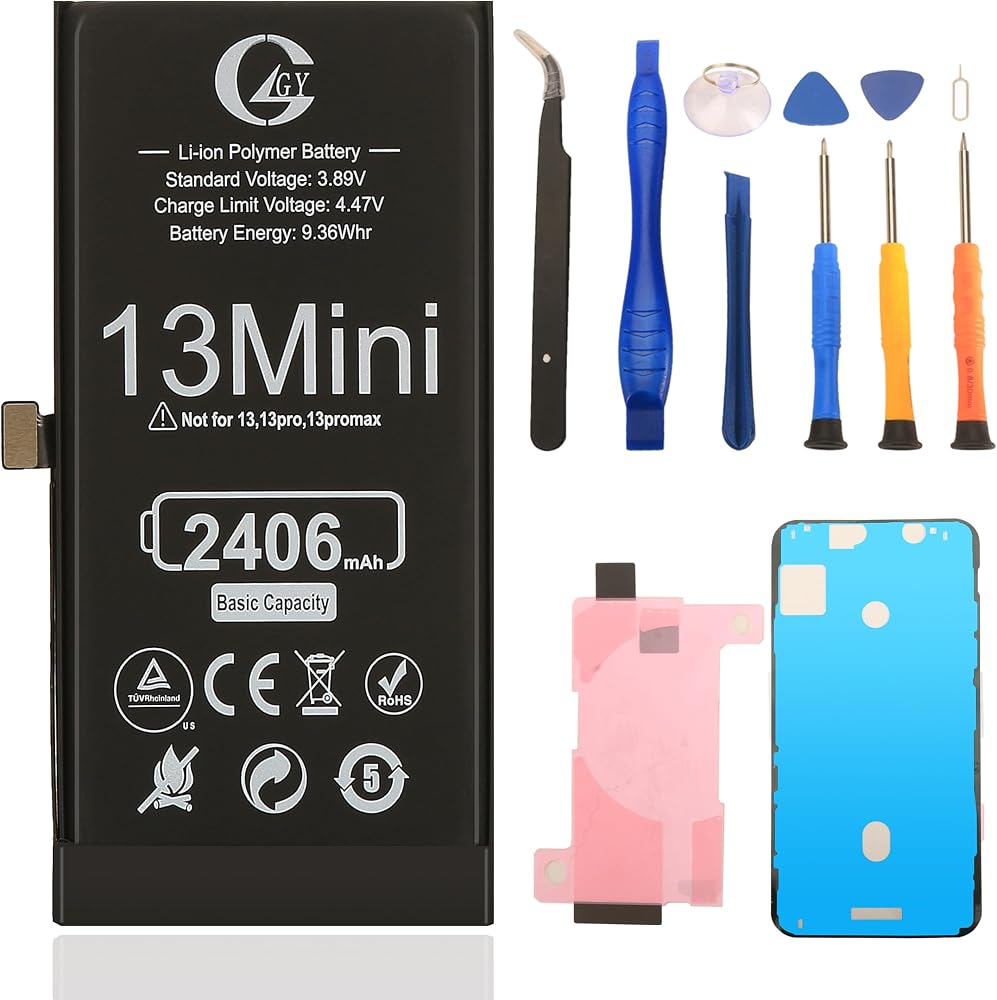
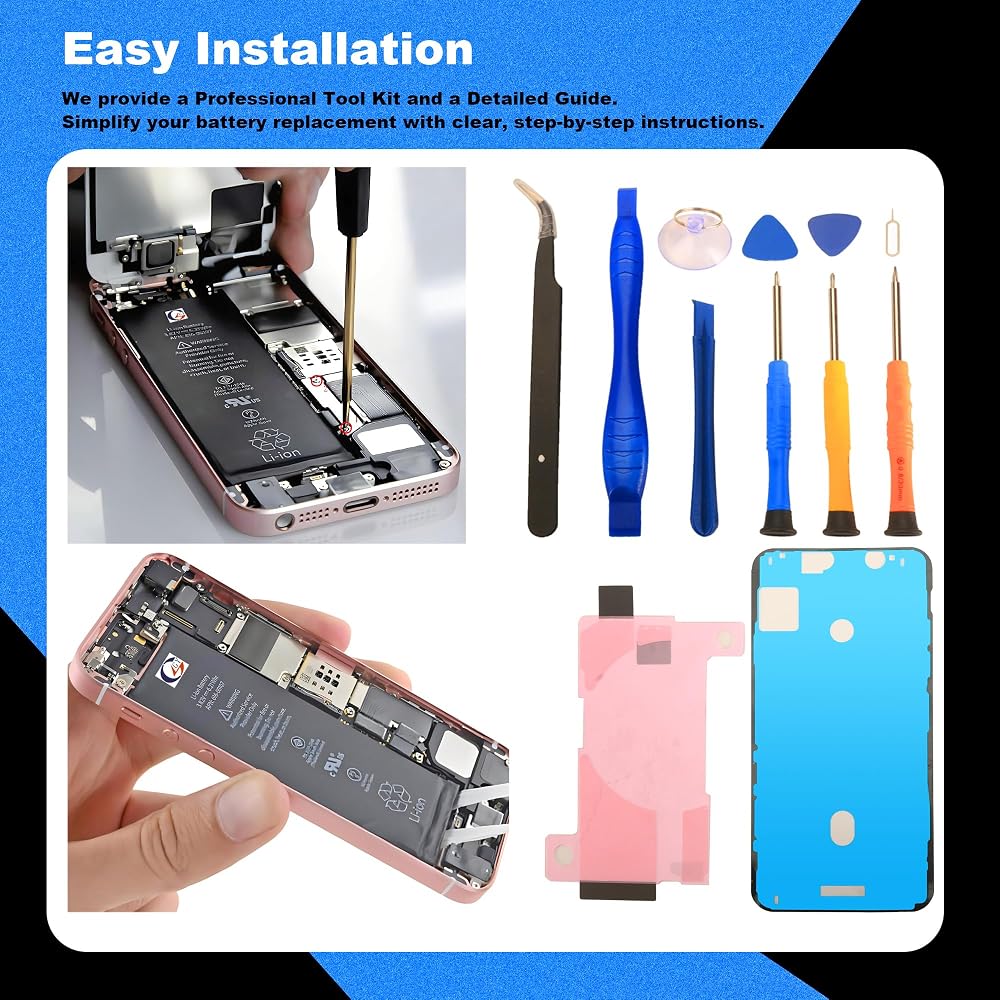
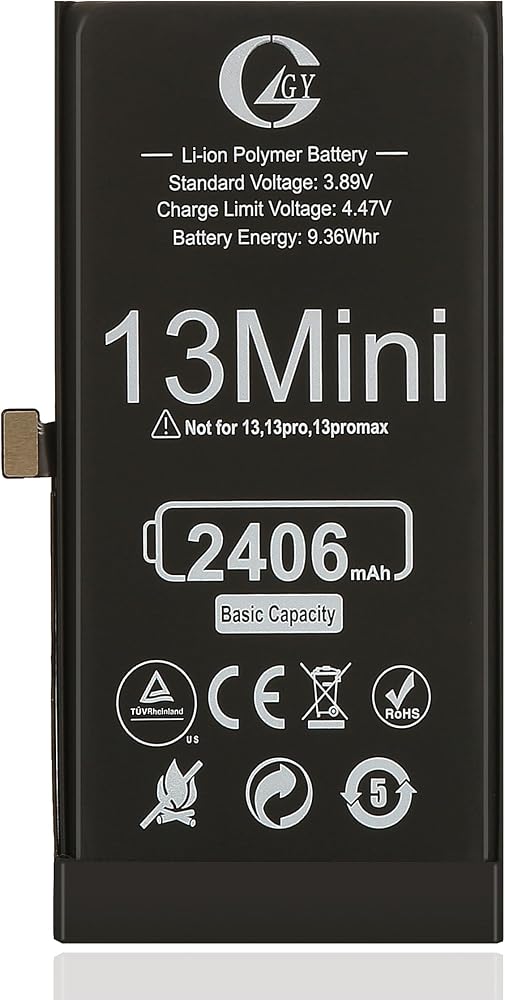
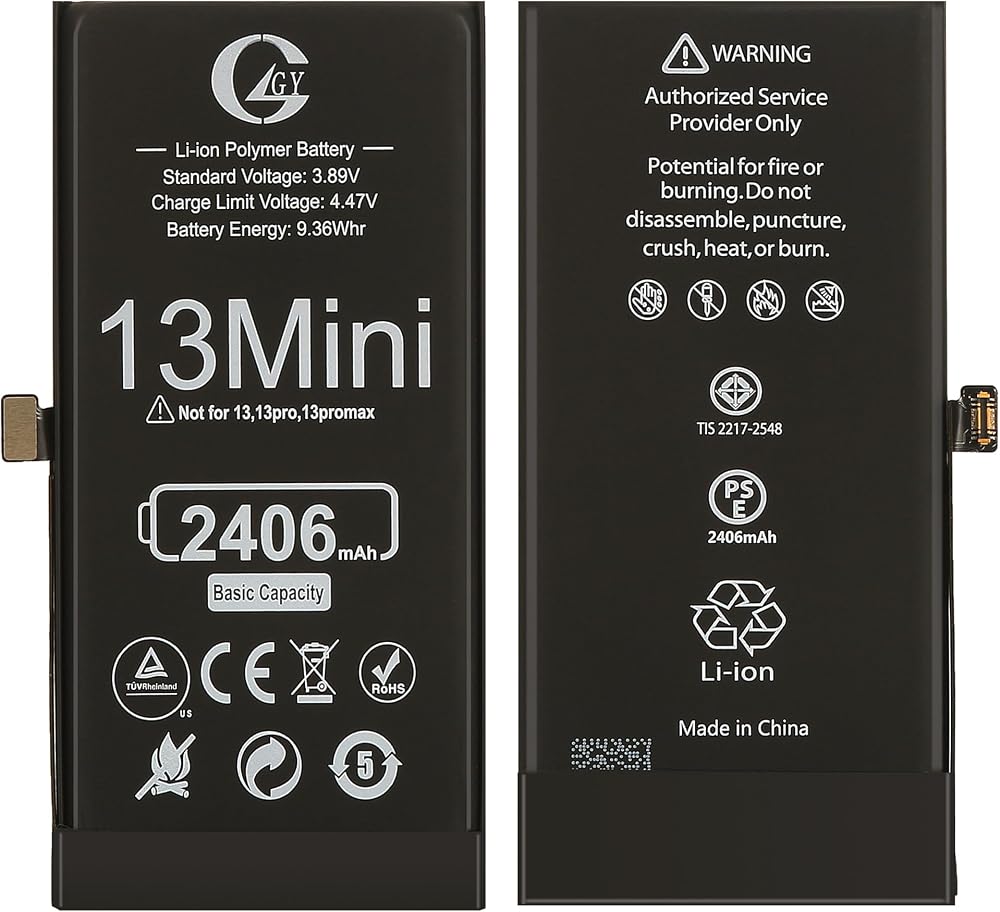
Step for replacement of IPhone 13Mini battery:
1. Turn off the phone and remove the SIM card tray.
2. Remove the two fixing screws in the bottom of the phone by Pentalobe screwdriver.
3. Press the suction cup onto the screen(bottom part) and gently pull it up. Insert the disassembly sheet into the gap that has been pulled out. Walk along the phone and swipe the screen open.
4. Please note that the screen must slowly open from left to right and not exceed 90 degrees to avoid damaging the flex cables.
5. Remove the 5 screws on the metal panel by Tri-wing screwdriver.
6. Disconnect the battery cable first, and after screen flex cable A & B, then ear speaker flex cable, now can seperate the screen from the body.
7. Gently pull out the adhesive strips by tweezer. Remove the battery.
8. Take out the new battery and put into the housing. Reconnect the flex cables in the opposite order as before(battery is the last one to connect!). Check the screen function and charging is okay or not.
9. If okay, disconnect the battery cable first, and after screen flex cable A & B, then ear speaker flex cable again.
10. Place the adhesive tape on the back side of new battery then remove the outer protective film of the tape, slowly insert the new battery into the phone body. Suggest to first align the battery interface properly, then aligh the whole battery and press the body gently.
11. Place the new waterproof glue, press around and remove the protective film from middle and then four sides.
12. Connect the ear speaker flex cable, screen flex cable A & B, and then battery cable .
13. Install the metal panel by fixing the 5 screws using Tri-wing screwdriver .
14. Install the screen and push it to the case. Finally secure two fixing screws in the bottom of the phone.
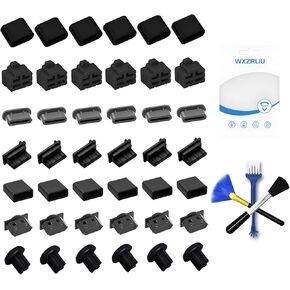 42x مقابس منفذ غلاف الغبار USB ، 7 أنواع سدادة منفذ CAP CAP لـ USB Type-C ، USB A Female ، RJ45 Ethernet Port ، HDMI ، 3.5 مم سماعة رأس ، غطاء واقعي للكابلات من النوع C ، مع 3 أنواع تنظيف فرشاة
SAR 73
42x مقابس منفذ غلاف الغبار USB ، 7 أنواع سدادة منفذ CAP CAP لـ USB Type-C ، USB A Female ، RJ45 Ethernet Port ، HDMI ، 3.5 مم سماعة رأس ، غطاء واقعي للكابلات من النوع C ، مع 3 أنواع تنظيف فرشاة
SAR 73
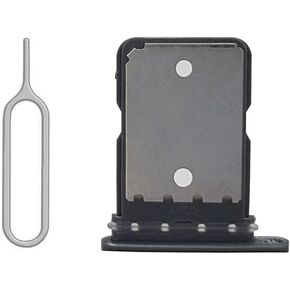 SIM CARD TRAWE SLOT مع استبدال طوقا مقاومة للماء المطاط. فتح أداة الإخراج لـ Google Pixel 5 Black
SAR 31
SIM CARD TRAWE SLOT مع استبدال طوقا مقاومة للماء المطاط. فتح أداة الإخراج لـ Google Pixel 5 Black
SAR 31
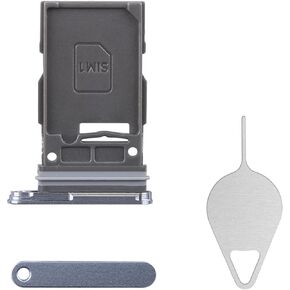 بالنسبة إلى Samsung Galaxy S24 SIM ، استبدال علبة بطاقة SIM (إصدار SIM واحد) محول حامل SAPPHIRE Blue Card Tresh
SAR 22
بالنسبة إلى Samsung Galaxy S24 SIM ، استبدال علبة بطاقة SIM (إصدار SIM واحد) محول حامل SAPPHIRE Blue Card Tresh
SAR 22
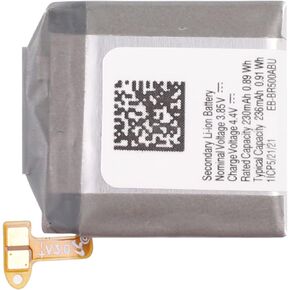 بطارية EB-BR500ABU بديلة متوافقة مع Samsung Galaxy Watch Active SM-R500 SM-R500N 40MM
SAR 214
بطارية EB-BR500ABU بديلة متوافقة مع Samsung Galaxy Watch Active SM-R500 SM-R500N 40MM
SAR 214