- Shopping, made easy.
- /
- Get the app!
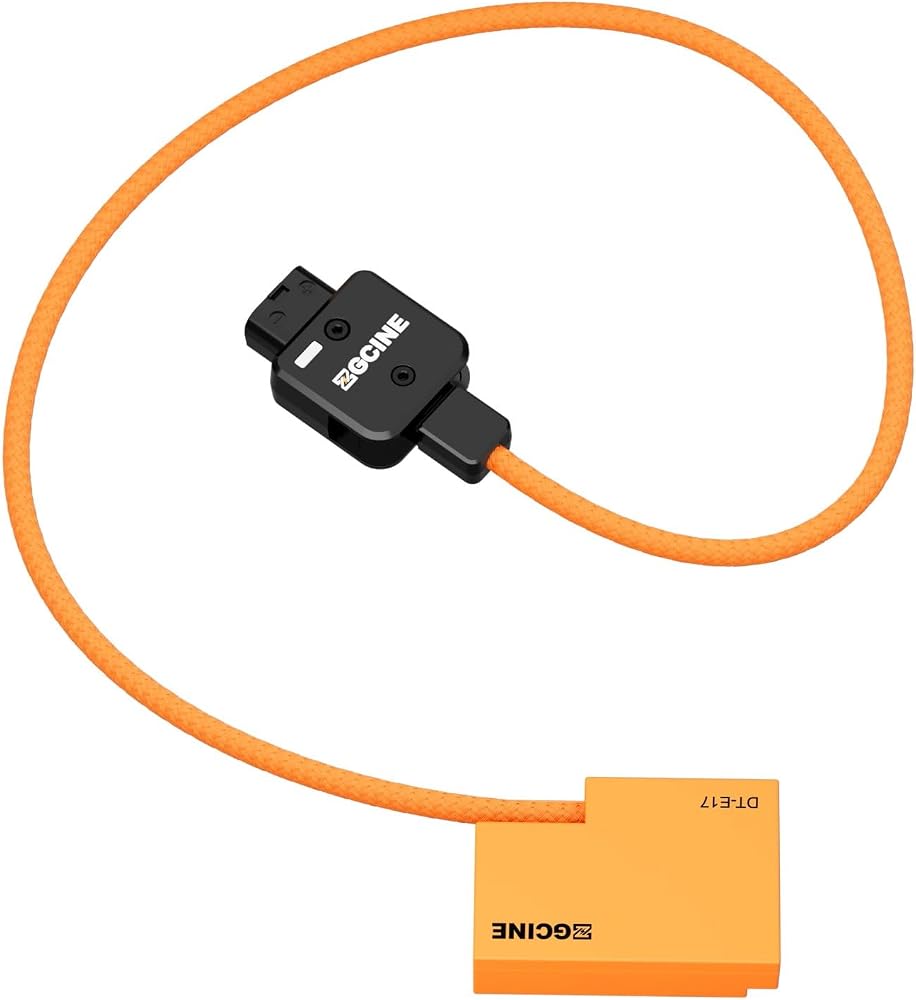
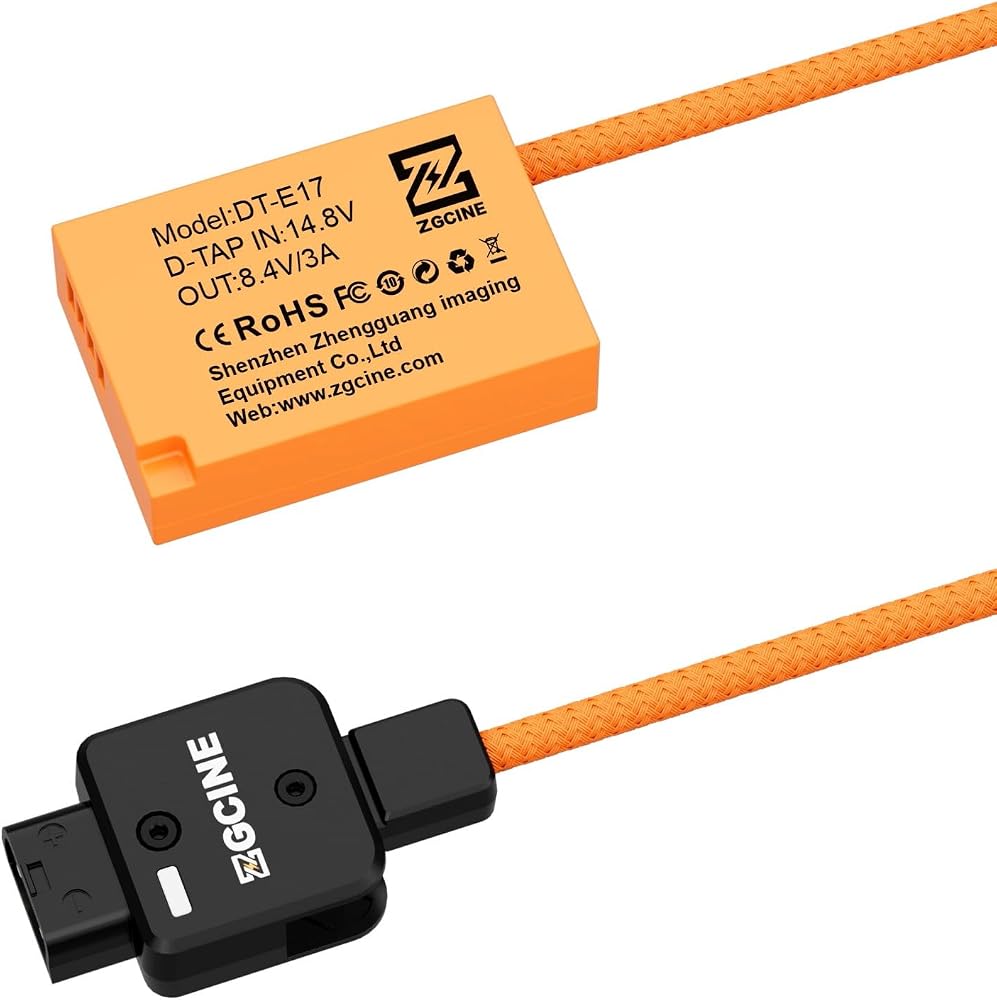
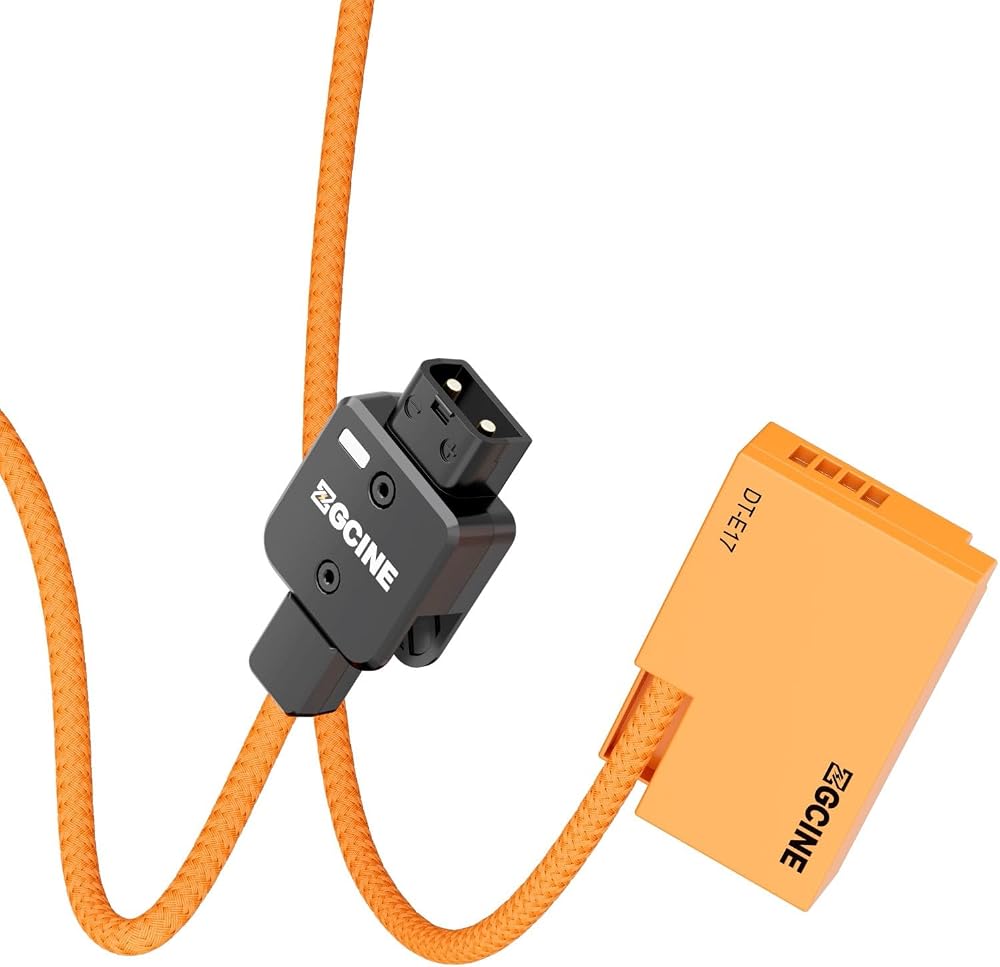
Manual: 1. Connect the item with the power source.
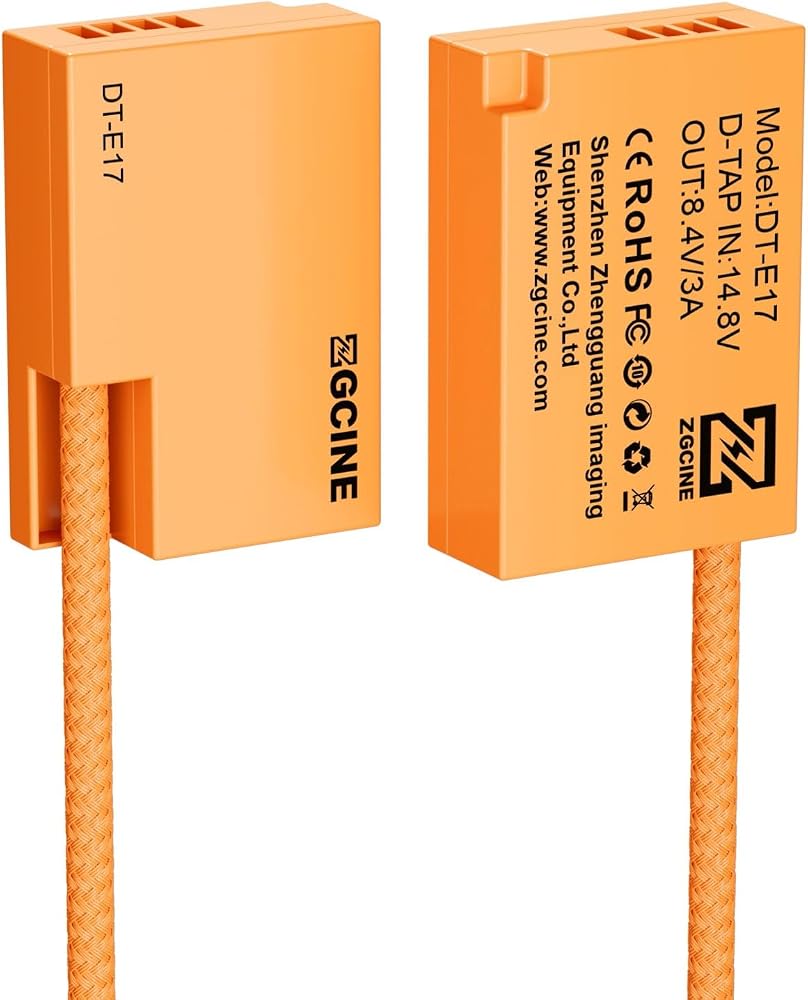
2. Install the dummy battery into the camera and close the battery door.
(Note: this step must be the last, otherwise some cameras will not turn on).
If the installation sequence is reversed and the camera does not turn on, just take the fake battery out of the camera compartment and reinstall it to turn it on.
 HangTon 24V AC DC Power Supply Adapter for Sony FX9 FX6 Camera with DC Barrel
SAR 215
HangTon 24V AC DC Power Supply Adapter for Sony FX9 FX6 Camera with DC Barrel
SAR 215
 DR-E6 DC Coupler to Dual USB Power Adapter, LP-E6 Dummy Battery for Canon EOS 5DS, 5DS R, 5D Mark II, 5D Mark III, 5D Mark IV, 60D, 60Da, 6D, 70D, 7D, 7D Mark II, 80D Digital Camera
SAR 152
DR-E6 DC Coupler to Dual USB Power Adapter, LP-E6 Dummy Battery for Canon EOS 5DS, 5DS R, 5D Mark II, 5D Mark III, 5D Mark IV, 60D, 60Da, 6D, 70D, 7D, 7D Mark II, 80D Digital Camera
SAR 152
 0B 2 pin to NP-F970 F570 F550 Dummy Battery for Blackmagic Video Assist 12G Atomos Shogun Inferno Ninja Monitor
SAR 209
0B 2 pin to NP-F970 F570 F550 Dummy Battery for Blackmagic Video Assist 12G Atomos Shogun Inferno Ninja Monitor
SAR 209
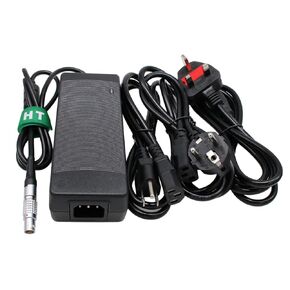 HangTon AC DC Power Supply Adapter 16V 10A for RED Epic Scarlet DSMC2 Gemini MONSTRO Helium V-Raptor Komodo-X Camera 6 Pin Female
SAR 408
HangTon AC DC Power Supply Adapter 16V 10A for RED Epic Scarlet DSMC2 Gemini MONSTRO Helium V-Raptor Komodo-X Camera 6 Pin Female
SAR 408