Search

Home / ZORZA / Electrical Testing
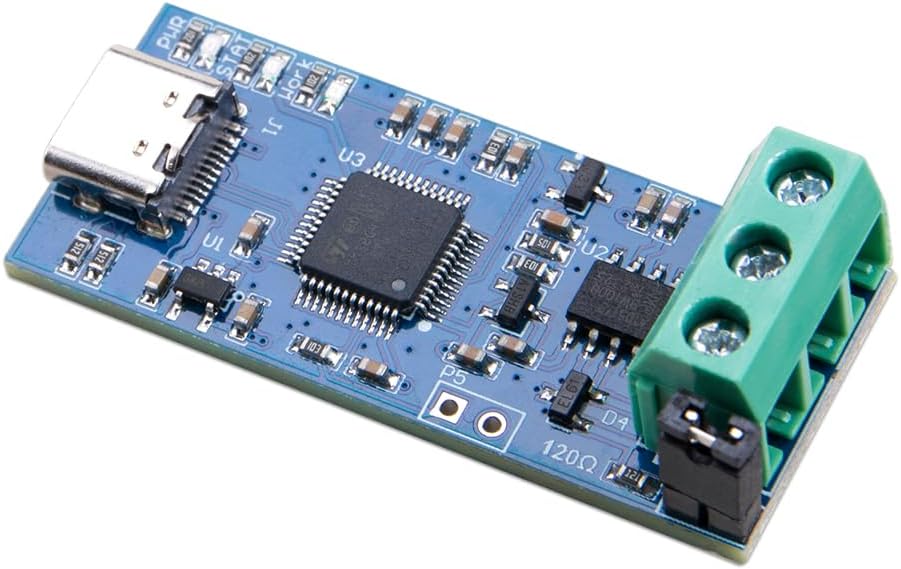
ZORZA 1Pcs Efficient USB to CAN Converter Module Supports CAN2.0A & CAN2.0B 5V Type C Power Supply V2.0 CAN Bus Analyzer for Advanced Data Analysis LED Indicator Included in Saudi Arabia ZORZA 1Pcs Efficient USB to CAN Converter Module Supports CAN2.0A & CAN2.0B 5V Type C Power Supply V2.0 CAN Bus Analyzer for Advanced Data Analysis LED Indicator Included in Saudi Arabia ZORZA 1Pcs Efficient USB to CAN Converter Module Supports CAN2.0A & CAN2.0B 5V Type C Power Supply V2.0 CAN Bus Analyzer for Advanced Data Analysis LED Indicator Included in Saudi Arabia ZORZA 1Pcs Efficient USB to CAN Converter Module Supports CAN2.0A & CAN2.0B 5V Type C Power Supply V2.0 CAN Bus Analyzer for Advanced Data Analysis LED Indicator Included in Saudi Arabia ZORZA 1Pcs Efficient USB to CAN Converter Module Supports CAN2.0A & CAN2.0B 5V Type C Power Supply V2.0 CAN Bus Analyzer for Advanced Data Analysis LED Indicator Included in Saudi Arabia ZORZA 1Pcs Efficient USB to CAN Converter Module Supports CAN2.0A & CAN2.0B 5V Type C Power Supply V2.0 CAN Bus Analyzer for Advanced Data Analysis LED Indicator Included in Saudi Arabia ZORZA 1Pcs Efficient USB to CAN Converter Module Supports CAN2.0A & CAN2.0B 5V Type C Power Supply V2.0 CAN Bus Analyzer for Advanced Data Analysis LED Indicator Included in Saudi Arabia

ZORZA 1Pcs Efficient USB to CAN Converter Module Supports CAN2.0A & CAN2.0B 5V Type C Power Supply V2.0 CAN Bus Analyzer for Advanced Data Analysis LED Indicator Included

SAR 40

Brand
ZORZA
Weight
46 g
1 +

Special Features

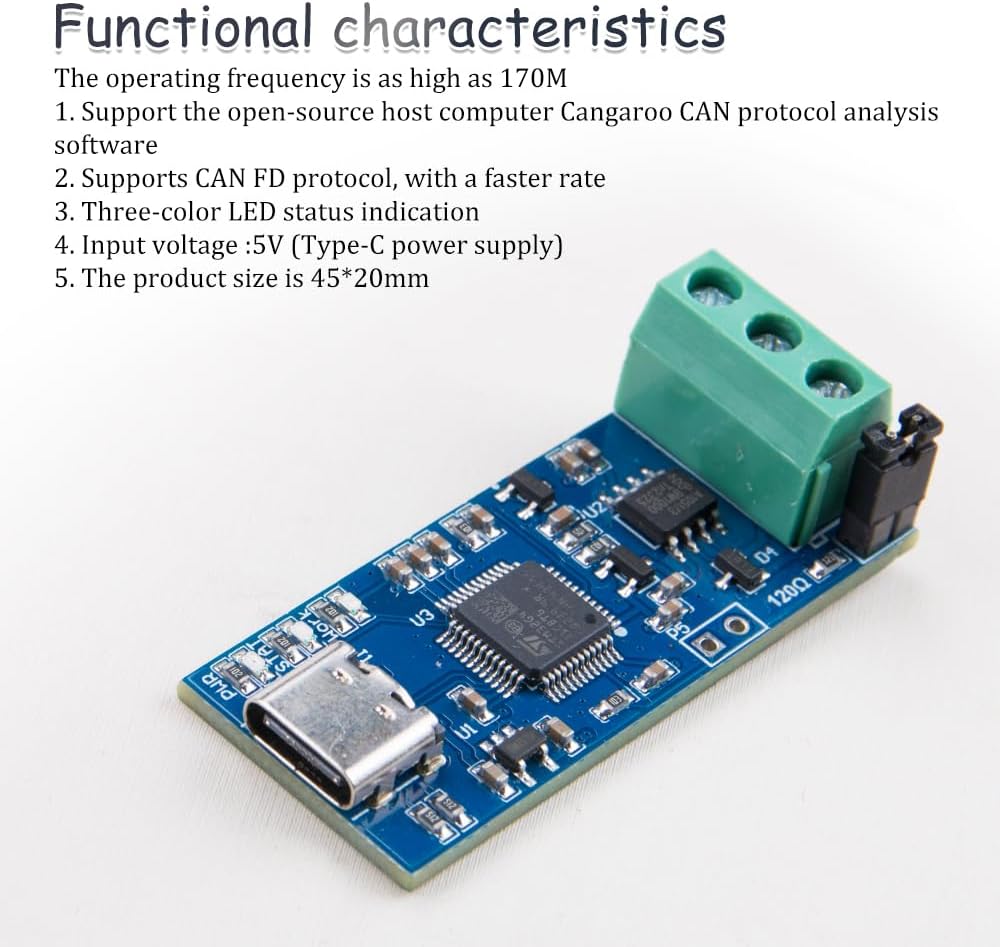
  • Elevate your CAN analysis with our advanced USB to CAN converter module, supporting the latest CAN FD protocol for faster data transmission. A must-have for seamless diagnostics and development projects
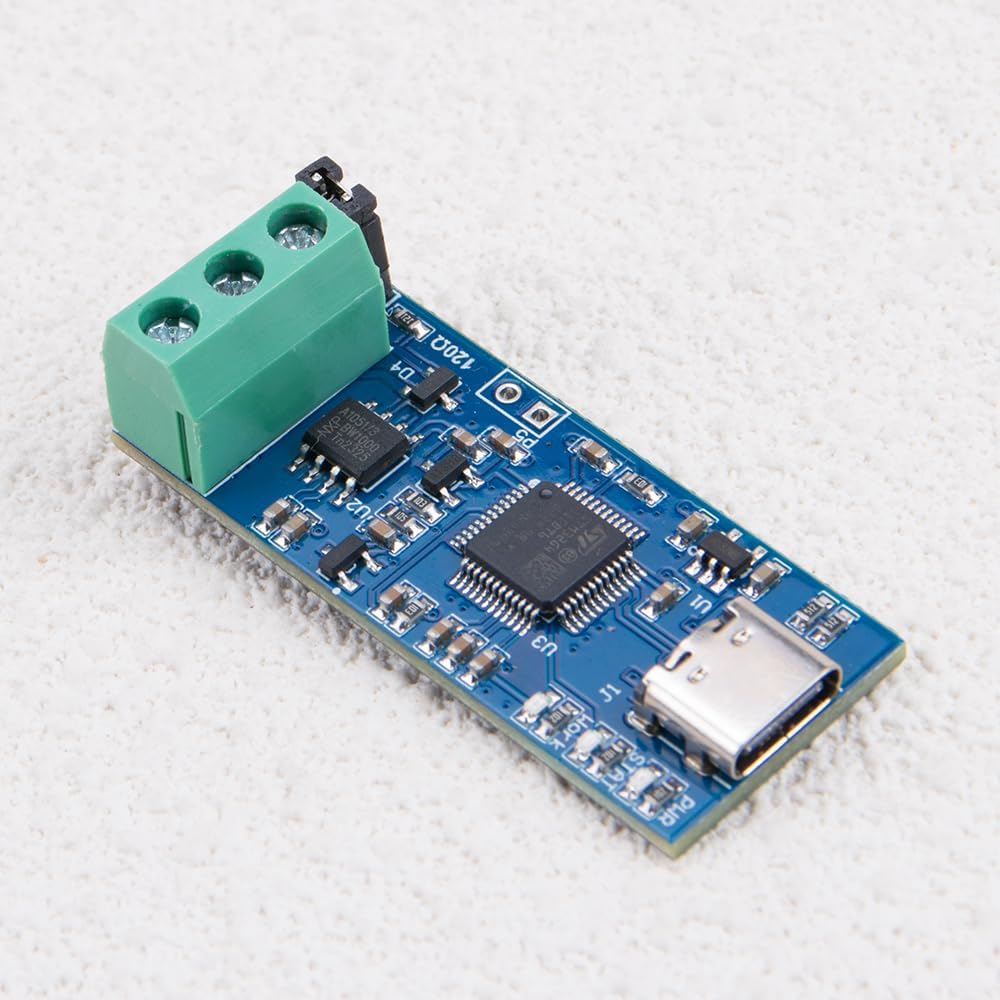
  • Power efficiency meets convenience: This Type C Power Supply Adapter ensures a steady 5V supply directly from a USB-C port, offering a hassle-free setup for your CAN analysis toolkit
  • Experience real-time monitoring with ease, thanks to the tri-color LED status indicator on our USB to CAN module. Stay informed of your device's condition at a glance, boosting your productivity
  • Unlock the full potential of open-source upper-computer CAN protocol analysis software with our module. Dive into deep diagnostics without the high cost, thanks to this versatile and user-friendly adapter
  • Boasting a high operating frequency of up to 170M, our CAN converter efficiently handles large volumes of data with precision, ensuring reliable performance for all your CAN bus analysis needs

Description

Firmware Flashing Instructions:
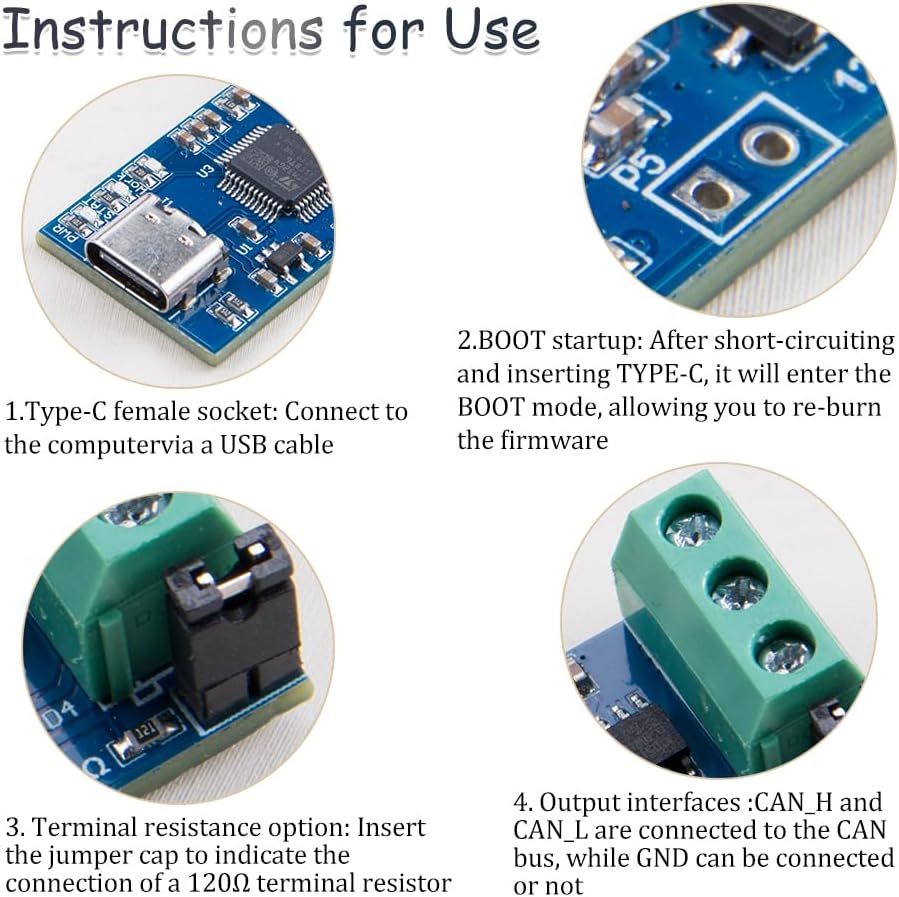
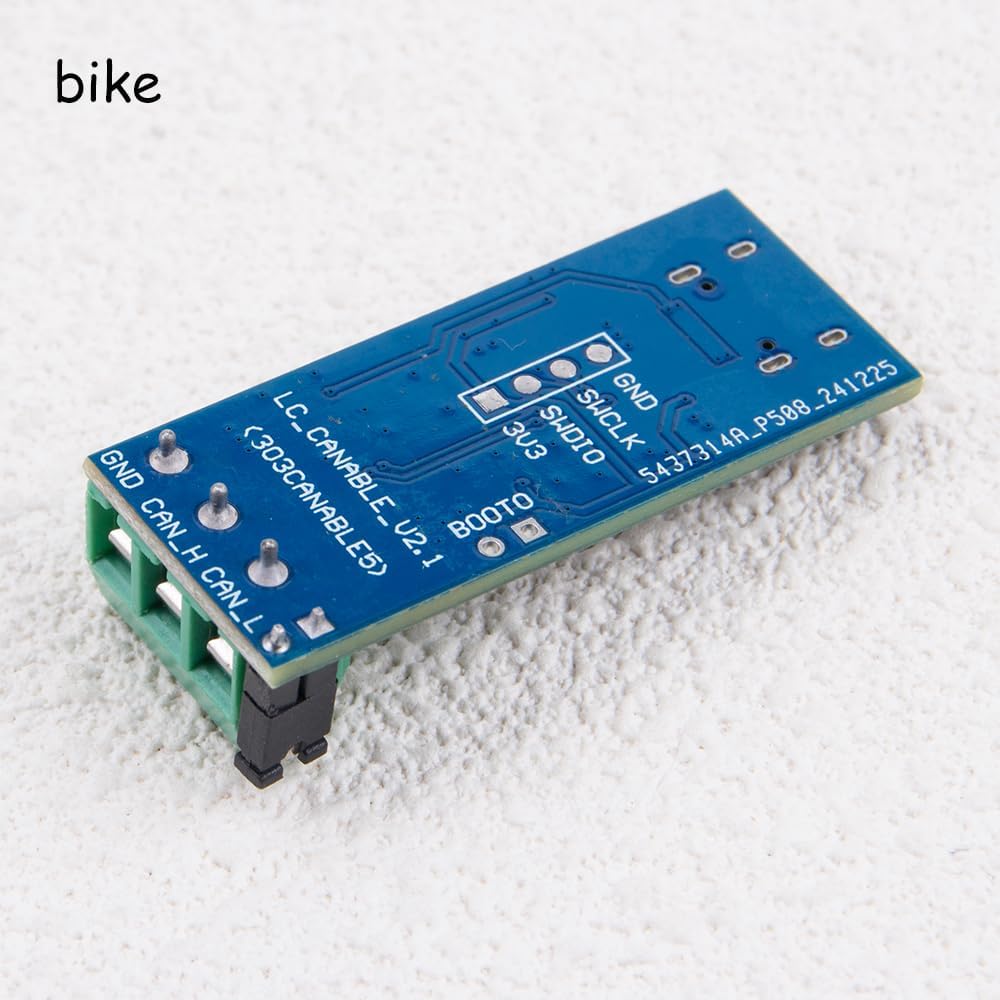
Supports firmware updates via a web page. Open the webpage, and you can upgrade the Updater CANable by short-circuiting the BOOT pin with a jumper cap, then plug in the USB cable. A DFU device will appear in the Device Manager.

Related Items


{"error":"Error","cart_limit":"You have too many items in your cart.","prod_limit":"You cannot add any more of this item"}