- Shopping, made easy.
- /
- Get the app!
Feature:
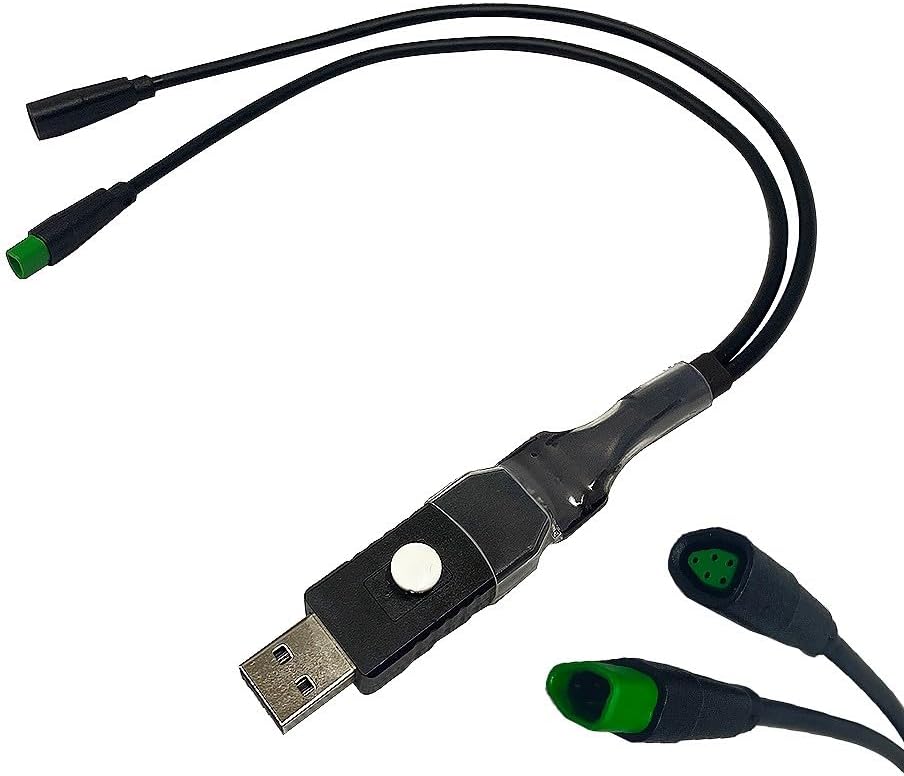
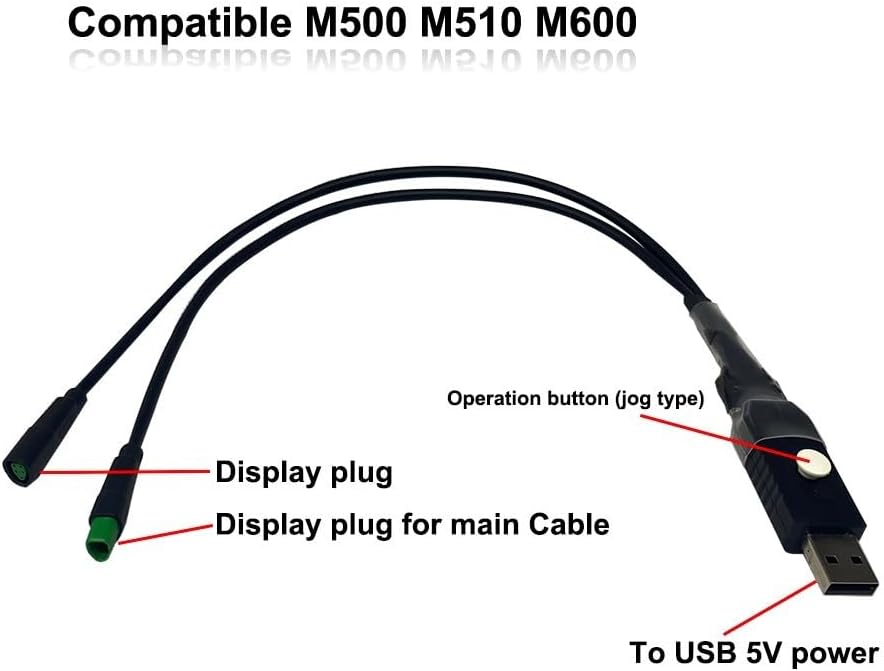
the USB programming cable is specially designed for CAN protocol motors, including M400/G330 (CAN), M500/G520, M510/G522,for M600/G521, M620/G510 (CAN), M420/G332, M800/G 530
and more, With this USB programming cable, you can correct these discrepancies and thus get accurate data readings.
The cable allows you to adjust your wheel diameter and remove the speed limit effortlessly.
you can adjust a variety of wheel diameters, including 29 inch, 27.5 inch, 26 inch and 20 inch.
Specification:
*Material:pvc
*Color: black (As Pictures Show)
*product name: ebike cable
*size : approx approx 35cm
Introduction :
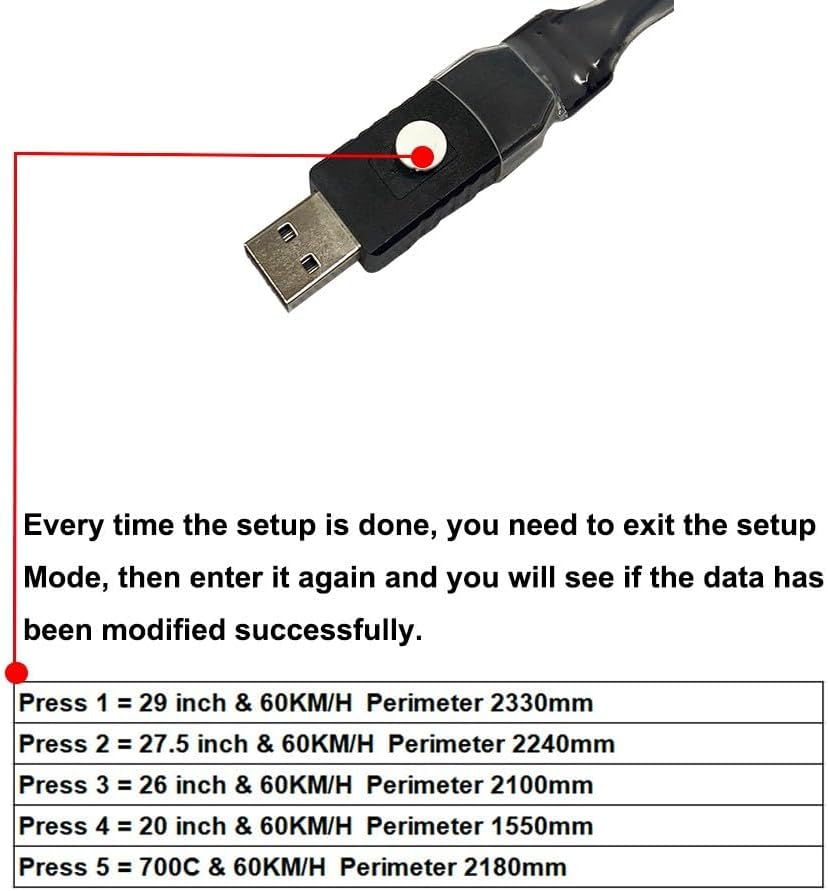
1. Press once in a row: wheel diameter 29 inches, 60 km/h - 2330 mm.
2. Press twice in a row: wheel diameter 27.5 inches, 60 km/h - 2240 mm.
3. Press three times in a row: wheel diameter 26 inches, 60 km/h - 2100 mm.
4. Press 4 times in a row: wheel diameter 20 inches 60 km/h - 1550 mm.
5. Press five times in a row: wheel diameter 27.5 inches 25 km/h - 2240 mm.
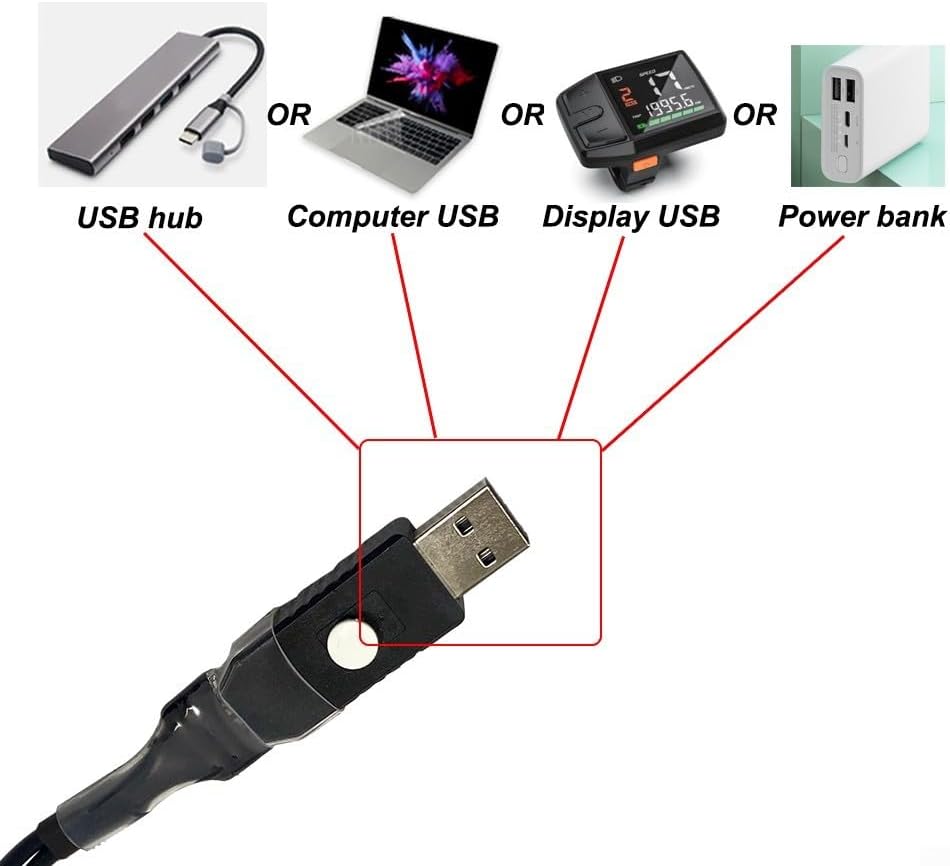
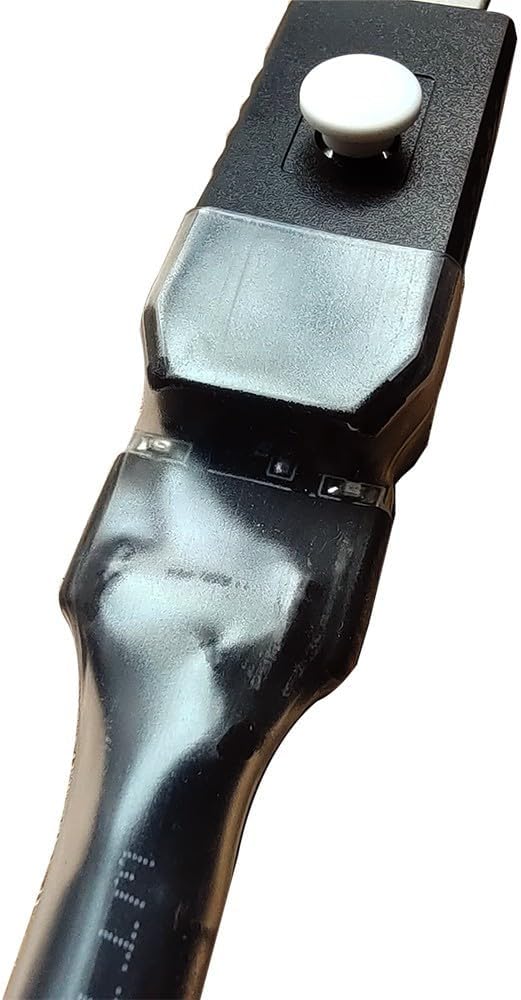
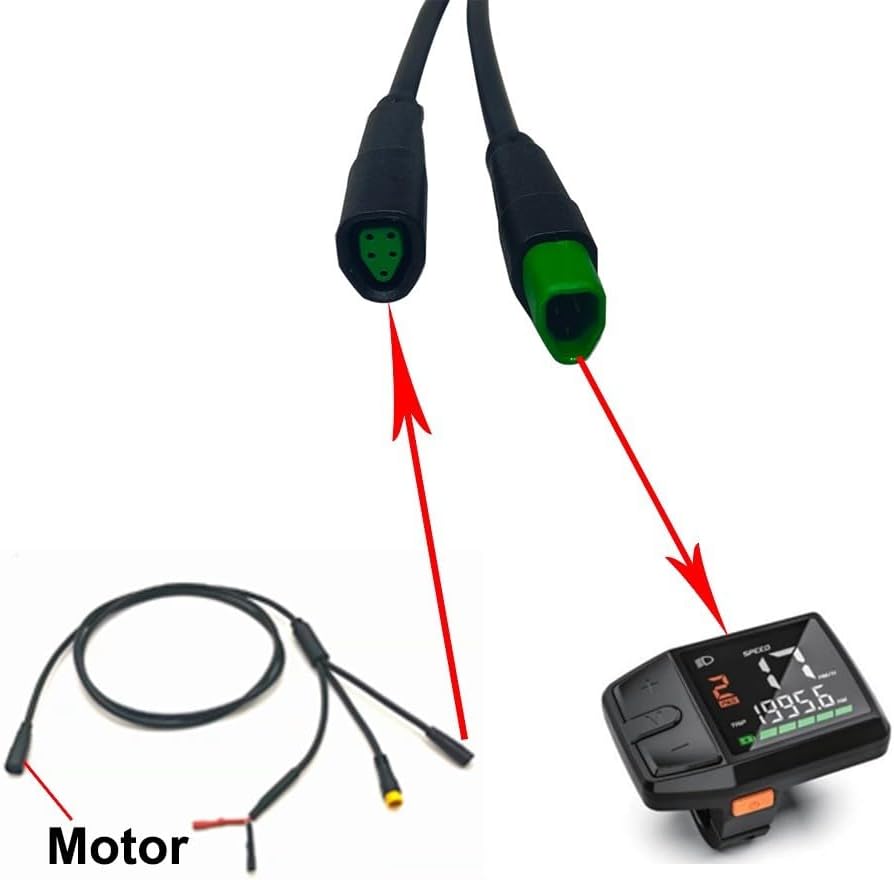
How to Use? 1. Connect the motor and activate it. 2. Link the motor to the main line of the instrument. 3. Attach both ends of the programming cable to the motor or display. 4. Connect the USB interface of the programming cable to the USB port of the computer or screen. 5. The indicator light on the programming line will illuminate, confirming a successful connection. If a "25 error" occurs after connection, simply press the module button to restore the normal state. On certain models, adjusting the wheel diameter does not reflect changes on the display screen. In such cases, exit the settings menu, return to the main page of the display screen, and re-enter the settings. This will allow you to view the updated wheel diameter.
Package content:
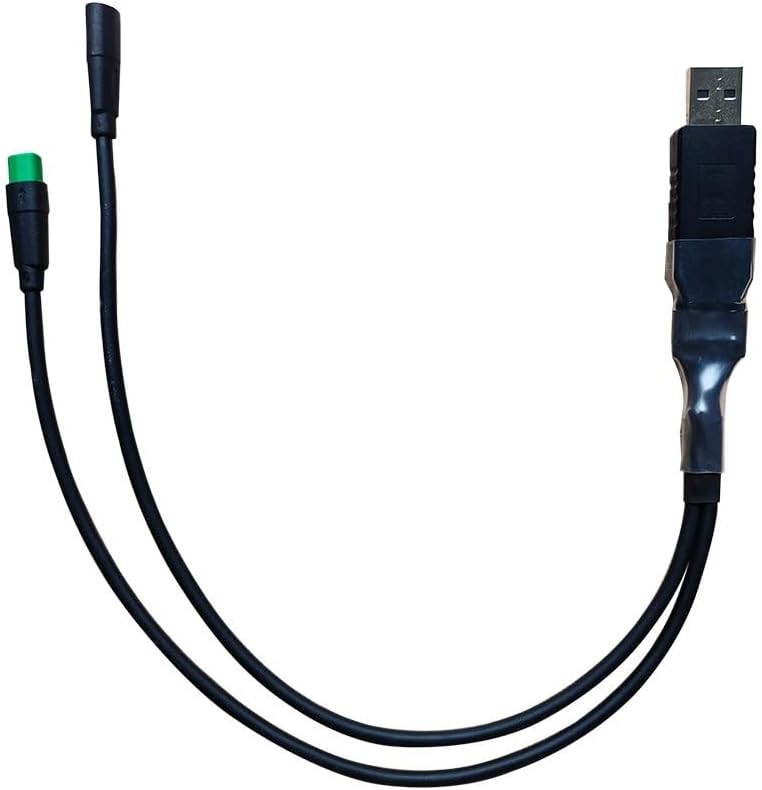
1x Programming cable
 -6%
Bike Hydraulic Hose Fitting Insert Banjo For For MAGURA MT4 MT6 MT8 MT5 MT7, Brake Tubing Fitting Set New(A)
SAR 50
-6%
Bike Hydraulic Hose Fitting Insert Banjo For For MAGURA MT4 MT6 MT8 MT5 MT7, Brake Tubing Fitting Set New(A)
SAR 50
 1 Pair Bike Brake Levers E-Bike Mechanical Brake Levers Electric Parts,Parking Button, Ebike Mechanical Brake Levers
SAR 85
1 Pair Bike Brake Levers E-Bike Mechanical Brake Levers Electric Parts,Parking Button, Ebike Mechanical Brake Levers
SAR 85
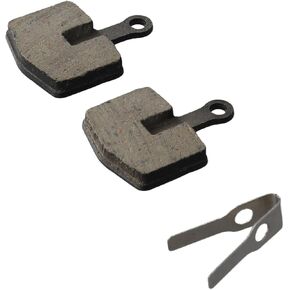 Disc Brake Pads, Organic Compound, Mountain Bike Steel Backed for Urban and Rural Roads Bike Brake Pads
SAR 47
Disc Brake Pads, Organic Compound, Mountain Bike Steel Backed for Urban and Rural Roads Bike Brake Pads
SAR 47
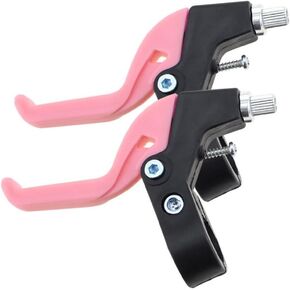 Bike Brake Levers,Children's Kids Brake Handle, Kids Bike Hand Brake Kit,Road Bike Spare Parts(Pink)
SAR 42
Bike Brake Levers,Children's Kids Brake Handle, Kids Bike Hand Brake Kit,Road Bike Spare Parts(Pink)
SAR 42