- التسوق ، اصبح سهلا.
- /
- احصل على التطبيق!
Spec:
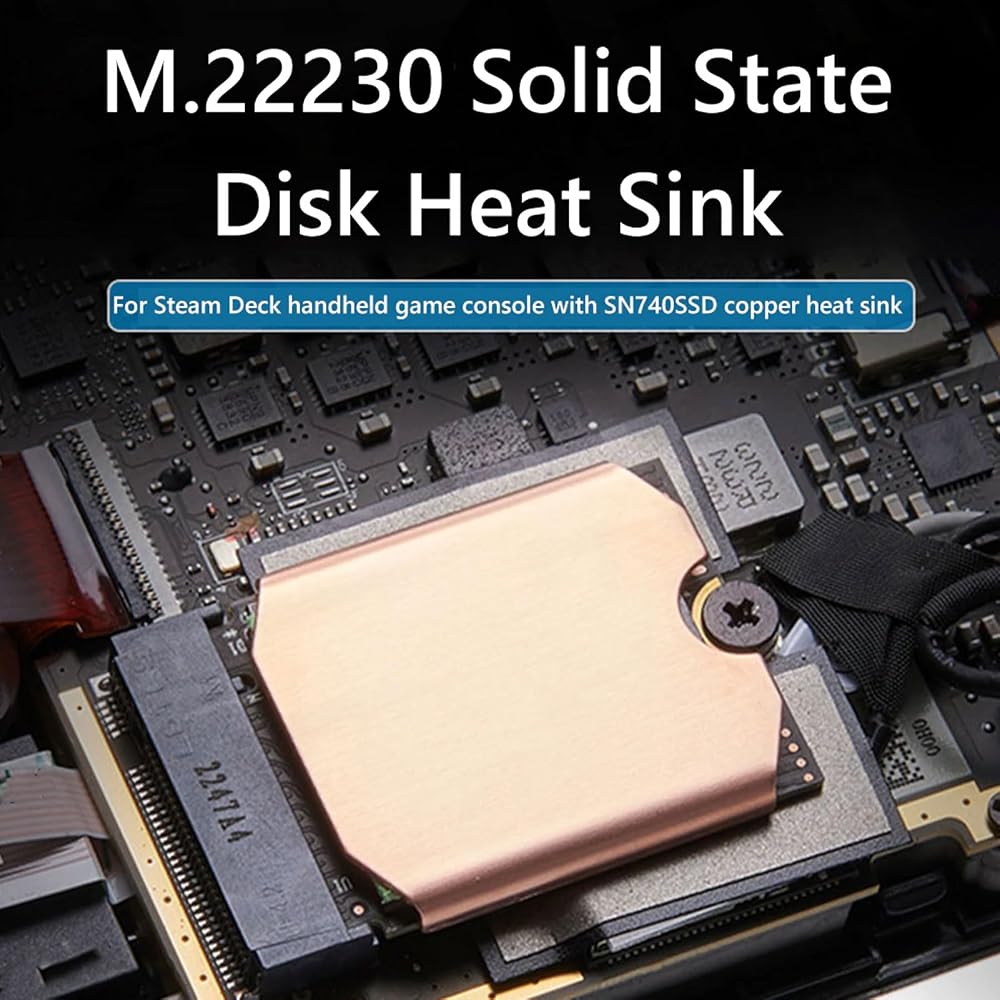
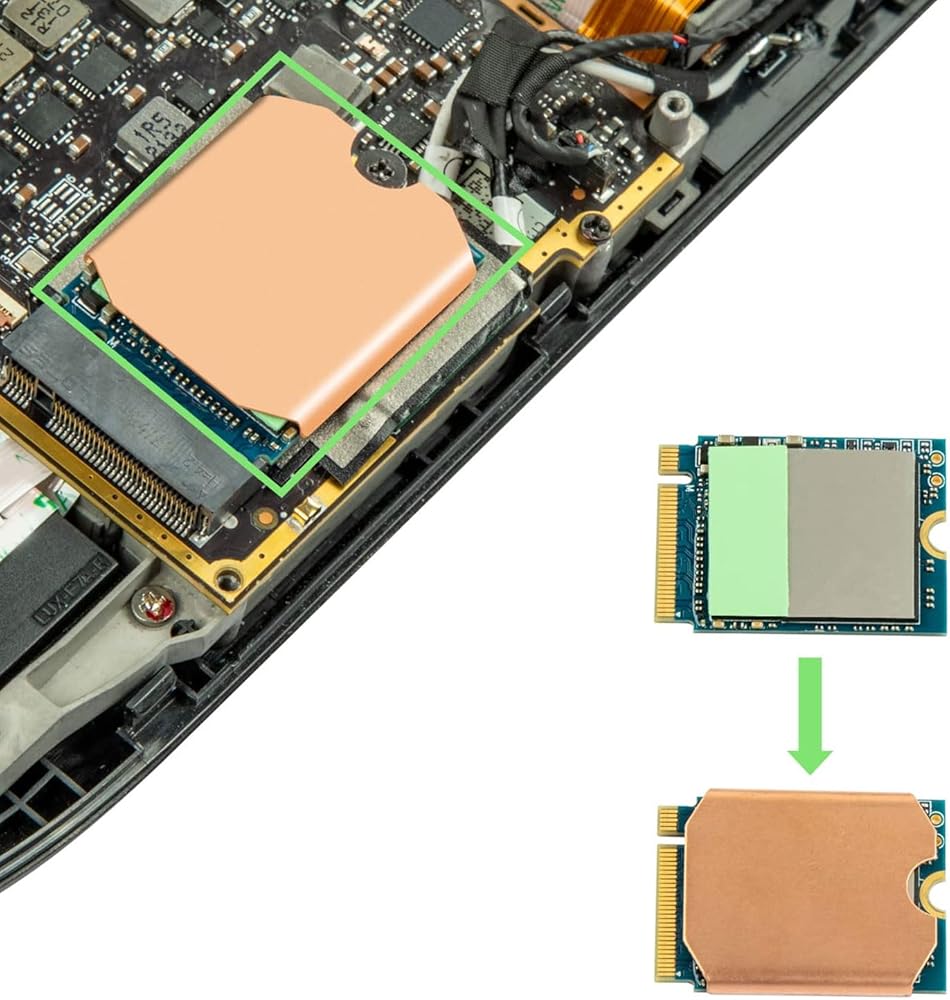
Item Type: For Steam Deck SSD Heatsink Thermal Pad
Material: Copper, Silicone
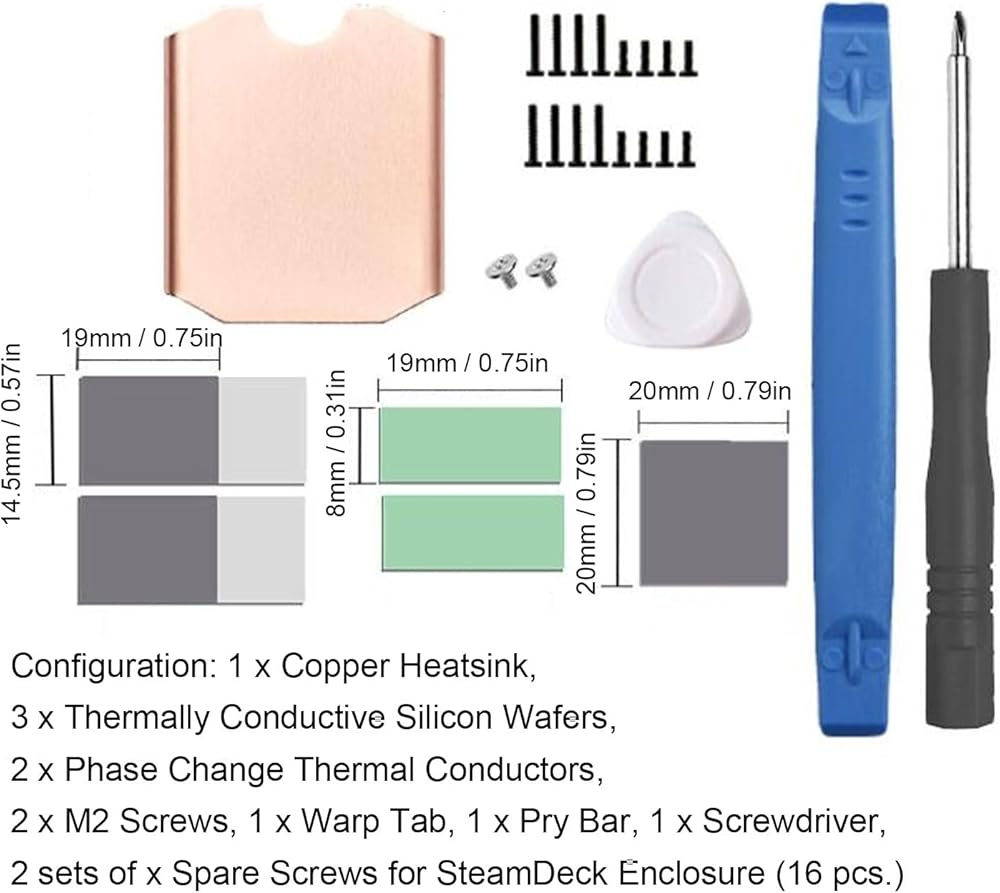
Heat Dissipation Copper Sheet Size: Approx. 26 x 23 x 0.5mm / 1.02 x 0.91 x 0.02in
Compatible Brands: For Steam Deck, For ROG ALL
Applicable Hard Disk: M.2 2230 NVME SSD
How to Use:
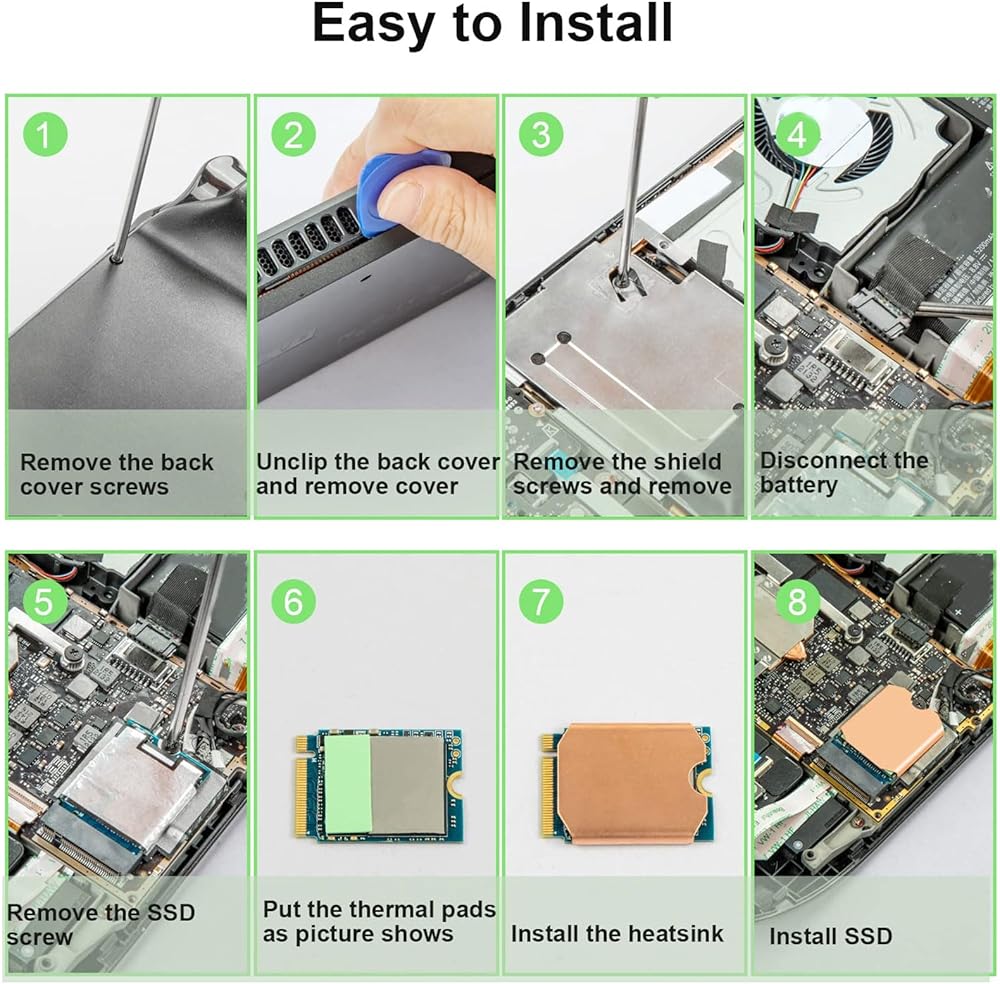
Hard Disk Cooling Installation Tutorial:
1. Turn off the for STEAM DECK. Before replacing the hard disk, turn off the for STEAM DECK and unplug all cables.
2. Remove the eight screws on the back of the for STEAM DECK. (1) Use a to unscrew the eight screws securing the back cover. Four 9.5mm / 0.37in screws and four 5.8mm / 0.23in screws. (2) Keep the screws during replacement to prevent loss.
3. Pry off the rear cover. (1) Insert a tab along the edge of the right‑hand handle into the between the back cover and the front housing. (2) Use the tab to pry up the rear cover and release the tab.
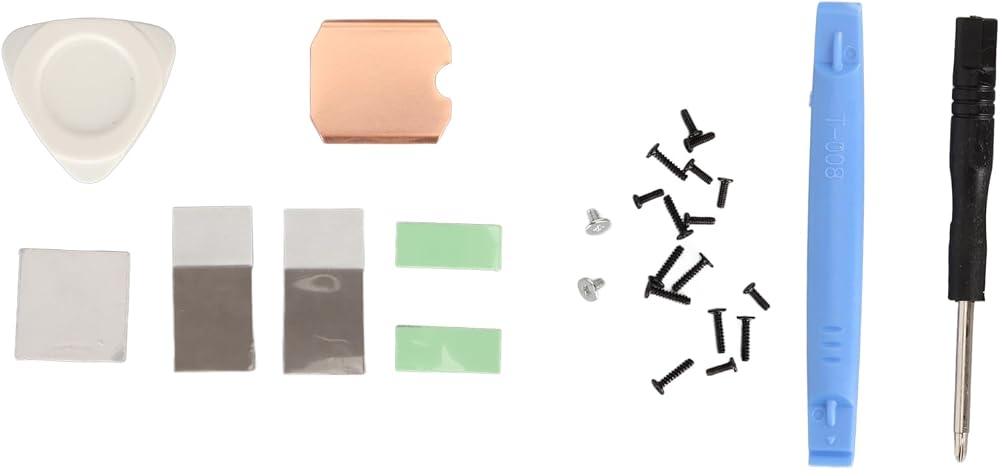
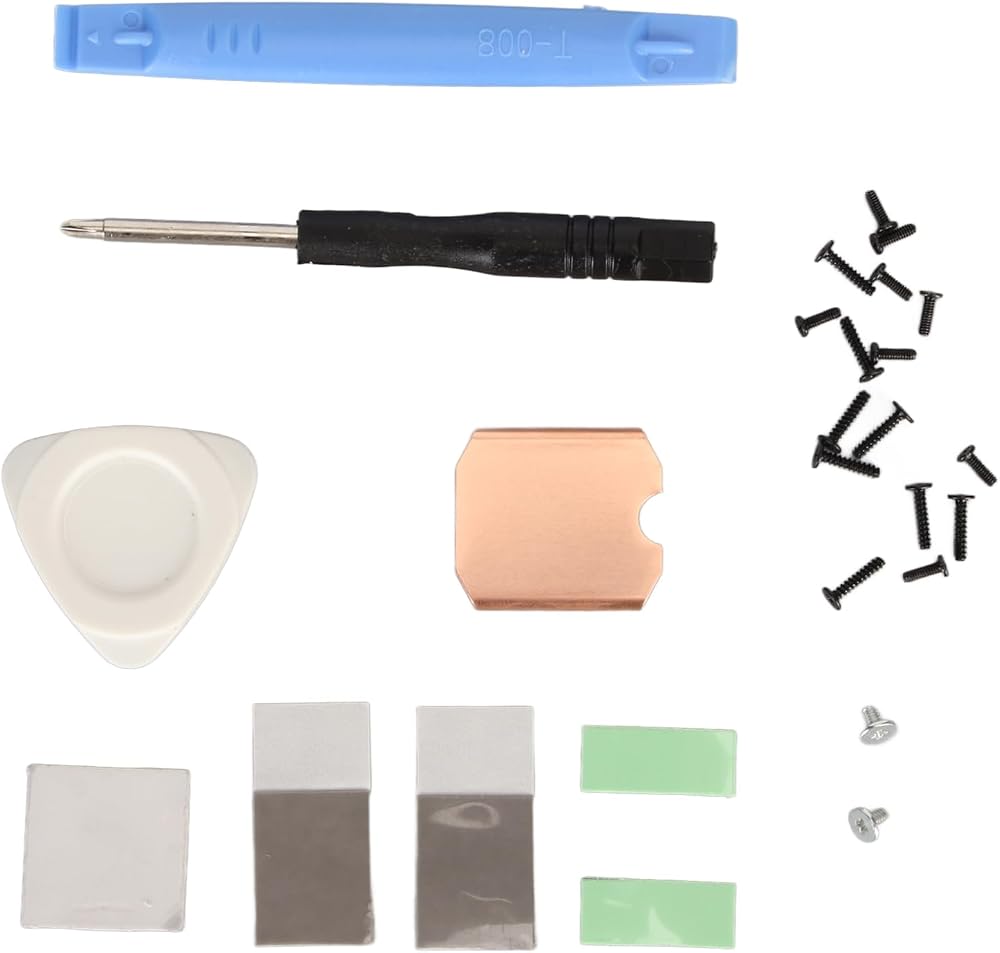
packing list:
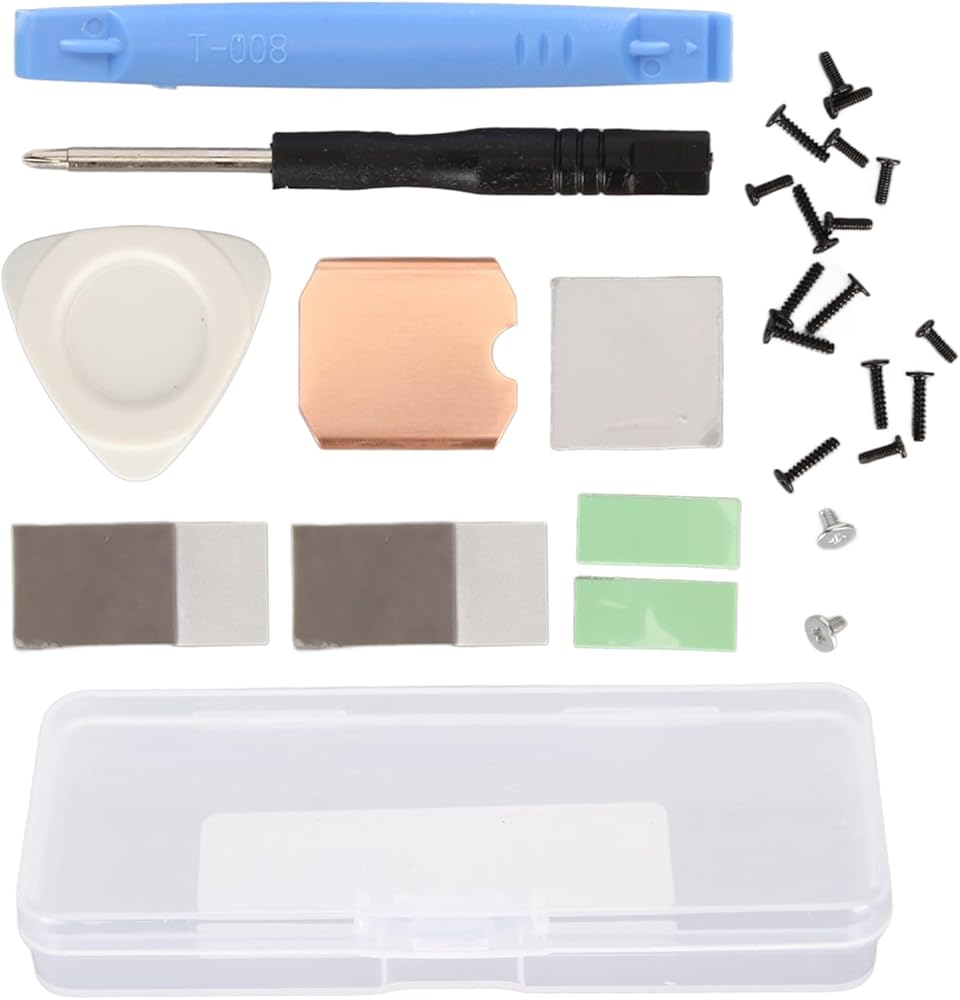
1 x Copper Heat Sink
2 x Phase Change Thermal Pad
3 x Silicon Thermal Pad
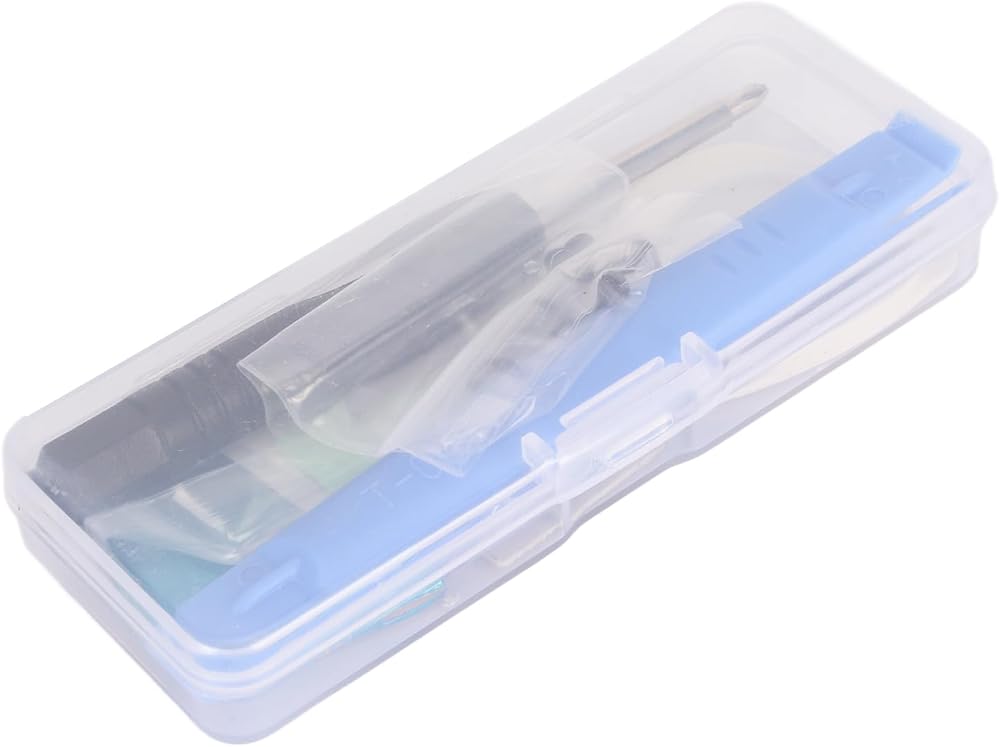
1 x
1 x Open Pry Bar
1 x Triangle Pry Tool
18 x Screw
1 x Storage Box
Note:
Please allow some error due to manual measurement.
 كيبل ماترز كيبل مقسم مروحة بي دبليو ام بـ3 اتجاهات و4 دبابيس من قطعتين - 12 انش
SAR 45
كيبل ماترز كيبل مقسم مروحة بي دبليو ام بـ3 اتجاهات و4 دبابيس من قطعتين - 12 انش
SAR 45
 -13%
ثيرمال رايت مبرد وحدة المعالجة المركزية اكوا اليت 240 ابيض V3 ايه يو، 240 صف تبريد سائل، مراوح تبريد ARGB PWM لانتل LGA1150/1151/1155/1156/1200/2011/1700، AMD:AM4/AM5، مبرد كمبيوتر ايه اي او
SAR 192
-13%
ثيرمال رايت مبرد وحدة المعالجة المركزية اكوا اليت 240 ابيض V3 ايه يو، 240 صف تبريد سائل، مراوح تبريد ARGB PWM لانتل LGA1150/1151/1155/1156/1200/2011/1700، AMD:AM4/AM5، مبرد كمبيوتر ايه اي او
SAR 192
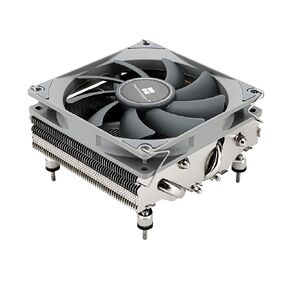 مبرد وحدة المعالجة المركزية باللون الأبيض من Thermalright AXP90-X47، مع مروحة PWM رفيعة 92 مم TL-9015W، مبرد وحدة المعالجة المركزية ITX، تقنية AGHP، ارتفاع 47 مم، لـ AMD AM4 AM5/Intel 1150/1151/1155/1156/1200 (AXP90 X47 أبيض)
SAR 109
مبرد وحدة المعالجة المركزية باللون الأبيض من Thermalright AXP90-X47، مع مروحة PWM رفيعة 92 مم TL-9015W، مبرد وحدة المعالجة المركزية ITX، تقنية AGHP، ارتفاع 47 مم، لـ AMD AM4 AM5/Intel 1150/1151/1155/1156/1200 (AXP90 X47 أبيض)
SAR 109
 -5%
Yosoo Health Gear مبرد حراري كهربائي، مبرد أشباه الموصلات، جهاز تبريد تبريد أشباه الموصلات، مبرد حراري كهربائي 12 أمبير 12 فولت، ثلاجة صغيرة ذاتية الصنع
SAR 138
-5%
Yosoo Health Gear مبرد حراري كهربائي، مبرد أشباه الموصلات، جهاز تبريد تبريد أشباه الموصلات، مبرد حراري كهربائي 12 أمبير 12 فولت، ثلاجة صغيرة ذاتية الصنع
SAR 138