All electronics ship with US style plugs.You may need a voltage converter or a plug adapter.
Special Features
The Dock that Protects your Connected Devices. Feel safe and secure from the moment you log in. The HP Thunderbolt G4 Dock with HP Sure Start[3] prevents hackers from using the dock to attack the network and the attached notebook. Everything connected to this dock is protected and meets full NIST 800-193 requirements.
The Power To Be Productive. Multitask, create, and collaborate faster with a dock that supports up to four 4K displays through superfast Thunderbolt 4 technology[2] and has double the ethernet speed for faster downloads[5]
Expanded Compatibility. Easy Connectivity. Focus on your work and not your compatibility[1] with a dock that works seamlessly with most notebooks and operating systems. Whether you use Windows, Mac, or Chrome OS—rigorous testing and certifications ensure that one USB-C cable[4] connects your device and peripherals without issue.
Device Management Made Easy Manage your mixed fleet more efficiently with wired Intel vPro support that allows authorized administrators to remotely access and manage vPro enabled notebooks using wired connections to make updates. IT Managers can also plan dock firmware updates anytime, even after the user disconnects through a one click installer[6]
Modern Device Manageability With Intel vPro Active Management Technology, authorized administrators can remotely access notebooks using wired connections, even if turned off, to make updates.
Electronic Asset Management for Your Docks Empower your IT to manage and track your docks by product name, serial number, and MAC Address from anywhere with the time-saving, easy-to-use Electronic Tag (eTag) asset management tool.1
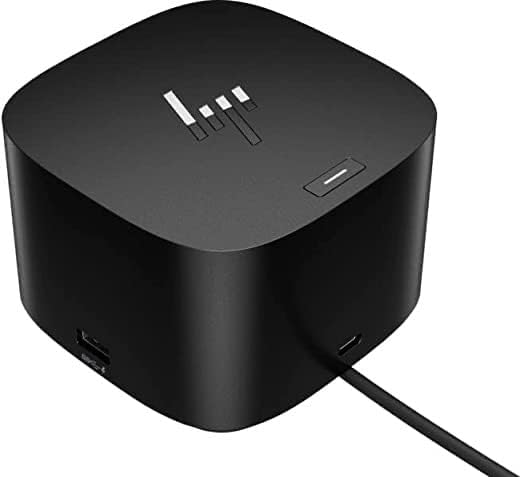
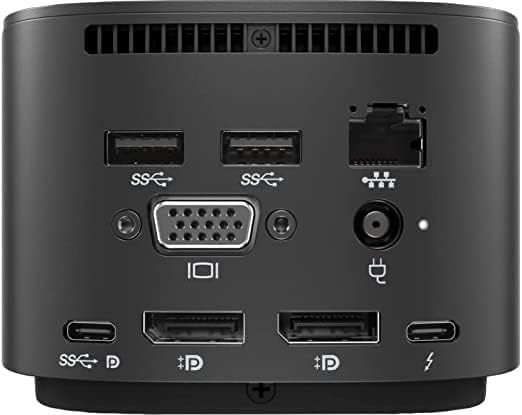
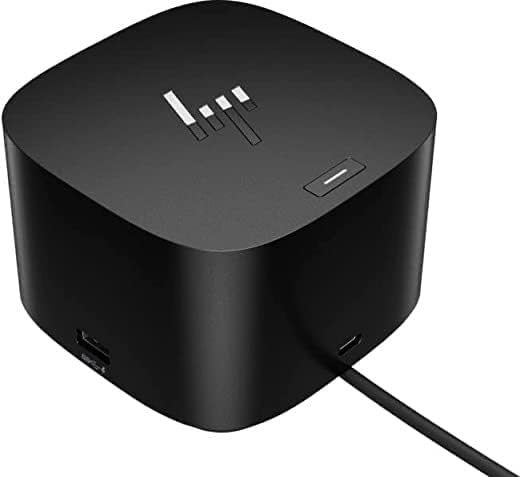
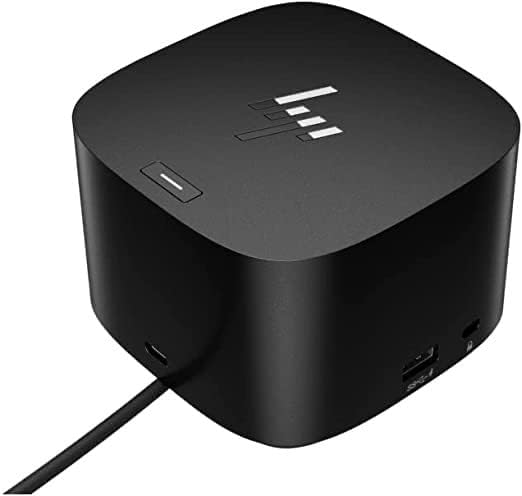
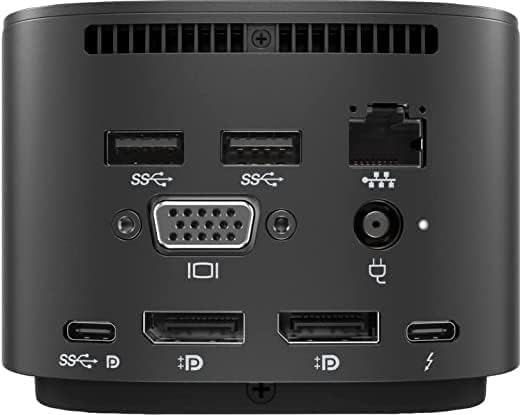
More Ports. More Flexibility More ports means more capabilities. With a TB4, HDMI, two USB-C, two DisplayPorts, four USB-A 3.2 ports and an RJ45 port, you can connect multiple devices like a keyboard and mouse5 .
Description
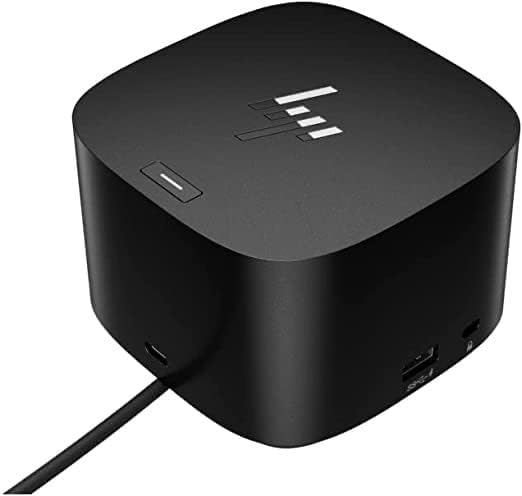
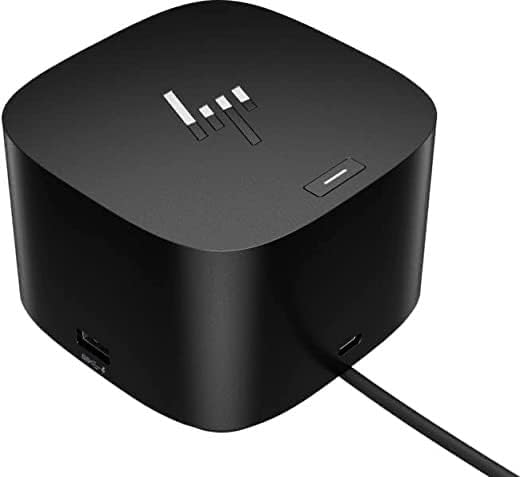
The Dock That Does It All Boost your security, productivity, and connectivity with this Thunderbolt 4 dock. It protects your network and devices from the moment you log in, supports multi-OS compatibility1 , and can support up to four 4K displays2 . Ideal for ITDMs and hybrid workers, this dock also makes home or office device management easy.