- التسوق ، اصبح سهلا.
- /
- احصل على التطبيق!
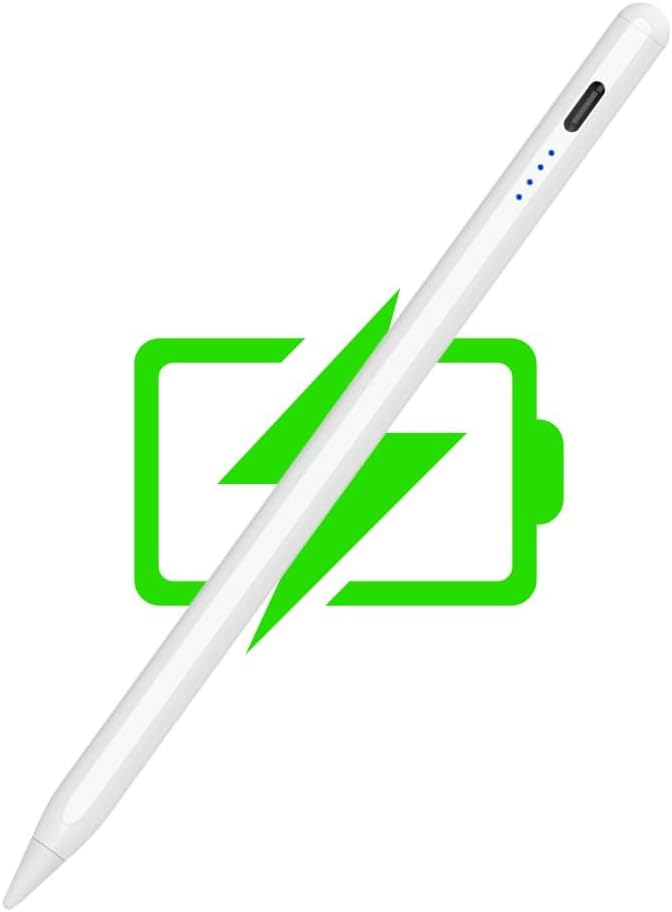
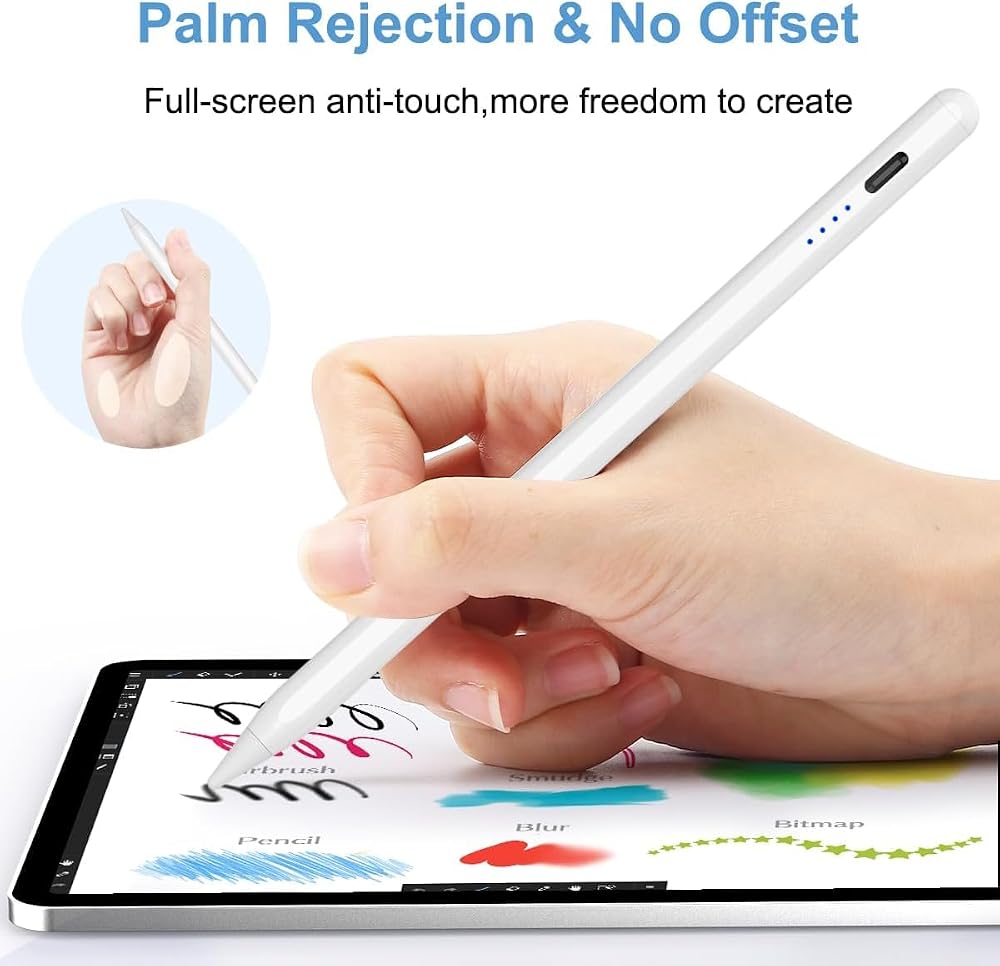
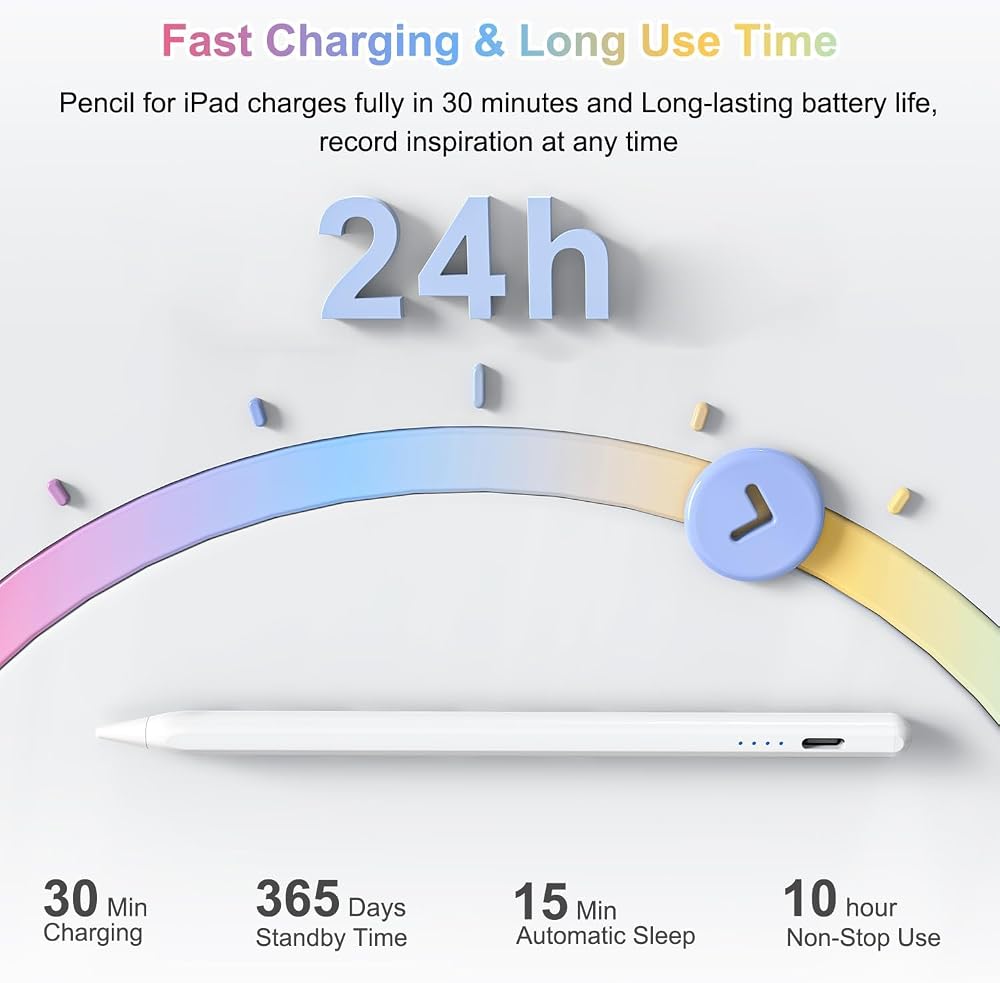
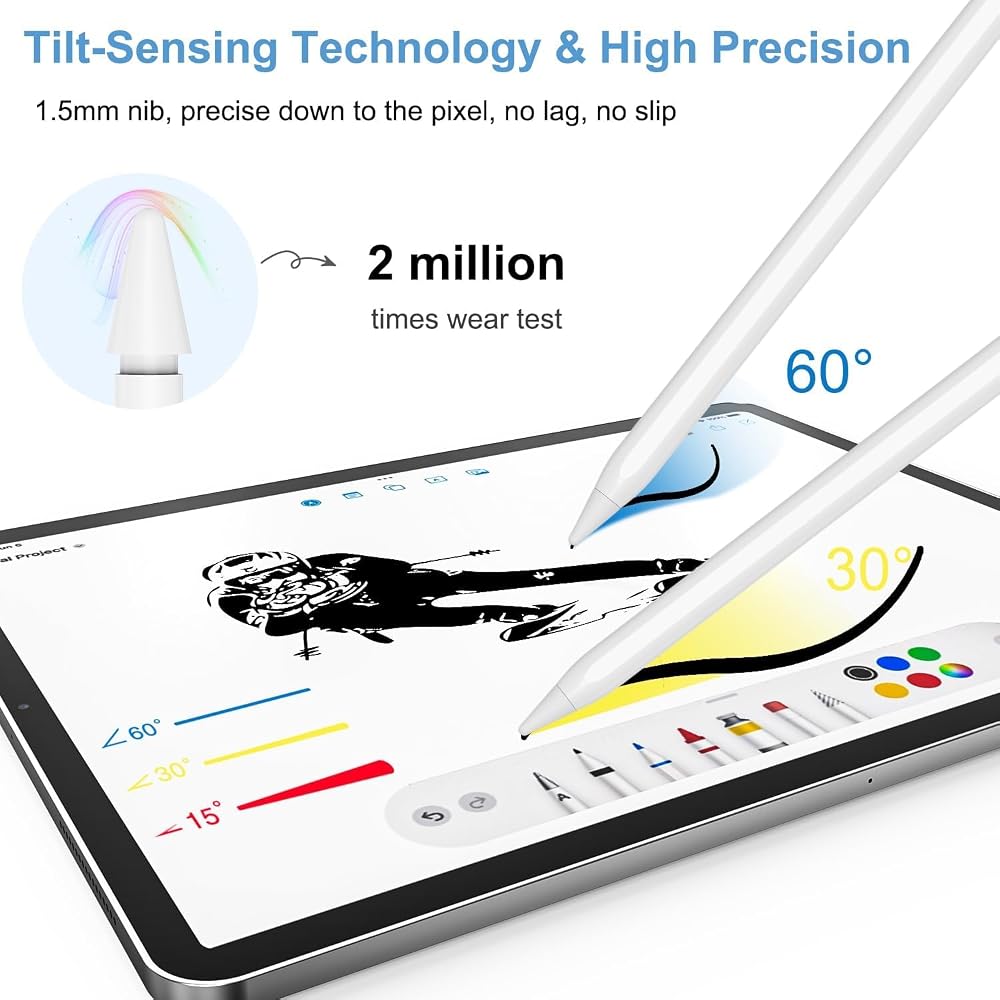
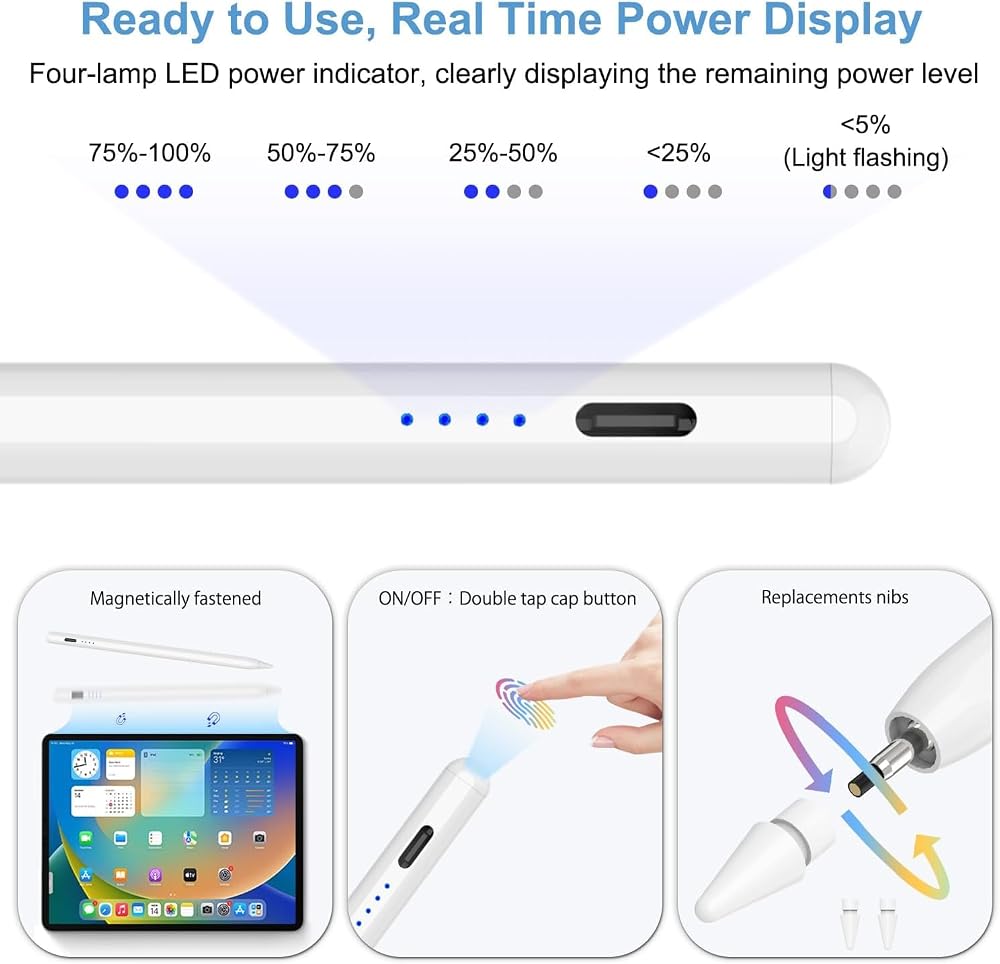
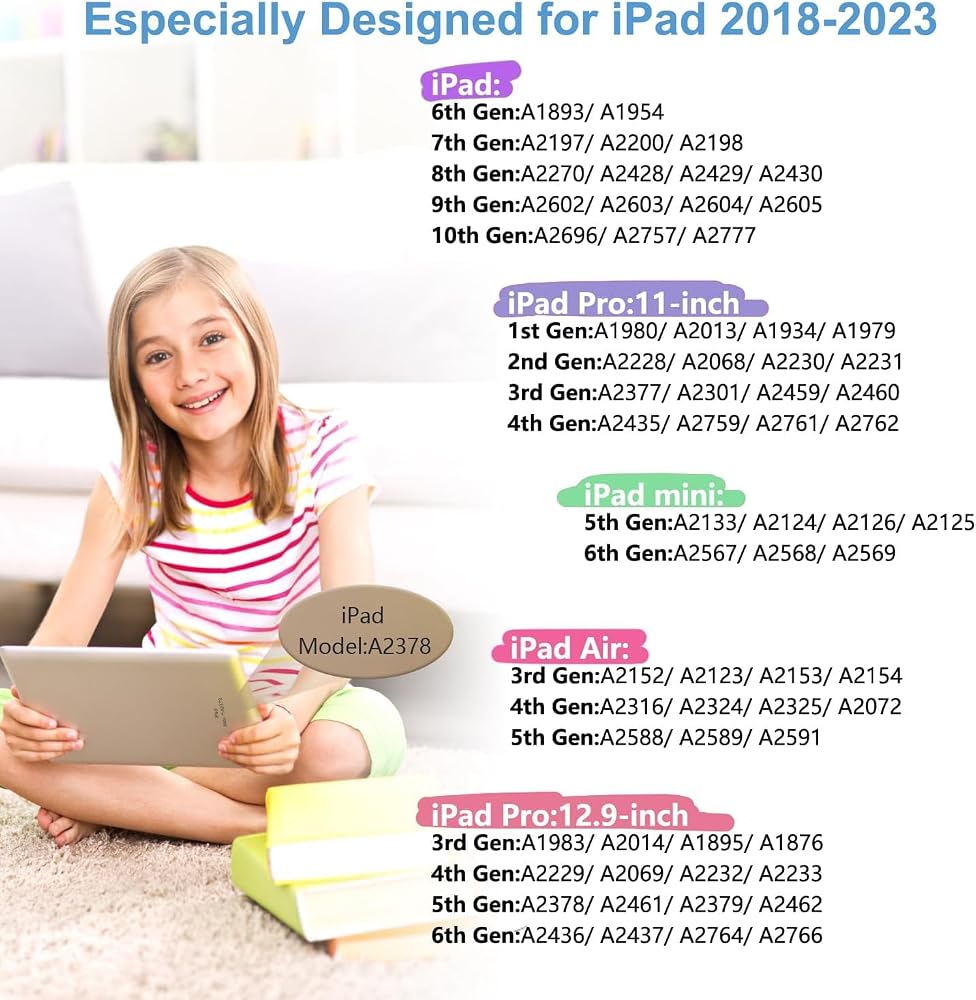
Stylus Pen for Apple iPad 2018-2023 1. Please charge the iPad Stylus Pen before first use. 2. Update your iPad system to version 12.2 or above. 3. No Bluetooth or APP required, just press and hold the pen head for 2 seconds to turn it on. Double-click the pen head to close it.(LED light on→means stylus is awake) 4. Yes tilt sensitive but No pressure sensitive. 5. For a better writing experience, please modify your iPad setting as follows: Settings > Tap Apple Pencil > Turn on "Only draw with Apple Pencil" (iOS 14+) / or Settings > Tap Notes > Turn on "Only draw with Apple Pencil" 6. If your iPad has previously been paired with an Apple Pencil, cancel the pairing before using the KBCASE Apple Pencil iPad. 7. If the model is applicable, the battery is sufficient, but cannot write on the screen, please try to loosen the pen tip a bit or replace the tip.
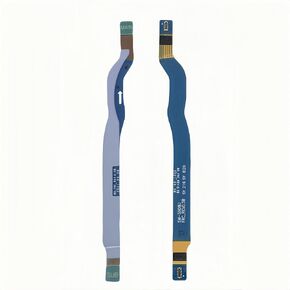 Galaxy S22 Ultra 5G الإشارة هوائي بديل الشريط المرن الشريط Cable Ribbon for Samsung Galaxy S22 Ultra مع Galaxy S22 Ultra SM-S908
SAR 42
Galaxy S22 Ultra 5G الإشارة هوائي بديل الشريط المرن الشريط Cable Ribbon for Samsung Galaxy S22 Ultra مع Galaxy S22 Ultra SM-S908
SAR 42
 -7%
قفازات Meccanixity ملصق شاشة تعمل باللمس 1 "× 4/5" فائقة الحساسية العالية ألياف الكربون مرنة فائقة الألياف سوداء للقفازات ، 32 جهاز كمبيوتر (12 في 1)
SAR 38
-7%
قفازات Meccanixity ملصق شاشة تعمل باللمس 1 "× 4/5" فائقة الحساسية العالية ألياف الكربون مرنة فائقة الألياف سوداء للقفازات ، 32 جهاز كمبيوتر (12 في 1)
SAR 38
 -20%
ARVIN USB C Mobile Gaming Controller for iPhone 16/15 Series & Android (TEMC-C) GAMEPAD GAMEPAD مع Hall Awysticks/Hall Trigger/3.5mm Audio Jack/App Meyys/Cloud Gaming/Remote Play
SAR 165
-20%
ARVIN USB C Mobile Gaming Controller for iPhone 16/15 Series & Android (TEMC-C) GAMEPAD GAMEPAD مع Hall Awysticks/Hall Trigger/3.5mm Audio Jack/App Meyys/Cloud Gaming/Remote Play
SAR 165
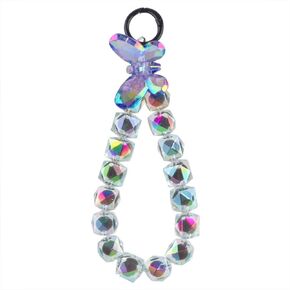 سلسلة الهاتف الفراشة من أكريليك من الخرز مع حبل الهاتف ، والليزر الهاتف السوداء سحر الهاتف الخلوي حزام المعصم المعبأة reatic
SAR 46
سلسلة الهاتف الفراشة من أكريليك من الخرز مع حبل الهاتف ، والليزر الهاتف السوداء سحر الهاتف الخلوي حزام المعصم المعبأة reatic
SAR 46