- Shopping, made easy.
- /
- Get the app!
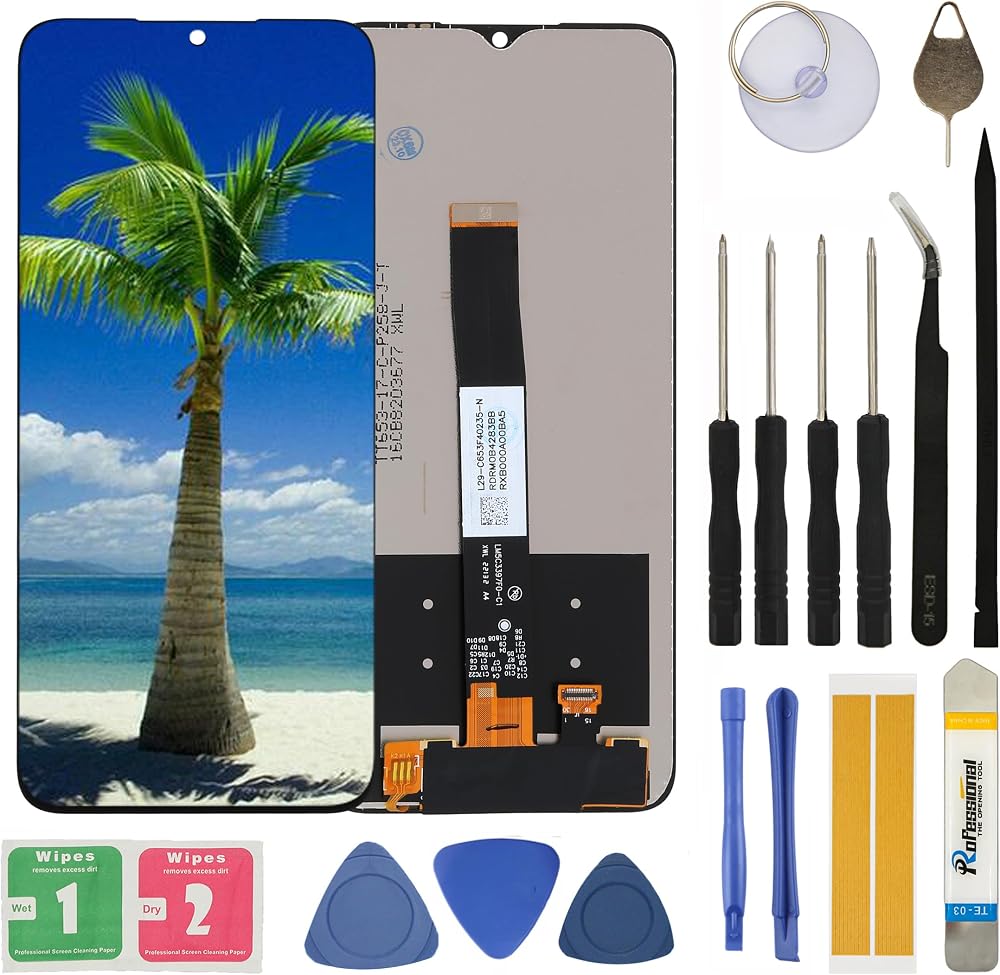
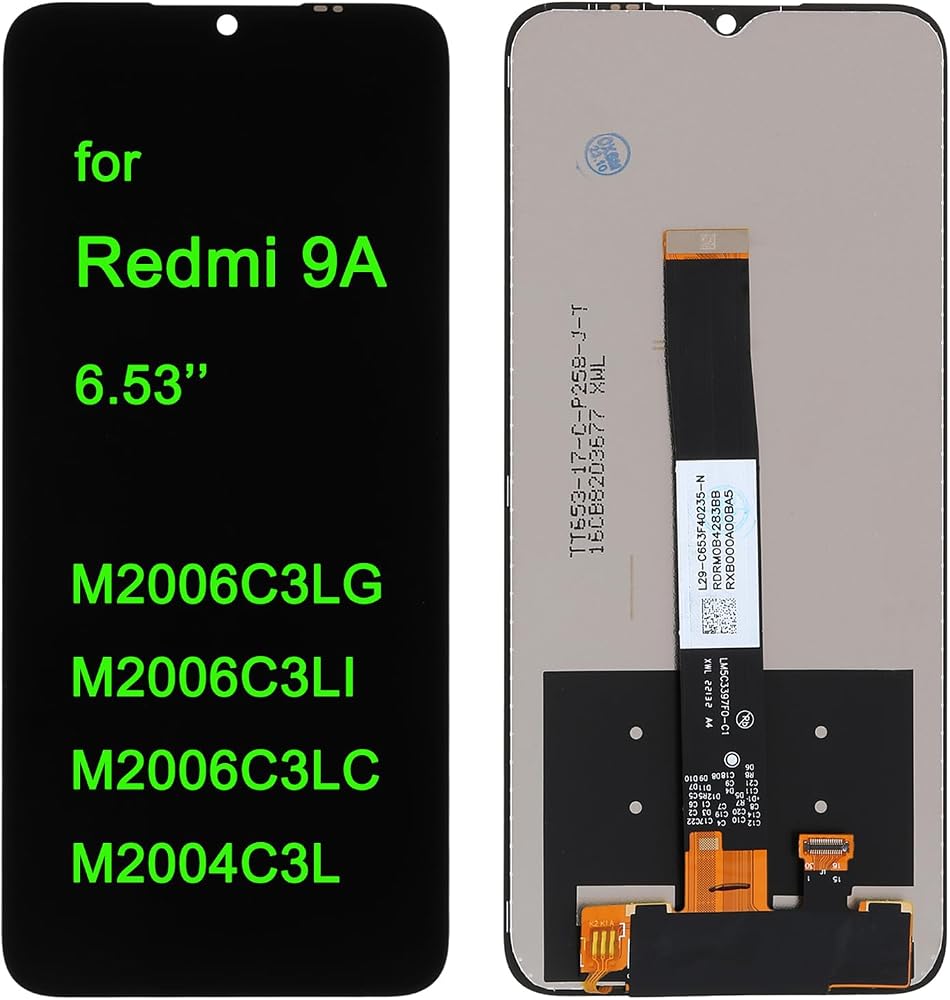
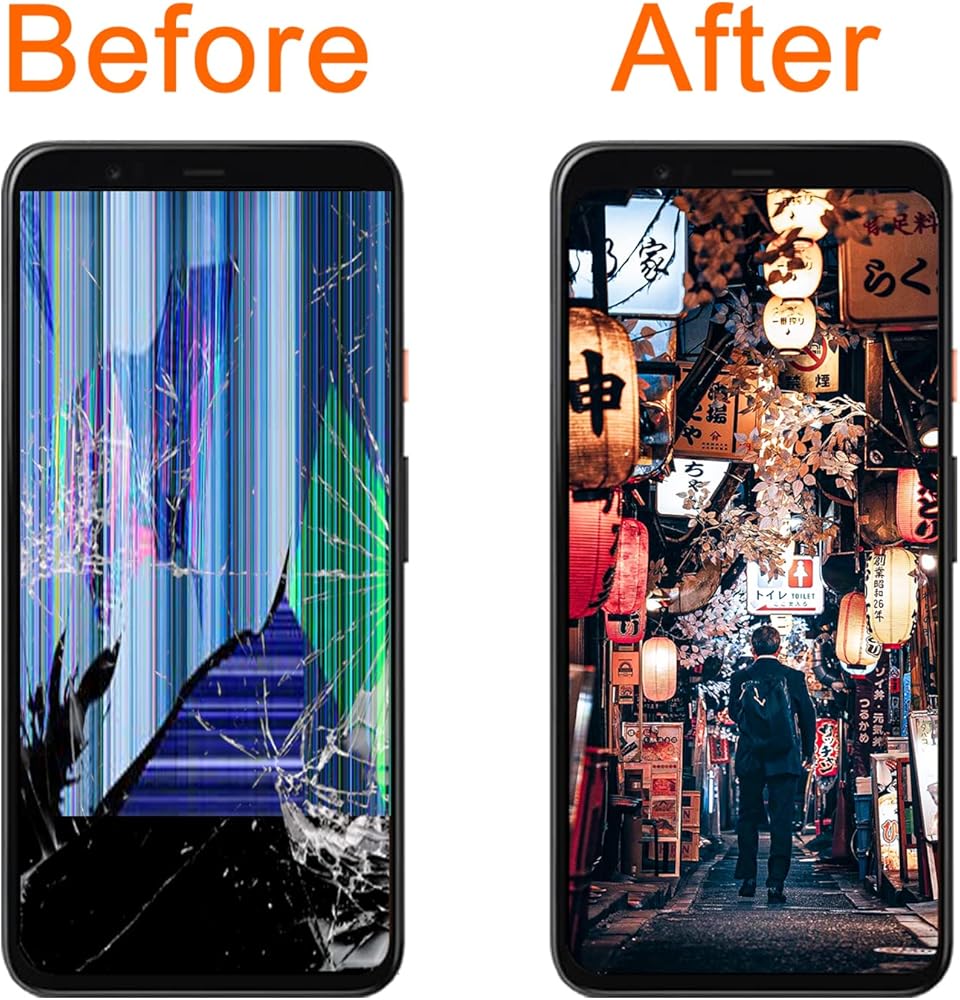
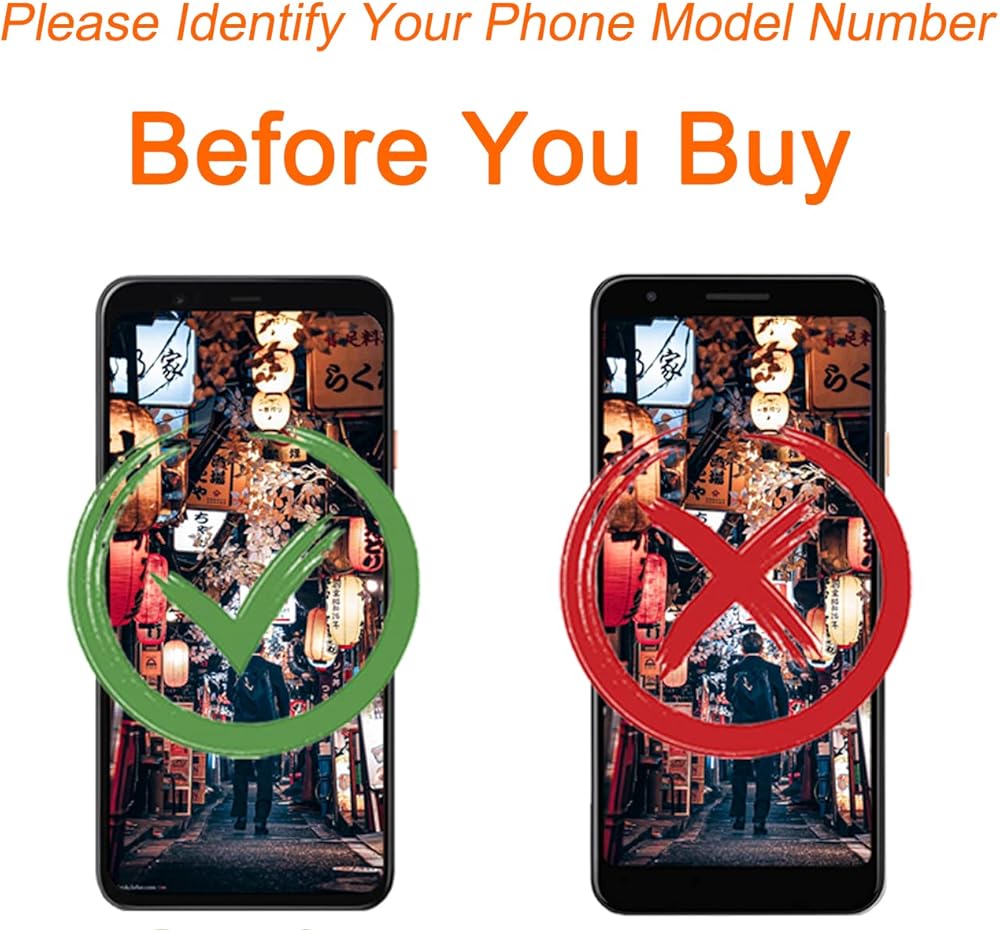
LCD Screen Replacement Compatible with Redmi 9A M2006C3LG, M2006C3LI, M2006C3LC, M2004C3L.
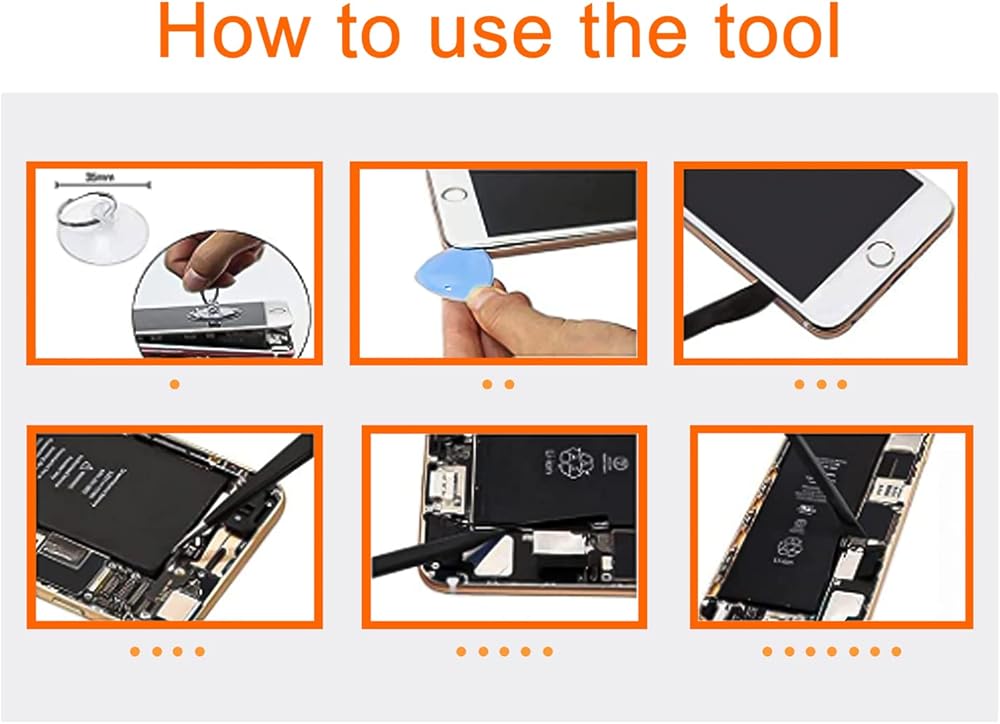
1.Make sure your phone is power off first before installation.
2.Prepare a heat gun, or a hair dryer and heat up the edge of the phone before you begin slicing.
3.Mark each screw. Your screen might be broken if you put the screw in a wrong hole.
4.Use tweezers and spudger to remove sticker or display cable bracket.
5.Be careful with metal tools to avoid scratching the screen.
6.If your Pixel won't turn on after replacing the screen, there is a chance that the phone has silently turned on when the battery is re-connected. Hold the power button for a few seconds until the phone vibrates off. Afterwards, re-connect the screen, and try again.
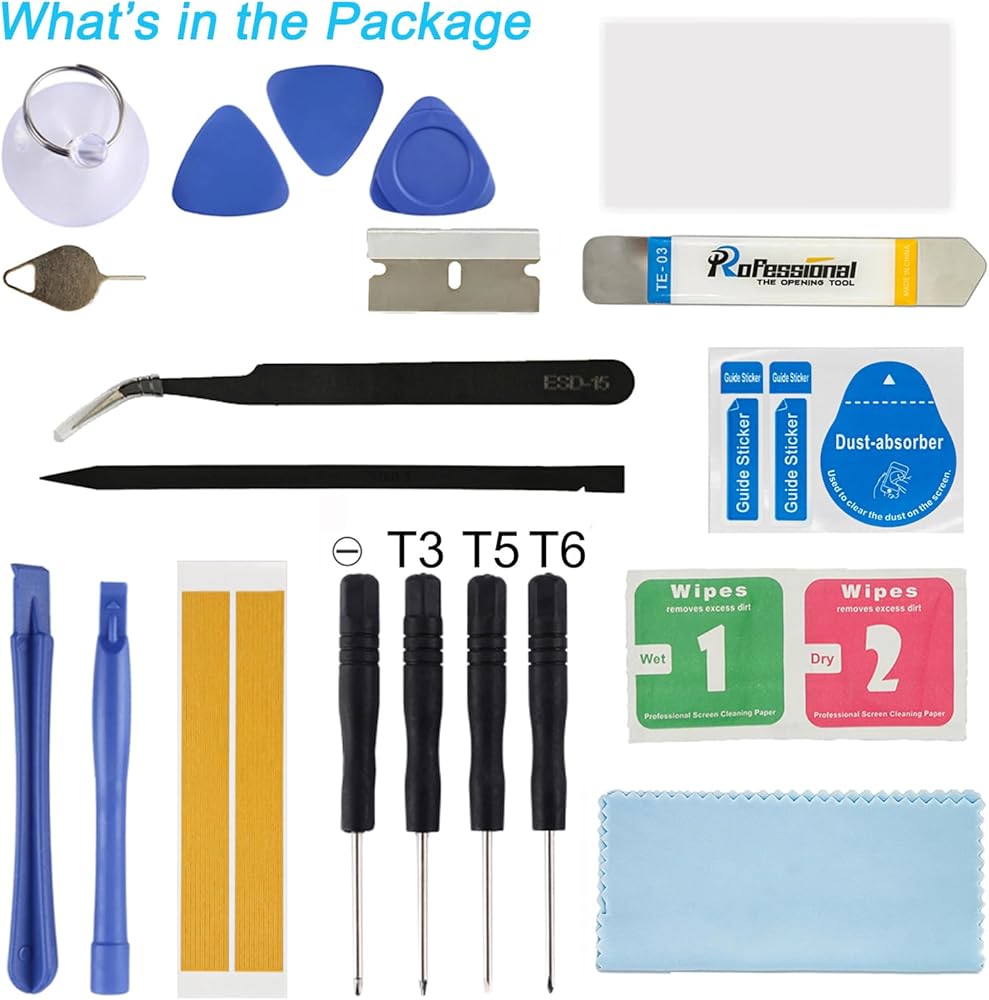
Upgrade your cellphone with our Screen Replacement Kit, complete with repair tools and quality-tested screens for a hassle-free DIY repair experience. With compatibility assurance and strict QC testing, you can trust our product to restore your device's display performance to its original glory.
 -10%
UYGHHK Screen Replacement for Motorola G7 Play XT1952-1 XT1952-2 XT1952-3 XT1952-4 XT1952DL Assembly LCD Display Touch Screen Digitizer with Tools
SAR 94
-10%
UYGHHK Screen Replacement for Motorola G7 Play XT1952-1 XT1952-2 XT1952-3 XT1952-4 XT1952DL Assembly LCD Display Touch Screen Digitizer with Tools
SAR 94
 LCD Screen Replacement for Samsung Galaxy A11 A115U S115dl A115a A115w 6.4" Assembly LCD Display Touch Screen Digitizer with Tools Adhesive
SAR 86
LCD Screen Replacement for Samsung Galaxy A11 A115U S115dl A115a A115w 6.4" Assembly LCD Display Touch Screen Digitizer with Tools Adhesive
SAR 86
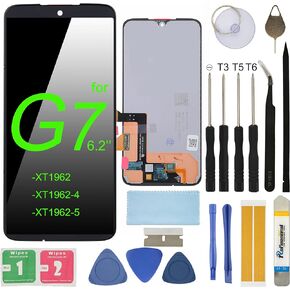 LCD Screen Replacement for Motorola G7 6.2" XT1962 XT1962-4 XT1962-5 Assembly LCD Display Touch Screen Digitizer with Repair Tools
SAR 94
LCD Screen Replacement for Motorola G7 6.2" XT1962 XT1962-4 XT1962-5 Assembly LCD Display Touch Screen Digitizer with Repair Tools
SAR 94
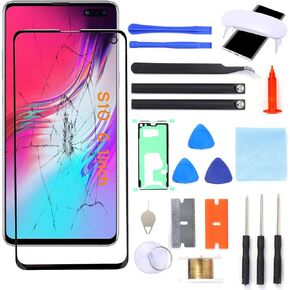 S10+ Screen Replacement, Front Glass Outer Repair Kit Compatible with Samsung Galaxy S10+ Plus SM-G975 Series 6.4"(No LCD & Touch Digitizer)
SAR 157
S10+ Screen Replacement, Front Glass Outer Repair Kit Compatible with Samsung Galaxy S10+ Plus SM-G975 Series 6.4"(No LCD & Touch Digitizer)
SAR 157