- Shopping, made easy.
- /
- Get the app!
LET'S GET CONNECTED!
●Flip the power on/off switch first, and then the indicator light stays on for 3 seconds and turn off.
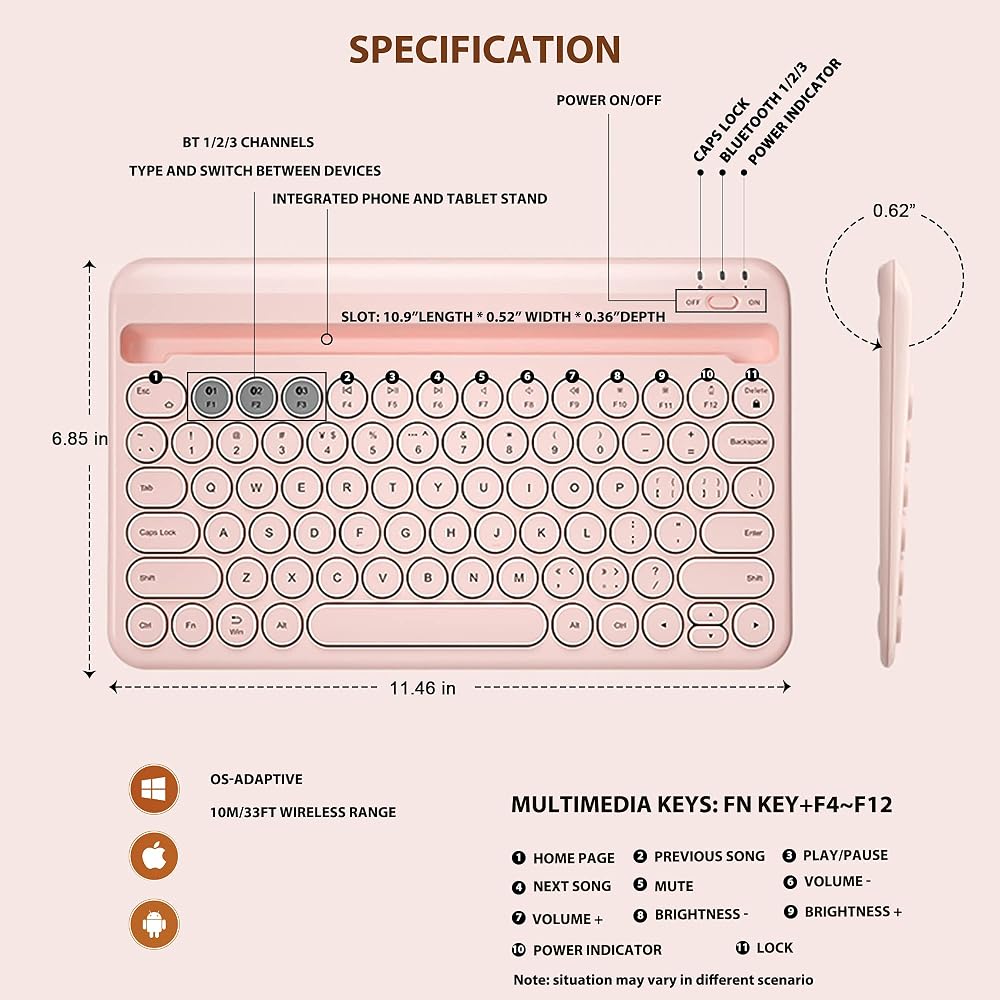
●Press and hold Bluetooth Channel 1 (F1), the Bluetooth indicator will slowly flash blue and enter paring mode.
●Turn on your device, enter “Setting”-“General”, and turn on the Bluetooth function. Your device will automatically or manually search for any Bluetooth devices.
Once it's found the Bluetooth keyboard, click on and add the device.
●Once successfully paired, the indicator light will turn off and the keyboard will be ready to use.
Please note:
BT2/BT3 connection the same as BT1.
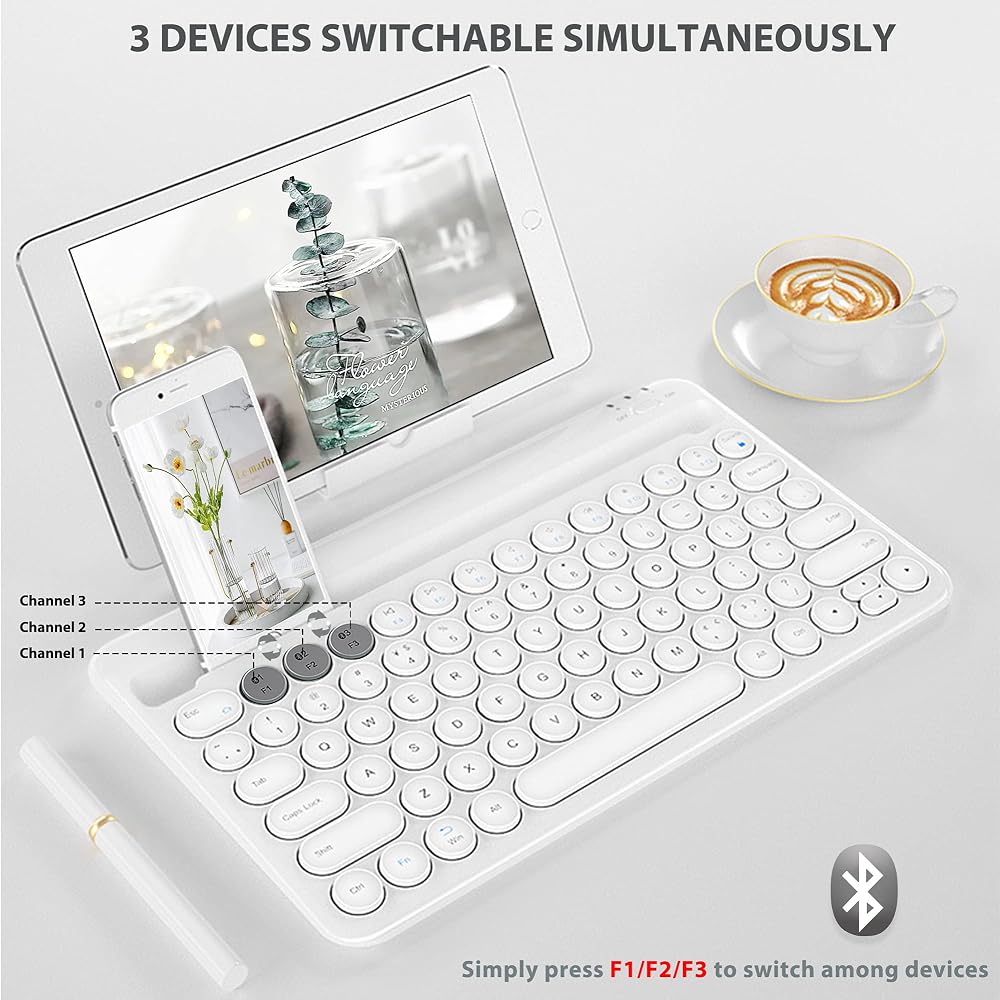
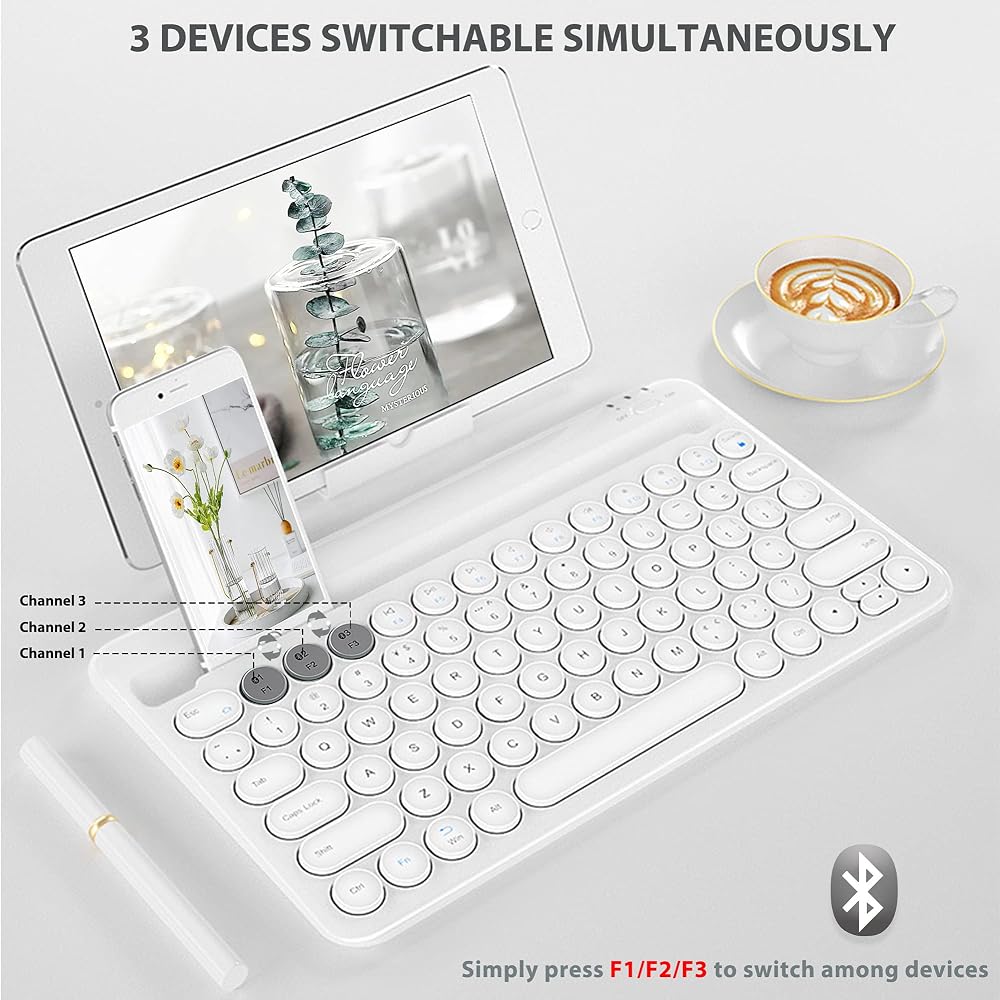
Press F1/F2/F3 to switch between devices when connected.
Reconnection: press F1/F2/F3.
It will enter sleeping mode within 180 seconds when not successfully paired;
press the corresponding Channel F1/F2/F3 if necessary when re-pair with your devices required.
Specification:
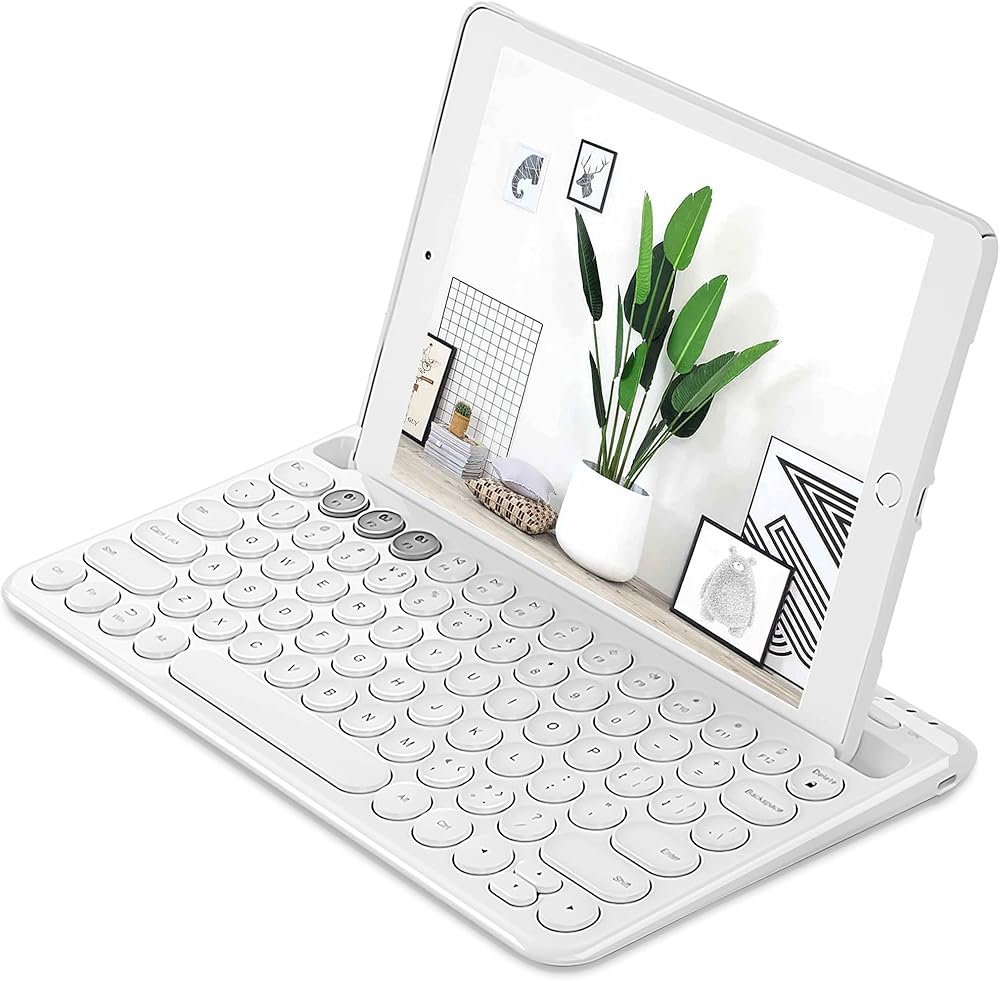
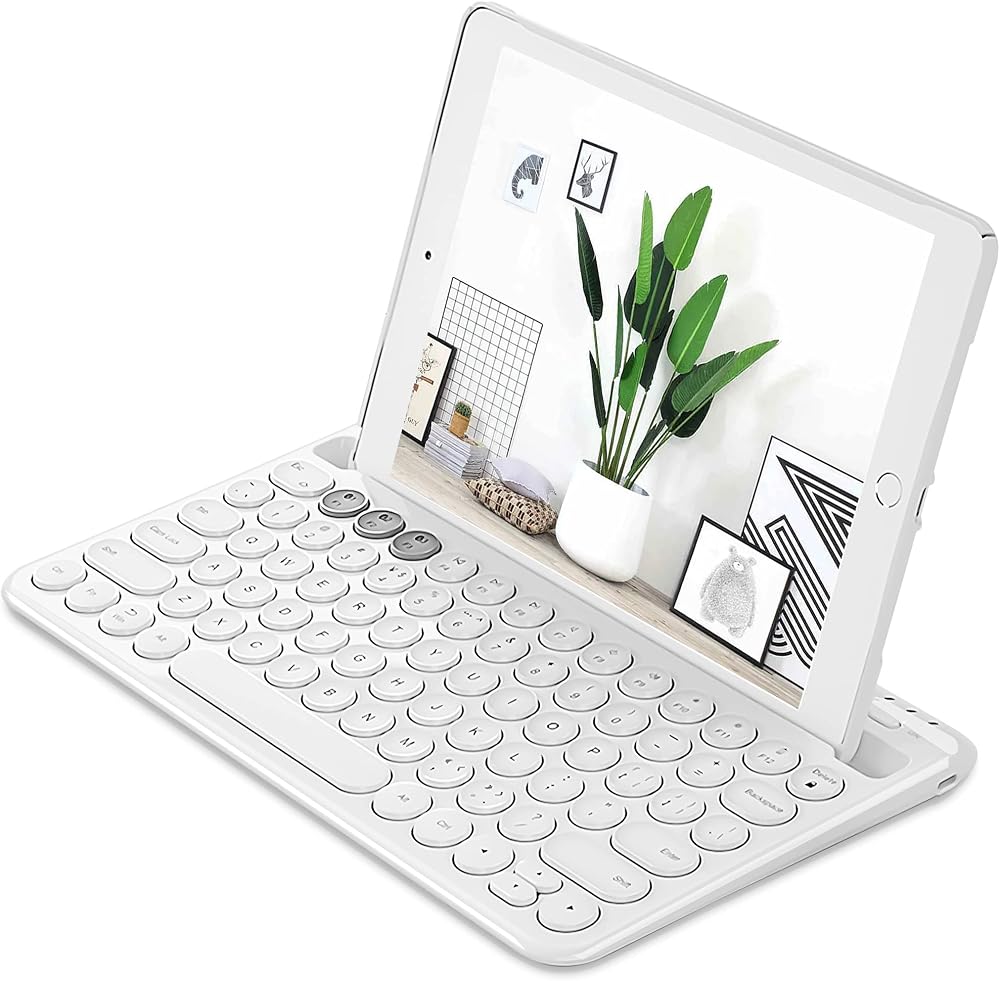
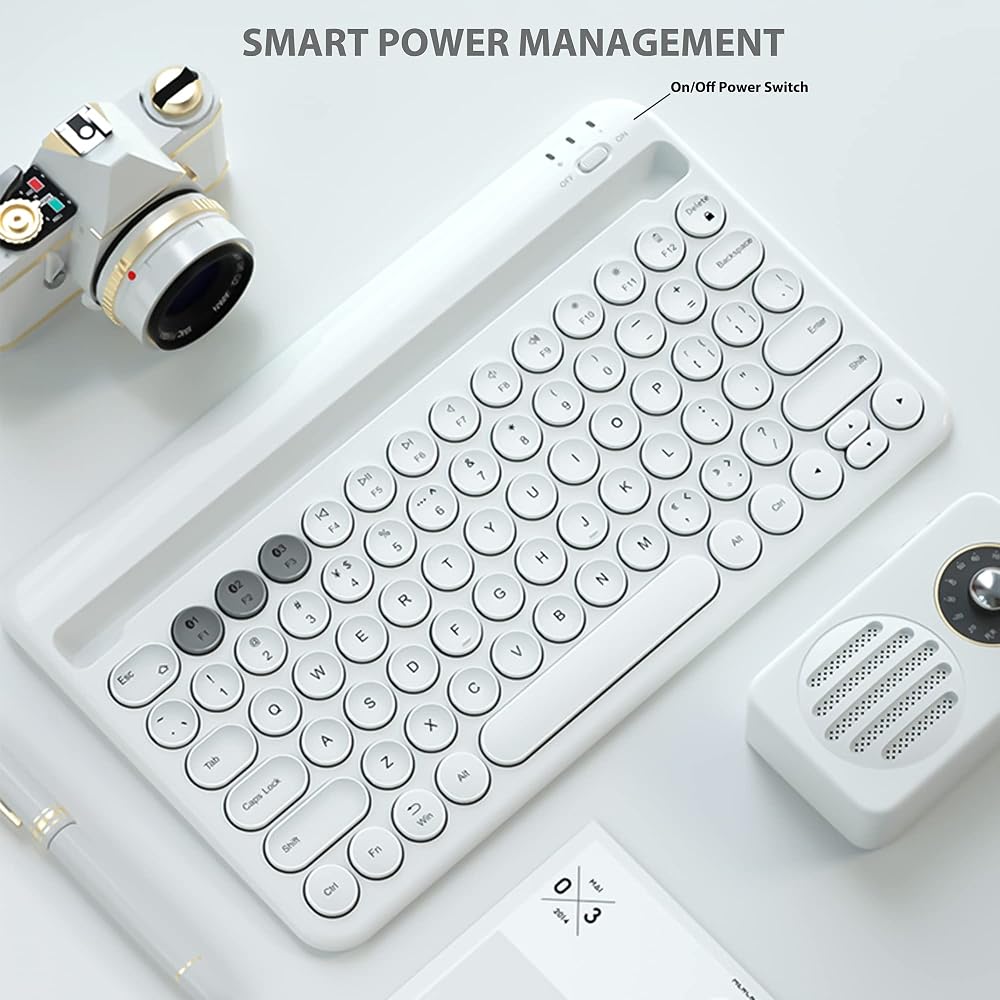
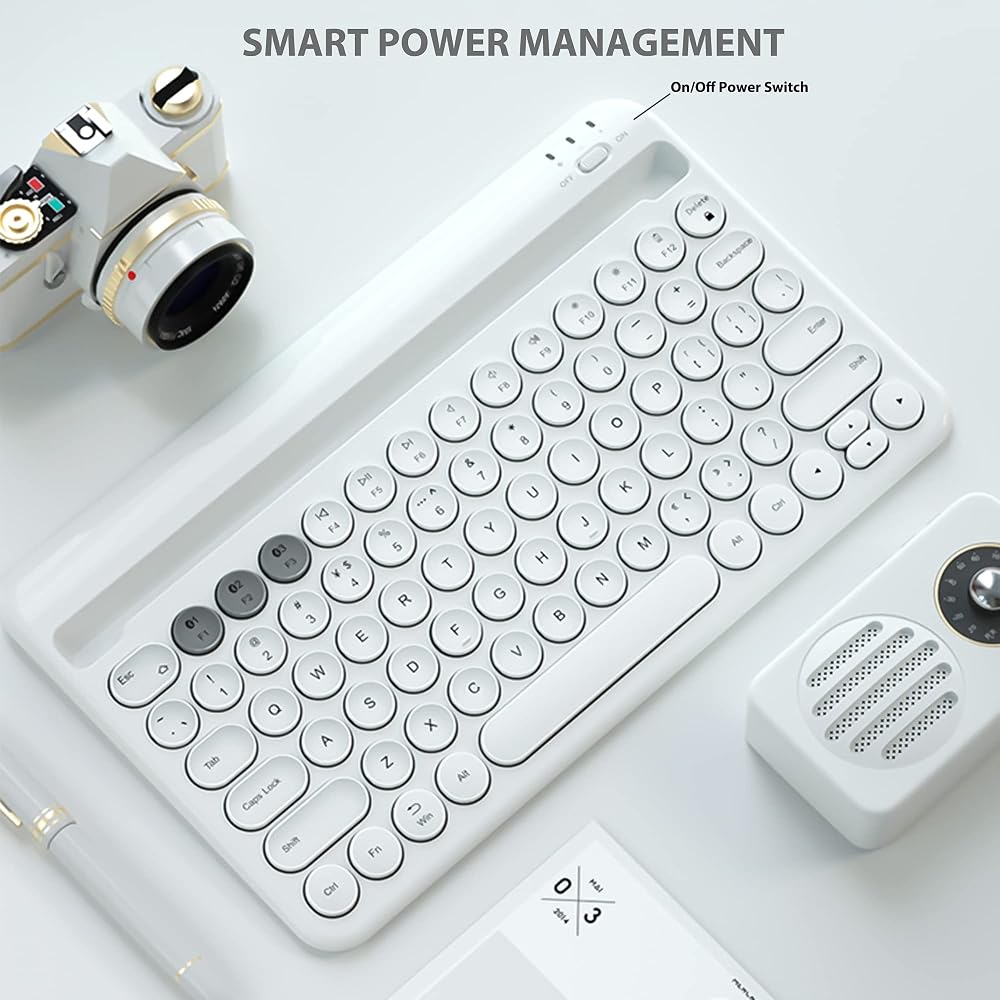
Item Name: Multi-Device Bluetooth Keyboard HB206
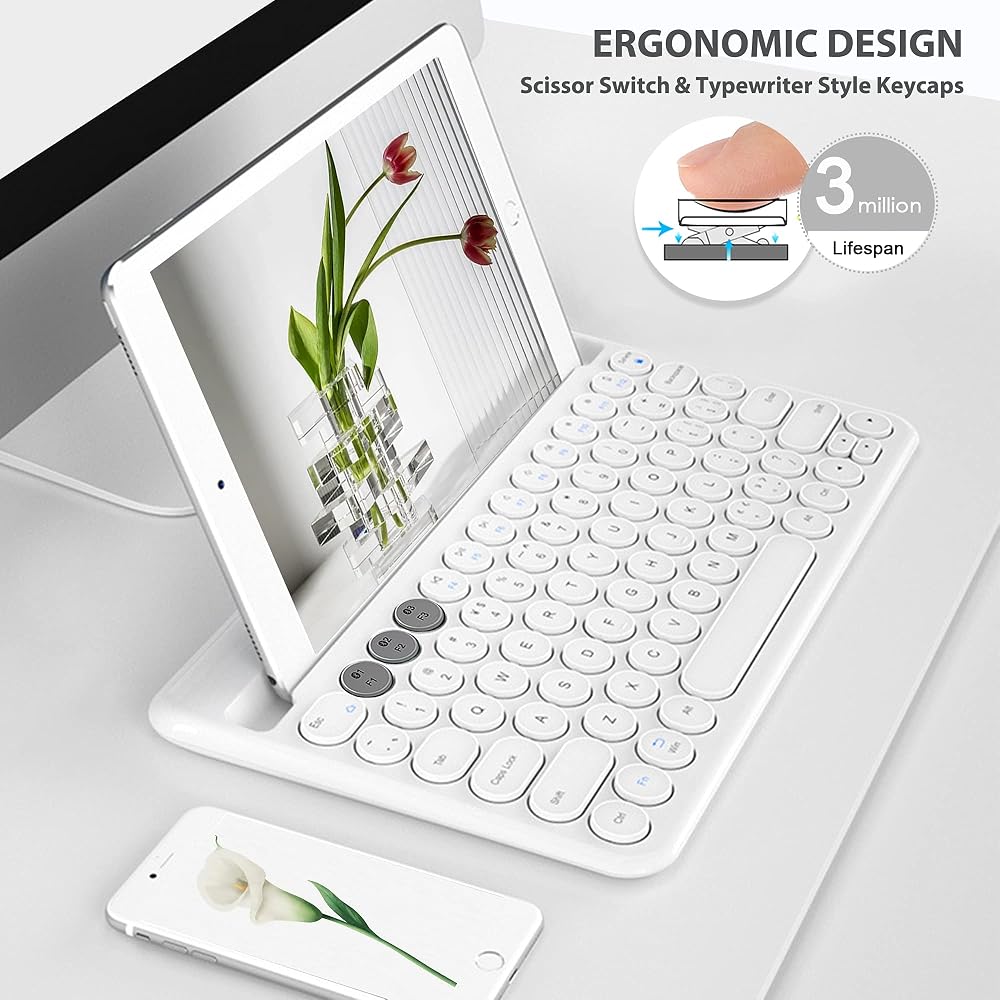
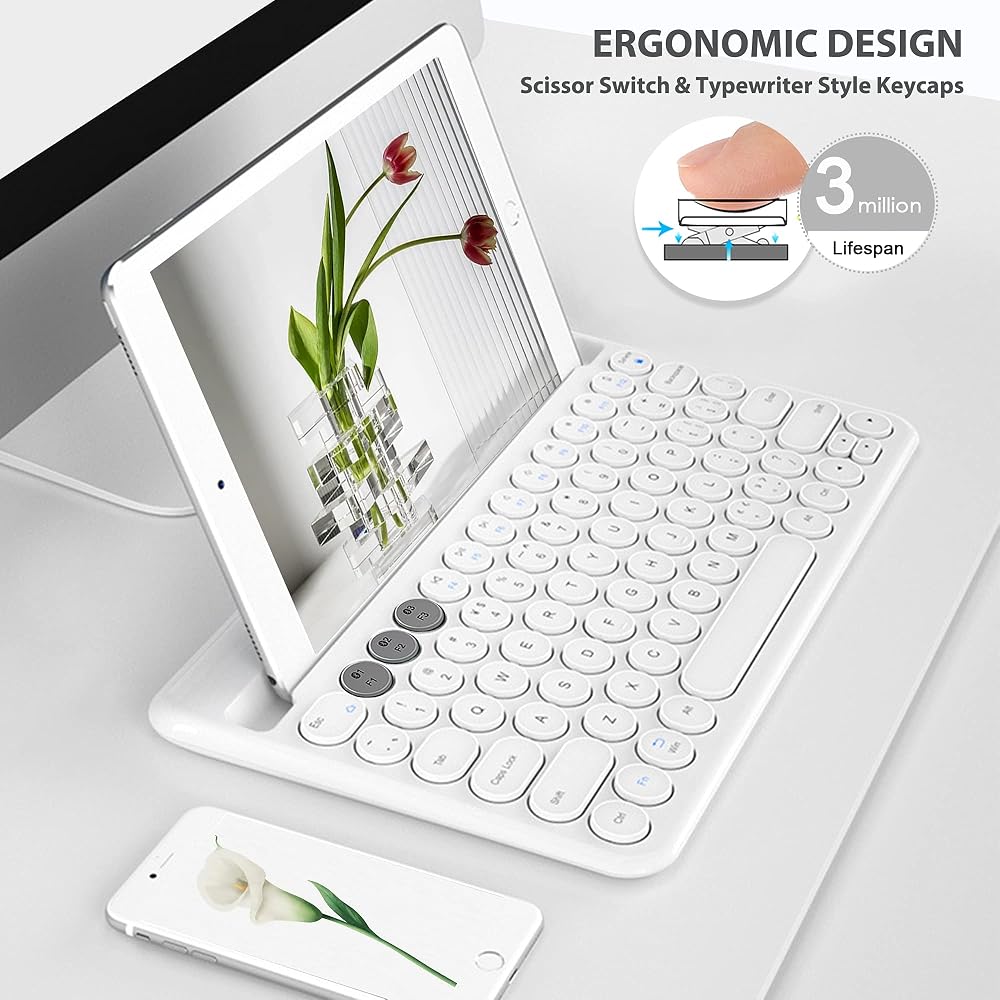
Number of Keys: 78
Key Switch Type: Typewriter Style Round Keycaps
Key Backlighting: None
Material: High-End ABS
Transmission Distance: 10m/33ft
Operation Voltage: 3.0-4.2V
Operation Current:
Service time:≥3 Million Strikes
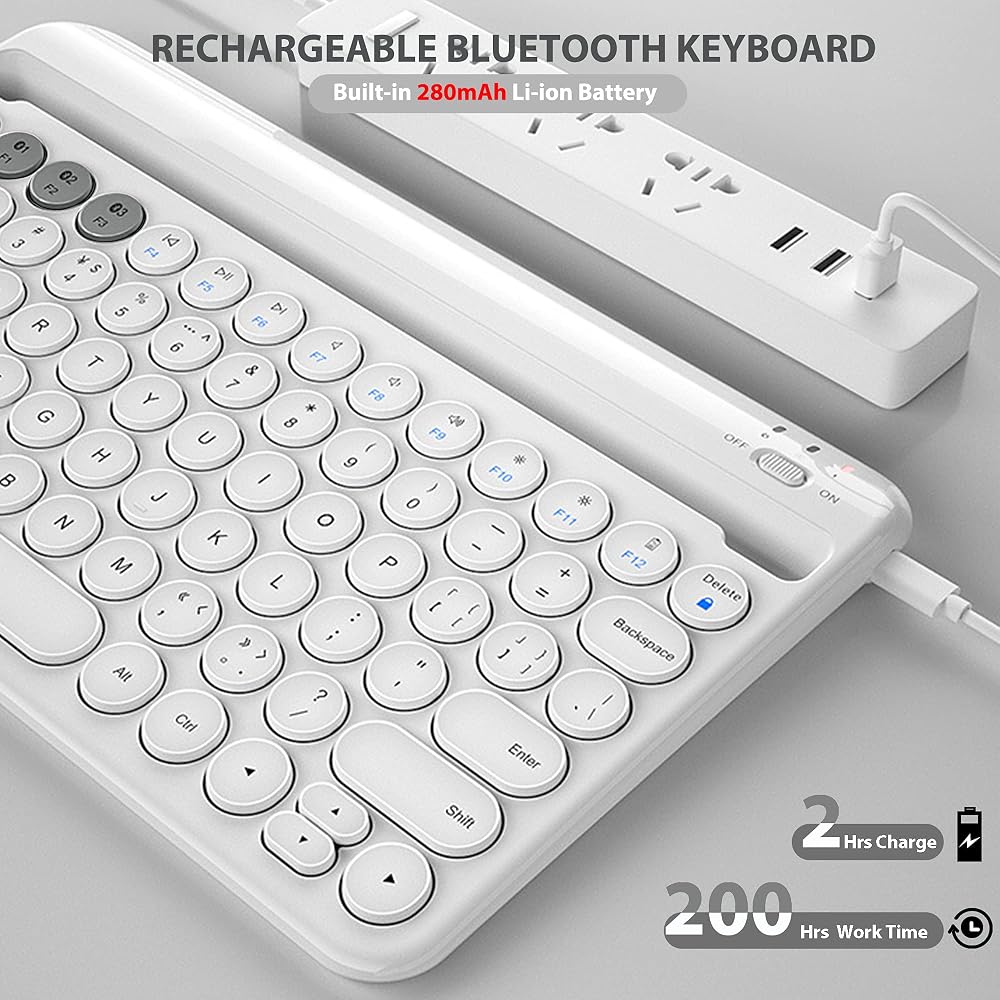
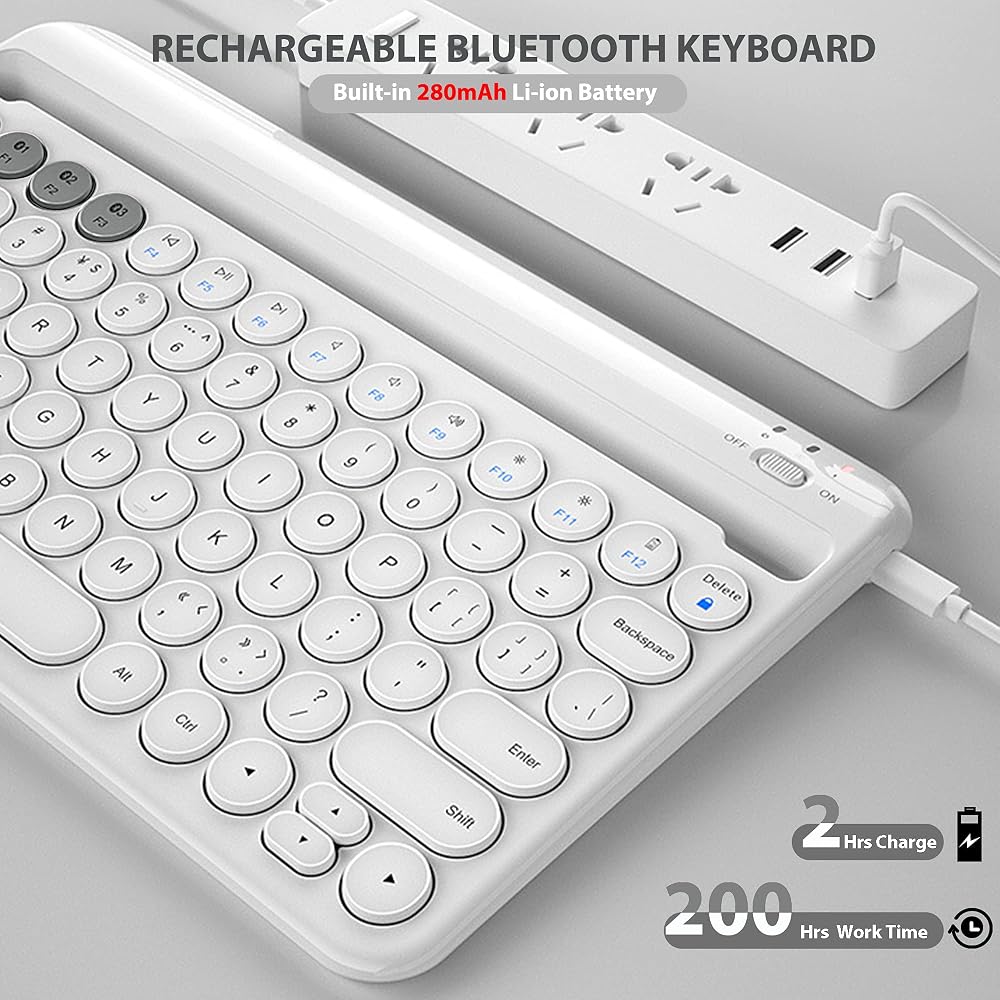
Battery: 280mAh Built-in
Hotkeys: 10
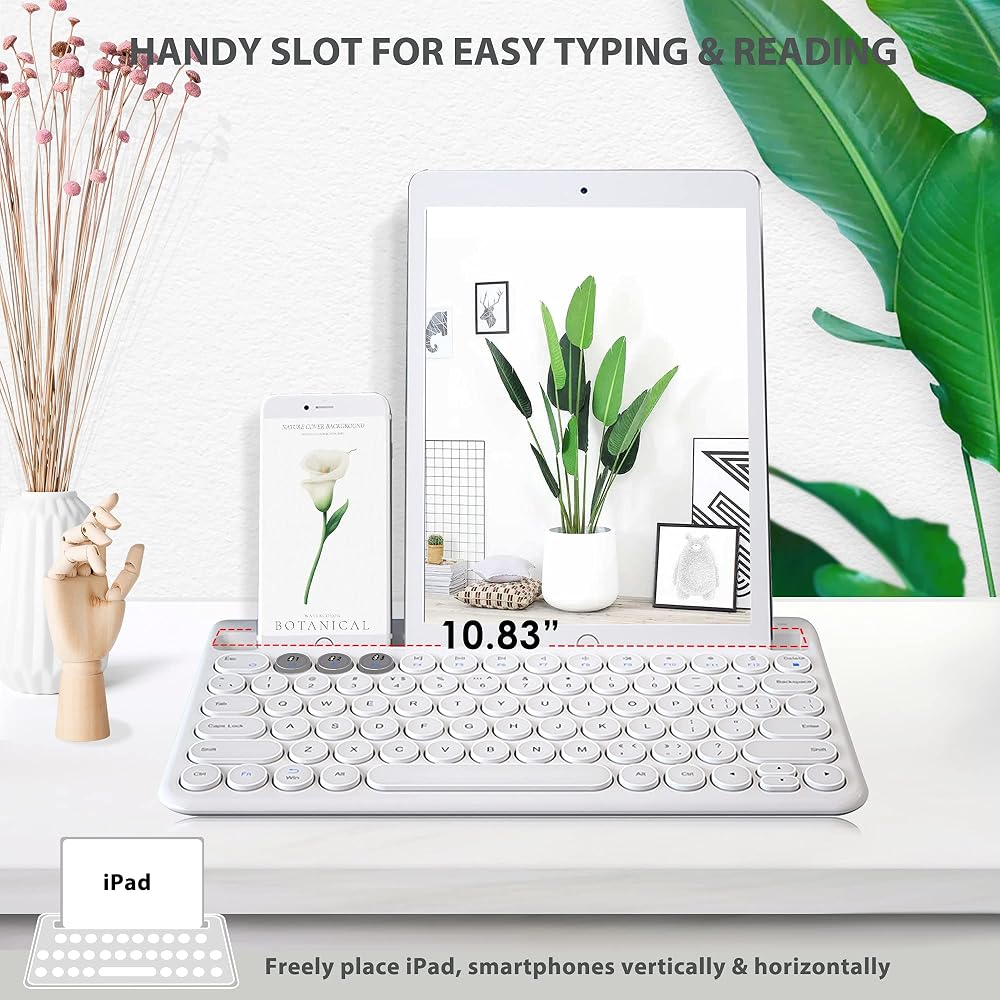
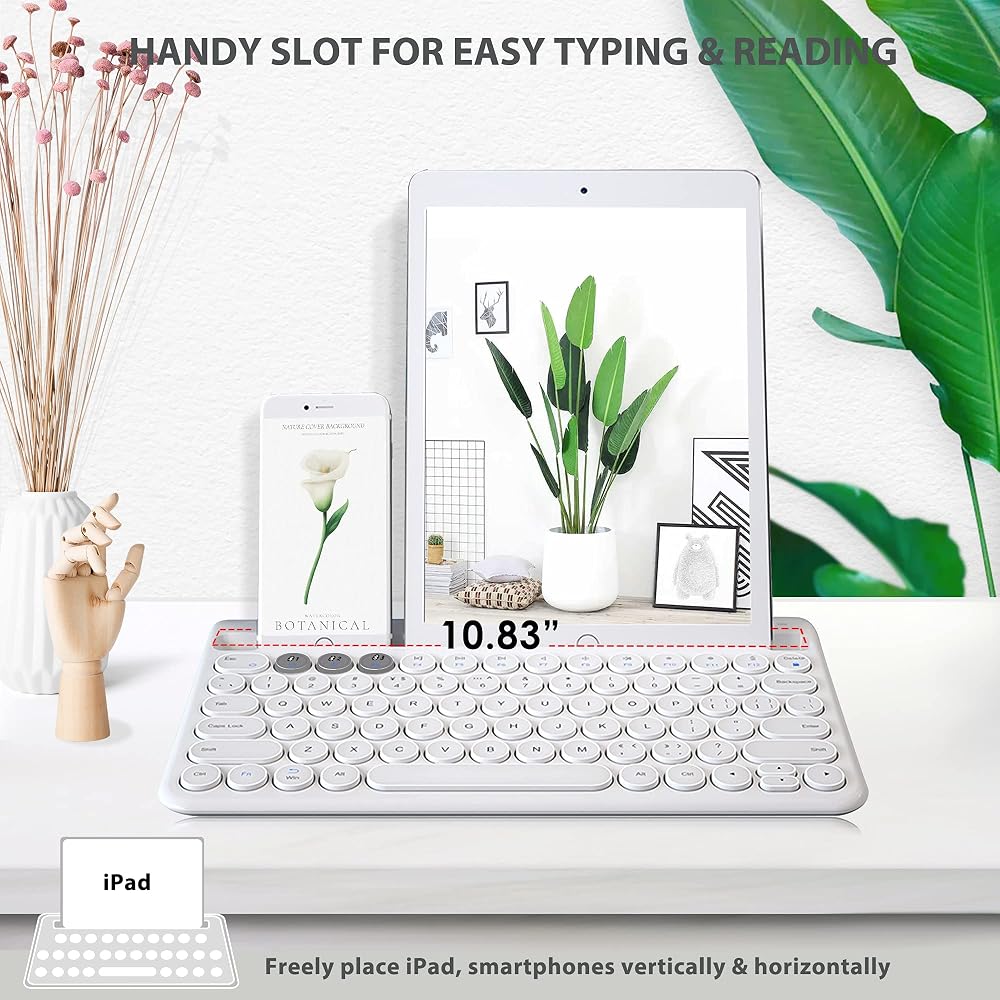
Size: 17.4 cm x 29.1 cm x 1.57/6.9” x 11.5” x 0.7” (Approx.)
Compatible:
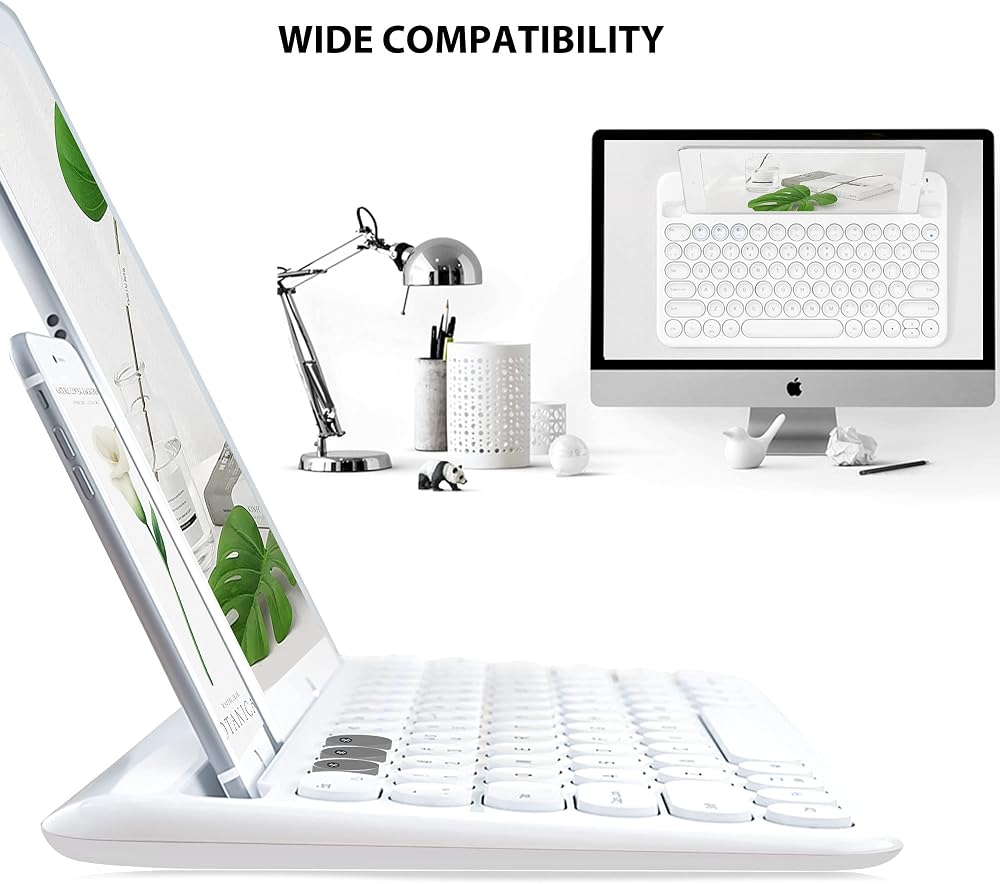
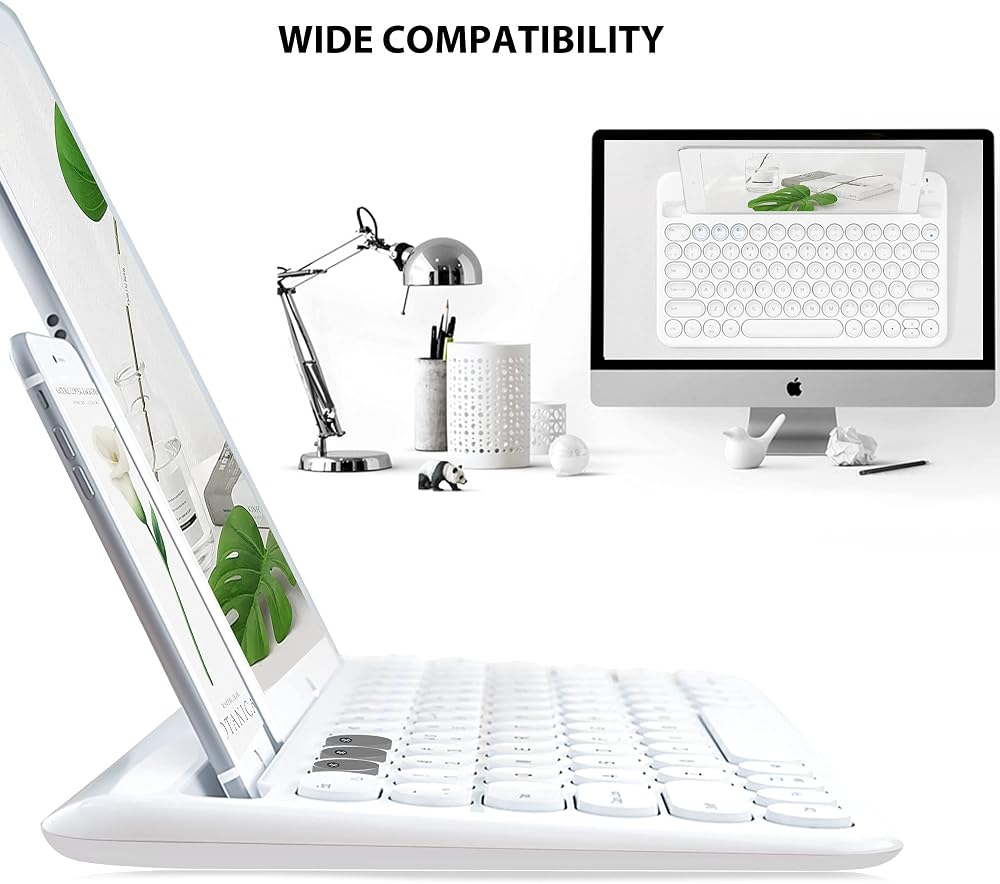
Supports most Bluetooth devices iPad 2017/ 2018/ Air/ Mini/ Pro iPhone Xs/Xr/8/8plus with iOS 5 or higher
Samsung Galaxy Tab/note 8 Apple TV Gen 2/ 3
Android tablet with Android 3.2 or later Surface pro, Amazon Kindle Fire HD 10 Windows 7/8/10 or later
Package Includes:
1 x Bluetooth Keyboard
1 x User Manual
 Keyboard Cover for HP 11a Chromebook 11a-na0010nr/na0021nr/na0030nr/na0040nr/na0050nr/na0060nr, HP Chromebook 11A G8/G8 EE,Chromebook x360 11 G3 EE, Chromebook 11MK G9/11MK G9 EE Keyboard Skin, Black
SAR 35
Keyboard Cover for HP 11a Chromebook 11a-na0010nr/na0021nr/na0030nr/na0040nr/na0050nr/na0060nr, HP Chromebook 11A G8/G8 EE,Chromebook x360 11 G3 EE, Chromebook 11MK G9/11MK G9 EE Keyboard Skin, Black
SAR 35
 Mini Wireless Keyboard,H20 Mini Keyboard with Touchpad,Backlit Small Wireless Keyboard,Full Size Touchpad,Handheld IR Remote Keyboard for Android TV Box Windows PC,HTPC,IPTV,PC,Raspberry Pi
SAR 120
Mini Wireless Keyboard,H20 Mini Keyboard with Touchpad,Backlit Small Wireless Keyboard,Full Size Touchpad,Handheld IR Remote Keyboard for Android TV Box Windows PC,HTPC,IPTV,PC,Raspberry Pi
SAR 120
 PATIKIL 3Pcs Chinese Keyboard Stickers Chinese-English Keyboard Stickers PC Keyboard Stickers Clear Background with Black Lettering for Computer Laptop Desktop
SAR 36
PATIKIL 3Pcs Chinese Keyboard Stickers Chinese-English Keyboard Stickers PC Keyboard Stickers Clear Background with Black Lettering for Computer Laptop Desktop
SAR 36
 Korean Silicone Keyboard Cover for MacBook Latest Air 13.3" 13" 2020 with M1 Processor (Model A2337) Touch ID Compatible with MacBook Air 13 A2179 Keyboard Protector Skin (Black)
SAR 47
Korean Silicone Keyboard Cover for MacBook Latest Air 13.3" 13" 2020 with M1 Processor (Model A2337) Touch ID Compatible with MacBook Air 13 A2179 Keyboard Protector Skin (Black)
SAR 47