- التسوق ، اصبح سهلا.
- /
- احصل على التطبيق!
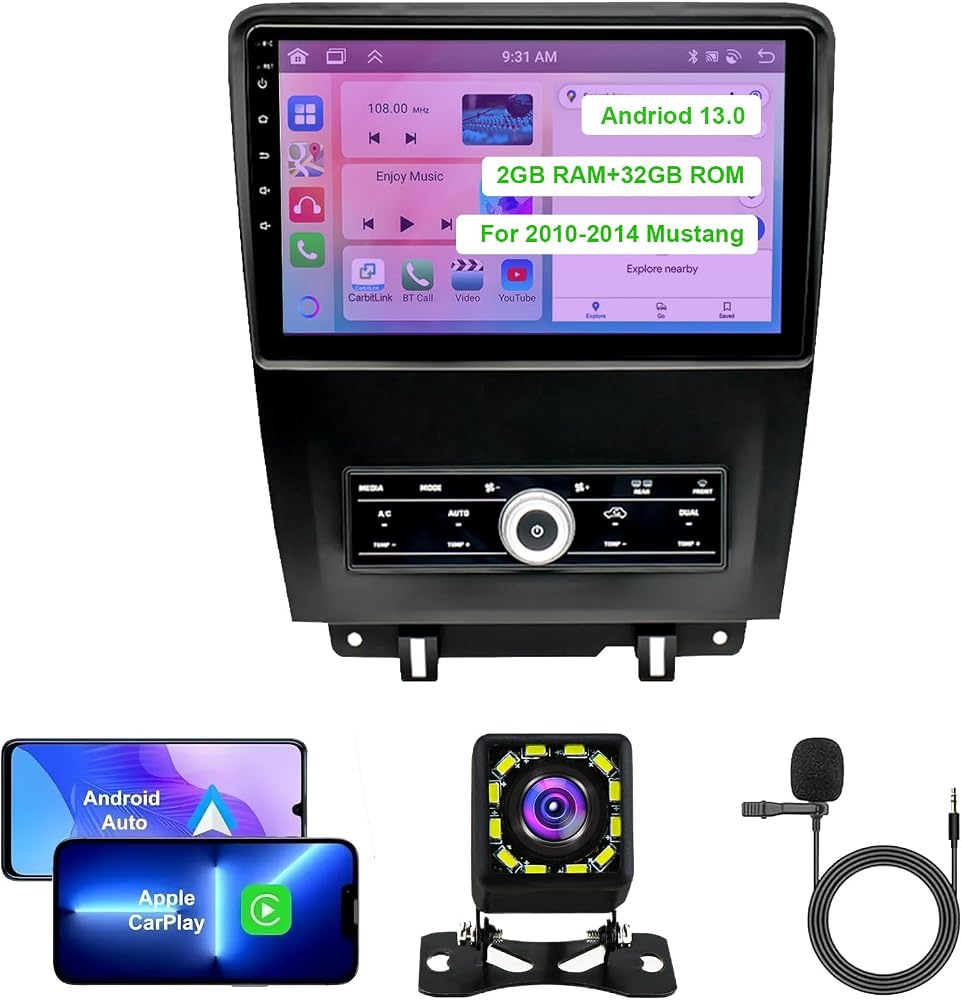
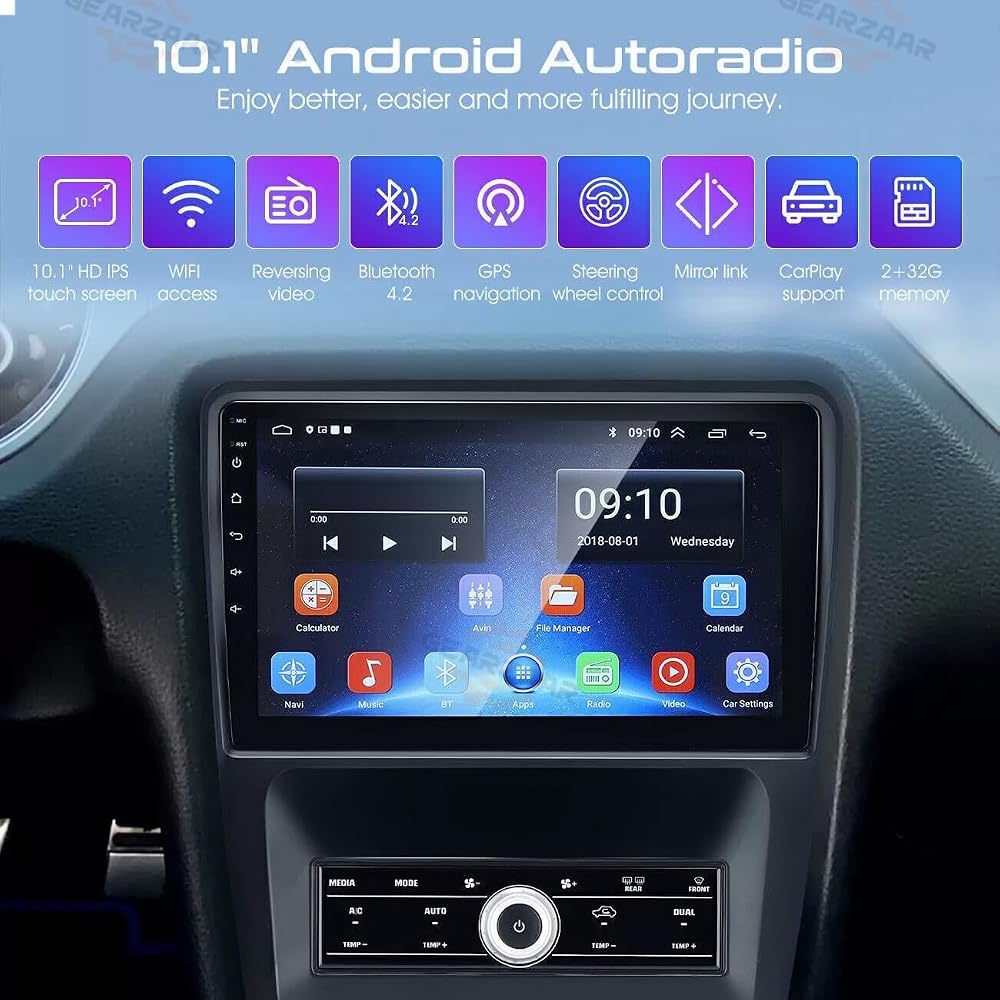
Key Features:
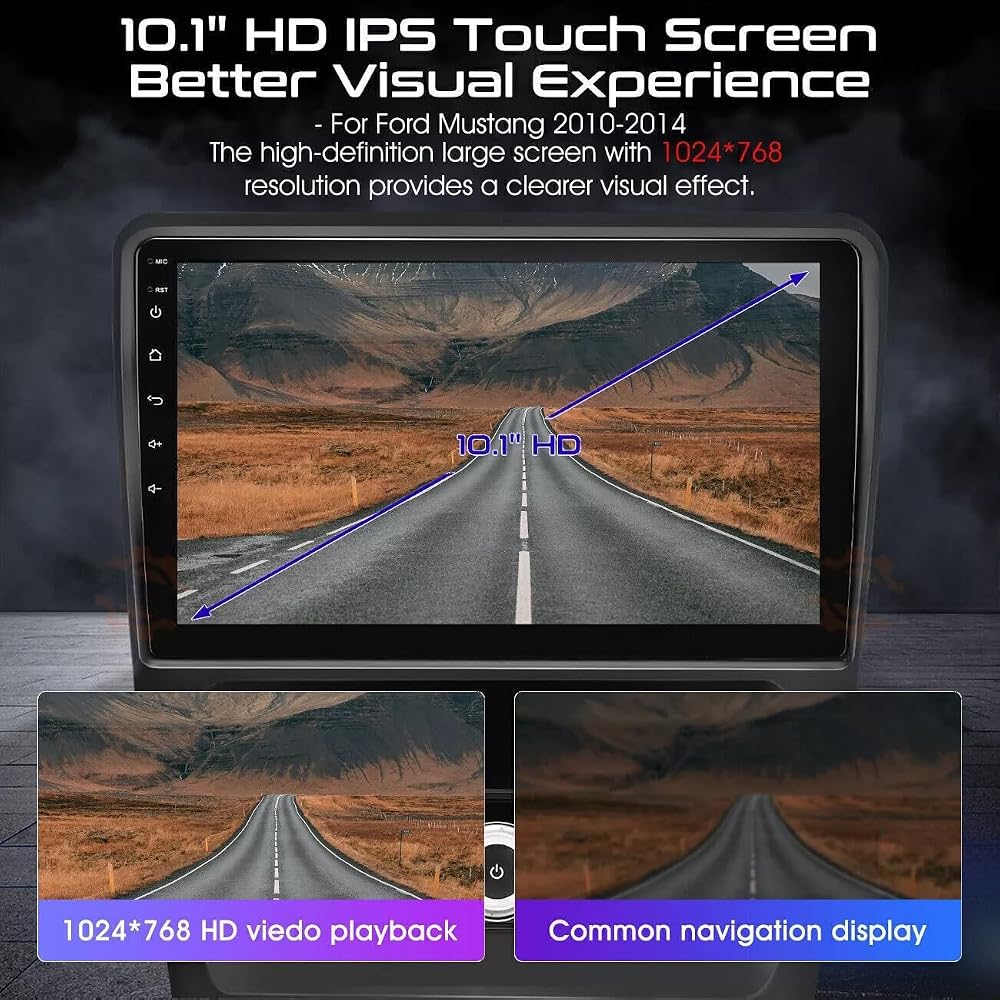
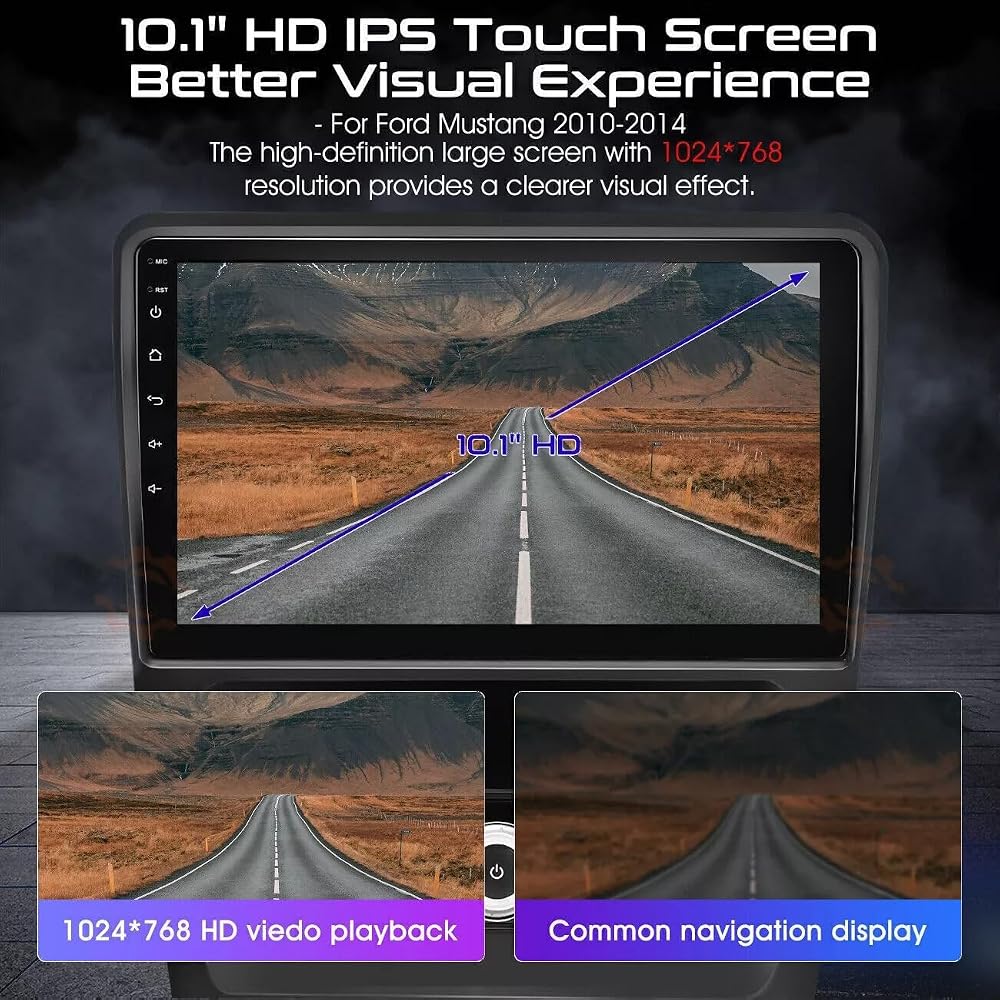
HD 2.5D Tempered Glass Mirror
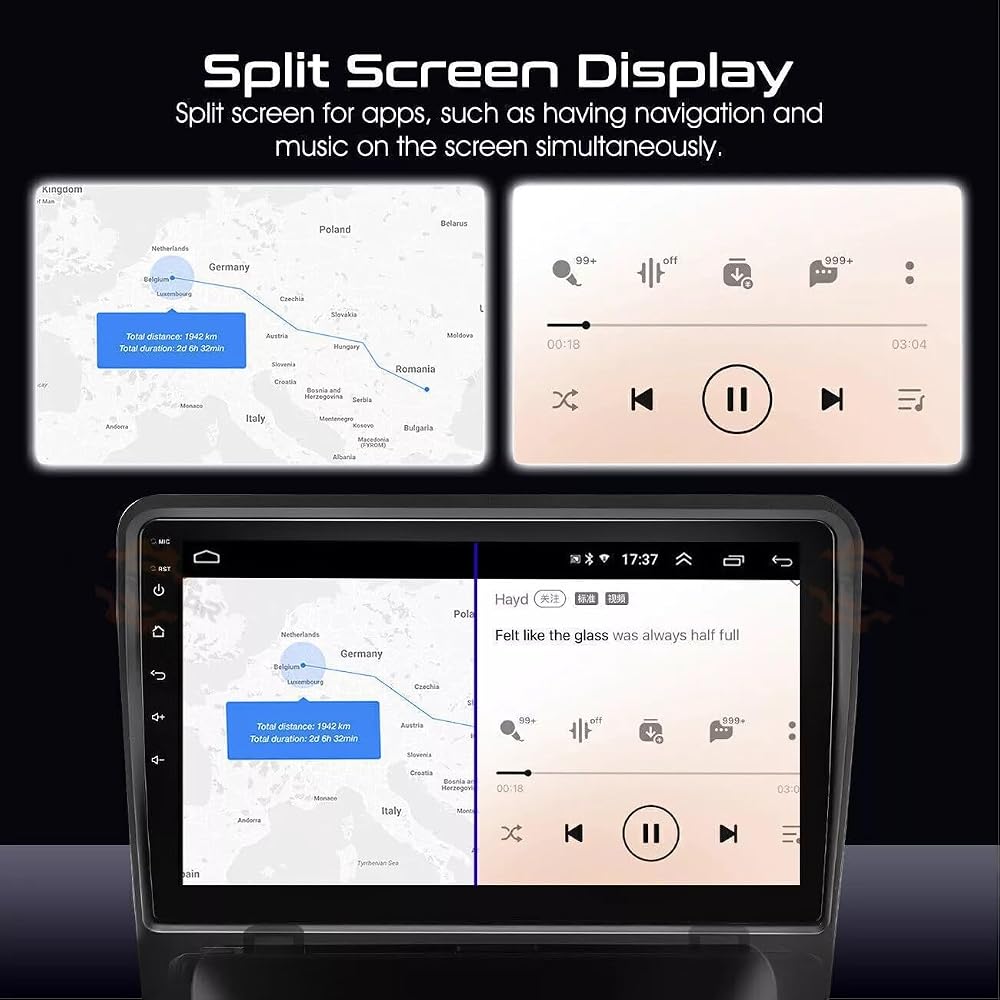
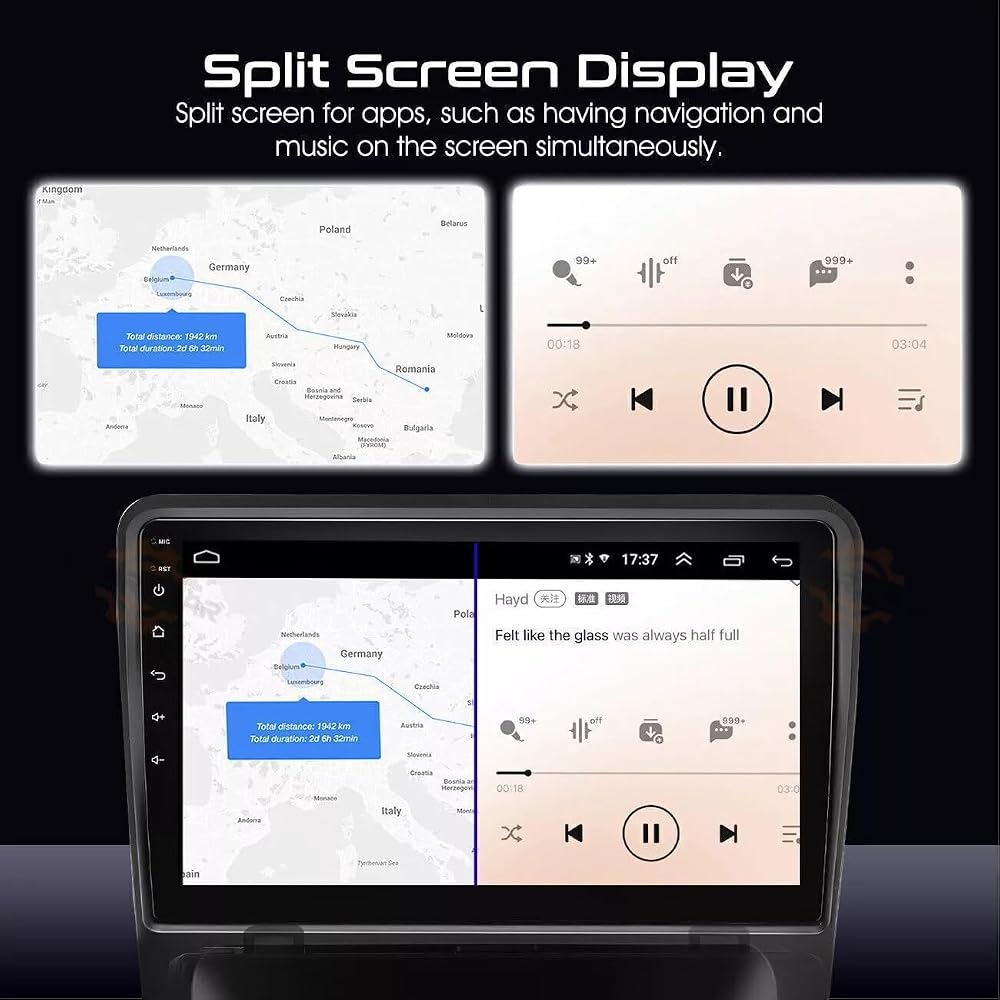
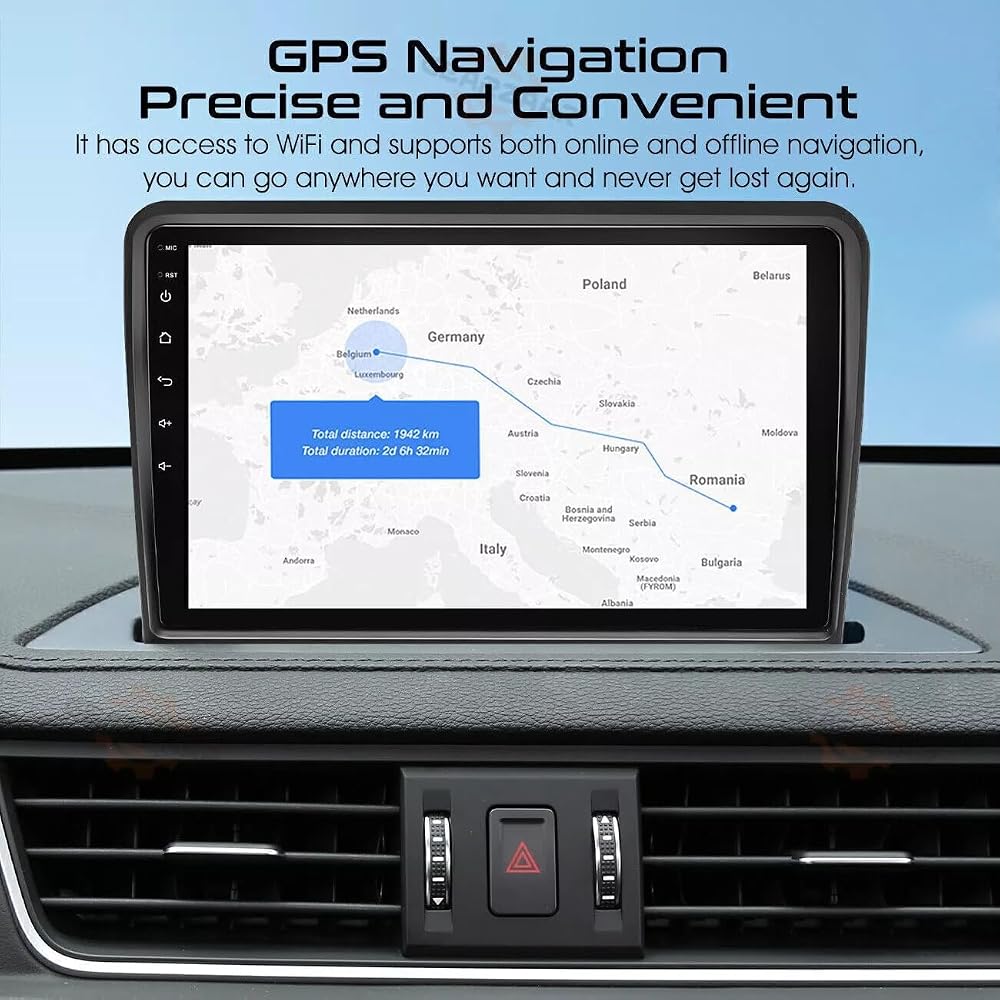
Built-in GPS Navigation
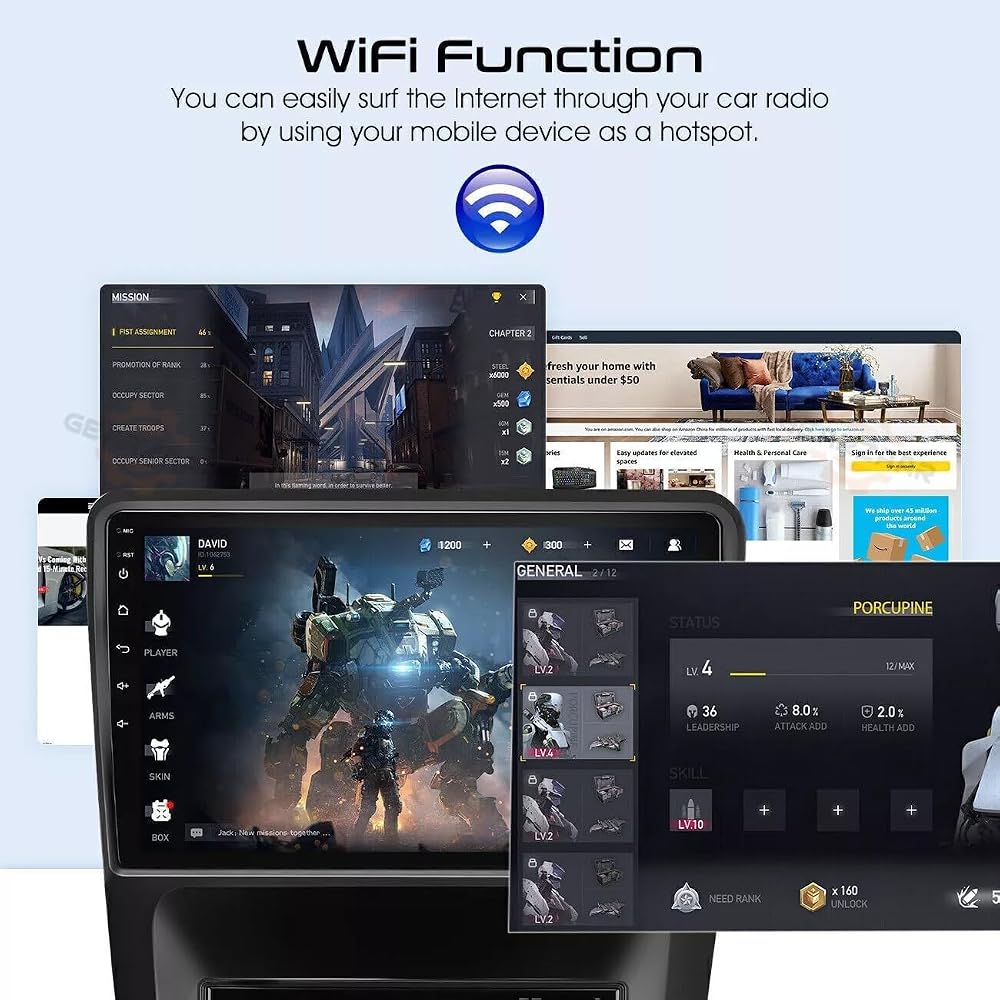
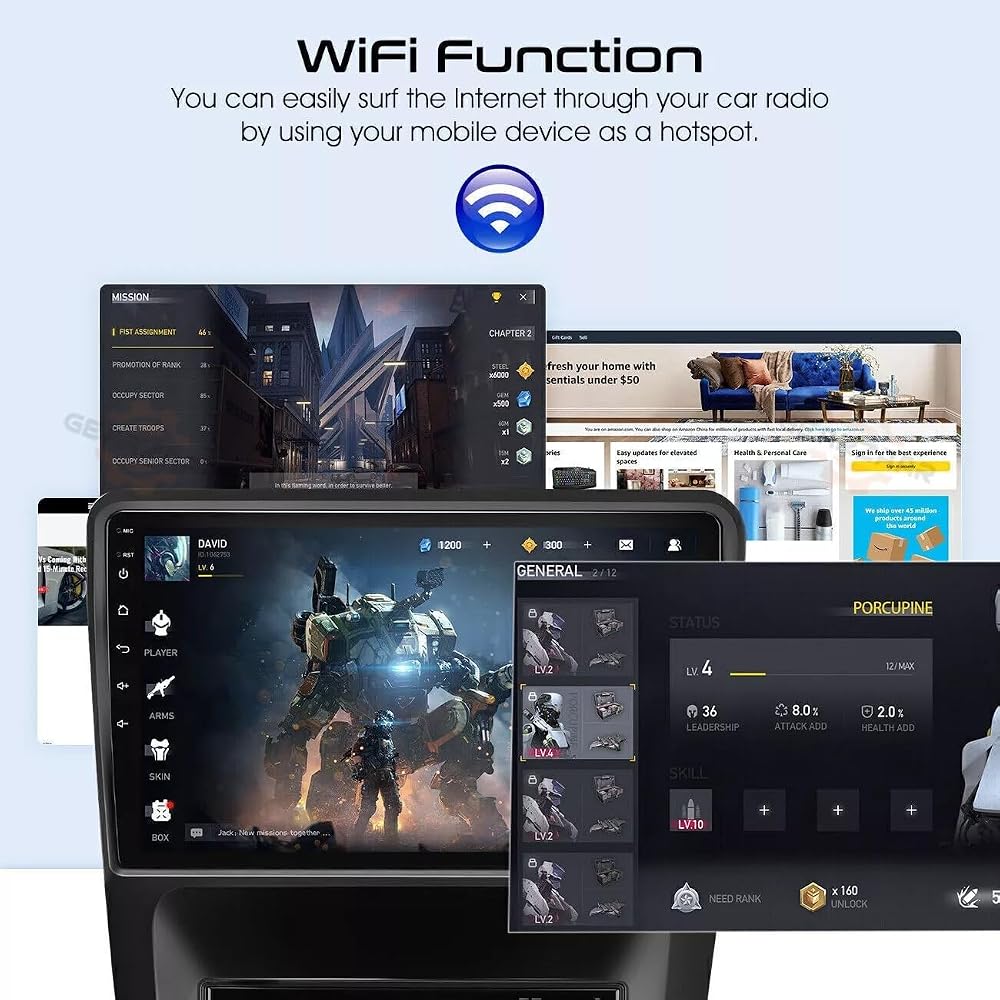
Built-in WiFi
Multi-Touch Screen
Support for Multiple Languages: Choose from a variety of languages, including English, German, French, Spanish, Italian, Portuguese, Russian, Dutch, Polish, Japanese, Chinese (Simplified & Traditional), Arabic, and more.
Steering Wheel Control
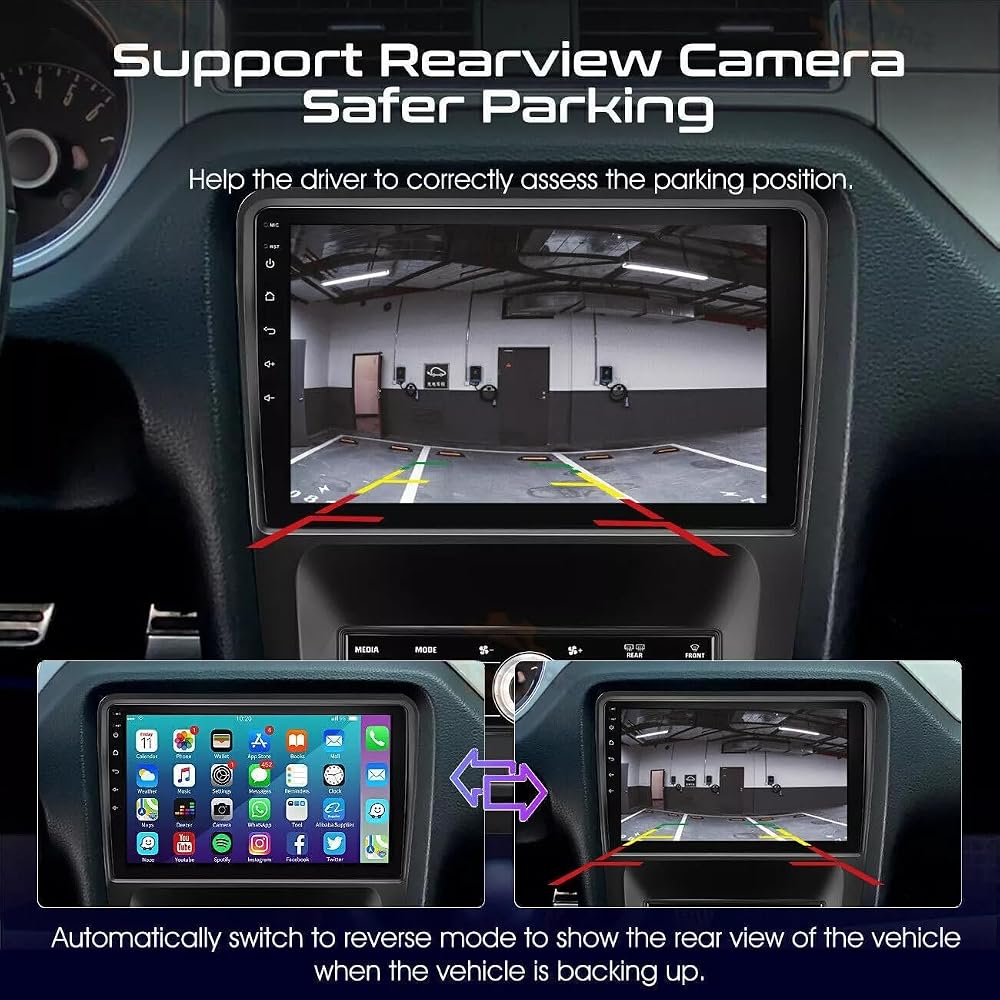
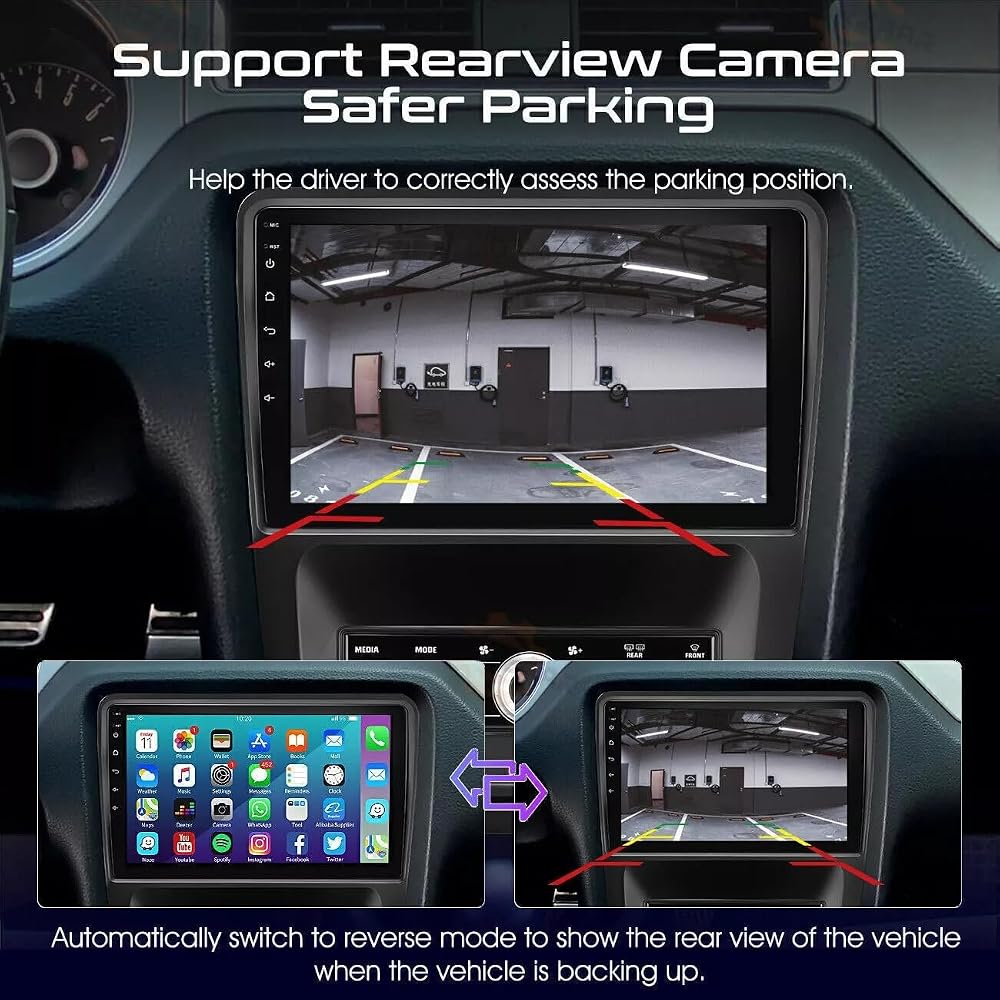
Important Note: When the car is in reverse mode, other functions (such as Bluetooth calls, music, and phone mirror link) will be temporarily disabled.
Wireless CarPlay & Android Auto Setup:
Open Bluetooth on your iPhone and car stereo.
Pair your phone with the car radio via Bluetooth.
Open the "Carbit 2.0" app on the car radio and select CarPlay for iOS or Android Auto for your phone.
Wired CarPlay & Android Auto Setup:
For Android Phones:
Connect your phone to the car radio using a 4-pin USB adapter.
Install the "Android Auto" app on your phone if not already built-in.
Connect via the original USB data cable and open the "Carbitlink" app to automatically connect.
For iOS Phones:
Connect your phone to the car radio using a 4-pin USB adapter.
Connect via the original USB data cable and open the "Carbitlink" app to automatically connect.
Warm Tip: When using the CarPlay or Android Auto function, the FM radio will not work. To use the FM radio, first disconnect from the phone link and then open the FM radio.
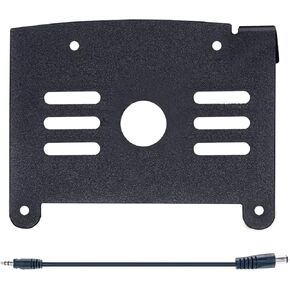 دوكسري حامل كاميرا احتياطية وكابل محول متوافق مع العجلات الخامسة ذات السلك المسبق من فوريون
SAR 89
دوكسري حامل كاميرا احتياطية وكابل محول متوافق مع العجلات الخامسة ذات السلك المسبق من فوريون
SAR 89
 2X جرافيتي WZ40TW 2400 واط أقصى قدر من الطاقة التعامل مع الطاقة من سلسلة وارزون مكبر صوت عالي التحمل من التيتانيوم فائق التحمل 4 اوم إطار من الألومنيوم - الجيل الثاني
SAR 240
2X جرافيتي WZ40TW 2400 واط أقصى قدر من الطاقة التعامل مع الطاقة من سلسلة وارزون مكبر صوت عالي التحمل من التيتانيوم فائق التحمل 4 اوم إطار من الألومنيوم - الجيل الثاني
SAR 240
 30FT 10M AV إلى AV RCA إلى RCA AV عكس الرؤية الخلفية كاميرا لموقف السيارات فيديو تمديد كابل لحافلة شاحنة طويلة
SAR 39
30FT 10M AV إلى AV RCA إلى RCA AV عكس الرؤية الخلفية كاميرا لموقف السيارات فيديو تمديد كابل لحافلة شاحنة طويلة
SAR 39
 ميمفيس اوديو MB1224 12 بوصة اختيار 2-أوم / 4-أوم مضخم صوت للسيارة
SAR 1,252
ميمفيس اوديو MB1224 12 بوصة اختيار 2-أوم / 4-أوم مضخم صوت للسيارة
SAR 1,252