- Shopping, made easy.
- /
- Get the app!
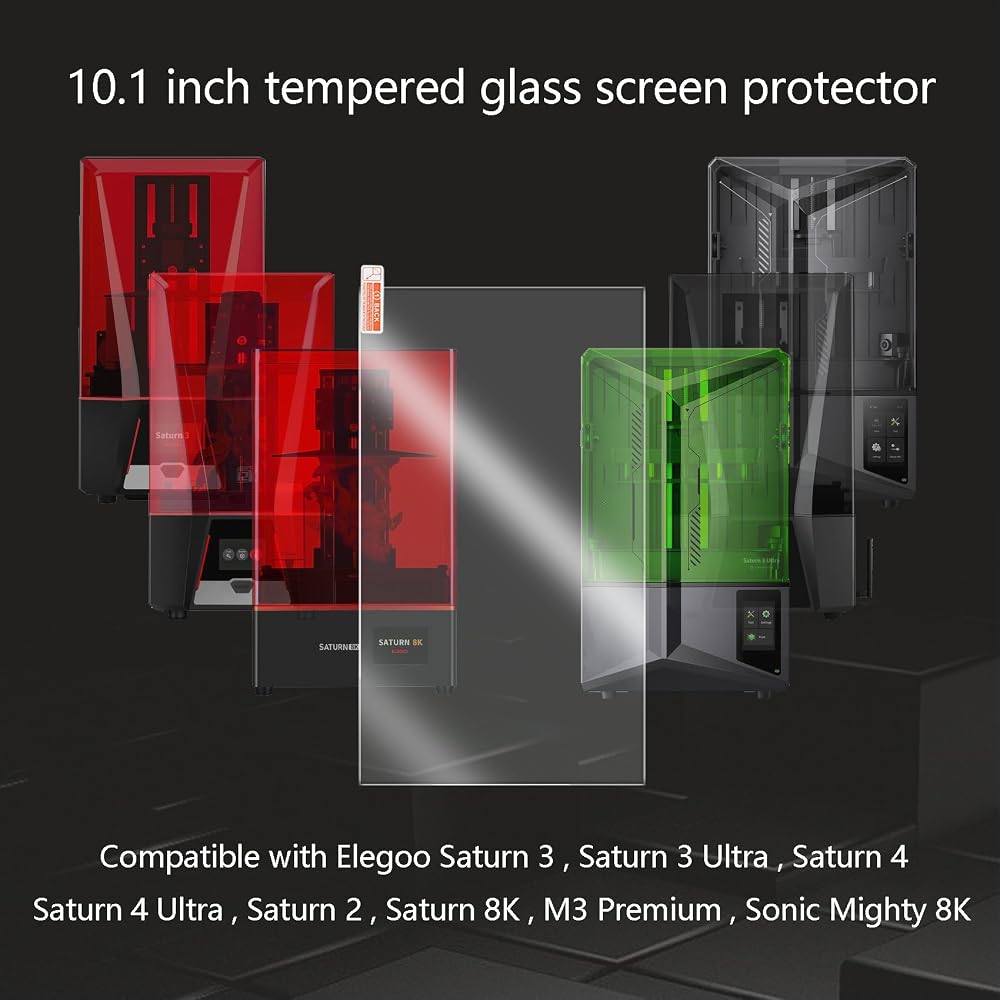
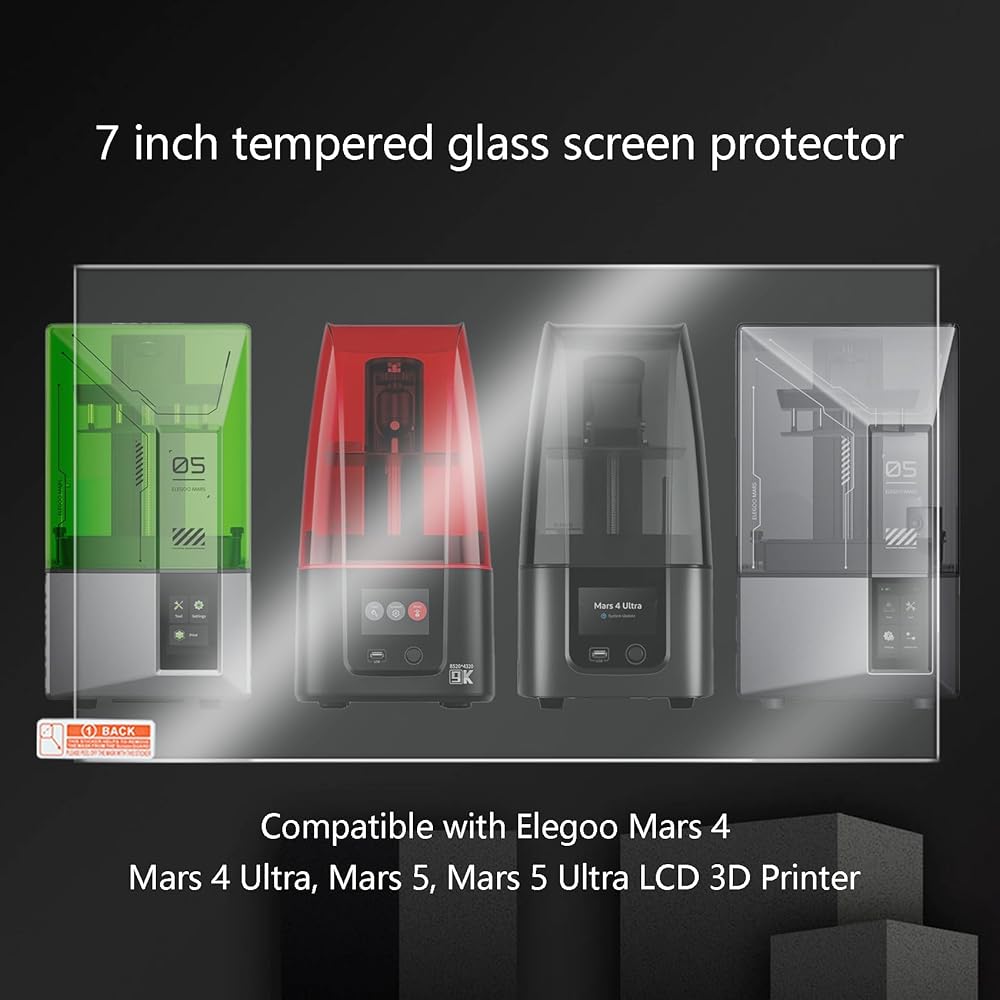
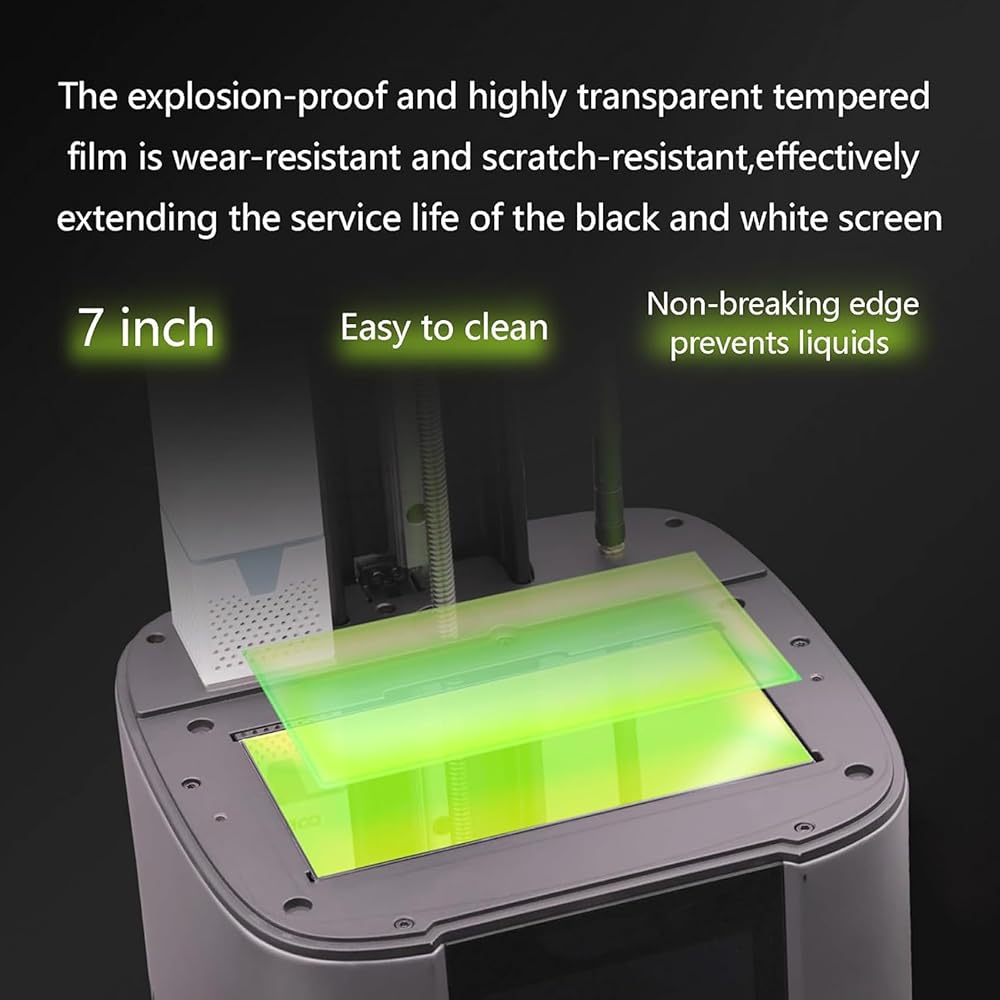
3PCS Tempered Glass Screen Protector for Elegoo Saturn 2/8K, Saturn 3/Ultra, Saturn 4/Ultra
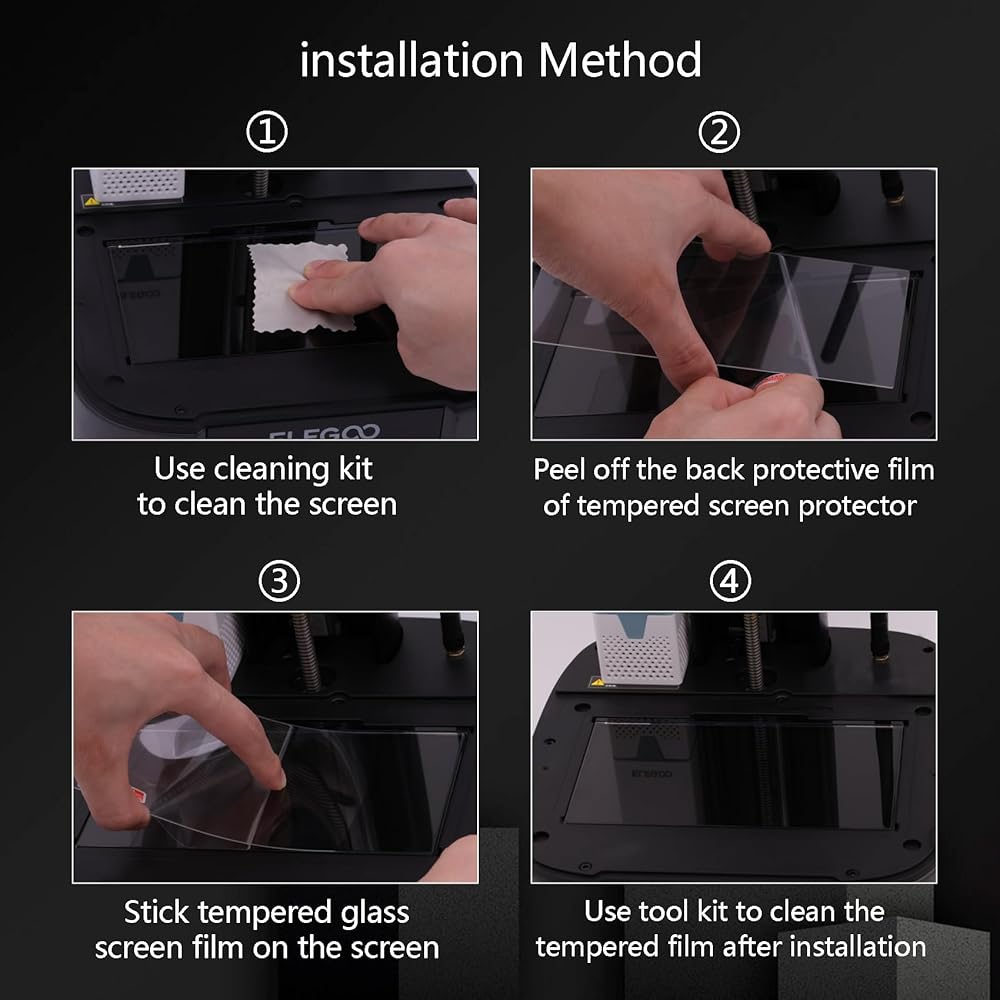
Installation instructions:
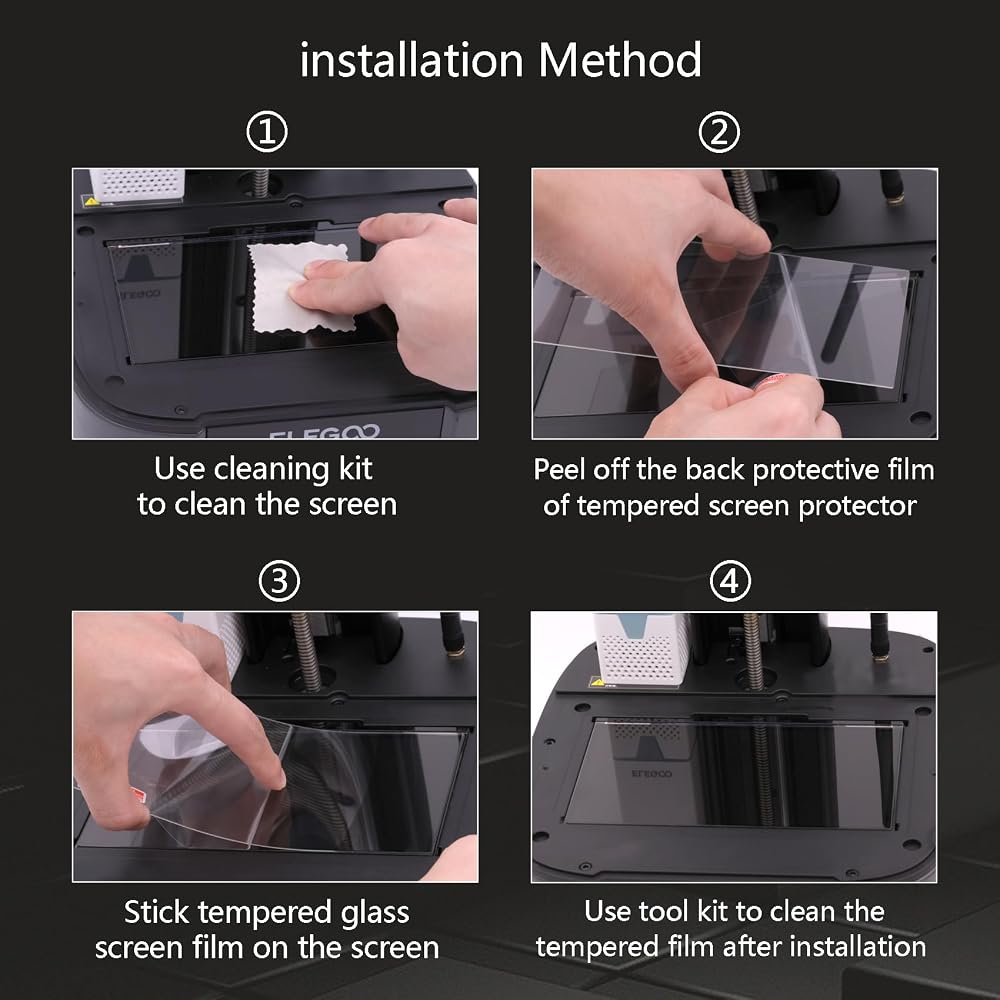
1. Remove the black shading tape from the screen Remove the old screen protector and use the tool kit to clean the screen thoroughly.
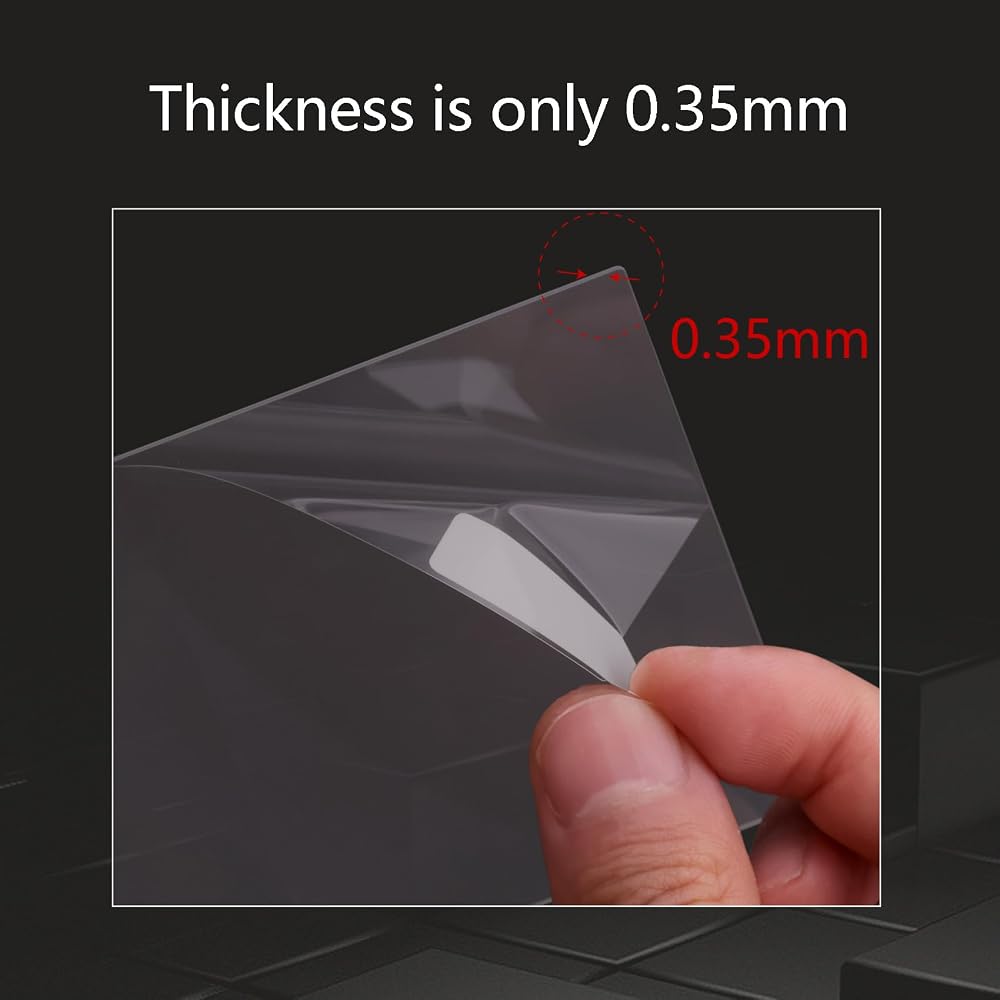
2. Aim at the edge of the screen and tear off the included protective film to make the tempered glass screen protector stick to the screen to avoid bubbles.
3. After installation, clean the surface of the tempered glass screen protector and reattach the black light-shielding tape.
4.Relevel the printer to start printing.
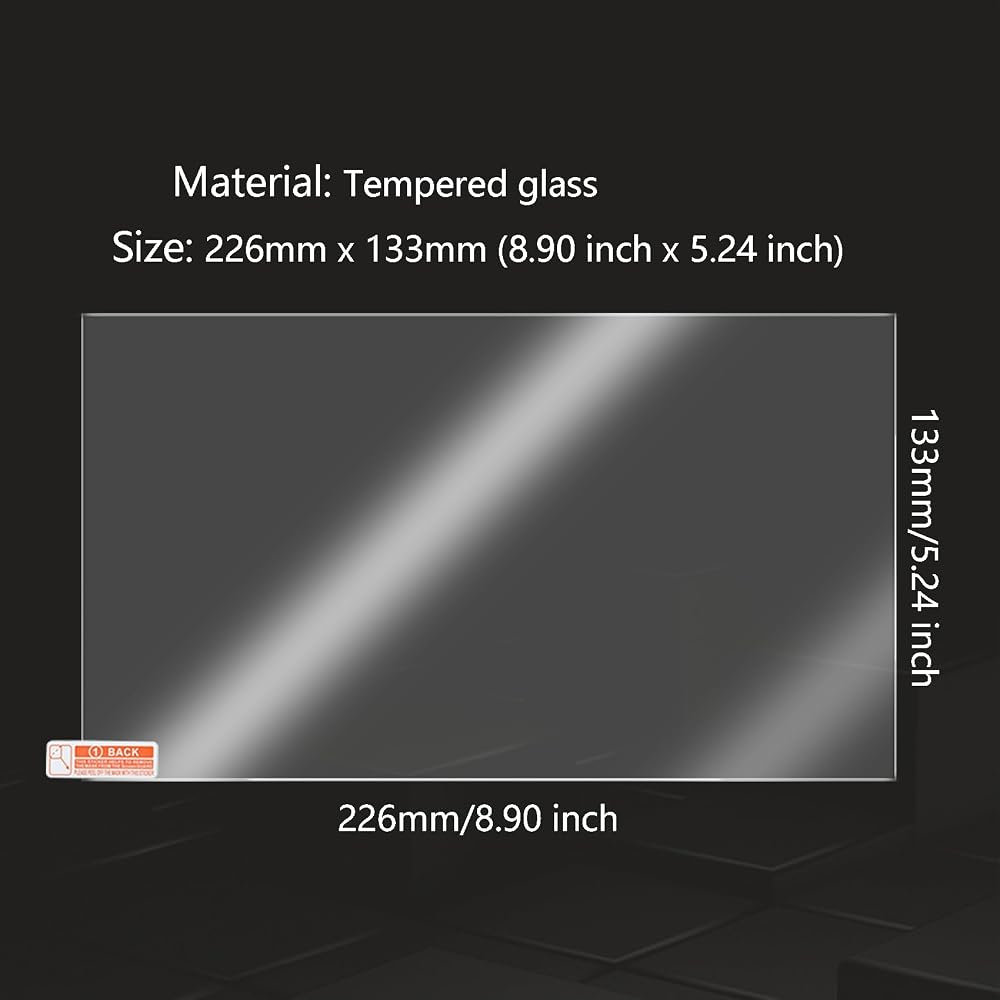
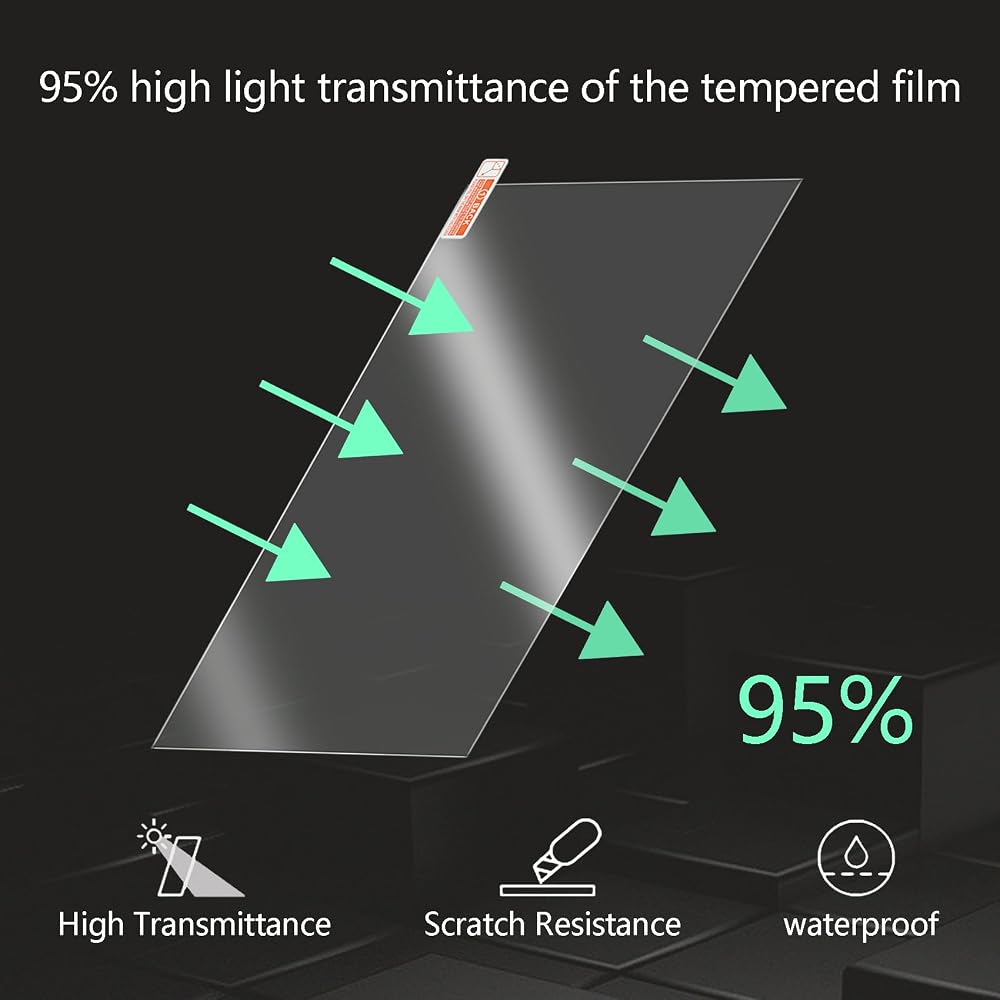
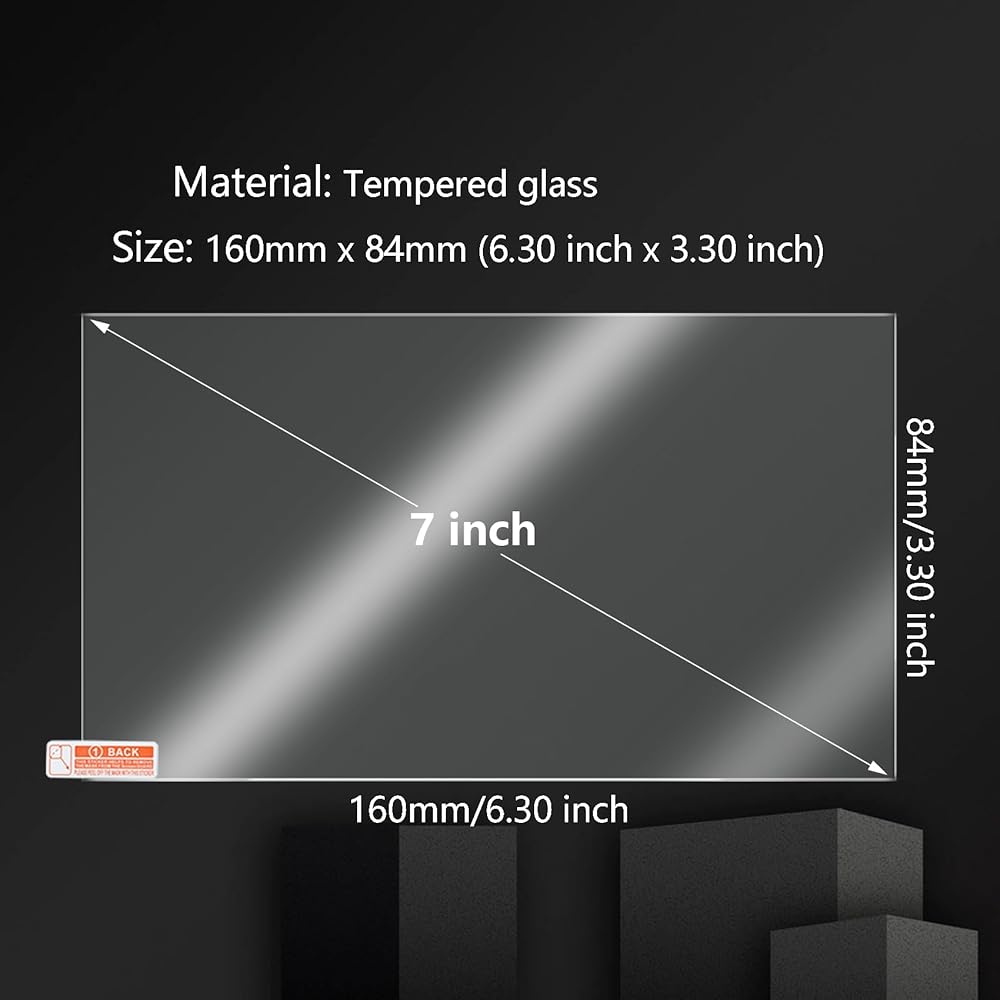
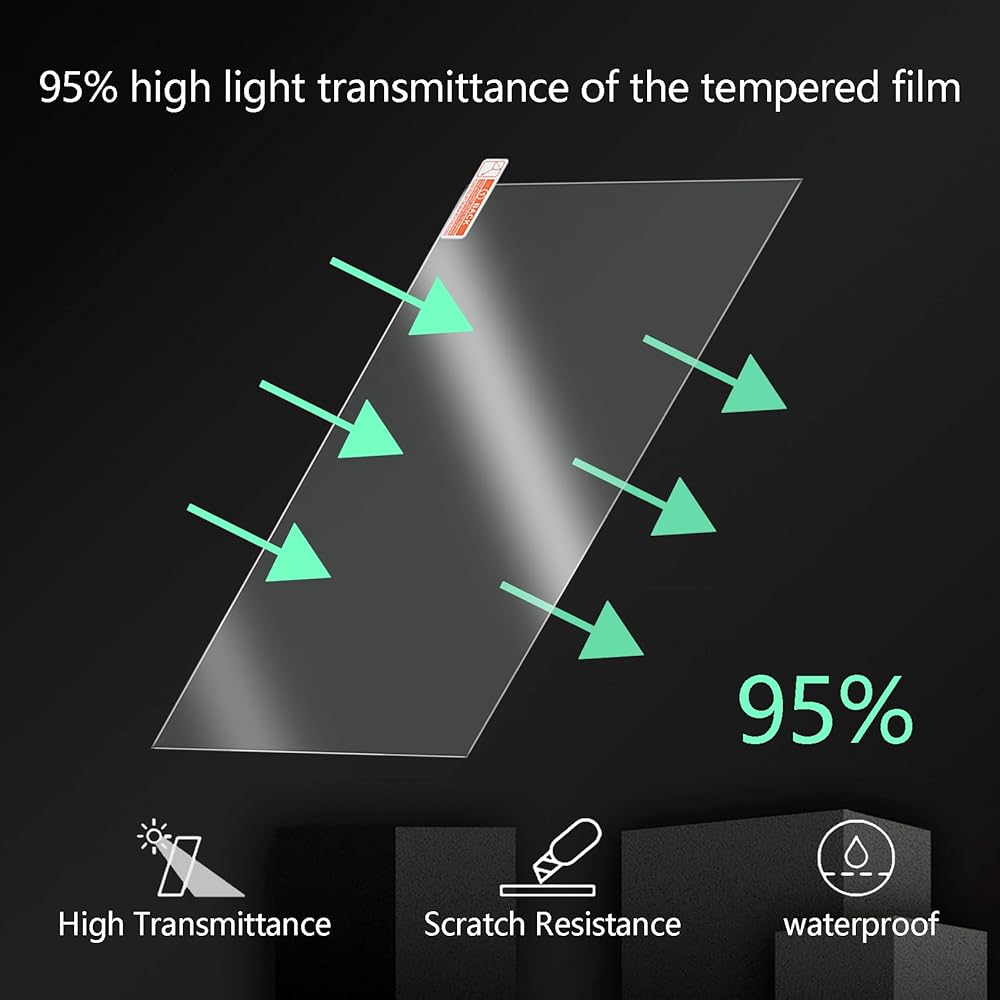
Material: Tempered Glass
Hardness: 9H
Compatible Models: for Elegoo Saturn 2/8K, Saturn 3/Ultra, Saturn 4/Ultra
Size:226x133mm
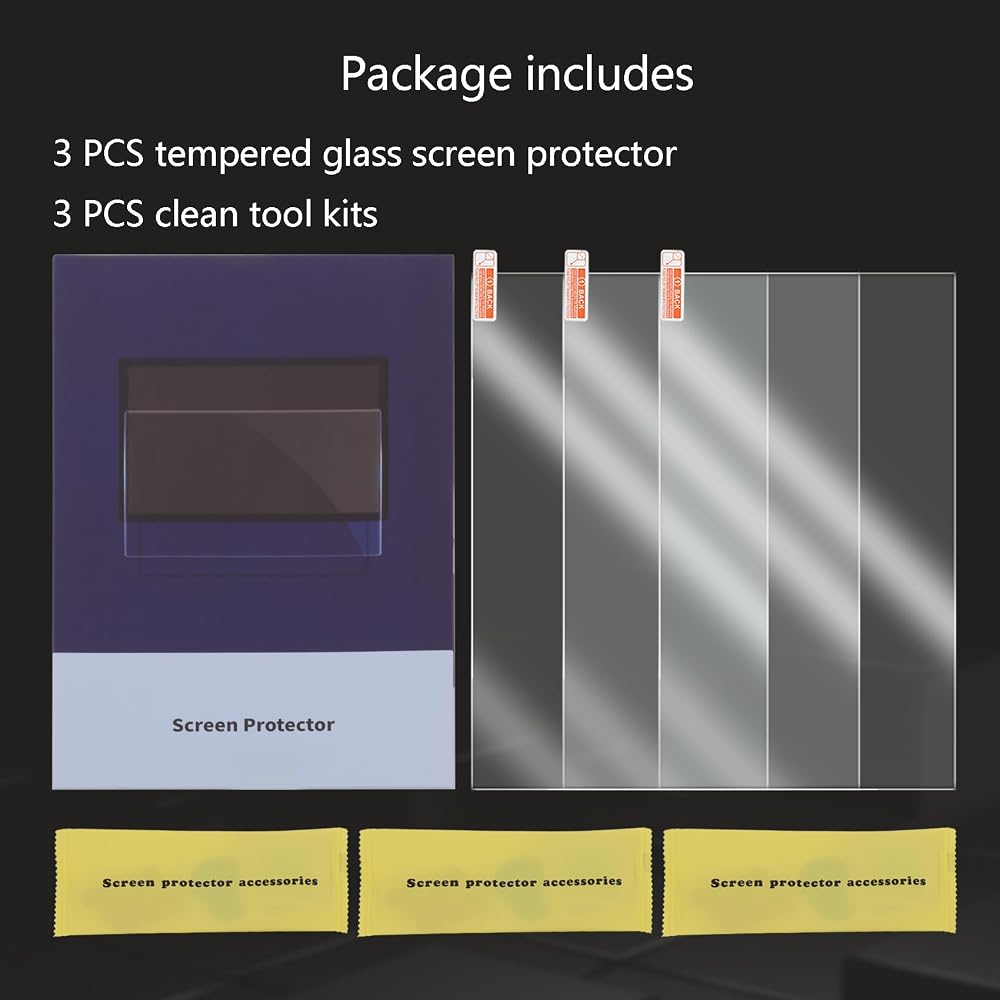
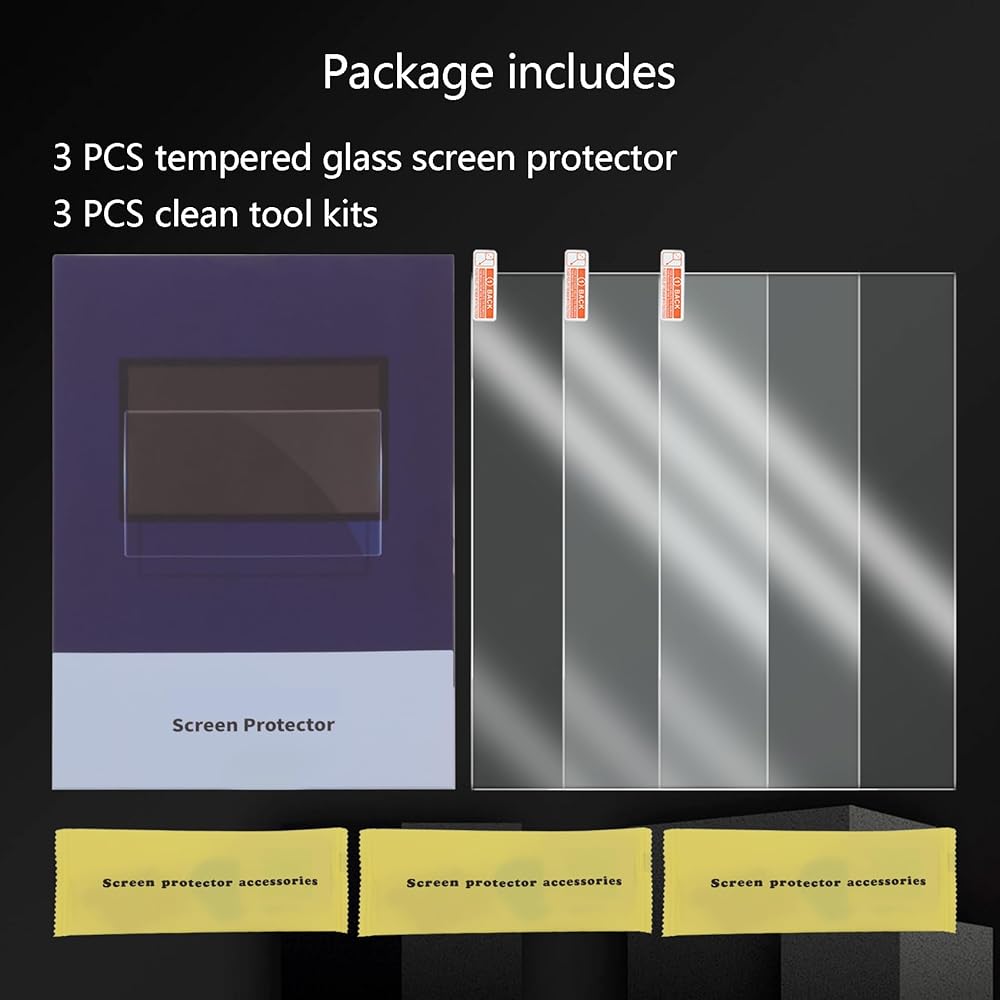
Package:3PCS tempered glass screen protector and 3 pcs tool kits.
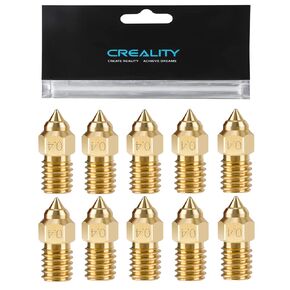 Creality 10PCS Brass 0.4mm Nozzles for Ender 3 V3 SE, Ender 5 S1, 3D Printer Parts High Speed M6 0.4mm Nozzles Kit for Ender 3 V3 SE, Ender 5 S1, Ender 7, Spider 1.0 Hotend
SAR 47
Creality 10PCS Brass 0.4mm Nozzles for Ender 3 V3 SE, Ender 5 S1, 3D Printer Parts High Speed M6 0.4mm Nozzles Kit for Ender 3 V3 SE, Ender 5 S1, Ender 7, Spider 1.0 Hotend
SAR 47
 LANKEGU 20PCS Brass Nozzles Kit for Ender 3 S1, 3D Printer 8PCS 0.4mm and 3PCS 0.2mm, 0.6mm, 0.8mm, 1.0mm Nozzles Kit for Ender 3/Pro/V2/Max/Neo, Ender5/Pro/Plus, Ender 6, CR-10 Series
SAR 58
LANKEGU 20PCS Brass Nozzles Kit for Ender 3 S1, 3D Printer 8PCS 0.4mm and 3PCS 0.2mm, 0.6mm, 0.8mm, 1.0mm Nozzles Kit for Ender 3/Pro/V2/Max/Neo, Ender5/Pro/Plus, Ender 6, CR-10 Series
SAR 58
 6PCS FEP Film 290x210x0.15mm, FEP Release Film for ELEGOO Saturn 3, Saturn 3 Ultra, Saturn 2, Saturn 8K, Halot Mage/Pro, Photon M3 Premium, Photon M5/M5S/Pro 10.1inch LCD Resin 3D Printers
SAR 141
6PCS FEP Film 290x210x0.15mm, FEP Release Film for ELEGOO Saturn 3, Saturn 3 Ultra, Saturn 2, Saturn 8K, Halot Mage/Pro, Photon M3 Premium, Photon M5/M5S/Pro 10.1inch LCD Resin 3D Printers
SAR 141
 Creality Ender-5 S1 Filament Sensor Kit, 3D Printer Filament Run Out Detector Kit for Ender-5 S1, K1, K1 Max, Sermoon D3 3D Printers
SAR 79
Creality Ender-5 S1 Filament Sensor Kit, 3D Printer Filament Run Out Detector Kit for Ender-5 S1, K1, K1 Max, Sermoon D3 3D Printers
SAR 79