- التسوق ، اصبح سهلا.
- /
- احصل على التطبيق!
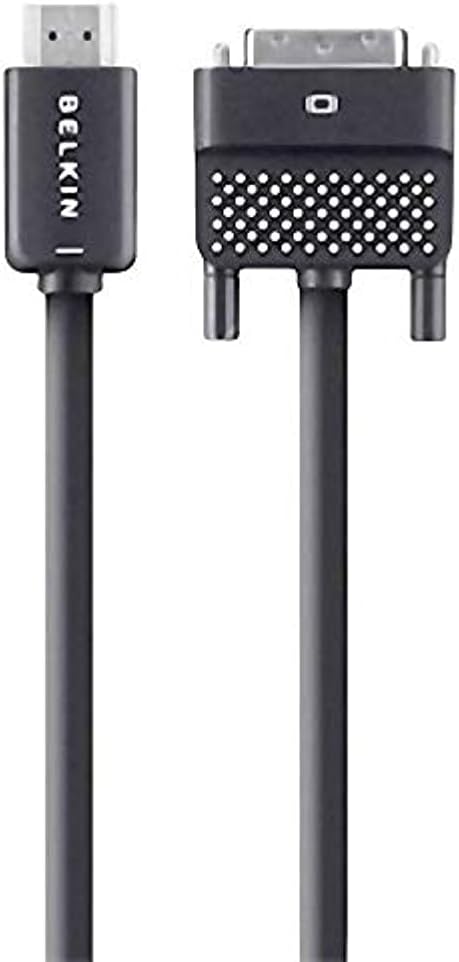
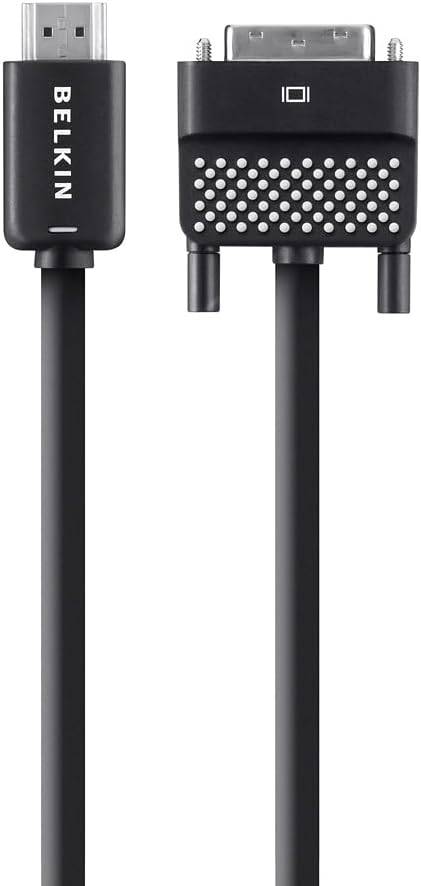
Display video content from your laptop or tablet on an HDTV using Belkin's HDMI to DVI Cable. The cable works with devices that have a DVI input such as MacBooks, ultrabooks, laptops, and tablets. With its extended 12-foot length, the cable is ideal for connecting to a mounted HDTV or one with a rear HDMI input.
The HDMI to DVI Cable is ideal for connecting a laptop with a DVI input to an HDTV.
Enjoy Videos from Your Laptop on an HDTVThe Belkin HDMI to DVI Cable is the ideal solution for connecting your MacBook, ultrabook, laptop, or tablet to your HDTV. Simply plug one end into the DVI input on your notebook or tablet and plug the other end into an HDMI-enabled display to enjoy movies, television, and web content on a larger screen.
Note: This cable is equipped for video only. A separate audio cable is needed to stream audio.
High-Resolution Output for Fine DetailThe HDMI to DVI Cable supports a video resolution of 1080p, making it an ideal tool for business presentations or movie nights. A high-quality molded-strain relief at the connection points provides flexibility when connecting between devices, reducing strain on the cable.
12-Foot Cable Reaches Rear HDMI InputsMeasuring 12 feet (3.6 meters) long, this plug-and-play cable lets you connect your laptop to an HDTV without having to move either device. The extra slack also makes it easier to reach rear HDMI inputs on wall-mounted HDTVs.
What's in the BoxBelkin HDMI to DVI Cable (12 Feet).
HDMI to DVI Cable (12 Feet)At a Glance:Connects any device with a DVI input to your HDTV
Compatible with MacBooks, ultrabooks, laptops, and tablets
Supports Full HD (1080p) resolution
Enjoy video from your device on a bigger screen (audio not supported)
Molded-strain relief provides flexibility at connection points
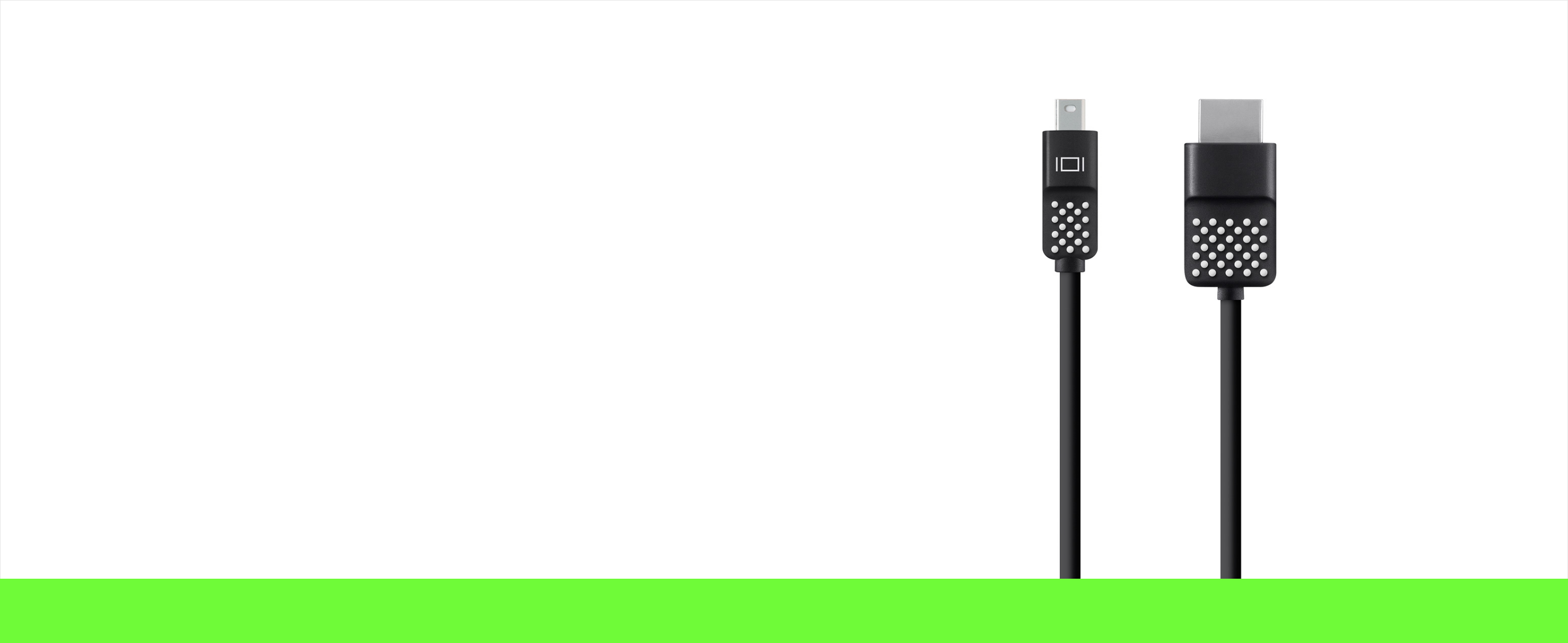
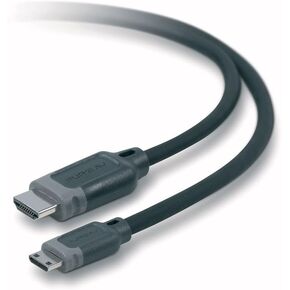 كابل HDMI إلى ميني HDMI ذكر إلى ذكر AV22303B06 من بيلكن
SAR 94
كابل HDMI إلى ميني HDMI ذكر إلى ذكر AV22303B06 من بيلكن
SAR 94
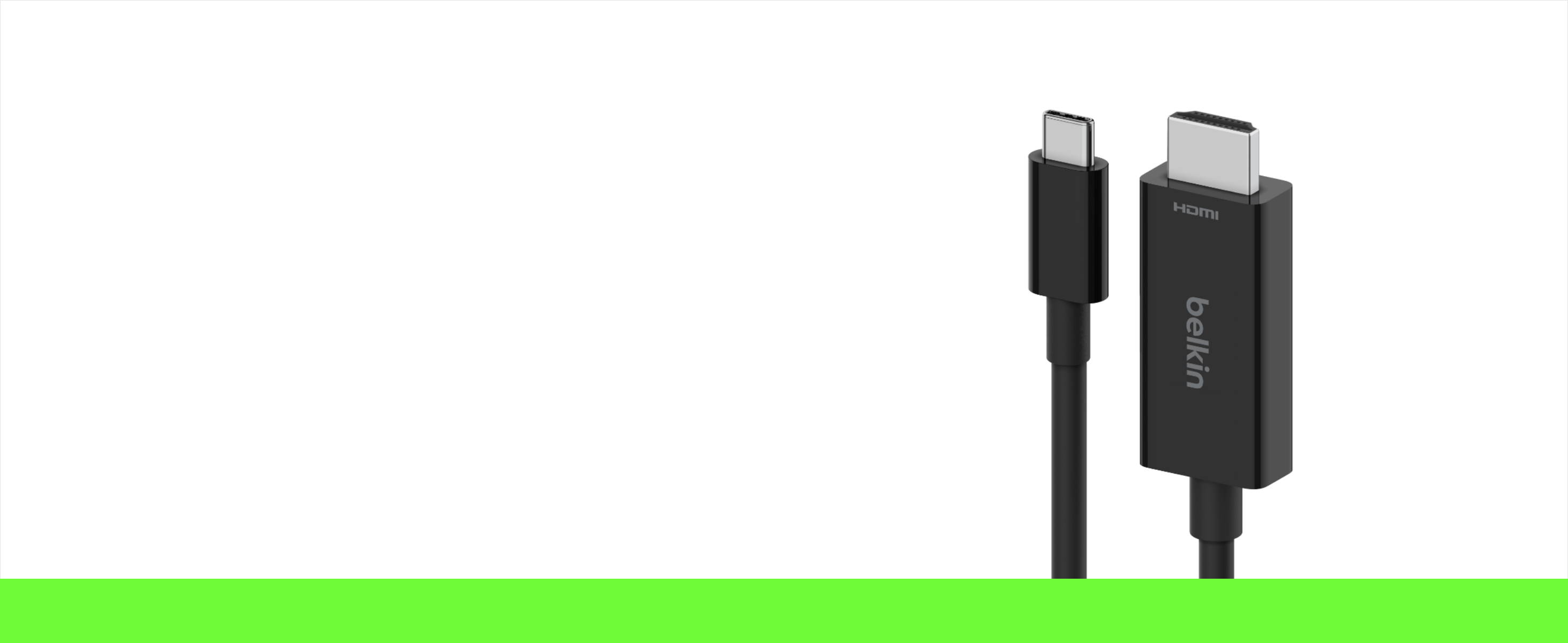
 بلكن كيبل USB نوع C الى HDMI 2.1، كيبل 6.6 قدم/2 متر مع 8K@60Hz، 4K@144Hz، HDR، HBR3، DSC، HDCP 2.2، متوافق مع كروم بوك، ماك بوك، ايباد برو وغيرها من اجهزة USB C
SAR 261
بلكن كيبل USB نوع C الى HDMI 2.1، كيبل 6.6 قدم/2 متر مع 8K@60Hz، 4K@144Hz، HDR، HBR3، DSC، HDCP 2.2، متوافق مع كروم بوك، ماك بوك، ايباد برو وغيرها من اجهزة USB C
SAR 261
 -32%
بلكين – لعبة Thin Coax BNCm/BNCm 50 OHM - 10 أقدام 6-Foot
SAR 34
-32%
بلكين – لعبة Thin Coax BNCm/BNCm 50 OHM - 10 أقدام 6-Foot
SAR 34
 -57%
(6.6 قدم) - كيبل HDMI بلكن عالي السرعة، كيبل HDMI عالي السرعة، كيبل HDMI عالي الدقة
SAR 42
-57%
(6.6 قدم) - كيبل HDMI بلكن عالي السرعة، كيبل HDMI عالي السرعة، كيبل HDMI عالي الدقة
SAR 42