- Shopping, made easy.
- /
- Get the app!
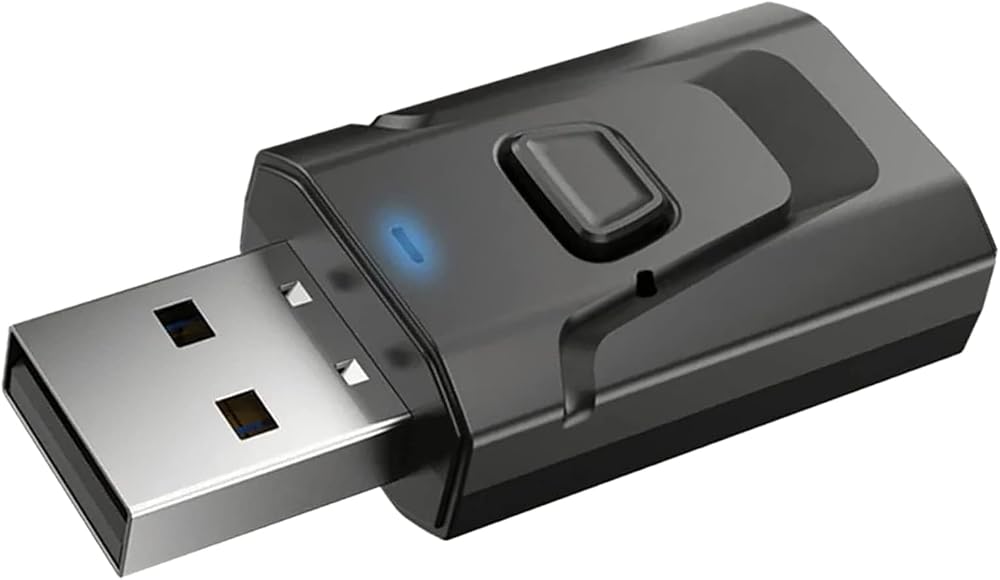
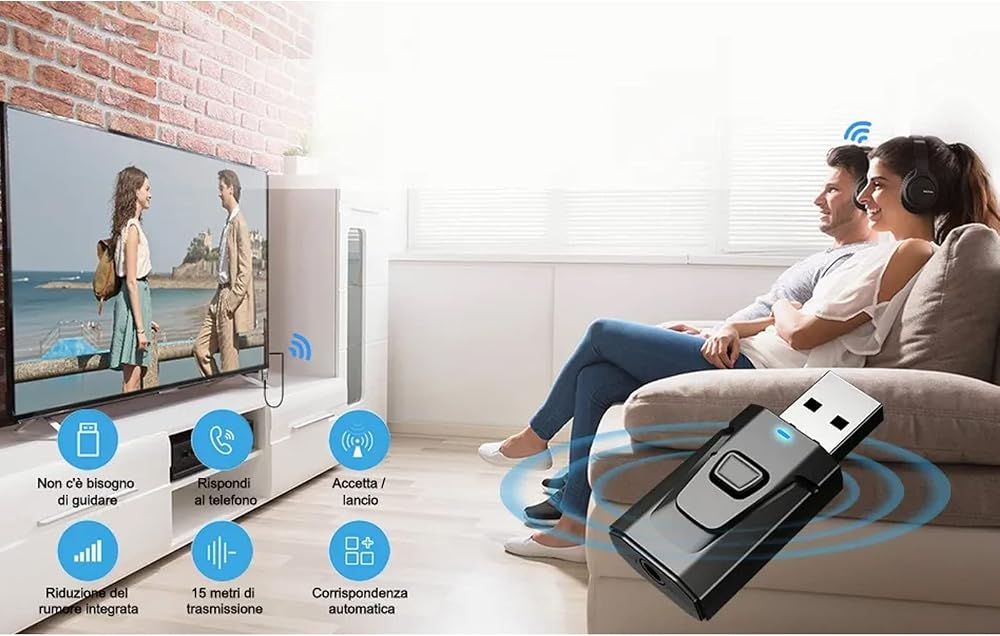
"Features:
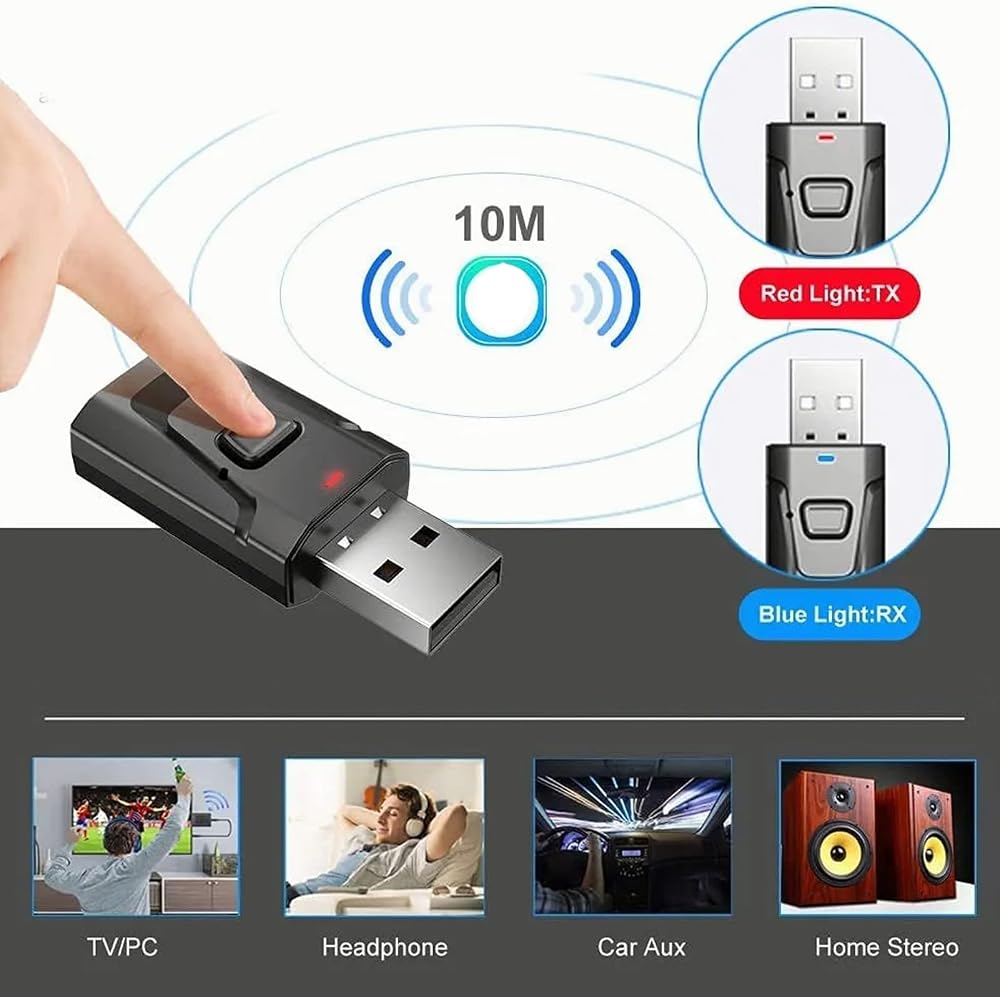
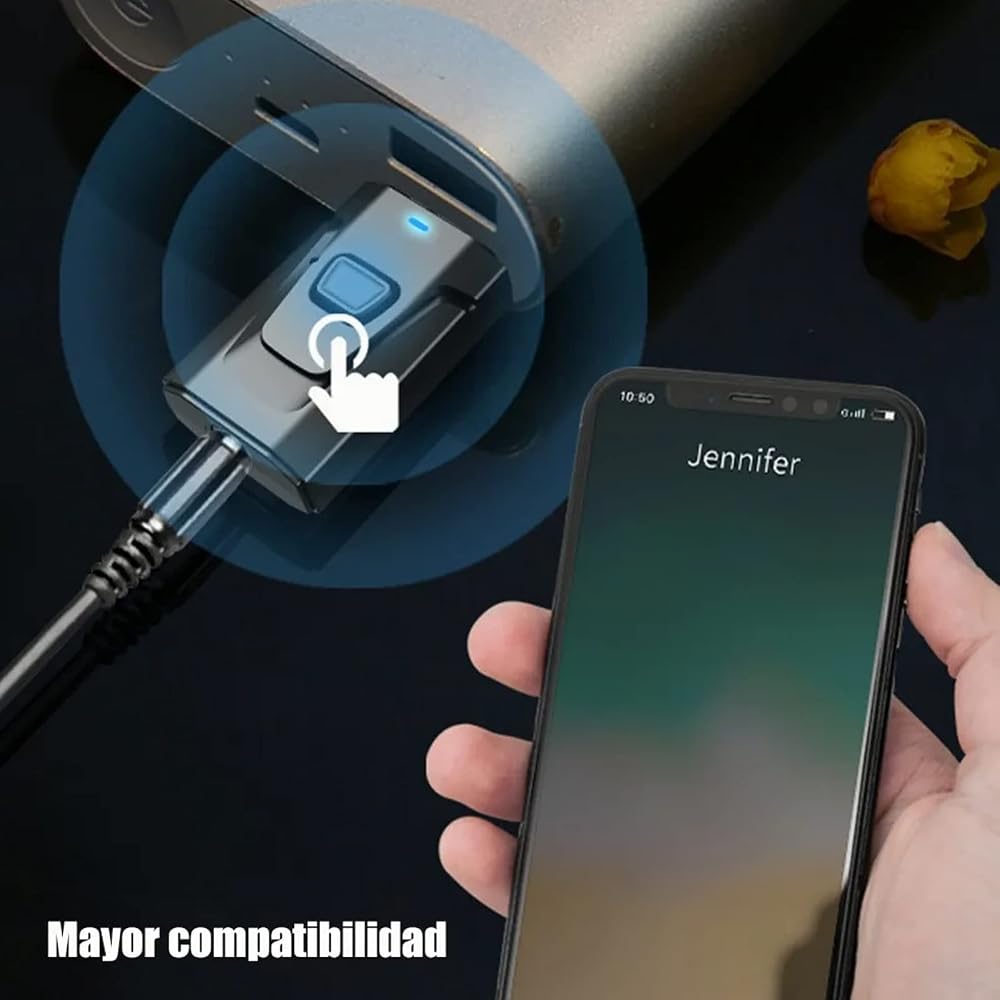
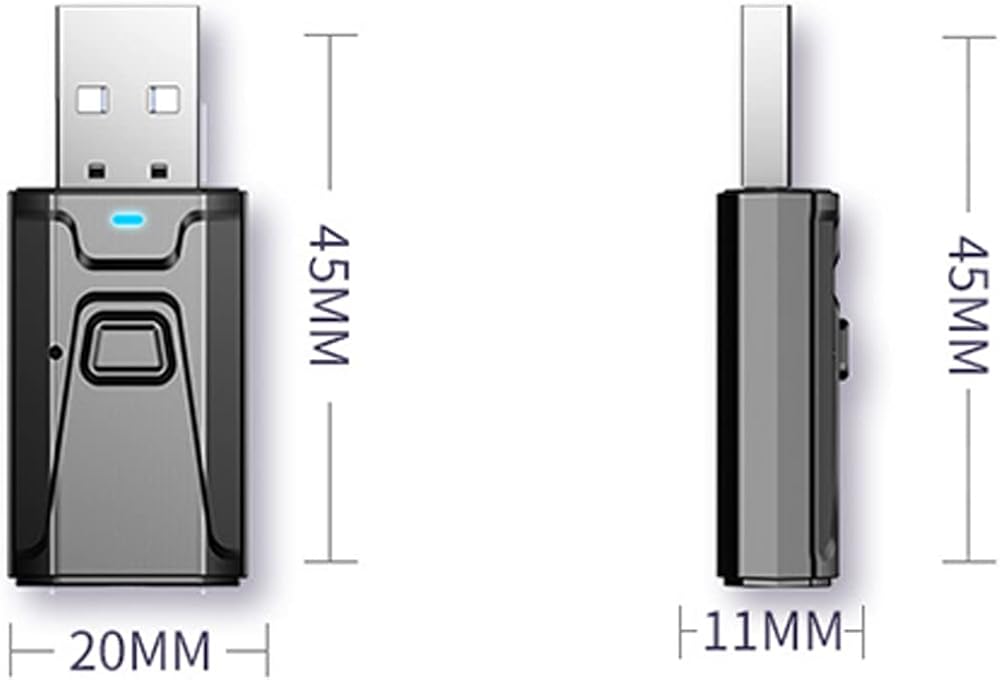
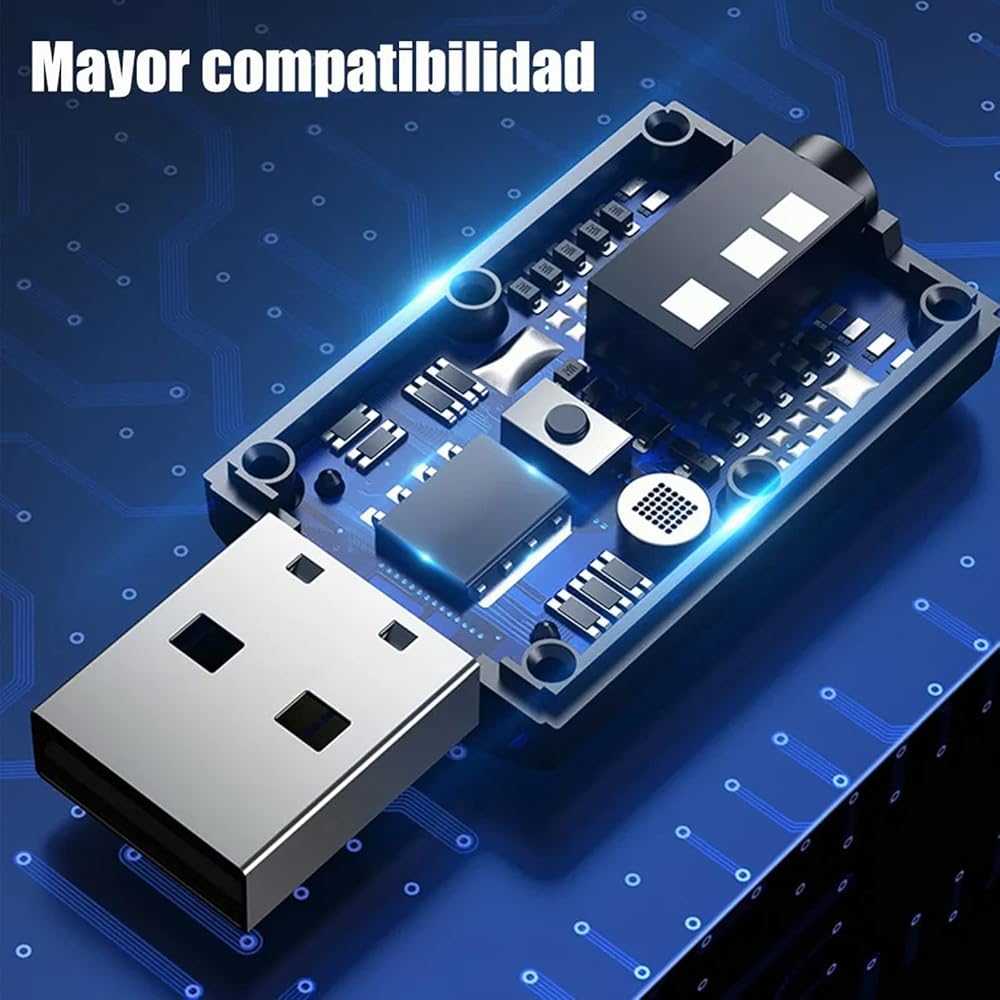
1. No driver required, plug and play, quick Bluetooth connection, easy to use. 2. The transmitting range is 15 meters. When used at home, it can achieve whole-family coverage without worrying about disconnection. 3. Bluetooth 5.0 has stronger compatibility, stable signal, more stable sound quality, and no delay or lagging. 4. In the receiving mode while driving, you can answer the call and hang up the call with one click, making it safer while driving. Directions for Use:
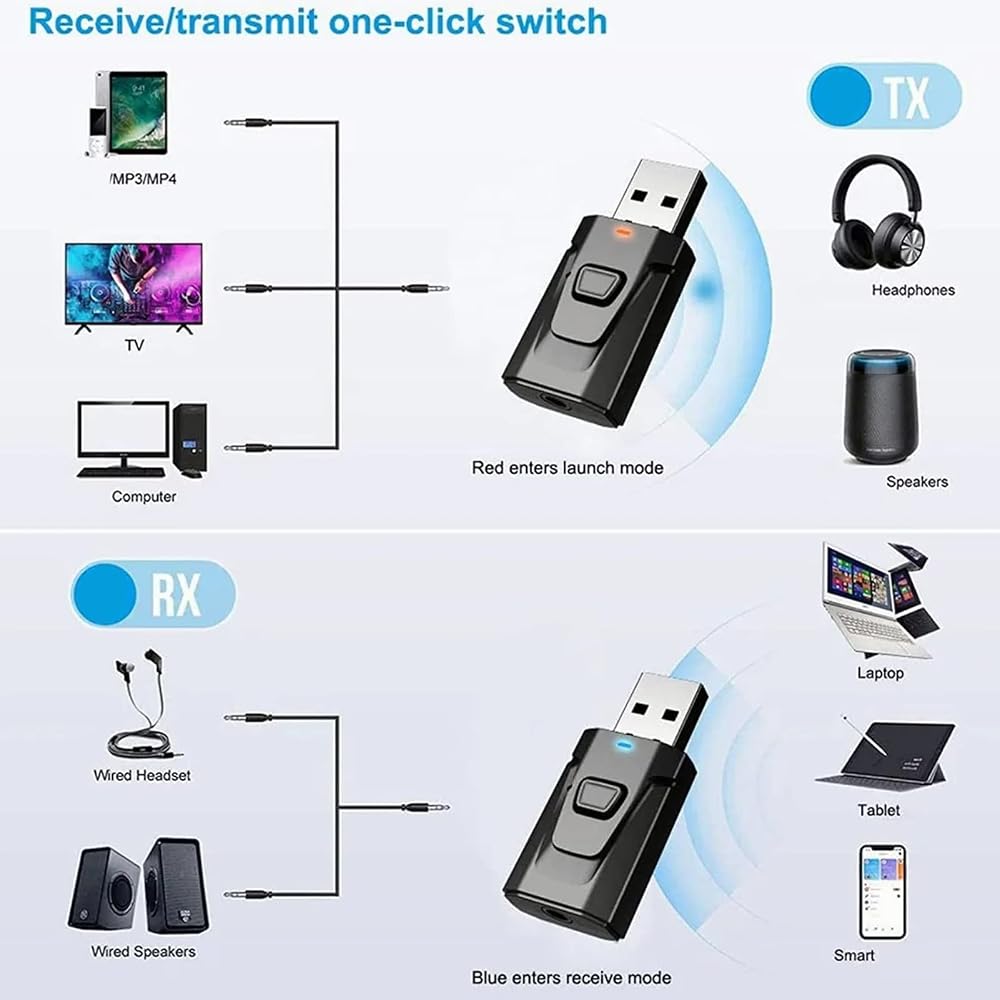
Transmission mode: 1. Plug the device into the USB port for power supply (such as the USB charging port on the TV, computer, mobile phone charger), the device will automatically turn on, the device will light up the red indicator light and flash quickly, that is, it will enter the Bluetooth search state; 2. Insert the 3.5MM audio connection cable into the 3.5mm audio port on the device, and insert the other end of the audio cable into the audio output interface (such as : Headphone output interface of the device); 3. Turn on the Bluetooth audio receiving device (such as Bluetooth headset, Bluetooth speaker, etc.) and set it to the pairing state. The device will automatically pair. If the pairing is successful, the red indicator light will always be on; 4. If it is not the Bluetooth device you want to connect to, you can short press the function key on the device and it will automatically search for the next Bluetooth audio receiving device. Receiving mode: 1. Plug the device into the USB port for power supply (5V USB interface), the device will automatically shut down, the device will light up the red indicator light and flash quickly. Press and hold the function button, the indicator light will switch to blue and flash quickly. That is, enter the Bluetooth receiving state; 2. Insert the 3.5mm audio cable into the 3.5mm audio port on the device, and plug the other end of the audio cable into the AUX port of the playback device (headphones, speakers, etc.); 3. Turn on the Bluetooth function of your phone (or computer), search for surrounding Bluetooth devices, find a device called Wireless Music Adapter in the search results, and pair it with it. After the pairing is successful, the indicator light on the Bluetooth receiver changes to Always on.

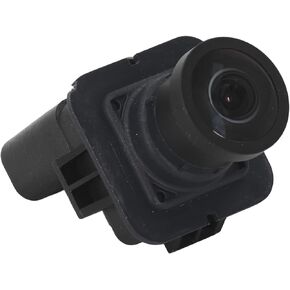 GC3Z-19G490-B, Shock Proof Backup Camera Antifog Lasting Performance IP68 Waterproof Rear View Camera Clear Resolution for F-550
SAR 155
GC3Z-19G490-B, Shock Proof Backup Camera Antifog Lasting Performance IP68 Waterproof Rear View Camera Clear Resolution for F-550
SAR 155
 -19%
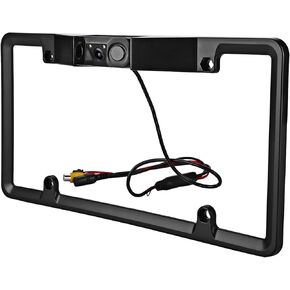
Car Reverse Camera, Car Rear Camera, HD Night License Plate Rear View Camera, IP67 Waterproof Universal Rear License Plate Camera
SAR 211
-19%
Car Reverse Camera, Car Rear Camera, HD Night License Plate Rear View Camera, IP67 Waterproof Universal Rear License Plate Camera
SAR 211
 Fitcamx 4K Dash Cam Suitable for Hyundai IONIQ 5 2022-2024 (6 Vents) SE Standard Range SEL Limited, OEM Look, UHD 2160P Video, Built-in WiFi & APP, Loop Recording, G-Sensor, Plug & Play, 64GB Card
SAR 916
Fitcamx 4K Dash Cam Suitable for Hyundai IONIQ 5 2022-2024 (6 Vents) SE Standard Range SEL Limited, OEM Look, UHD 2160P Video, Built-in WiFi & APP, Loop Recording, G-Sensor, Plug & Play, 64GB Card
SAR 916
 -12%
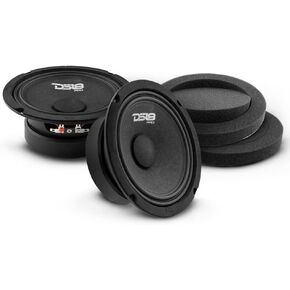
DS18 Pair of 6.5" Midrange Speakers with Pair of Fast Ring Speaker Baffle 480W Max, 8 Ohms - Quality Audio Door Speakers for Car or Truck Stereo Sound System (2 Speakers and Pair of Speaker Baffles)
SAR 314
-12%
DS18 Pair of 6.5" Midrange Speakers with Pair of Fast Ring Speaker Baffle 480W Max, 8 Ohms - Quality Audio Door Speakers for Car or Truck Stereo Sound System (2 Speakers and Pair of Speaker Baffles)
SAR 314