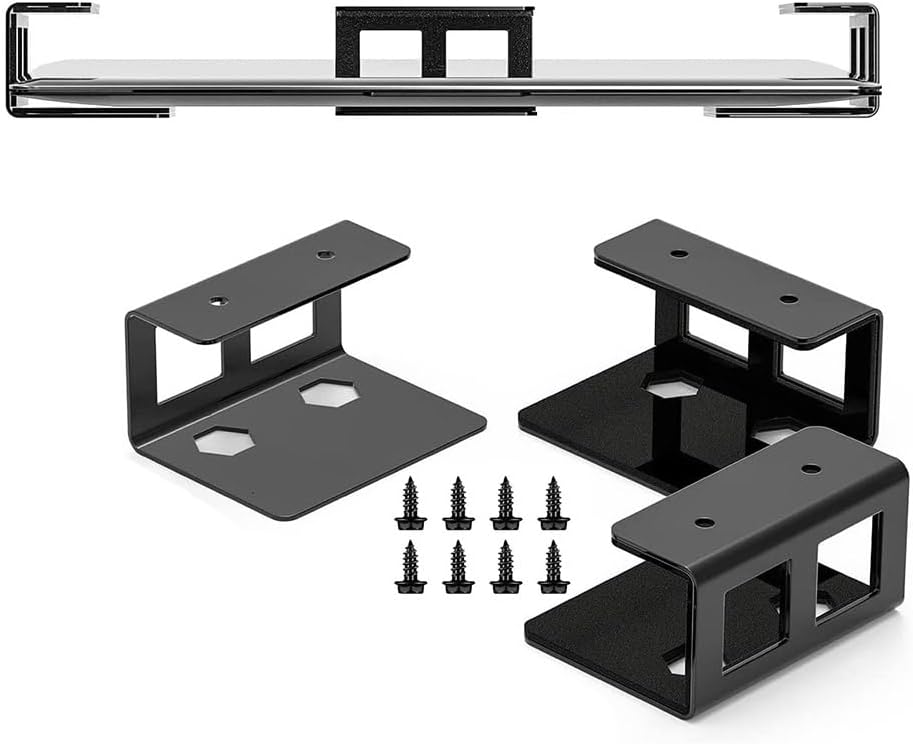
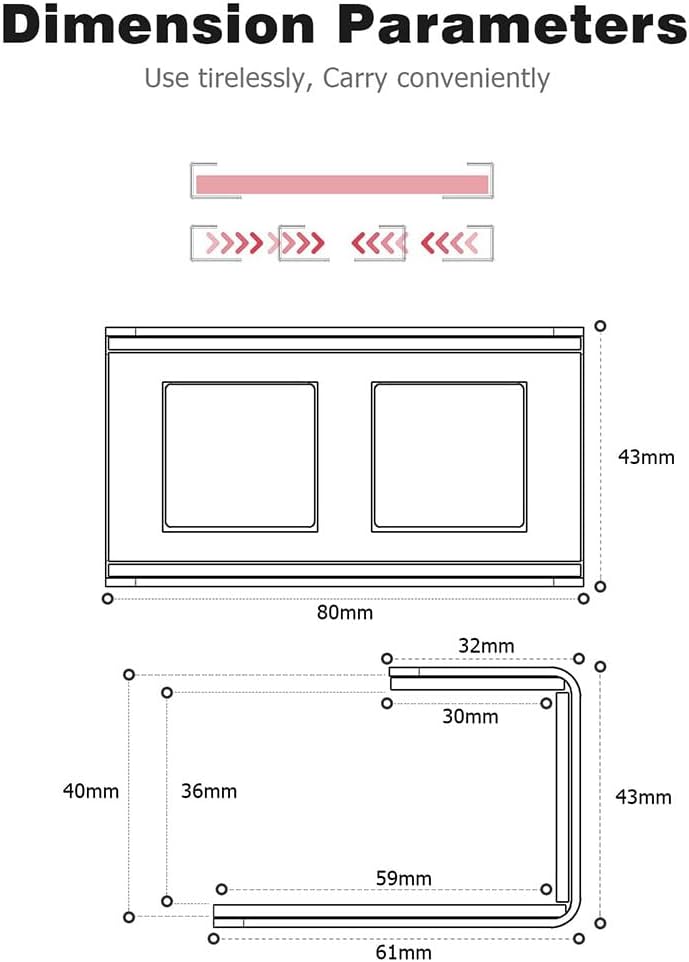
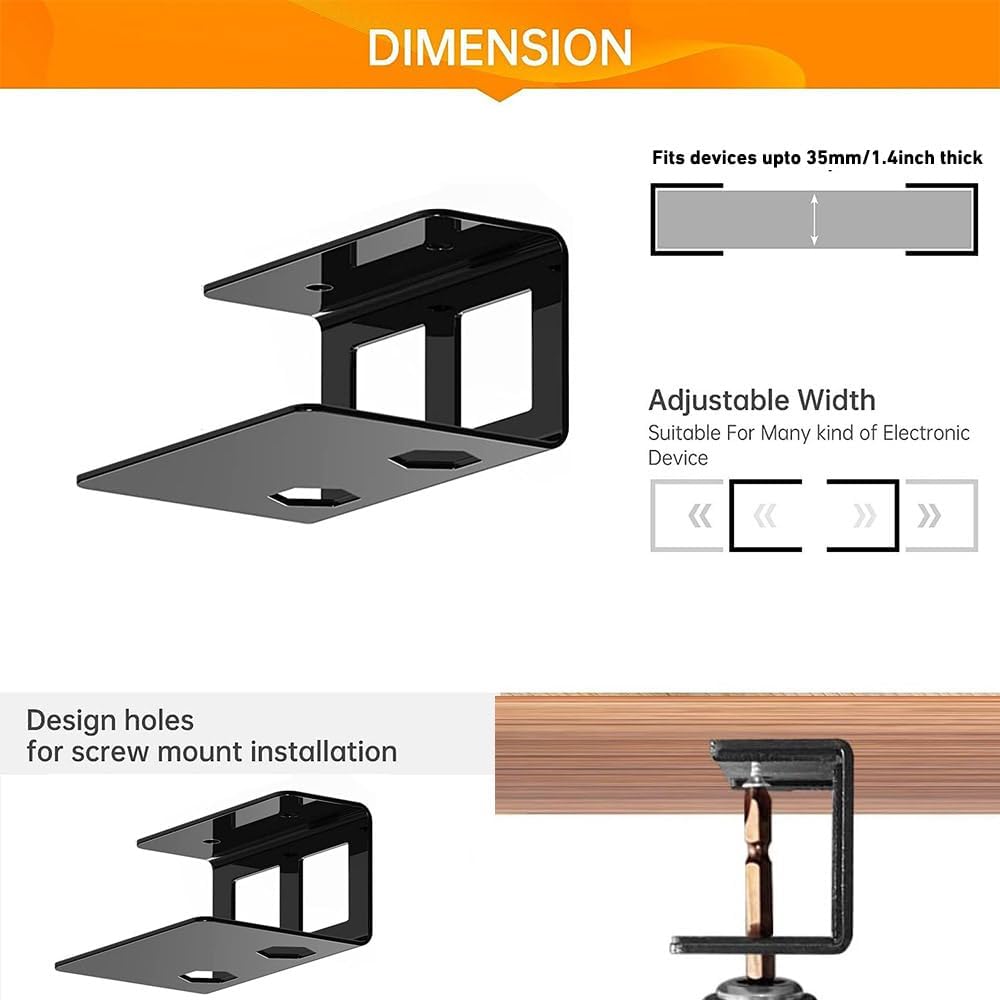
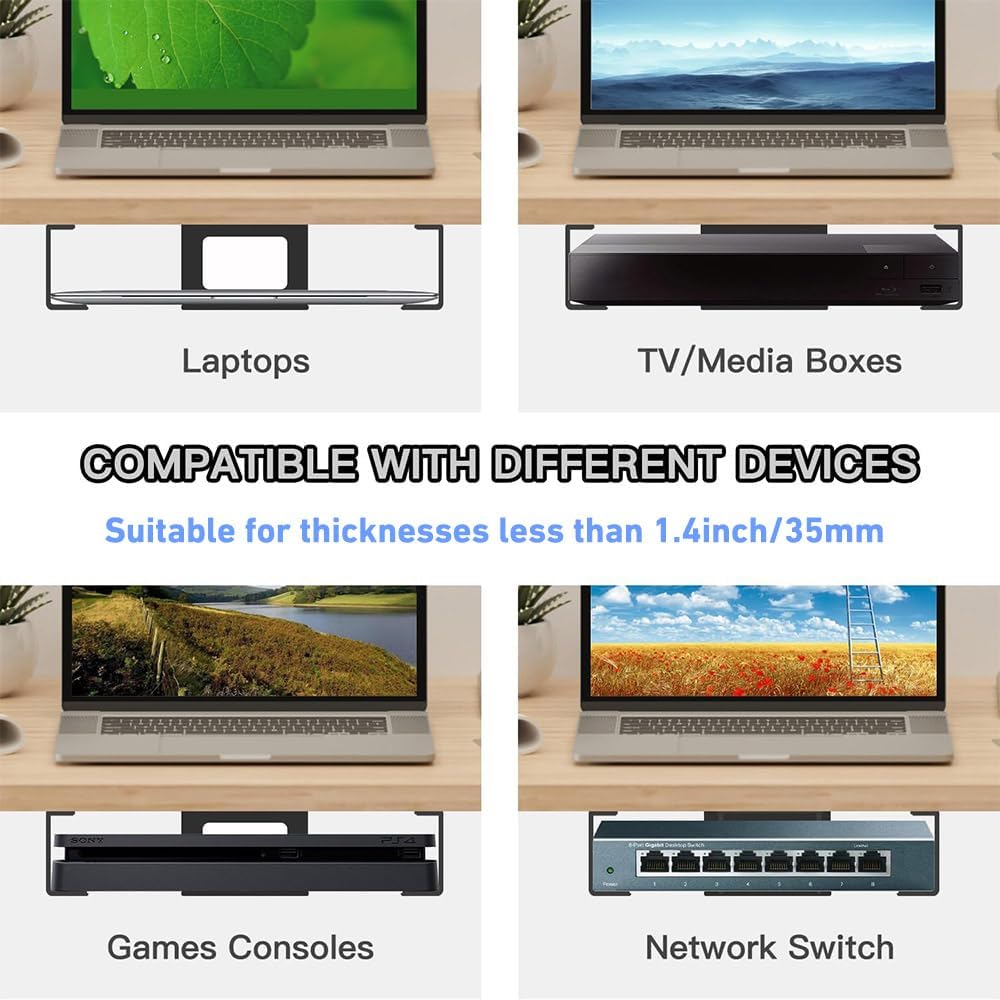
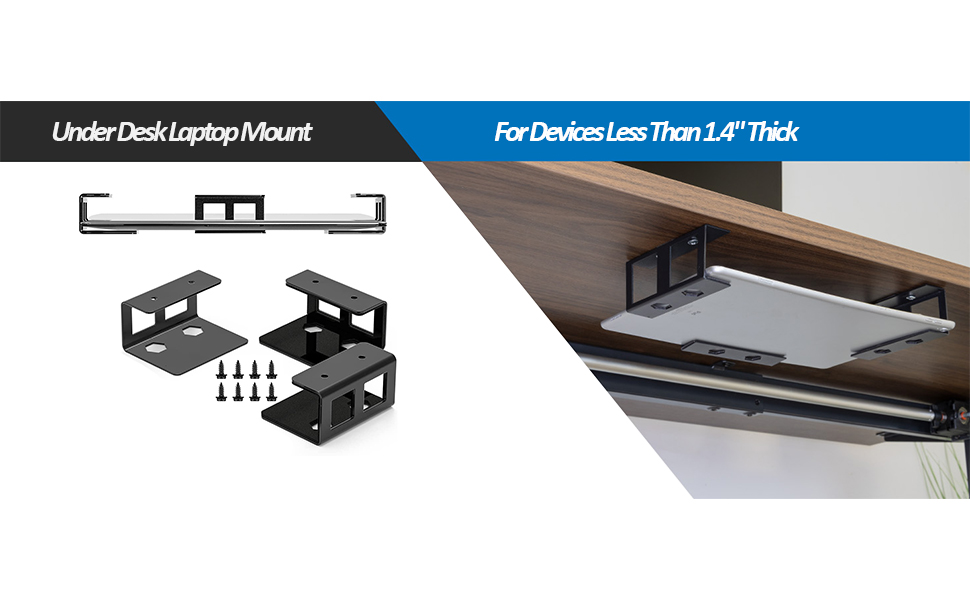
【Desktop Space Saving Solution】- Your desk space with this under desk laptop mount! Fit for laptops and almost any device that is less than 35mm / 1.4" thick, like Macbooks, Surface, Keyboard, Routers, Modems, Cable Box, Network Switch Mac Mini and more.
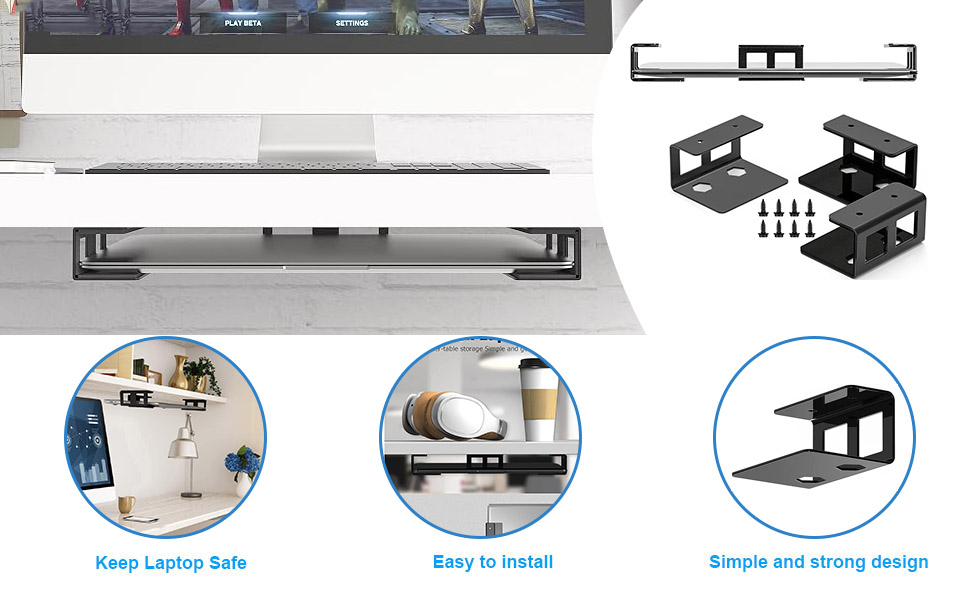
【Sturdy Metal Construction】- 3pcs under desk mounts are made of stainless steel, quite sturdy and effective. Comes with 8 screws to install under you desk, much securer than any other adhesive solution for your expensive devices, no worry about dropping off.
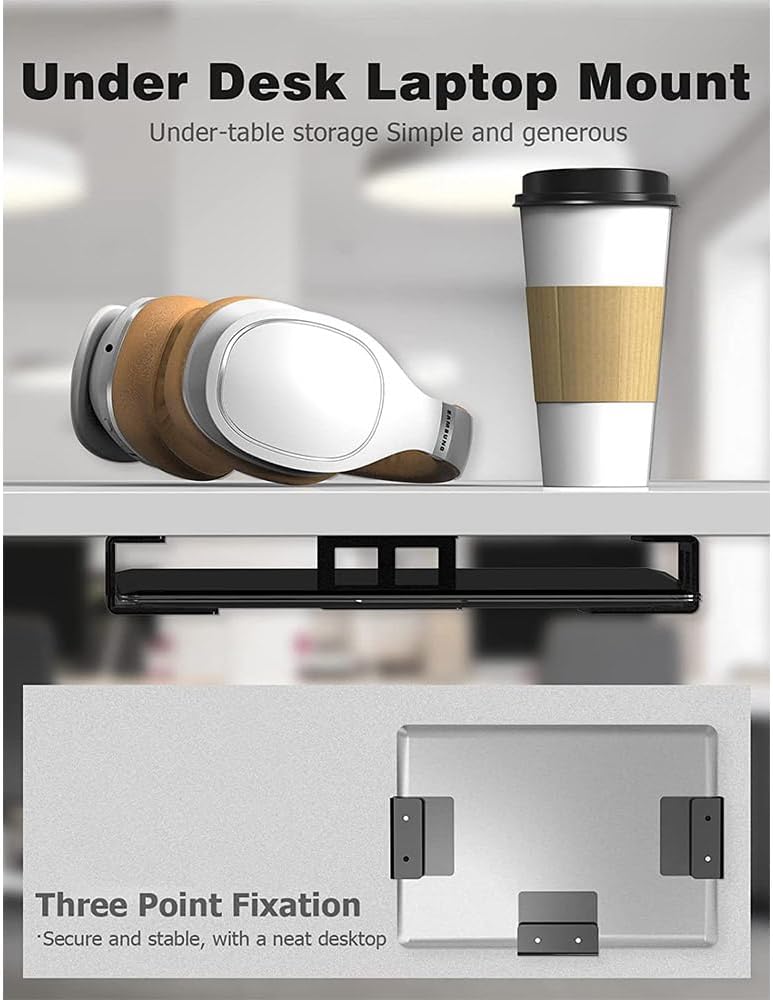
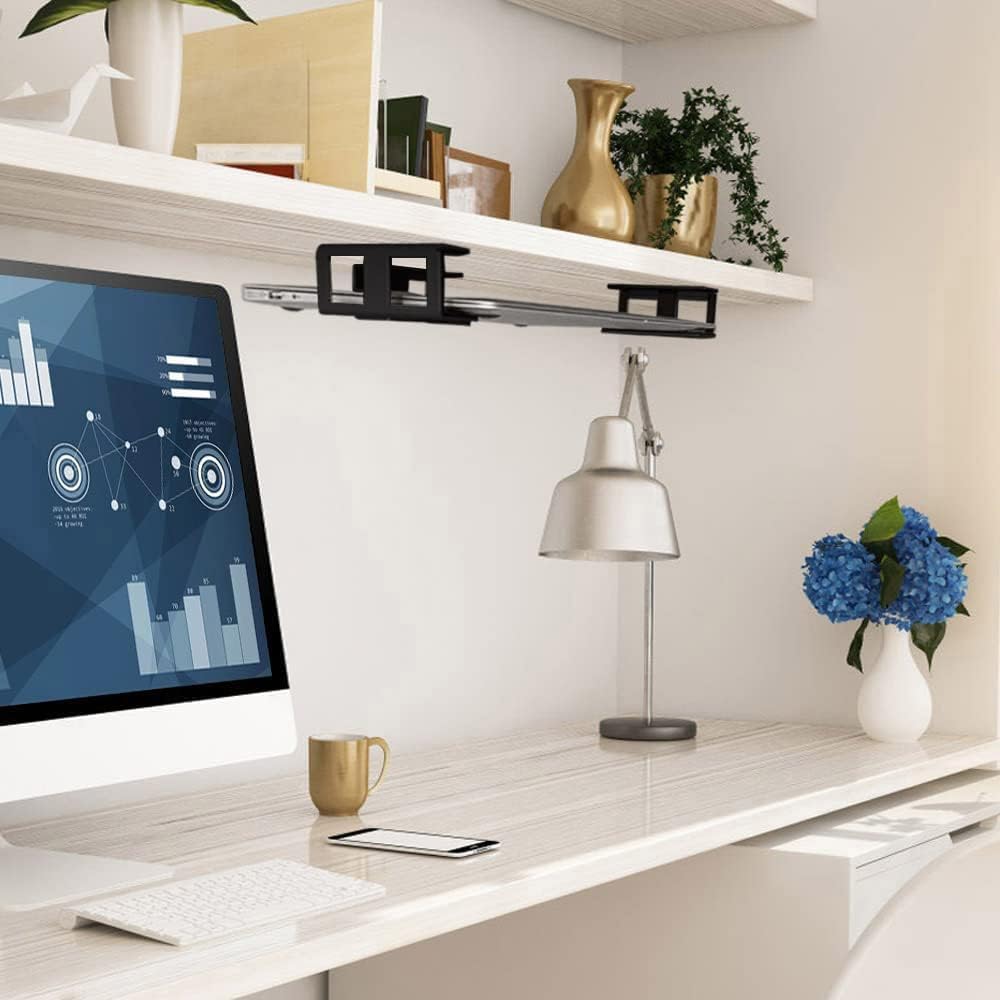
【Ergonomic size design】- Our under desk laptop mount ergonomic storage solution is a minimalistic and stylish way to store your laptop under your desk, making the most out of the wasted space underneath.
【The best solution for laptop storage】- Under desk laptop mount as workstation makes full use of the wasted space under the desk, not only for storage, but also for easy cable running and laptop cooling.
【Easy to instal】- Place the device and bracket in the expected installation position, compare the position and mark it well. Screw the screws inside the package through the holes of the bracket to the expected position.
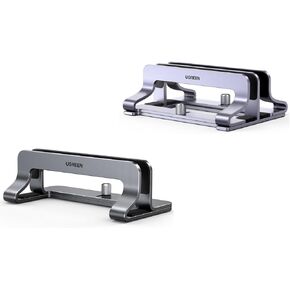 -25%
UGREEN Vertical Laptop Stand Bundle with Vertical Laptop Stand Dual
SAR 199
-25%
UGREEN Vertical Laptop Stand Bundle with Vertical Laptop Stand Dual
SAR 199
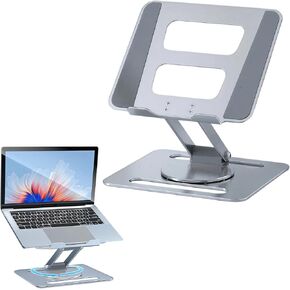 Adjustable Aluminum Laptop Stand for Desk, Ergonomic 360° Rotating Computer Stand, Sturdy & Durable Laptop Riser for 10"-17.3" Laptops & Tablets, Silver
SAR 150
Adjustable Aluminum Laptop Stand for Desk, Ergonomic 360° Rotating Computer Stand, Sturdy & Durable Laptop Riser for 10"-17.3" Laptops & Tablets, Silver
SAR 150
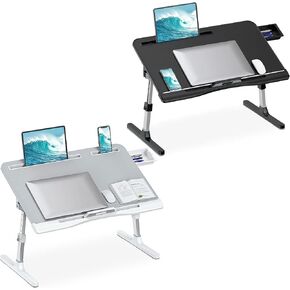 Laptop Desk for Bed, Adjustable Height & Angle, Foldable & Portable, Ergonomic Design, Space-Saving
SAR 493
Laptop Desk for Bed, Adjustable Height & Angle, Foldable & Portable, Ergonomic Design, Space-Saving
SAR 493
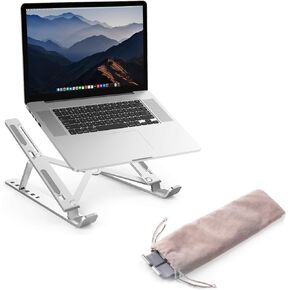 6-Level Adjustable Laptop Stand, Aluminum Desk Riser – Compatible with 9" to 15.6" Laptops, Ergonomic and Space-Saving Design
SAR 50
6-Level Adjustable Laptop Stand, Aluminum Desk Riser – Compatible with 9" to 15.6" Laptops, Ergonomic and Space-Saving Design
SAR 50