- Shopping, made easy.
- /
- Get the app!
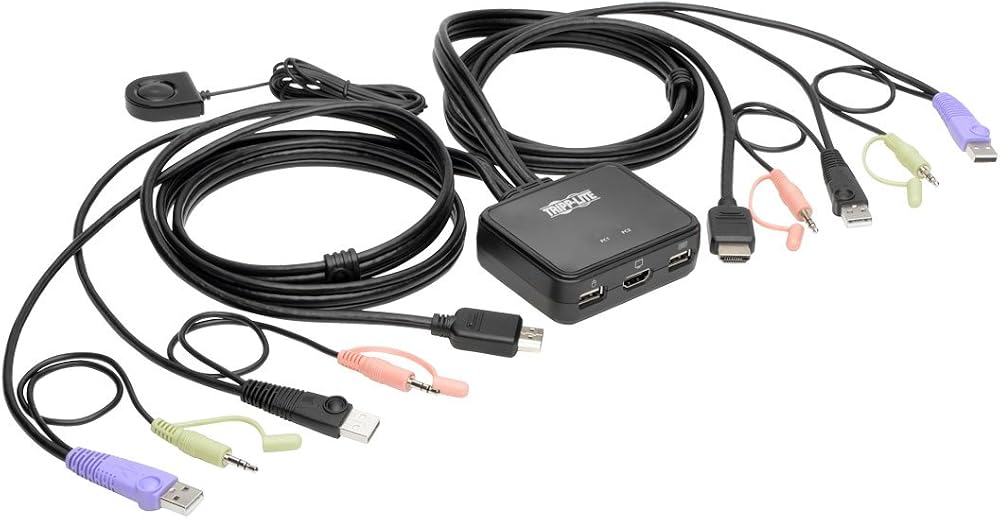
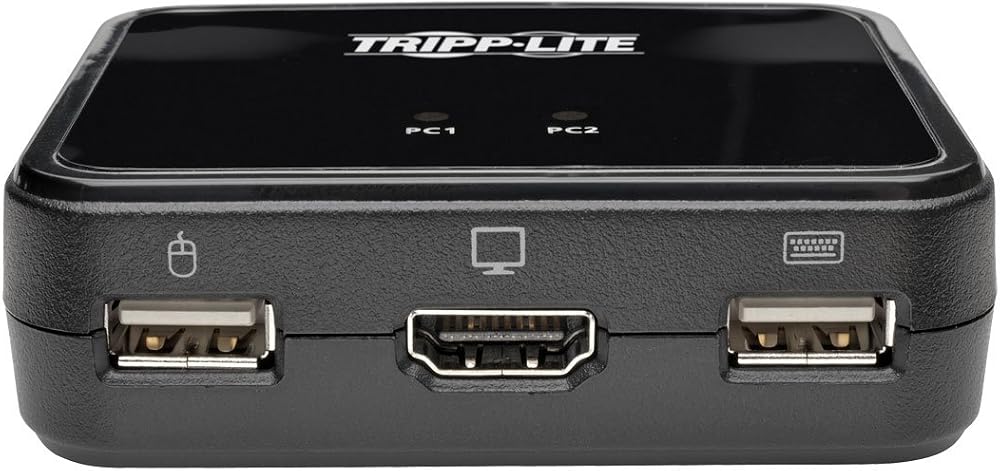
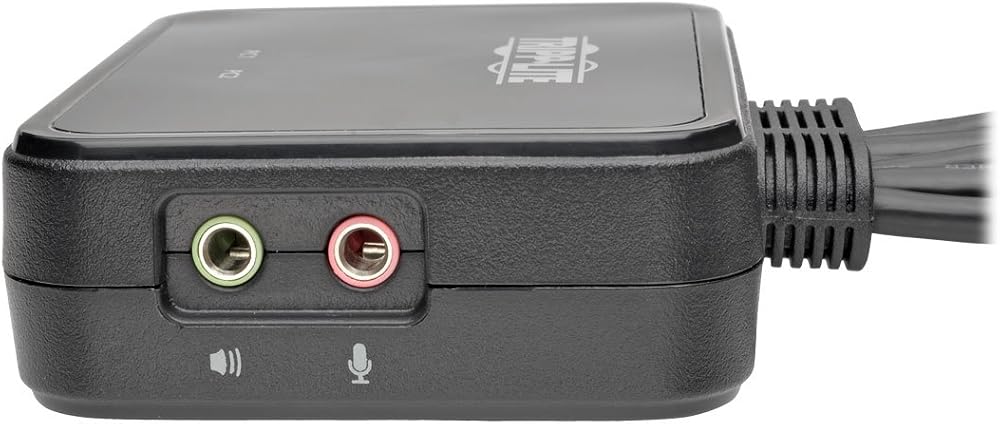
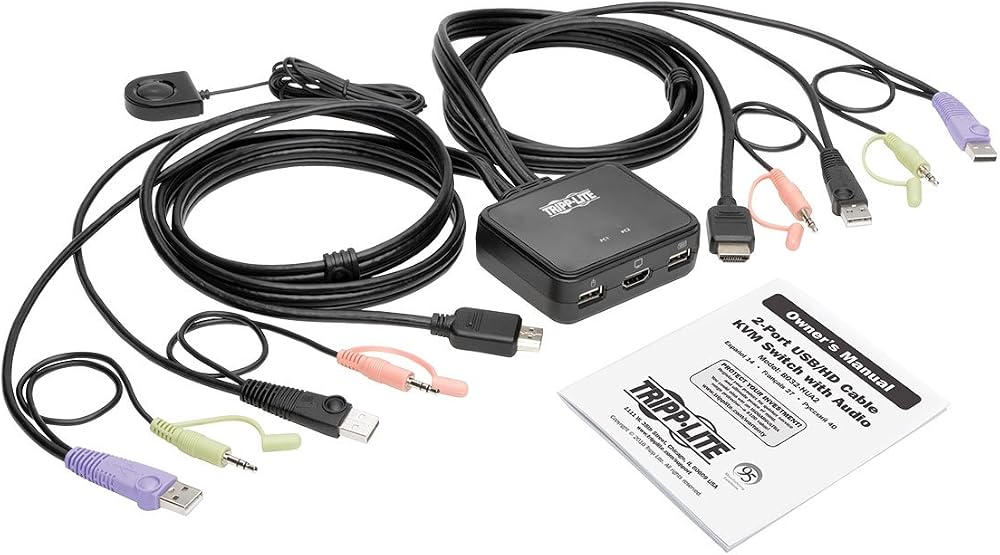
2-Port KVM Switch w/ HDMI USB Audio Cables Peripheral Sharing 3-year limited warranty. Operating temperature range is 0 to 50 celsius and built in cable length is 48 inches. Note-pc keyboard combinations emulate mac keyboards and mac keyboards only work with their own computers. To ensure proper functionality, use a hub with an external power supply. In addition, kvm mouse emulation mode must be disabled. When switching ports, wait a few seconds for the selected computers video to display on the console monitor prior to switching ports again. Do not switch ports when a usb peripheral device is in operation. If using a wireless keyboard and mouse, the dongle must plug into the units keyboard port in order to use the hotkey function. Switch to the alternate HSM invocation keys

 CORSAIR iCUE Link 5000T LX RGB Mid-Tower ATX PC Case – 3X Pre-Installed LX120 RGB Fans, Integrated Aurora RGB Light Strips, Spacious Interior, iCUE Link System Hub Included – Black
SAR 1,637
CORSAIR iCUE Link 5000T LX RGB Mid-Tower ATX PC Case – 3X Pre-Installed LX120 RGB Fans, Integrated Aurora RGB Light Strips, Spacious Interior, iCUE Link System Hub Included – Black
SAR 1,637
 -10%
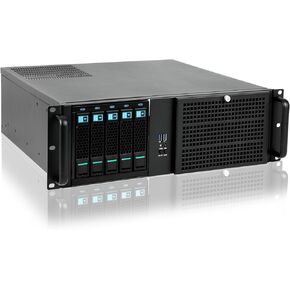
Rackchoice 3U with one 5-Bay hotswap Internal HDD cage
SAR 1,006
-10%
Rackchoice 3U with one 5-Bay hotswap Internal HDD cage
SAR 1,006
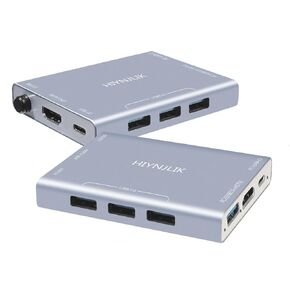 USB3.0 HDMI and USB-C KVM Switch for 2 Computers, Push Button Switch, Manual Operation, Silver
SAR 139
USB3.0 HDMI and USB-C KVM Switch for 2 Computers, Push Button Switch, Manual Operation, Silver
SAR 139
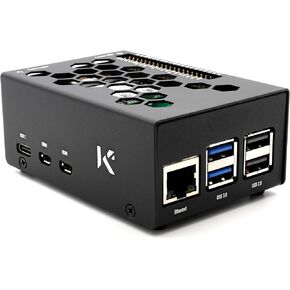 KKSB Case for Raspberry Pi 5 and M.2 NVMe HAT
SAR 99
KKSB Case for Raspberry Pi 5 and M.2 NVMe HAT
SAR 99