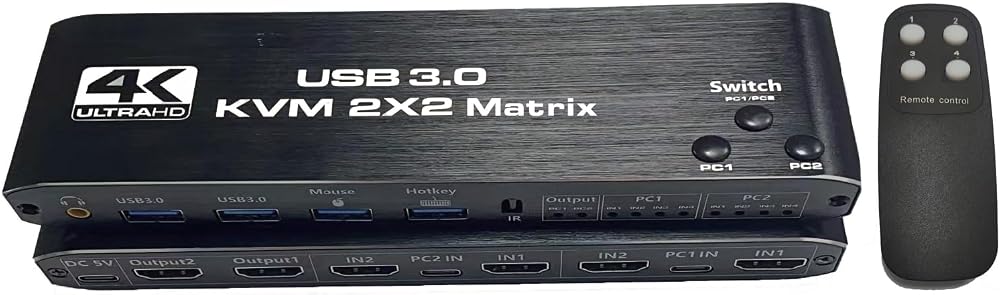
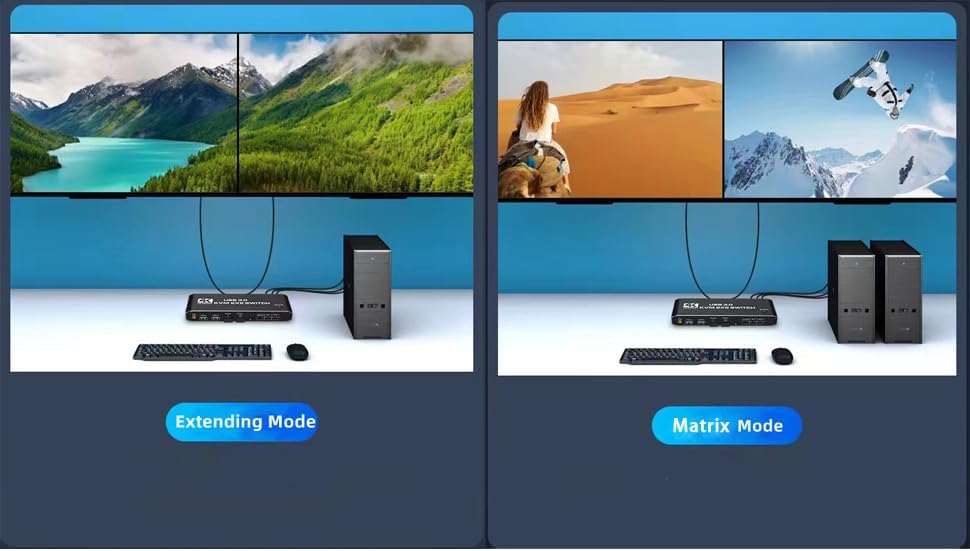
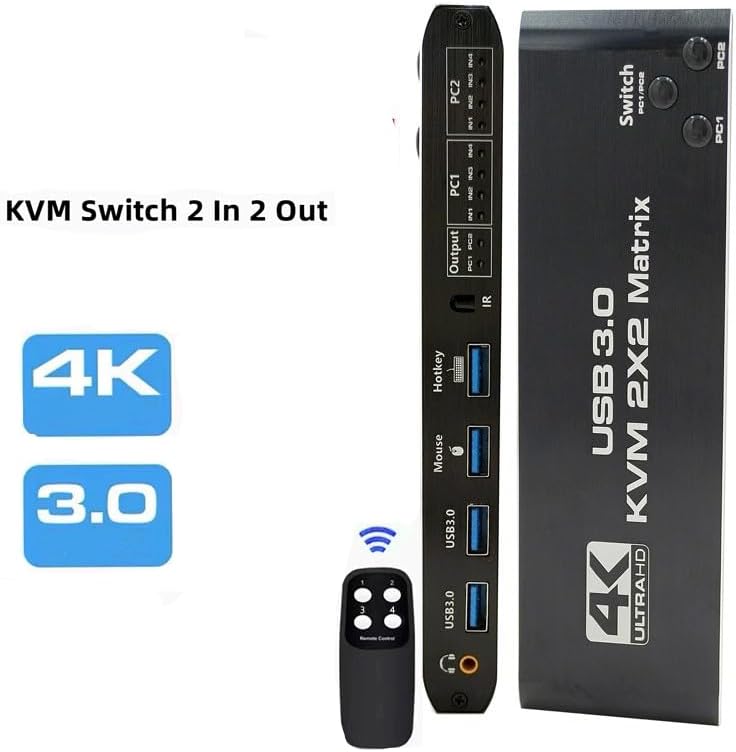
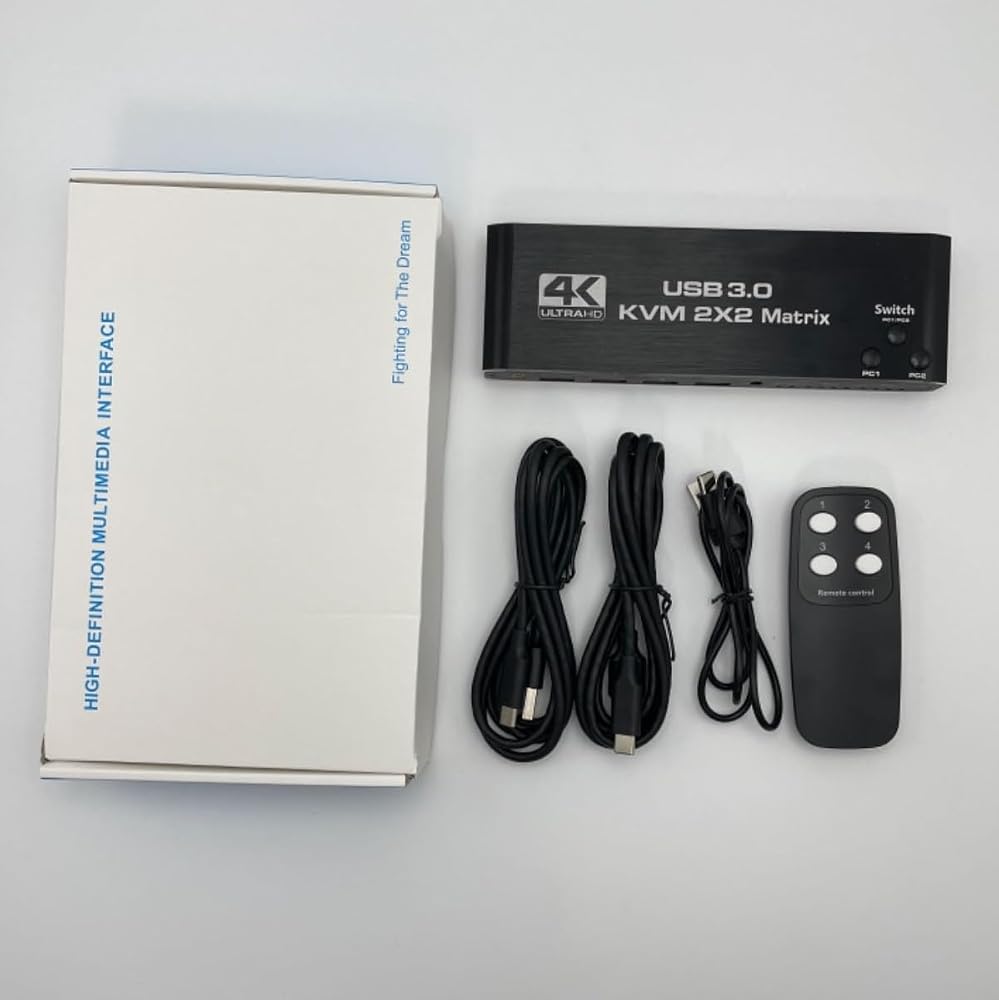
HDMI KVM Matrix Switch 2x2 4k@60Hz HDMI Monitors Matrix KVM Switcher Box, 4 in 2 Out with IR Remote Controller, HDCP2.3, HD Picture, USB3.0, Plug and Play
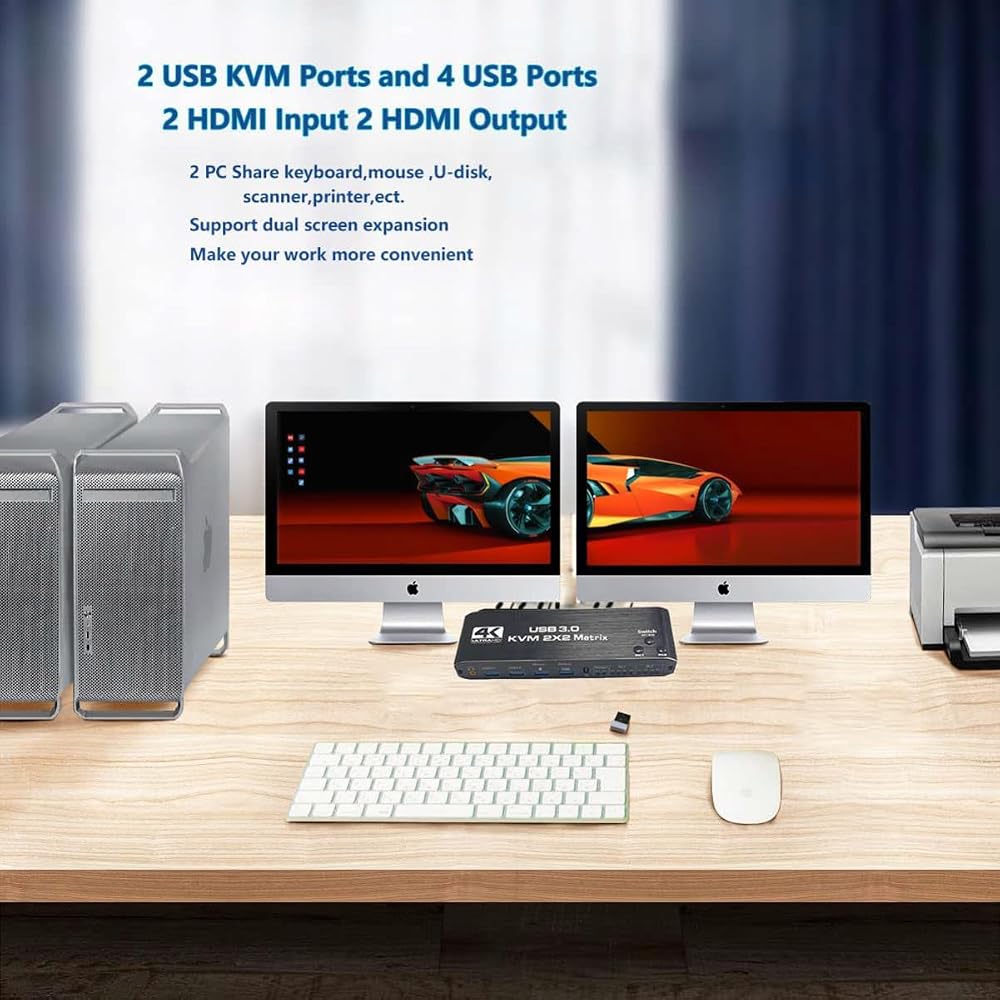
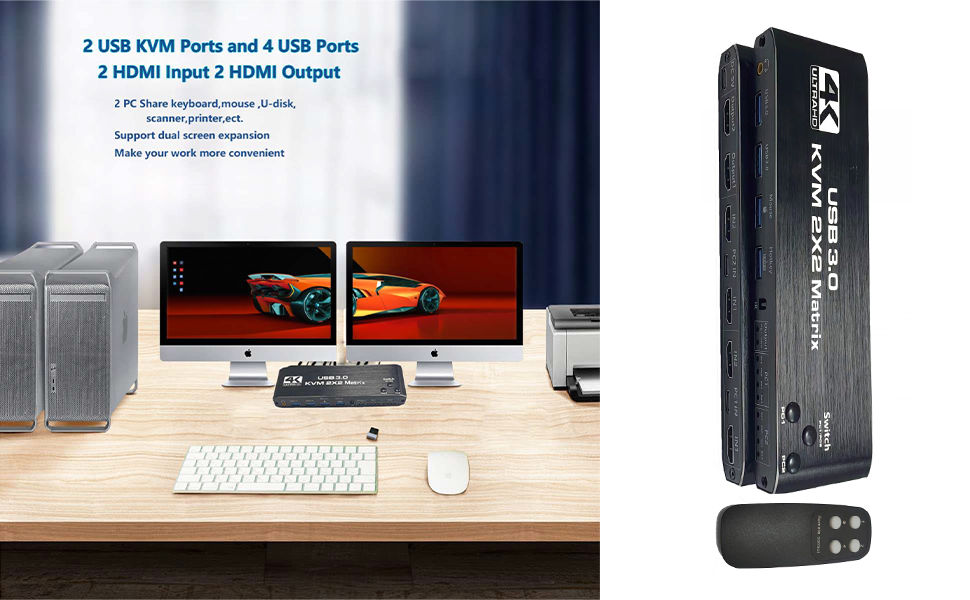
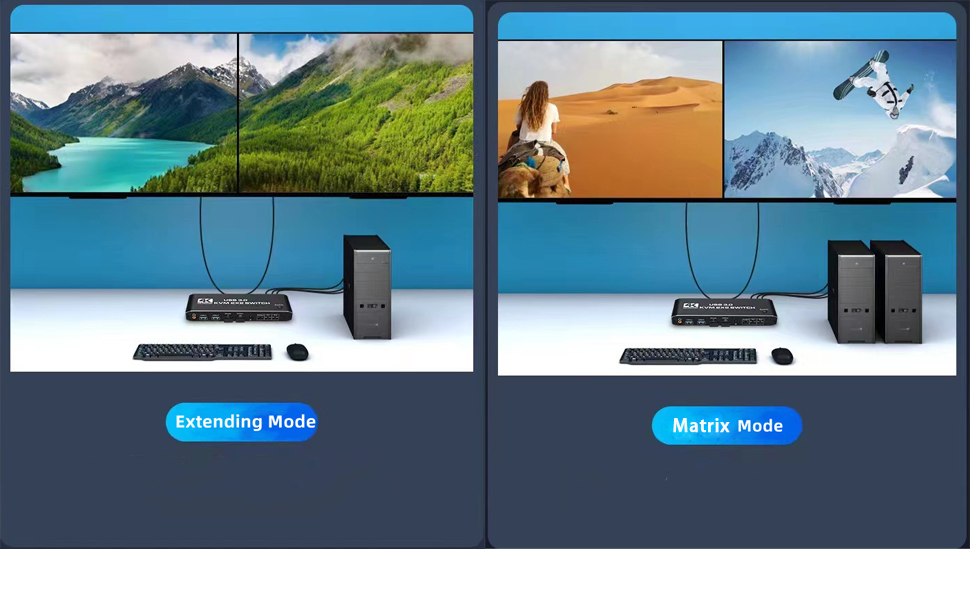
2 Port KVM Matrix HDMI Dual Monitor -- Consoles control up to 2 computers or laptops with 1 set of USB keyboard, mouse, and share dual monitors for extended or copy display. It requires every computer support 2 screen or above display functions. If you computer supports this function, and just one HDMI interface, you can use a converter or conversion cable, such as VGA/DVI/DP to HDMI converter or conversion cable.
UHD 4k@60Hz HDMI KVM Dual Monitor -- Support 3840*2160@60Hz/3D/1080P resolution, compliance with HDMI 2.0 standard, built-in Auto EDID make the image display more exquisite and realistic.
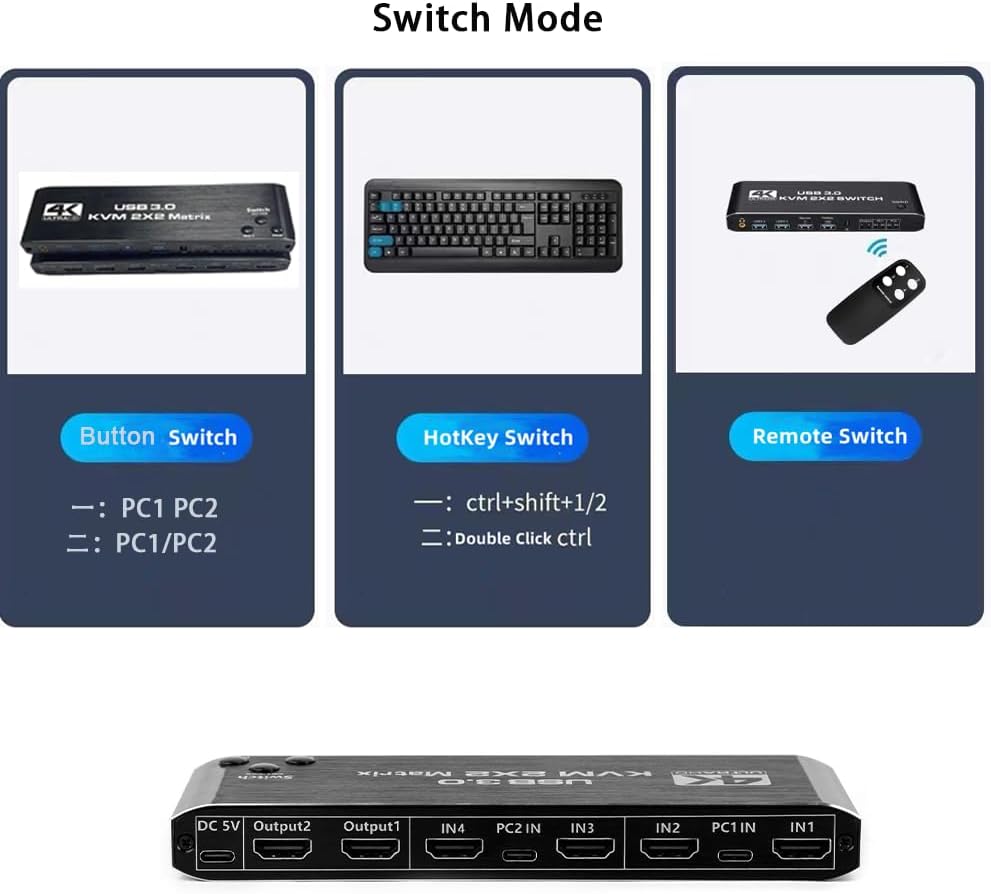
KVM Matrix BOX with 2 Switch Modes -- NO 1. You can choose hotkey switch (For the hotkey switching method, please refer to the hotkey operation instructions on the following page.) NO 2. You also can switch the two signal sources by the panel buttons, the status light tells you which port is active.
The KVM provides two USB2.0 ports and two USB3.0 ports, Supporting various USB devices. The USB device can be used on any computer without repeated plug and unplug. Tip: Please connect the mouse and keyboard to the K/M interface, otherwise the hotkey switch cannot be used.
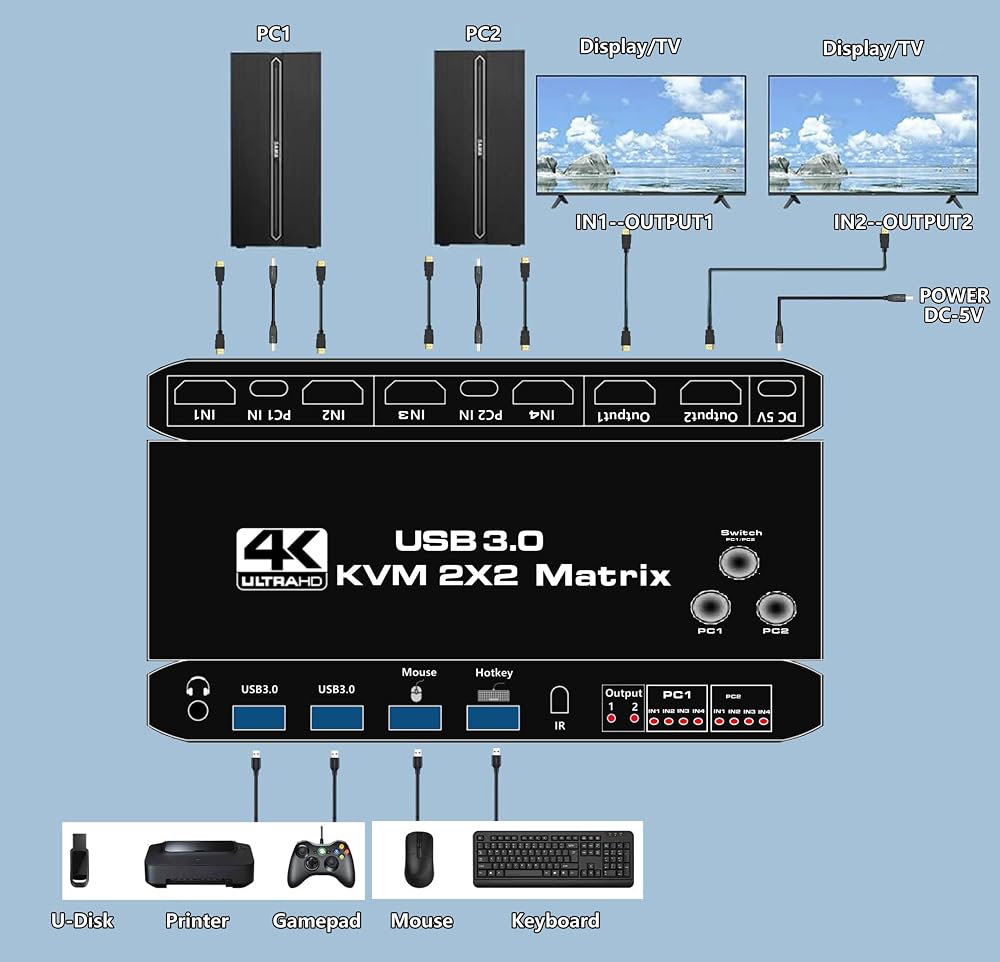
KVM Dual Monito Connection Note Please -- If you want the 2 monitor are working, please make sure each computer/laptop have 2 HDMI cables and 1 USB TO TYPE-C cable connected to the KVM switch. Please make sure that all cables are connected tightly and make sure that all cables are good. If you have any questions about the product, please contact us.
Note: Please use the original USB to TYPE-C data cable. Please use a good quality 19 + 1 26AWG HDMI cable, no longer than 5 meters. if you PC has only one HDMI port, you need to convert other signal output ports on the PC, such as DP port, VGA port, etc., to HDMI signal witch corresponding conversion cables, and then connect them to KVM Matrix.
Please insert the keyboard into the designated USB port, do not insert into other USB ports, otherwise you will lose the keyboard hotkey switching function.
The signals output by "Output1" are "IN1" of PC1 and "IN1" of PC2, and the signals output by "Output2" are "IN2" of PC1 and "IN2" of PC2, so their combination should be: when switching to PC1, the signal of IN1 of the PC1 group is output by Output1 channel, and the signal of IN2 is output by the Output2 channel. When switching to PC2, the IN1 signal of the PC2 group is output from the Output1 channel, and IN2 signal is output from the Output2 channel.
 Replacement Bottom Case Base Cover Screw (8PCS) Fit for Dell Latitude E5410 E5510 E5420 E5430 E5500 E5480 E5490 E5580 E5590 for Precision 3540 3541 3542 Series (Black)
SAR 37
Replacement Bottom Case Base Cover Screw (8PCS) Fit for Dell Latitude E5410 E5510 E5420 E5430 E5500 E5480 E5490 E5580 E5590 for Precision 3540 3541 3542 Series (Black)
SAR 37
 -15%
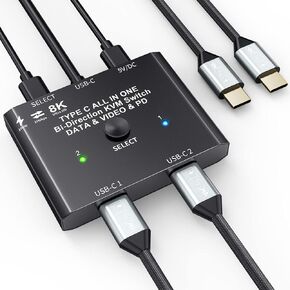
USB C Switch 2 in 1 Out/1 in 2 Out Bi Directional USB C Switcher Selector for 2 Laptops Share 1 USB Device, 4K@60Hz/10Gbps Data Transfer and 100W PD Charging, Wired Control and 2 UBS C Cables
SAR 293
-15%
USB C Switch 2 in 1 Out/1 in 2 Out Bi Directional USB C Switcher Selector for 2 Laptops Share 1 USB Device, 4K@60Hz/10Gbps Data Transfer and 100W PD Charging, Wired Control and 2 UBS C Cables
SAR 293
 -18%
ASUS ProArt PA602 Wood Edition - Tempered Glass Panel E-ATX case, 420 mm Radiator Support, 1x 140 mm + 2X 200 mm pre-Installed Fans, Power Lock Latch, Tool-Less PCIe mounting, USB 20Gbps Support
SAR 1,268
-18%
ASUS ProArt PA602 Wood Edition - Tempered Glass Panel E-ATX case, 420 mm Radiator Support, 1x 140 mm + 2X 200 mm pre-Installed Fans, Power Lock Latch, Tool-Less PCIe mounting, USB 20Gbps Support
SAR 1,268
 -5%
HDMI KVM Switch 2-Port Full HD KVM Switch with Cables - 4K@60Hz 1080P Kvm Switch 1 Monitors 2 Computers- Plug-and-Play - Share Mouse Keyboard and 1 Screens and Extended Controller
SAR 199
-5%
HDMI KVM Switch 2-Port Full HD KVM Switch with Cables - 4K@60Hz 1080P Kvm Switch 1 Monitors 2 Computers- Plug-and-Play - Share Mouse Keyboard and 1 Screens and Extended Controller
SAR 199