- التسوق ، اصبح سهلا.
- /
- احصل على التطبيق!
How to Use:
To turn on and off the LED light board: press and hold the "Up key of the cross key + right key of the cross key + 囗 key" for 5 seconds
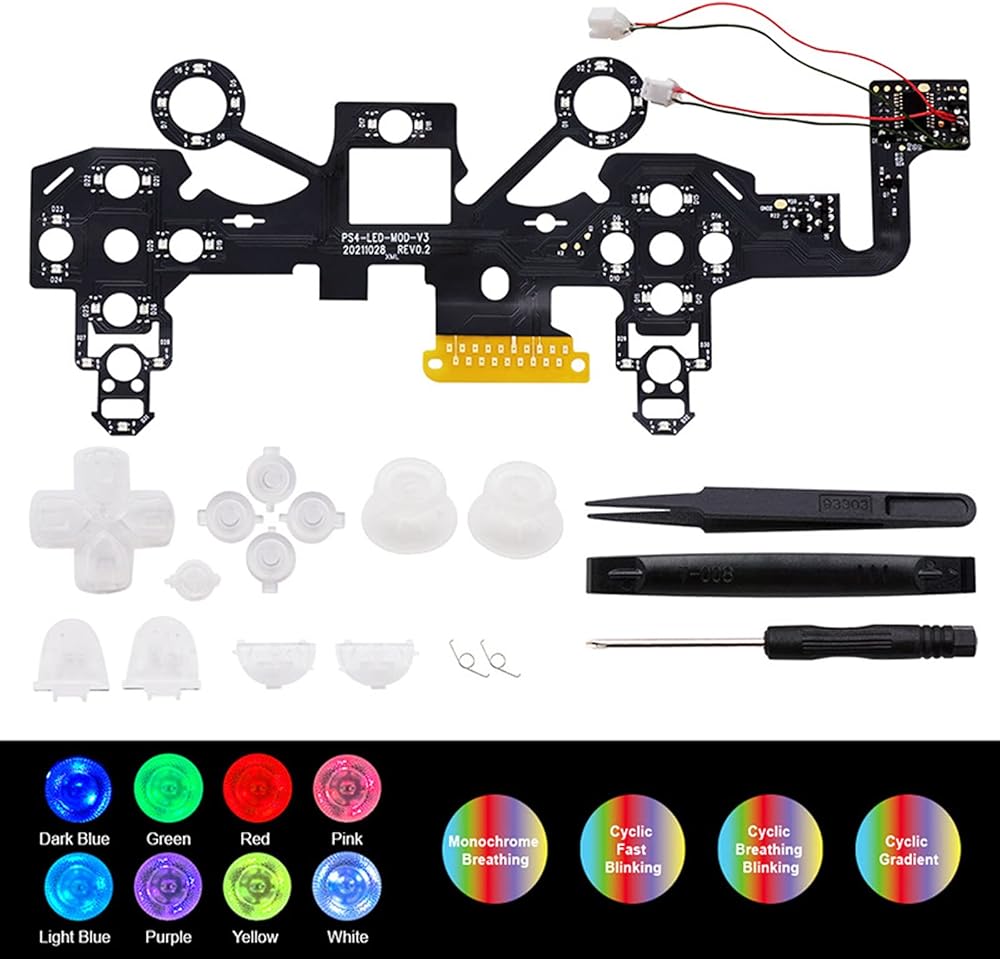
Set LDE light board: Press and hold the "Up key + Right key of the cross key" for 5 seconds, when the PS key flashes white, it means entering the setting mode
In the setting mode, press the "囗" of the handle to change the lighting mode.
Press and hold the "Up Arrow + Arrow Right" for 5 seconds to lock the mode.
Take out the product according to the instruction manual
Specification:
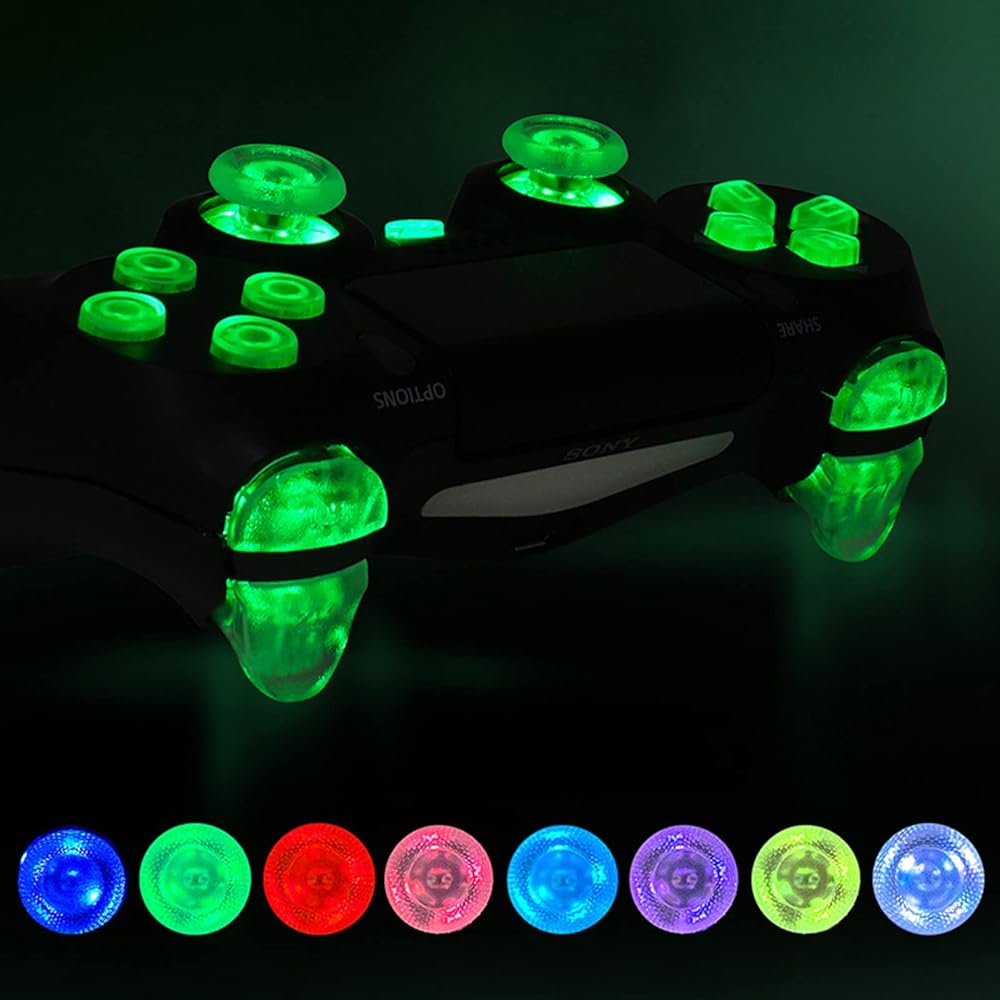
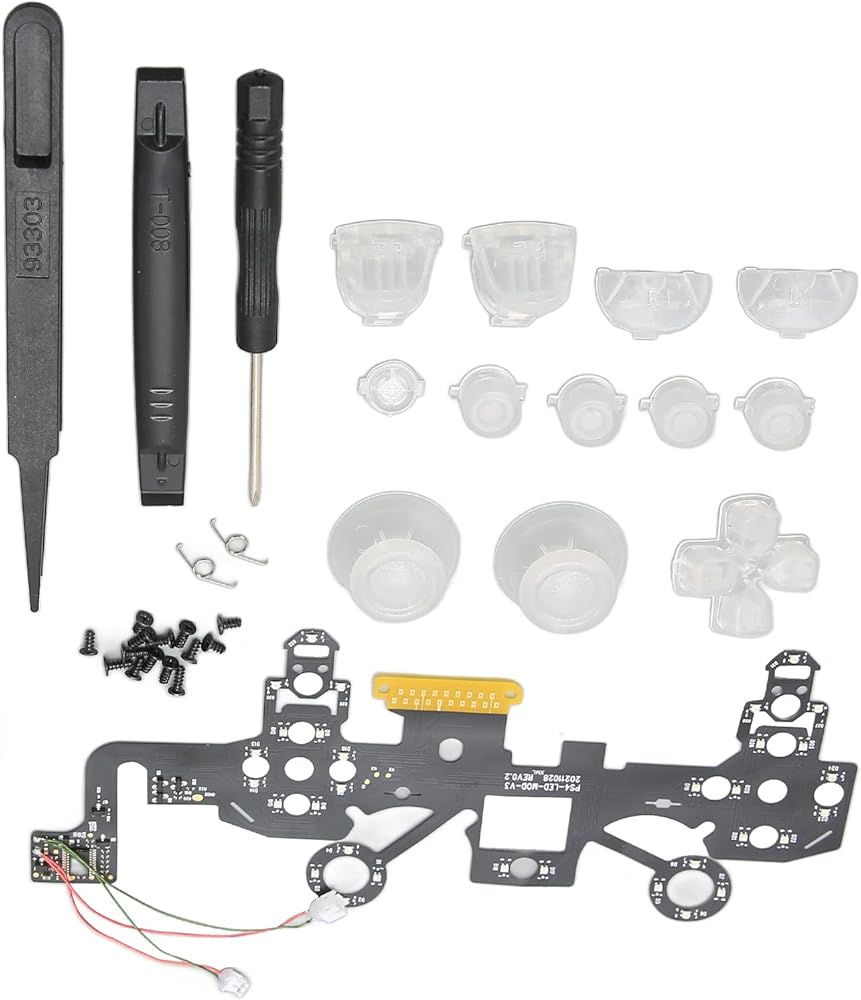
Item Type: Luminated D Pad Face Buttons for PS4
Material: ABS
Parameter:
Easy to Install, Open Your Controller, Glue and Plug In, No Soldering Required. Control, Easy to Operate.
Adaptation: For PS4 Handle (Mainboard Model JDM-050 and JDM-055)
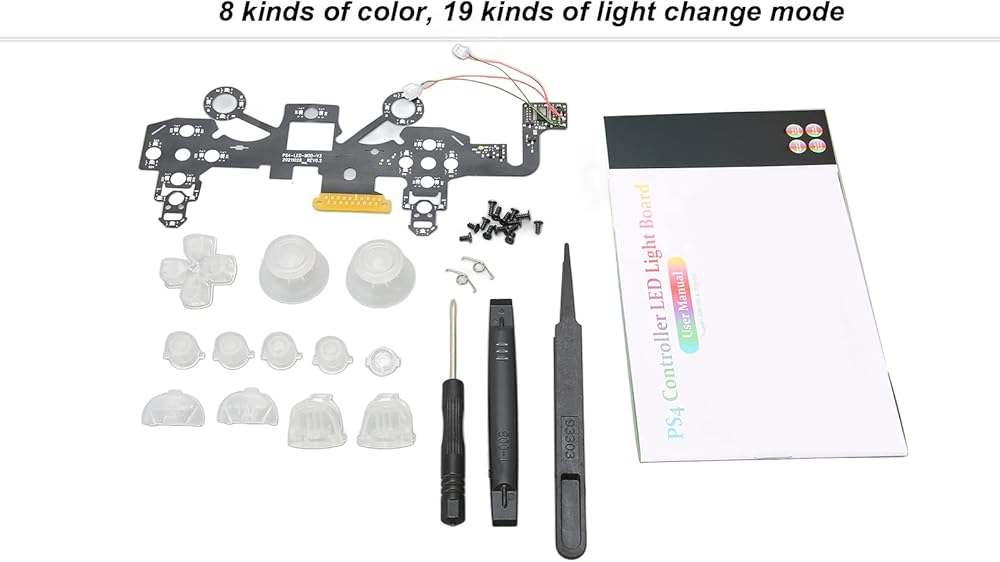
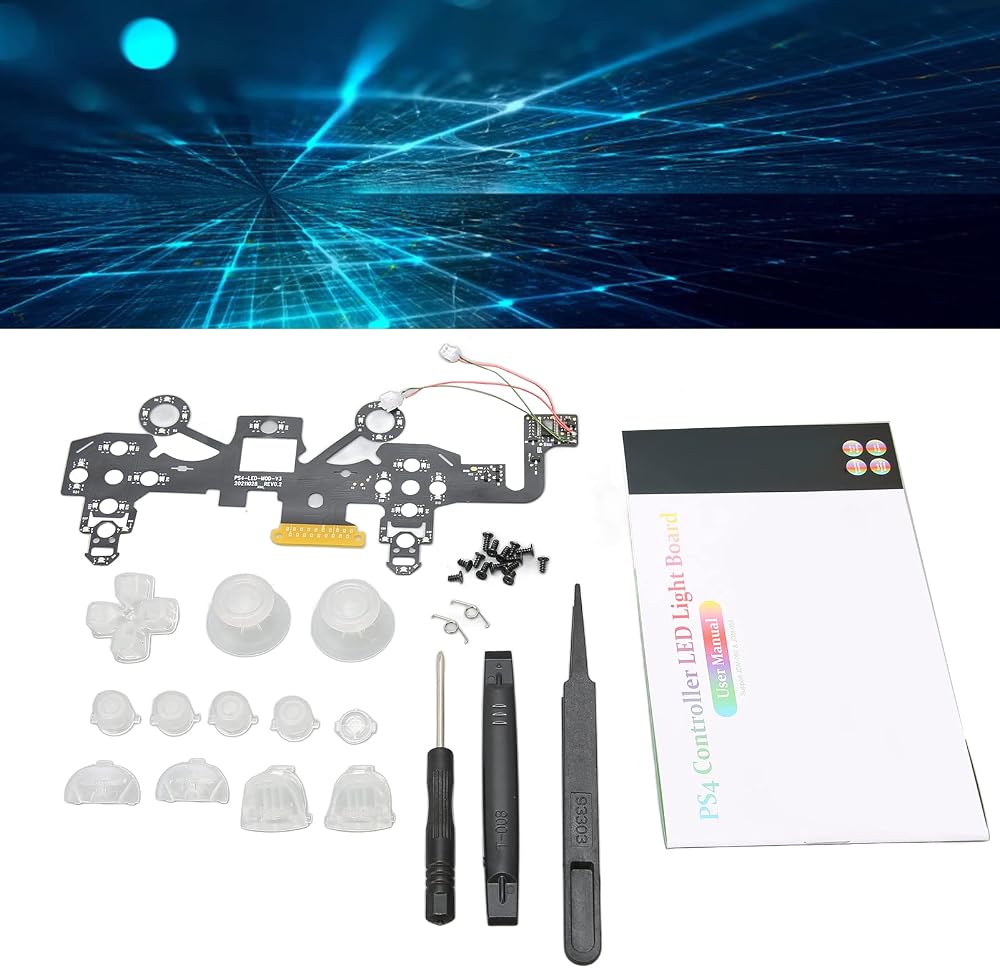
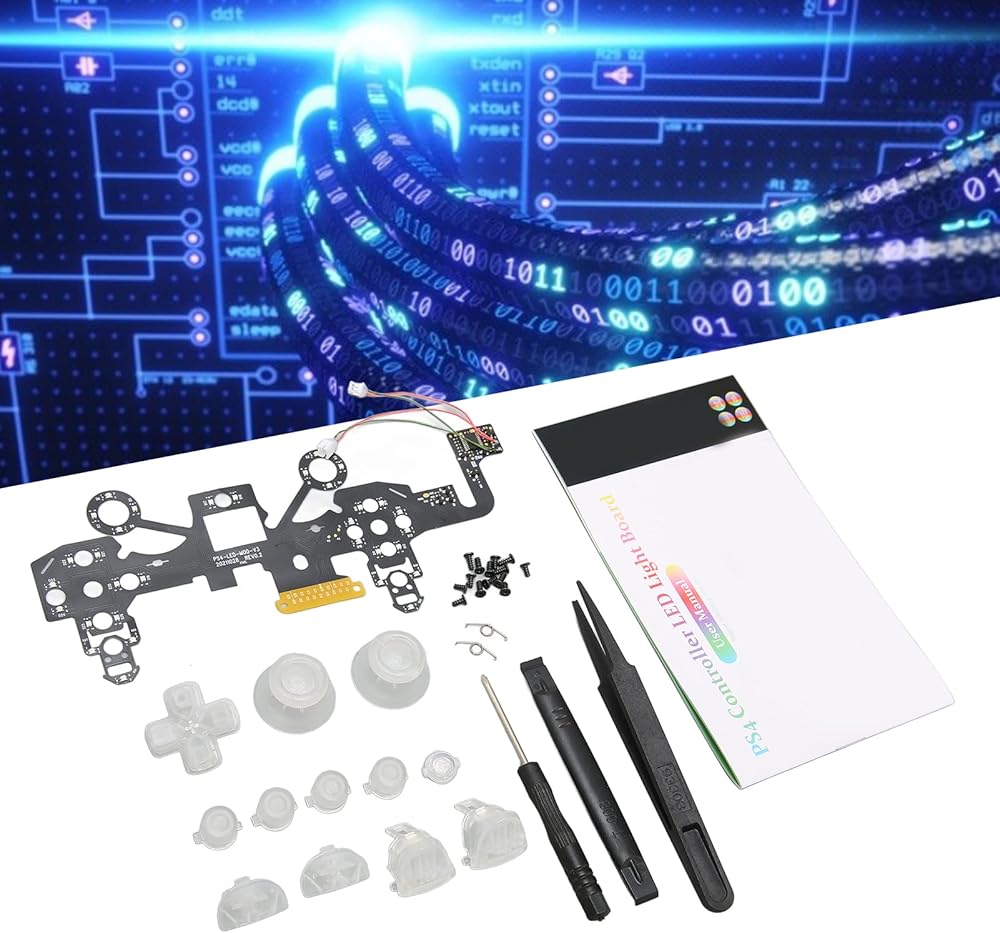
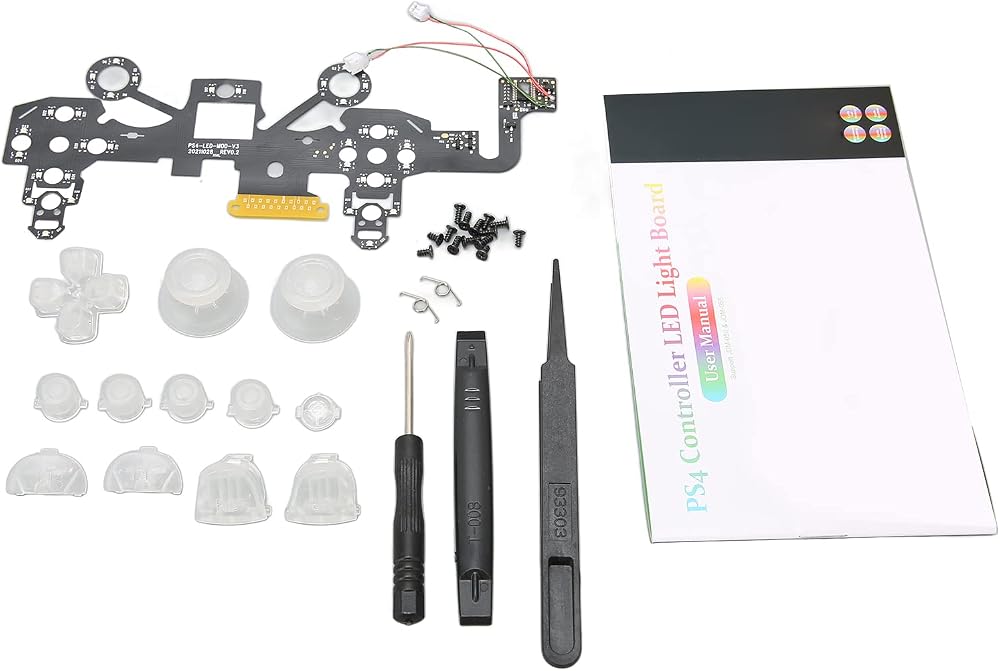
Package List:
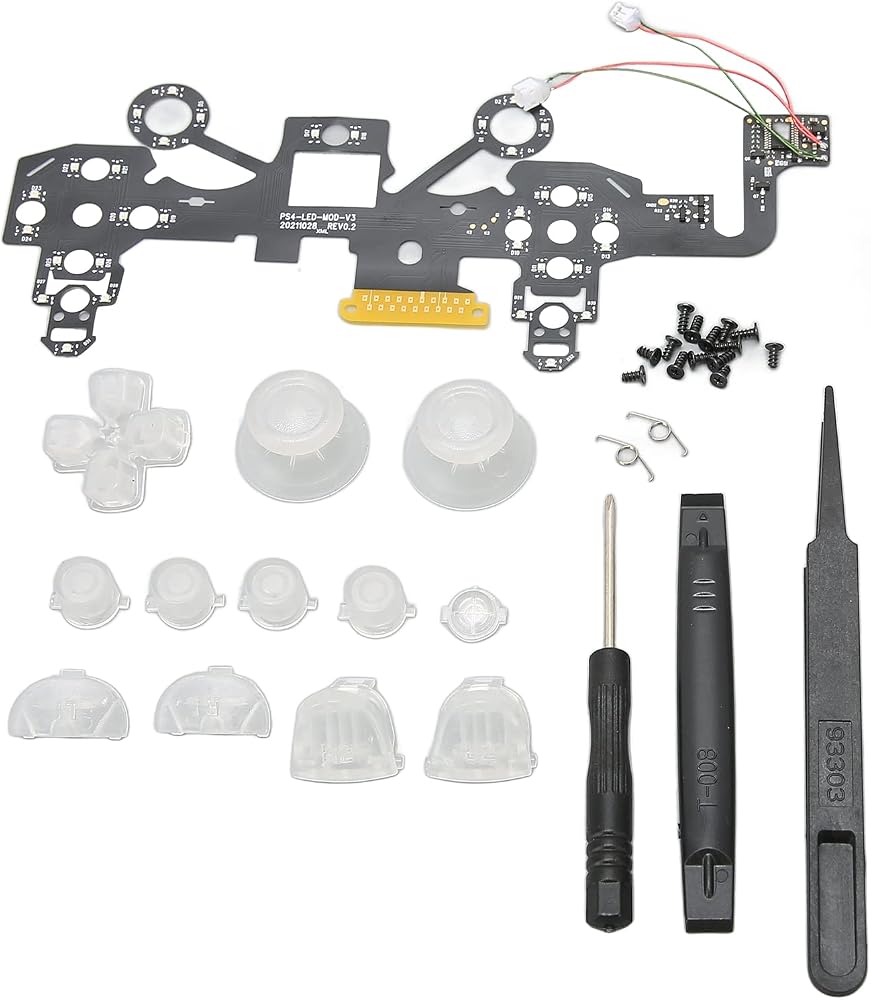
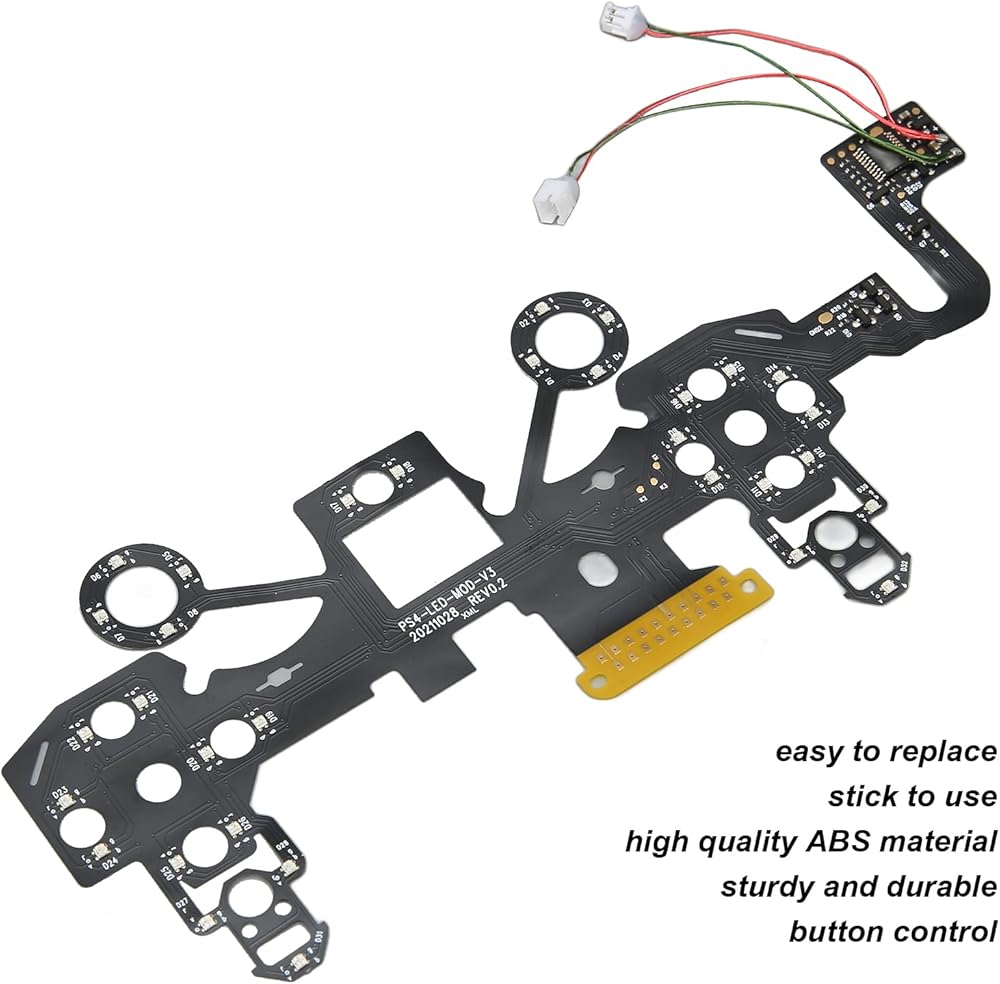
1 x Light Board
1 x Cross Key
2 x Mushroom Hat
4 x
1 x PS Key
1 x L1 Key
1 x L2 Key
1 x R1 Key
1 x R2 Key
2 x Spring
14 x Screw
1 x Cross Screwdriver
1 x Plastic Spudger
1 x Plastic Tweezers
1 x Manual

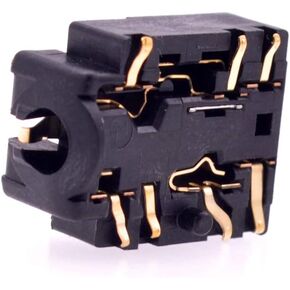 Deal4GO الأصلي استبدال 3.5 ملم مقبس سماعة الرأس مقبس الصوت لجهاز تحكم Xbox One Elite 1697 و 1698 منفذ سماعة الرأس الأبيض (إصدار طويل)
SAR 30
Deal4GO الأصلي استبدال 3.5 ملم مقبس سماعة الرأس مقبس الصوت لجهاز تحكم Xbox One Elite 1697 و 1698 منفذ سماعة الرأس الأبيض (إصدار طويل)
SAR 30
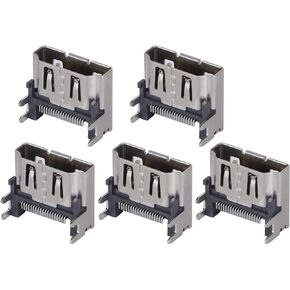 5 قطع من مقبس وحدة التحكم في الألعاب، استبدال موصل واجهة منفذ HDMI لوحدة التحكم في الألعاب، لجهاز PS4 Slim/PRO، مقبس منفذ HDMI صغير، متين في الاستخدام
SAR 88
5 قطع من مقبس وحدة التحكم في الألعاب، استبدال موصل واجهة منفذ HDMI لوحدة التحكم في الألعاب، لجهاز PS4 Slim/PRO، مقبس منفذ HDMI صغير، متين في الاستخدام
SAR 88
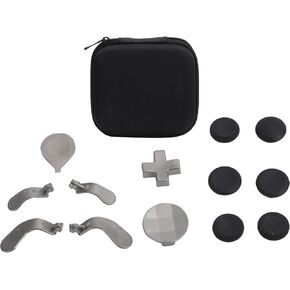 مجموعة أدوات التحكم Heayzoki Thumbsticks، مجموعة مجاذيف أزرار التحكم في الألعاب، عصا التحكم Gamepad Thumbsticks لجهاز Xbox ONE Elite Series 2، تدعم التثبيت السهل.
SAR 99
مجموعة أدوات التحكم Heayzoki Thumbsticks، مجموعة مجاذيف أزرار التحكم في الألعاب، عصا التحكم Gamepad Thumbsticks لجهاز Xbox ONE Elite Series 2، تدعم التثبيت السهل.
SAR 99
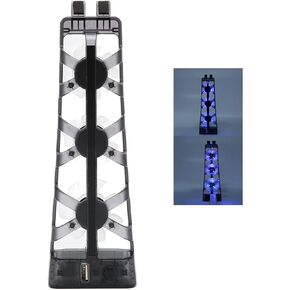 Heayzoki لمروحة تبريد ملحقات Ps5، لمروحة تبريد Ps5 Dobe لـ Ps5، مبرد وحدة تحكم ألعاب فعال بمروحة تبريد منخفض الضوضاء مع ضوء LED، لقرص Ps5 والإصدار الرقمي
SAR 67
Heayzoki لمروحة تبريد ملحقات Ps5، لمروحة تبريد Ps5 Dobe لـ Ps5، مبرد وحدة تحكم ألعاب فعال بمروحة تبريد منخفض الضوضاء مع ضوء LED، لقرص Ps5 والإصدار الرقمي
SAR 67