- التسوق ، اصبح سهلا.
- /
- احصل على التطبيق!
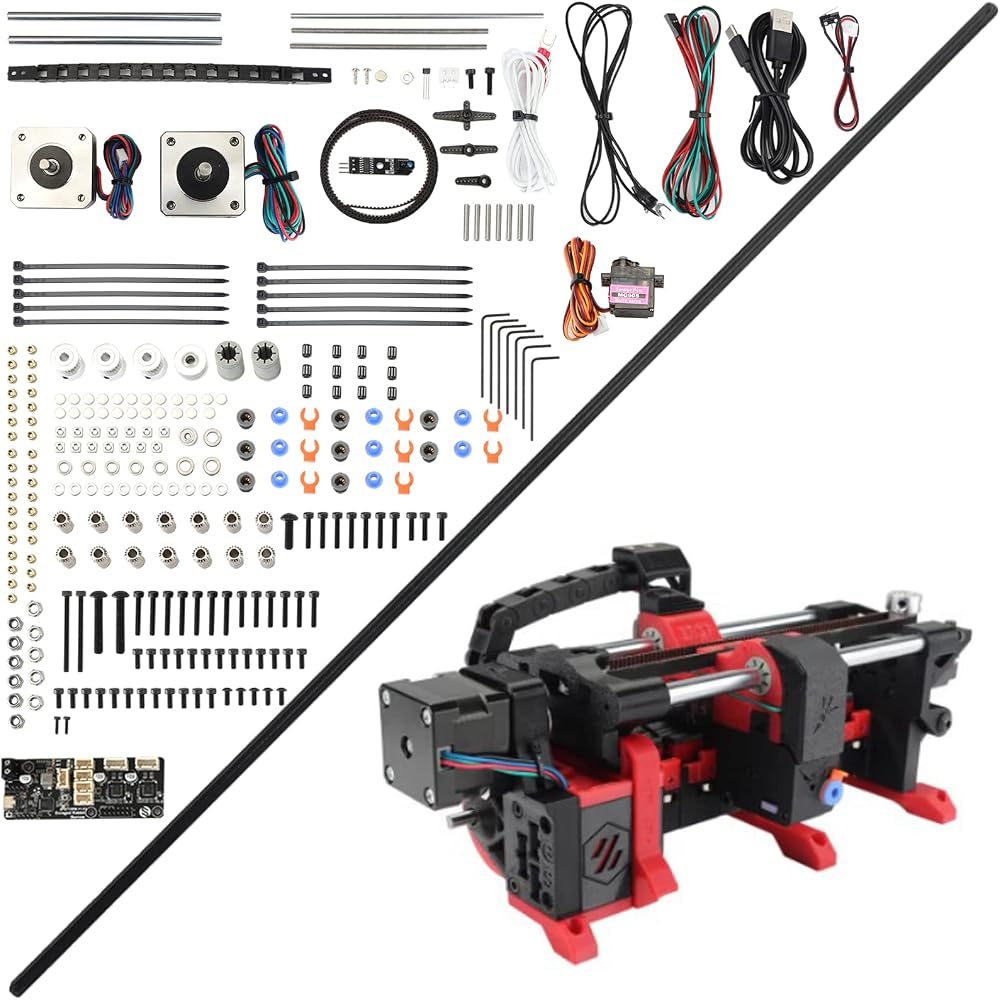
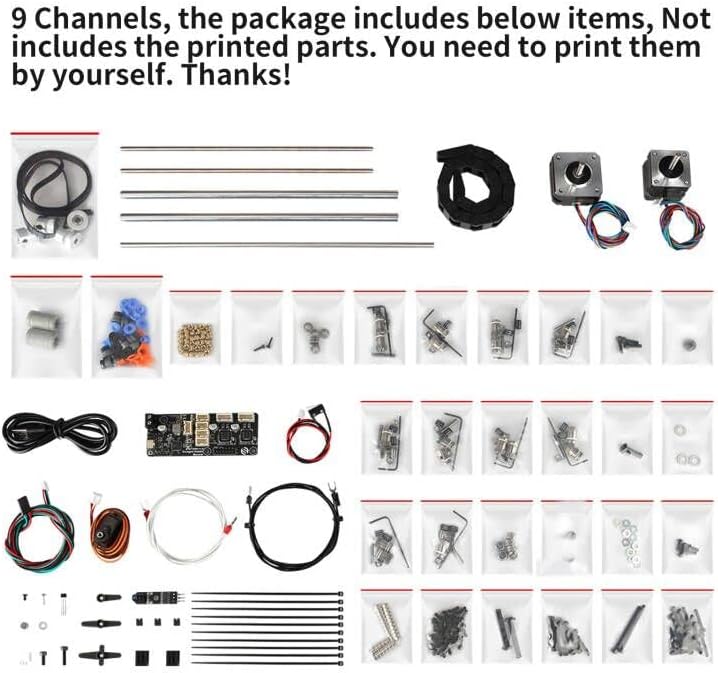
Package includes All the necessary accessories, no printed parts. You need to print them and assemble it by yourself.
Caution:
If only connect the board to computer via USB cable, your computer can't detect it. Now, First, please add a jumper cap to connect Pins 5V and U5V(Pins name can be found on boards' back), connect the USB. Then the board is powered, you can find the blue light on. And there occurs a device(Serial Interface) on the computer. The function of jumper cap is for us to conveniently burn firmware, we don't need to screw the power supply wire one by one. Because we burn firmware into all boards well at our factory,
By the way, if still want to burn firmware, here're 2 methods:
1, Using a jumper cap( 5V & U5V), Press the Bootsel key, connect USB cable. Please Keep the bootsel pressed till the computer responds. Then, you can see a U disk showing on your computer. Now you can process burning.
2, If the board powers on by connecting the power supply, the blue light on means the board is OK. then Press the Bootsel key, hold it, and Press the RST key one or two times. Here you still need to hold pressing the the bootsel key 3-5s. Then you can find the U disk on you computer.
If still have any question, please feel free to contact us via your order ID. We and our engineers are here ready to work with you.
Thanks to the VORN Design devs and VORN discord members for the discussions and support. This link Feeder supports 6 channels. In fact, the Carrot Feeder allows to use a high number of different filaments (tested up to 9 channels so far) and feed them, one at a time, into the printer toolhead. The ERCF gear motion system (i.e. what is used to push and pull the filament) is based on the Vorn Design M4 extruder.
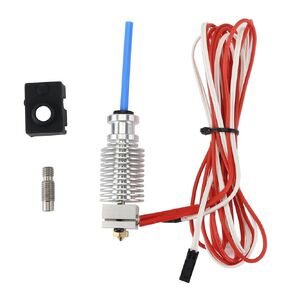 FYSETC Prus i3 Hotend MK3S+ J-Head Extruder Kit 24V 40W لخيوط مباشرة 1.75 مم متوافقة مع Prus i3 MK3/MK3S/MK3S+ وطابعة رأس الطباعة عن بعد E3 V6 الأخرى مع غطاء سيليكون وفوهة 0.4 مم
SAR 173
FYSETC Prus i3 Hotend MK3S+ J-Head Extruder Kit 24V 40W لخيوط مباشرة 1.75 مم متوافقة مع Prus i3 MK3/MK3S/MK3S+ وطابعة رأس الطباعة عن بعد E3 V6 الأخرى مع غطاء سيليكون وفوهة 0.4 مم
SAR 173
 -28%
FYSETC Prus i3 MK3 ترقية أجزاء Hotend HT-NTC100K الثرمستور الاستشعار درجة حرارة عالية + 250 درجة 2 دبابيس للطابعة ثلاثية الأبعاد MK3 الطارد سخان كتلة 3 قطعة
SAR 57
-28%
FYSETC Prus i3 MK3 ترقية أجزاء Hotend HT-NTC100K الثرمستور الاستشعار درجة حرارة عالية + 250 درجة 2 دبابيس للطابعة ثلاثية الأبعاد MK3 الطارد سخان كتلة 3 قطعة
SAR 57
 FYSETC ترقية المحرك المتدرج حوض الحرارة، FYSETC قطع غيار الطابعات ثلاثية الأبعاد للسائق حوض الحراري الألومنيوم المقاوم للحرارة مبرد الزعنفة من أجل Raspberry Pi LV8729 A4988 DRV8825 TMC2208 TMC2100 TMC2130 السائق-10 قطع
SAR 53
FYSETC ترقية المحرك المتدرج حوض الحرارة، FYSETC قطع غيار الطابعات ثلاثية الأبعاد للسائق حوض الحراري الألومنيوم المقاوم للحرارة مبرد الزعنفة من أجل Raspberry Pi LV8729 A4988 DRV8825 TMC2208 TMC2100 TMC2130 السائق-10 قطع
SAR 53
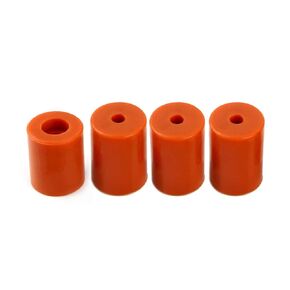 FYSETC 3D SV01 SV02 CR-10 V2 أجزاء تسخين السرير من السيليكون يتصاعد OD 0.98in ID 0.16in Hotbed فاصل عازل سيليكون مقاوم للحرارة لـ CR10 Max/ V3/ CR10 S4/CR10 S5 أسفل توصيل بني 4 قطع
SAR 47
FYSETC 3D SV01 SV02 CR-10 V2 أجزاء تسخين السرير من السيليكون يتصاعد OD 0.98in ID 0.16in Hotbed فاصل عازل سيليكون مقاوم للحرارة لـ CR10 Max/ V3/ CR10 S4/CR10 S5 أسفل توصيل بني 4 قطع
SAR 47