- التسوق ، اصبح سهلا.
- /
- احصل على التطبيق!
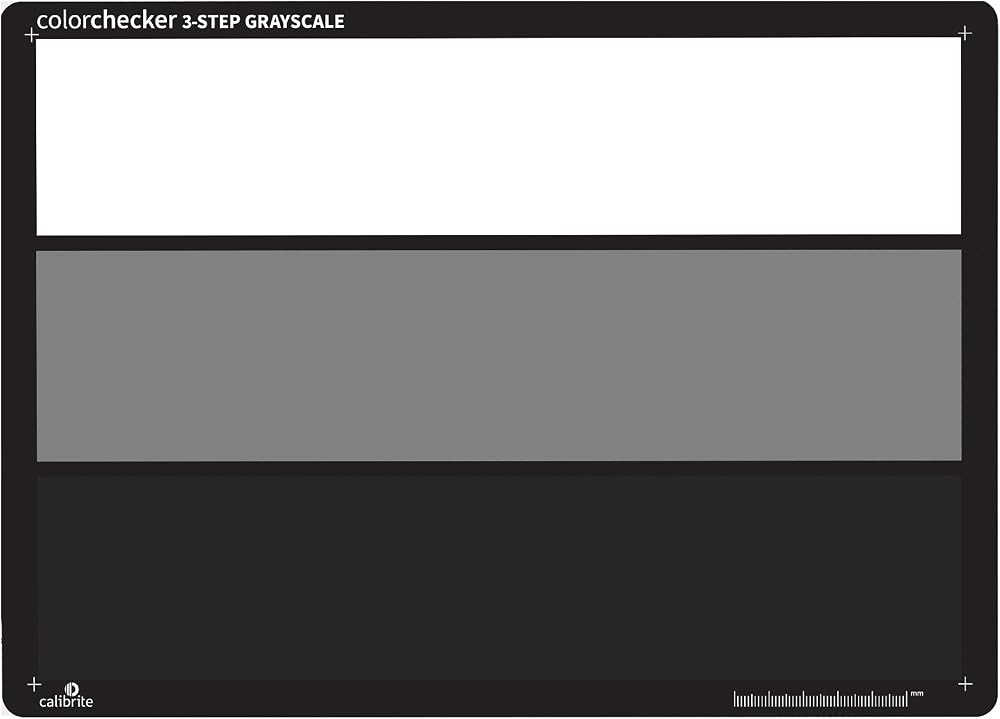
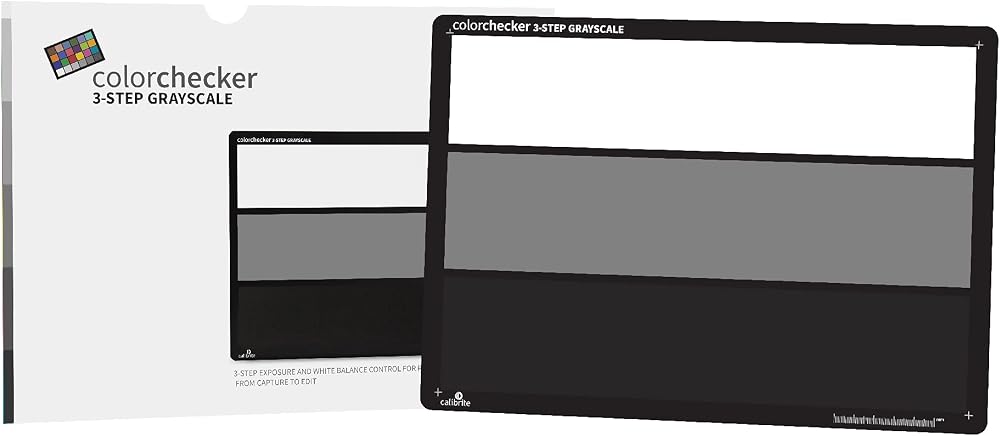
"يوفر هدف توازن اللون الأبيض ColorChecker إعادة إنتاج دقيقة للون الأبيض. مع تغير ظروف الإضاءة، تتغير الكاميرا الخاصة بك الطريقة التي تعيد بها إنتاج اللون الأبيض؛ مما يؤدي إلى تغيرات اللون في الصور أو لقطات الفيديو الخاصة بك. معظم أهداف توازن اللون الأبيض ليست محايدة ويمكن أن تتسبب في تغير الألوان تحت ظروف إضاءة مختلفة. لكن هدف توازن اللون الأبيض ColorChecker هو مرجع أبيض محايد تمامًا تم تصميمه علميًا ويمنع تغيرات اللون ويوفر سطحًا دقيقًا وموحدًا ومحايدًا طيفيًا - في أي حالة إضاءة. وهذا يعني أنه يمكنك أن تكون واثقًا من الصورة أو اللقطات تلتقط صورًا أقرب ما تكون إلى الحياة الواقعية قدر الإمكان. ويمنحك ColorChecker White Balance أيضًا طريقة لضبط حساسية ألوان الكاميرا الرقمية الخاصة بك لتتناسب تمامًا مع ظروف الإضاءة المحيطة؛ وفي الواقع، يمكنك تغيير ما "تراه" الكاميرا. يتغير اللون الأبيض المدرك بناءً على الظروف المحيطة - في الخارج يُنظر إليه على أنه أكثر برودة، وفي الداخل يُنظر إليه على أنه أكثر دفئًا، وتحت ضوء الفلورسنت، يُنظر إليه على أنه أكثر اخضرارًا. حتى في بيئة الاستوديو الخاضعة للرقابة، يمكن أن يكون هذا مشكلة. سواء في الموقع أو في الاستوديو الخاص بك، يؤدي إنشاء توازن أبيض مخصص دقيق قبل كل جلسة تصوير أو تصوير فيديو إلى ضمان الحصول على ألوان دقيقة منذ البداية. سيؤدي تعيين توازن أبيض مخصص لكل حالة إضاءة إلى جعل المعاينات على شاشة الكاميرا المدمجة أكثر صحة للألوان، مما يجعل صورك أكثر دقة. الرسوم البيانية أكثر موثوقية، وتسريع عملية تحرير الألوان في مرحلة ما بعد الإنتاج. يمكن لمصوري الصور الأولية التقاط الصور في أي وقت أثناء الجلسة للحصول على هذه الفوائد، بينما يجب أن تجعلها صور JPEG هي اللقطة الأولى لك. لماذا لا يمكنني استخدام أي كائن أبيض فقط؟ موازنة اللون الأبيض على قد تبدو قطعة من الورق أو أي عنصر رمادي آخر في المشهد بمثابة حل بديل بسيط، ولكن معظم الكائنات ليست في الواقع محايدة في جميع ظروف الإضاءة؛ وهي بالتأكيد ليست متسقة. سيؤدي توازن اللون الأبيض غير الدقيق إلى تحوّل الألوان وعدم الاتساق بين ظروف الإضاءة."
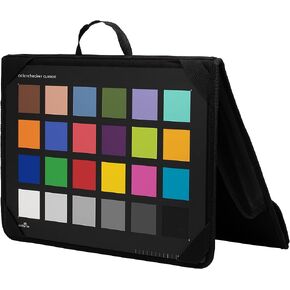 Calibrite ColorChecker Passport Photo 2 Portable Color Calibration Kit for Photo and Video, 4 Target Set for White Balance, Exposure and Camera Profiling, Protective Folding Case with Lanyard (CCPP2)
SAR 621
Calibrite ColorChecker Passport Photo 2 Portable Color Calibration Kit for Photo and Video, 4 Target Set for White Balance, Exposure and Camera Profiling, Protective Folding Case with Lanyard (CCPP2)
SAR 621
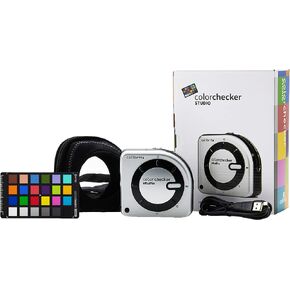 Calibrite ColorChecker Studio Spectrophotometer for Complete Color Management for Display, Projector, Printer and Scanner Profiling Software, w/ColorChecker Classic Mini for Custom Camera Profiling | Complete Color Management for Display, Classic Mini for
SAR 2,648
Calibrite ColorChecker Studio Spectrophotometer for Complete Color Management for Display, Projector, Printer and Scanner Profiling Software, w/ColorChecker Classic Mini for Custom Camera Profiling | Complete Color Management for Display, Classic Mini for
SAR 2,648
 سينيت ele-luxmeter-lx1010b سينيت ديجيتال 50000 لوكس متر lx1010b مستوى الضوء الرقمي مستشعر ضوء الصورة
SAR 105
سينيت ele-luxmeter-lx1010b سينيت ديجيتال 50000 لوكس متر lx1010b مستوى الضوء الرقمي مستشعر ضوء الصورة
SAR 105
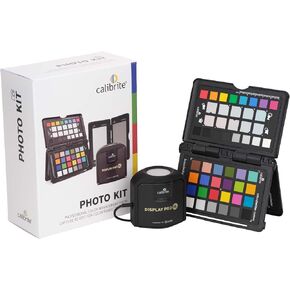 Calibrite Video Photo Kit with Display Plus HL Colorimeter and ColorChecker Passport Video 2, 10,000 Nit Monitor Calibration, Camera Reference System for Photo and Video Accuracy (CCPLHL-PPV2)
SAR 1,152
Calibrite Video Photo Kit with Display Plus HL Colorimeter and ColorChecker Passport Video 2, 10,000 Nit Monitor Calibration, Camera Reference System for Photo and Video Accuracy (CCPLHL-PPV2)
SAR 1,152