- Shopping, made easy.
- /
- Get the app!
Features::
How to use:
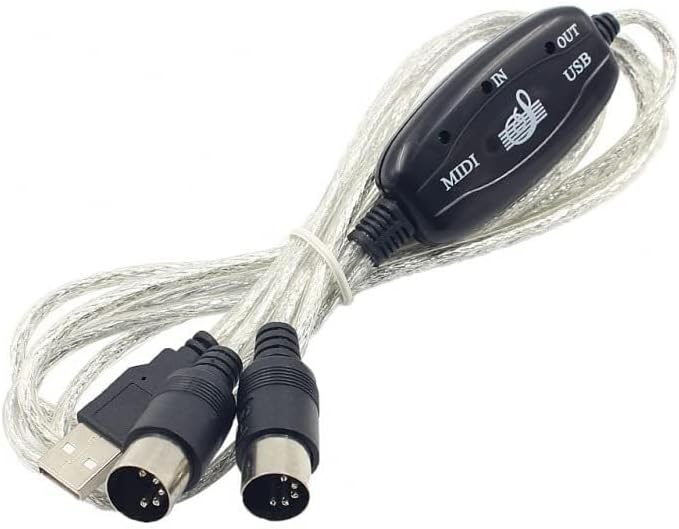
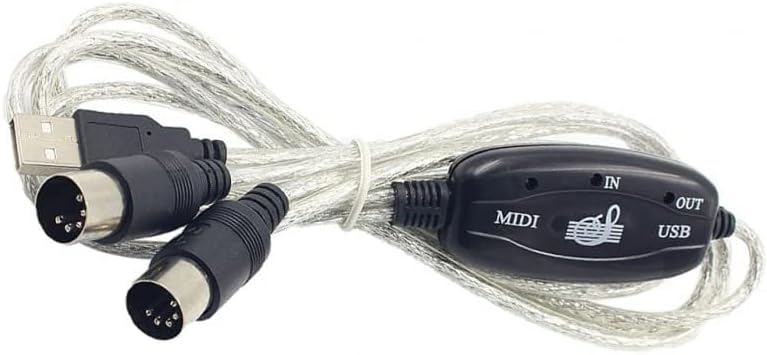
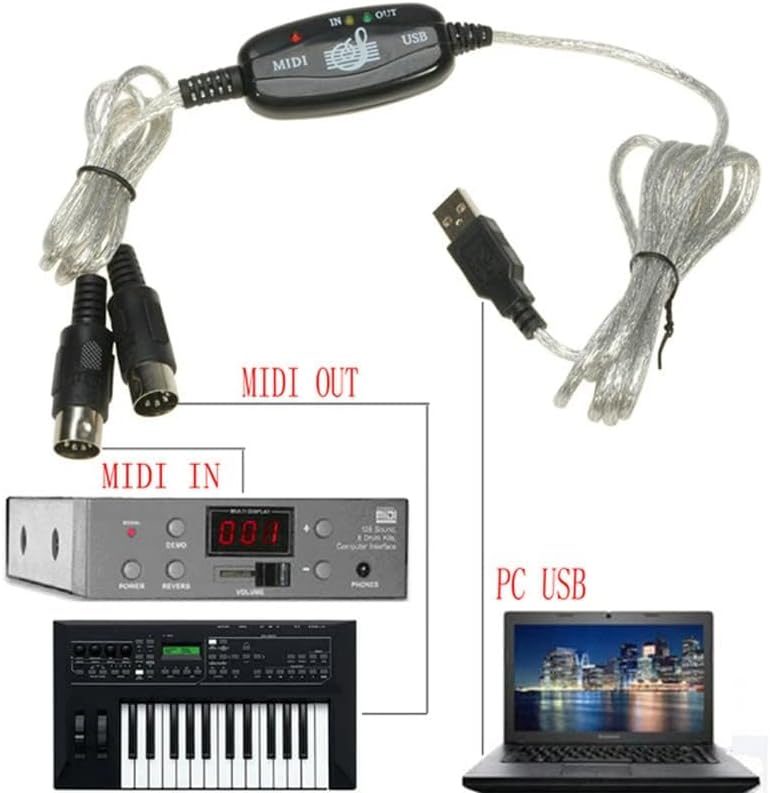
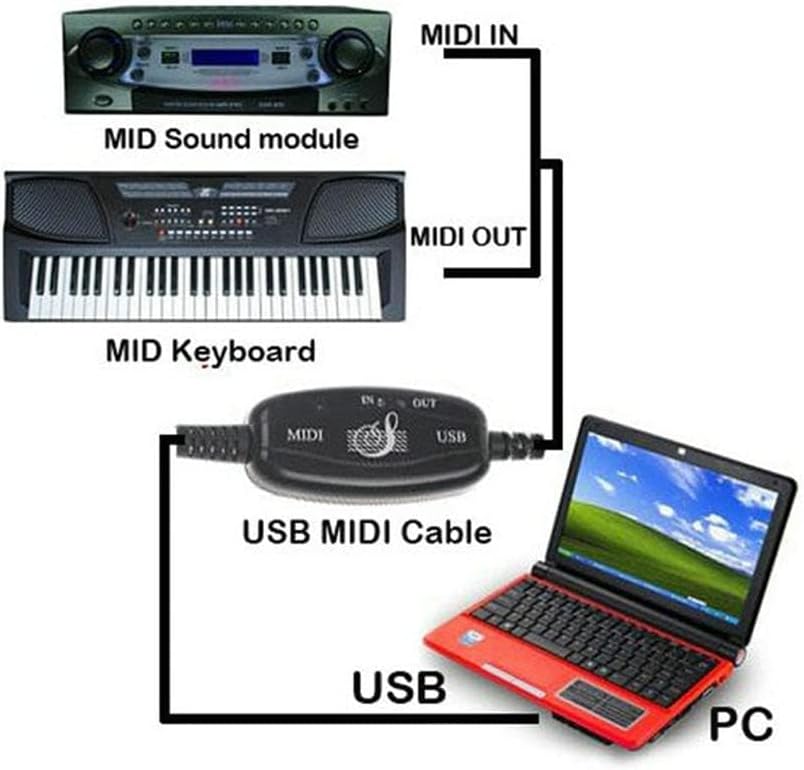
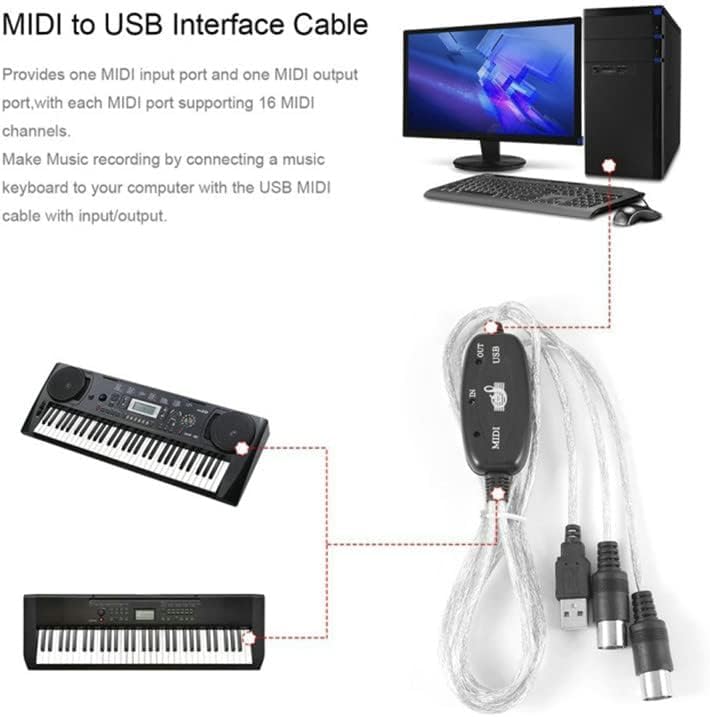
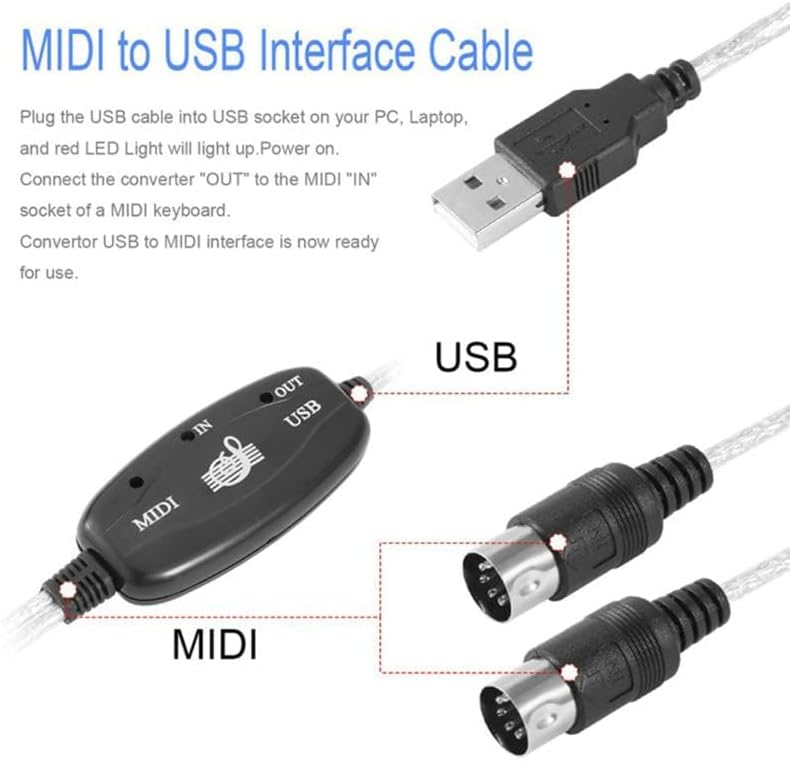
1. Connect the "up" to the MIDI "OUT" jack of a MIDI keyboard cable (or MIDI device).
2. Connect the "OUT" to the MIDI "IN" jack of a MIDI keyboard cable (from MIDI device).
3. Plug the USB cable into a free USB port on the computer
The red LED lights up to indicate the power supply.
4.Open your music software like Cubase,Sonar,MIDI connectors,etc
5. Set the music programs to MIDI and MIDI out devices "USB Audio Device"
6. Your USB MIDI interface is now ready for use.
Material: plastic
Use the registry issues: USB did not work successfully. You need to change the interface to control the drive, or download the driver to control the computer's USB drive
Package Included:
1 x USB Electronic Organ Music Line
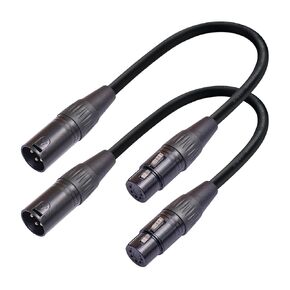 2-Pack 3Pin-XLR Female to 5Pin-XLR Male Audio Cable 1FT for Mixer, DMX Lightspeed, DMX Controller
SAR 0
2-Pack 3Pin-XLR Female to 5Pin-XLR Male Audio Cable 1FT for Mixer, DMX Lightspeed, DMX Controller
SAR 0
 Seismic Audio - SATRXL-F6-2 Pack of 6 Foot 1/4 Inch TRS to XLR Female Patch Cables - Balanced - 6 Foot Patch Cord - Orange and Orange
SAR 0
Seismic Audio - SATRXL-F6-2 Pack of 6 Foot 1/4 Inch TRS to XLR Female Patch Cables - Balanced - 6 Foot Patch Cord - Orange and Orange
SAR 0
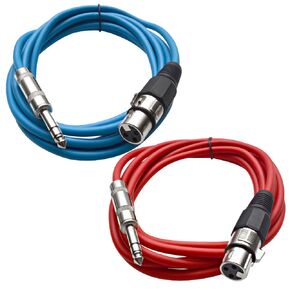 Seismic Audio - SATRXL-F10-2 Pack of 10 Foot 1/4 Inch TRS to XLR Female Patch Cables - Balanced - 10 Foot Patch Cord - Orange and Orange
SAR 115
Seismic Audio - SATRXL-F10-2 Pack of 10 Foot 1/4 Inch TRS to XLR Female Patch Cables - Balanced - 10 Foot Patch Cord - Orange and Orange
SAR 115
 Wood Thrush Premium 4-Pin Studio Monitor Link Cable - Compatible with ADAM D3V & Kanto ORA Speakers | Primary-Secondary Speaker Connection - High Flexibility Pure Copper Audio Cable (9.84ft/3m)
SAR 104
Wood Thrush Premium 4-Pin Studio Monitor Link Cable - Compatible with ADAM D3V & Kanto ORA Speakers | Primary-Secondary Speaker Connection - High Flexibility Pure Copper Audio Cable (9.84ft/3m)
SAR 104

 Saudi Arabia