- Shopping, made easy.
- /
- Get the app!
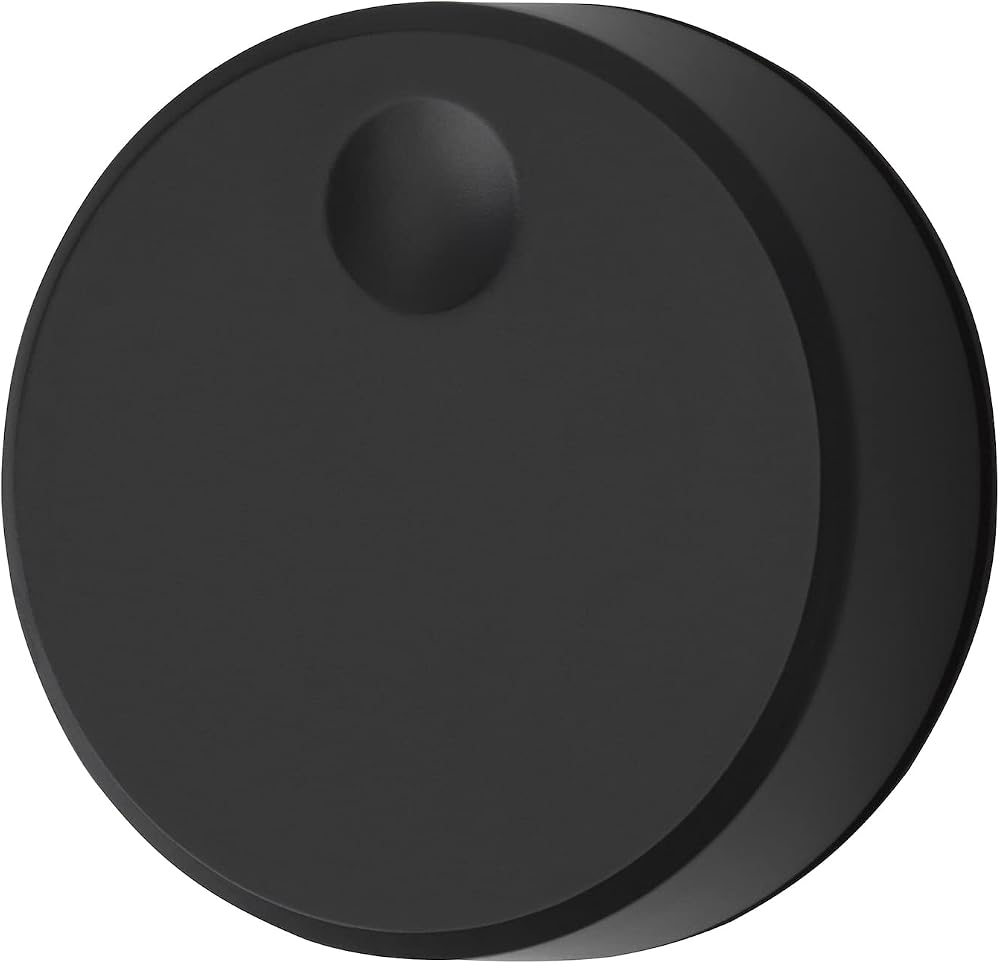
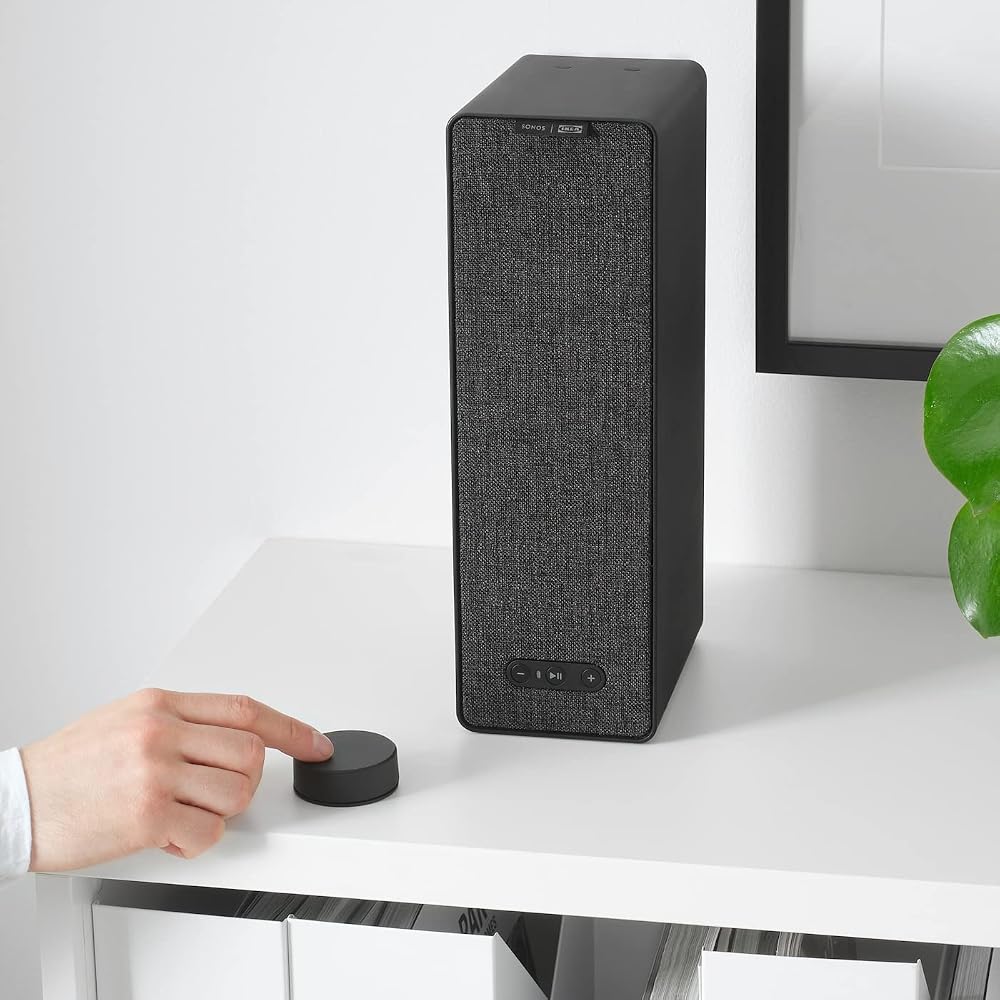
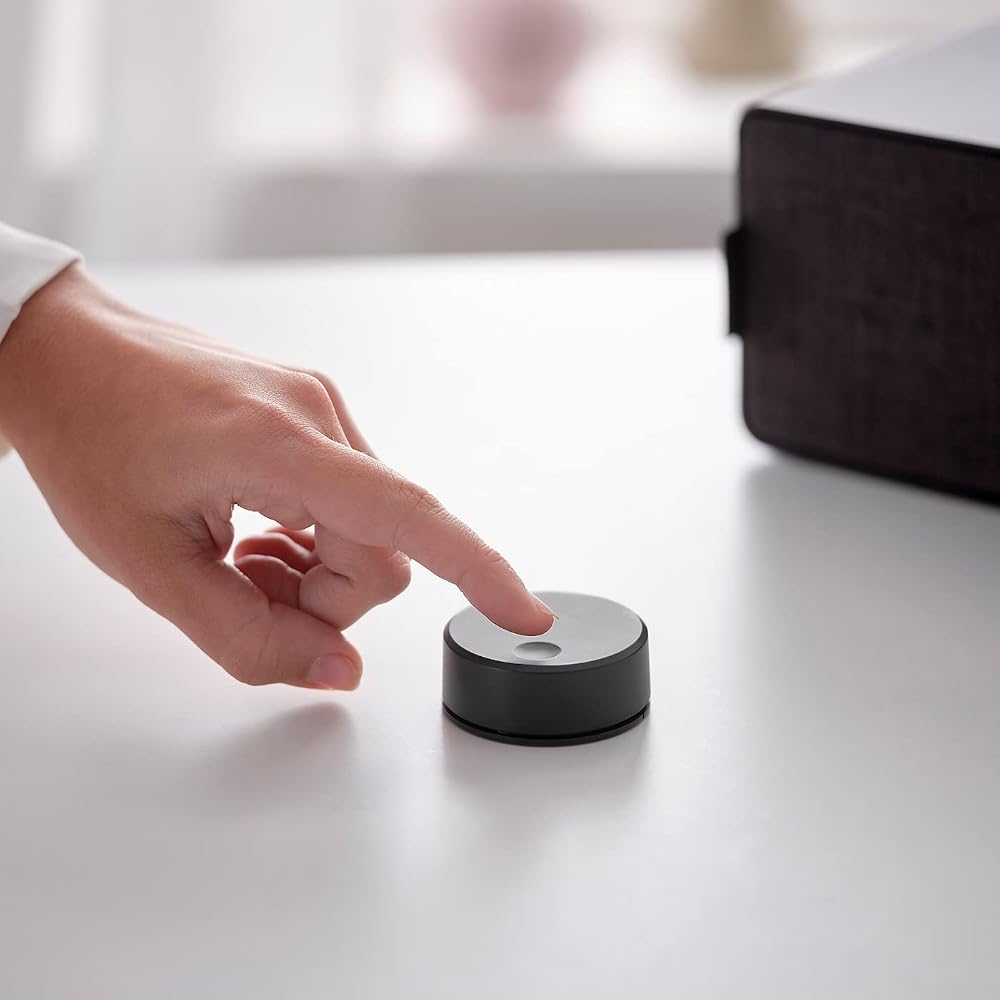
Concise Setup Guide: Connect your SYMFONISK speaker. Visit the Apple App Store (for iOS) or Google Play Store (for Android). Search for "Sonos" and install the app. Open the Sonos app and follow the setup instructions for your SYMFONISK speaker. For Existing Sonos System Users: Open the Sonos app. Plug in your SYMFONISK speaker. In the app, go to Settings (gear icon) > System > Add Product. Follow the on-screen instructions to set up your SYMFONISK speaker. Remote Functions: Play/Pause: Tap once to start or stop music, twice to skip tracks, and three times to go back one track. Hold to include it in another room's music. Status Light: Displays the current speaker status. Volume Control: Adjust the volume with the dedicated buttons for both increasing and decreasing the sound level.
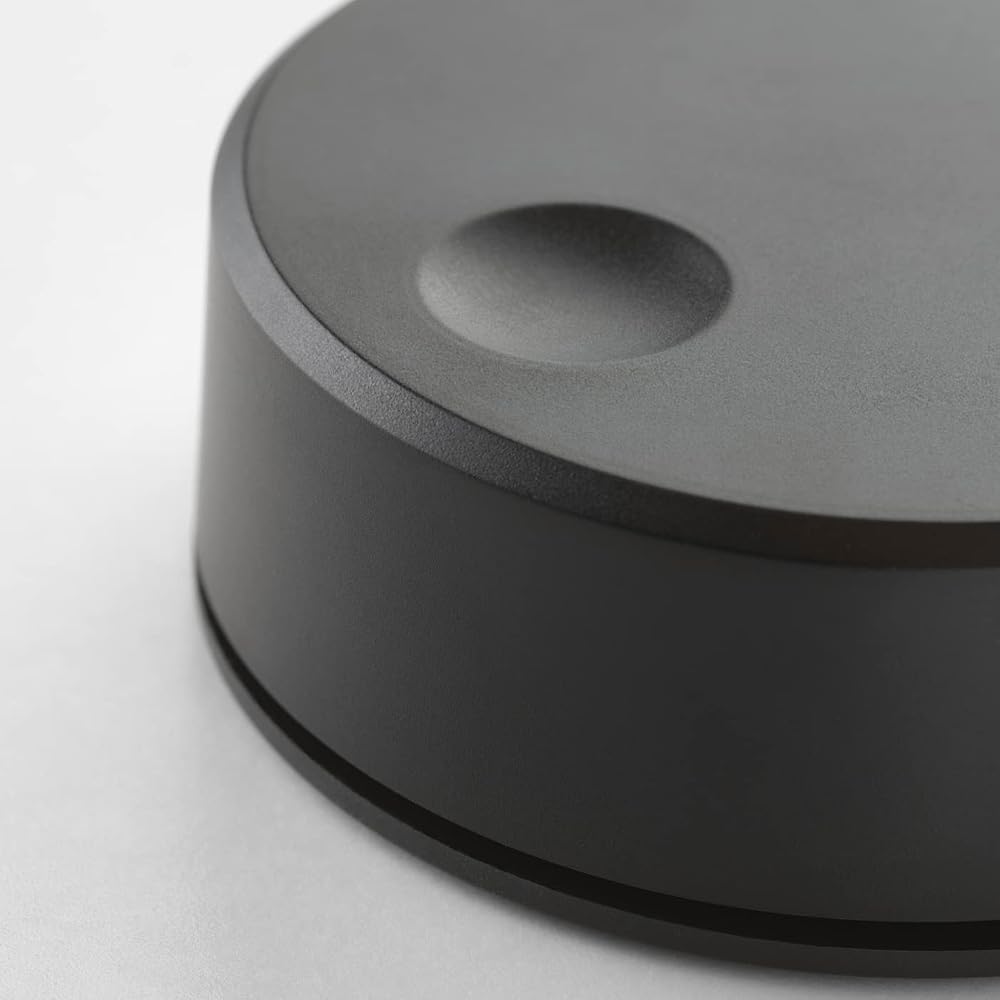
 IKEA 203.033.17 Trådfri Remote Control
SAR 339
IKEA 203.033.17 Trådfri Remote Control
SAR 339
 Wireless HDMI Receiver for Graige 952, 4K 30HZ, 820 FT, HDMI Loop-Out, IR Extend, Dual Cooling Systems, 9 Channels, 1 TX to 3 RXS
SAR 470
Wireless HDMI Receiver for Graige 952, 4K 30HZ, 820 FT, HDMI Loop-Out, IR Extend, Dual Cooling Systems, 9 Channels, 1 TX to 3 RXS
SAR 470
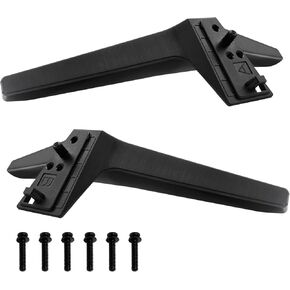 WISINY TV Legs Replacement for LG 60 65 Inch TV Legs,Compatible for LG TV Stand Models 60UJ6050 60UK6090 60UM6900 60UN7300 65UJ6300 65UK6090 65UM6900 65UM7300PUA 65UN6950 with Screws
SAR 114
WISINY TV Legs Replacement for LG 60 65 Inch TV Legs,Compatible for LG TV Stand Models 60UJ6050 60UK6090 60UM6900 60UN7300 65UJ6300 65UK6090 65UM6900 65UM7300PUA 65UN6950 with Screws
SAR 114
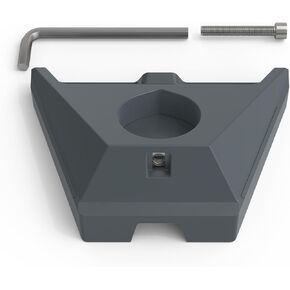 Starlink Gen 3 Pipe Adapter, Starlink Pole Mount for Starlink Standard Gen 3,for Starlink Standard Dish, V3 Kickstand Dishy
SAR 157
Starlink Gen 3 Pipe Adapter, Starlink Pole Mount for Starlink Standard Gen 3,for Starlink Standard Dish, V3 Kickstand Dishy
SAR 157