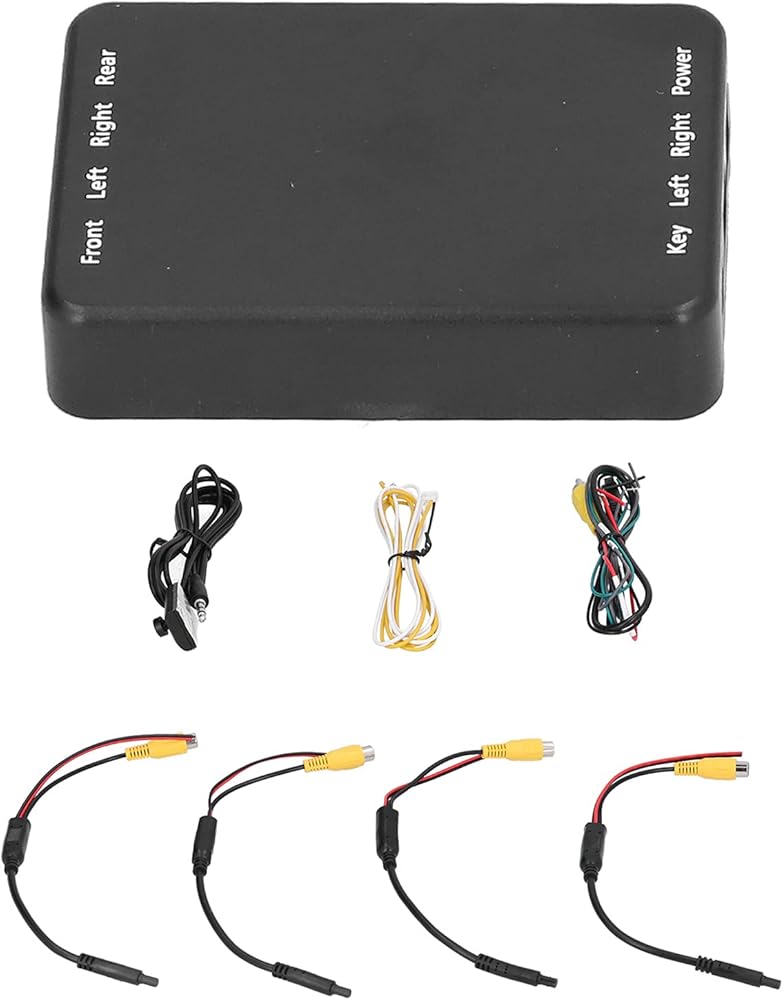
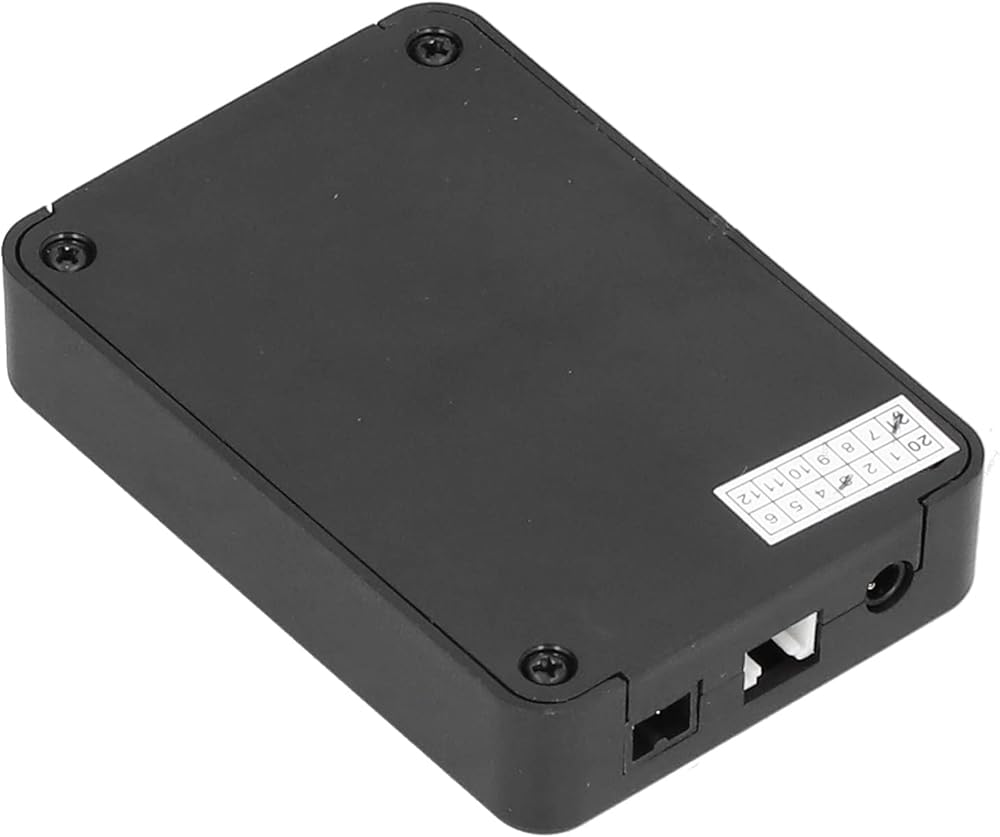
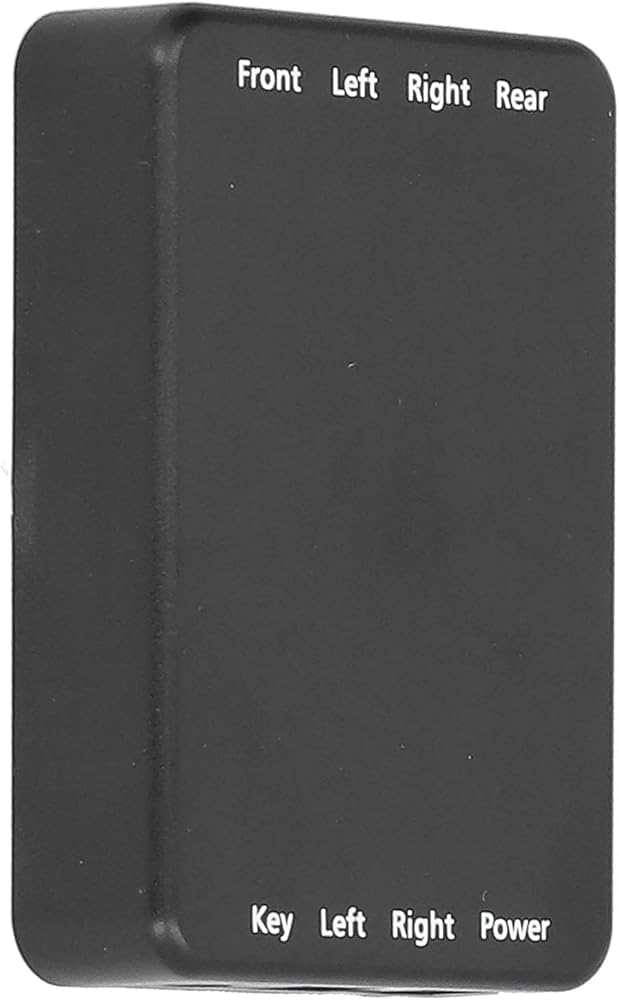
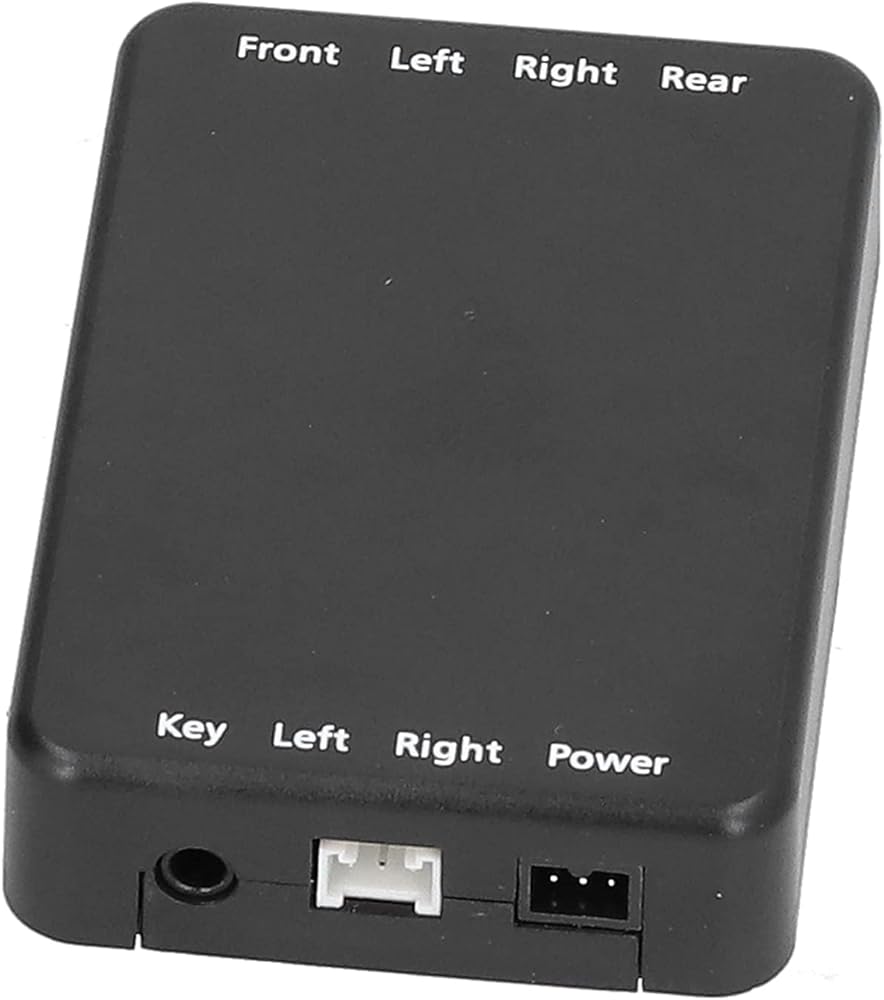
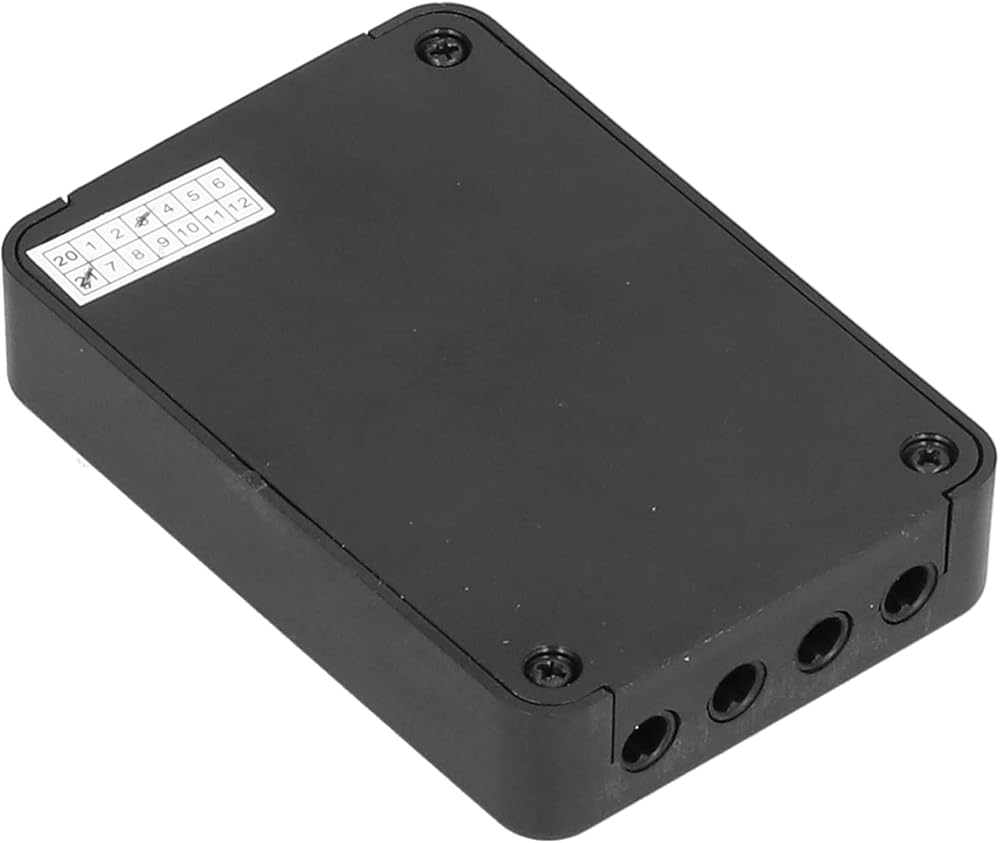
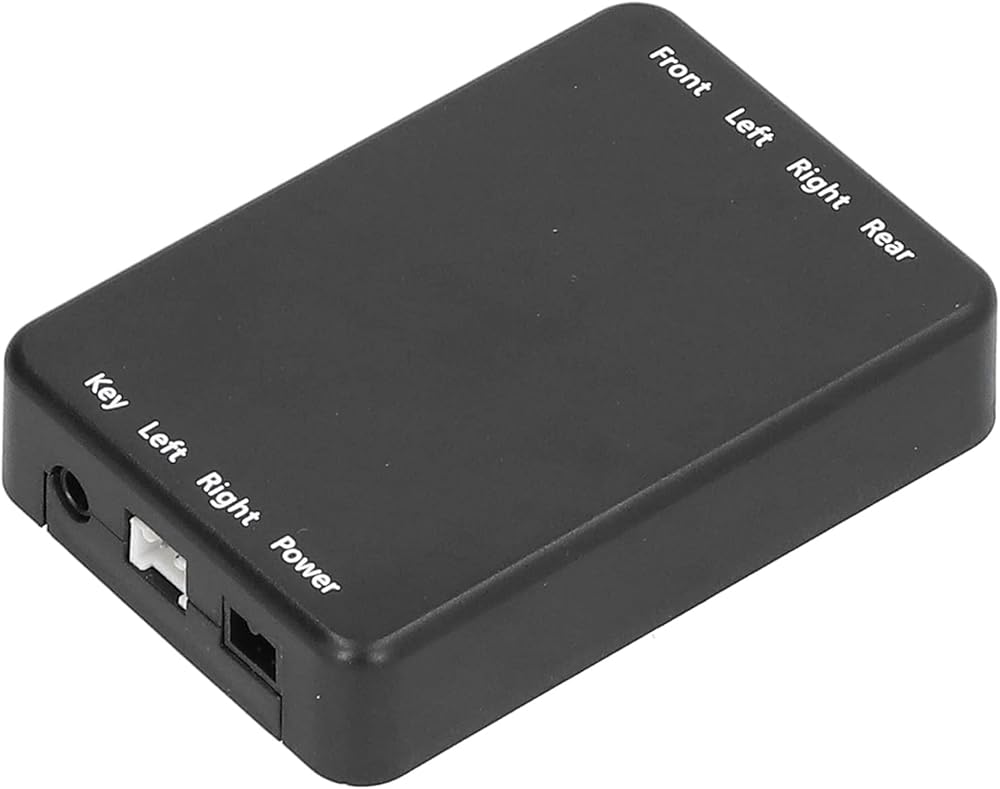
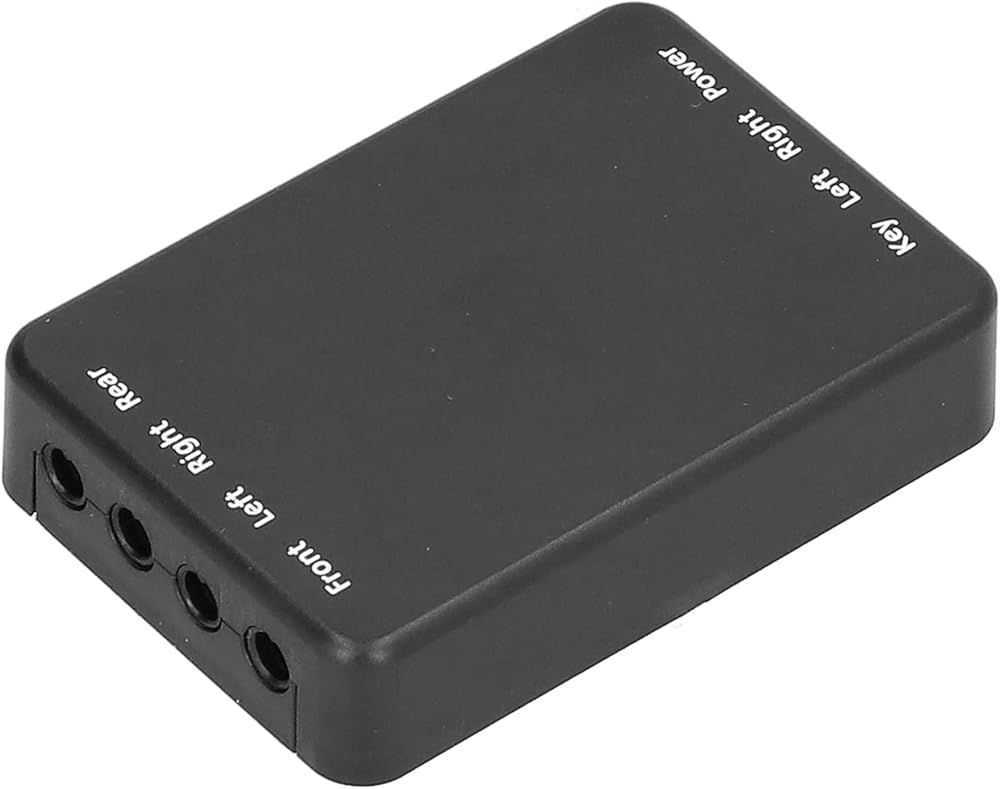
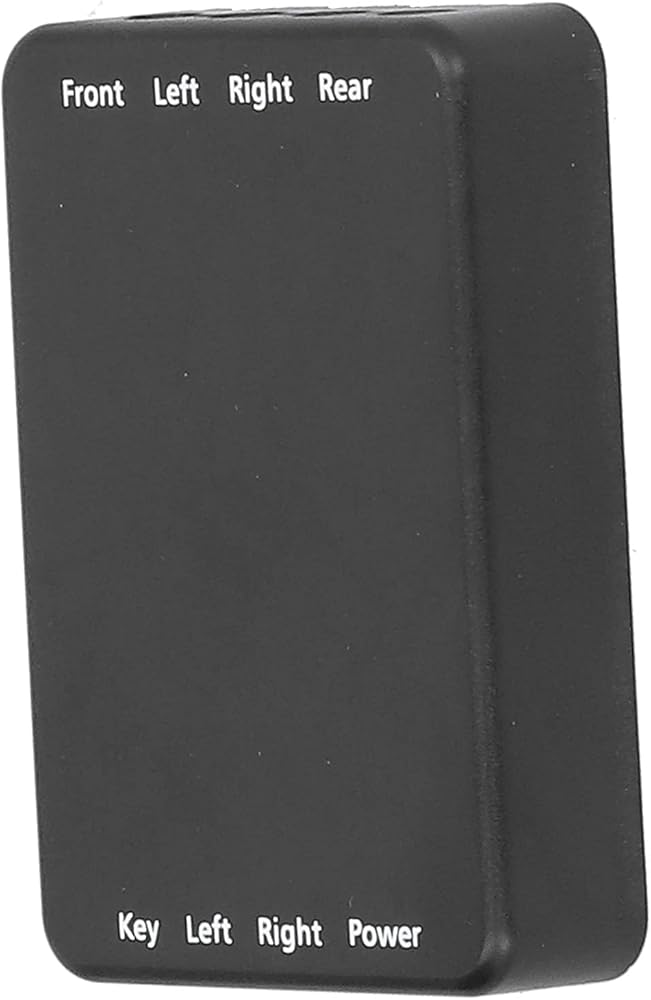
4 Way Camera Control,4 Way Car Video Switch 360 Degree Panoramic Rearview Camera Control Box System Universal Car Video Switch Multiple Cameras Control 4 Way car Camera System
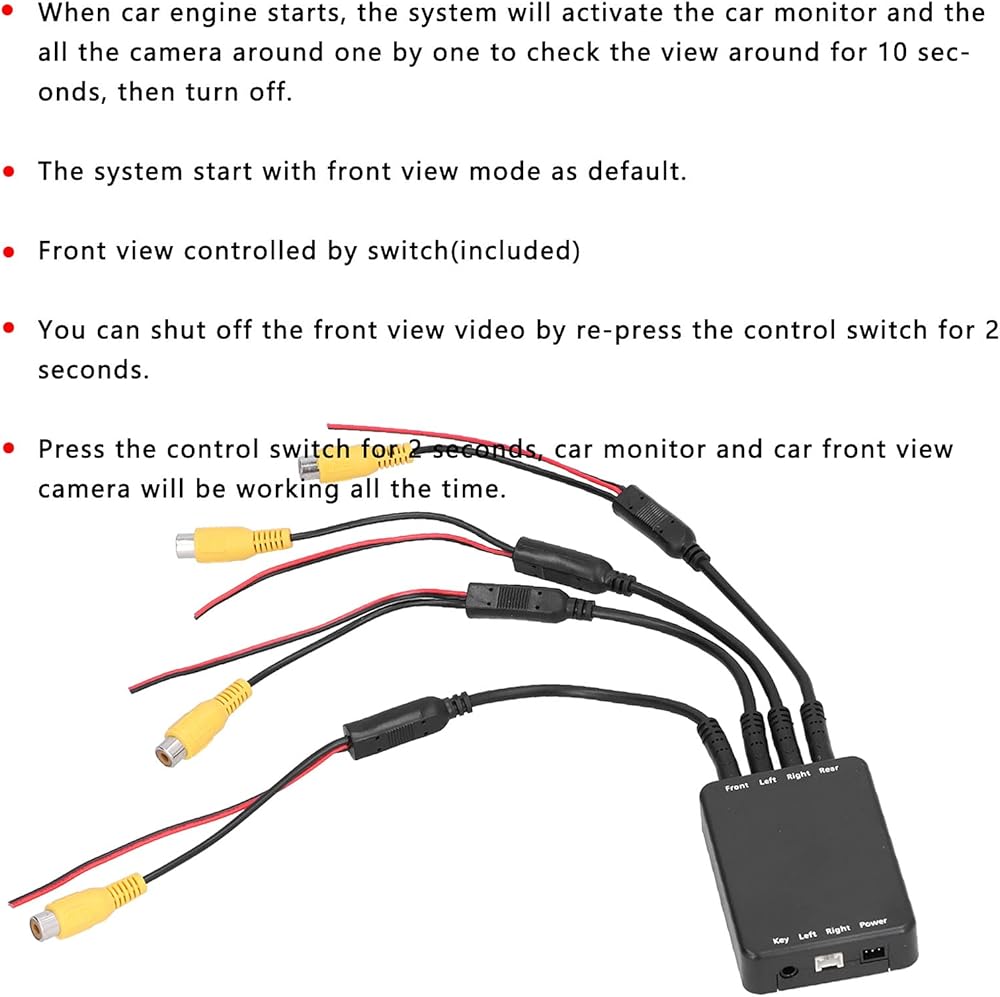
When car engine starts, the system will activate the car monitor and the all the camera around one by one to check the view around for 10 seconds, then turn off.
The system start with front view mode as default. Front view controlled by switch(included) and you can shut off the front view video by re‑press the control switch for 2 seconds.
Press the control switch less than 1 second to enter side view mode. When you turn on the turning switch, this system will activate monitor and side view camera (controlled by left/right steering lamp).
The monitor and camera will turn off after 1.5 seconds when steer turning is finished. Press the control switch less than 1 second again to enter front view mode.
Press the control switch for 2 seconds, car monitor and car front view camera will be working all the time, if no other trigger working, more convenient to use.
 Car Graphic Equalizer,Car Audio Equalizer Adjustable 5 Bands Precise Tuning EQ Tuning Crossover Amplifier Graphic Equalizer
SAR 134
Car Graphic Equalizer,Car Audio Equalizer Adjustable 5 Bands Precise Tuning EQ Tuning Crossover Amplifier Graphic Equalizer
SAR 134
 DALLUX Backup Camera Cable 4PIN Video Power Aviation Extension Wire for Vehicle Car Camper Bus Van Truck Motorhome Trailer RV Reverse Rearview Monitor CCTV System Waterproof Shock Proof 20m 65.7ft
SAR 70
DALLUX Backup Camera Cable 4PIN Video Power Aviation Extension Wire for Vehicle Car Camper Bus Van Truck Motorhome Trailer RV Reverse Rearview Monitor CCTV System Waterproof Shock Proof 20m 65.7ft
SAR 70
 -20%
Garmin DriveSmart 66, 6-inch Car GPS Navigator with Bright, Crisp High-resolution Maps and Garmin Voice Assist
SAR 918
-20%
Garmin DriveSmart 66, 6-inch Car GPS Navigator with Bright, Crisp High-resolution Maps and Garmin Voice Assist
SAR 918
 KICKER 46CSC654 - Two Pairs of CS-Series CSC65 6.5-Inch (160mm) Coaxial Speakers, 4-Ohm (2 Pairs)
SAR 918
KICKER 46CSC654 - Two Pairs of CS-Series CSC65 6.5-Inch (160mm) Coaxial Speakers, 4-Ohm (2 Pairs)
SAR 918