- Shopping, made easy.
- /
- Get the app!
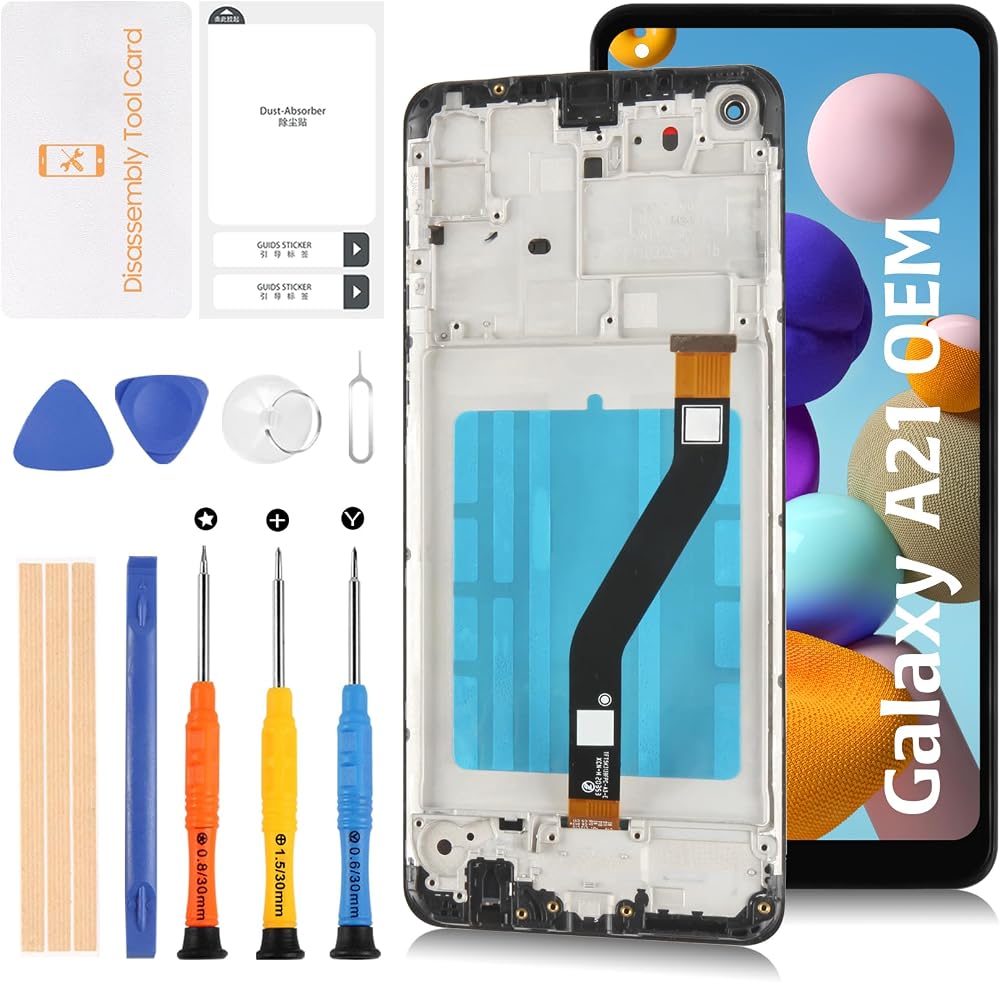
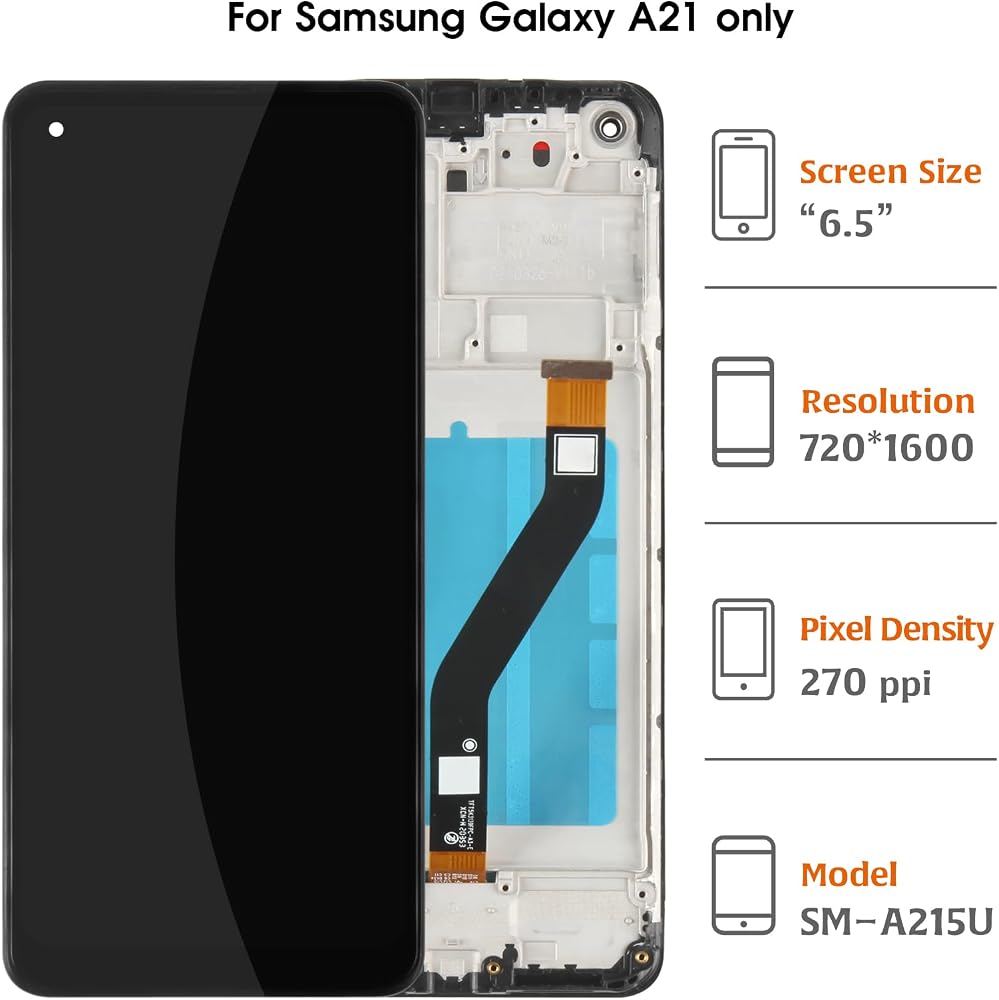
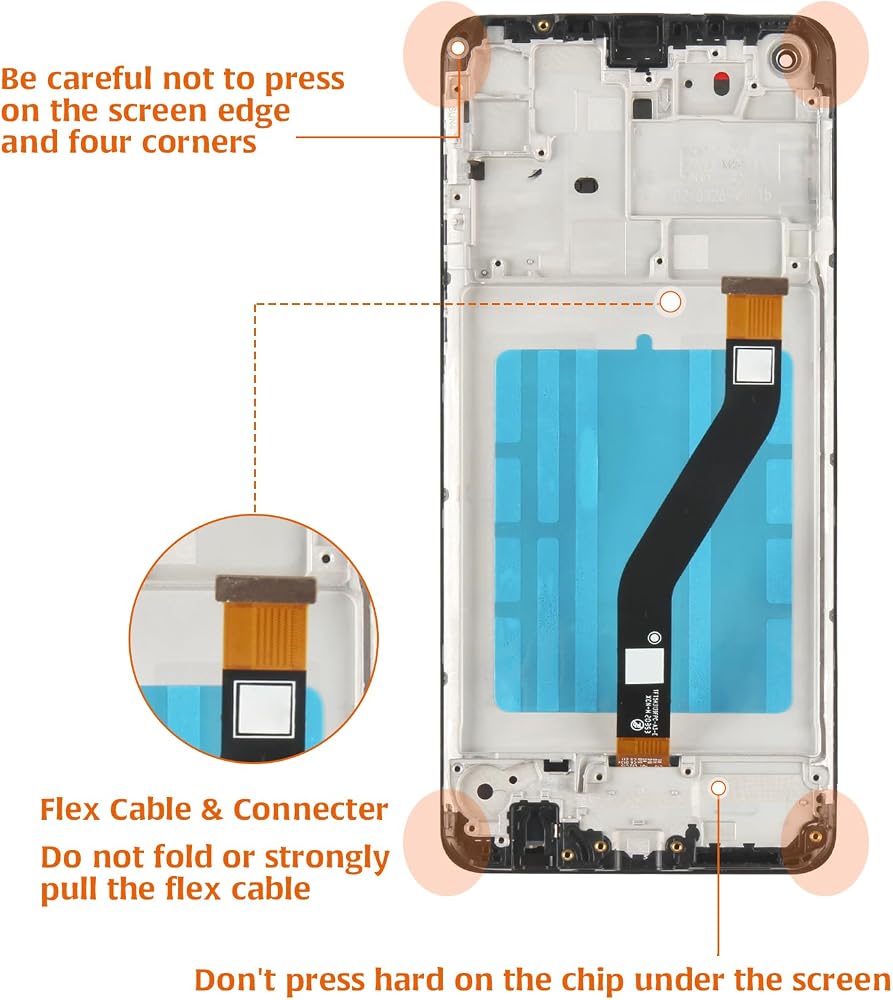
For Samsung Galaxy A21 SM-A215U, SM-A215U1, SM-S215DL, SM-A215W lcd screen replacement.
♦Friendly Reminder:
🔹Product does not include a manual. Kindly refer to installation tutorials on YouTube.
🔸Ensure to diagnose whether your phone's malfunction is due to the LCD or touch panel before making a purchase.
🔹Installation requires specific skills and tools.
For personal use or non-professionals, please proceed with caution. It is advisable to seek professional service.
We do not assume responsibility for any damage resulting from the installation.
🔸While our provided tools are versatile and compatible with most phones, we cannot guarantee compatibility with all models.
🔹Dealing with issues post-installation can be challenging; hence, please test the product upon receipt.
🔸Handle the LCD with care, as it is fragile. Inadvertent breakage may result in glass fragments that could cause injury. Take appropriate safety measures.
🛠Simulation Test:
1. During testing, do not remove any protective films or labels.
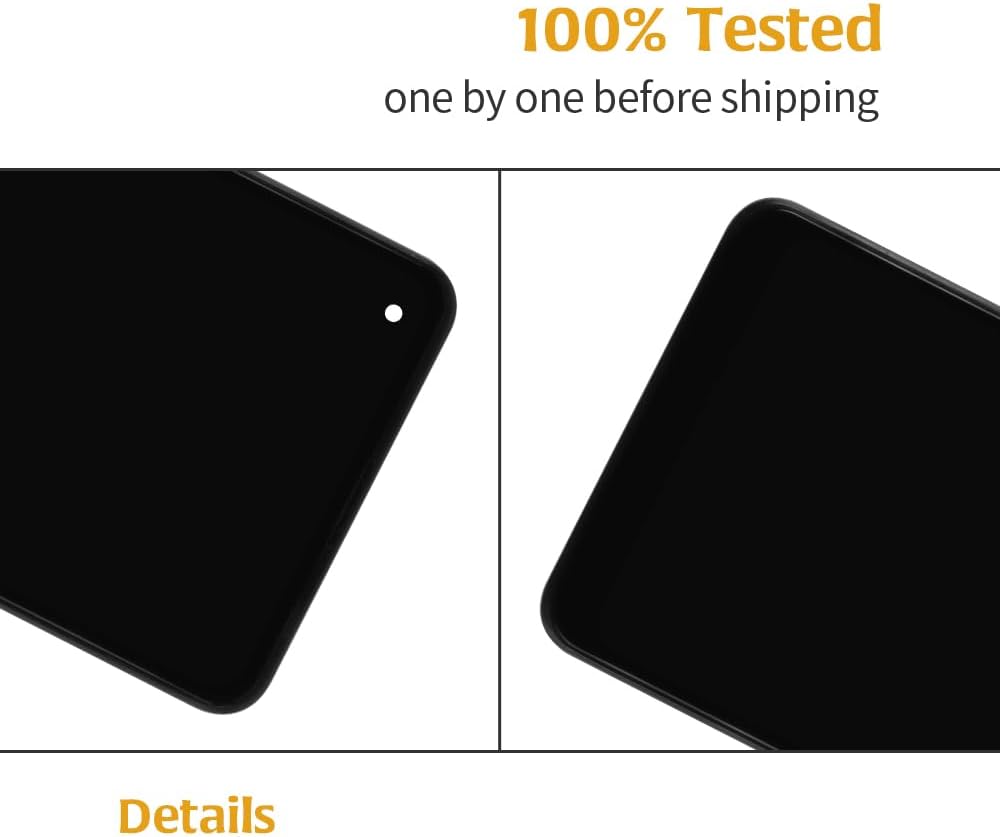
2. Pay attention to static electricity issues. Ground yourself using an ESD (Electrostatic Discharge) wrist strap to prevent damage from static electricity.
⚠3. Keep the battery cable connector disconnected. Disassemble the phone,
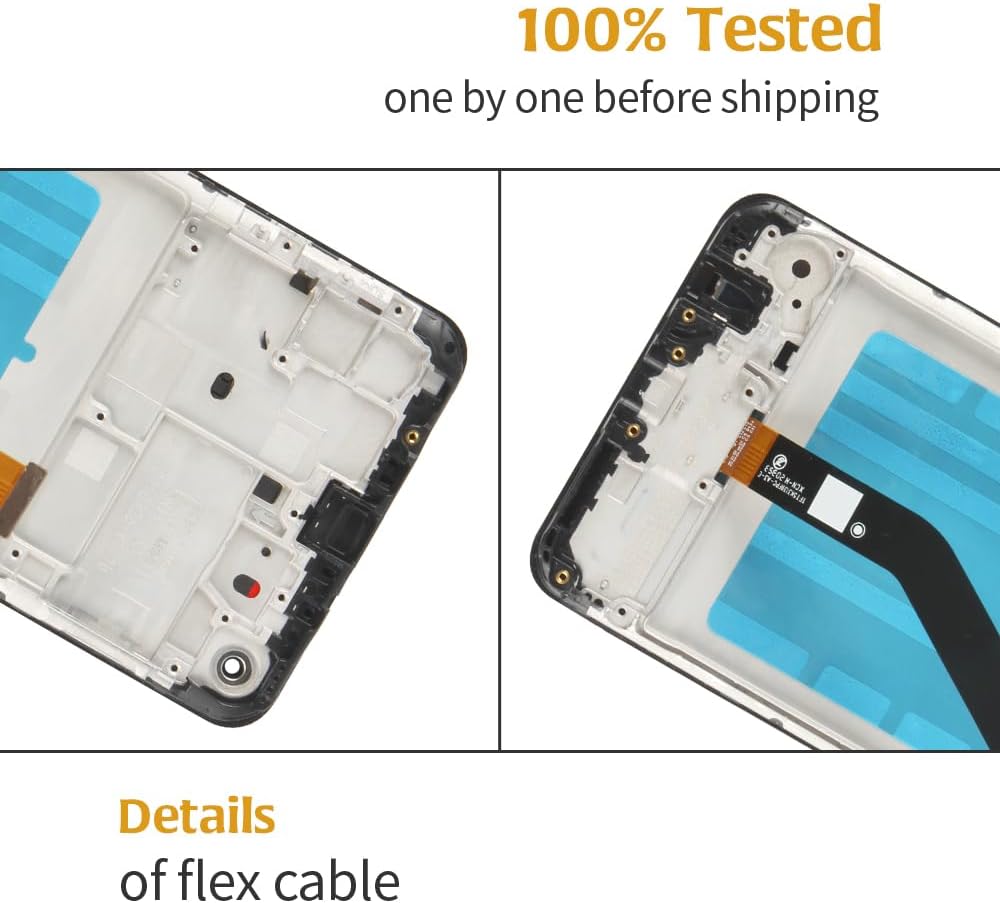
remove the old flex cable of the LCD display or touch screen from the motherboard, and replace it with a new one.
Then, plug in the charging cable, turn on the phone, and check if the screen works normally.
If abnormalities are observed, please contact us promptly with attached video or photos. Do not force installation.
📞After-sales Support
We offer a replacement policy for product damage not caused by user error.
We do not accept responsibility for any damages or malfunctions resulting from incorrect installation work. Kindly use the product at your own discretion.
![A-MIND for Samsung Galaxy A33 5G A336 LCD Screen Replacement [incell No Fingerprint] A336B A336E A336M A3360 LCD Display Touch Screen Digitizer Full Assembly Repair Kits,with Tools in Saudi Arabia](https://cdn1.tilga.com/md/prod/3/5928/3/153823055.3818.jpg) A-MIND for Samsung Galaxy A33 5G A336 LCD Screen Replacement [incell No Fingerprint] A336B A336E A336M A3360 LCD Display Touch Screen Digitizer Full Assembly Repair Kits,with Tools
SAR 125
A-MIND for Samsung Galaxy A33 5G A336 LCD Screen Replacement [incell No Fingerprint] A336B A336E A336M A3360 LCD Display Touch Screen Digitizer Full Assembly Repair Kits,with Tools
SAR 125
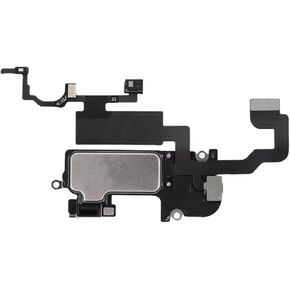 Earpiece Speaker for iPhone 12/12 Pro Ear Speaker Replacement,for iPhone 12 Pro/12 Speaker Replacement Light Proximity Sensor Flex Cable Earphone Speaker Assembly Repair Kit(Not for 12 Pro Max)
SAR 50
Earpiece Speaker for iPhone 12/12 Pro Ear Speaker Replacement,for iPhone 12 Pro/12 Speaker Replacement Light Proximity Sensor Flex Cable Earphone Speaker Assembly Repair Kit(Not for 12 Pro Max)
SAR 50
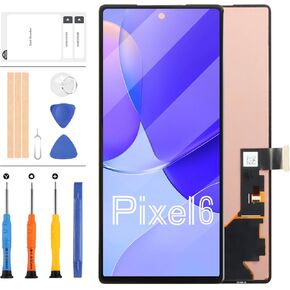 OLED for Google Pixel 6 Screen Replacement GB7N6 G9S9B16 LCD Screen for Google Pixel 6 LCD Display Touch Screen Digitizer Assembly Repair Parts Kit Black 6.4 inch
SAR 246
OLED for Google Pixel 6 Screen Replacement GB7N6 G9S9B16 LCD Screen for Google Pixel 6 LCD Display Touch Screen Digitizer Assembly Repair Parts Kit Black 6.4 inch
SAR 246
 A-MIND OEM Screen Replacement for Infinix Smart 8 6.6" Original LCD Display Touch Digitizer Assembly with Repair Tools Kit Full Front Panel Repair Kit X6525, X6525D
SAR 132
A-MIND OEM Screen Replacement for Infinix Smart 8 6.6" Original LCD Display Touch Digitizer Assembly with Repair Tools Kit Full Front Panel Repair Kit X6525, X6525D
SAR 132