- Shopping, made easy.
- /
- Get the app!
Description:
Installation method:
1. Turn off the computer host before operating;
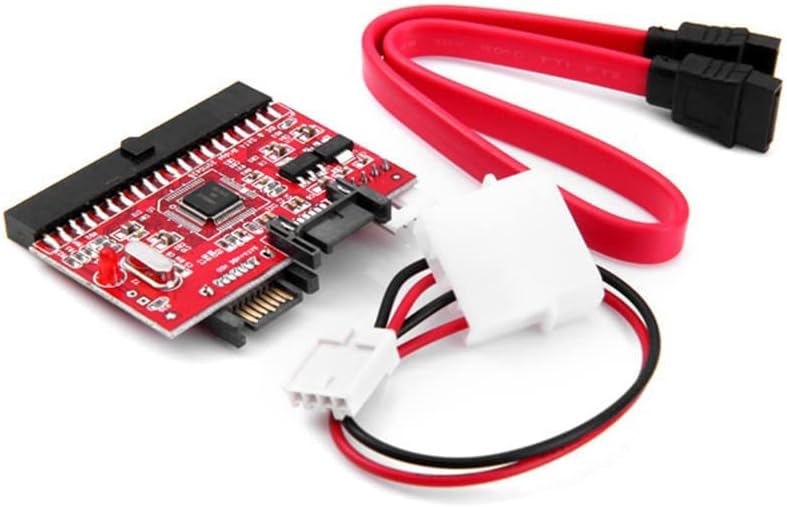
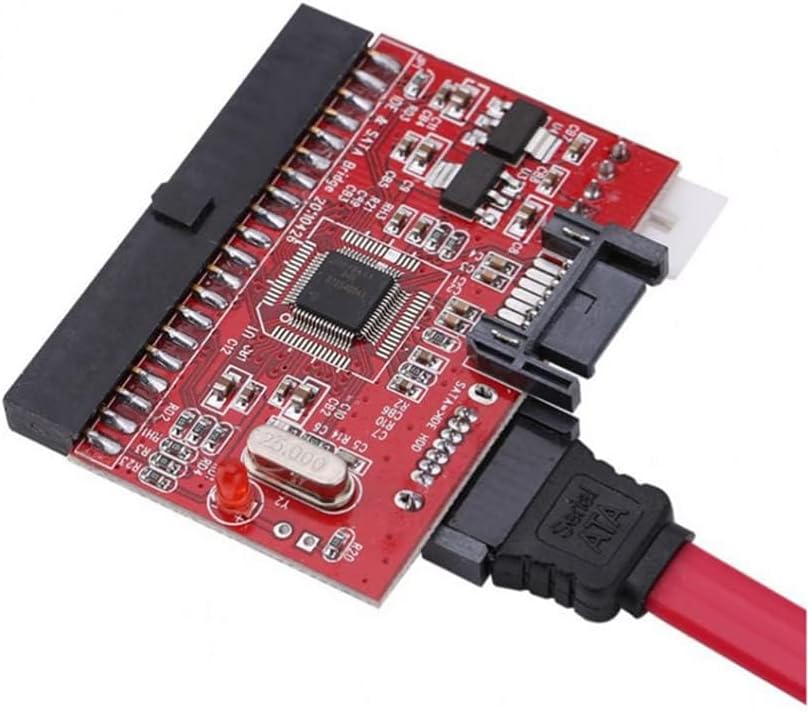
2.Open the computer case, insert the IDE jack of the HW-629 card into the IDE jack of the computer motherboard (the motherboard with IDE interface);
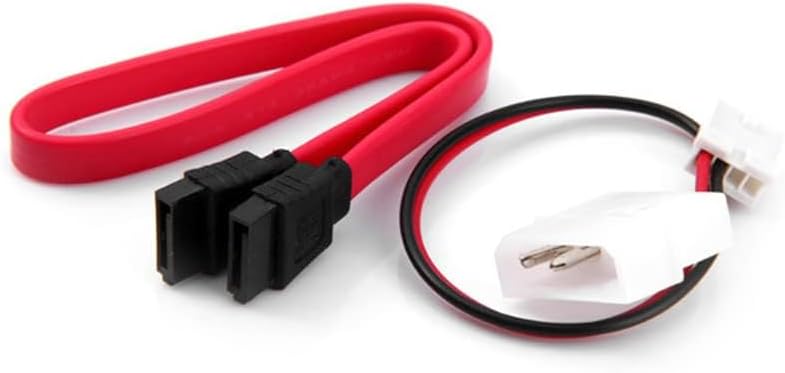
3.Connect the large end of the supplied power cable to the replacement power cable of the chassis power supply and the small end to the HW-629 board (white seat, note that the direction cannot be reversed);
4.Connect one end of the supplied data cable to the SATA jack of the HW-629 card and the other end to the SATA interface of the SATA device (such as a SATA hard drive);
5.After the connection is established, start the computer and go to the BIOS for device detection. The computer host should be able to correctly identify the connected SATA device.
Description of the conversion card:
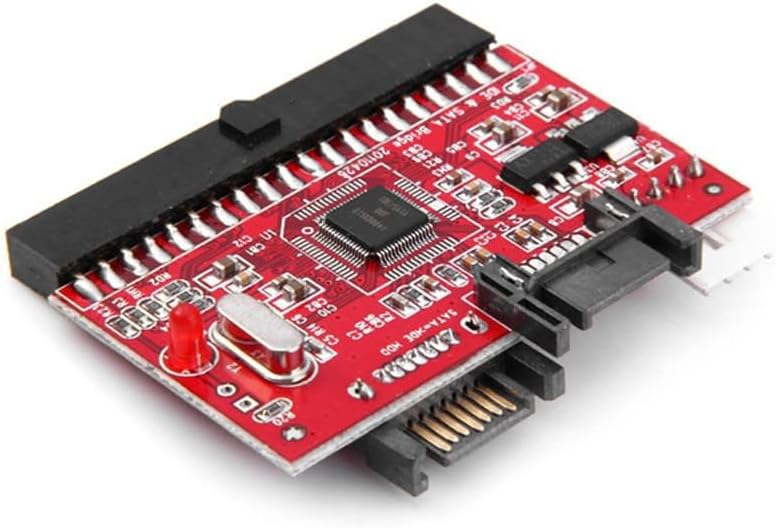
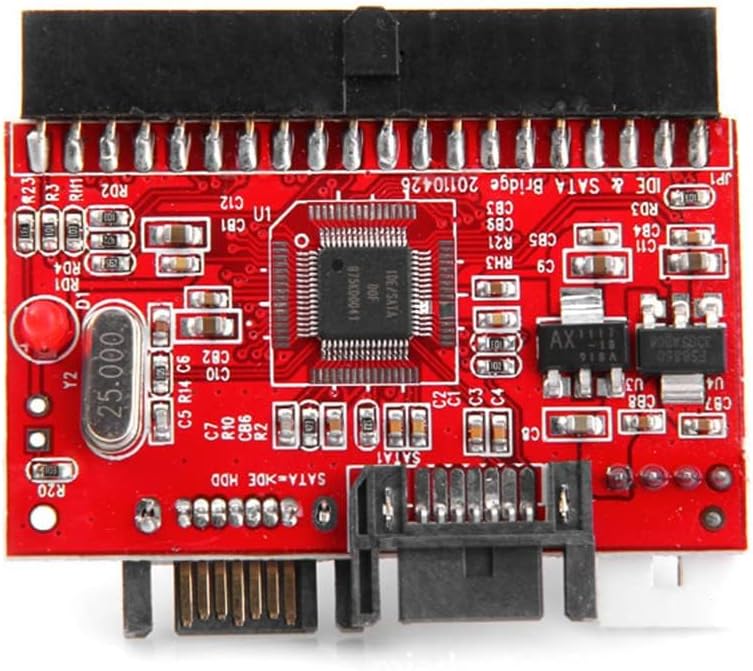
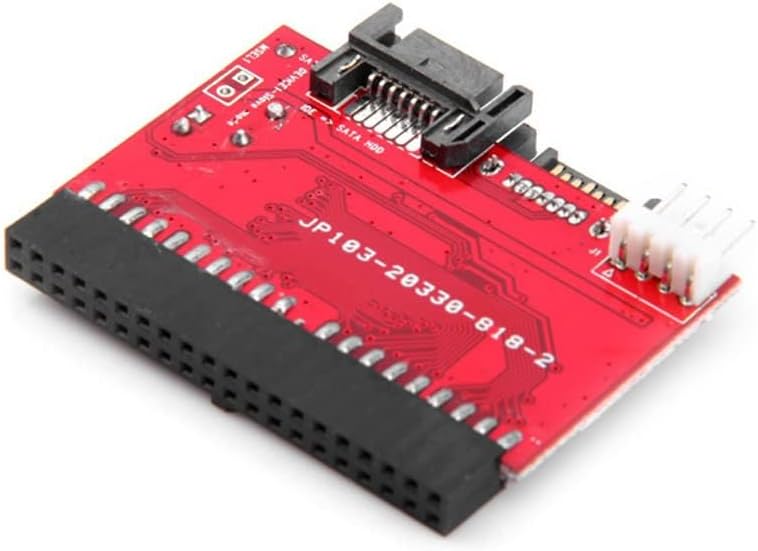
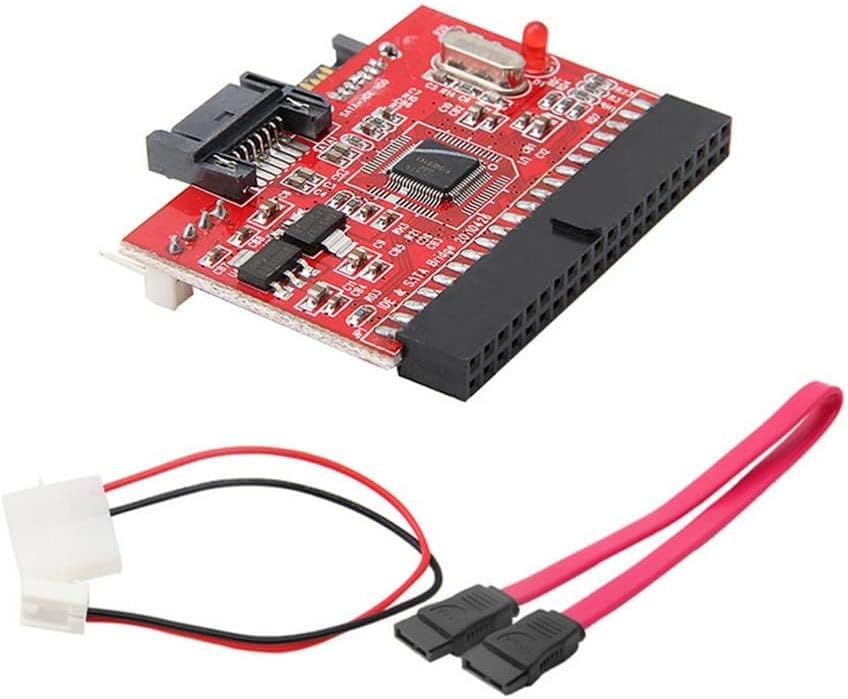
There is a 40-pin IDE connector Connect the IDE cable
has a SATA port
Has a 4-pin power connection
Convert a parallel ATA motherboard device to a SATA interface
Compatible with SATA 1.0 standard
Package List:
1 x SATA to IDE Adapter
 BUBUCAM USB Lamp LED Mini Light Laptop Computer Notebook Reading Lamp Silicone Gooseneck Black
SAR 24
BUBUCAM USB Lamp LED Mini Light Laptop Computer Notebook Reading Lamp Silicone Gooseneck Black
SAR 24
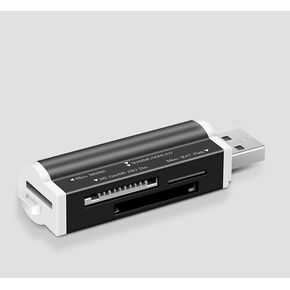 USB SD Card Reader for PC, Micro SD Card to USB Adapter, Card Reader for Camera Memory Card Reader
SAR 23
USB SD Card Reader for PC, Micro SD Card to USB Adapter, Card Reader for Camera Memory Card Reader
SAR 23
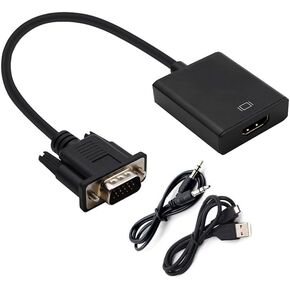 VGA to HDMI Adapter, Audio Support 1080P Resolution VGA to HDMI Adapter(Male to Female) for Computer, PC, Laptop, Monitor
SAR 32
VGA to HDMI Adapter, Audio Support 1080P Resolution VGA to HDMI Adapter(Male to Female) for Computer, PC, Laptop, Monitor
SAR 32
 1080P HDMI to VGA Converter Adapter VGA Female Video 3.5mm Audio Cable for PC Laptop
SAR 26
1080P HDMI to VGA Converter Adapter VGA Female Video 3.5mm Audio Cable for PC Laptop
SAR 26

 Saudi Arabia