- Shopping, made easy.
- /
- Get the app!
To prevent smears or fingerprints, etc., from appearing in your photos, be sure to wipe off the surface of the filter or protector before attaching it to the camera.If you attach both a filter and a protector to a lens, the screen may darken around the edges. Should this occur, adjust the focus until the effect disappears. Brush dust off the surface of the lens with a blower brush or soft brush. Wipe off fingerprints or other smears with a soft cloth slightly moistened with a mild detergent solution.
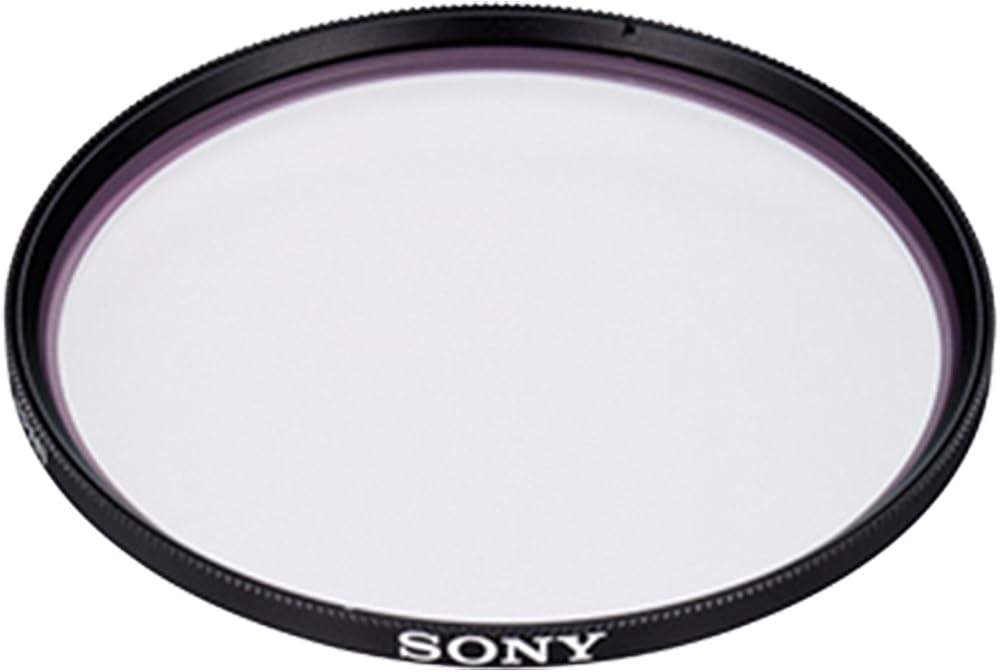
 Sony Alpha Filter DSLR Lens Diameter 55mm
SAR 241
Sony Alpha Filter DSLR Lens Diameter 55mm
SAR 241
 Circular PL Filter
SAR 637
Circular PL Filter
SAR 637
 Sony Alpha VF67MPAM Multi-Coated Protective Filter (Black)
SAR 373
Sony Alpha VF67MPAM Multi-Coated Protective Filter (Black)
SAR 373
 Sony Circular PL Filter
SAR 547
Sony Circular PL Filter
SAR 547