- Shopping, made easy.
- /
- Get the app!
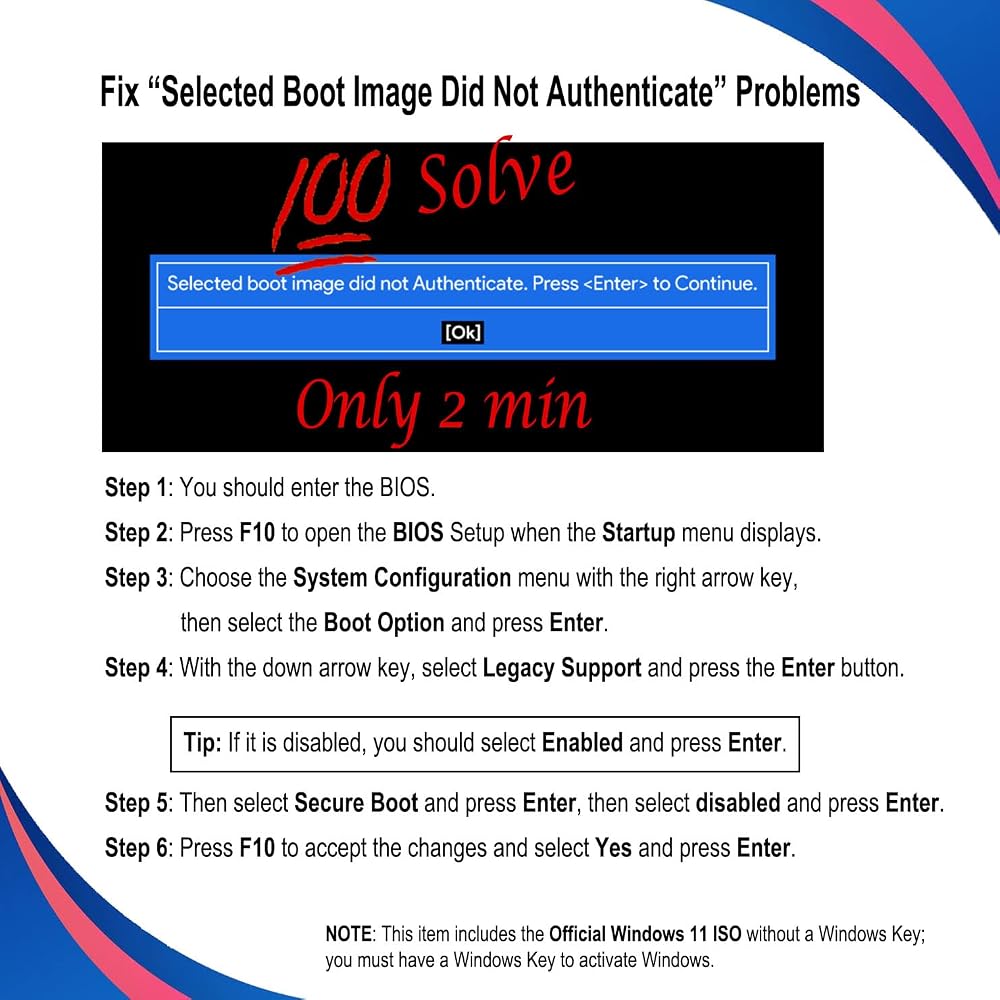
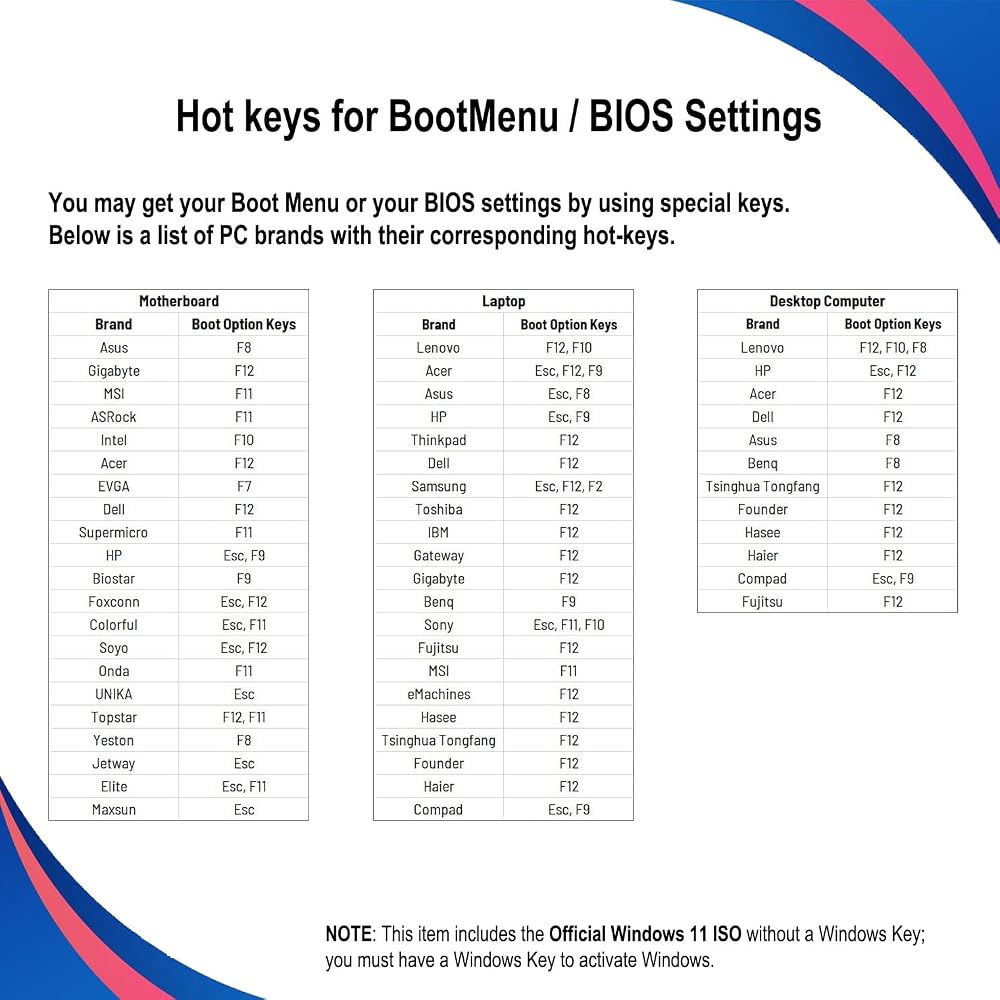
🗝 [Requirement] You must have your Product key. Locate it on a sticker attached to your system. No Key is included with the item. You must change your bios to boot from the USB.
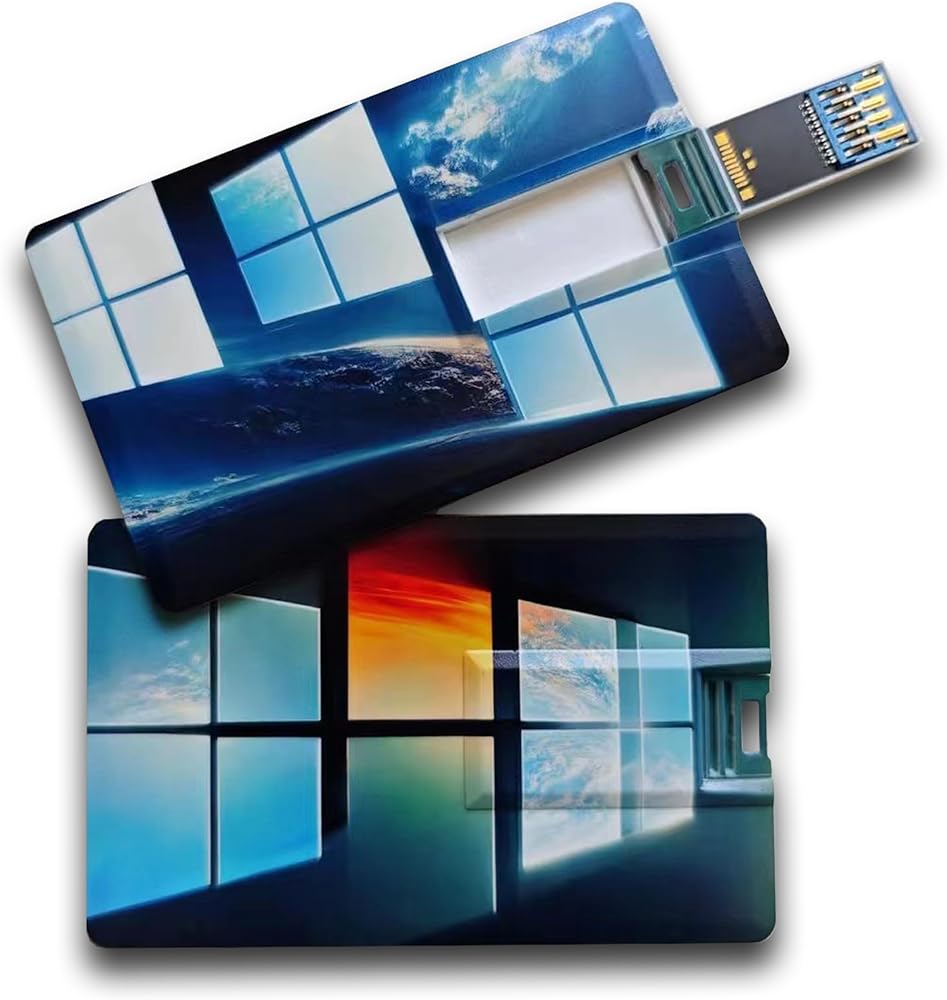
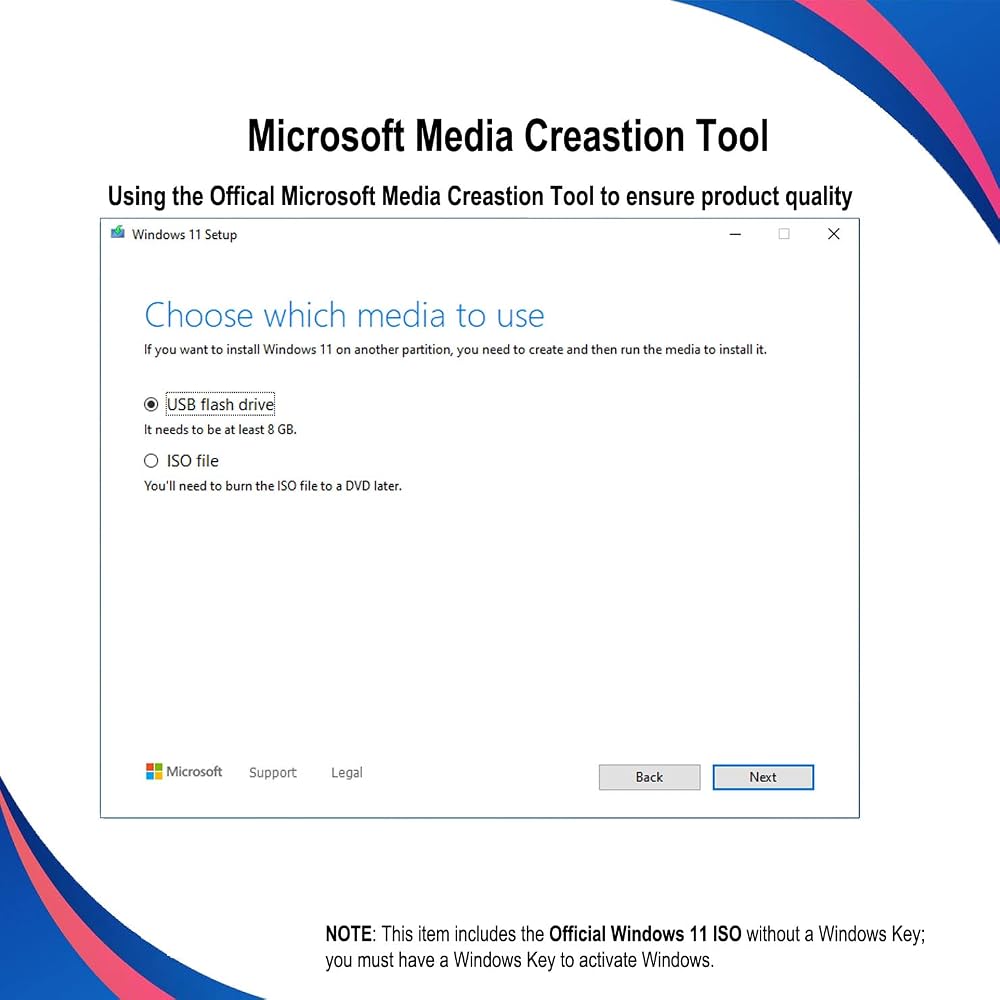
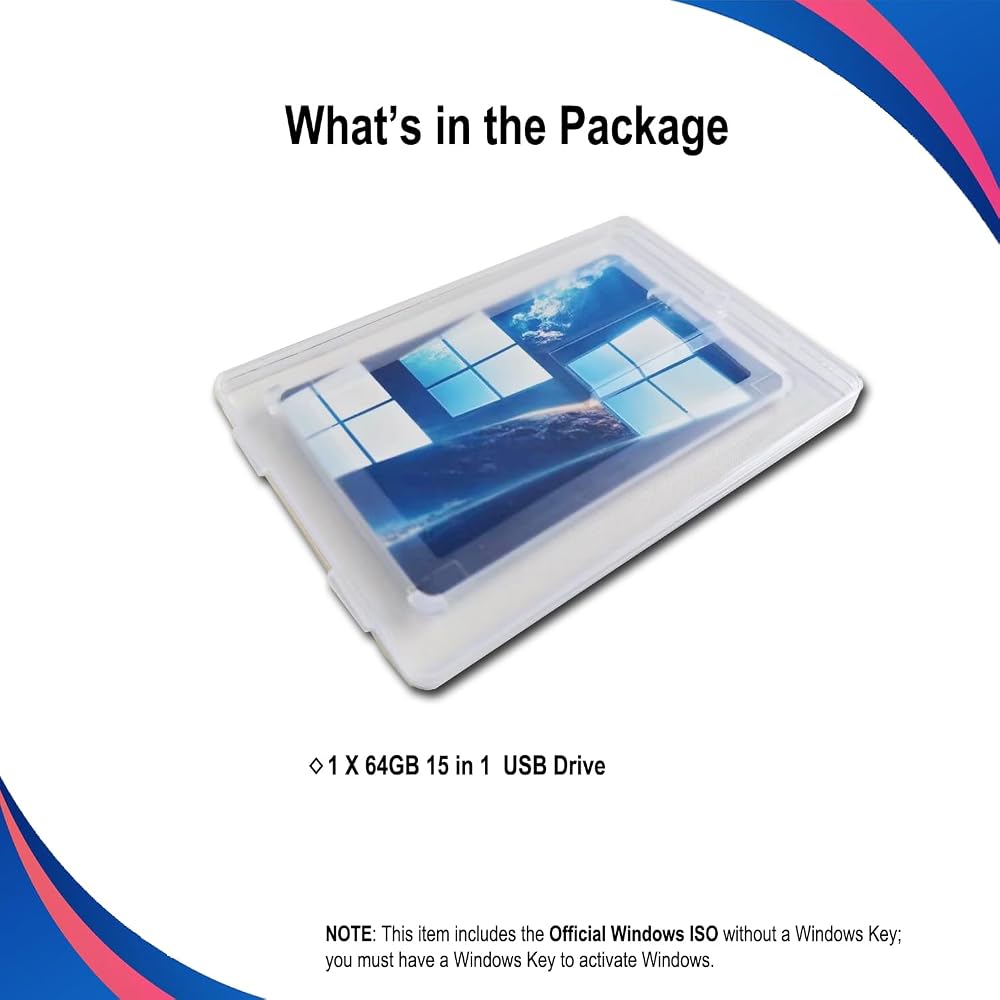
💻 [All in One] Repair, Recovery, Install. For All Versions of 32 & 64Bit, Desktop and Laptop computers.
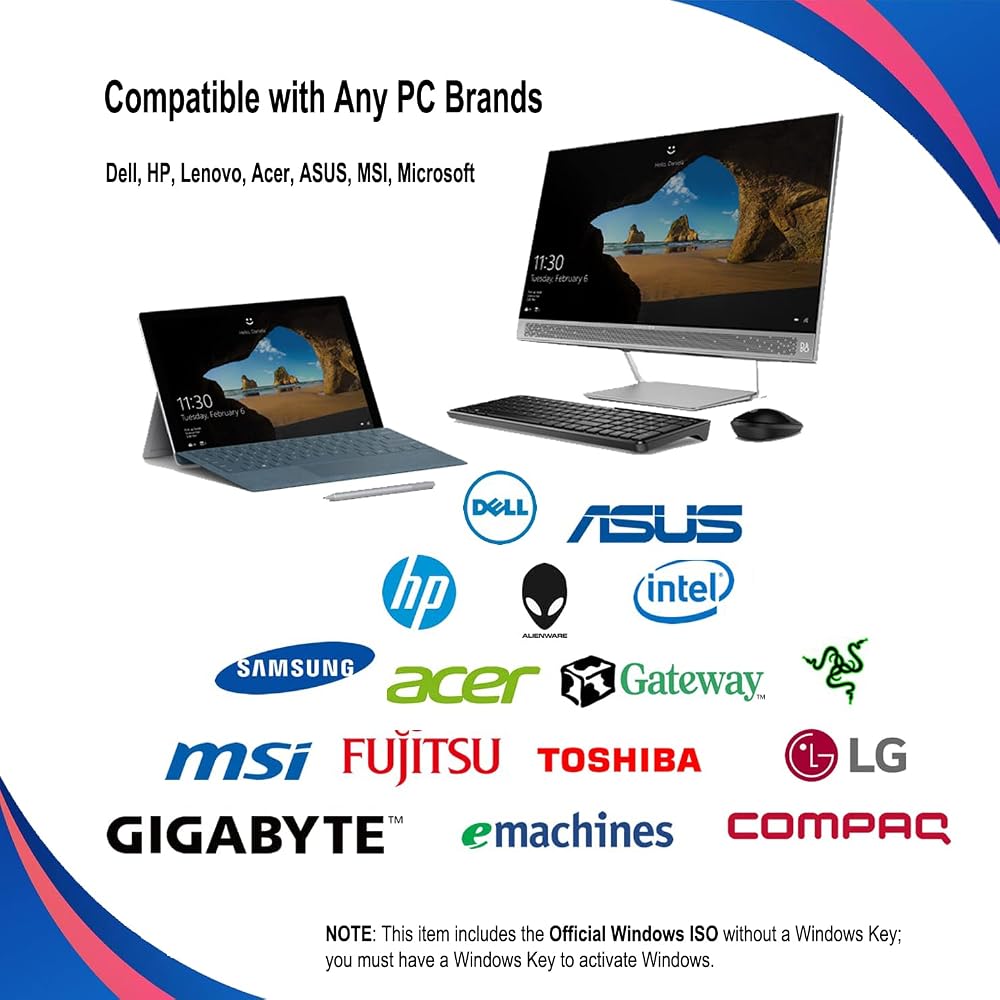
📁 [For All PC Brands] Have available for a friend with another PC brand, be the hero. You must change the boot order to ensure that the USB loads. If you don't change the boot order, the system will try to load the hard drive which may not be working. Change the boot order to the USB drive as the "1st boot device". Change the hard drive to "2nd boot device" then save the bios and restart the computer with the USB in. At this point, the USB drive should load when you insert it into the computer.
💿 [Easy to use] (1). Insert the USB Drive (2). Boot the PC (3). Set the bios to boot the USB drive first (4). Boot from the USB and repair/install/recover. You must change your boot order to have your computer load from the USB Drive. Once changed, restart the PC and the USB drive will load.
🚩 [Who needs] If your system is corrupted or has viruses/malware use the repair feature: If BOOTMGR is missing, NTLDR is missing, or Blue Screens of Death (BSOD). Use the install feature If the hard drive has failed. Use the recovery feature to restore back to a previously recovered version.
 64GB Flash Drive, JEVDES 3 Pack Swivel Data Storage USB Flash Drive USB 2.0 Flash Drive Thumb Drives with LED Indicator, Jump Drive Zip Drive Memory Sticks (3 Mixed Color with Lanyards)
SAR 67
64GB Flash Drive, JEVDES 3 Pack Swivel Data Storage USB Flash Drive USB 2.0 Flash Drive Thumb Drives with LED Indicator, Jump Drive Zip Drive Memory Sticks (3 Mixed Color with Lanyards)
SAR 67
 -28%
Genuine Apple MFi Certified iPhone USB Flash Drive 128GB - Real Capacity - No Fake Storage, Genuine Lightning, encrypted Auto Backup Photo Stick for iPhone iPad Photos/Videos - Avoid Fake MFi Clones!
SAR 165
-28%
Genuine Apple MFi Certified iPhone USB Flash Drive 128GB - Real Capacity - No Fake Storage, Genuine Lightning, encrypted Auto Backup Photo Stick for iPhone iPad Photos/Videos - Avoid Fake MFi Clones!
SAR 165
 -35%
128GB Flash Drive Intended for iPhone iPad Android and Computers, 4 in 1 Photo Stick for Phone Memory Storage Easily Backup Photos Videos, Plug and Play, No Application Required (Dark Violet)
SAR 130
-35%
128GB Flash Drive Intended for iPhone iPad Android and Computers, 4 in 1 Photo Stick for Phone Memory Storage Easily Backup Photos Videos, Plug and Play, No Application Required (Dark Violet)
SAR 130
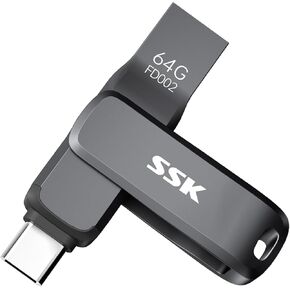 SSK USB C Thumb Drive Bundle
SAR 444
SSK USB C Thumb Drive Bundle
SAR 444