- Shopping, made easy.
- /
- Get the app!
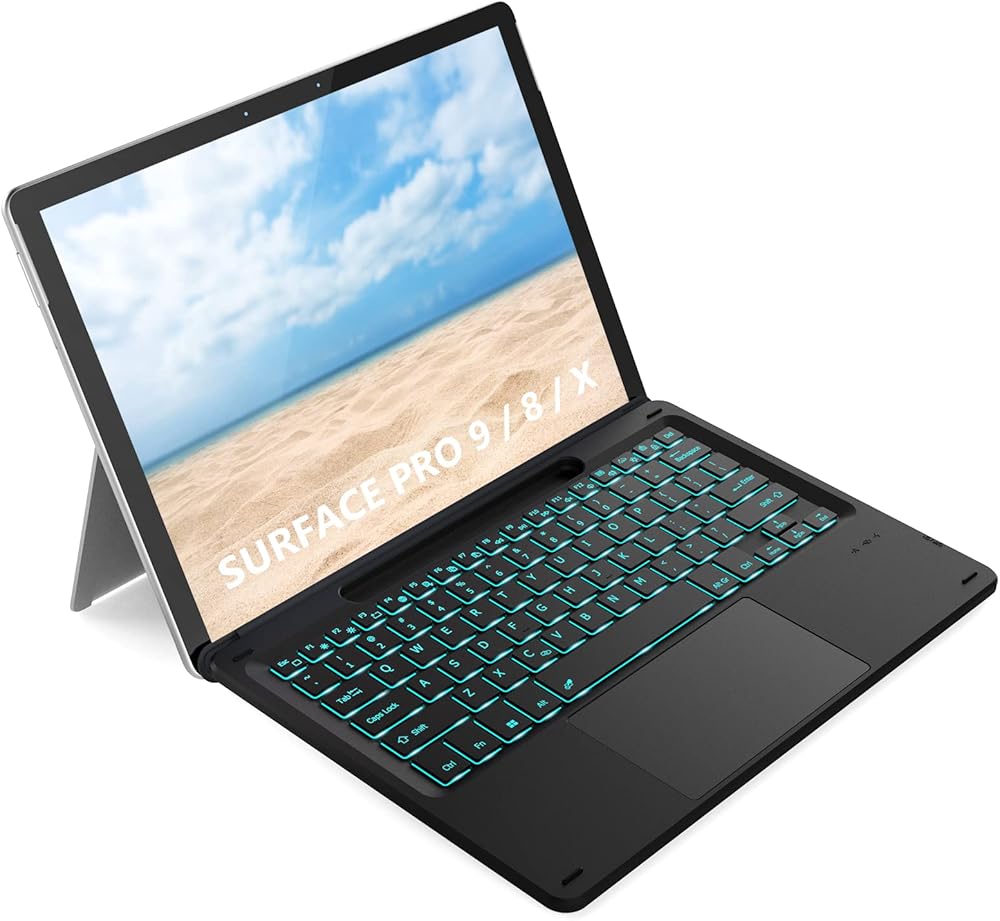
7-Color Backlight Bluetooth Keyboard with Trackpad and Pen Holder for Microsoft Surface Pro 9 / 8 / X
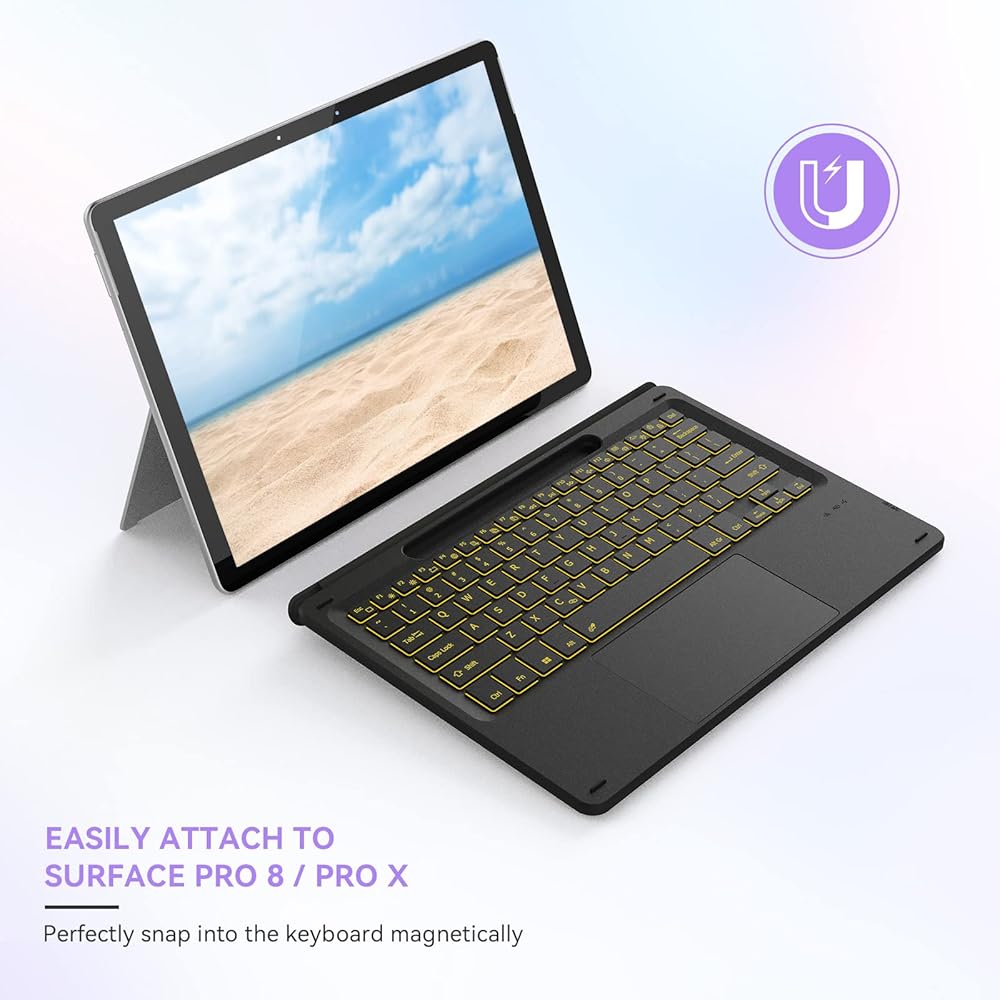
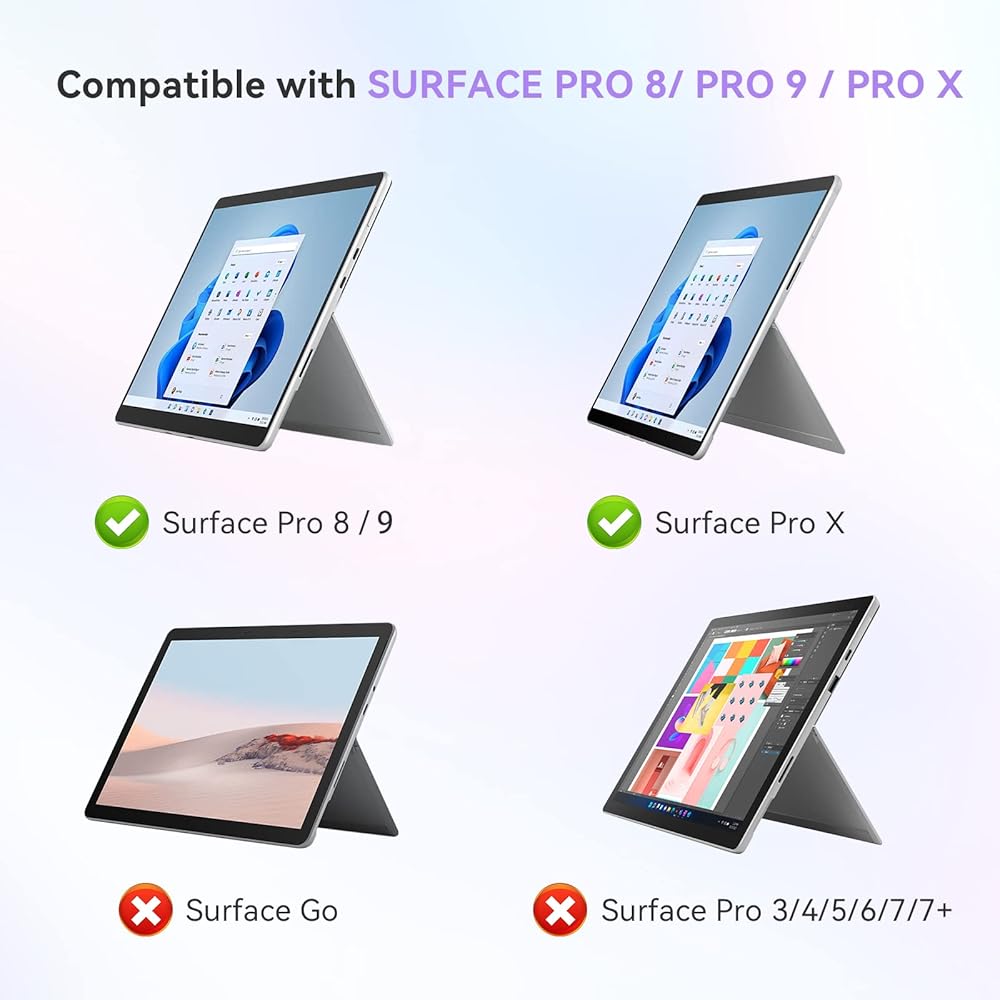
Compatibility: Microsoft Surface Pro 9 / Surface Pro 8 / Surface Pro X
Features:
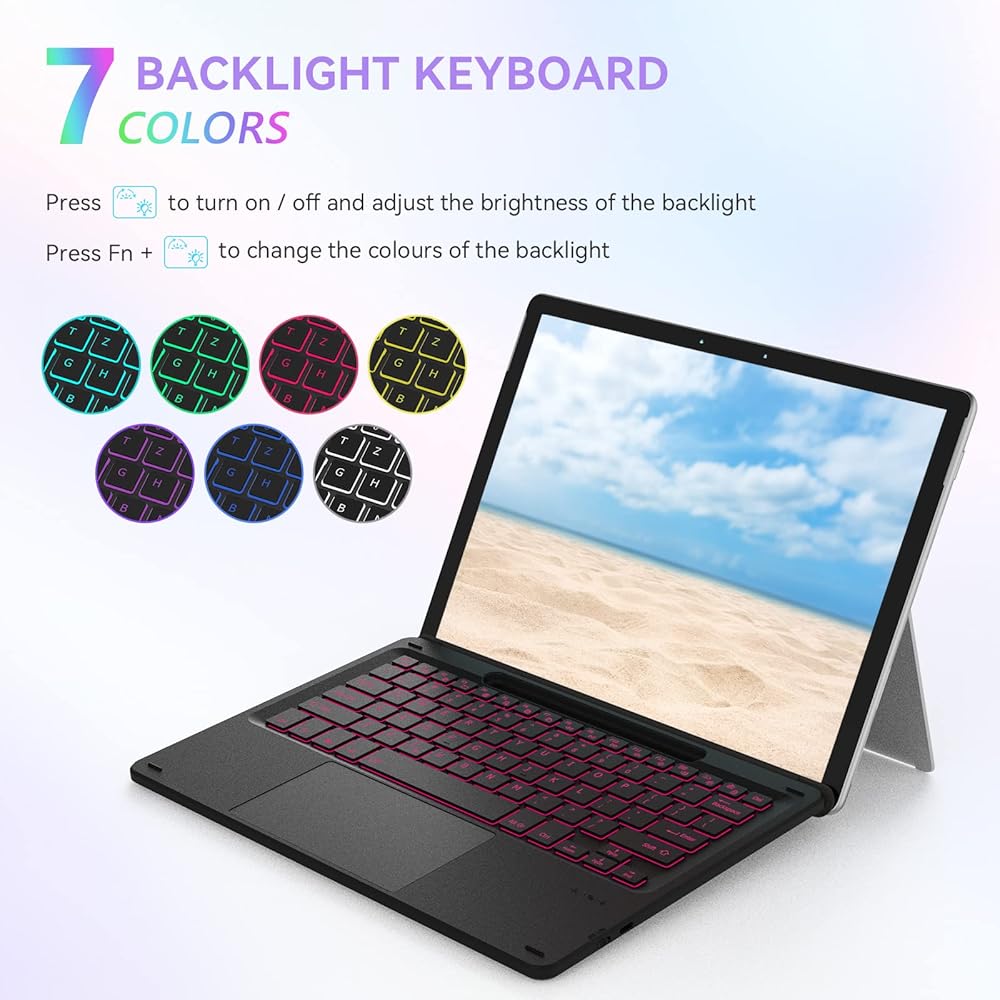
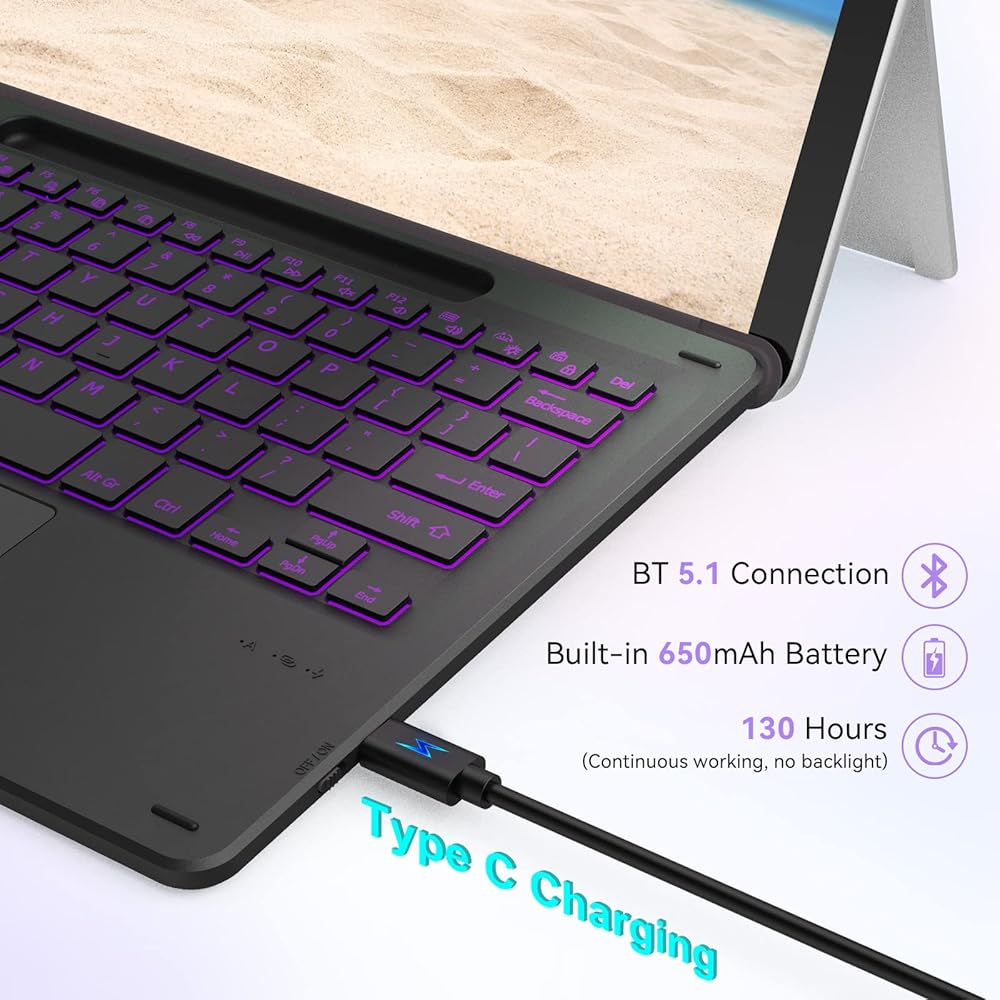
1. With 7-color backlight, 3-level brightness
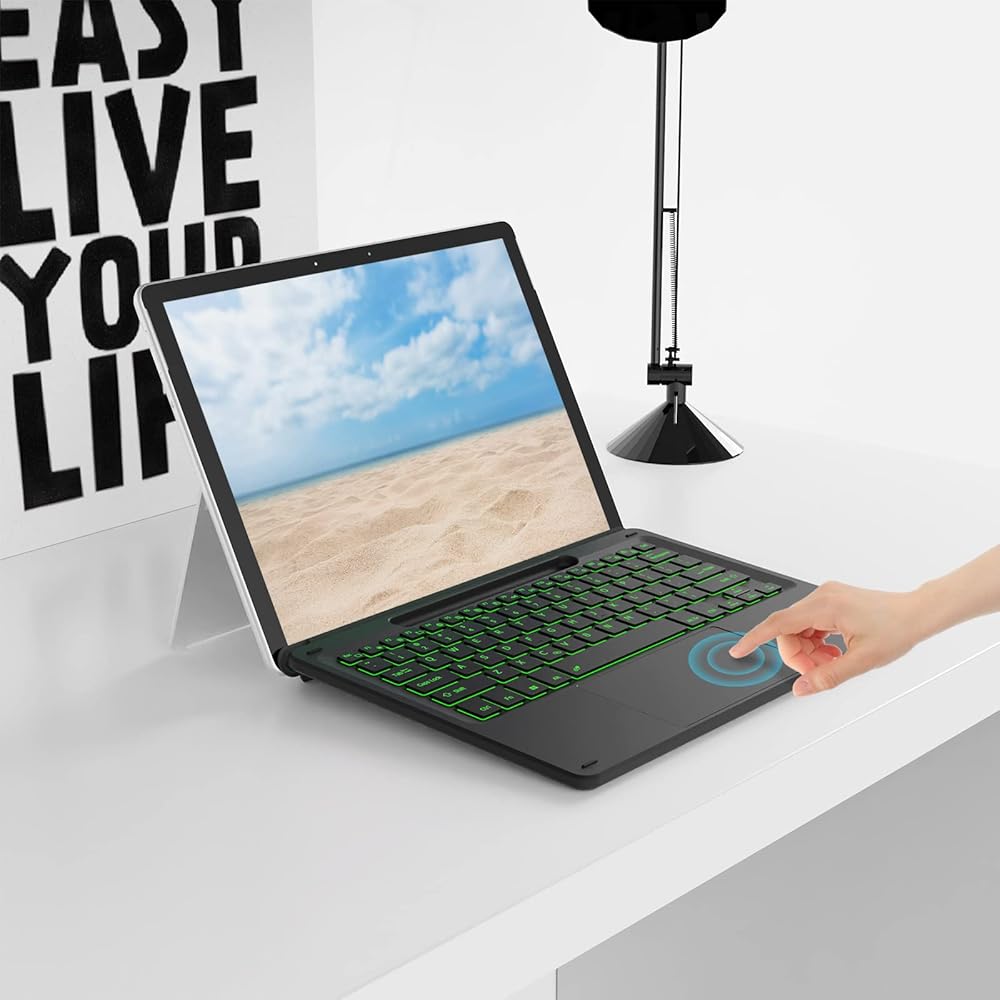
2.Built-in with large touchpad, supporting Windows gestures
3. QWERTY UK layout
4. Bluetooth connection, keyboard removable
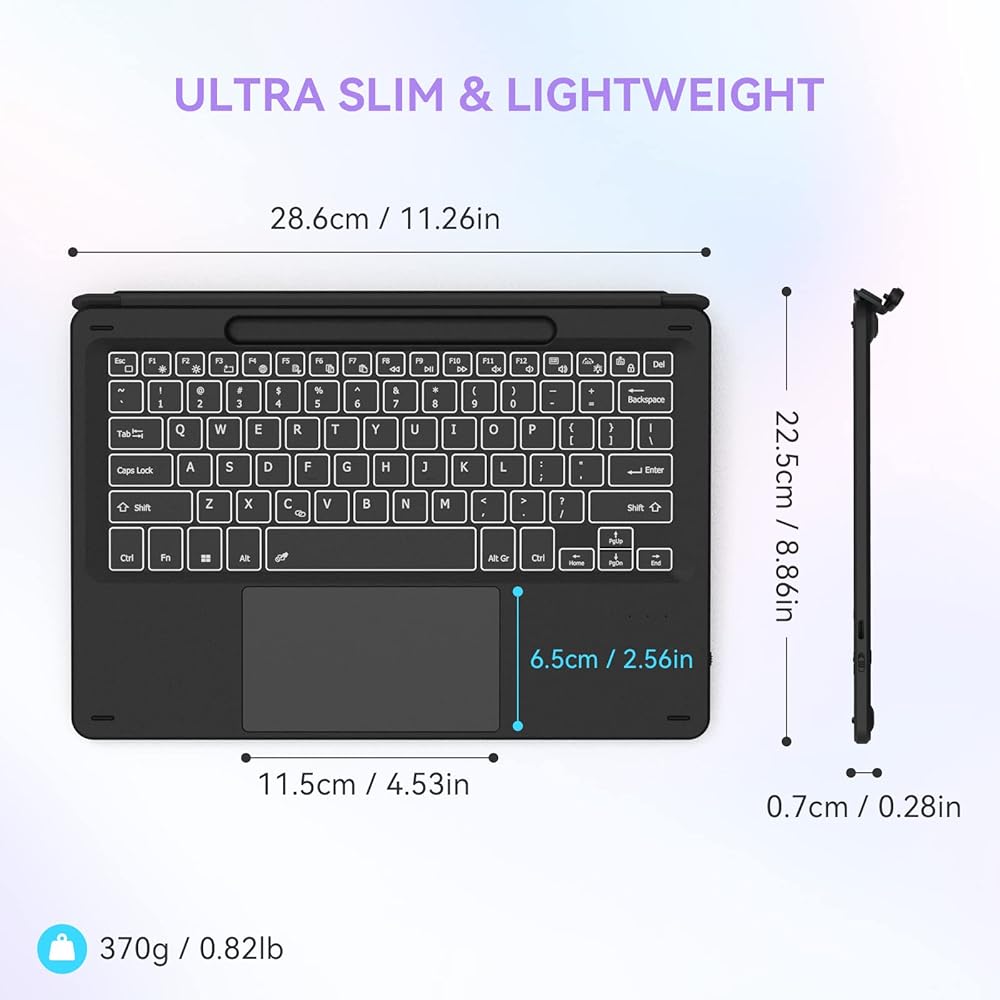
5. Rechargeable keyboard: 650mAh battery capacity ,1-2 hours charging time, 130 working time without lighting
6. Keyboard dimensions: 286 *225*7mm, weight: 370g.
7. With pen holder, but pen NOT INCLUDED
Connection steps:
After turning on the keyboard, press Fn+C together for 3-5 seconds until the Bluetooth indicator flashes quickly, then open Bluetooth function of your device, search for "wireless keyboard" and pair.
 seenda Wireless Keyboard and Mouse Combo, 2.4GHz Wireless Quiet Keyboard Mouse with USB Receiver, Full Size Cute Wireless Keyboard Mouse Set for Windows Laptop Computer Desktop, Black
SAR 147
seenda Wireless Keyboard and Mouse Combo, 2.4GHz Wireless Quiet Keyboard Mouse with USB Receiver, Full Size Cute Wireless Keyboard Mouse Set for Windows Laptop Computer Desktop, Black
SAR 147
 -6%
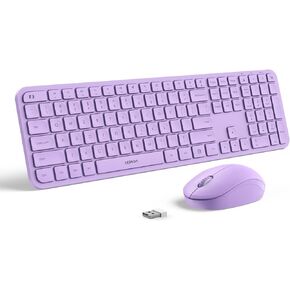
Purple Keyboard and Mouse Combo Wireless-Seenda Full Size 2.4GHz Silent USB Wireless Keyboard Mouse, Cordless Wireless Keyboard and Mouse for Windows, Laptop, PC (Purple)
SAR 99
-6%
Purple Keyboard and Mouse Combo Wireless-Seenda Full Size 2.4GHz Silent USB Wireless Keyboard Mouse, Cordless Wireless Keyboard and Mouse for Windows, Laptop, PC (Purple)
SAR 99
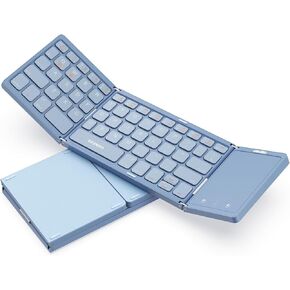 Foldable Bluetooth Keyboard - Multi-Device Mini Wireless Keyboard with Touchpad, Pocket-Sized Travel Keyboard Compatible with iPad, iPhone, Tablet, Smartphone, iOS, Android, Windows - Silver White
SAR 157
Foldable Bluetooth Keyboard - Multi-Device Mini Wireless Keyboard with Touchpad, Pocket-Sized Travel Keyboard Compatible with iPad, iPhone, Tablet, Smartphone, iOS, Android, Windows - Silver White
SAR 157
 -13%
Wireless Bluetooth Keyboard and Mouse for Mac, Multi-Device Rechargeable Slim Keyboard and Mouse Stainless Steel Full Size, Compatible with MacBook Pro/Air, iPad, iMac - Orange Connect Button
SAR 209
-13%
Wireless Bluetooth Keyboard and Mouse for Mac, Multi-Device Rechargeable Slim Keyboard and Mouse Stainless Steel Full Size, Compatible with MacBook Pro/Air, iPad, iMac - Orange Connect Button
SAR 209