- Shopping, made easy.
- /
- Get the app!
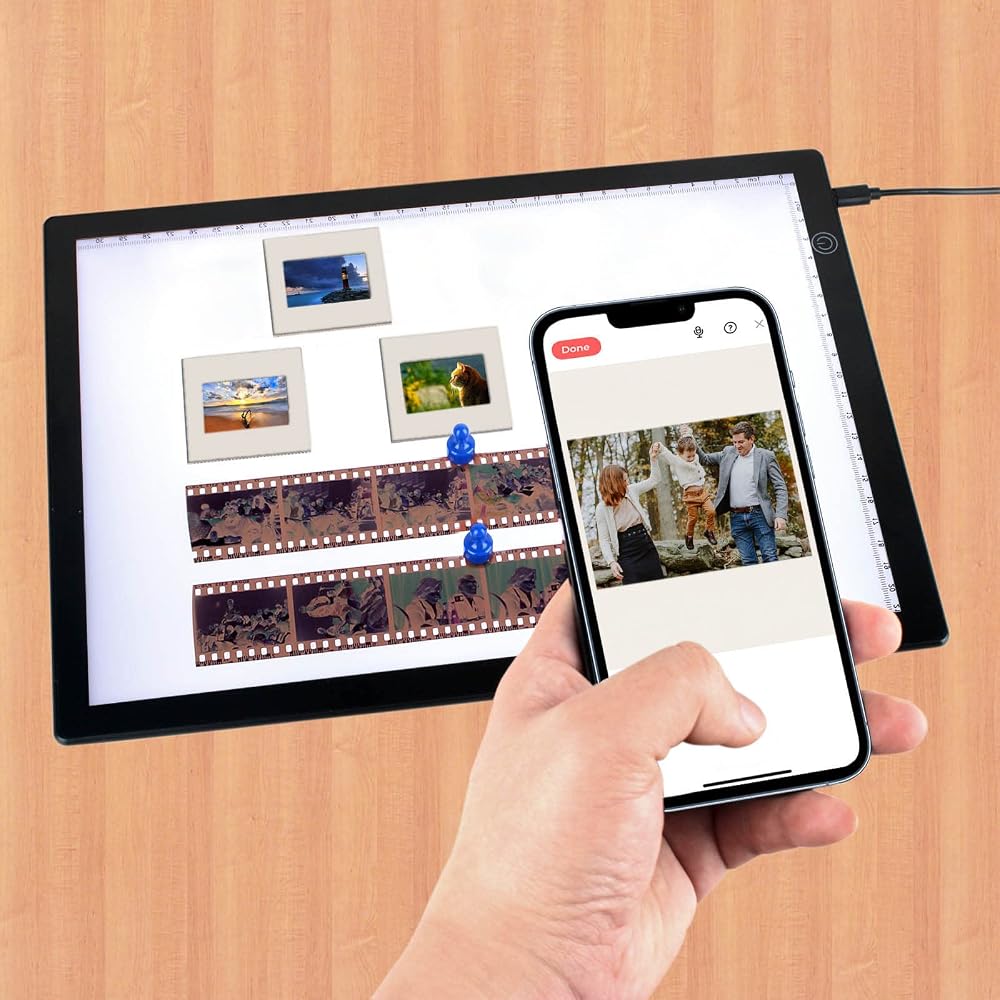
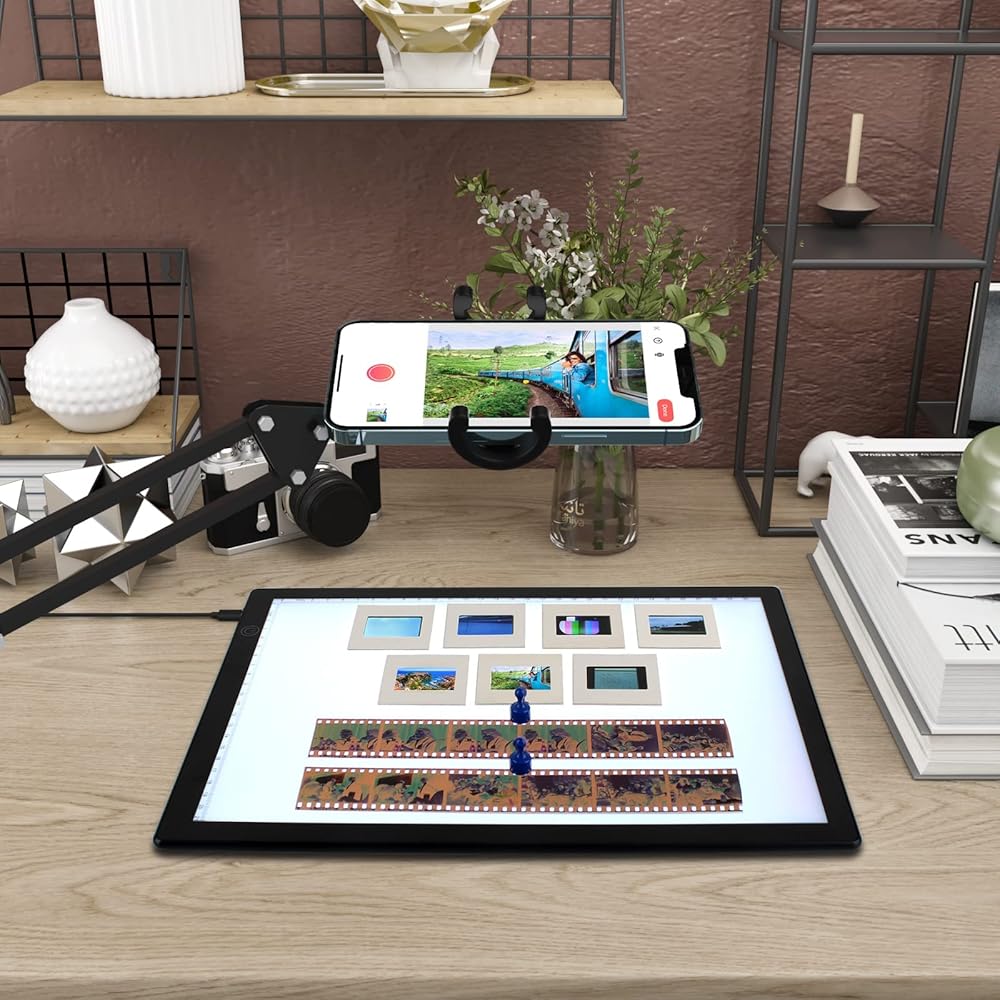
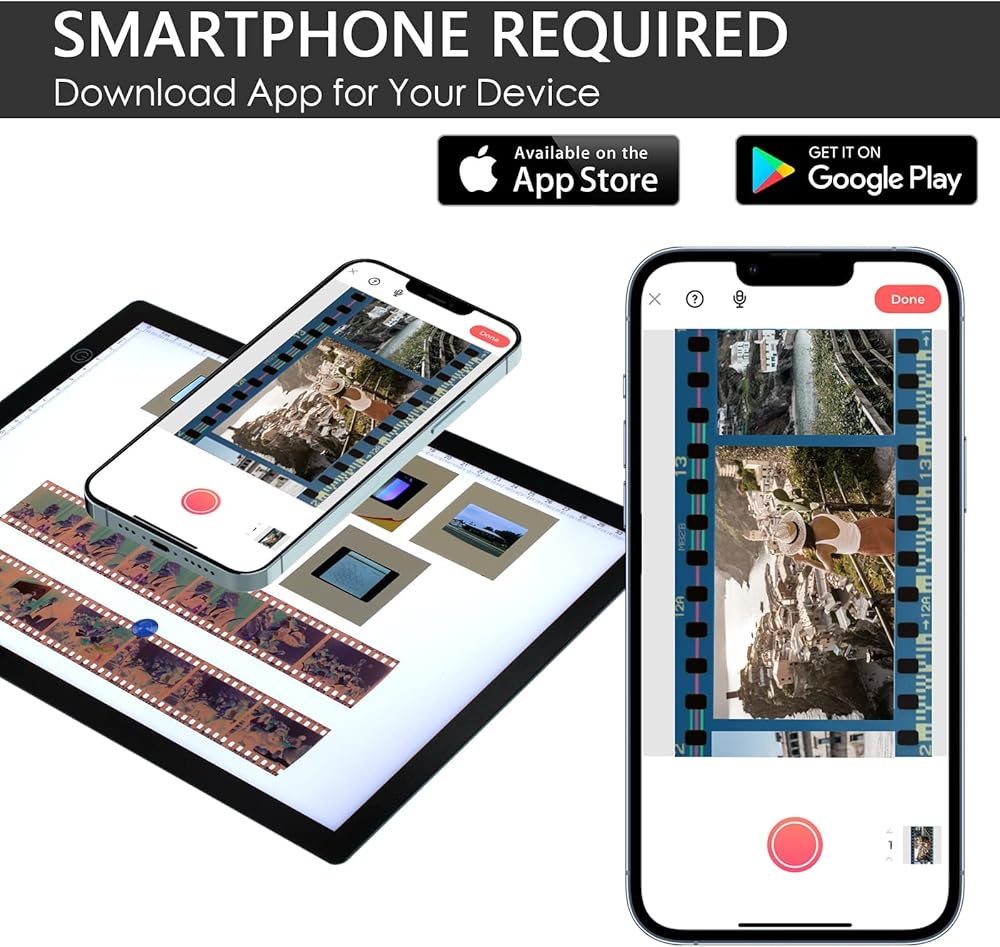
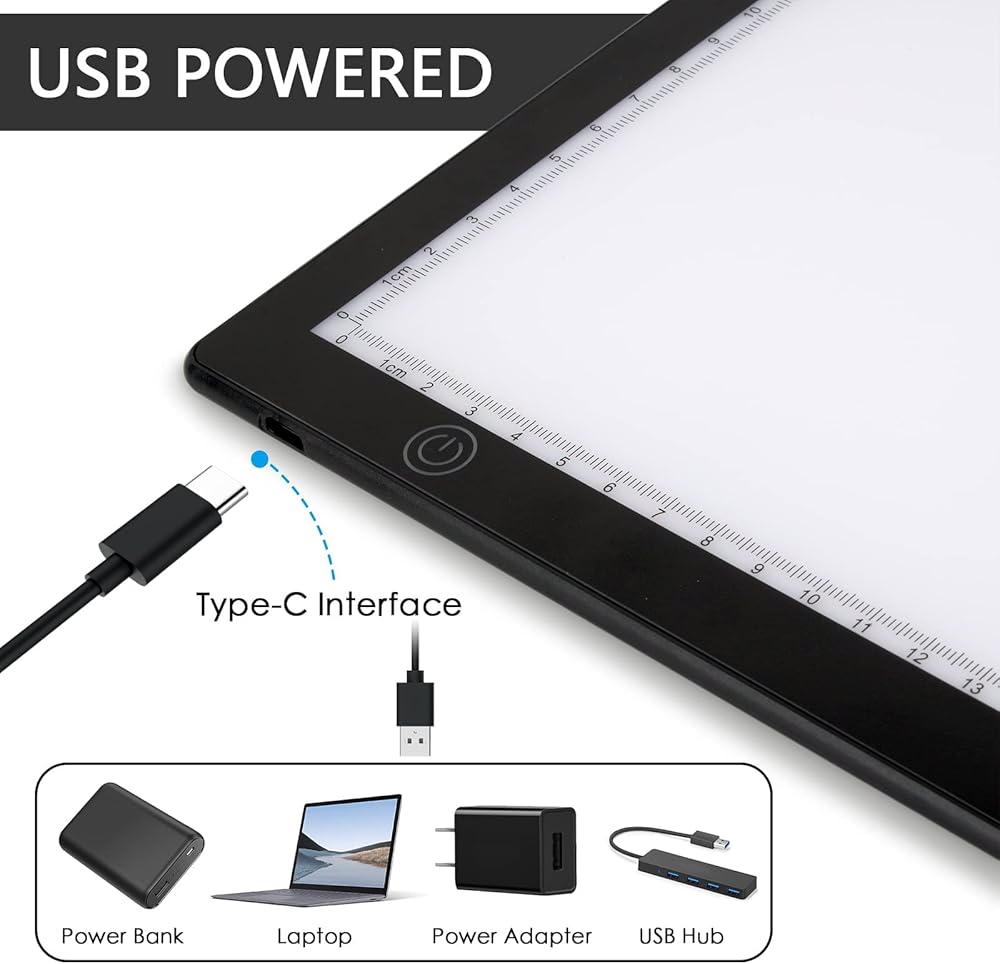
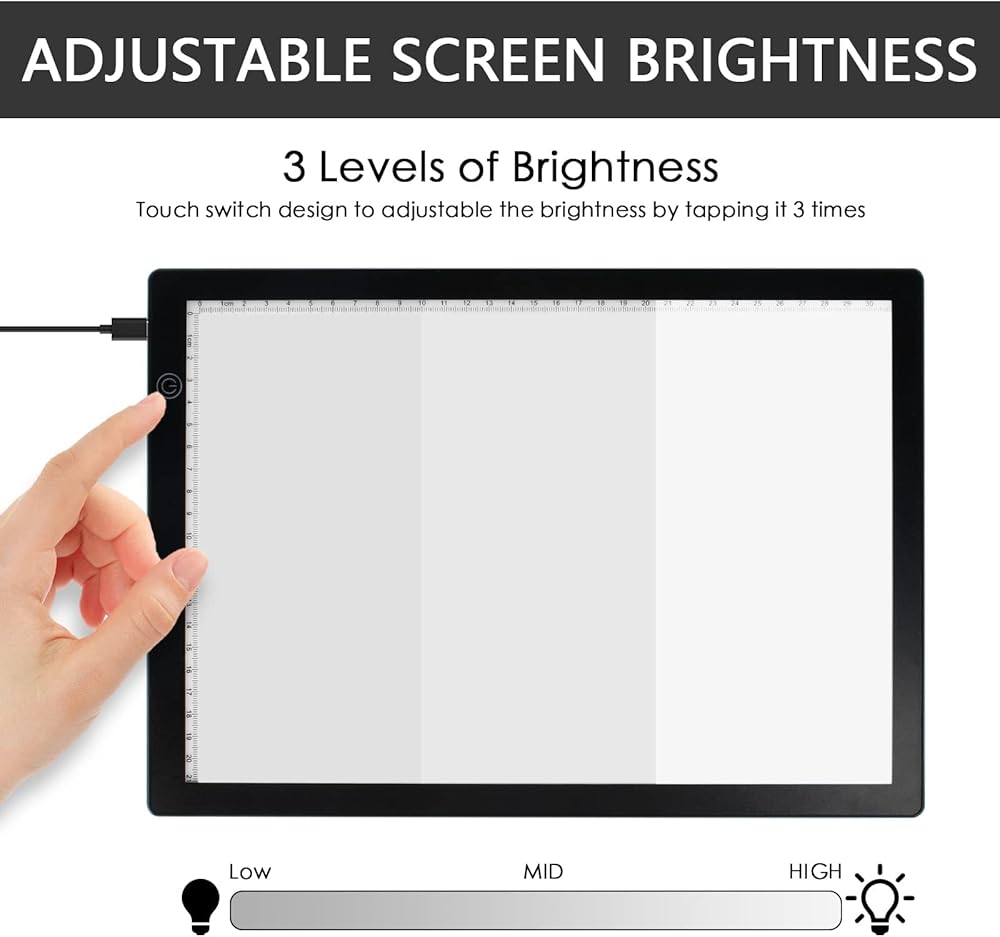
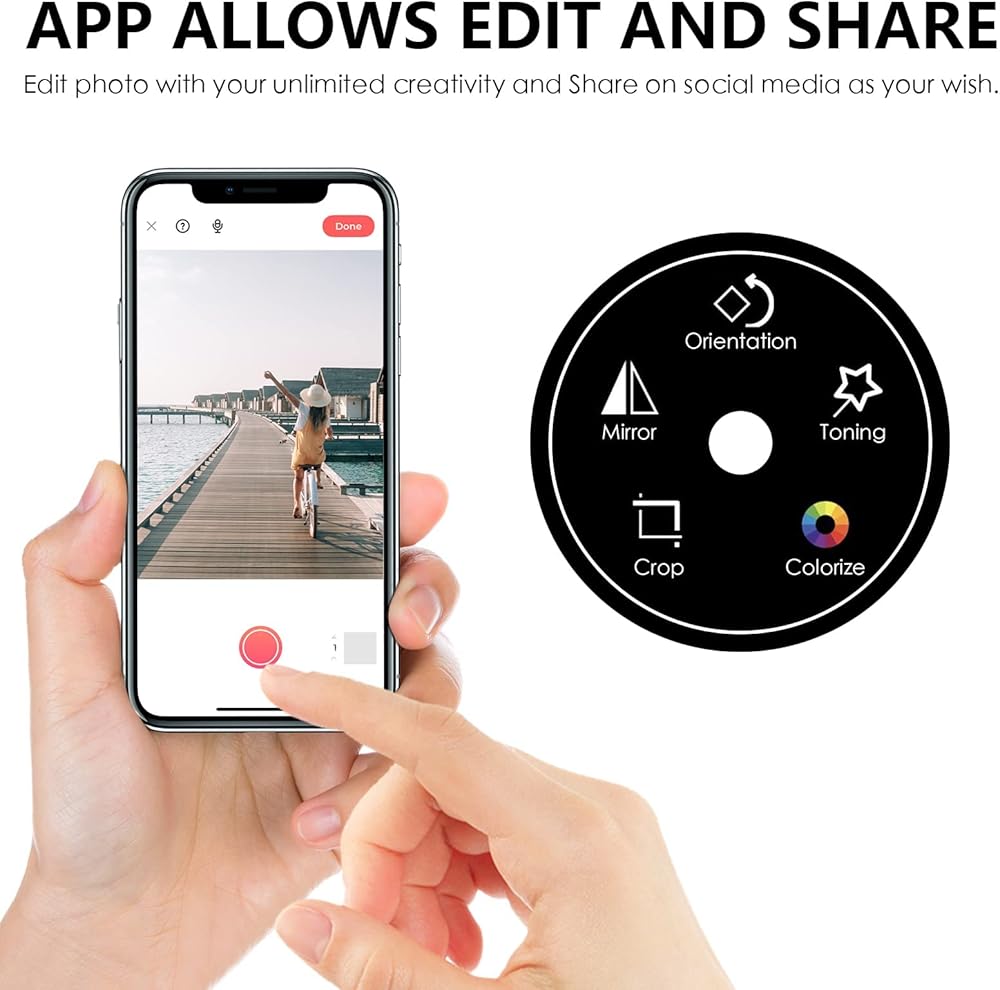
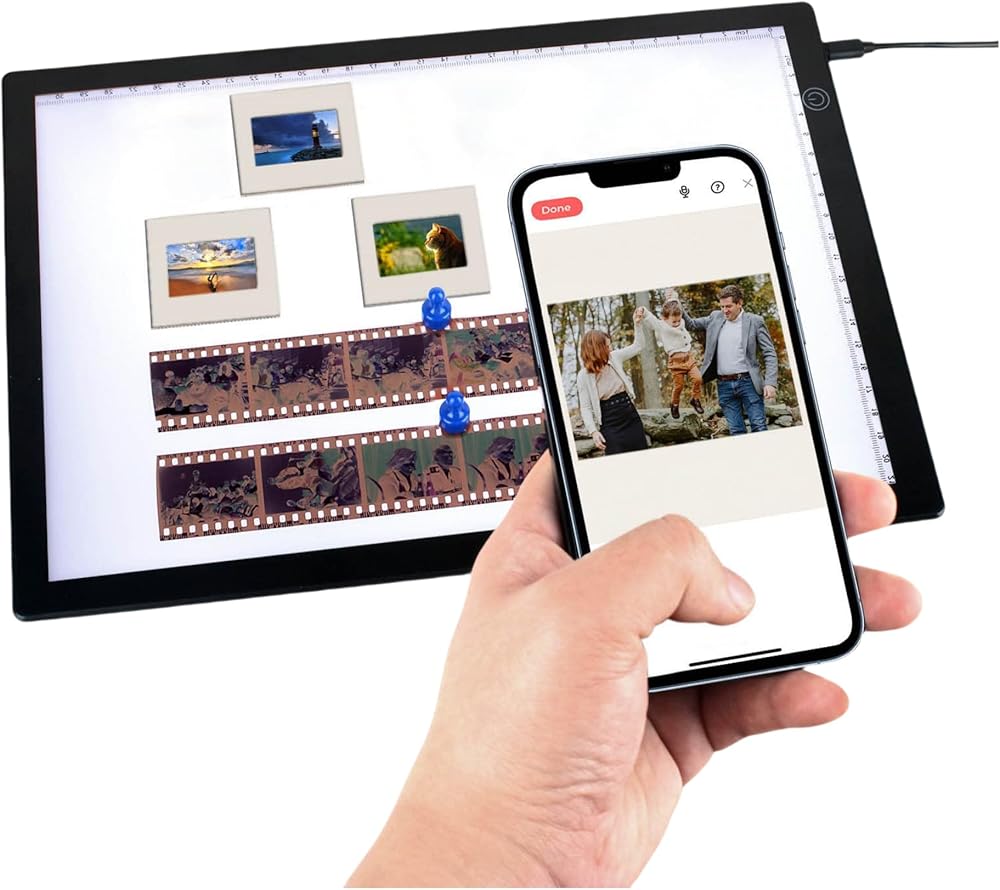
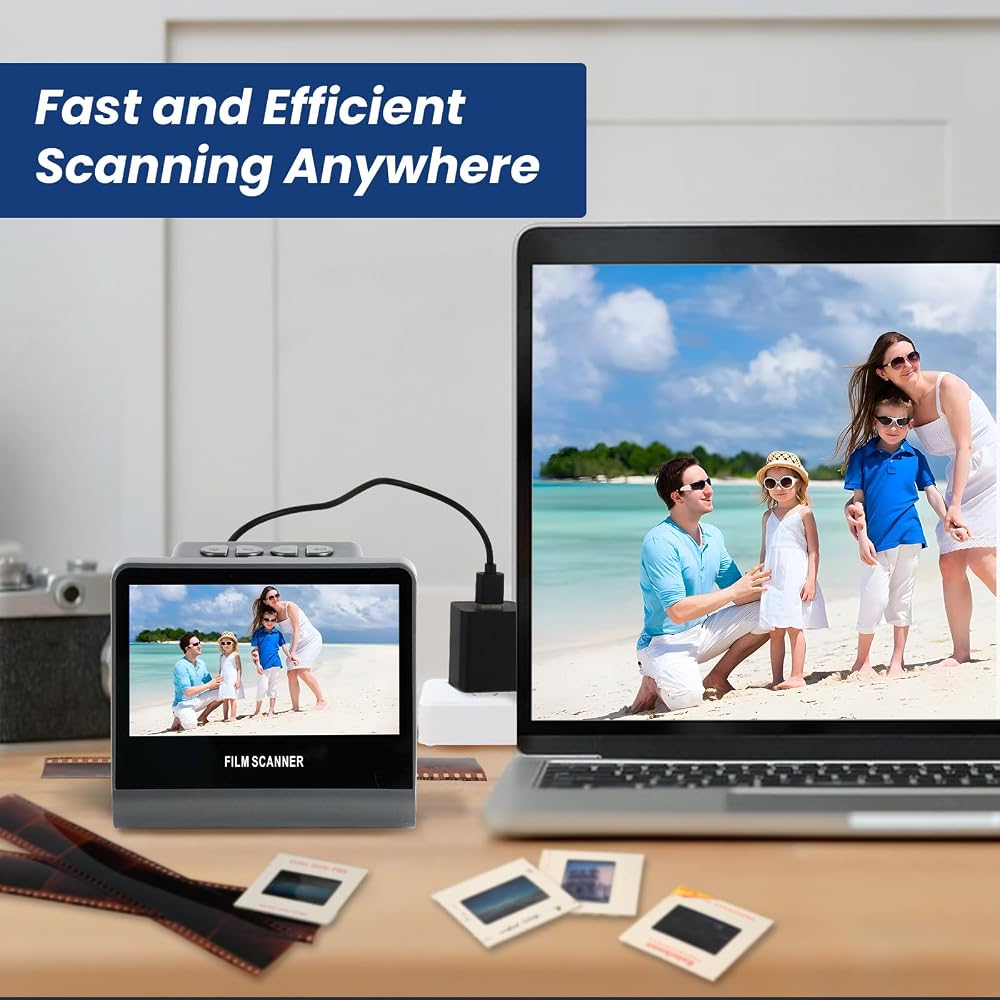
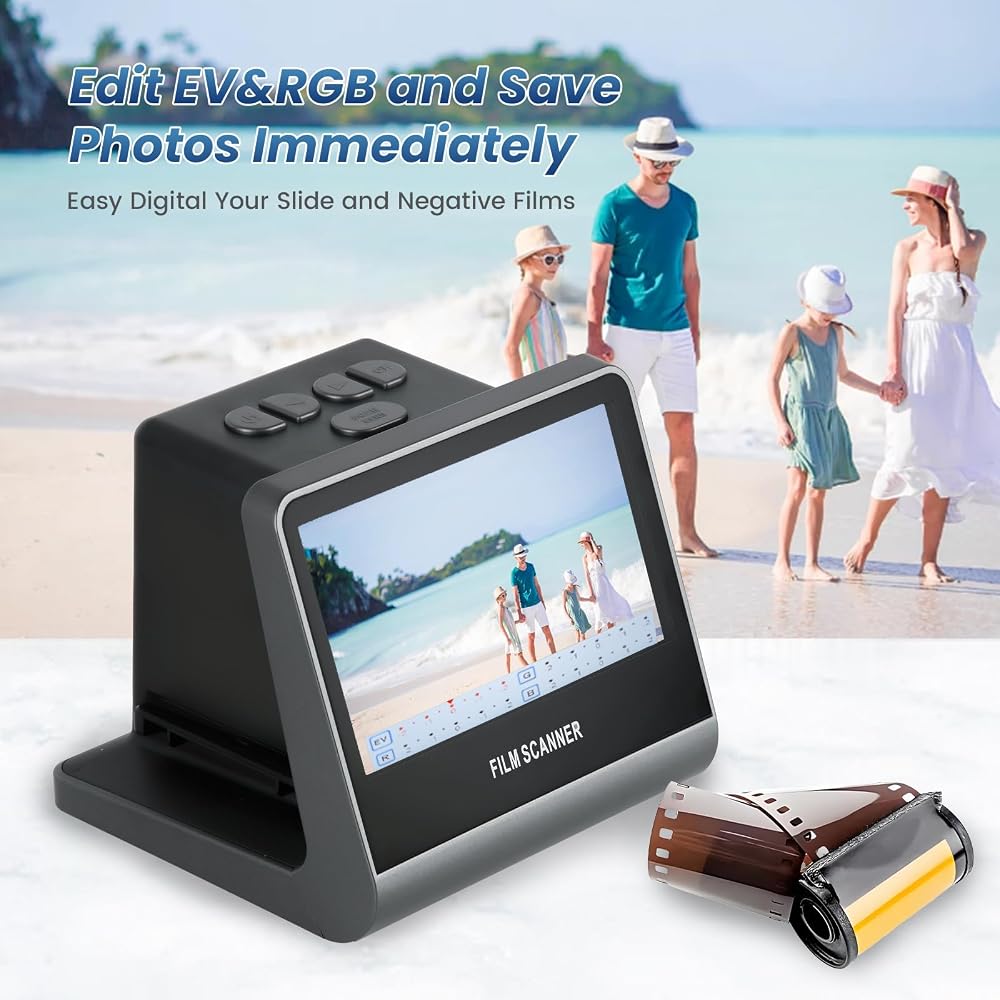
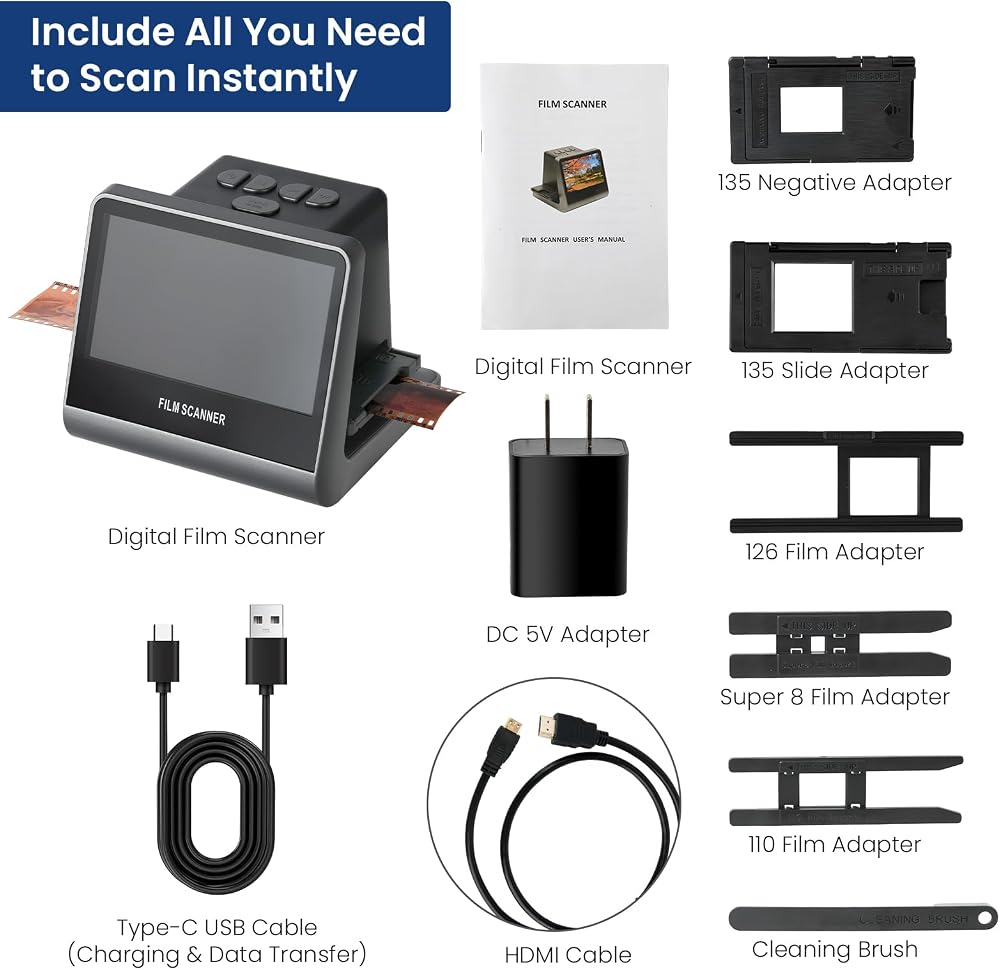
Scanning Instruction Step 1: Put the LED light pad on desktop, then connect the power supply. Step 2: Click the power switch to turn on the LED light. (Power switch cycle mode: ON - Low - Middle - High - OFF) Step 3: Put the slides and negative film on the light table. Step 4: Download SlideScan app (for scanning slides) and FilmBox app (for scanning negatives) to scan slides and negatives on your phone. Step 5: Edit photos, share them on social media, save them on your phone or upload them to your computer.
 Epson DS-900WN EdgeLink High-Speed Wireless Network Color Document Scanner with Duplex Scanning, PC-Free Scanning, 100-page Auto Document Feeder (ADF) and 4.3" Color Touchscreen
SAR 5,853
Epson DS-900WN EdgeLink High-Speed Wireless Network Color Document Scanner with Duplex Scanning, PC-Free Scanning, 100-page Auto Document Feeder (ADF) and 4.3" Color Touchscreen
SAR 5,853
 -6%
XEROX N60W PRO Scanner
SAR 3,990
-6%
XEROX N60W PRO Scanner
SAR 3,990
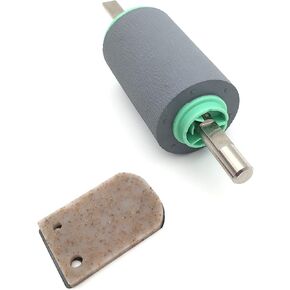 Scanner Paper Pickup Roller Separation Pad Compatible with Brother ADS-1000W ADS-1100W ADS-1500W ADS-1600W MW-100 P/N: LD6999001 PUR-C0001 & LD0633001 SP-C0001
SAR 95
Scanner Paper Pickup Roller Separation Pad Compatible with Brother ADS-1000W ADS-1100W ADS-1500W ADS-1600W MW-100 P/N: LD6999001 PUR-C0001 & LD0633001 SP-C0001
SAR 95
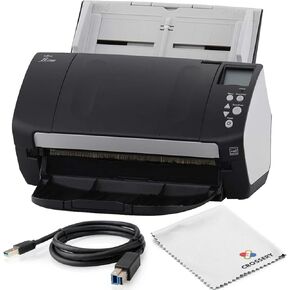 Fujitsu FI-7160 Scanner Bundle for Office, Fast Photo Scanner, Document & Receipt Scanner, Photo Scanners for Old Pictures to Digital Fast, Computer Scanners, Desktop Scanner (Renewed)
SAR 1,515
Fujitsu FI-7160 Scanner Bundle for Office, Fast Photo Scanner, Document & Receipt Scanner, Photo Scanners for Old Pictures to Digital Fast, Computer Scanners, Desktop Scanner (Renewed)
SAR 1,515