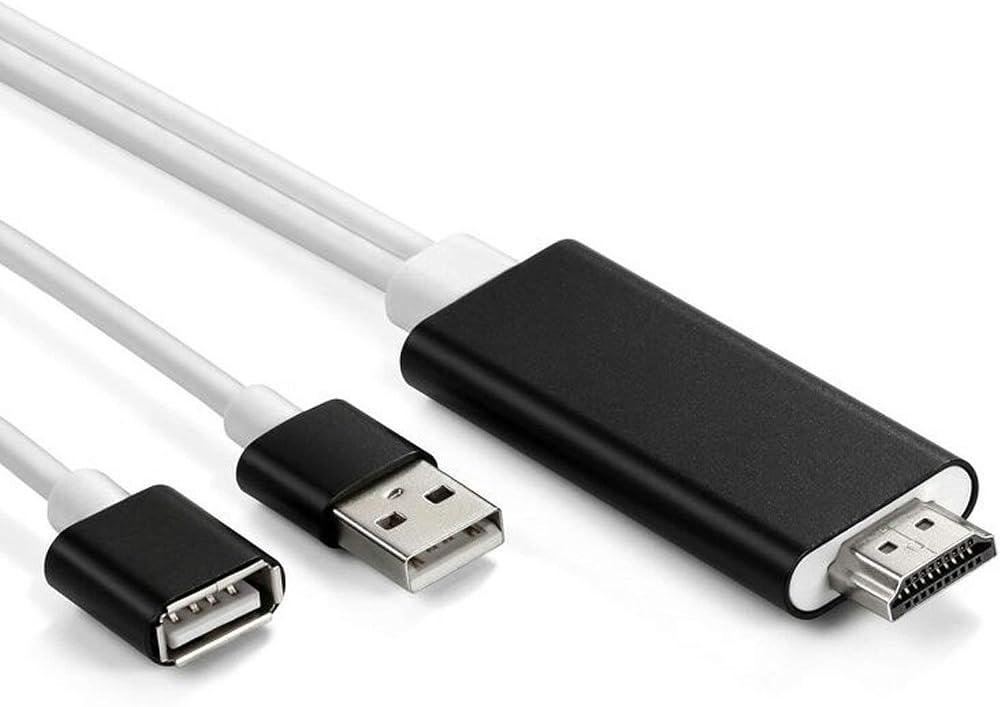
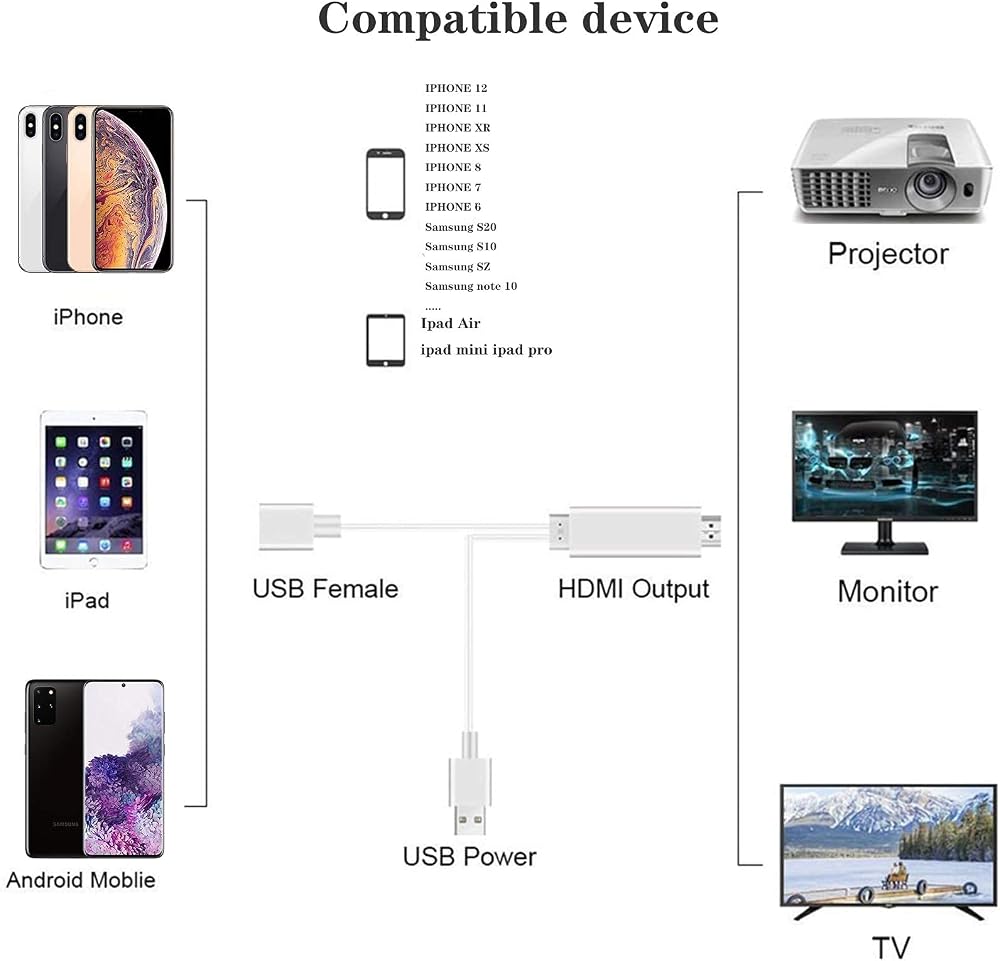
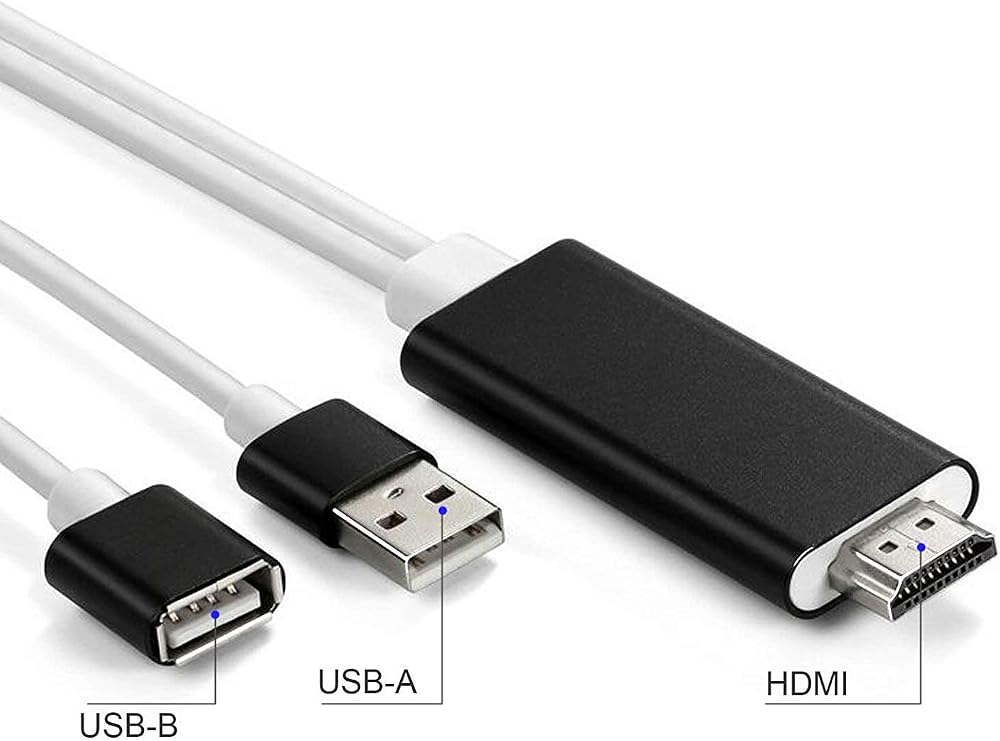
VAKABOX HD USB to HDMI Digital AV Adapter Cable Plug and Play Miracast AirPlay Mirroring HDTV Adapter Compatible with iPhone 12/11/XR XS/8/8Plus, 7/7S/6/6S, Android 5.0 or Higher Smartphones, Tablets
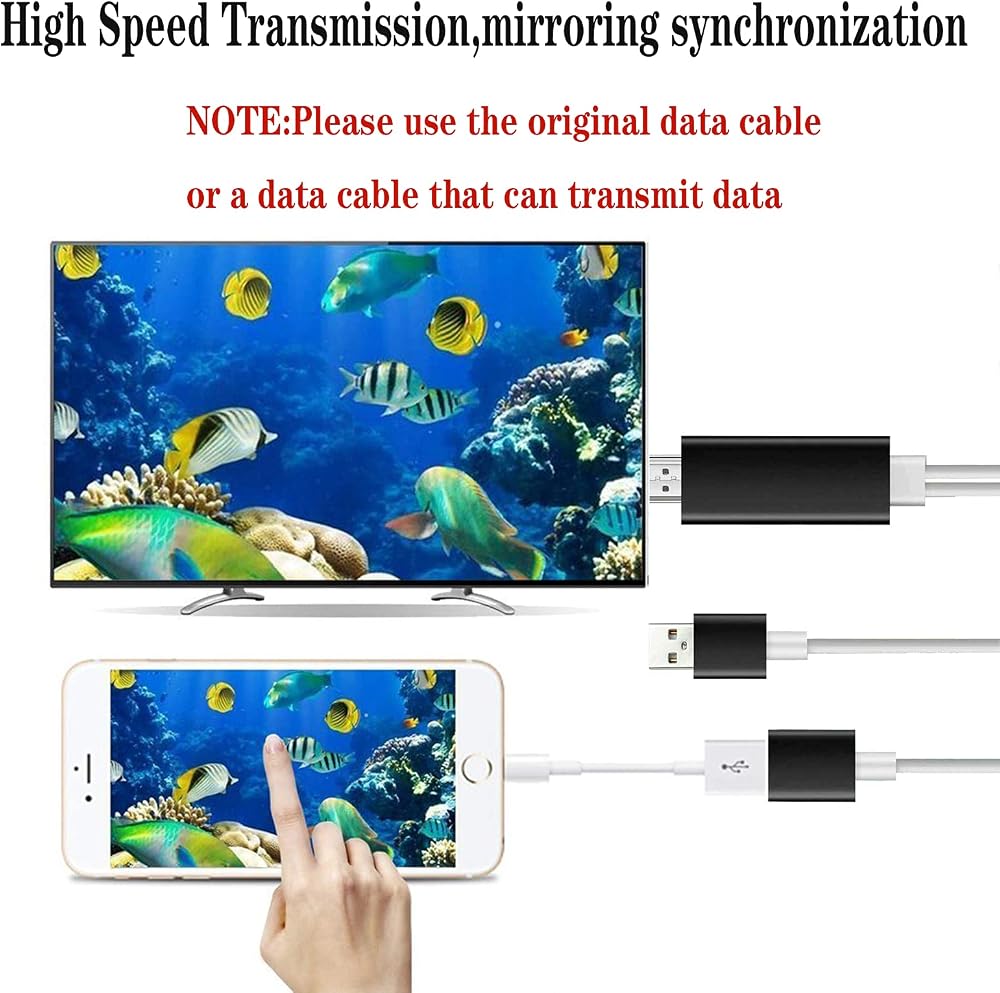
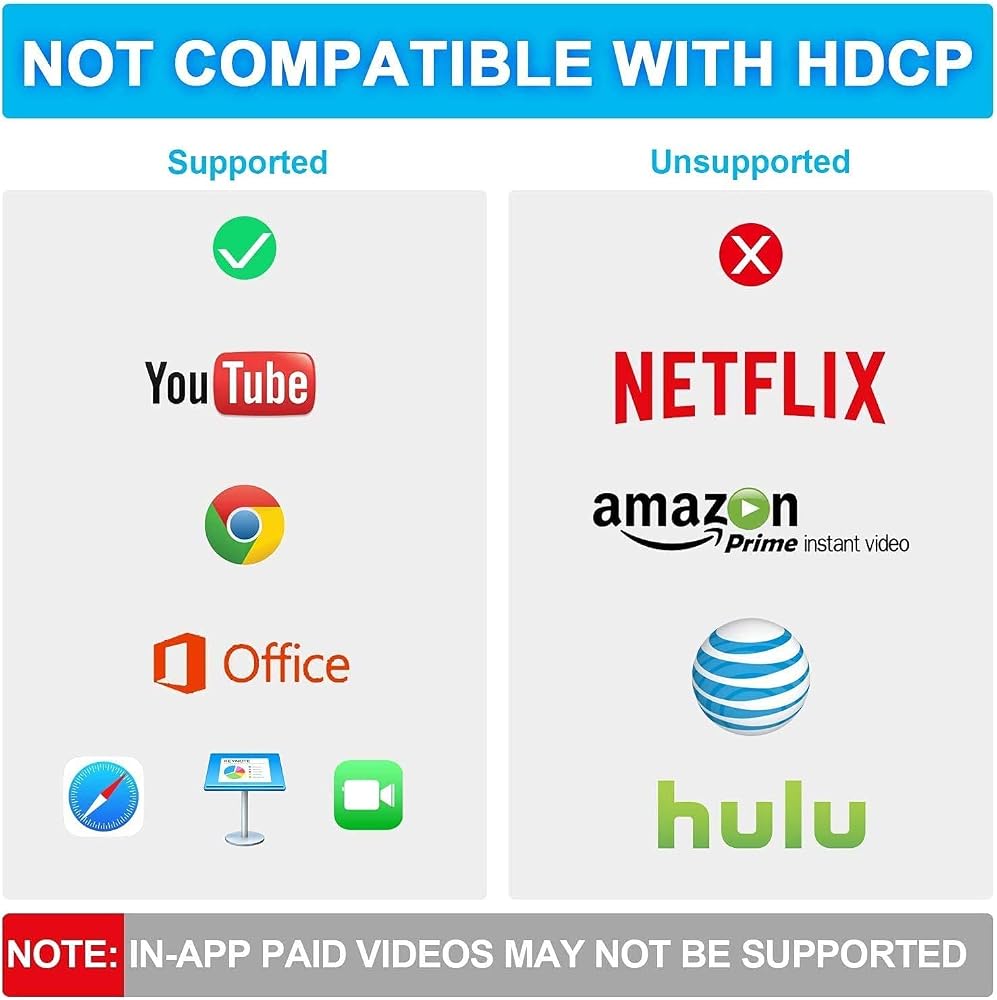
1. IOS/Android phone to HDMI high-definition video cable, 【Note】: Please use the standard original data cable for video synchronization. This USB to HDMI adapter is compatible with the "HDCP" video copyright protection application. These applications are NOT compatible, such as Netflix, Amazon Prime Video, HBO go, HULU and Honda, Vudu, DIRECTV, Chromecast TV
2.【Notes on Android devices】: Open the "developer option" to open USB debugging mode. Please ensure that your Android phone has the "phone image function". Use the original high-quality data cable to ensure that the power charger is 5V/1A voltage power. Note: Not all Android 5.0 devices support USB image projection and audio output. You can consider changing your phone for testing (Android 5.0 or higher device
3.【Note for Apple devices】: The original high-quality data cable and 5V 1A voltage power supply are used for iOS devices (iOS 9.0 and above): compatible with iPhone/13/12/11 XR XS iPhone 8/8 Plus, 7S/7 Plus, 6/6 Plus, iPhone SE, iPad Mini2 Mini3 Mini4, iPad 4, iPad Air, Air 2, iPad Pro
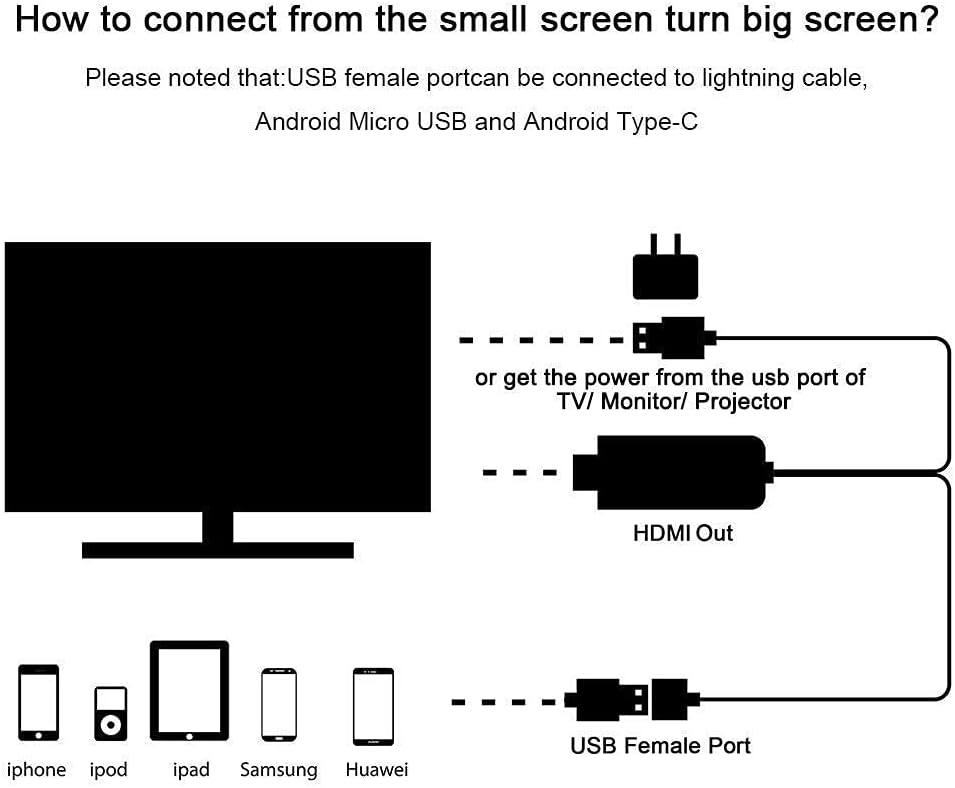
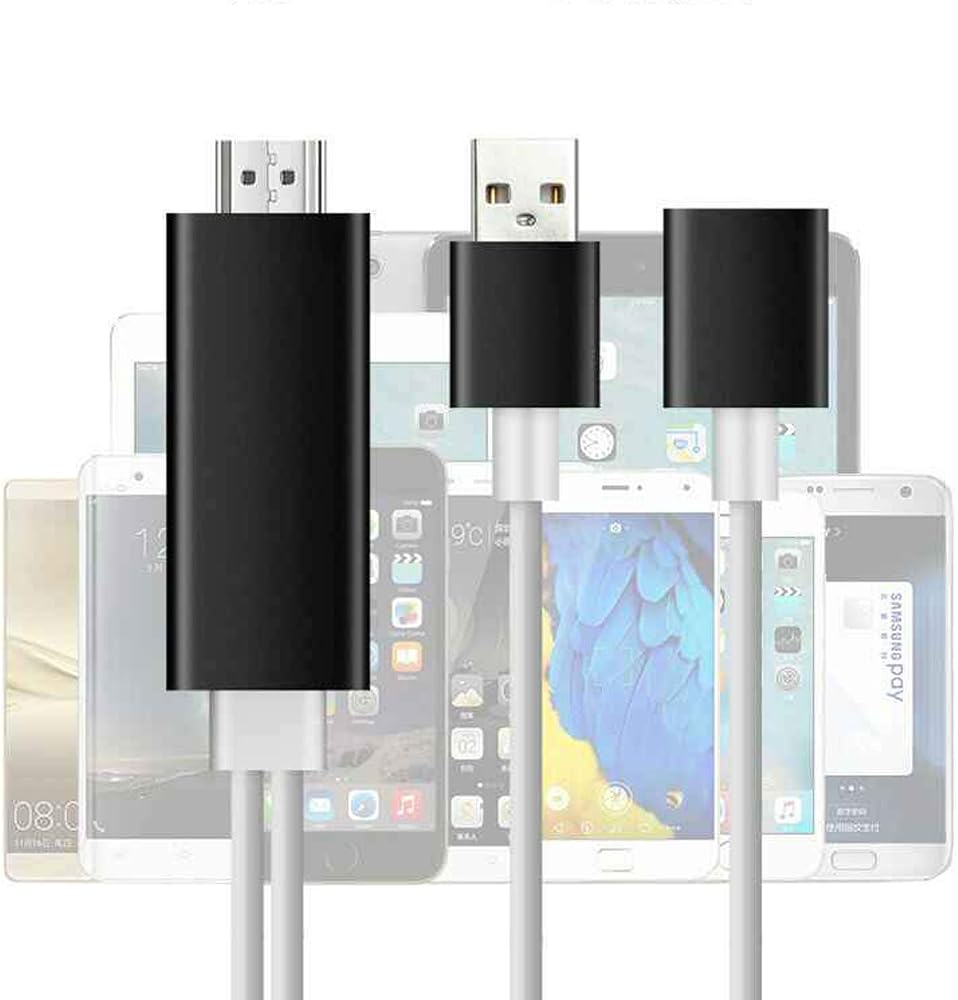
4.【Usage】: 1. Connect the HDMI plug of this product with the HDMI socket of the TV , and select the signal source; 2. Connect the mobile phone with the data cable and the USB female port of the video cable; 3. Plug the USB male of this product into the USB port of the TV ( port voltage of the TV is 5V 1A) or plug it into an additional 5V 1A charger for power supply, so that the product can operate normally. 4. When you see the picture on your mobile phone on the TV, the connection is successful
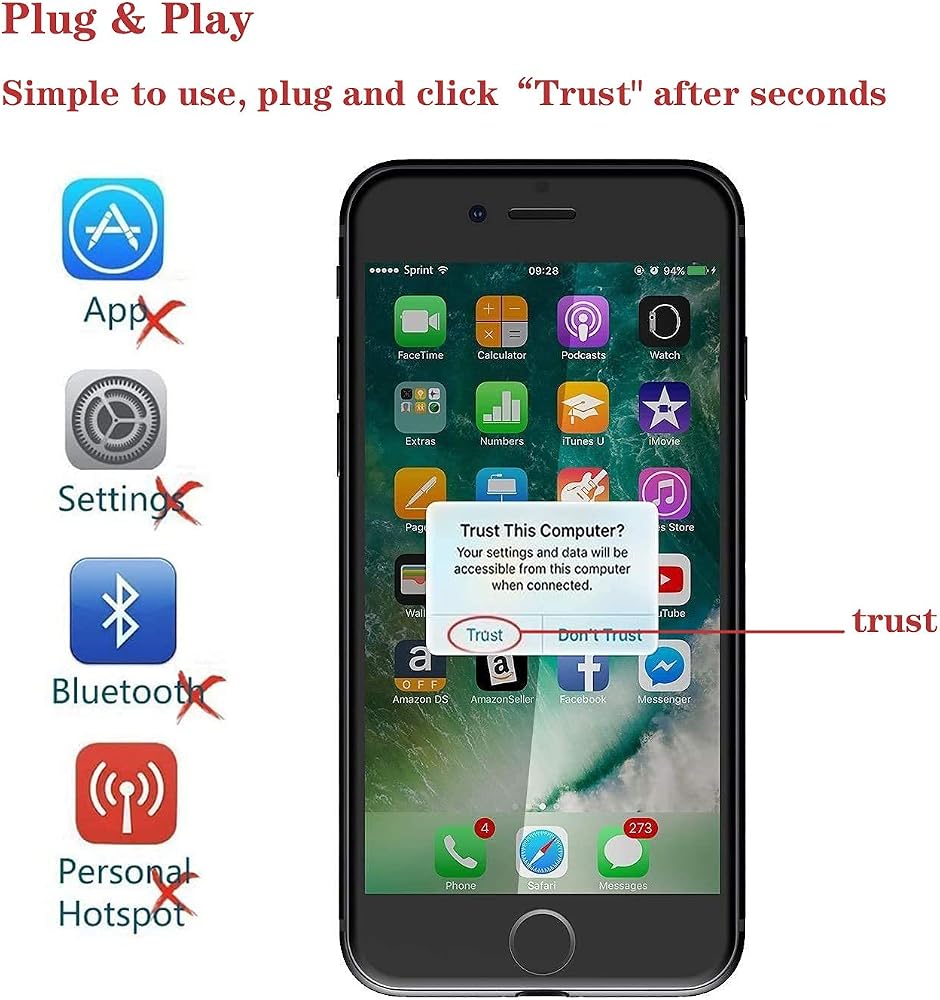
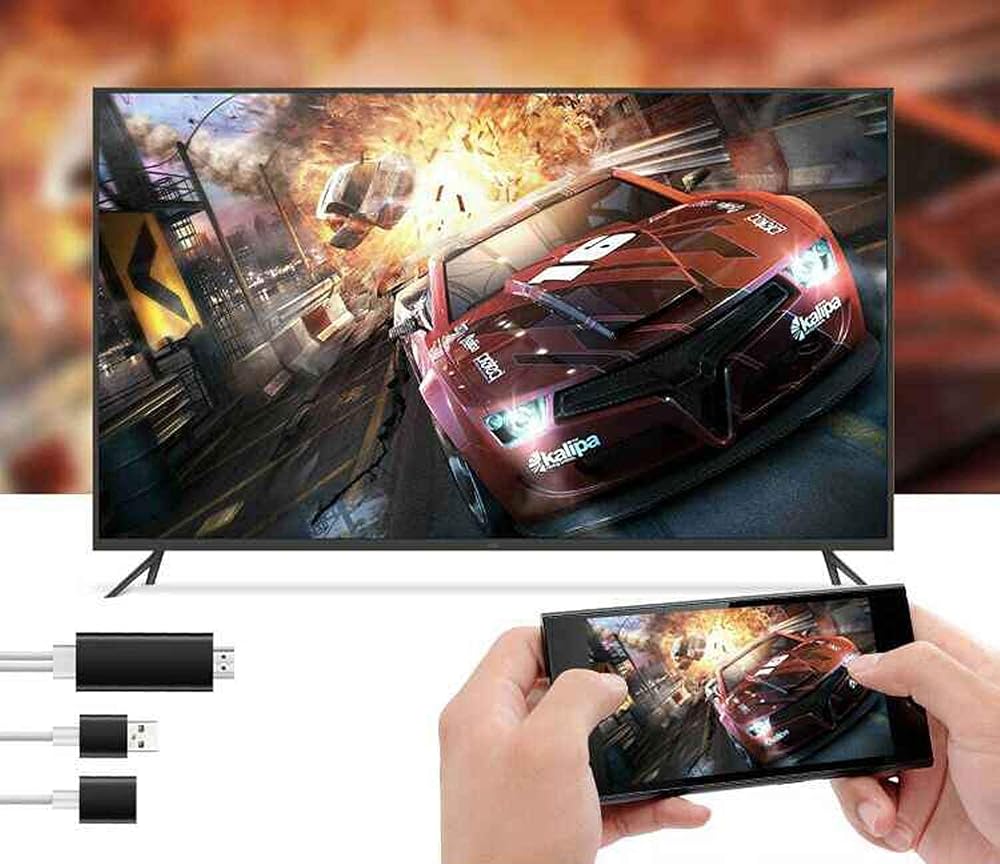
5. The mobile phone system of iOS9.0 or higher is plug and play, without additional software. The audio/video signal is immediately transmitted to the TV via the HDMI cable adapter. Enjoy the largest screen perfectly: watch movies, play games, and create your own exclusive cinema. It allows you to enjoy different audio-visual parties. (For example, HDTV) Content (video, games, audio, images, applications, and files) on smartphones is broadcast to other large screen devices.
Description
【Usage】: 1. Connect the HDMI plug of this product with the HDMI socket of the TV or projector, and select the signal source; 2. Connect the mobile phone/tablet with the data cable and the USB female port of the video cable; 3. Plug the USB male of this product into the USB port of the TV (ensure that the USB port voltage of the TV is 5V 1A) or plug it into an additional 5V 1A charger for power supply, so that the product can operate normally. 4. When you see the picture on your mobile phone on the TV, the connection is successful
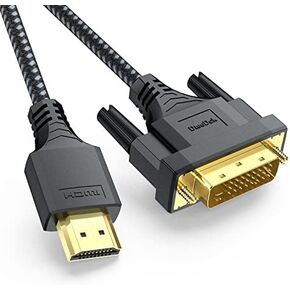 HDMI to DVI Cable 3Ft Bi-drectional Braided Sheath Cord Full HD 1080P@60Hz Gold-Plated Male to Male for Monitor Laptop Computer Gaming Console Projector Graphics Card, Plug-and-Play
SAR 40
HDMI to DVI Cable 3Ft Bi-drectional Braided Sheath Cord Full HD 1080P@60Hz Gold-Plated Male to Male for Monitor Laptop Computer Gaming Console Projector Graphics Card, Plug-and-Play
SAR 40
![Cable Matters [Premium Certified] HDMI to HDMI Cable 10 ft (Premium HDMI Cable) with 4K HDR Support in Black in Saudi Arabia](https://cdn1.tilga.com/md/prod/3/5225/3/144141678.60225.jpg) Cable Matters [Premium Certified] HDMI to HDMI Cable 10 ft (Premium HDMI Cable) with 4K HDR Support in Black
SAR 43
Cable Matters [Premium Certified] HDMI to HDMI Cable 10 ft (Premium HDMI Cable) with 4K HDR Support in Black
SAR 43
 8K Detachable Pure Fiber Optic Armored HDMI 2.1 Cable 50FT, Ultra High Speed 48Gbps, Support 8K@60Hz 4K@120Hz, Dynamic HDR, eARC, Compatible with PS5/Xbox/HDTV/Blu-ray/Monitor/Projector
SAR 515
8K Detachable Pure Fiber Optic Armored HDMI 2.1 Cable 50FT, Ultra High Speed 48Gbps, Support 8K@60Hz 4K@120Hz, Dynamic HDR, eARC, Compatible with PS5/Xbox/HDTV/Blu-ray/Monitor/Projector
SAR 515
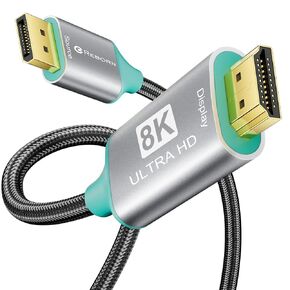 Reborn DisplayPort to HDMI 8K Cable 10FT【8K@60Hz 4K@144/120Hz】 Uni-Directional Active DP 1.4 Source to HDMI 2.1 Braided Cord Display Port Cable Support HDR,HDCP2.3,DSC1.2a,32.4Gbps for AMD,NVIDIA
SAR 50
Reborn DisplayPort to HDMI 8K Cable 10FT【8K@60Hz 4K@144/120Hz】 Uni-Directional Active DP 1.4 Source to HDMI 2.1 Braided Cord Display Port Cable Support HDR,HDCP2.3,DSC1.2a,32.4Gbps for AMD,NVIDIA
SAR 50