- Shopping, made easy.
- /
- Get the app!
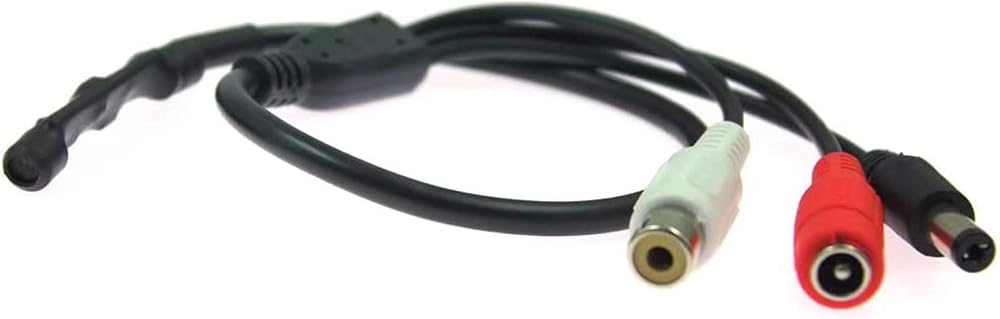
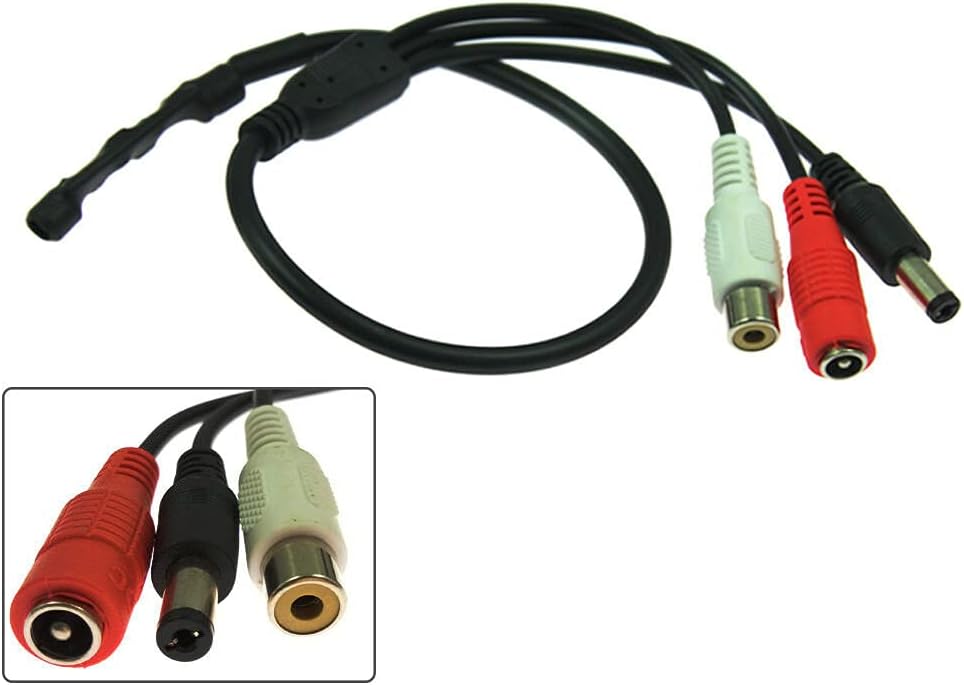
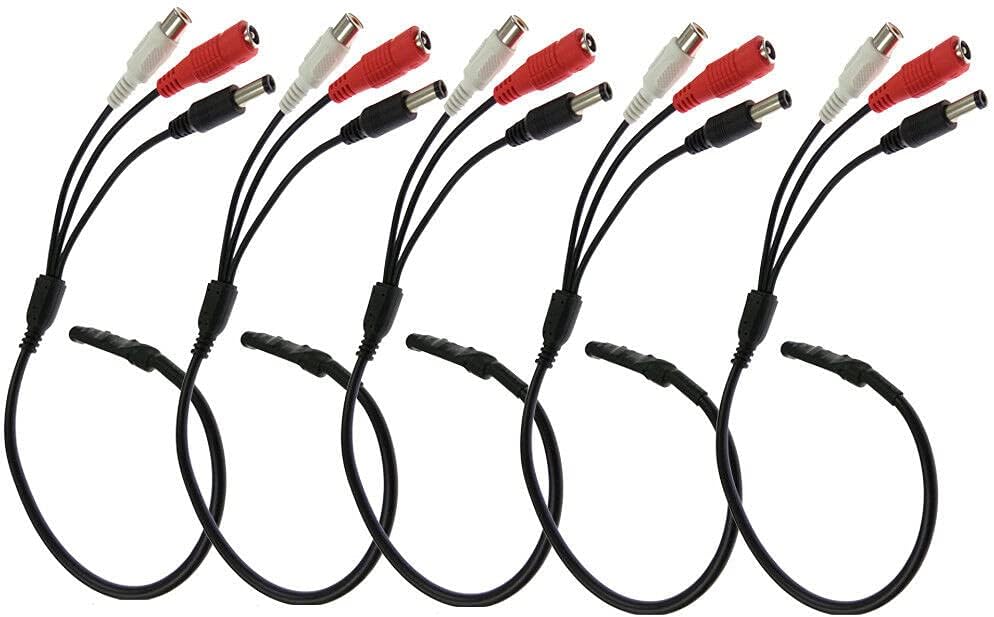
High sensitivity,Built in on board IC preamp, low noise, high gain and auto level adjustment,Compatible with devices that accept AV input, like TV, VCR, DVR.
Features:
1:Plug and Play
2:High Sensitive
3:Higher S/N Ratio
4:Range : 150 Square meters
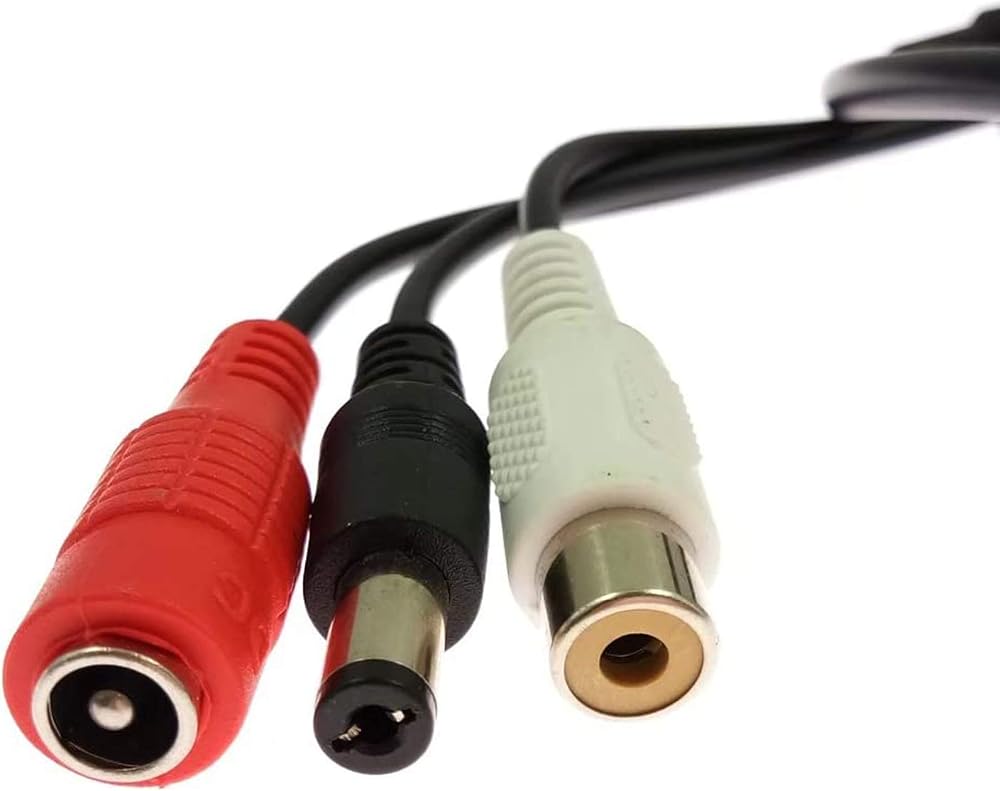
5:Audio Output: RCA Female
6:Sensitivity : 200mA/ubar
7:Work current : 5 mA-60mA
8:Work Voltage: DC12V
9:Frequency: 200-6000HZ
10:Max output Voltage: 5V-upp
How to get it work
1. Connect add-on microphone to the camera. Secure the microphone from rain or snow.
2. Go to NVR's main menu – System setting - CH setting - Encode setting, change Encode Mode to "AV Stream", save it.
3. Now you get audio from this camera. Note: You need to change Encode Mode to “AV Stream” for all channels that you have added microphones.
How can you hear the voice?
1. Through the app, turn on audio on app, you can then hear the voice from your phone.
2. Plug a headphone to the NVR's audio output, you can hear the voice from the headphone.
3. Connect NVR to a monitor/TV via HDMI cable, you can hear voice on monitor/TV, as HDMI transmits audio.
4. Backup the videos and playback them on computer, you can hear the voice.
Package
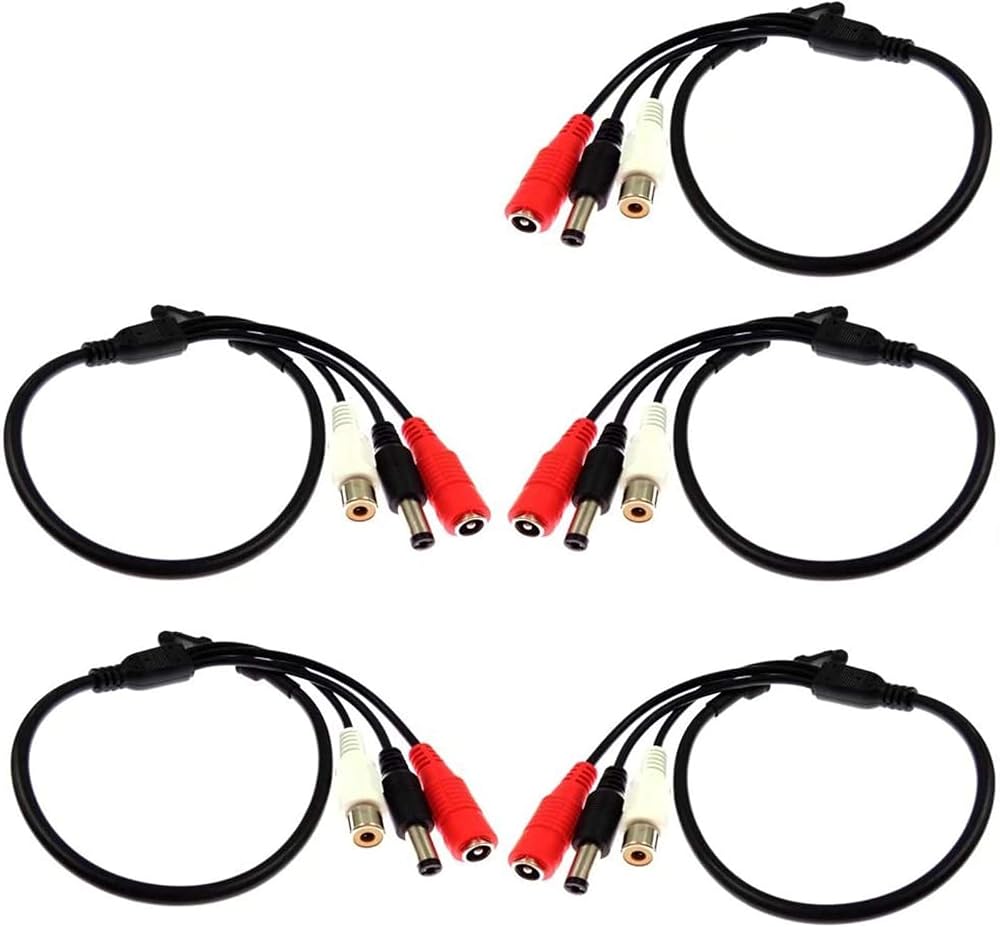
* 5x Microphones for Security Cameras
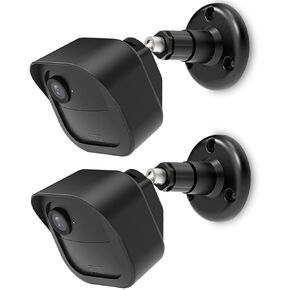 3+1 Pack | Mount for Blink Outdoor 4 Camera | Adjustable to Improve Viewing Angle | Blink Outdoor (4th Gen) Mounting Kit and Housing Cover | Sync Module 2 Mount Included
SAR 68
3+1 Pack | Mount for Blink Outdoor 4 Camera | Adjustable to Improve Viewing Angle | Blink Outdoor (4th Gen) Mounting Kit and Housing Cover | Sync Module 2 Mount Included
SAR 68
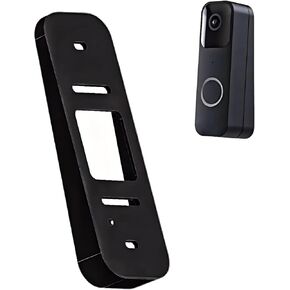 Video Doorbell Wedge Mount – Black
SAR 40
Video Doorbell Wedge Mount – Black
SAR 40
 -38%
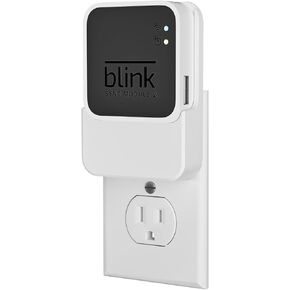
Outlet Wall Mount for Blink Sync Module 2, 2-in-1 Charging Station(Mount & Charger) - Space-Saving Bracket for Blink Indoor Outdoor Camera, Easy Installation & Flexible Placement
SAR 53
-38%
Outlet Wall Mount for Blink Sync Module 2, 2-in-1 Charging Station(Mount & Charger) - Space-Saving Bracket for Blink Indoor Outdoor Camera, Easy Installation & Flexible Placement
SAR 53
 PATIKIL 2.1mm CCTV Camera Lens, F2.0 FPV Security Camera Lens 5MP 160° Wide Angle Board Lens M12 Threaded Dia for IP Camera Panoramic
SAR 88
PATIKIL 2.1mm CCTV Camera Lens, F2.0 FPV Security Camera Lens 5MP 160° Wide Angle Board Lens M12 Threaded Dia for IP Camera Panoramic
SAR 88