Search

Home / XDSRFVW / Laptop Cooling Pads & External Fans
Adjustable Computer Cooling Fan 12CM PC Case CoolerCase Glare Cooler in Saudi Arabia Adjustable Computer Cooling Fan 12CM PC Case CoolerCase Glare Cooler in Saudi Arabia Adjustable Computer Cooling Fan 12CM PC Case CoolerCase Glare Cooler in Saudi Arabia Adjustable Computer Cooling Fan 12CM PC Case CoolerCase Glare Cooler in Saudi Arabia Adjustable Computer Cooling Fan 12CM PC Case CoolerCase Glare Cooler in Saudi Arabia Adjustable Computer Cooling Fan 12CM PC Case CoolerCase Glare Cooler in Saudi Arabia Adjustable Computer Cooling Fan 12CM PC Case CoolerCase Glare Cooler in Saudi Arabia

Adjustable Computer Cooling Fan 12CM PC Case CoolerCase Glare Cooler

SAR 435

All electronics ship with US style plugs. You may need a voltage converter or a plug adapter.
– 1 +

Special Features

  • Item Name: Computer Case Cooling Fan.
  • Material: ABS.
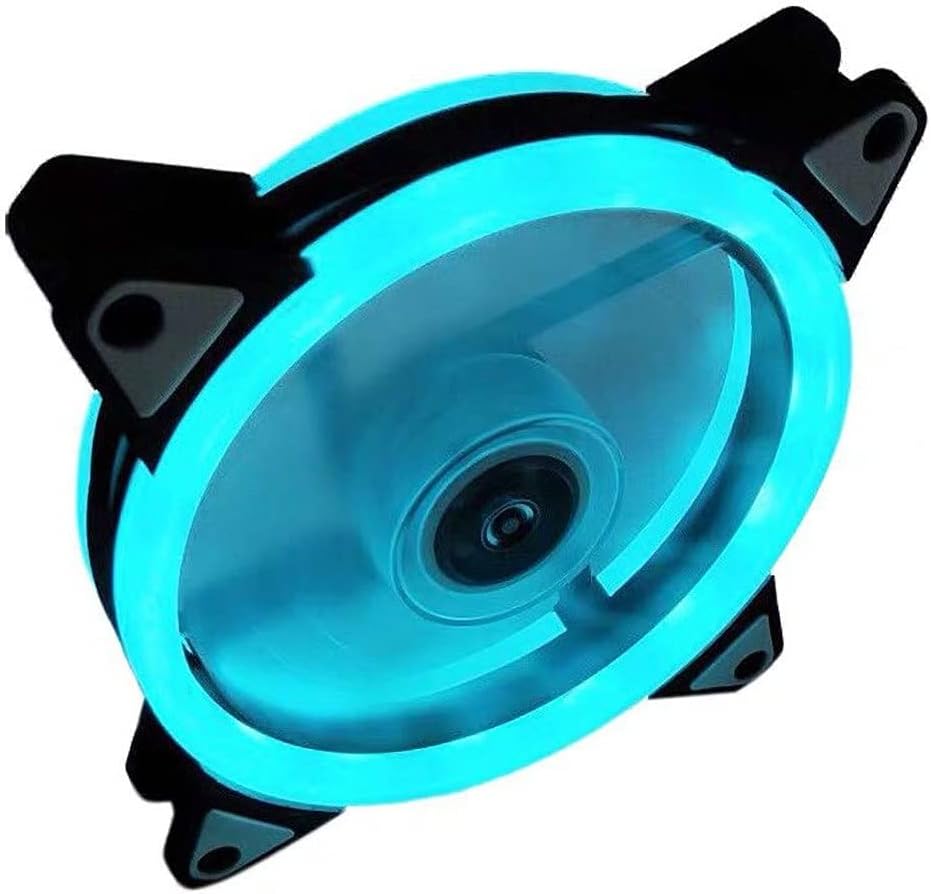
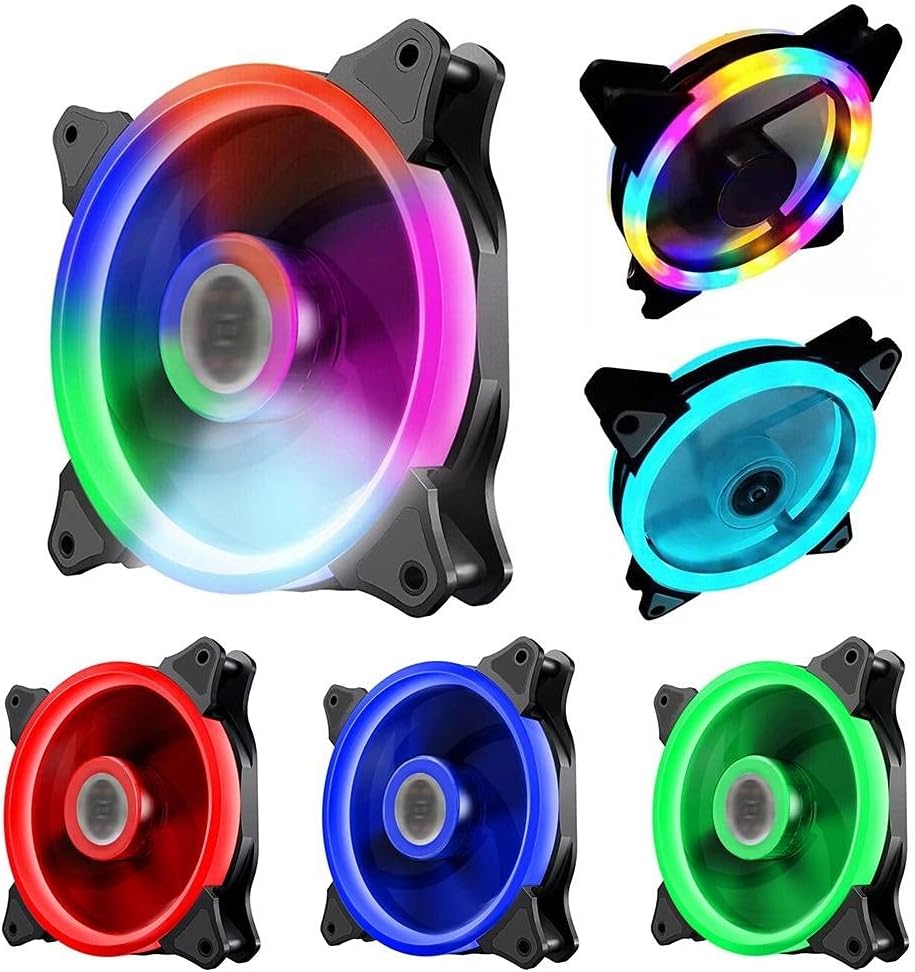
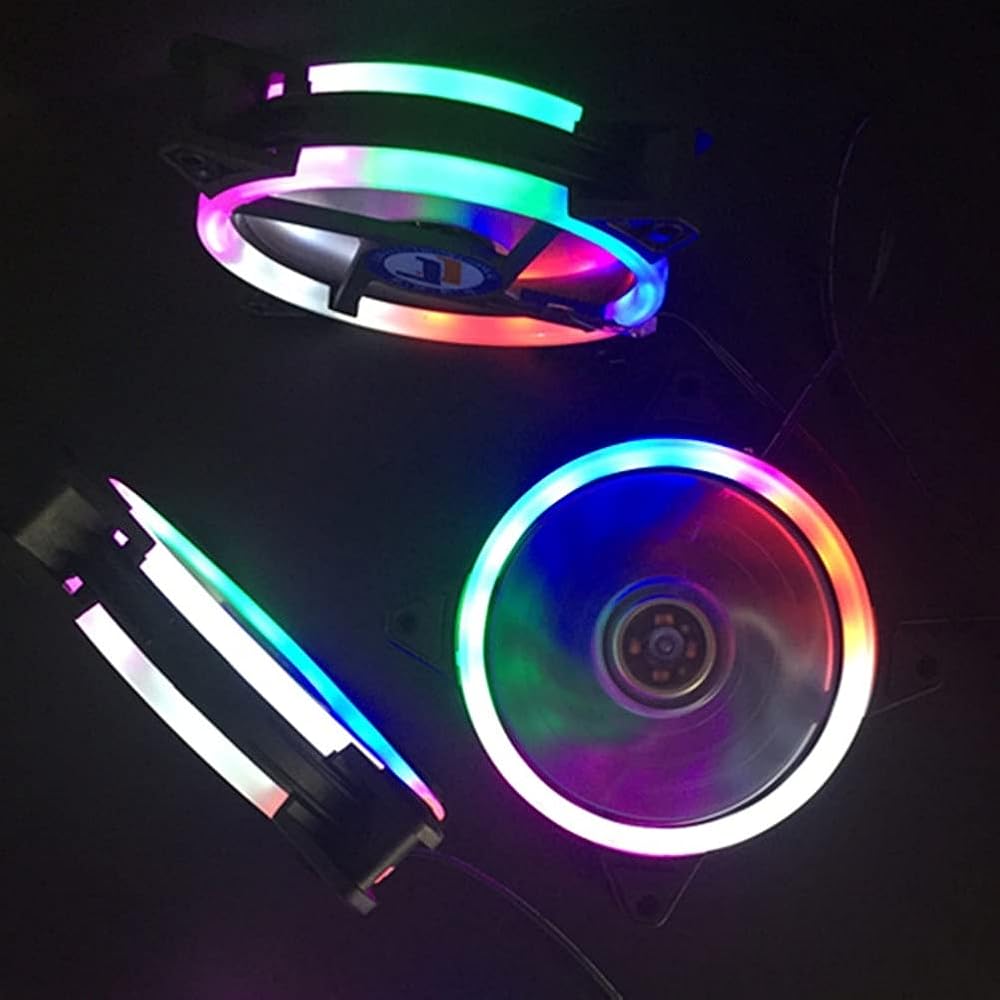
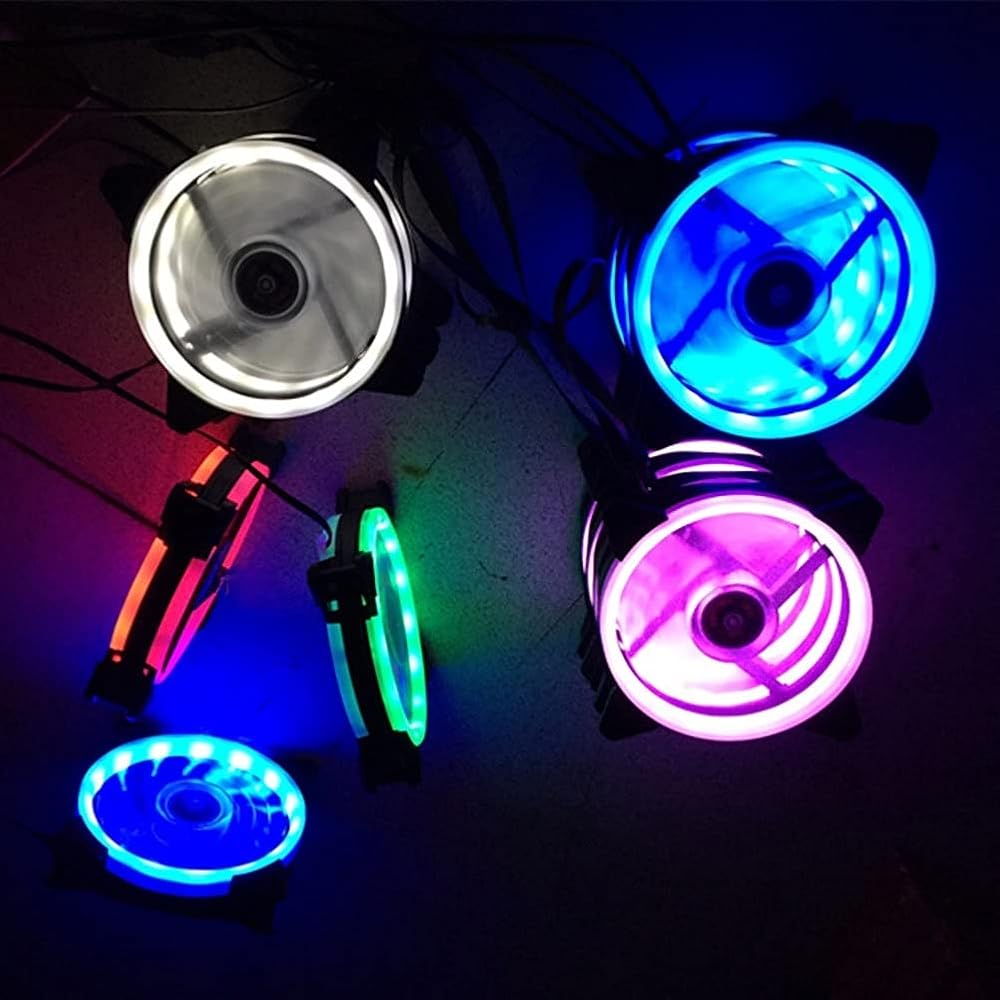
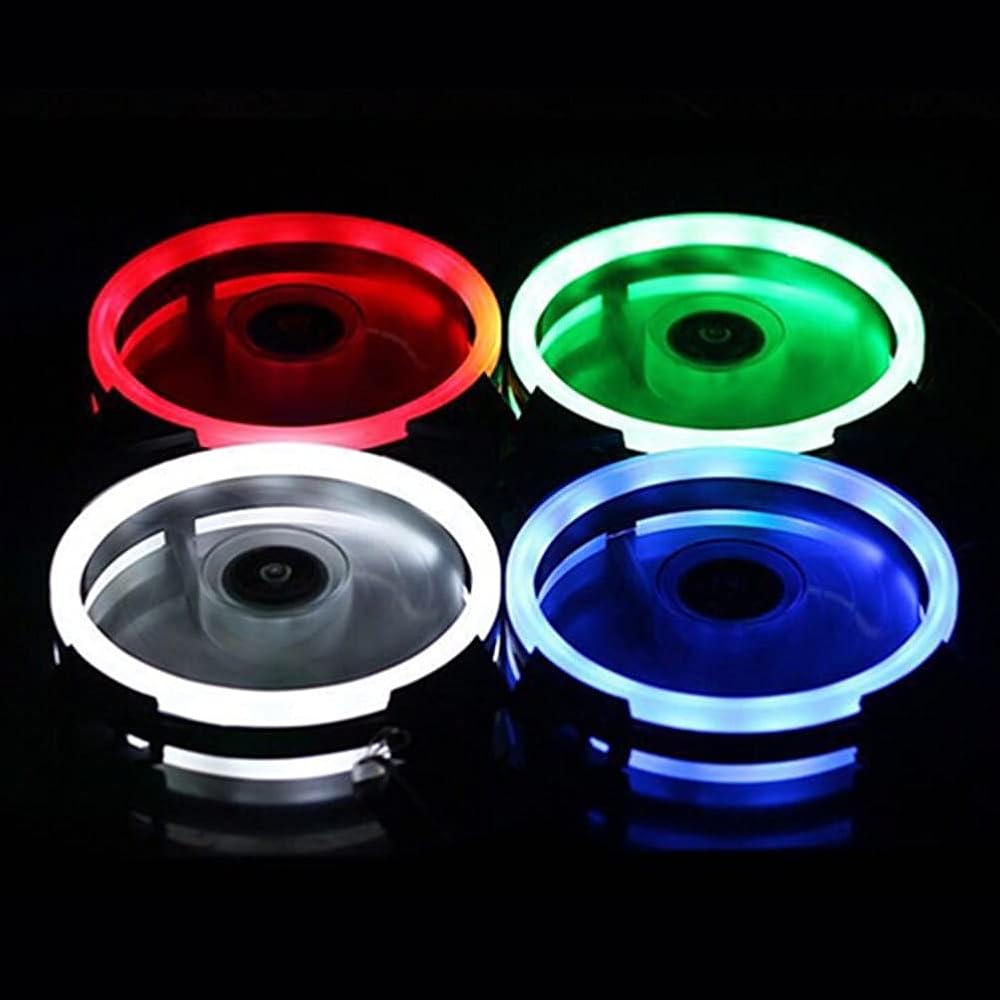
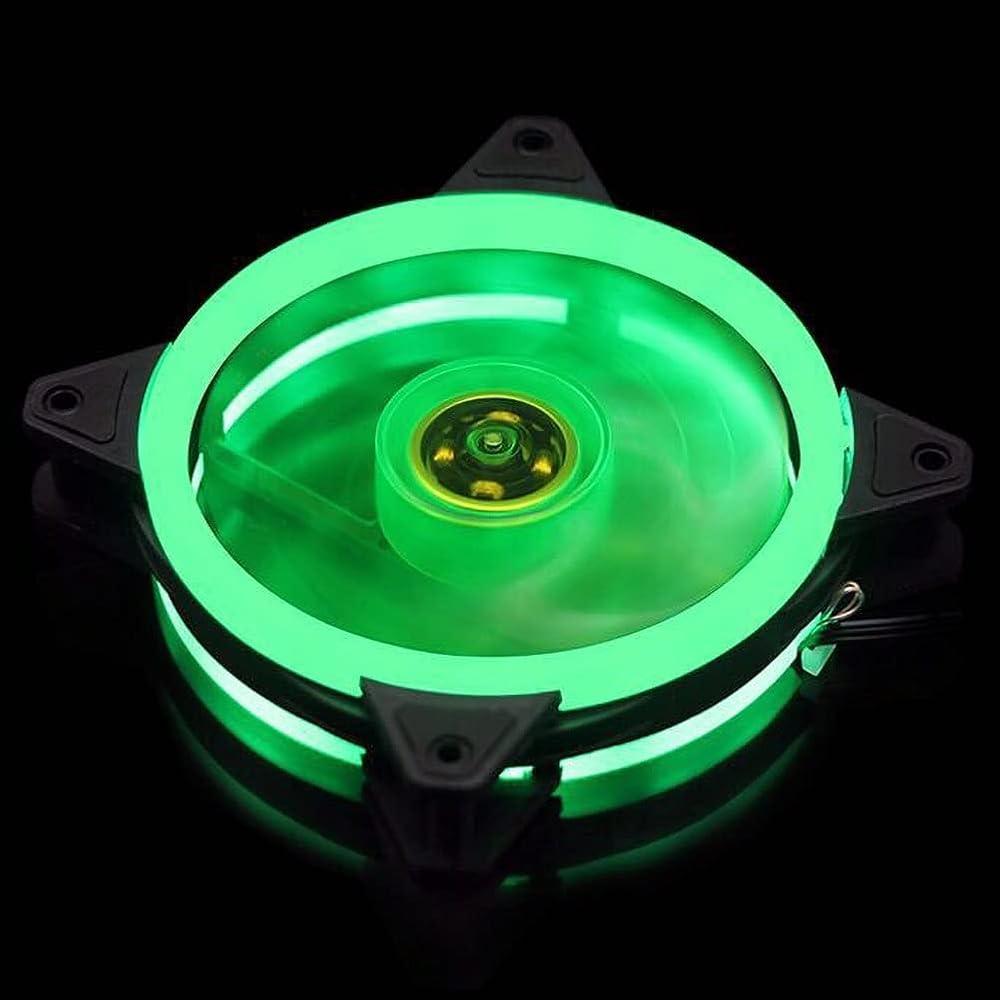
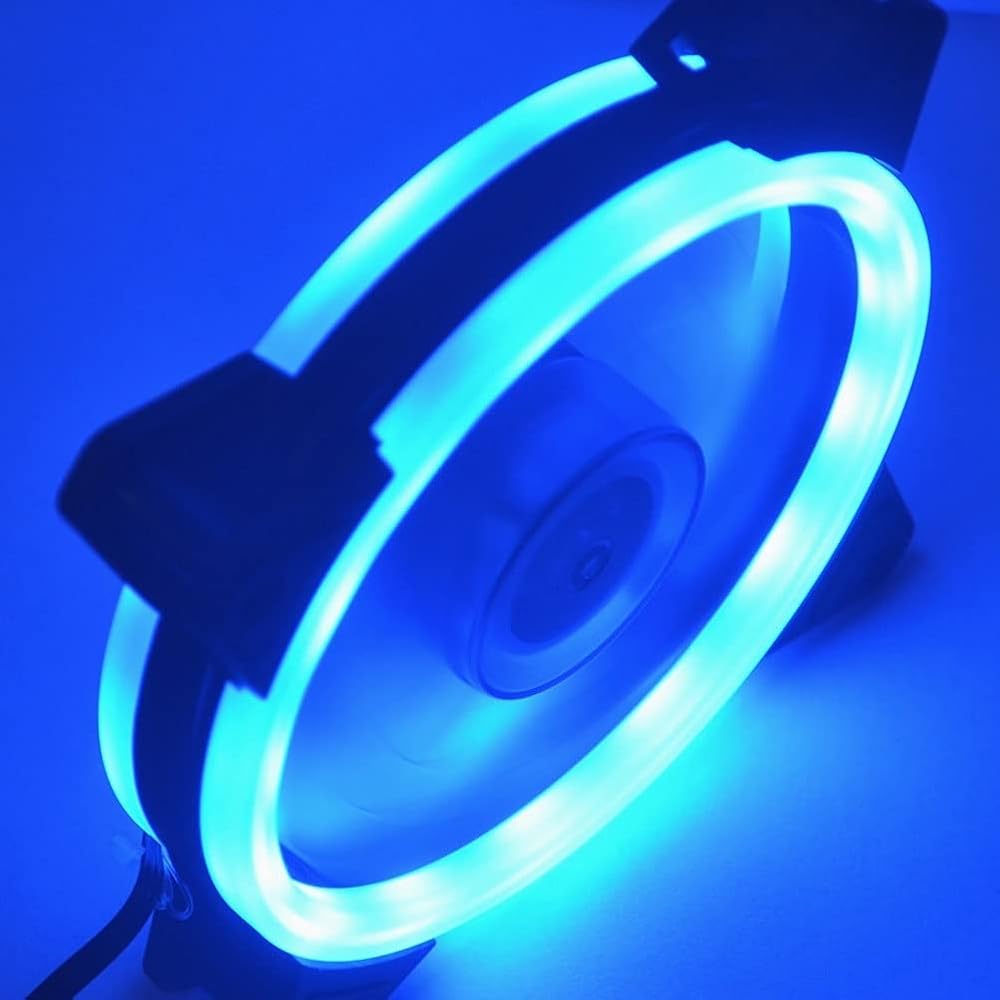
  • LED light, aperture, looks very cool.
  • Hydraulic bearings, quiet working, to use.
  • It offers excellent cooling effect to increase the longevity and stability of the system and components.
  • Integrated Dust Filtration Extends Laptop Lifespan: This cooler fan features a high-density, removable dust filter that effectively protects the internal fans of laptops.

Description

LED light, aperture, looks very cool.
Hydraulic bearings, quiet working, to use.
It offers excellent cooling effect to increase the longevity and stability of the system and components.

Bearing Type: Hydraulic Bearing
Application Object: Computer Case
Features: Universal, LED Light, Silent, Efficient Heat Dissipation
Cooling Fan Size: 12cm x 12cm x 2.5cm/4.72" x 4.72" x 0.98" (Approx.)

Notes:
Due to the light and screen setting difference, the item's color may be slightly different from the pictures.
Please allow slight dimension difference due to different manual measurement.

Package Includes:
1 x Computer Case Cooling Fan
Easy-to-Clean Removable Dust Filter: Maintain peak performance effortlessly with our detachable dust mesh filter. simply remove the filter, clean it, and reattach for hassle-free maintenance, keeping your cooling system running like new.


Related Items


{"error":"Error","cart_limit":"You have too many items in your cart.","prod_limit":"You cannot add any more of this item"}