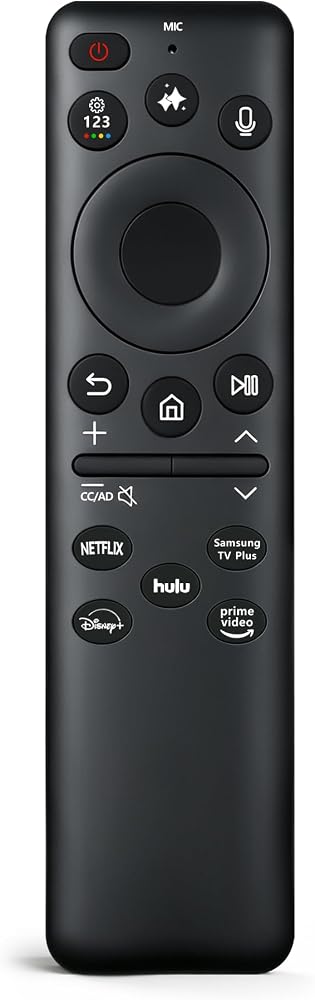
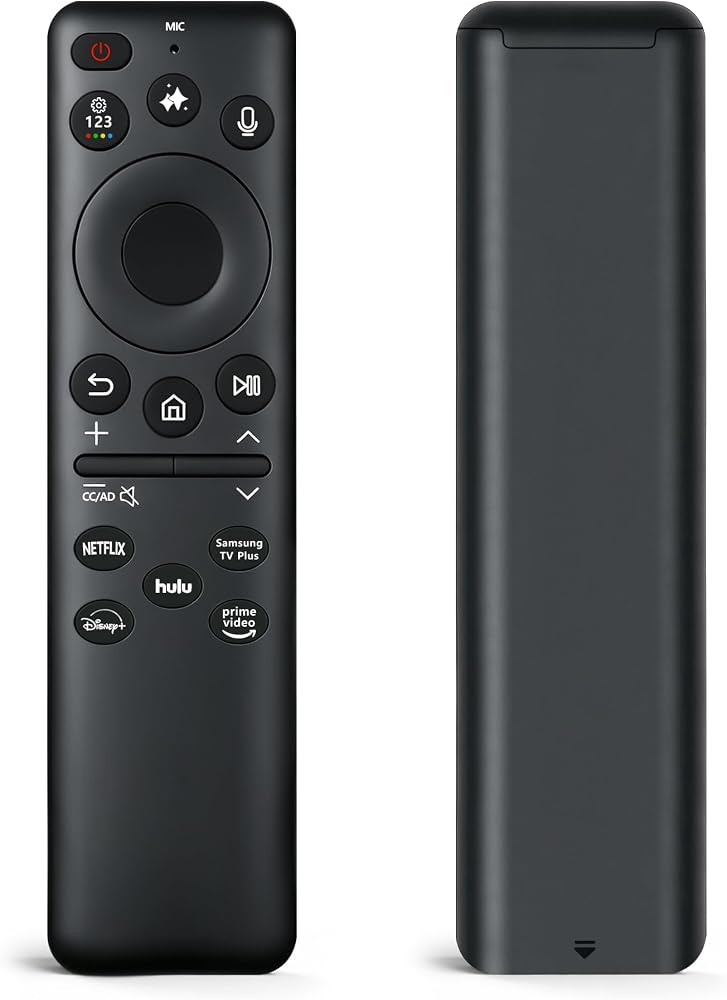
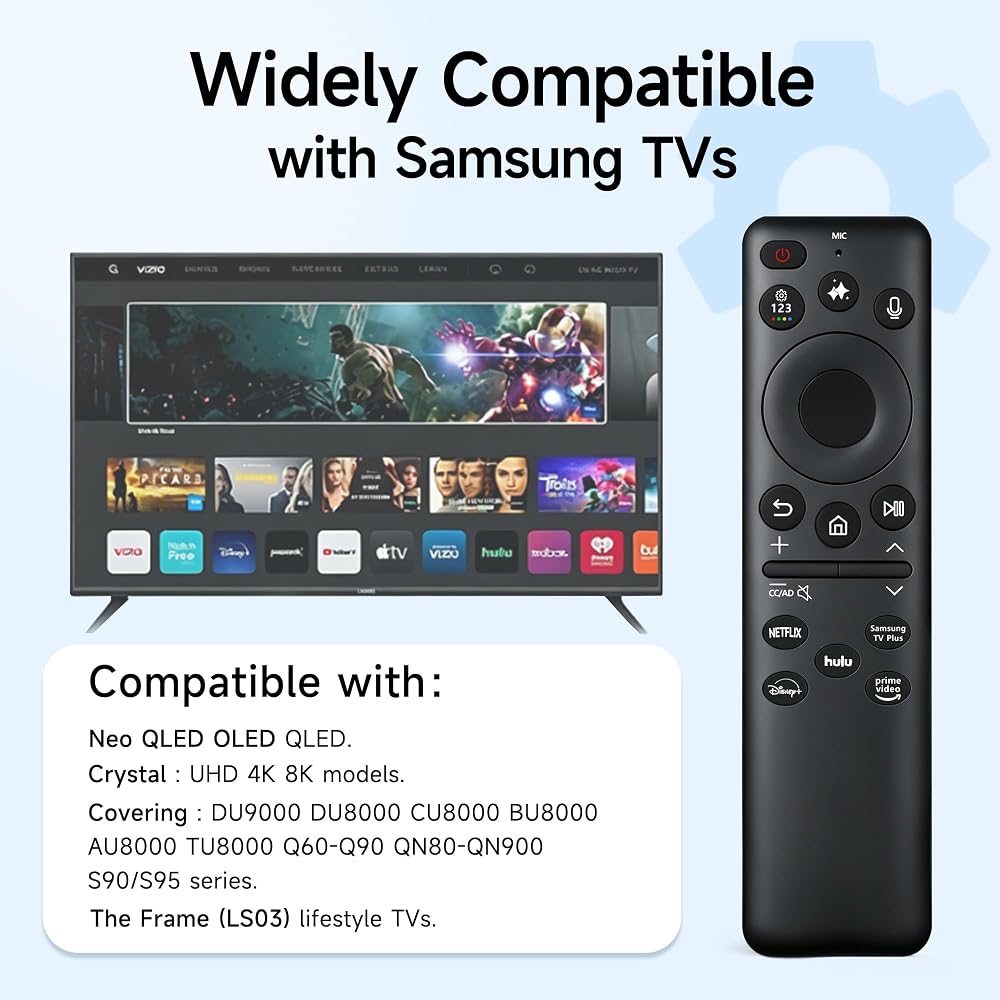
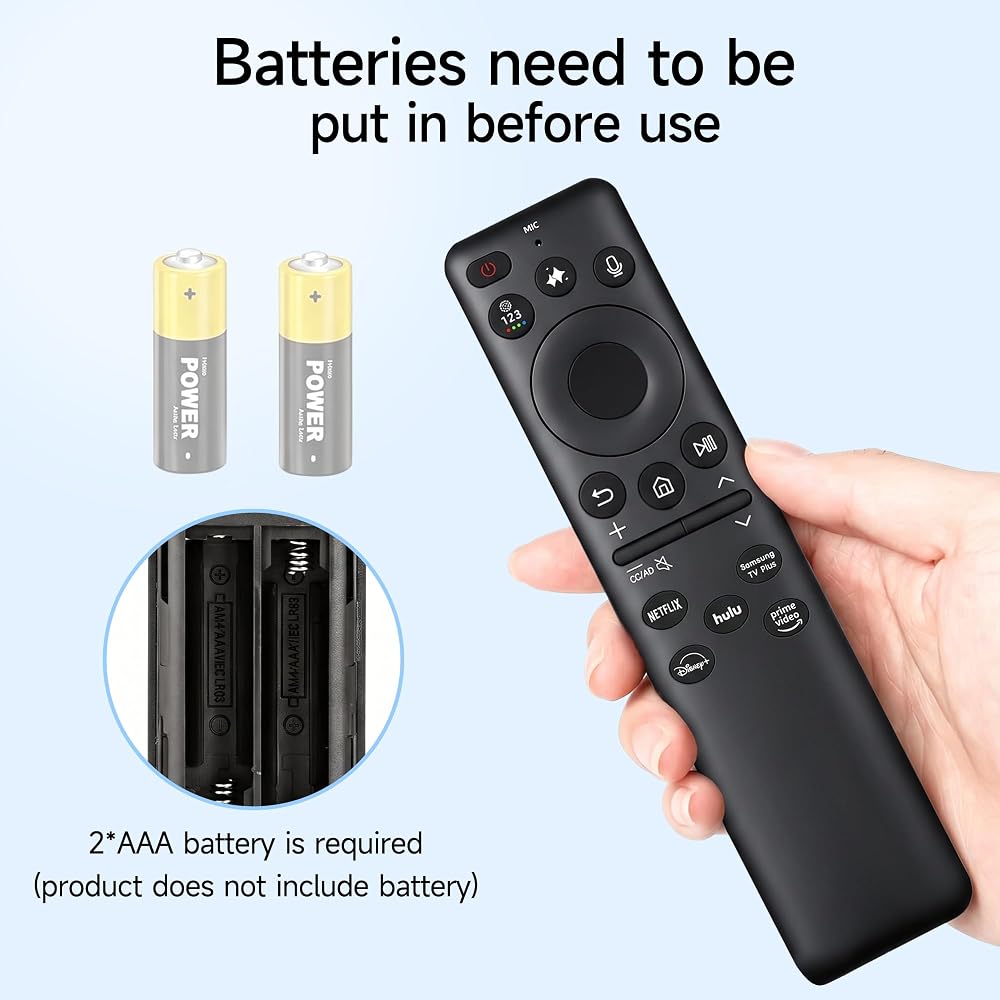
Perfect Samsung TV Compatibility: A better replacement remote control that is compatible with Samsung Smart TVs. Fully compatible with Neo QLED, OLED, QLED, and Crystal UHD 4K 8K models, covering DU9000, DU8000, CU8000, BU8000, AU8000, TU8000, Q60-Q90, QN80-QN900, S90/S95 series, and The Frame (LS03) lifestyle TVs.
Full Samsung Monitor Support: Specifically engineered to support Samsung Smart Monitors and gaming displays. This includes Smart Monitor M5 Series (M50B, M50C), M7 Series (M70B, M70C), M8 Series (M80B, M80C), and Odyssey OLED gaming monitors equipped with the built-in smart operating system.
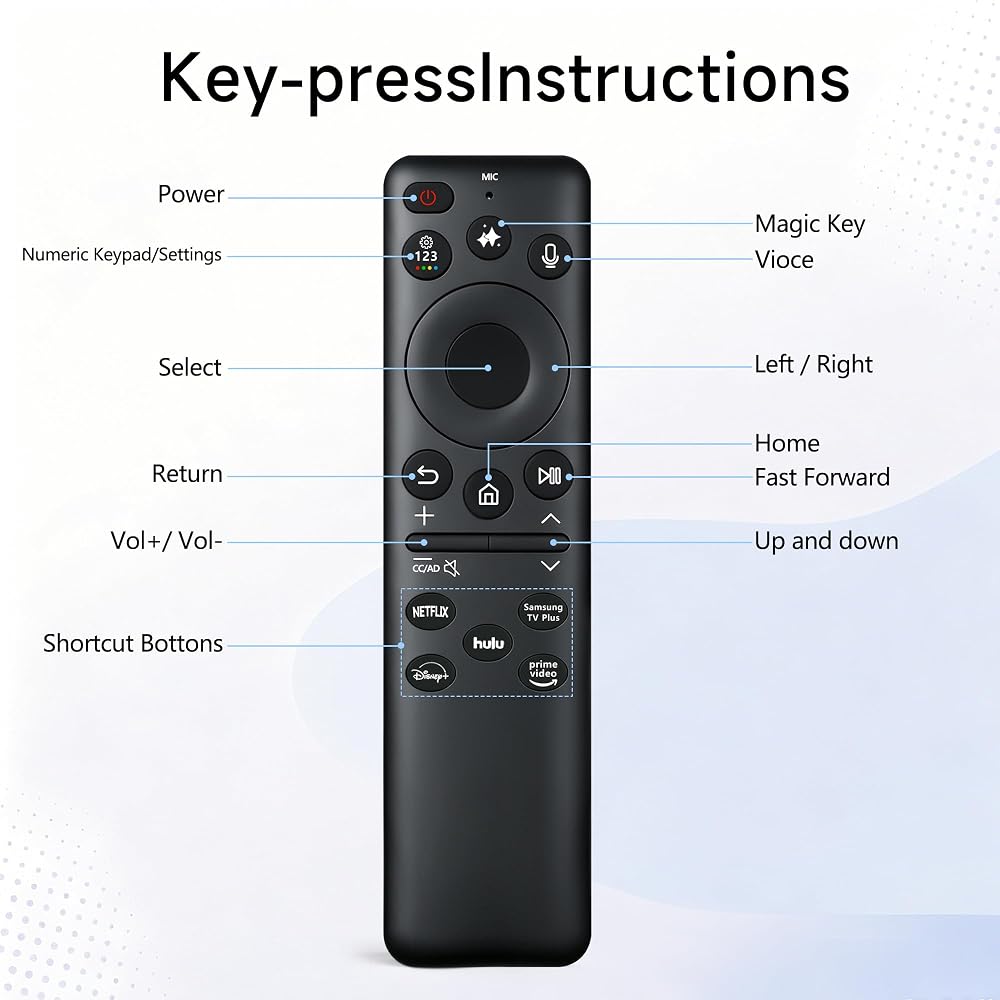
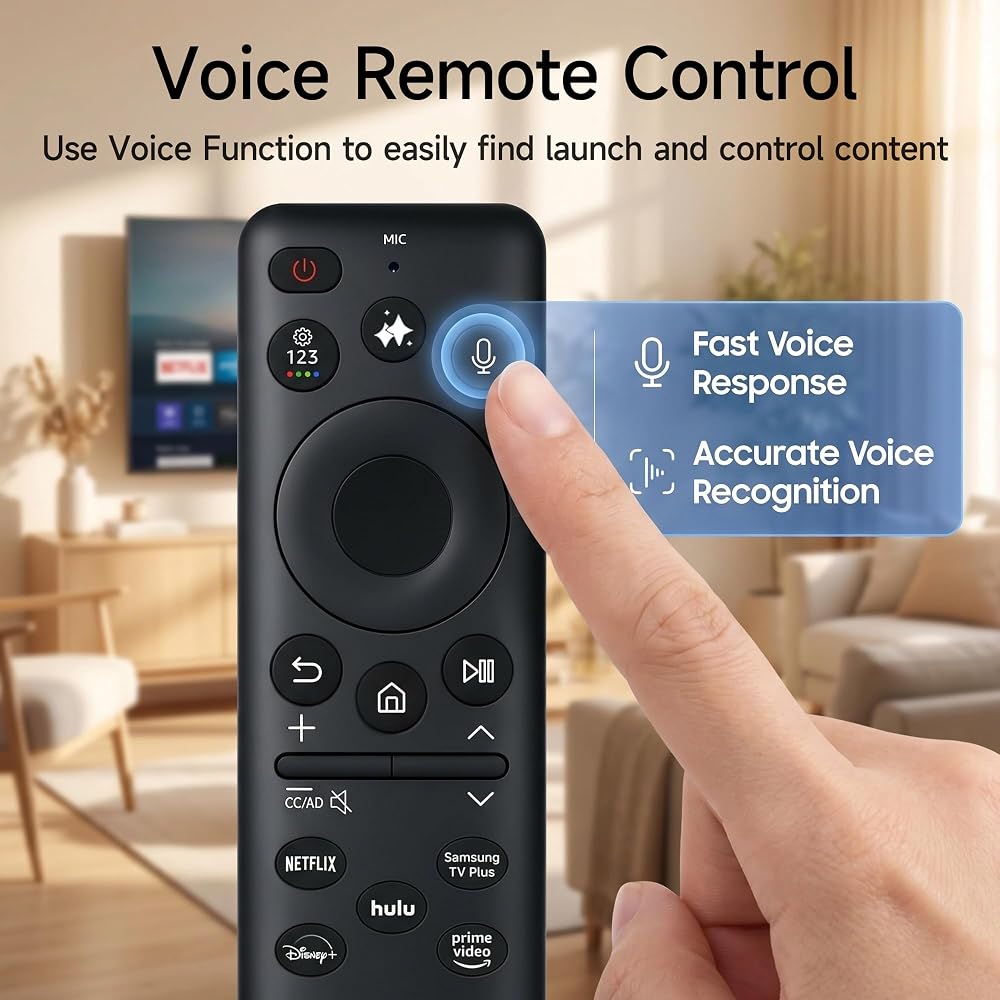
Smart Voice Control Function: Features an integrated, highly sensitive microphone that brings effortless voice command control to your fingertips. Simply hold the dedicated button to speak, allowing you to search for movies, change channels, launch streaming apps, or adjust settings without typing.
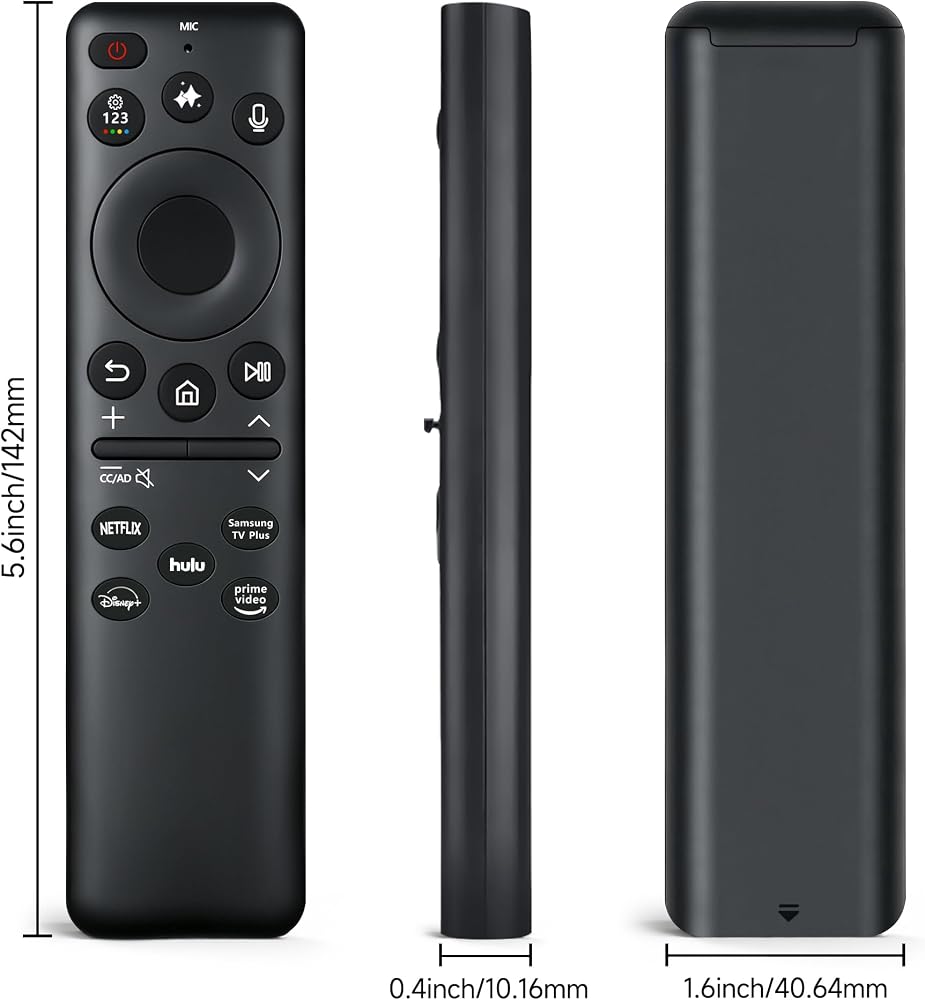
Quick Setup & Premium Quality: Insert 2 new AAA Cells (not included), aim at your device, and hold the "Return" and "Play/Pause" buttons together for 3 seconds to connect. Crafted from durable ABS material with soft, responsive buttons, this lightweight remote ensures long-lasting, stable performance.
Package Includes & Buyer Note: Each package contains 1 x Smart Voice Remote Control (Cells are not included). Please verify that your specific television or monitor model natively supports voice navigation prior to purchasing, as standard non-smart displays cannot activate the voice function.
وصف
Upgrade your entertainment setup with this premium Voice Remote Control Replacement, expertly designed to control Samsung devices. Featuring a high-fidelity built-in microphone, it eliminates tedious onscreen typing, allowing you to search content, change channels, and manage settings using instant voice commands. 【Easy Syncing Guide】 Manually turn on your TV or Monitor. Install 2 brand-new AAA batteries into the remote. Point the remote directly at the device's signal receiver. Press and hold the "Return" (Back) and "Play/Pause" buttons simultaneously for at least 3 seconds. Release the buttons once the onscreen confirmation message appears. 【Friendly Customer Note】 Please verify that your specific Samsung television or monitor model natively supports smart features and voice navigation prior to purchasing, as standard non-smart displays cannot activate voice functions.
 جهاز تحكم عن بعد صوتي بديل لتلفزيون TCL Android مع لوحة أرقام
SAR 32
جهاز تحكم عن بعد صوتي بديل لتلفزيون TCL Android مع لوحة أرقام
SAR 32
 جهاز تحكم عن بعد بديل BN59-01357A لتلفزيون سامسونج الذكي QN32Q60AAFXZA QN43Q60AAFXZA QN50Q60AAFXZA QN55Q60AAFXZA QN65Q60AAFXZA QN60Q60AAFXZA QN70Q60AAFXZA QN75Q60AAFXZA QN85 Q70AAFXQ70ZA QN75Q70AAFXZA
SAR 47
جهاز تحكم عن بعد بديل BN59-01357A لتلفزيون سامسونج الذكي QN32Q60AAFXZA QN43Q60AAFXZA QN50Q60AAFXZA QN55Q60AAFXZA QN65Q60AAFXZA QN60Q60AAFXZA QN70Q60AAFXZA QN75Q60AAFXZA QN85 Q70AAFXQ70ZA QN75Q70AAFXZA
SAR 47
 N2QAYB000378 جهاز التحكم عن بعد المستبدل مناسب لمشغل أقراص بلو راي باناسونيك DMP-BD60 DMP-BD80 DMP-BD35 DMP-BD605 DMP-BD601 DMP-BD80K DMP-BD605K DMP-BD601K DMP-BD601 DMP-BD605
SAR 41
N2QAYB000378 جهاز التحكم عن بعد المستبدل مناسب لمشغل أقراص بلو راي باناسونيك DMP-BD60 DMP-BD80 DMP-BD35 DMP-BD605 DMP-BD601 DMP-BD80K DMP-BD605K DMP-BD601K DMP-BD601 DMP-BD605
SAR 41
 جهاز تحكم عن بعد بديل لتلفزيون Roku الذكي، جهاز تحكم عن بعد عالمي متوافق مع أجهزة تلفزيون TCL/Onn/Sharp/LG/Sanyo/JVC/Hisense/RCA/Philips/Insignia إلخ R0KU (ليس لـ RokuStick and Box)
SAR 32
جهاز تحكم عن بعد بديل لتلفزيون Roku الذكي، جهاز تحكم عن بعد عالمي متوافق مع أجهزة تلفزيون TCL/Onn/Sharp/LG/Sanyo/JVC/Hisense/RCA/Philips/Insignia إلخ R0KU (ليس لـ RokuStick and Box)
SAR 32