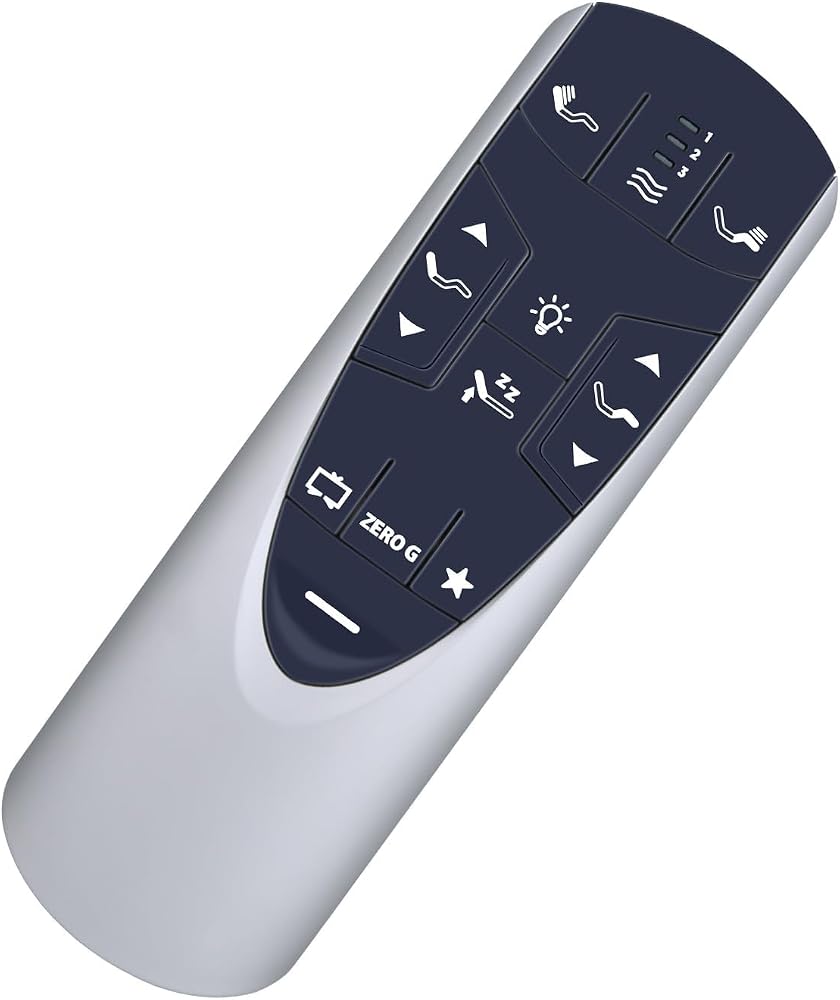
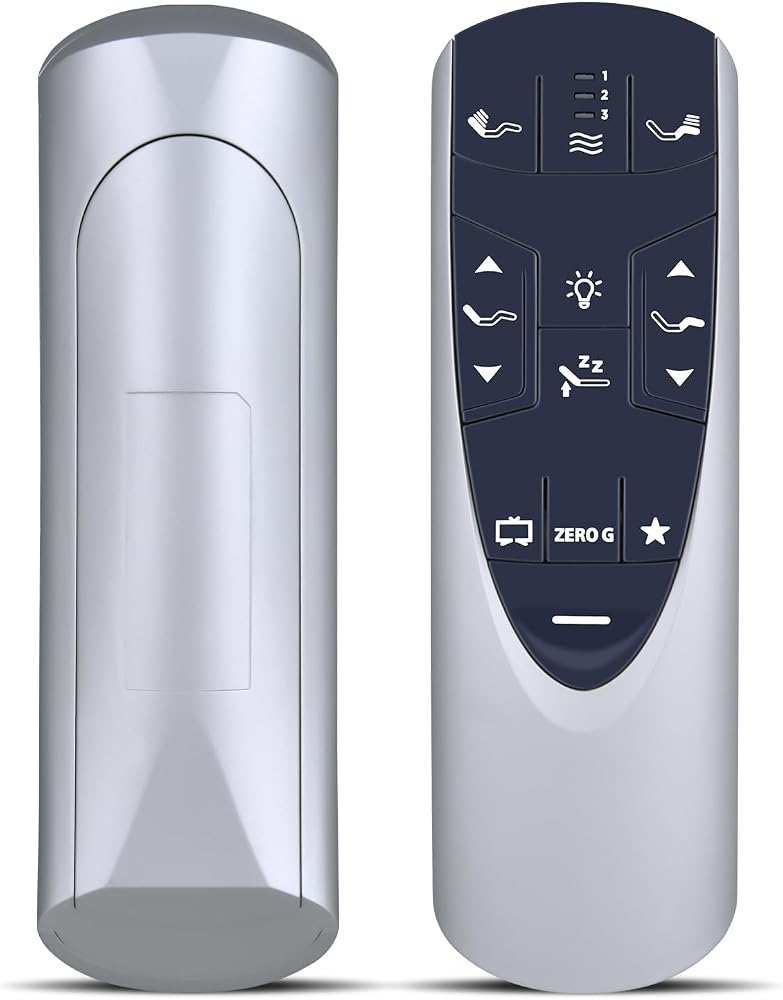
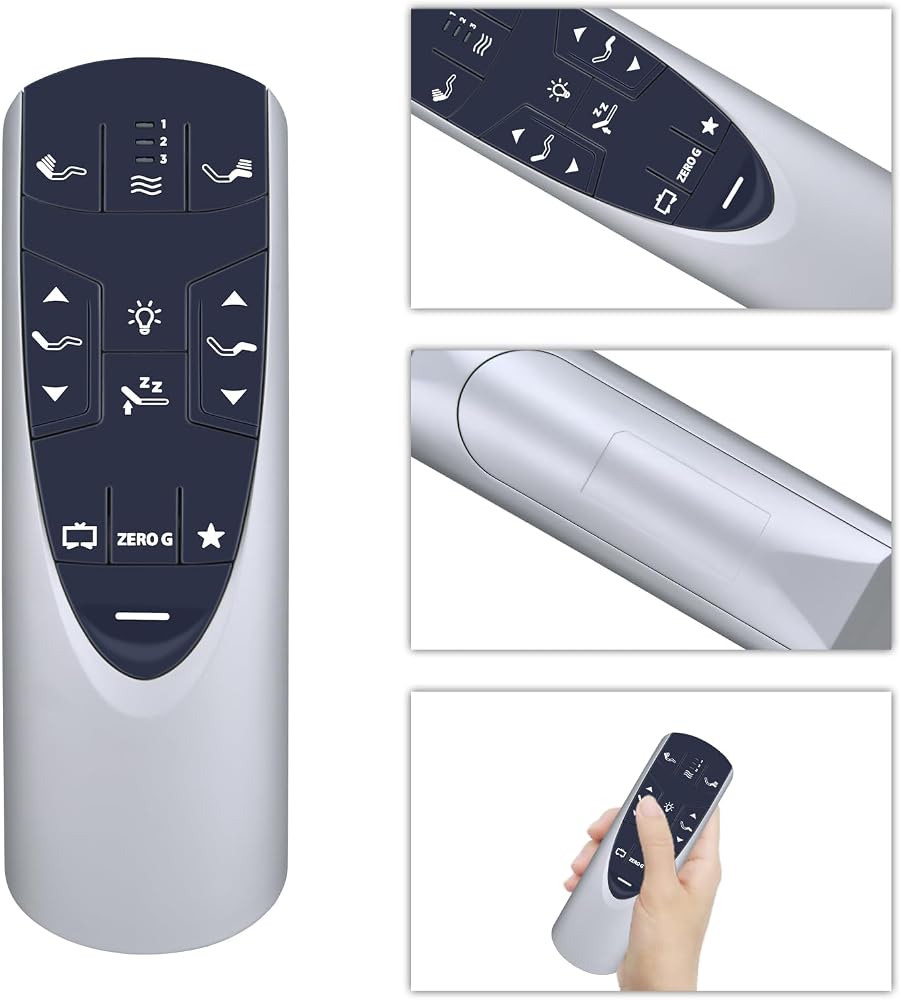
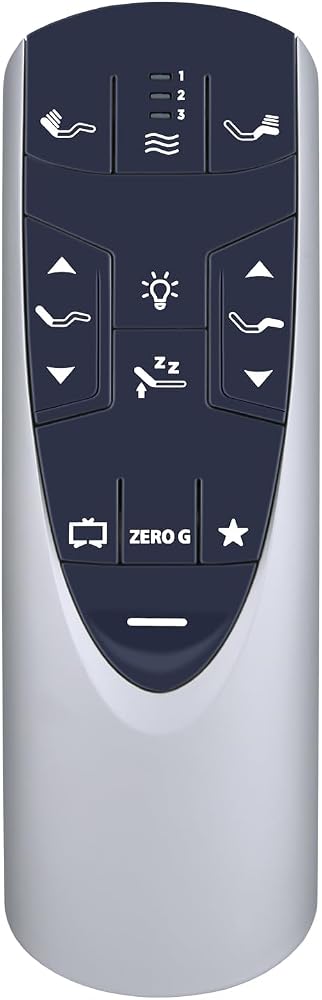
Supported Models: Compatible with Tempurpedic remote control replacement, for Tempurpedic Ergo adjustable bed/Tempurpedic Ergo Extend base JDLK.33.01.18 JLDK.33.01.36, for RF358A/RF502A remote
Pairing Instruction: 1. Start the massage bed, then find the control box of the massage bed. Locate the Battery Backup Box and press the button TWICE. A light on the Battery Back Up Box will illuminate (Sometimes on the power cord) 2. Point the remote control at the control box (open the remote control battery cover and press the Pair/Paire button) 3. Press and hold the Pair/Paire button for 30 seconds to complete the pairing
No Working: 1. Check whether the remote's child lock is activated 2. Wait 1 minute after turning off the device, then try pairing it again 3. Replace the battery
What's Included: 1* Remote Control (3* AAA batteries and manual not included)
Before You Order: Please check that this remote matches your original remote. If not, it may not work. Not sure about compatibility? We will be happy to assist you
 مجموعة تنظيف أسطوانات الفينيل GrooveWasher - مقبض مصنوع يدويًا من خشب الجوز مع وسادة من الألياف الدقيقة مقاومة للخدش، ونظام العناية الأساسي LP يتضمن رذاذ سائل التنظيف G2 + مكافأة، ومسح زيوت بصمات الأصابع والأوساخ
SAR 251
مجموعة تنظيف أسطوانات الفينيل GrooveWasher - مقبض مصنوع يدويًا من خشب الجوز مع وسادة من الألياف الدقيقة مقاومة للخدش، ونظام العناية الأساسي LP يتضمن رذاذ سائل التنظيف G2 + مكافأة، ومسح زيوت بصمات الأصابع والأوساخ
SAR 251
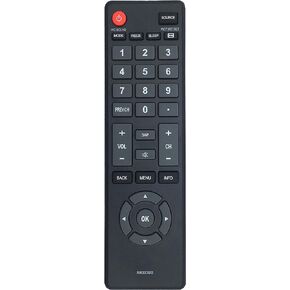 NH303UD استبدال جهاز التحكم عن بعد المناسب لتلفزيون ايمرسون LE391EM4 LF320EM4A LF391EM4 LF461EM4 LF320EM5S LE240EM4 LE320EM4 LF320EM4 LF501EM4 LF461EM4 LF501EM4 LF501EM4F LE240EM4 LE290EM4 LE320EM4 LF320EM4 LF320EM
SAR 45
NH303UD استبدال جهاز التحكم عن بعد المناسب لتلفزيون ايمرسون LE391EM4 LF320EM4A LF391EM4 LF461EM4 LF320EM5S LE240EM4 LE320EM4 LF320EM4 LF501EM4 LF461EM4 LF501EM4 LF501EM4F LE240EM4 LE290EM4 LE320EM4 LF320EM4 LF320EM
SAR 45
 جهاز التحكم عن بعد العالمي SHENYY لأجهزة Samsung، LG، Sony، Sharp، Vizio، Philips، Toshiba، Hitachi، RCA، Sanyo، JVC، TCL، Hisense، Vestel، Seiki، Insignia، Magnavox، Haier، Panasonic، أجهزة التلفاز الذكية - مطلوب إعدادات بسيطة
SAR 39
جهاز التحكم عن بعد العالمي SHENYY لأجهزة Samsung، LG، Sony، Sharp، Vizio، Philips، Toshiba، Hitachi، RCA، Sanyo، JVC، TCL، Hisense، Vestel، Seiki، Insignia، Magnavox، Haier، Panasonic، أجهزة التلفاز الذكية - مطلوب إعدادات بسيطة
SAR 39
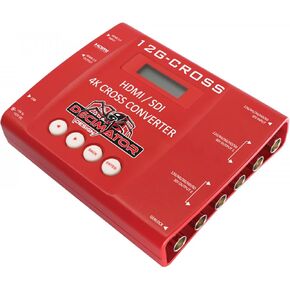 Decimator 12G-CROSS 4K HDMI/SDI Cross Converter مع التحجيم وتحويل معدل الإطار
SAR 3,048
Decimator 12G-CROSS 4K HDMI/SDI Cross Converter مع التحجيم وتحويل معدل الإطار
SAR 3,048