- التسوق ، اصبح سهلا.
- /
- احصل على التطبيق!
Desription:
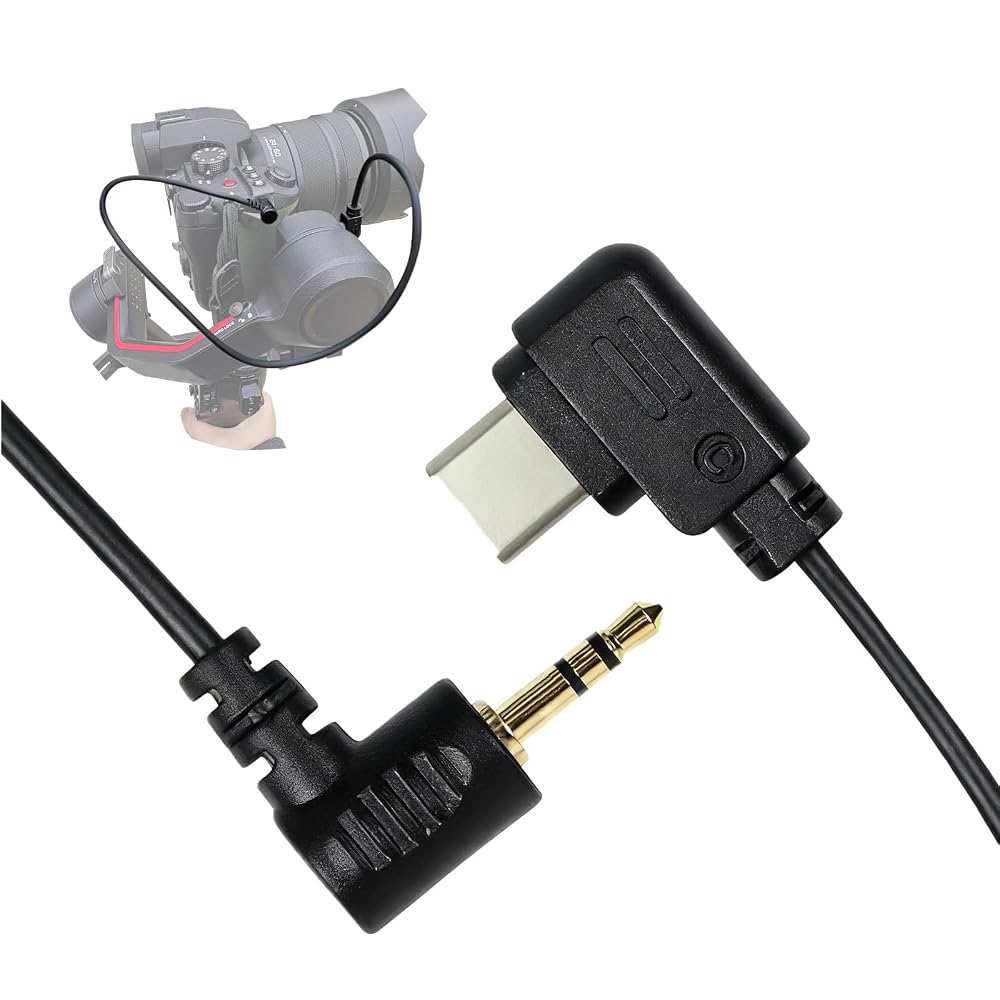
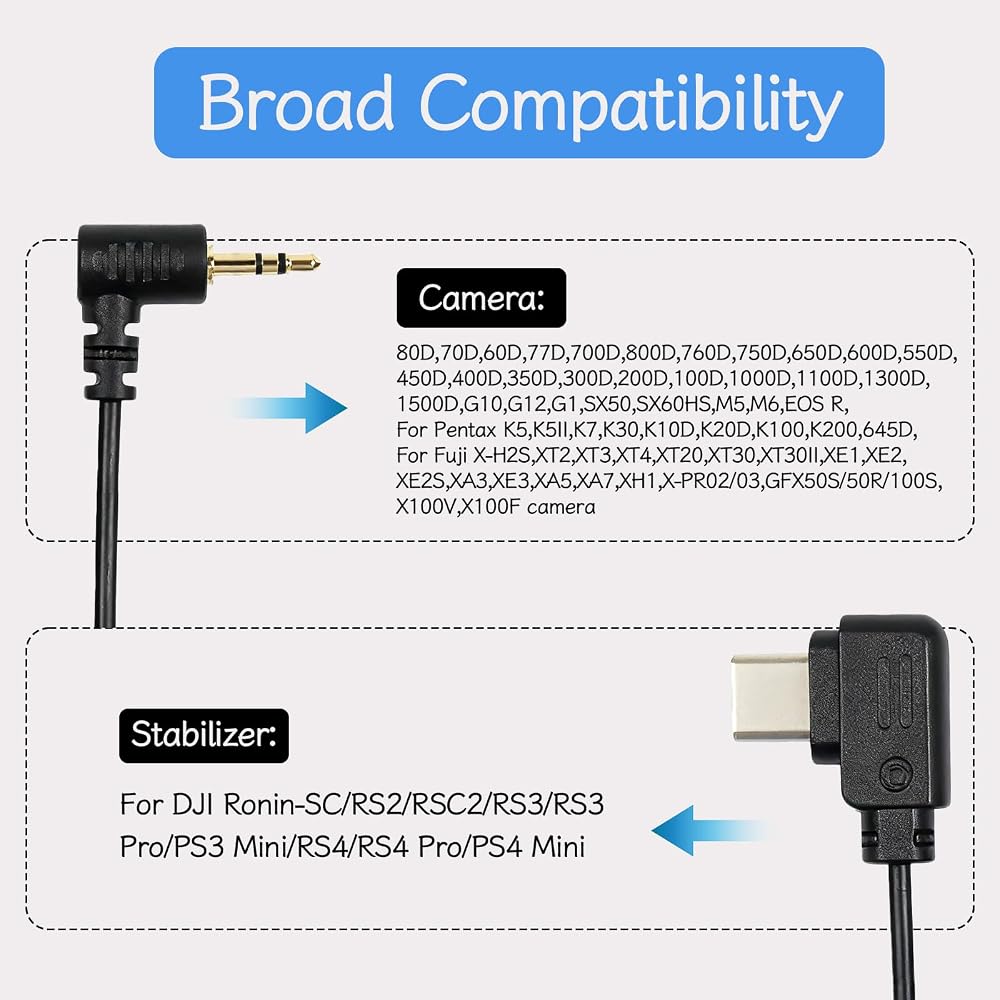
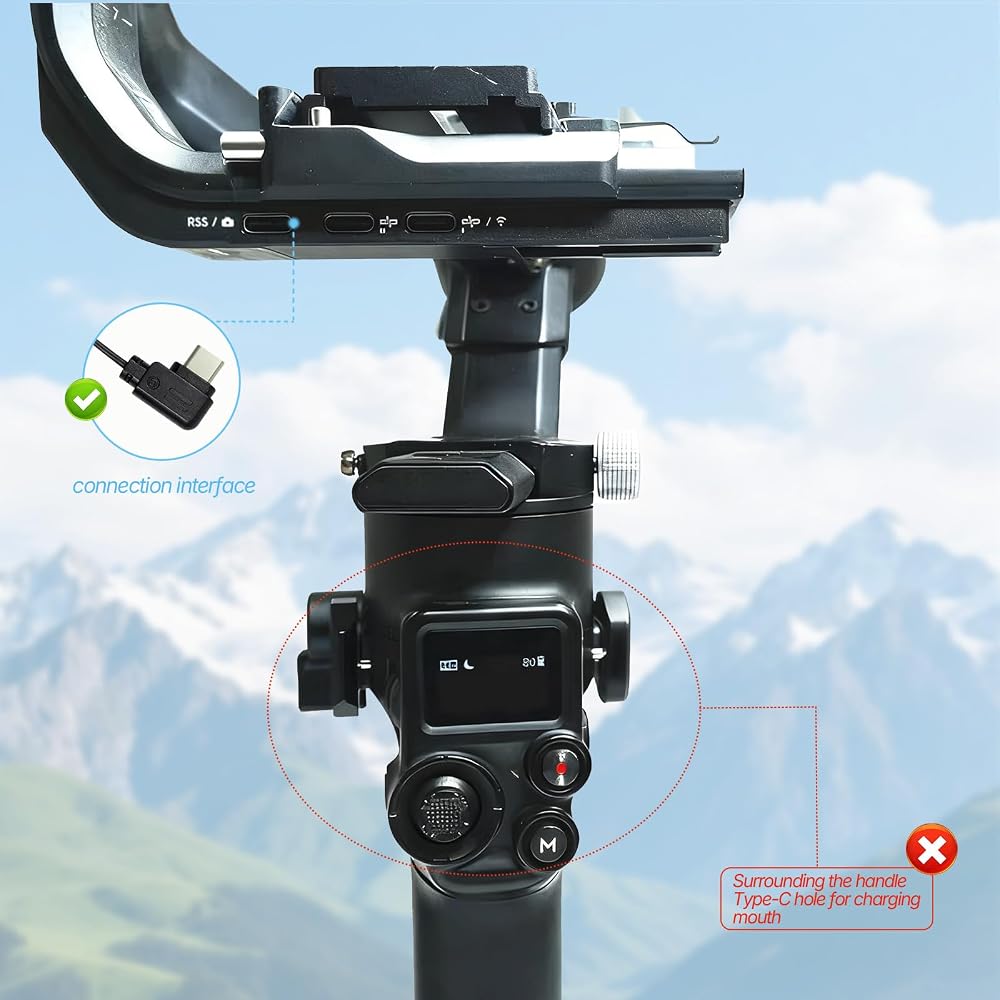
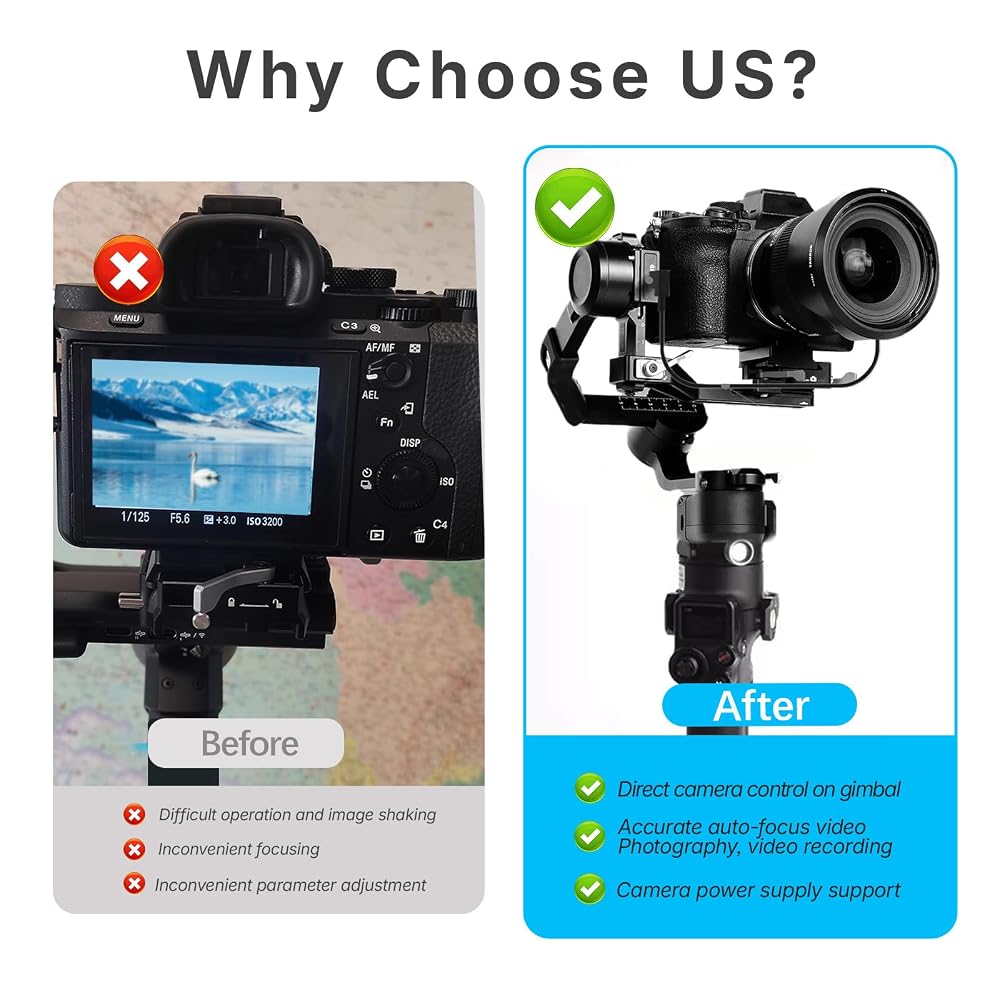
This camera control cable compatible with DJI stabilizer and for Canon for Pentax for Fuji camera, allowing you to remotely trigger photo capture, start/stop video recording, activate autofocus, and control zoom functions directly from your stabilizer's handle while maintaining perfect balance during movement.
Specification:
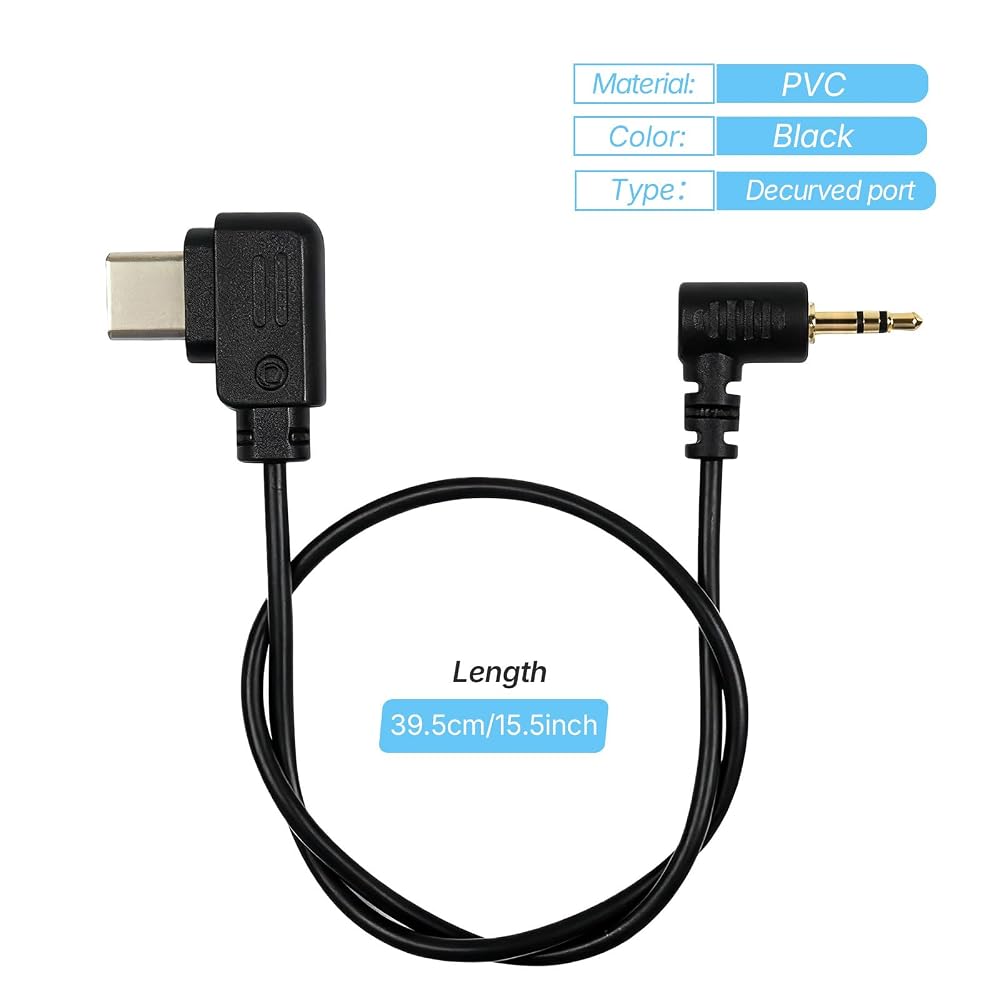
Color: Black
Material: PVC
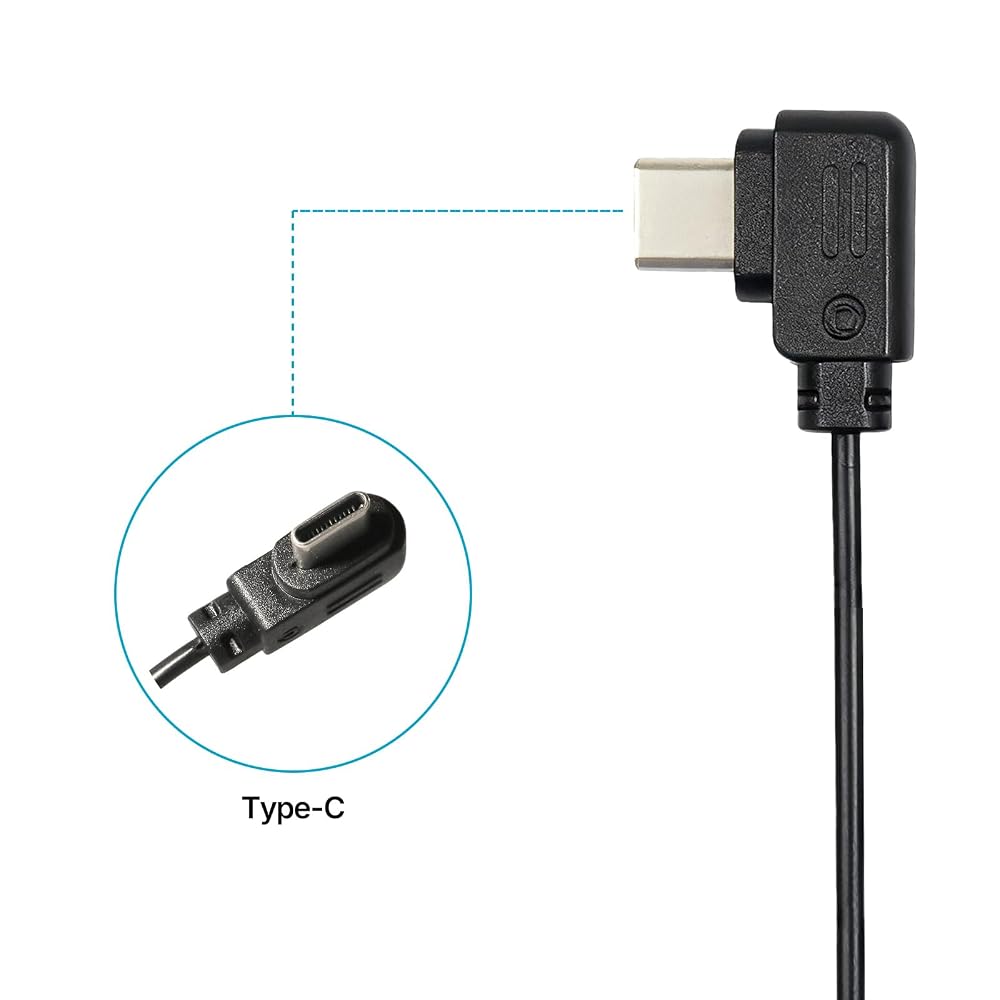
Length: 39.5cm/15.5inch(manual measurement, with 1-2cm tolerances)
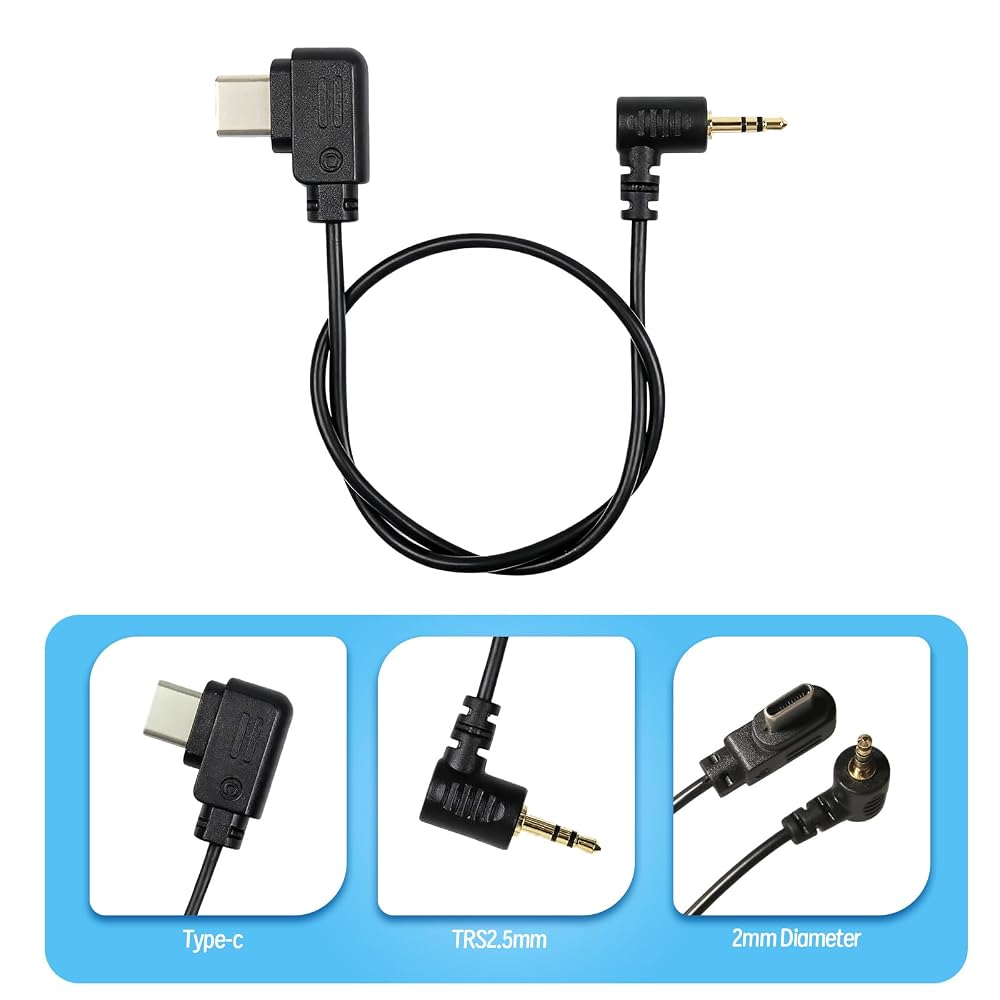
Stabilizer interface type:Type-C USB,also called USB-C
Camera interface type:TRS2.5mm USB
Type: Upwards control cable
Supporting functions:Support photo, video, focusing and zoom function.
Other:It's the alternatives, not the original product
How to operate (Press the red button on the stabilizer)
1. Focus: half-press of the red button to activate focus
2. Shoot: Press the red button for 2 seconds means photography one time
3. Making video: click red button and then let go on the stabilizer to start recording
How to use: When it is connected to FUJI camera:
1. Set “PC Connection mode" to “USB Auto". The specific setting method is as follows: Select “Menu”- select “Settings”- Select “Connection Settings”- “PC Connection mode”- “USB automatic mode”.
2. The camera button function is not supported during the connection. If you need to use the camera button function, ensure that the holder is turn off.
3. After completing the cable connection, turn on the stabilizer, then turn on the camera. If the camera is not recognized, restart the camera or remove and reconnect the cable to the camera.
Note:
1.Some cameras may not be able to shoot when proper focus has not been achieved due to focus speed or in a complex environment, such as low light situations. If there's an issue with the shutter or rec button not responding properly in these situations, manual focus mode is recommended.
2.When using intelligent functions such as Time-lapse, it is recommended to turn off the camera's auto review to reduce system latency.
3.The functions depend on camera and stabilizer both, not our product. Such as 80D/77D/800D/M6, they support Recording Function but not allow TRACK. Only shutter functions may work with old cameras.
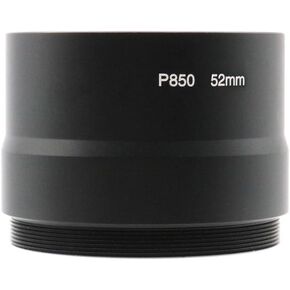 52 مم عدسة محول أنبوب حلقة مرشح أنبوب محول ل Kodak P850 كاميرا أسود
SAR 94
52 مم عدسة محول أنبوب حلقة مرشح أنبوب محول ل Kodak P850 كاميرا أسود
SAR 94
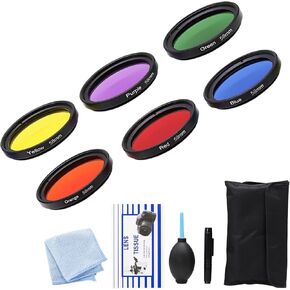 6 PCS مجموعة مرشح العدسات الكاملة مجموعة مع اللون البرتقالي الأحمر الأصفر الأرجواني الأرجواني الأرجو
SAR 141
6 PCS مجموعة مرشح العدسات الكاملة مجموعة مع اللون البرتقالي الأحمر الأصفر الأرجواني الأرجواني الأرجو
SAR 141
 55-55mm Filter Ring Adapter, Male to Female Adapter Ring for 55mm Lens Install 55mm ND CPL UV Filter
SAR 73
55-55mm Filter Ring Adapter, Male to Female Adapter Ring for 55mm Lens Install 55mm ND CPL UV Filter
SAR 73
 Step Up Adapter Ring for 44mm/46mm/48mm/54mm/62mm Lens to 77mm Filter Thread Compatible with O.D 80mm Matte Box (44-77/80mm)
SAR 68
Step Up Adapter Ring for 44mm/46mm/48mm/54mm/62mm Lens to 77mm Filter Thread Compatible with O.D 80mm Matte Box (44-77/80mm)
SAR 68