- Shopping, made easy.
- /
- Get the app!
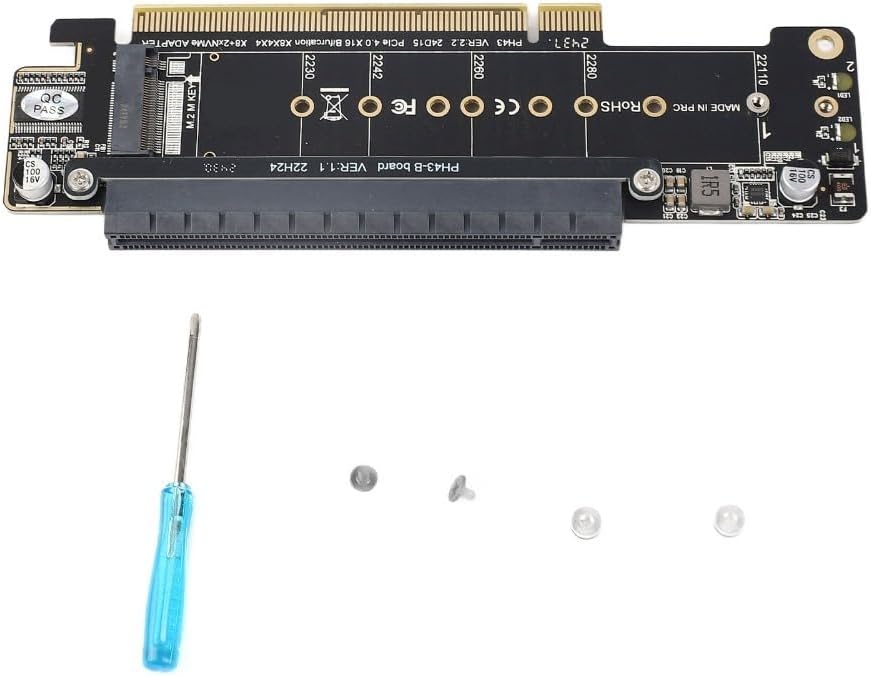
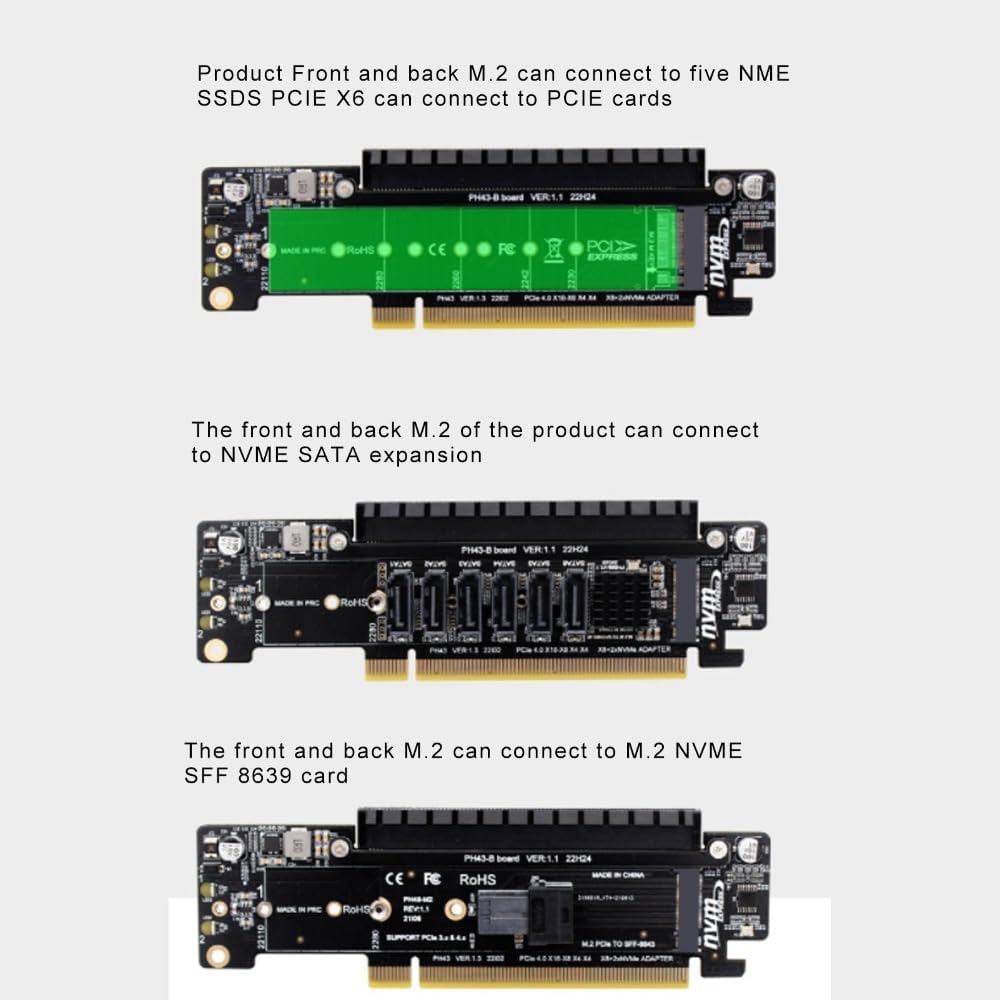
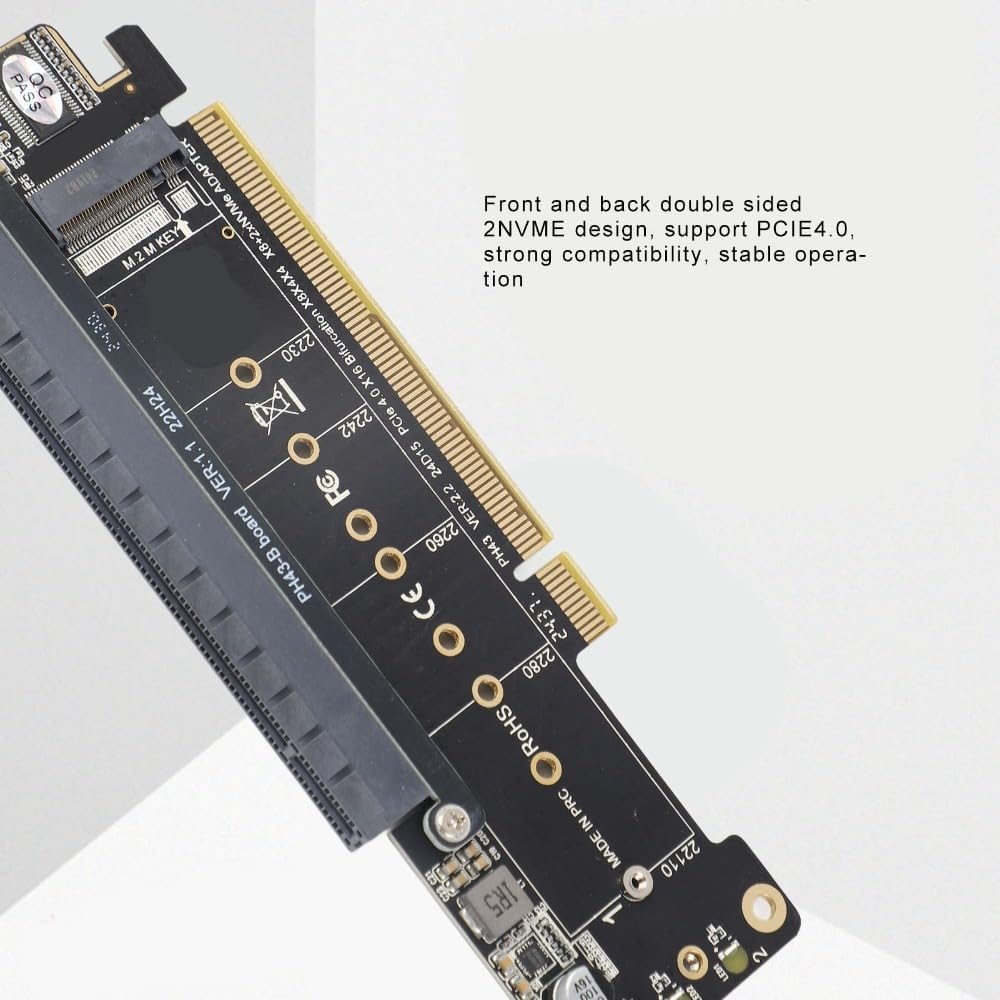
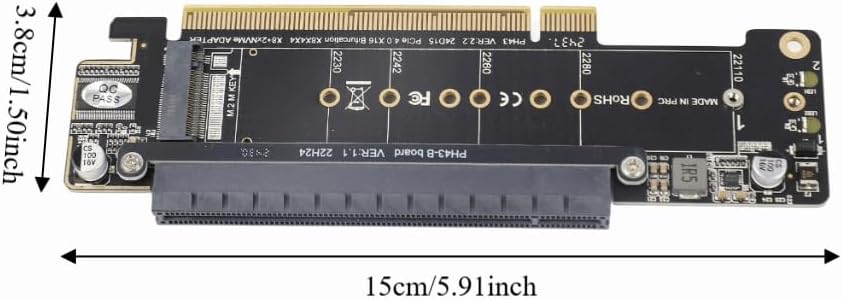
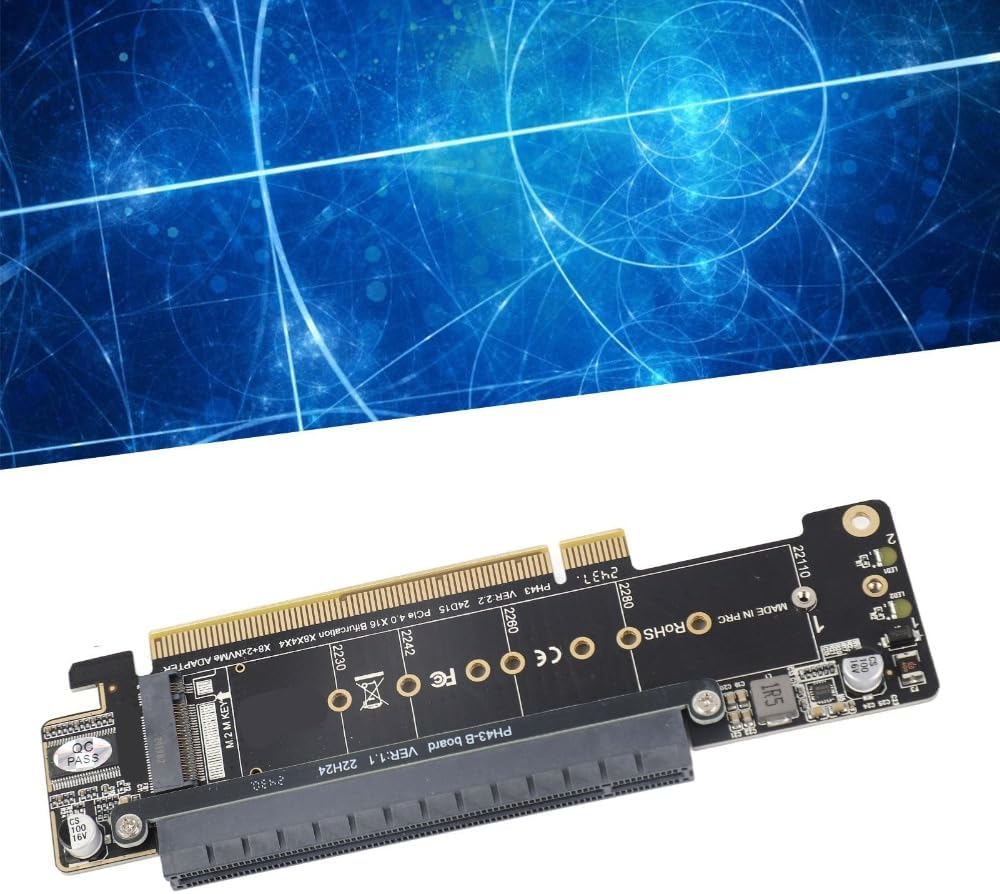
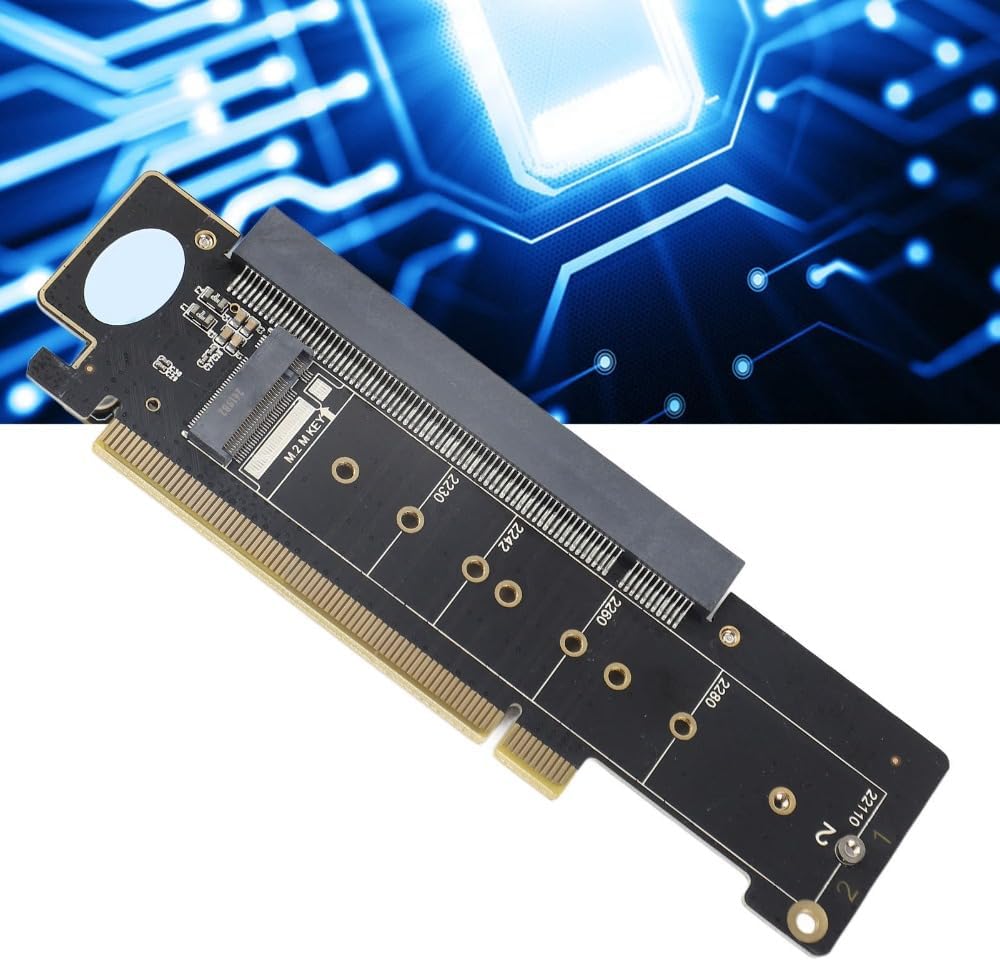
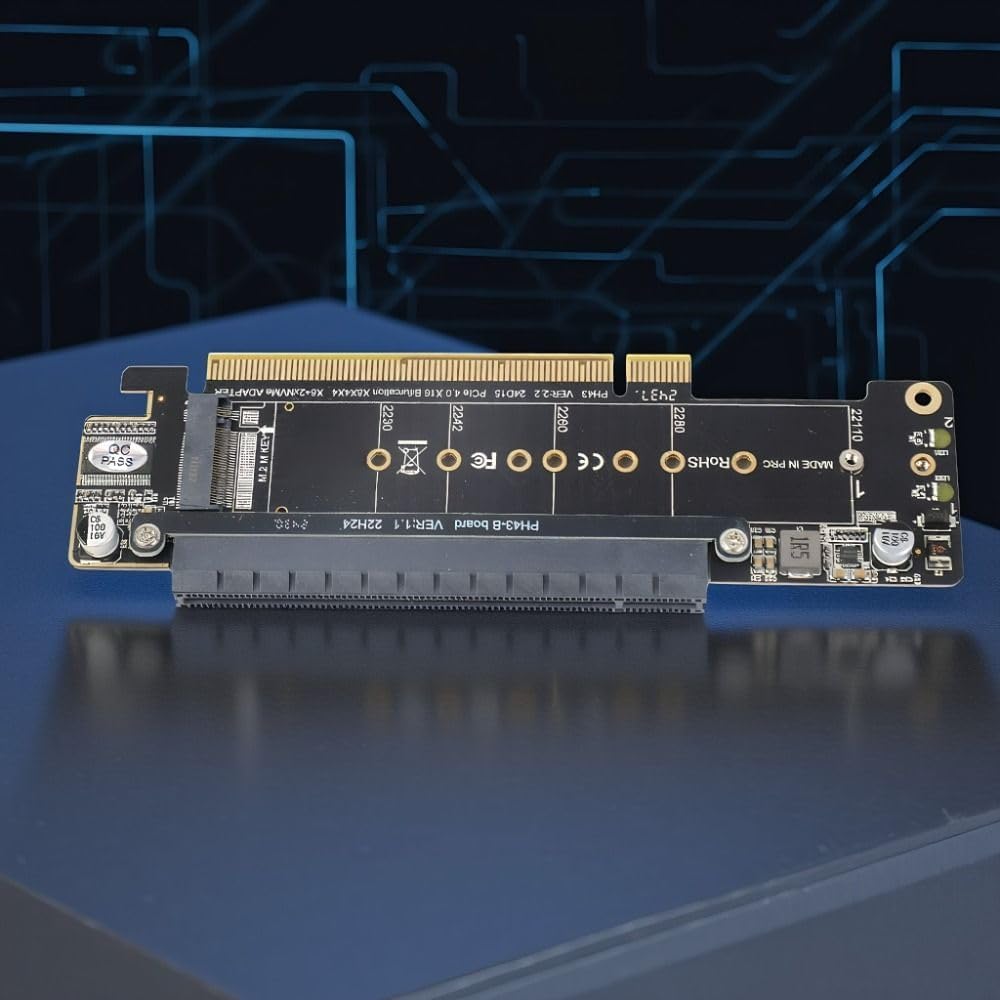
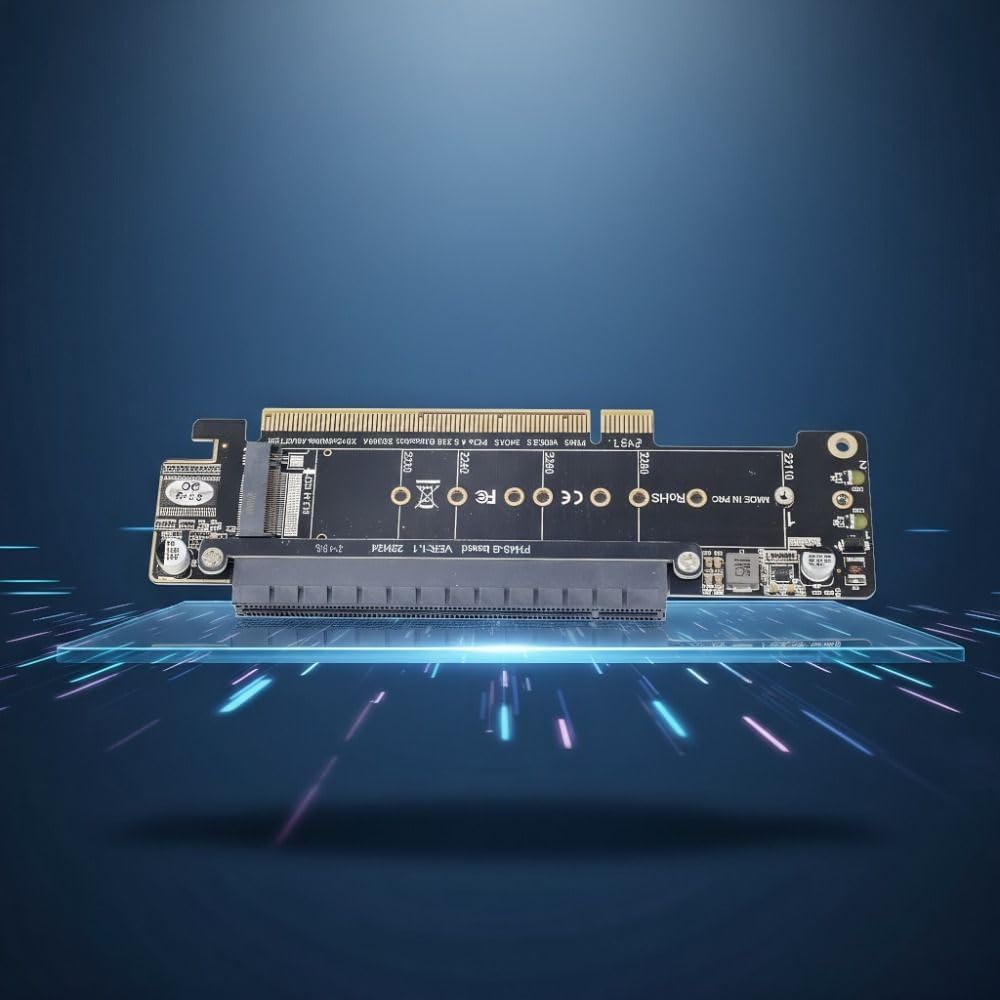
This PCIe X16 expansion card is designed to add two high-speed M.2 NVMe slots to your desktop computer. It efficiently solves the need for additional, fast internal storage by splitting a single PCIe x16 slot into two dedicated NVMe connections, allowing you to install multiple SSDs without sacrificing motherboard slots
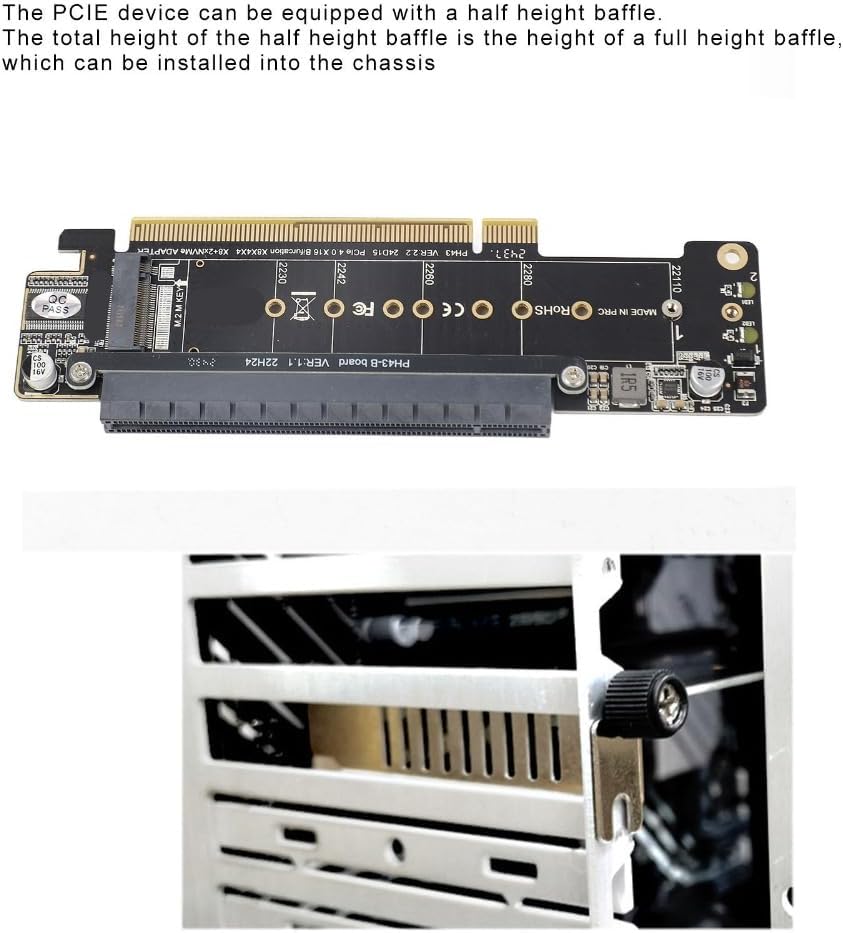
To use this expansion card, first power down your computer and disconnect it from the electrical outlet. Open your computer case and locate an available PCIe x16 slot on your motherboard. Align the card's connector with the slot and press down firmly until it is fully seated. Secure the card's bracket to the case with a screw. You can then install your M.2 NVMe SSDs into the front and back slots of the card, using the included screws and nuts to secure them. Connect the power cables and close the case. Upon booting, your system should automatically detect the storage devices. This process addresses the common pain point of limited M.2 slots, enabling a straightforward storage upgrade for gaming, content creation, or data-intensive applications
Specification:
Item Type: PCIE X16 Expansion Card
Material: PCB
Size:15*3.8cm(5.91*1.50in)
Color:Black
Input Ports: PCIE X16 M.2 NVMEx2
Speed: PCIE4.0, Downward Compatible with 3.0
Note:
This product can run two NVME at the same time, but the mainboard must support PCIE signal splitting
Package List:
1 x PCIE X16 Expansion Card
1 x Screwdriver
2 x Screw
2 x Nut
 mSATA to SATAs Mini PCIe Adapter Card – for ASUS Eee PC 900/901/900A/1000, 30x50mm SSD Converter, Plug and Play Laptop Upgrade
SAR 45
mSATA to SATAs Mini PCIe Adapter Card – for ASUS Eee PC 900/901/900A/1000, 30x50mm SSD Converter, Plug and Play Laptop Upgrade
SAR 45
 4 Pcs Screen Fixing Clamp Anti-Scratch Rubber Pad Adjustable Iron Phone Repair Holder for Tablet & Mobile LCD Replacement
SAR 53
4 Pcs Screen Fixing Clamp Anti-Scratch Rubber Pad Adjustable Iron Phone Repair Holder for Tablet & Mobile LCD Replacement
SAR 53
 1 Pair A2 Mini ABS Computer Speaker Stereo Sound Wired Less Distortion Clear Bass USB Powered Gaming Speaker Laptop Desktop Use
SAR 63
1 Pair A2 Mini ABS Computer Speaker Stereo Sound Wired Less Distortion Clear Bass USB Powered Gaming Speaker Laptop Desktop Use
SAR 63
 7 Port PCIe to USB 3.2 Gen 1 Expansion Card – 5Gbps High-Speed Data Transfer, 1.5A per Port for Stable Power, Compatible with Windows 10/11
SAR 133
7 Port PCIe to USB 3.2 Gen 1 Expansion Card – 5Gbps High-Speed Data Transfer, 1.5A per Port for Stable Power, Compatible with Windows 10/11
SAR 133