- Shopping, made easy.
- /
- Get the app!
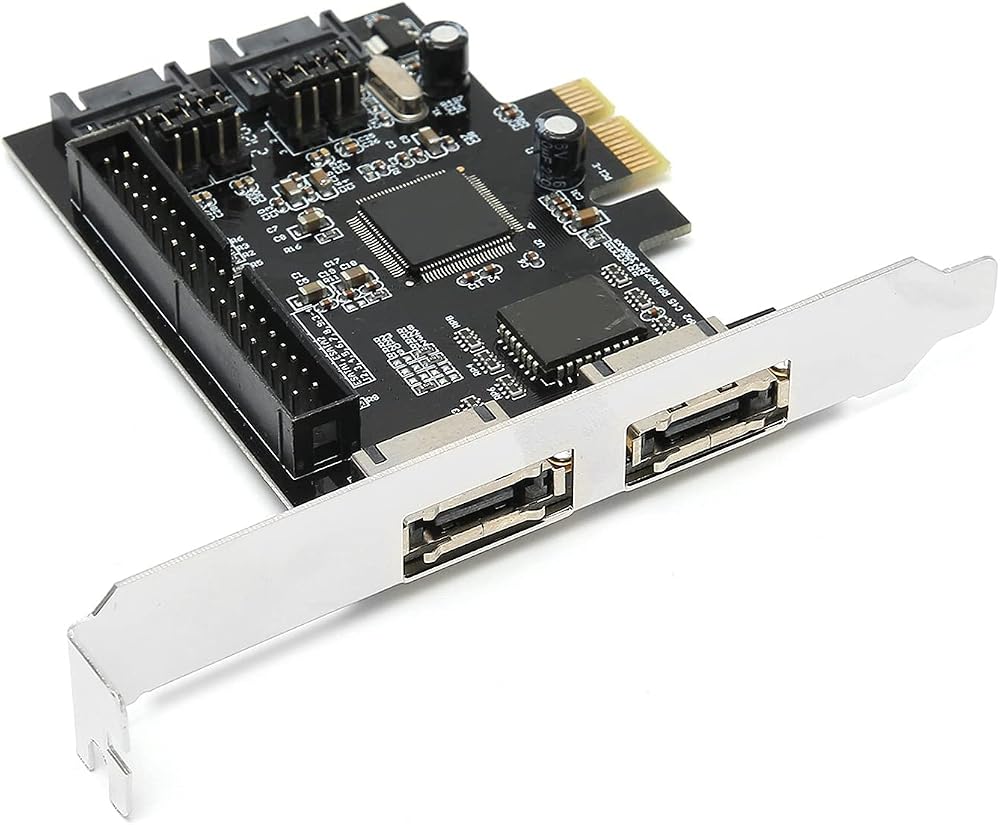
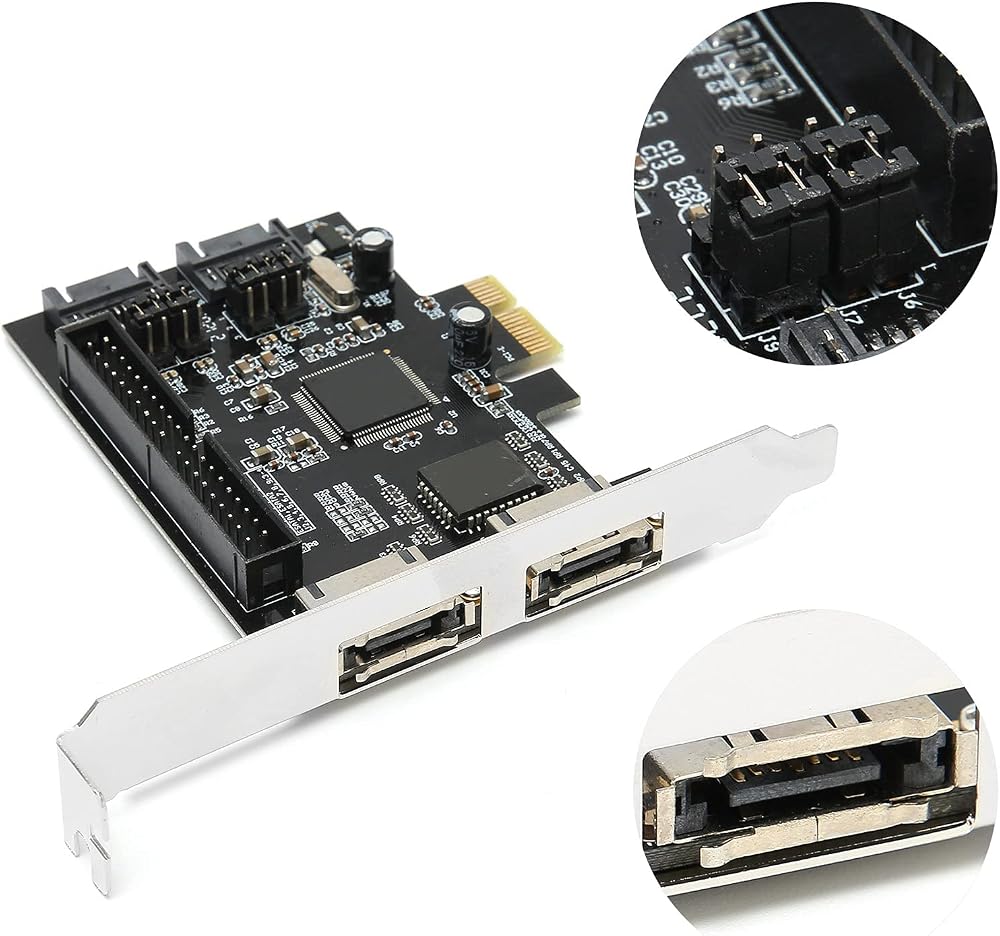
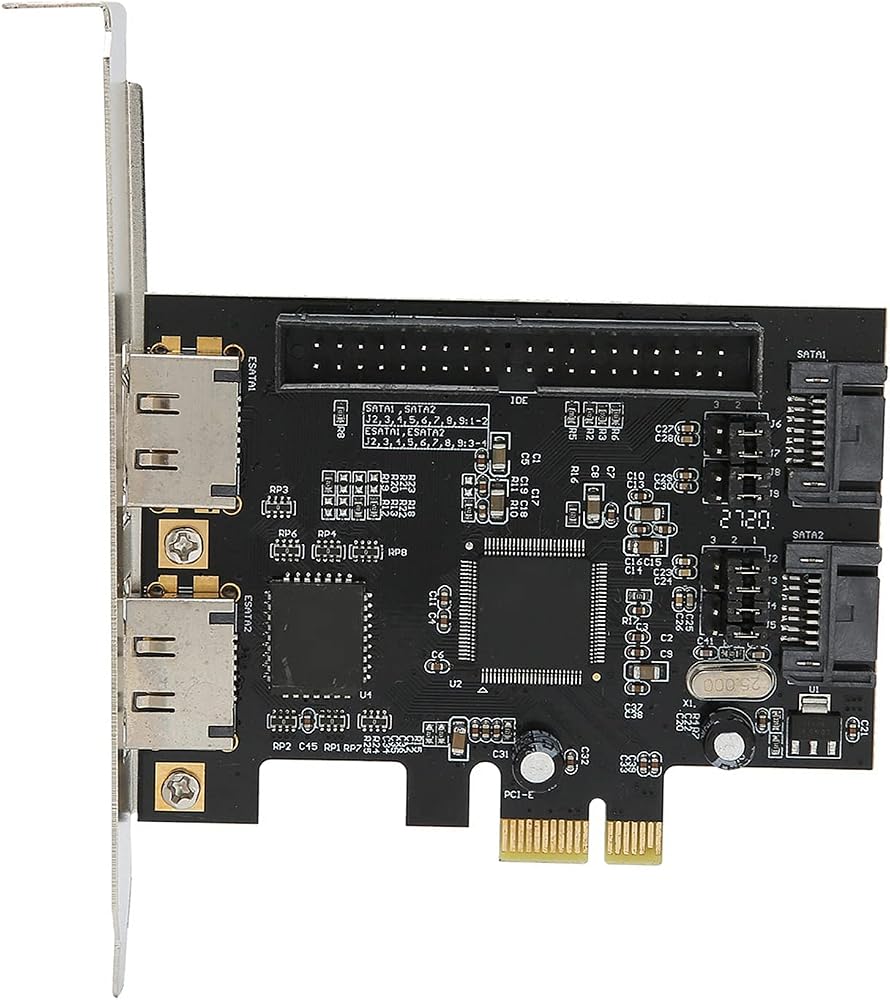
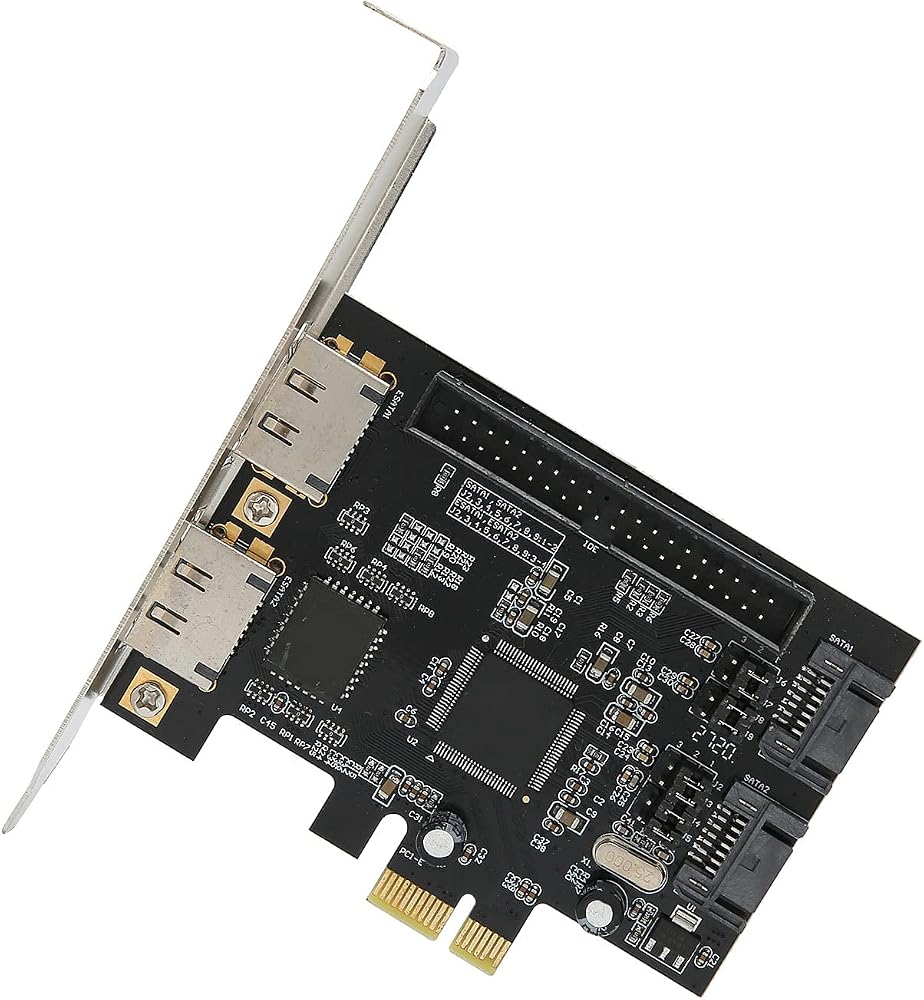
Spec:
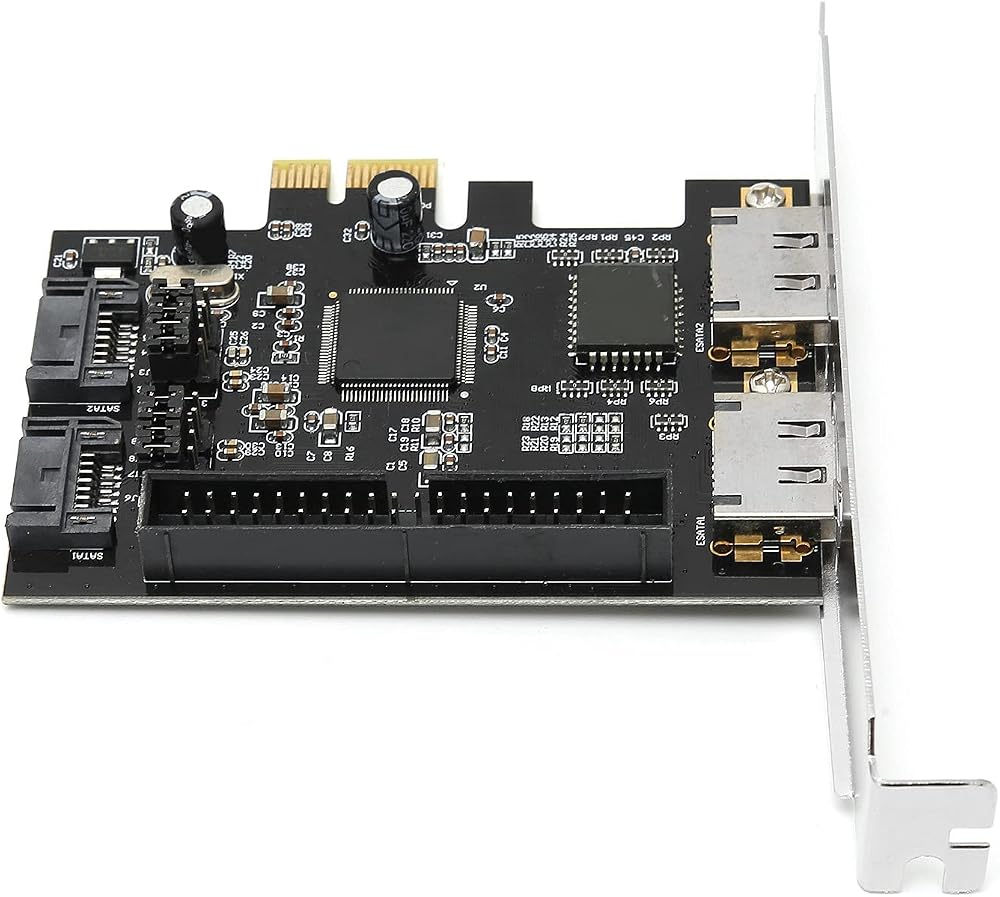
Item Type: Adapter Card
Material: PCB
Color: Black board
Chip: For
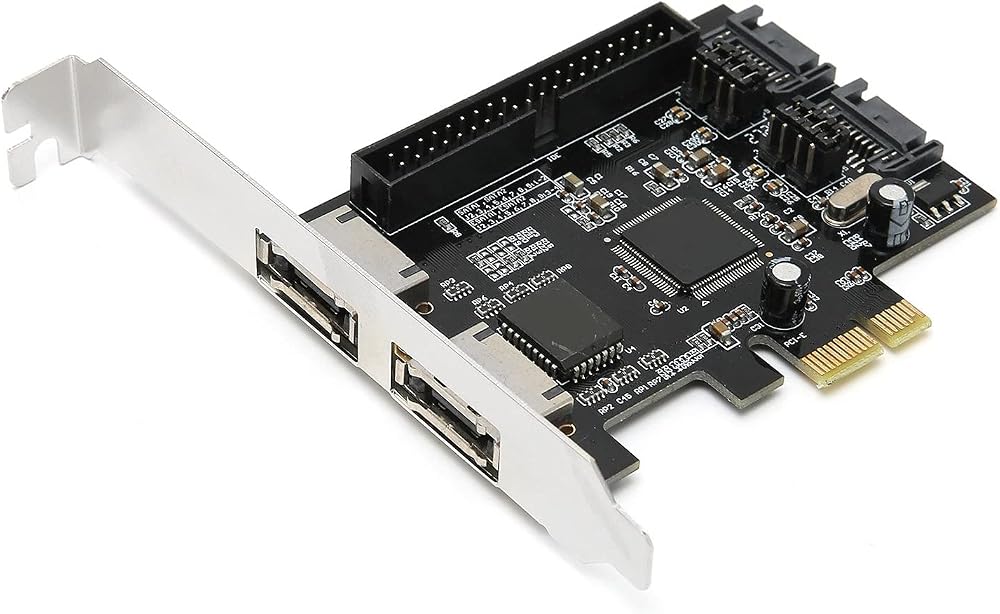
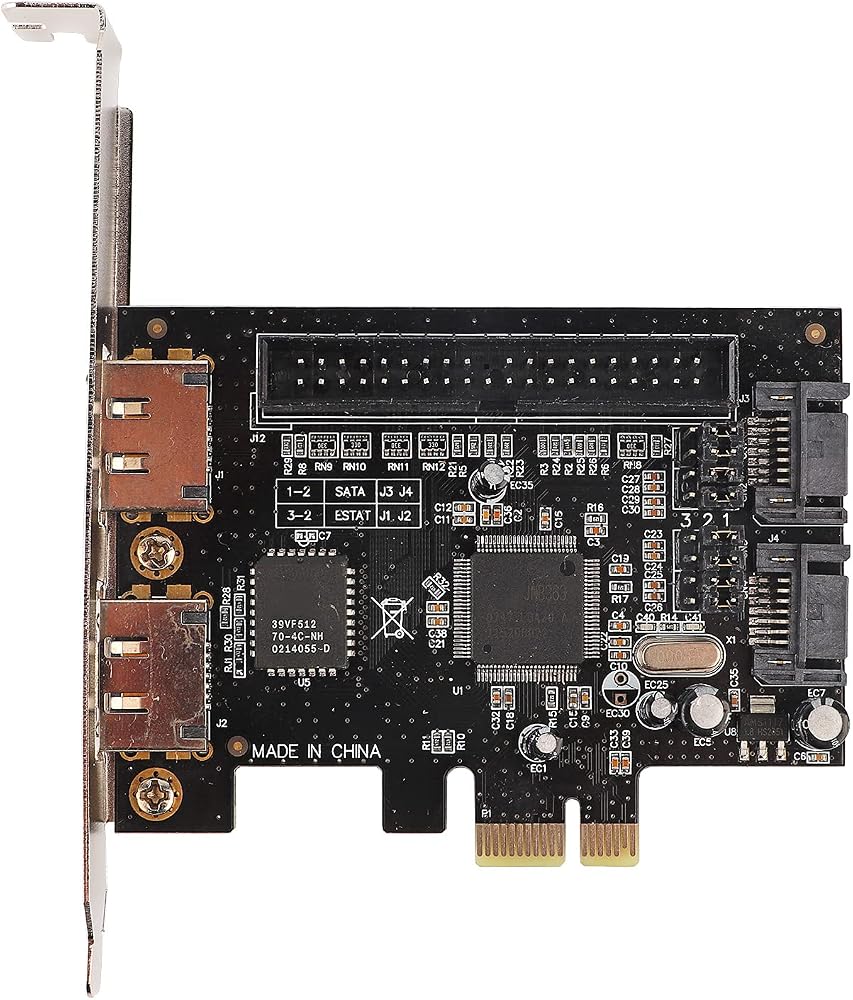
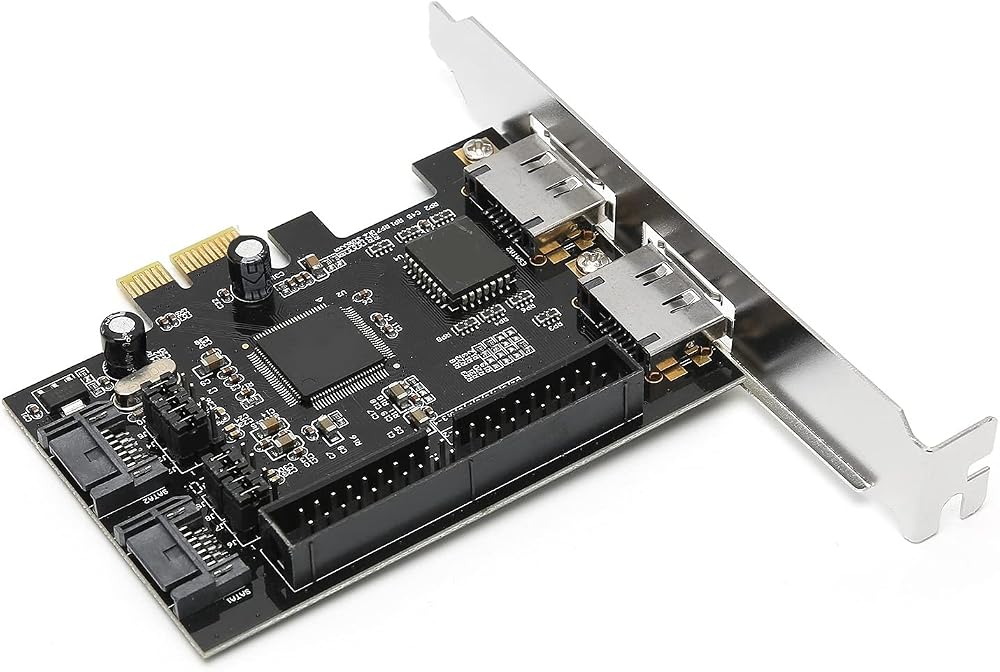
Transfer Type: PCIe to 2 internal + IDE + 2 external ESATA (external ESATA and internal can only use 2 at the same time, select by jumper, the default is 2 internal interfaces)
Transfer Rate: Up to 3Gb/s
Supports hard drives with a capacity of 137 GB or more (48-bit LBA mode)
1 IDE interface supports up to 2 IDE devices
How to Use:
1. Open the computer case and remove the rear block
2. Insert the adapter into the corresponding PCI-Expres slot
3. After installing the chassis, turn on the device, read the drive disk, install the drive, and then connect to the hard drive for use
Package List:
1 x Adapter Card
1 x Driver CD
Note:
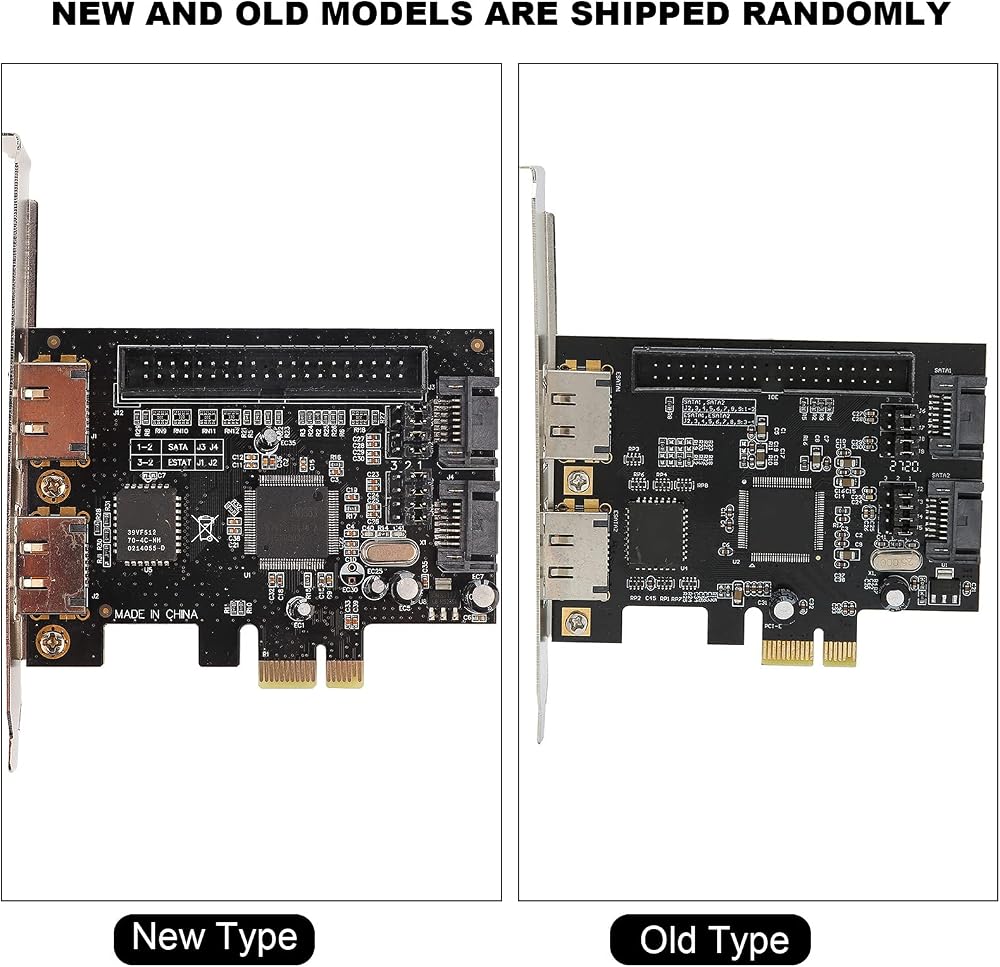
Please note that the new type and old type of this product will be sent randomly, and make sure you will not mind before ordering.
 Clutch,40Cc Pocket Bike Parts,Mini Bike Clutch,Other Accessories This Heavy Duty Clutch Delivers and Separates Kine Heavy Duty Clutch For Ycle For Minimoto X 1
SAR 72
Clutch,40Cc Pocket Bike Parts,Mini Bike Clutch,Other Accessories This Heavy Duty Clutch Delivers and Separates Kine Heavy Duty Clutch For Ycle For Minimoto X 1
SAR 72
 Dashboard Shell Cover Replacement Part For MIJIA M365 Electric Scooter Display Panel Real Time Show of Indicator Lights & Switch Buttons, Black
SAR 30
Dashboard Shell Cover Replacement Part For MIJIA M365 Electric Scooter Display Panel Real Time Show of Indicator Lights & Switch Buttons, Black
SAR 30
 Power On Volume Flexible Flat Cable Replacement for XR - Easy Install, & Compatible Component
SAR 45
Power On Volume Flexible Flat Cable Replacement for XR - Easy Install, & Compatible Component
SAR 45
 LED Temperature Gauge 52mm/2in Automobile Temp Gauge with /8 Thread Sensor and Bright Display
SAR 81
LED Temperature Gauge 52mm/2in Automobile Temp Gauge with /8 Thread Sensor and Bright Display
SAR 81