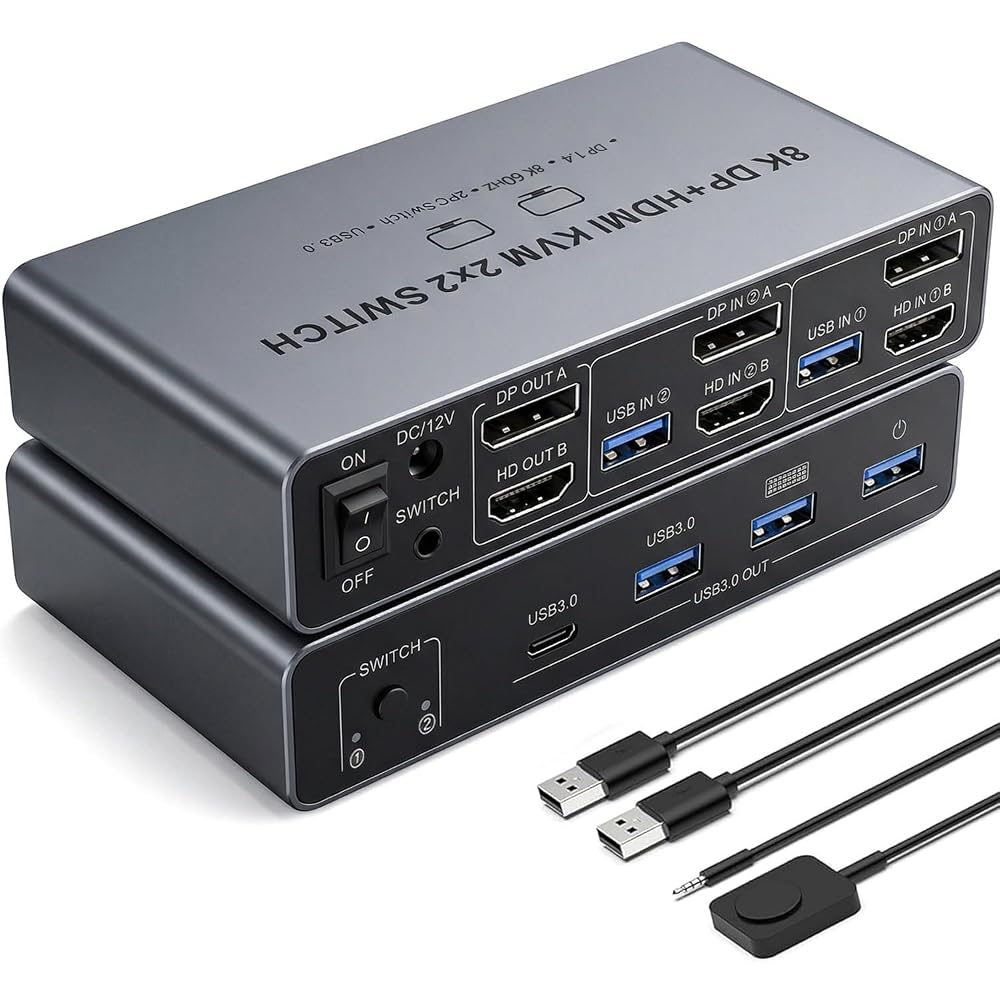
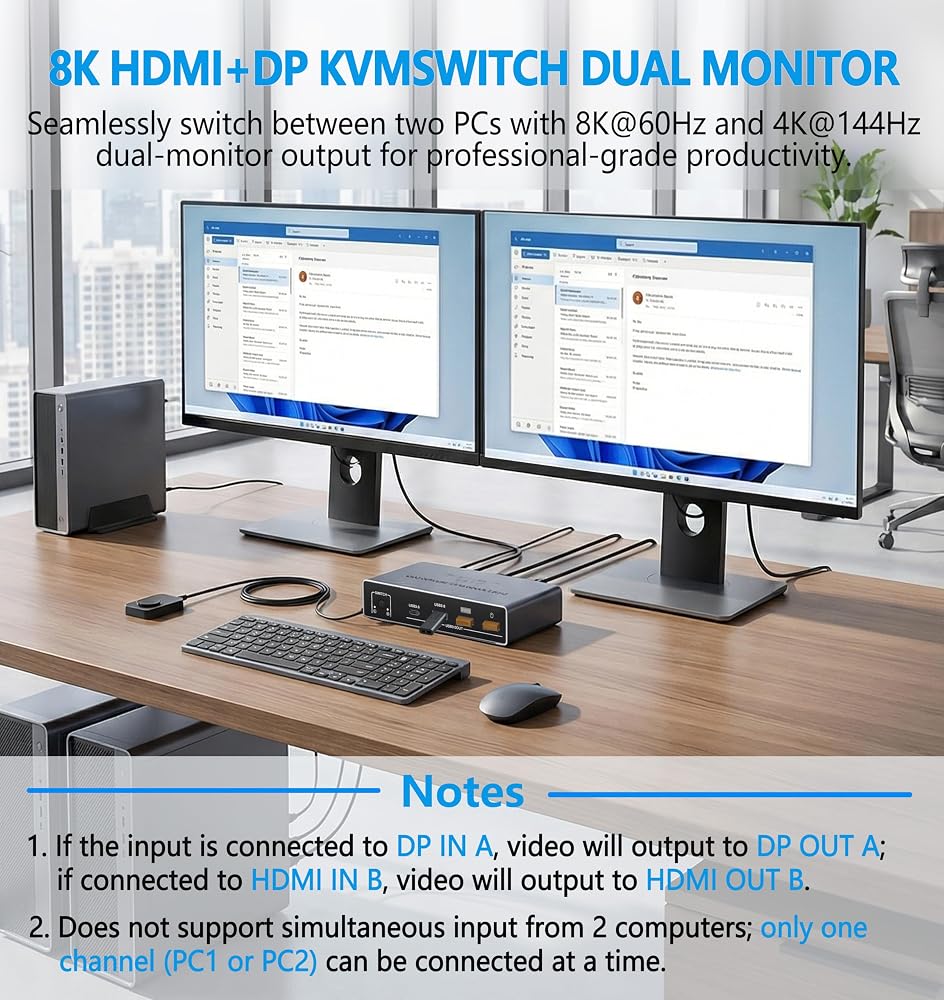
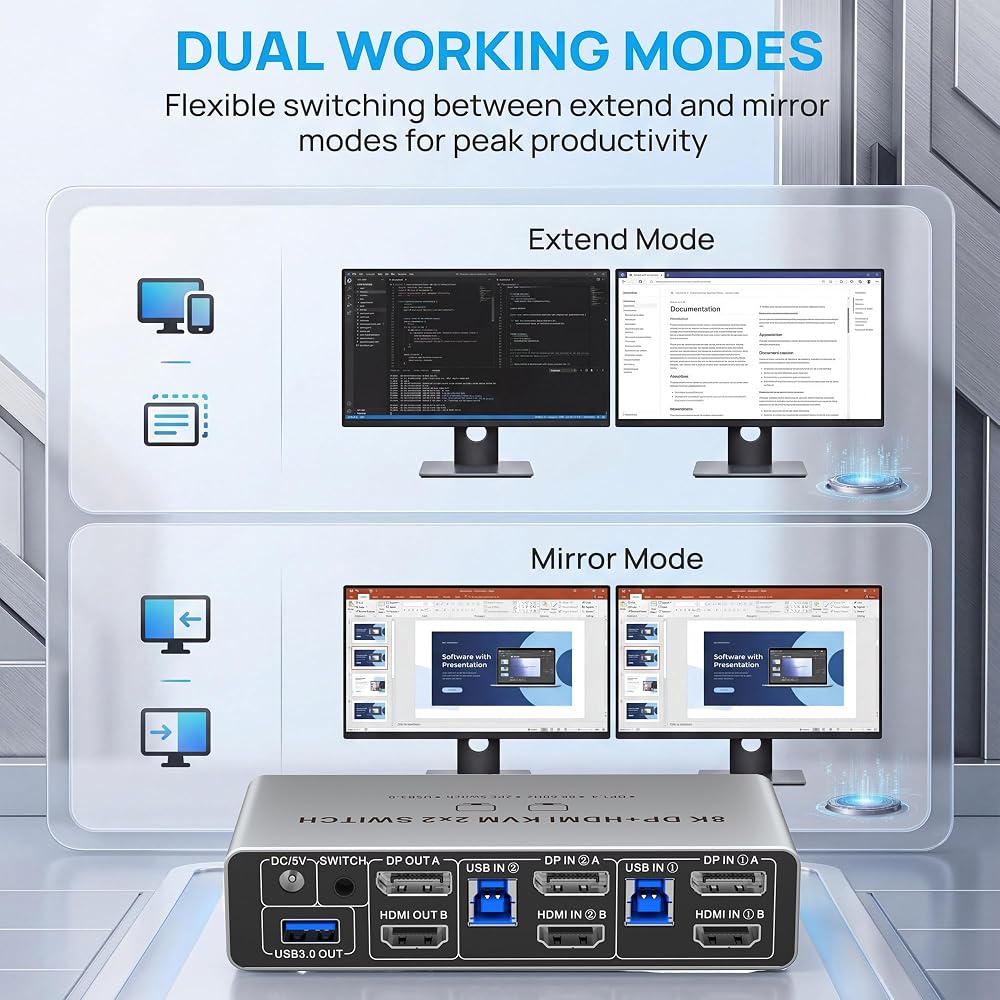
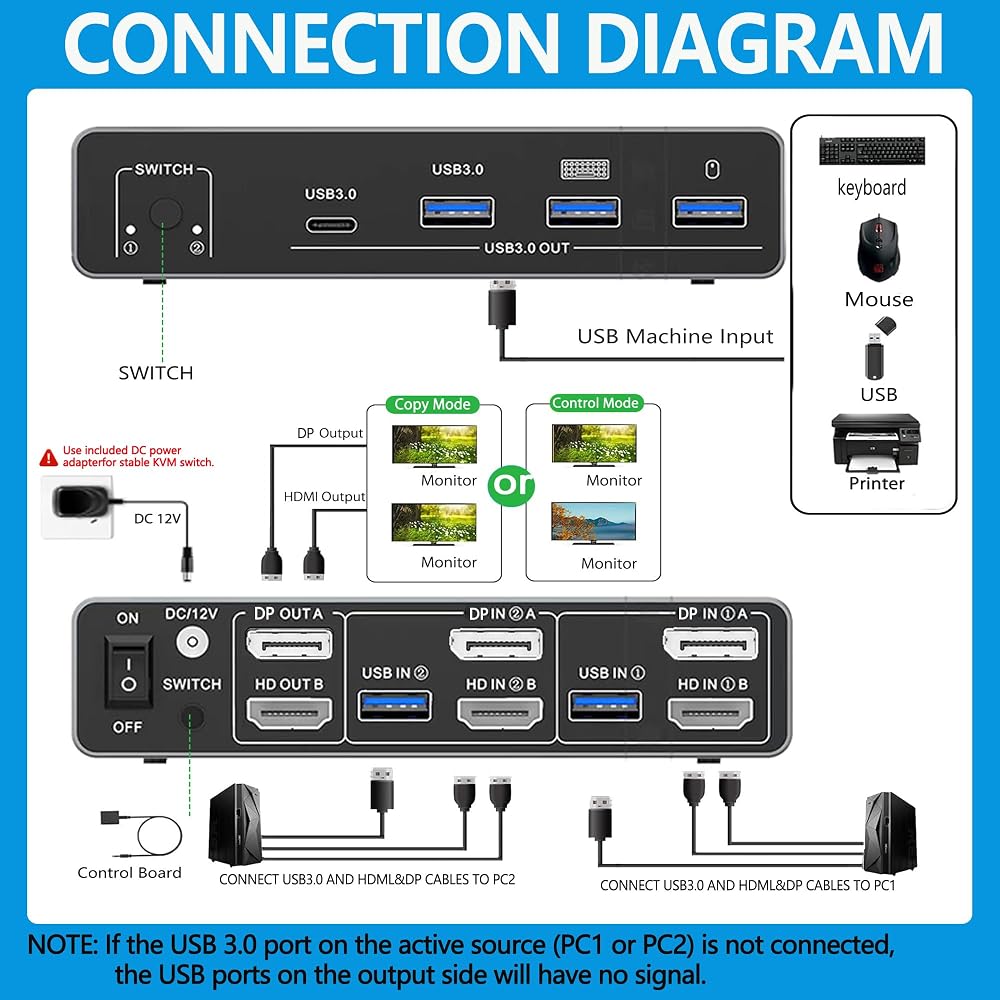
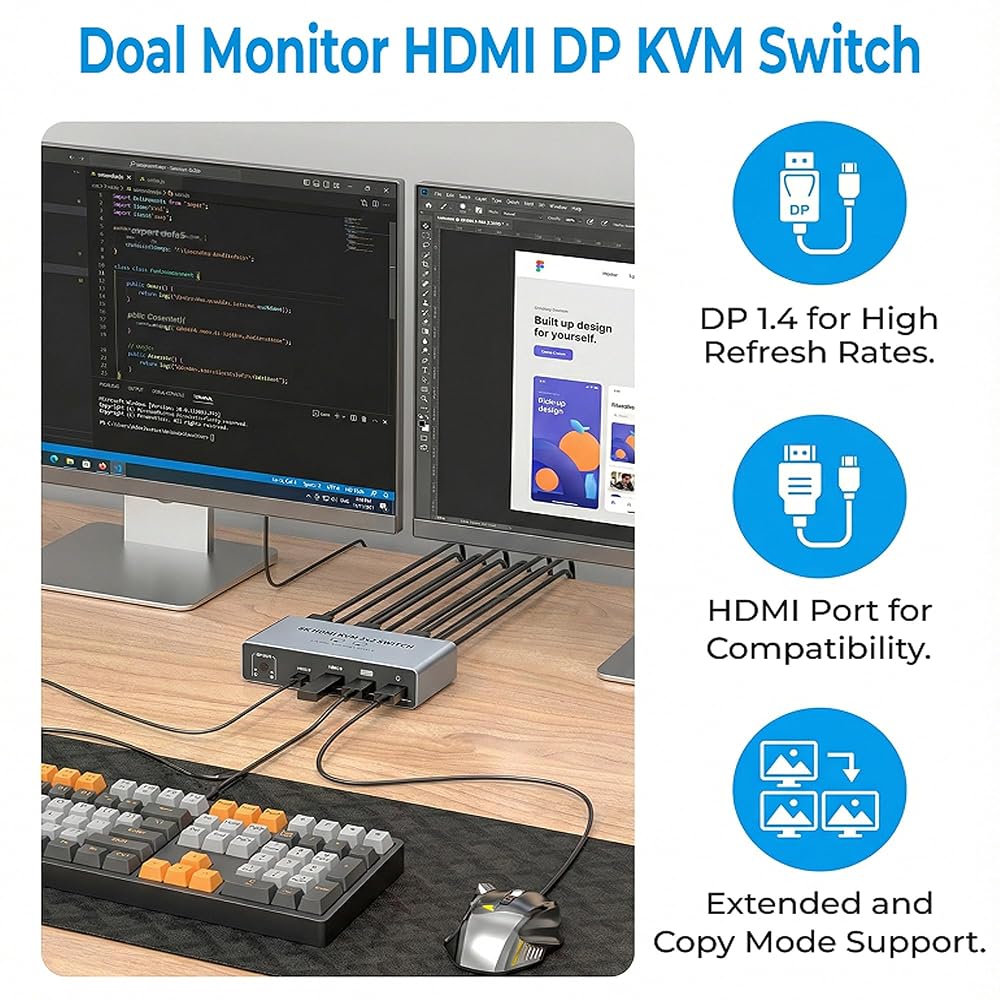
Dual Monitor 8K KVM Switch: Does not support simultaneous input from 2 desktop computers; only one channel (PC1 or PC2) can be connected at a time. Straight path: Displayport A in → Displayport A out; HDMI B in→ HDMI B out. Desktop PCs with HDMI Displayport ports only, laptops and tablets cannot be used.
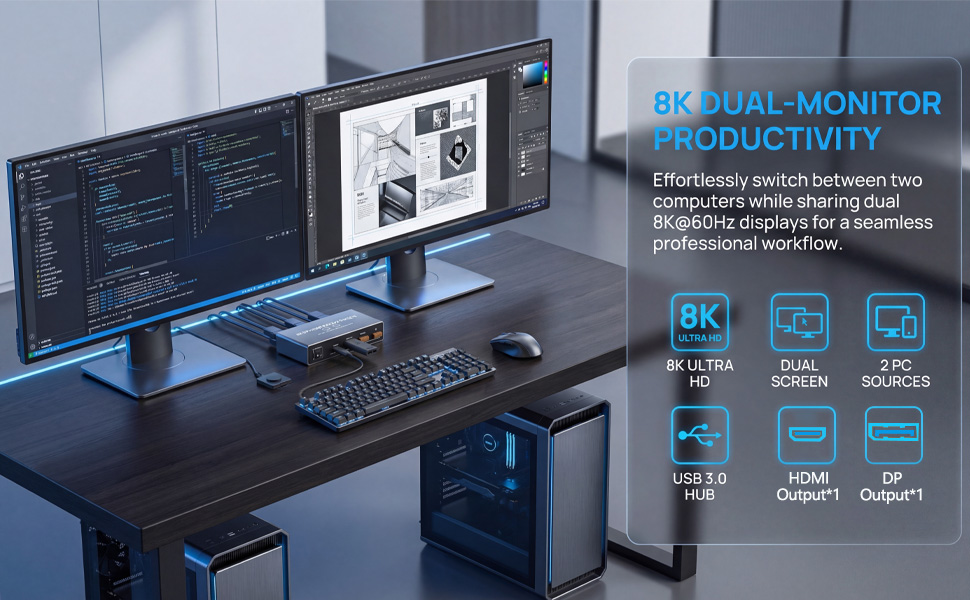
HDMI2.1+DP1.4 Support:With support for HDMI2.1 and DP1.4, this KVM switch delivers stunning visuals up to 8K@60Hz and 4K@144Hz, bringing your content to life with incredible detail and clarity. It also supports lower resolutions, ensuring compatibility with a wide range of devices.
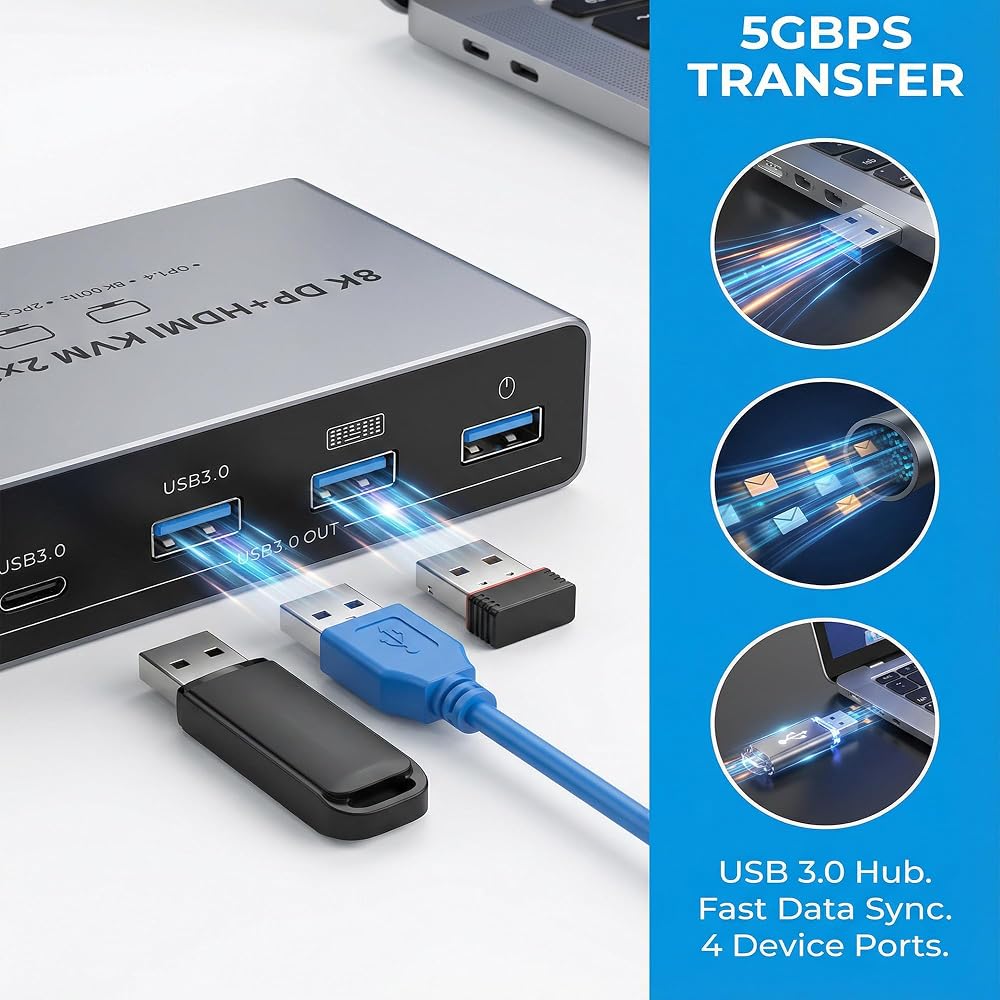
USB 3.0 Connectivity: If the USB 3.0 port on the active source (PC1 or PC2) is not connected, the USB ports on the output side will have no signal. The 4 USB ports provide blazing-fast data transfer speeds, significantly improving the performance of your USB peripherals such as mice, keyboards, printers, and U disks. Our KVM switch is also compatible with USB 2.0 devices, offering versatility and convenience.
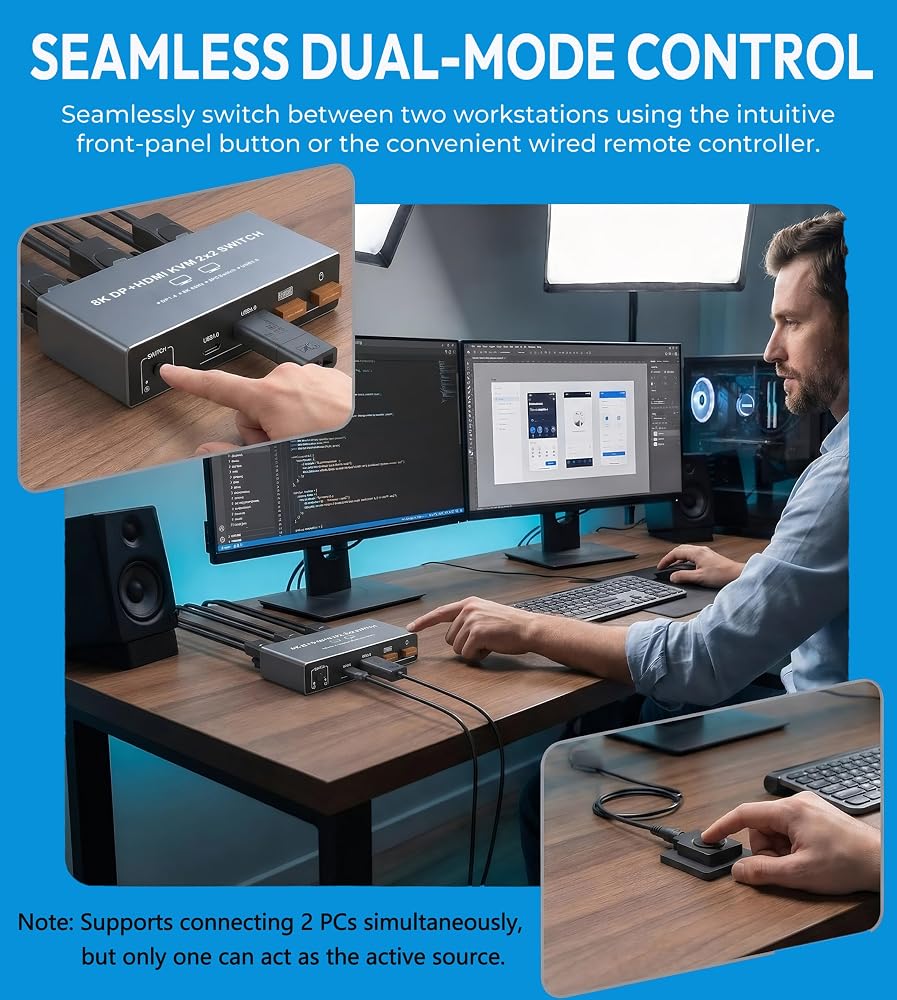
Easy Switching Methods: Our KVM switch is designed for ease of use, with a plug-and-play setup that requires no additional software or drivers. You can switch between signal sources by simply pressing the select button on the device or using the wired extension button, allowing you to keep your workspace neat and organized.
Important Usage Notes: Ensure each desktop computer supports dual-screen display, has 1 HDMI or DP port ports and 1 USB-A port, and is connected with an HDMI port and a DP port and 1 USB-A cable. The two monitors can only output the video source from one computer at a time. Connect the power supply via the included 12V power adapter for stable operation. Note that this KVM switch does not support EDID emulation.
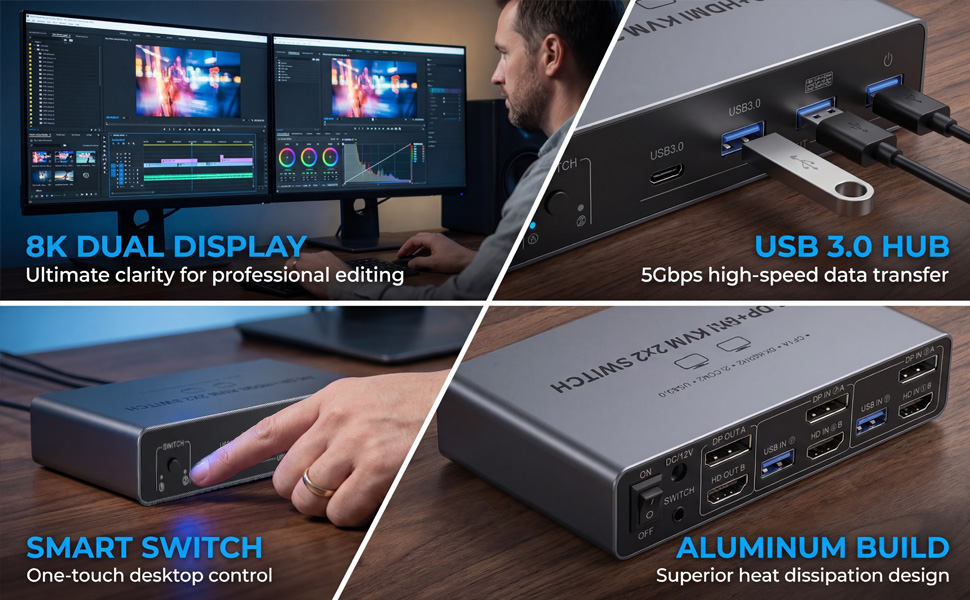
 8K HDMI KVM Switch for 2 Monitors 2 Desktop Computers, Dual Monitor HDMI2.1 USB 3.0 KVM Switcher 2 Desk PCs Share Keyboard Mouse Printer Support Extended and Mode
SAR 433
8K HDMI KVM Switch for 2 Monitors 2 Desktop Computers, Dual Monitor HDMI2.1 USB 3.0 KVM Switcher 2 Desk PCs Share Keyboard Mouse Printer Support Extended and Mode
SAR 433
 شاشة مزدوجة KVM Switch 2 شاشات 2 جهاز كمبيوتر، HDMI 4K 60 هرتز HDMI USB3.0 KVM Switcher 2 in 2 Out مع 4 منافذ USB لمشاركة طابعة لوحة مفاتيح الماوس والمزيد
SAR 261
شاشة مزدوجة KVM Switch 2 شاشات 2 جهاز كمبيوتر، HDMI 4K 60 هرتز HDMI USB3.0 KVM Switcher 2 in 2 Out مع 4 منافذ USB لمشاركة طابعة لوحة مفاتيح الماوس والمزيد
SAR 261
 Dual Monitor Displayport KVM Switch 2 Monitors 2 Computers 4K 60Hz HDMI+DP 4 USB3.0 KVM Switcher 2DP in HDMI+DisplayPort Output KVM Switcher for 2 PC Sharing Keyboard Mouse Mic and Audio Output (Gray)
SAR 365
Dual Monitor Displayport KVM Switch 2 Monitors 2 Computers 4K 60Hz HDMI+DP 4 USB3.0 KVM Switcher 2DP in HDMI+DisplayPort Output KVM Switcher for 2 PC Sharing Keyboard Mouse Mic and Audio Output (Gray)
SAR 365
 HDMI Displayport KVM Switch 3 Monitors 2 Computers 8K@60Hz/4K@144Hz, USB3.0 KVM Switches for 2 PC Sharing Triple Monitor and Keyboard Mouse with Power Adapter,Wired Extend Controller and USB3.0 Cables
SAR 190
HDMI Displayport KVM Switch 3 Monitors 2 Computers 8K@60Hz/4K@144Hz, USB3.0 KVM Switches for 2 PC Sharing Triple Monitor and Keyboard Mouse with Power Adapter,Wired Extend Controller and USB3.0 Cables
SAR 190