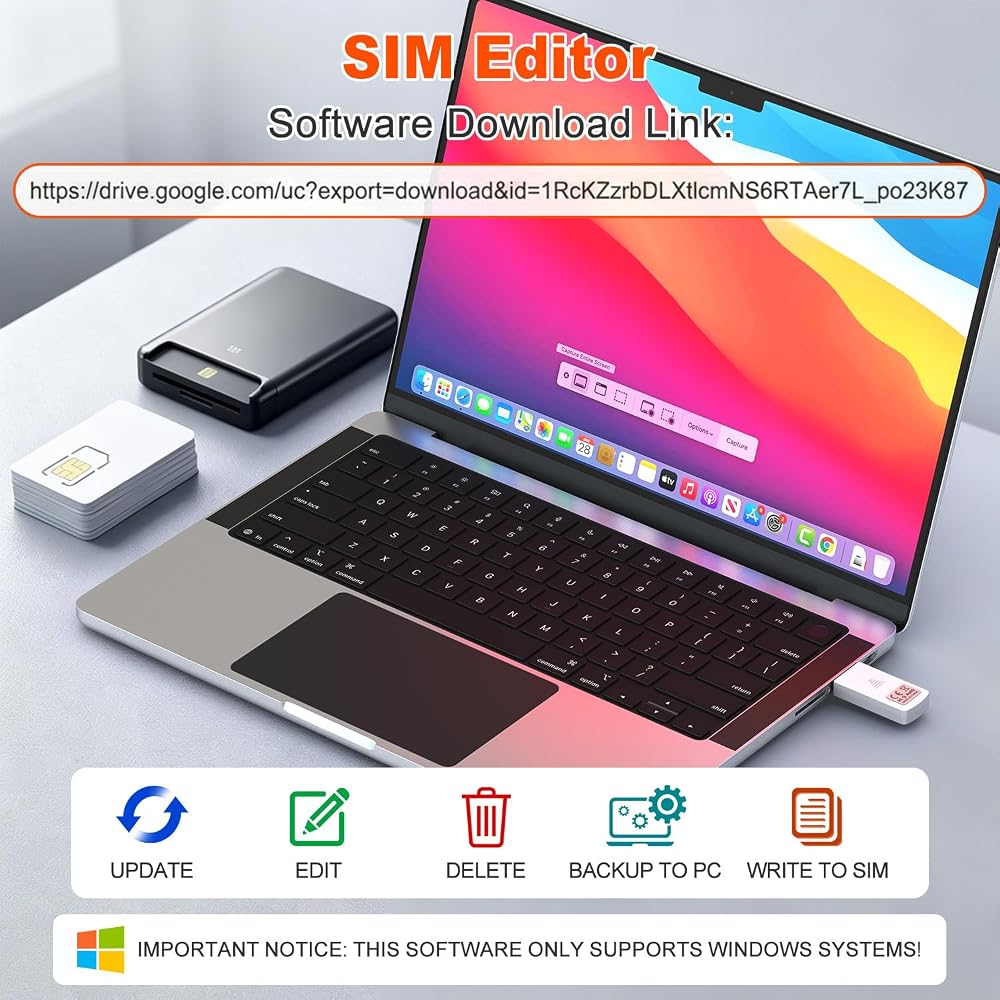
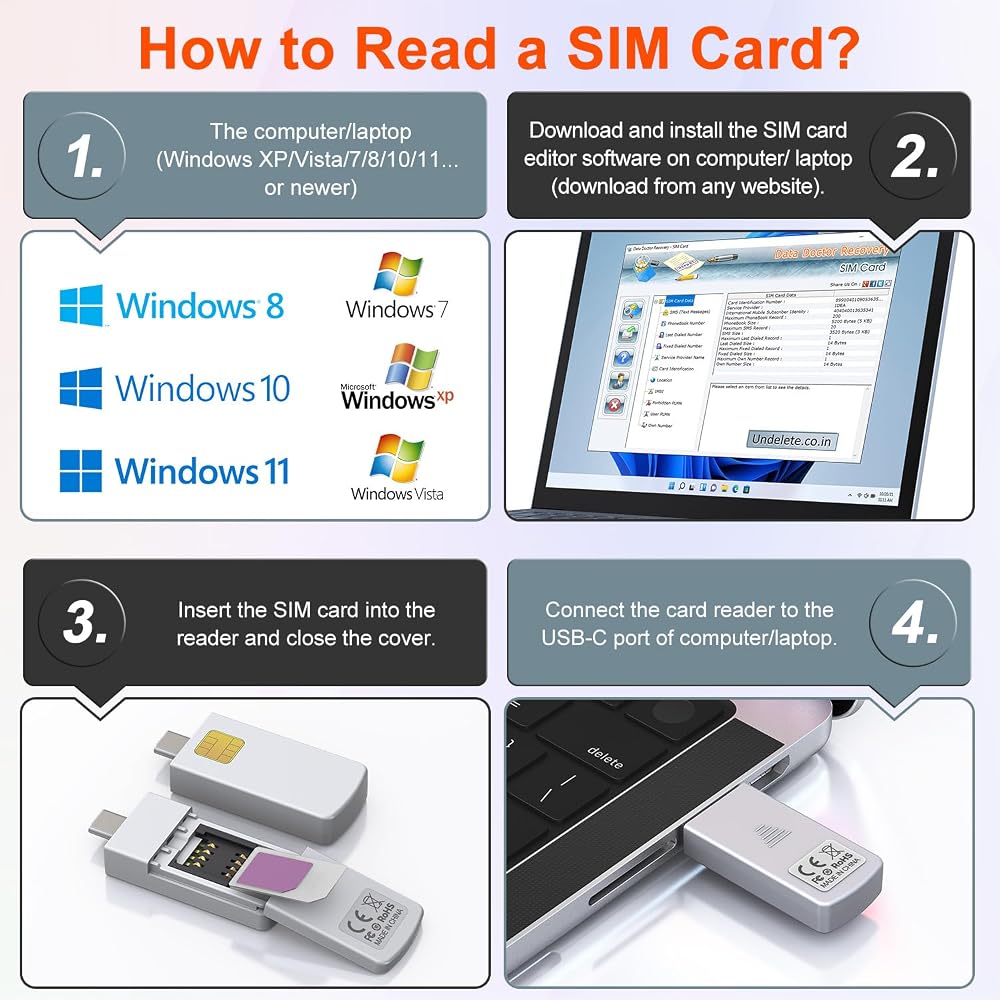
Usage Instructions: To read and edit SIM card data, you will need to download a SIM card editor on your computer. You can find the software link in our product manual or search for it online. The reader is compatible with most SIM card editing programs. If you have trouble obtaining the software, feel free to contact the seller's customer service for the installation package
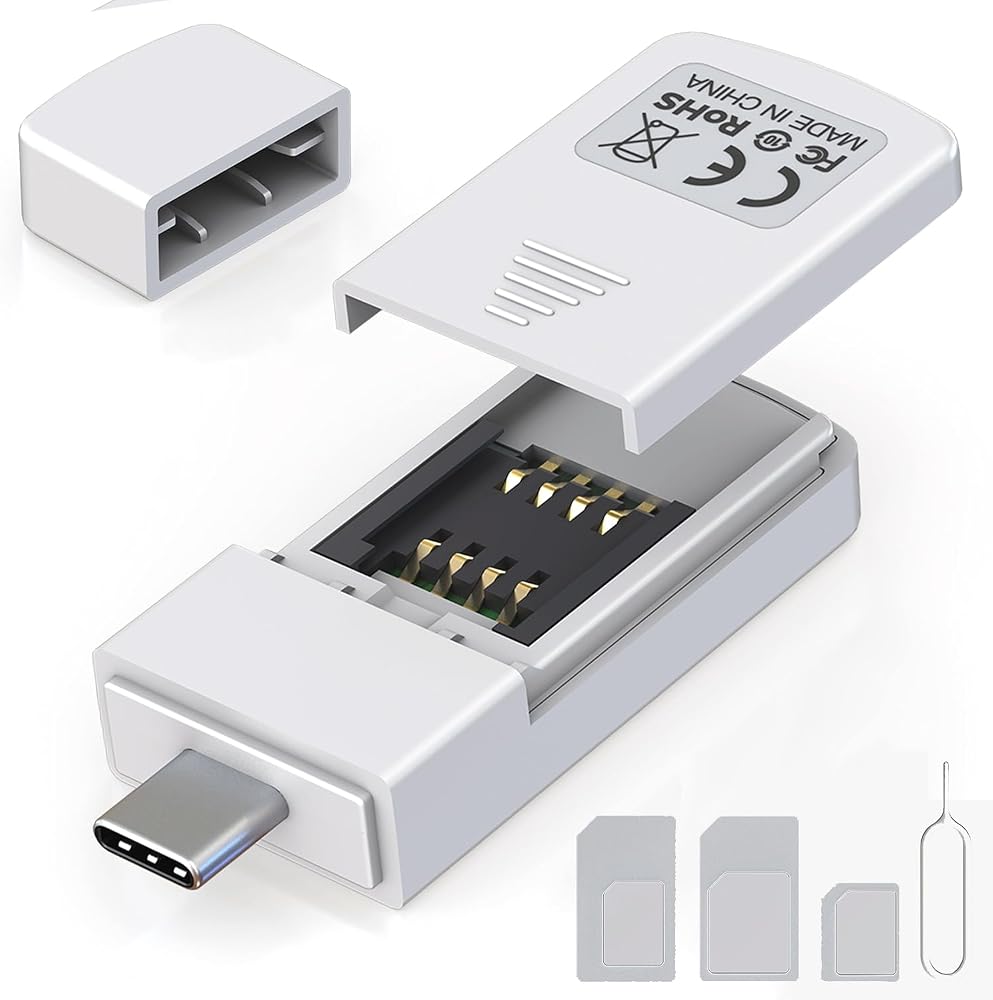
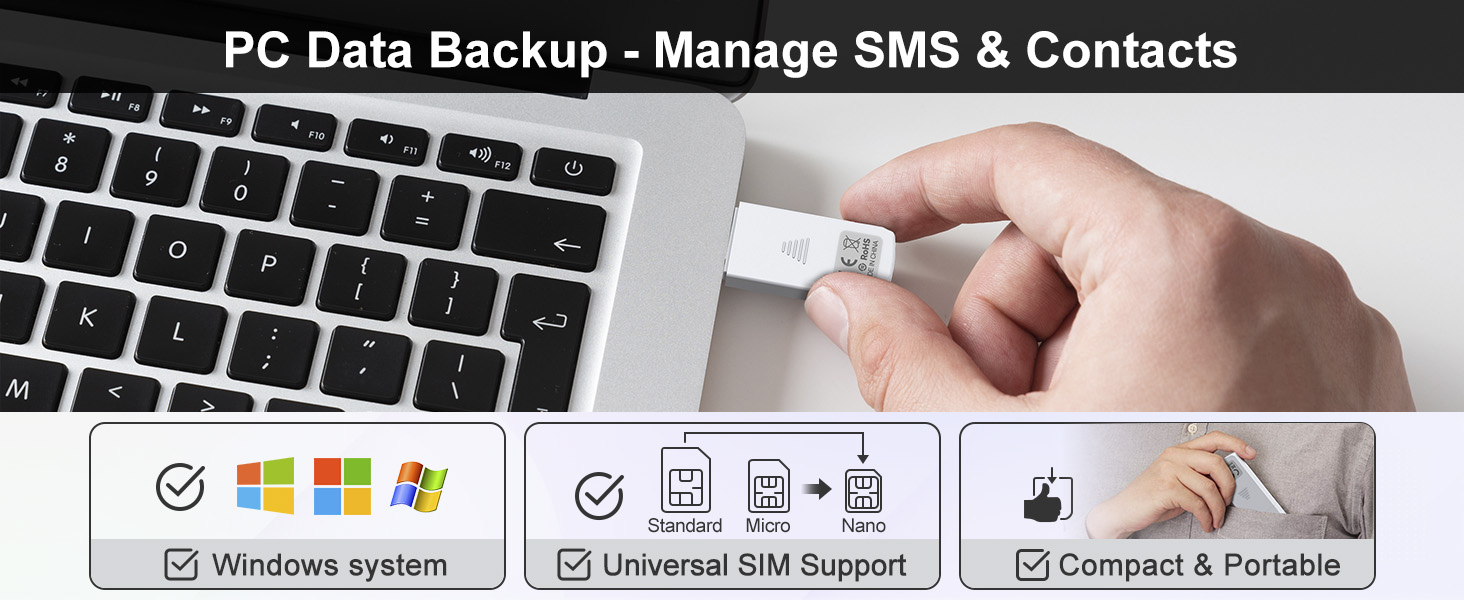
Step-by-Step Usage: First, prepare a Windows computer and install your preferred SIM editing software. Next, insert the SIM card into the reader, then plug the reader into a USB port. You can now start viewing and managing SIM card data—including reading, modifying, and writing SIM card content—directly from your computer
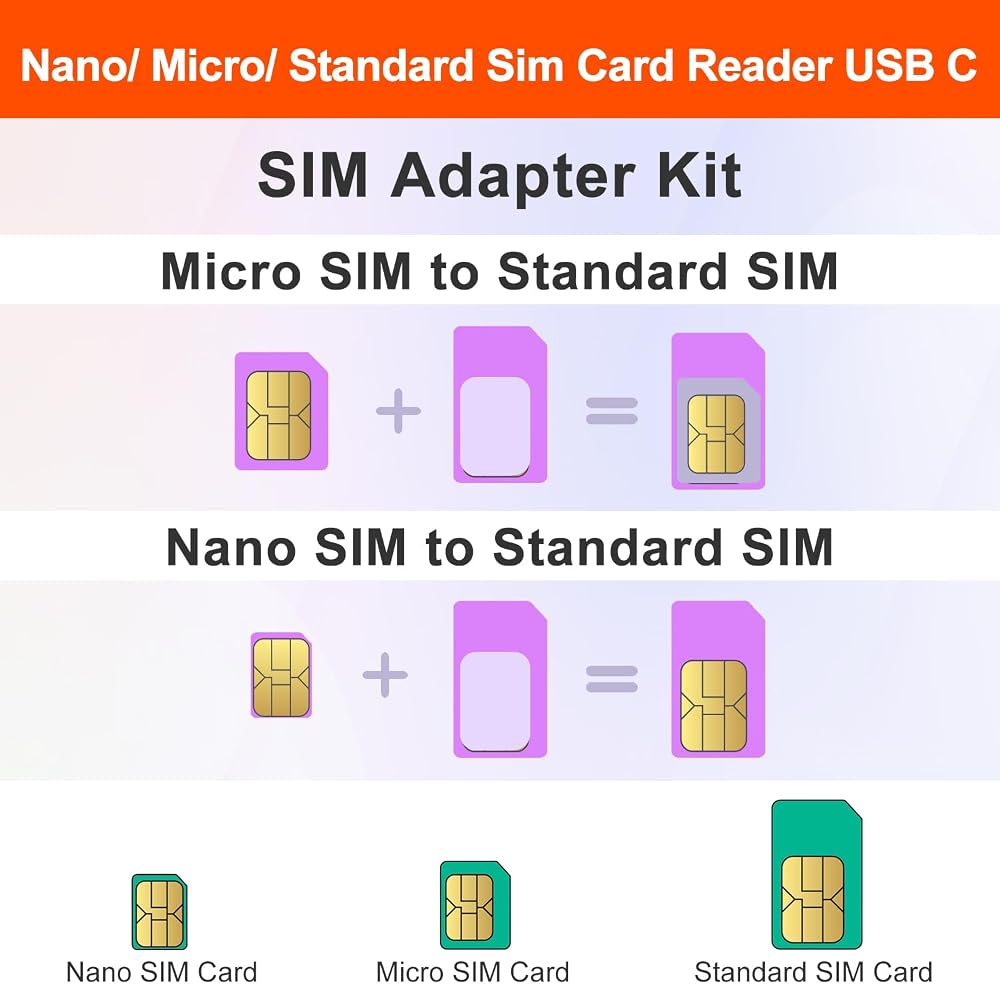
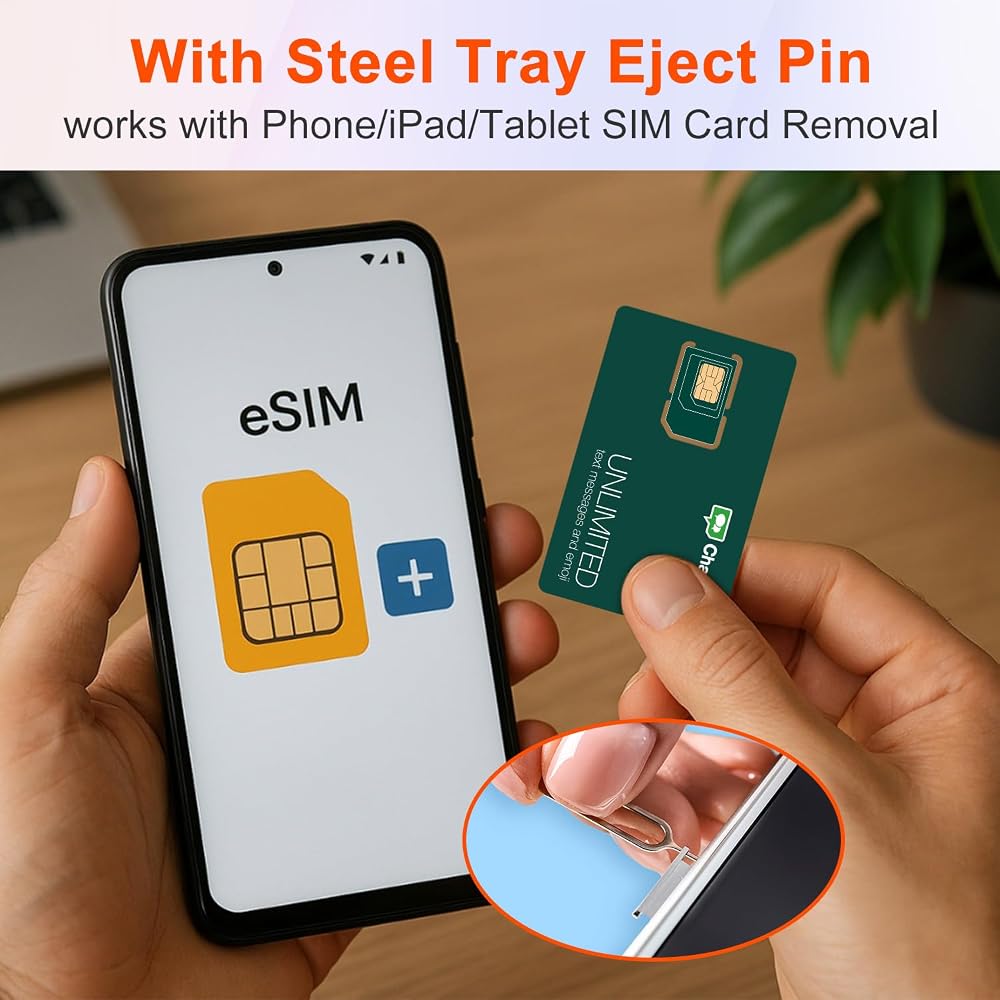
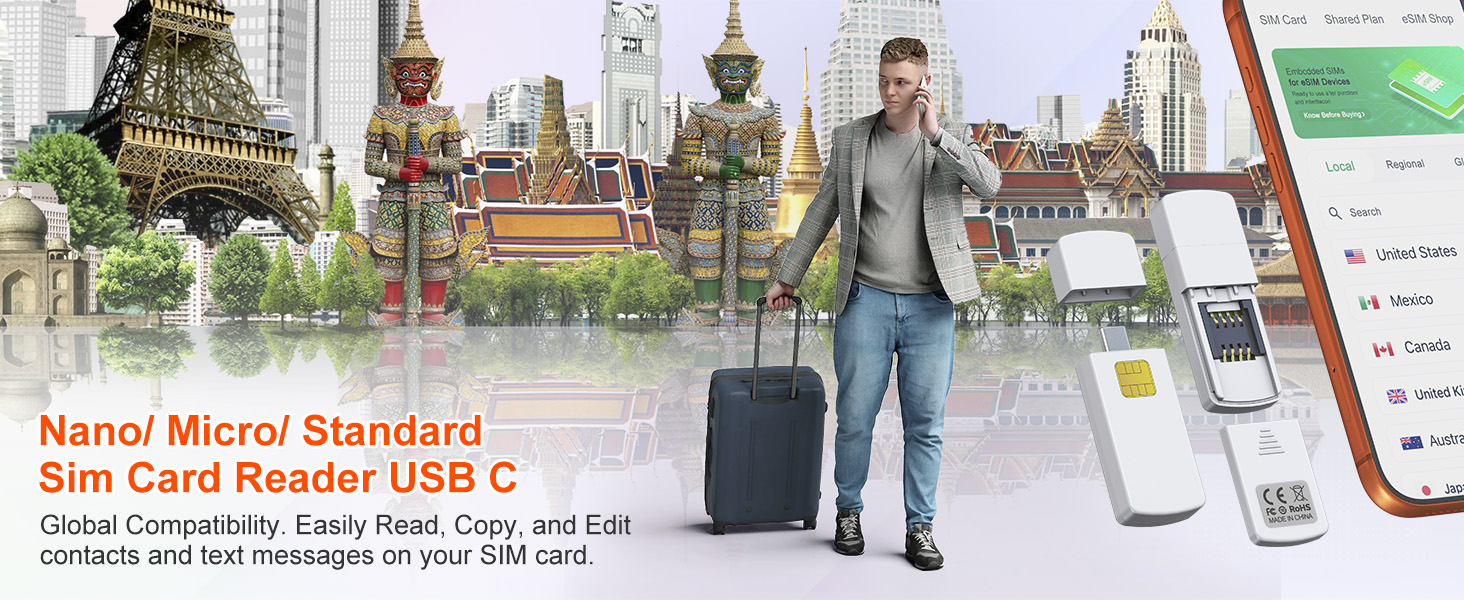
SIM Adapter Converter Kit: Say goodbye to size issues. Our package includes a steel tray eject pin for easy SIM card removal from phones, iPads, and tablets, plus three SIM card adapters (Nano to Standard, Micro to Standard). Easily read and manage SIM cards of all sizes without needing extra accessories. Supports Nano SIM, Micro SIM, and Standard SIM cards
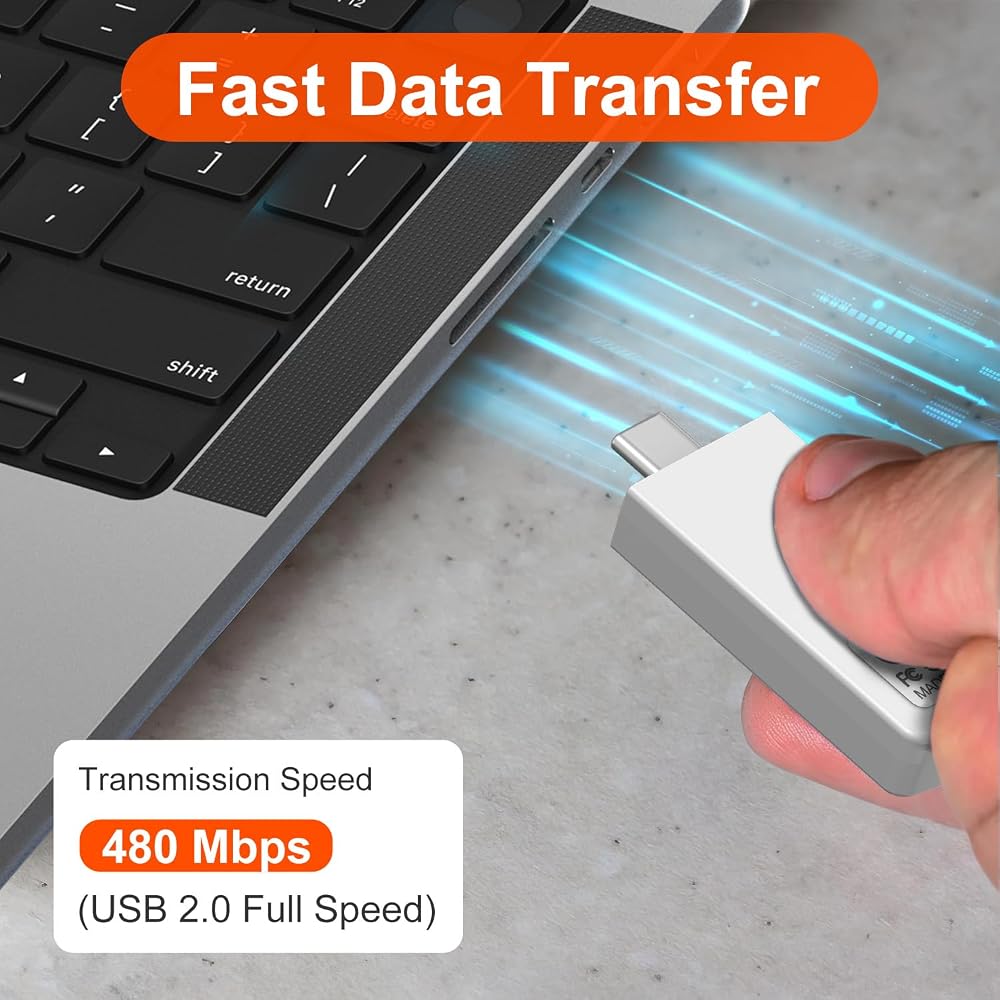
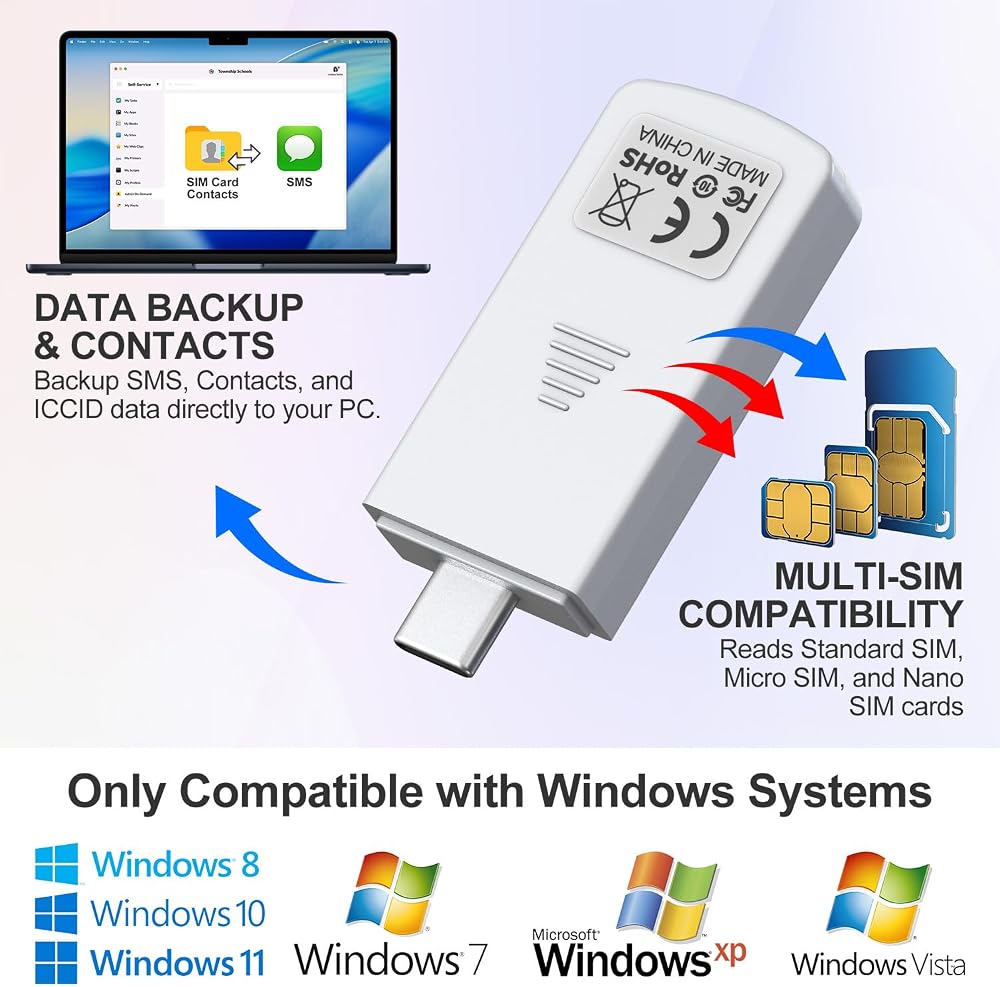
Windows System Exclusive: Equipped with a type-c interface delivering transmission speeds up to 480 Mbps. Quickly back up your SIM card contacts, text messages, and other data directly to your Windows PC with stable, efficient performance. Note: this reader is exclusively compatible with Windows XP, Vista, 7, 8, 10, and 11
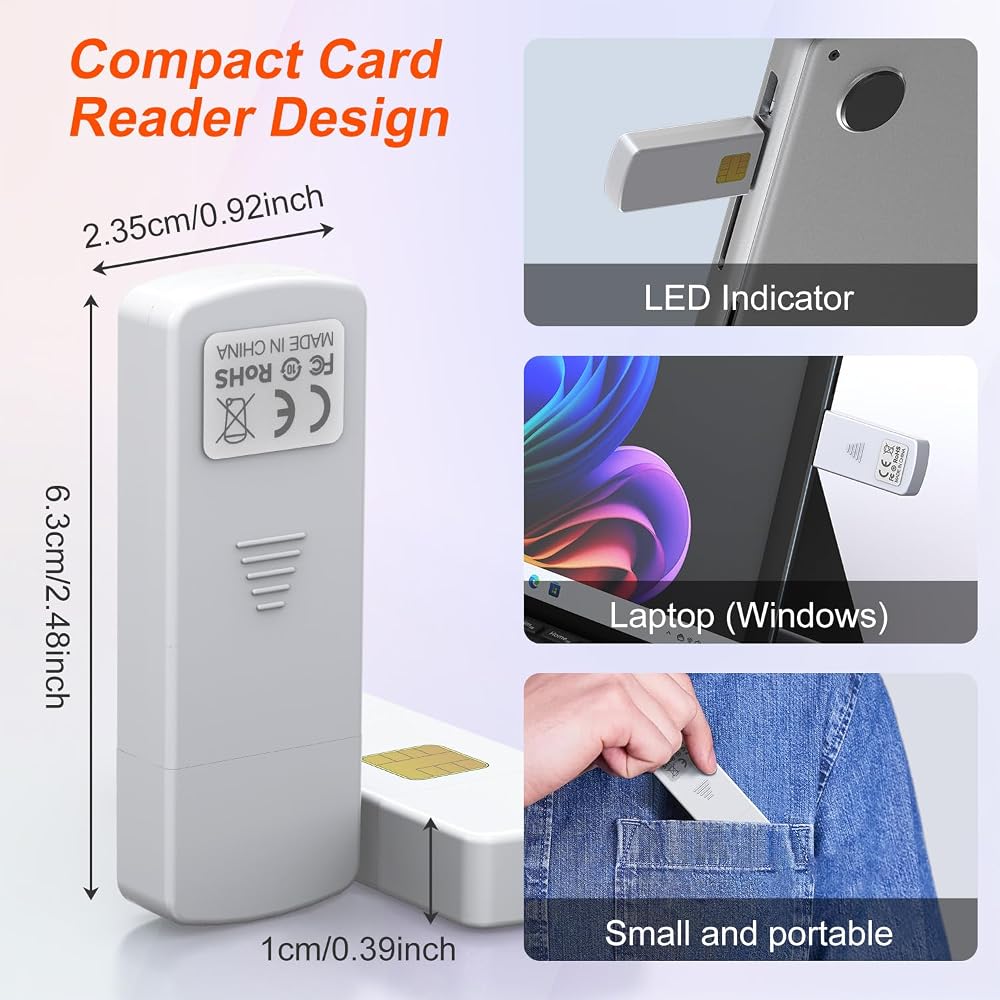
Pocket-Sized & Visual LED Indicator: Measuring just 2.48 x 0.92 x 0.39 inches, this mini SIM card reader features an ultra-compact, lightweight design that fits easily into your pocket or laptop bag. The built-in smart LED indicator provides immediate visual feedback, allowing you to monitor the connection and data reading status at a glance
 BoxWave Smart Gadget Compatible with Samsung Galaxy S23 Ultra - AllReader SD Card Reader, microSD Card Reader SD Compact USB - Jet Black
SAR 99
BoxWave Smart Gadget Compatible with Samsung Galaxy S23 Ultra - AllReader SD Card Reader, microSD Card Reader SD Compact USB - Jet Black
SAR 99
 -8%
قلم لجهاز Microsoft Surface Pro 7/6/5/4/X/9/8 - قلم Surface Go/Book/Laptop/Studio مع حساسية الضغط 4096 ورفض راحة اليد، ملحق مغناطيسي قابل لإعادة الشحن، قلم سطح Windows رقمي
SAR 140
-8%
قلم لجهاز Microsoft Surface Pro 7/6/5/4/X/9/8 - قلم Surface Go/Book/Laptop/Studio مع حساسية الضغط 4096 ورفض راحة اليد، ملحق مغناطيسي قابل لإعادة الشحن، قلم سطح Windows رقمي
SAR 140
 قلم Surface Pro 9/8/7/6/5/X لجهاز Microsoft - قلم Surface Pro/Go/Book/Laptop/Studio مع حساسية الضغط 4096 ورفض راحة اليد، ملحق مغناطيسي قابل لإعادة الشحن، قلم Windows Surface الرقمي
SAR 0
قلم Surface Pro 9/8/7/6/5/X لجهاز Microsoft - قلم Surface Pro/Go/Book/Laptop/Studio مع حساسية الضغط 4096 ورفض راحة اليد، ملحق مغناطيسي قابل لإعادة الشحن، قلم Windows Surface الرقمي
SAR 0
 -33%
محطة إرساء Surface Pro 8/9/10/11/X - محول Surface Pro 9 مع 4K HDMI، Thunderbolt 4 (فيديو 8K@30 هرتز+40 جيجا بيانات+100 وات PD)، 2*USB 3.0، قارئ بطاقات SD/TF، 3.5 ملم ملحقات الصوت لجهاز Surface Pro 11
SAR 105
-33%
محطة إرساء Surface Pro 8/9/10/11/X - محول Surface Pro 9 مع 4K HDMI، Thunderbolt 4 (فيديو 8K@30 هرتز+40 جيجا بيانات+100 وات PD)، 2*USB 3.0، قارئ بطاقات SD/TF، 3.5 ملم ملحقات الصوت لجهاز Surface Pro 11
SAR 105