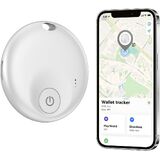
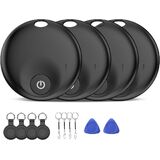
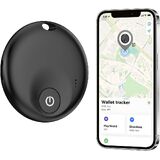
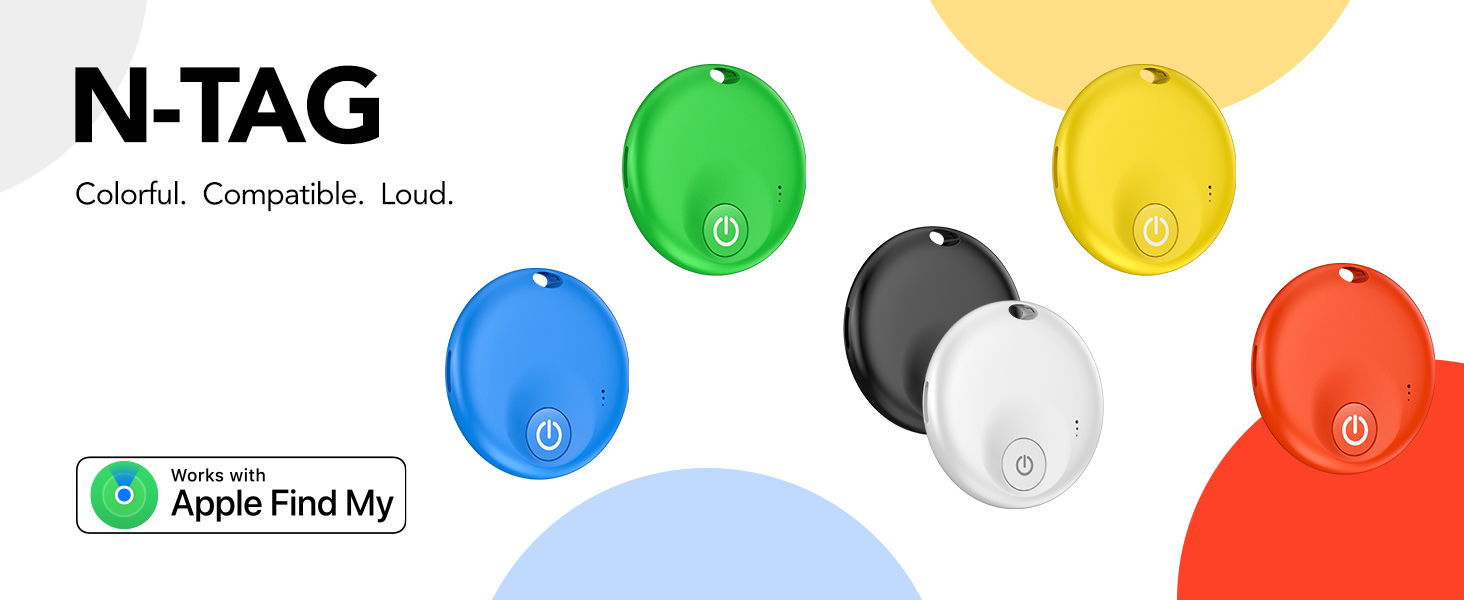
Air Tracker Tags 4 Pack,Bluetooth Tracker Tag, Item Finder Works with Apple Find My App, Trakcer Tag Locator for Your Keys, Wallet, Luggage, Backpack, and More (iOS only) (Black 4 Packs Yellow-dual(1 Pack)
الاجهزه الالكترونيات الامريكية قد تحتاج الى محمول فولت من ١١٠ الى ٢٢٠.قد تحتاج إلى محول كهرباء
مميزات خاصة
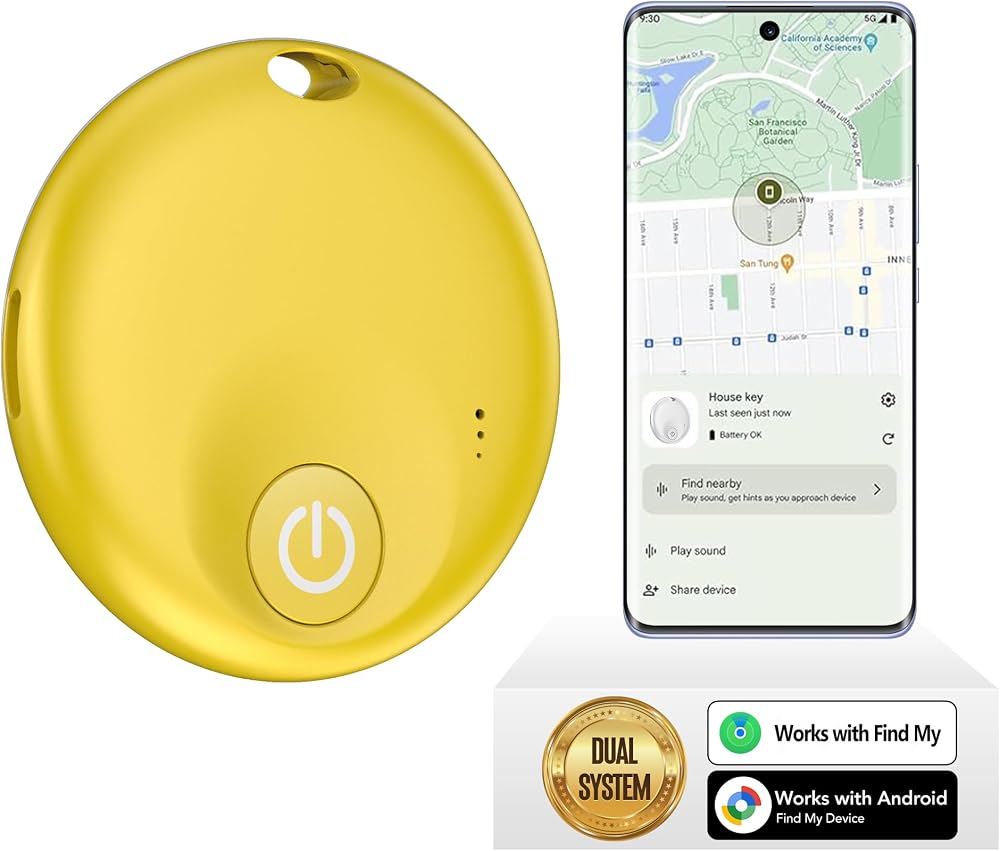
✅【MFi Certified】Compatible with Apple's Find My app, this smart tracker effortlessly connects to your devices (iPhone/iPad/Mac etc.) without requiring any app downloads. Easily track items such as keys, wallets, bicycles, backpacks, luggage and more via the Find My app. Utilise the Apple Find My network to view real-time locations, effectively preventing loss or theft, and safeguarding a more secure home life.
✅【Apple Find My App Features】This Findmy Tracker offers multiple functions, including proximity sound alerts, long-distance navigation tracking, lost item alerts, Lost Mode, sharing with up to five contacts, and privacy protection. When within 200 feet (approx. 62 meters), the tracker emits a 120-DB sound alert (30% louder than other sounds), making it easier to locate lost items indoors or outdoors. Beyond 200 feet, it leverages a network of hundreds of millions of Apple devices worldwide to upload location data to iCloud for continuous tracking. Compatible only with iOS devices; (Android not supported).
✅【Protecting Your Privacy】When using findmy tags, only you have knowledge of your item's whereabouts. Our advanced technology guarantees that your location data is encrypted and inaccessible to anyone else, not even the manufacturer has access to this information.
✅【Share This Item with Other】New feature in iOS 17 - You can share this item with up to 5 borrowers in the Find My app,and they can see the item's location on a map. Borrowers will not receive tracking notifications when the item moves with them. Please make sure your iOS device is updated to iOS 17.
✅【Anti-Loss Feature】When the tracker tag is disconnected, after approximately 5 minutes, your iOS device (e.g:iPhone) will receive a notification: “Your item may be lost at XX location.” After enabling “Lost Mode” and providing contact information, nearby Apple users can

 EDO Tech شاحن حائط USB صغير لـ Uniden Bearcat BCD160DN BC125AT BC75XLT BCD325P2 BCD436HP Homepatrol-2 راديو الماسح الضوئي
SAR 53
EDO Tech شاحن حائط USB صغير لـ Uniden Bearcat BCD160DN BC125AT BC75XLT BCD325P2 BCD436HP Homepatrol-2 راديو الماسح الضوئي
SAR 53
 Garmin eLog، جهاز تسجيل إلكتروني متوافق (ELD)، رسوم عدم الاشتراك، متوافق مع FMCSA، يدعم منافذ التشخيص J1939 ذات 9 سنون ومنافذ التشخيص J1708 ذات 6 سنون (010-01876-00)
SAR 1,008
Garmin eLog، جهاز تسجيل إلكتروني متوافق (ELD)، رسوم عدم الاشتراك، متوافق مع FMCSA، يدعم منافذ التشخيص J1939 ذات 9 سنون ومنافذ التشخيص J1708 ذات 6 سنون (010-01876-00)
SAR 1,008
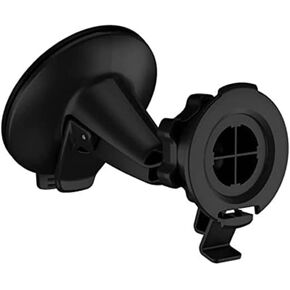 حامل لاصق كبير من Garmin لـ DriveSmart 86
SAR 131
حامل لاصق كبير من Garmin لـ DriveSmart 86
SAR 131
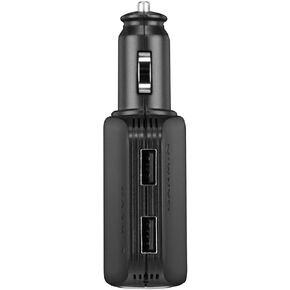 شاحن جارمين متعدد السرعة عالي السرعة
SAR 209
شاحن جارمين متعدد السرعة عالي السرعة
SAR 209

