- Shopping, made easy.
- /
- Get the app!
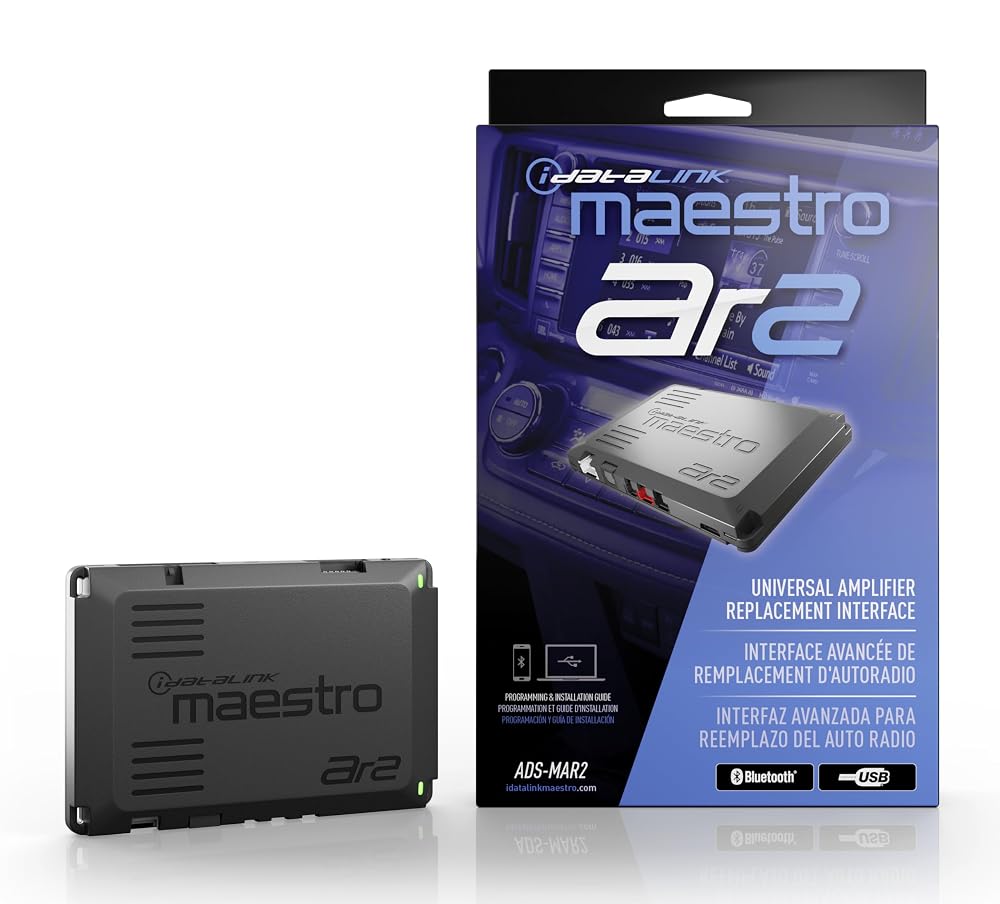
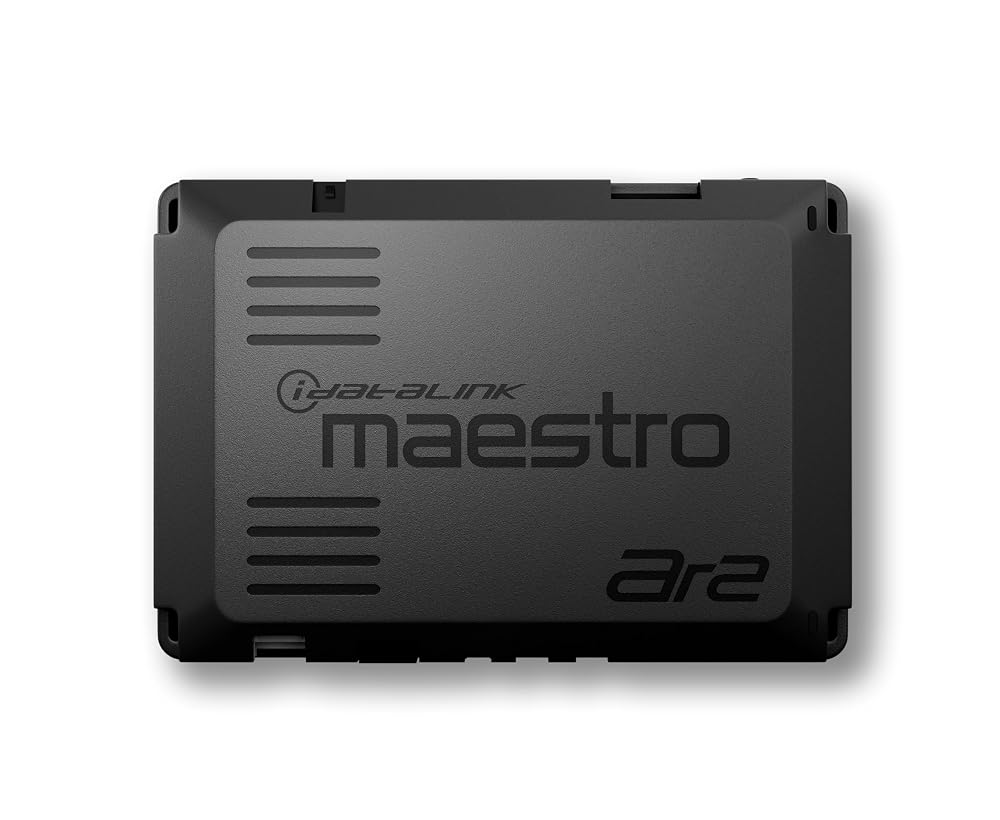
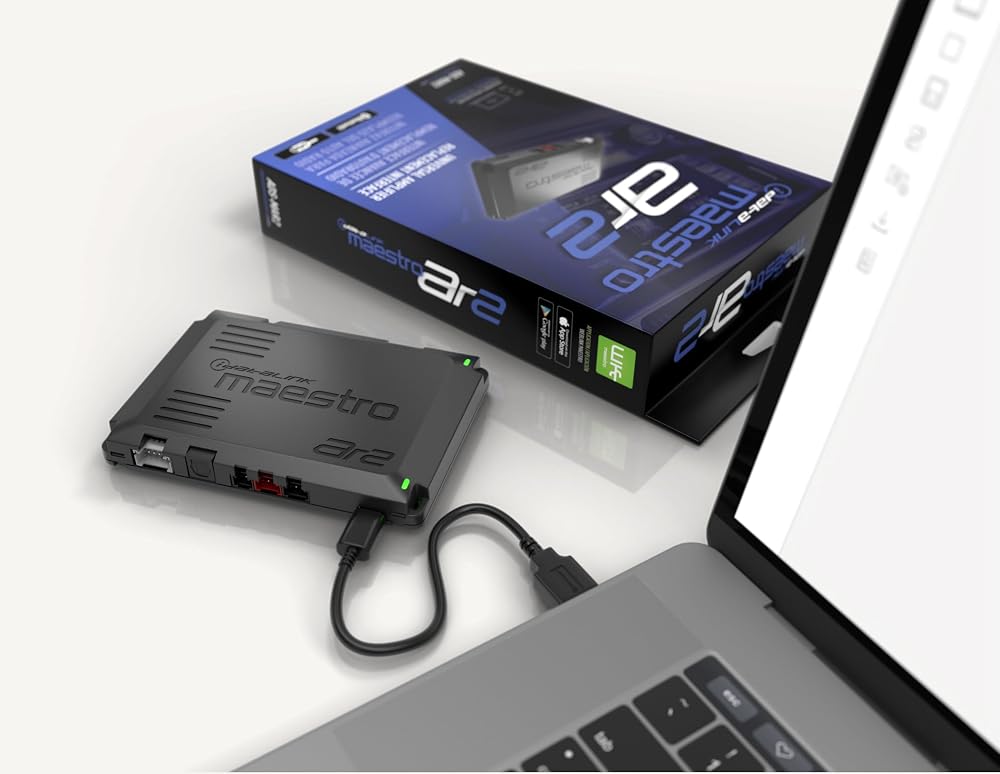
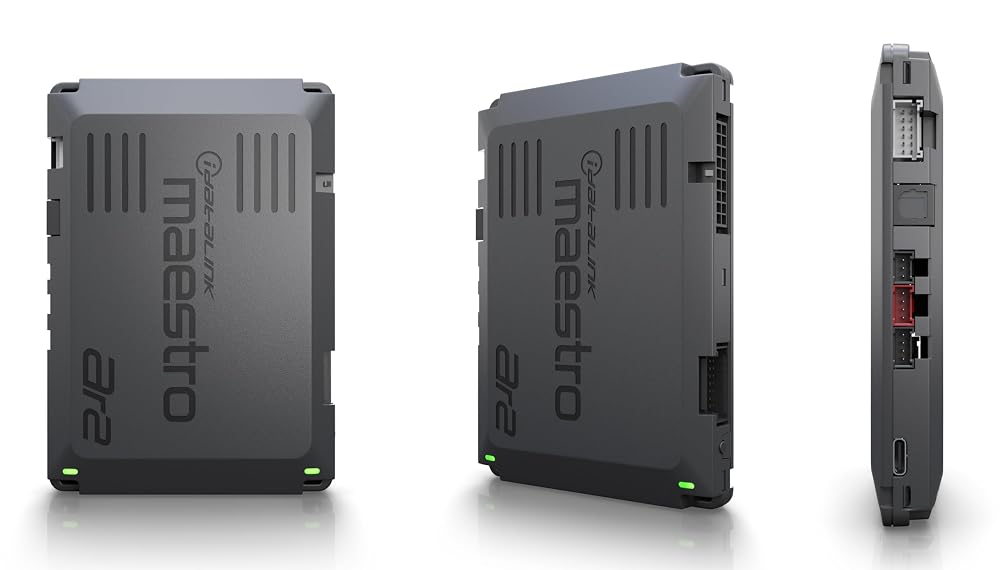
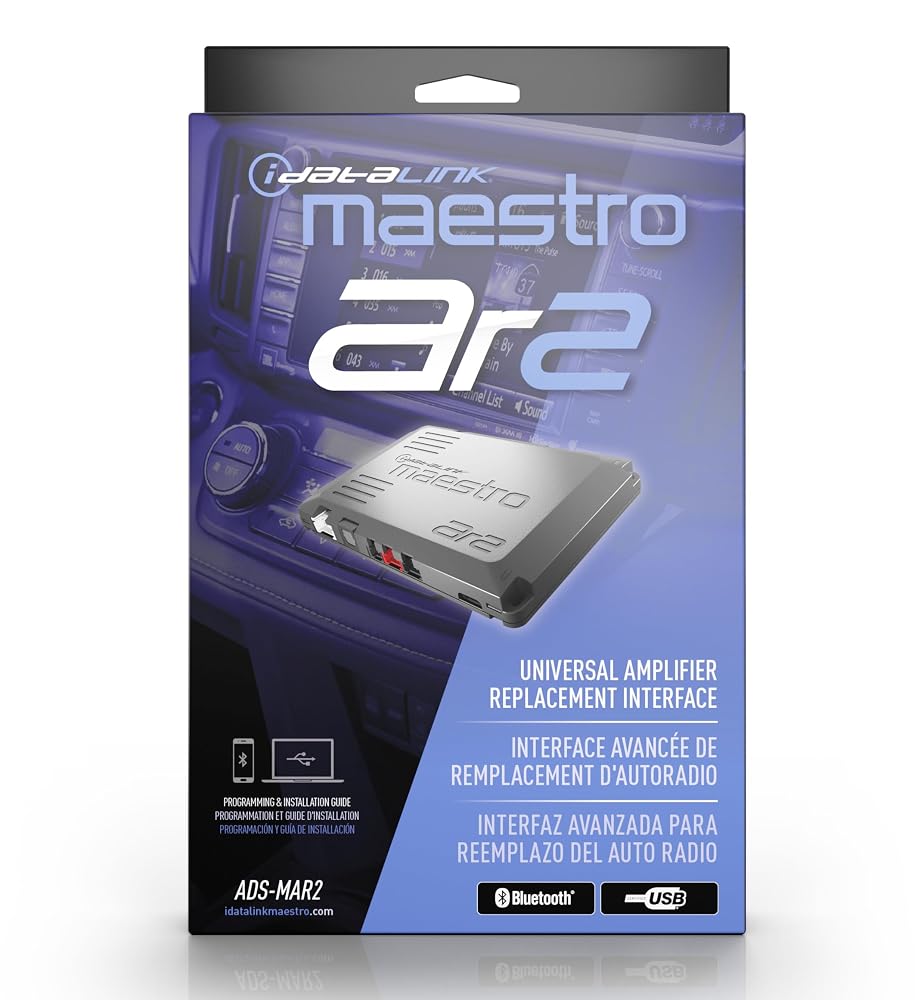
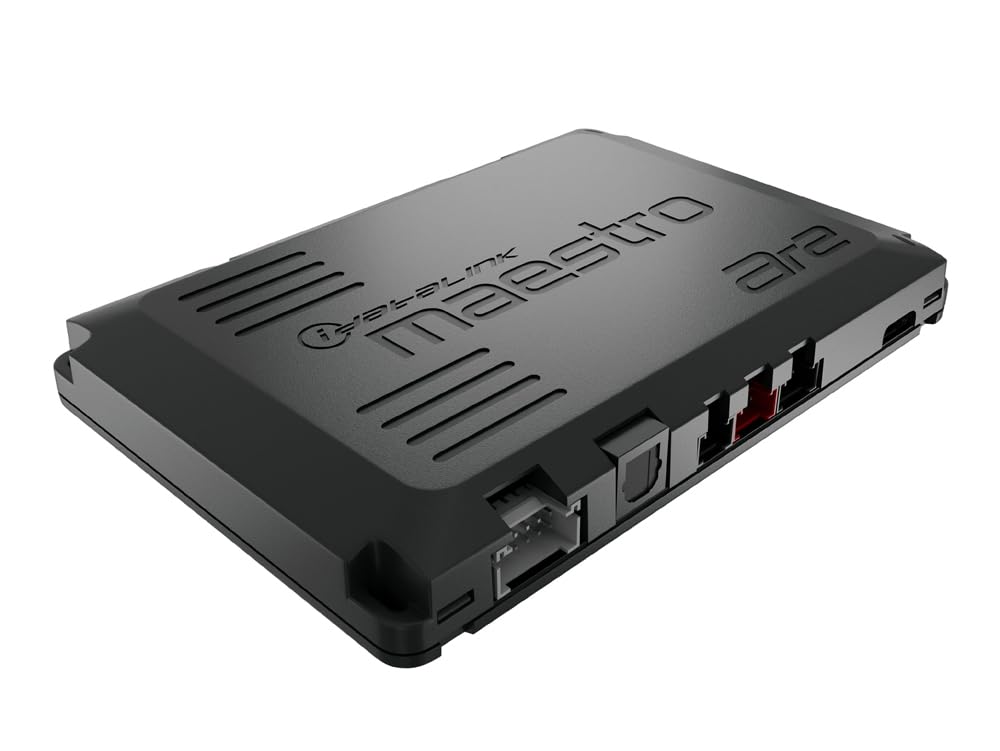
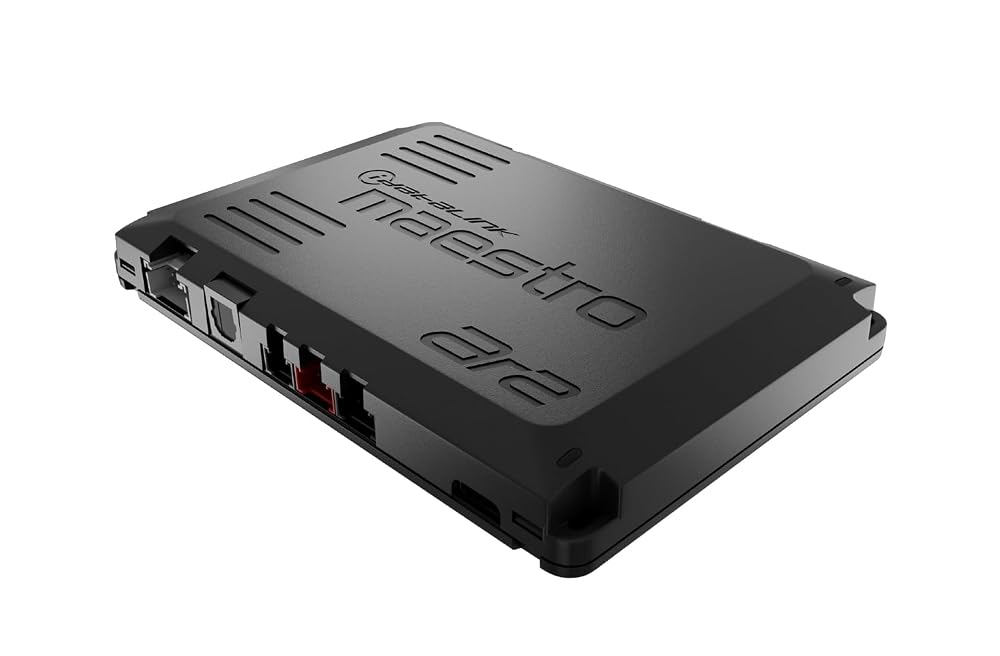
The new Maestro AR2 universal amplifier replacement interface facilitates the replacement of a factory premium audio system or the installation of amplifiers and DSPs to non-amplified audio systems. It connects directly to the factory amplifier or radio using our existing selection of T-Harnesses for the AR and DSR1. It's compatible with partner amplifiers and DSPs using a serial connection or works with any amplifier using standard analog RCA outputs or a digital Toslink connection. In addition, this interface module is web programmable using either our Weblink Desktop application or the built-in Bluetooth adapter that supports wireless programming for mobile device.
iDatalink Maestro ADS-MAR2 Amplifier Replacement Module.
Allows seamless replacement of the factory amp in select premium sound systems.
For the best sound, replace the factory amp.
It's an increasingly common problem. You can't replace your vehicle's premium factory radio, but the premium factory amplifier isn't powerful enough for you. Furthermore, the factory amp gets digital information from the vehicle's databus and replacing the amp would mean you'd lose all audio control, like volume and balance, as well as other features like steering wheel controls, audible navigation alerts, warning chimes, and Bluetooth connection. iDatalink's solution, their Maestro AR2 module, combines with a vehicle-specific T-harness (sold separately) to supply clean audio and control signals for your aftermarket amplifier — so you can give your music the premium impact it was missing.
How does it work?
The T-harness plugs into your factory amp's input wiring, linking the radio to the Maestro module and the amplifier. Your factory radio continues to work just as it always has, but you now have much more power and tone processing ability. It was a common practice, when adding an amplifier or processor to a premium system, to sum the different amplified signals together (tweeter, midrange, woofer), attenuate them down to line level, process them while removing amp noise, and then re-amplify them for the speakers. iDatalink's AR module eliminates all those steps, resulting in a much cleaner output. You get vastly improved sound quality and the ability to upgrade your speakers and subs, while you retain your vehicle's stock radio and all of its functions. Sounds like a win/win to us.
Product highlights:
-- Factory digital amplifier replacement module
-- Works with a vehicle-specific T-harness (sold separately)
⦁ HRN-AR-CH2: for select 2008-up Chrysler-built vehicles
⦁ HRN-AR-CH3: for select 2012-up Chrysler-built vehicles
⦁ HRN-AR-CH4: for select 2015-up Chrysler-built vehicles
⦁ HRN-AR-FO2: for select 2011-up Ford vehicles
⦁ HRN-AR-FO3: for select 2015-up Ford Mustangs
⦁ HRN-AR-TO1: for select Toyota and Lexus vehicles
⦁ HRN-AR-TO2: for select Toyota, Lexus, and Subaru vehicles
⦁ HRN-AR-TO3: for select Toyota, and Subaru vehicles
-- Works with all aftermarket car amplifiers
⦁ At least 5 or 6 channels of amplification recommended for typical installations
⦁ Vehicle-specific T-harness provides 6 channels of RCA input and speaker wire output connections for the new amp
⦁ Toslink digital output for connecting to compatible amp or DSP
-- Web programmable via USB
⦁ Options include function and tone control re-mapping
Features:
Factory Amplifier Replacement Interface: The iDatalink Maestro ADS-MAR2 from iDatalink is a factory amplifier replacement interface module for select Chrysler, Dodge, Fiat, Ford, Jeep, Lexus, Lincoln, Mitsubishi, Hyundai, Kia, Jeep, RAM, Subaru, Toyota, and Volkswagen vehicles. It enables seamless integration of an aftermarket amplifier (sold separately) while retaining the vehicle's factory radio and all of the original factory functions.
Vehicle Specific harness (sold separately): Installation of the Maestro ADS-MAR2 will require a vehicle specific T-harness for installation (HRN-AR-CH2, HRN-AR-CH3, HRN-AR-CH4, HRN-AR-FO2, HRN-AR-F03, HRN-AR-TO1, HRN-AR-TO2, HRN-AR-TO3; all sold separately). The vehicle specific T-harness plugs between the vehicle's factory amp wiring, the Maestro AR module, and your aftermarket amplifier.
Output Connections: The Maestro ADS-MAR2 can convert the factory audio signals into 6 analog RCA pre-amp channels (Front, Rear, Sub) for connection to your amplifier, letting you retain factory fade, balance, Bluetooth calls, etc. A Toslink optical digital output provides a digital 2-channel signal for running to a DSP amplifier for further processing. The digital output does not retain the factory fader adjustment, since it's strictly 2-channel audio, unless connecting to a Maestro-compatible amplifier.
3 Installation Types: The Maestro ADS-MAR2 lets you add an aftermarket amp in one of three ways; Factory Amplified systems, Factory Non-Amplified systems, and Maestro-Compatible Amplifier interface with a direct digital connection.
⦁ Factory Amplified System: The ADS-MAR2 and a compatible T-harness will be installed at the factory amp location with the ADS-MAR2 providing 6 analog RCA output channels that can be connected to your aftermarket amplifier. Data signals from the factory radio (fade, balance, etc.) will be read by the AR module and retained. The T-harness connects the amplifier's output channels to the factory speaker wiring.
⦁ Factory Non-Amplified System: The ADS-MAR2 can be used to interface an aftermarket amplifier in vehicles equipped with a factory infotainment system, but no factory amplifier. The ADS-MAR2 and T-harness get installed at the factory radio location with the speaker output harness extending to where the aftermarket amplifier will be installed. Factory audio features like Bluetooth calls, door chimes, warnings, etc. will still be retained. ⦁ Maestro-Compatible Amplifier: Select Maestro-compatible amplifiers from Audison and ARC Audio offer a direct connection. The Maestro T-harness makes a direct audio connection to the Maestro-compatible amp and a data connection to the ADS-MAR2, providing the cleanest possible audio connection and retaining all of the factory radio functions.
Tone Re-Mapping: The Maestro ADS-MAR2 lets you re-map the factory radio tone controls letting you tailor them for your new amplified system. An example would be re-mapping the factory Bass control to only affect your subwoofer channels from the ADS module, instead of all speakers. Available tone re-mapping options will be vehicle-dependent.
Note: Tone re-mapping is only available when using the analog RCA output harness or installing a Maestro-compatible amplifier. The Toslink digital output does not support tone re-mapping.
Optional Extension Harness:The HRN-AR-EXT2 (6.5'/2M) or HRN-AR-EXT4 (13.1'/4M) extension harness allows you to relocate the iDatalink Maestro AR and compatible DSP/Amplifier to a location different than where the factory amplifier was originally installed.
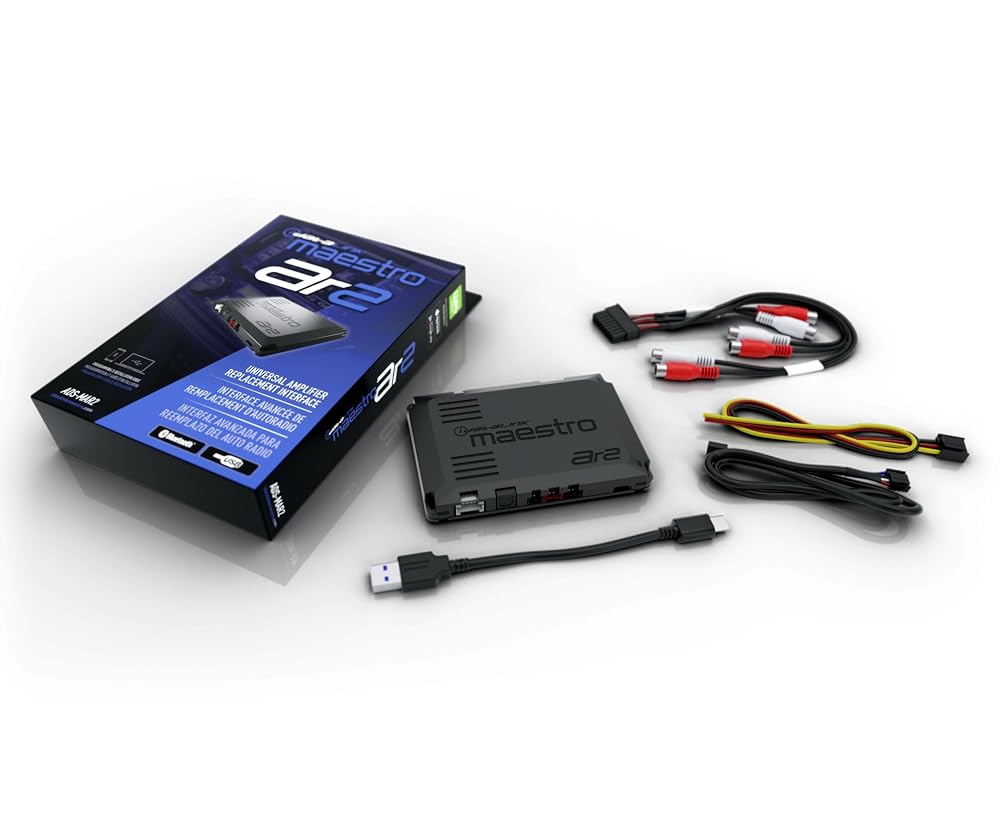
What's in the box:
⦁ iDatalink Maestro AR2 Amplifier Replacement Module owner's manual
⦁ Factory amplifier replacement interface module
⦁ 9" RCA output harness
⦁ 18" 4-Pin data cable
⦁ 7" 3-Wire harness
⦁ 6" USB-A to USB-C cable
⦁ Quickstart guide
 Idatalink Maestro ADS-MRR2 Universal Radio Replacement Interface Module - Retain Steering Wheel Audio Controls & Other Factory Features in Select Vehicles (Vehicle-Specific Acc-HU Harness Required)
SAR 1,252
Idatalink Maestro ADS-MRR2 Universal Radio Replacement Interface Module - Retain Steering Wheel Audio Controls & Other Factory Features in Select Vehicles (Vehicle-Specific Acc-HU Harness Required)
SAR 1,252
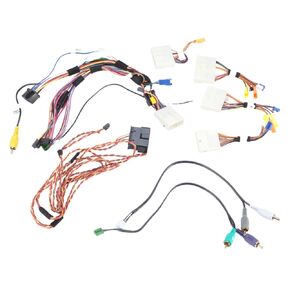 Idatalink Maestro HRN-HRR-NI1 Plug and Play Radio Replacement Harness for Select 2007-2020 Nissan Vehicles (ADS-MRR or ADS-MRR2 Module Required)
SAR 418
Idatalink Maestro HRN-HRR-NI1 Plug and Play Radio Replacement Harness for Select 2007-2020 Nissan Vehicles (ADS-MRR or ADS-MRR2 Module Required)
SAR 418
 Idatalink Maestro HRN-HRR-TO2 Plug and Play Radio Replacement Harness for Compatible Toyota 2012-2020 (ADS-MRR or ADS-MRR2 Module Required)
SAR 444
Idatalink Maestro HRN-HRR-TO2 Plug and Play Radio Replacement Harness for Compatible Toyota 2012-2020 (ADS-MRR or ADS-MRR2 Module Required)
SAR 444
 aHK3 HRN-AR-HK3 Plug and Play Amplifier T Harness Compatible with Hyundai and Kia Vehicles with Amplifier
SAR 183
aHK3 HRN-AR-HK3 Plug and Play Amplifier T Harness Compatible with Hyundai and Kia Vehicles with Amplifier
SAR 183