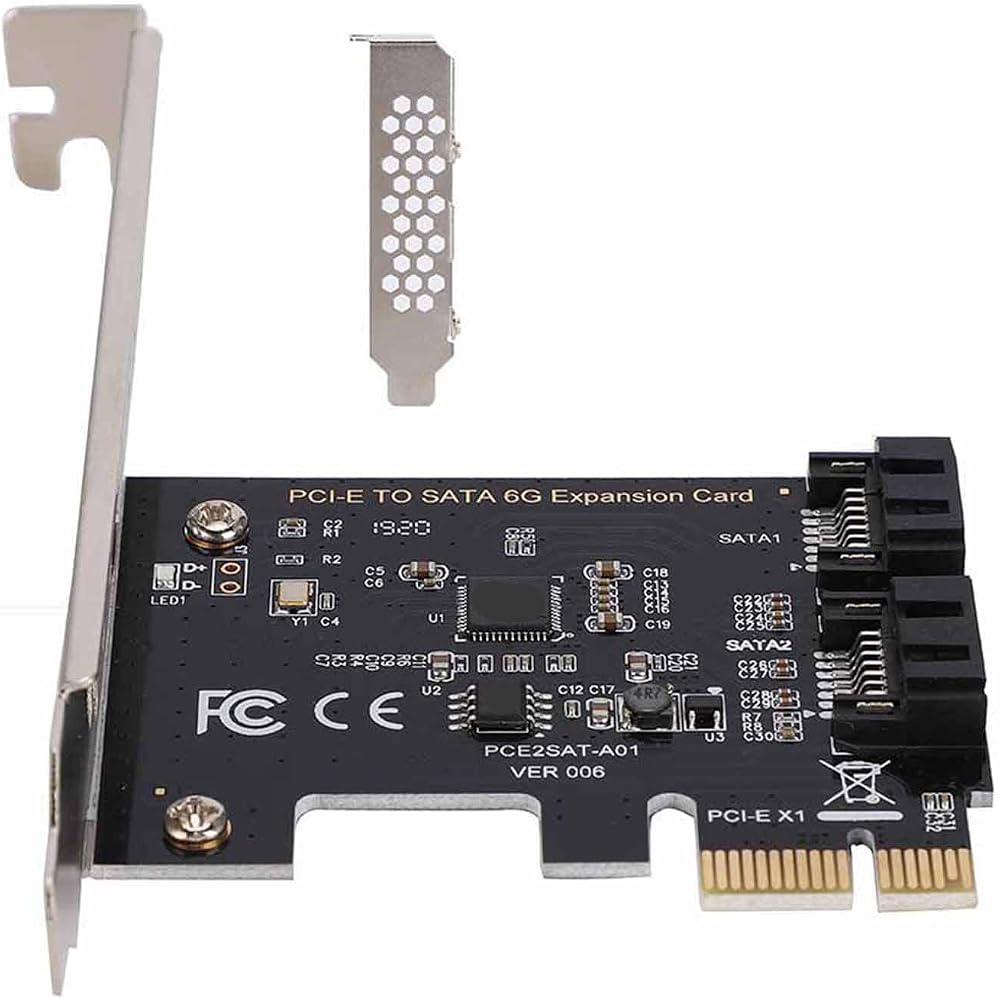
- Shopping, made easy.
- /
- Get the app!
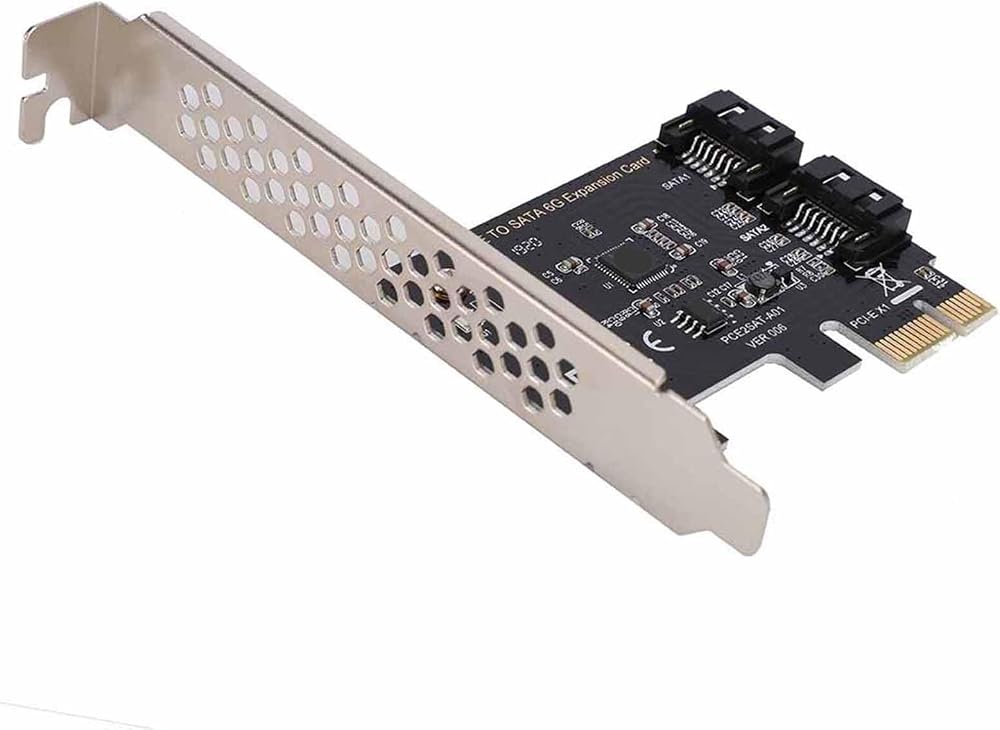
Specification:
Features:
1. Support IDE / AHCI programming interface.
2. Compliant with Serial version 3.0; Compliant with PCI-E 2.0 specification.
3. Full speed of 6GBPS bandwidth transmission.
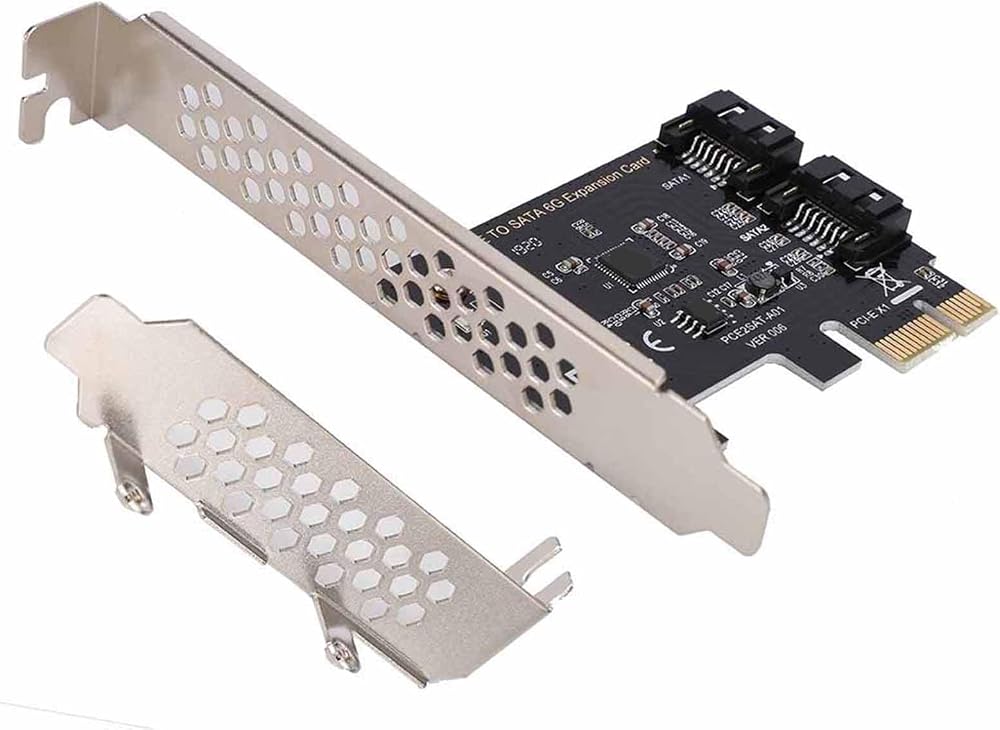
5. Large chassis / small chassis can be used.
Specifications:
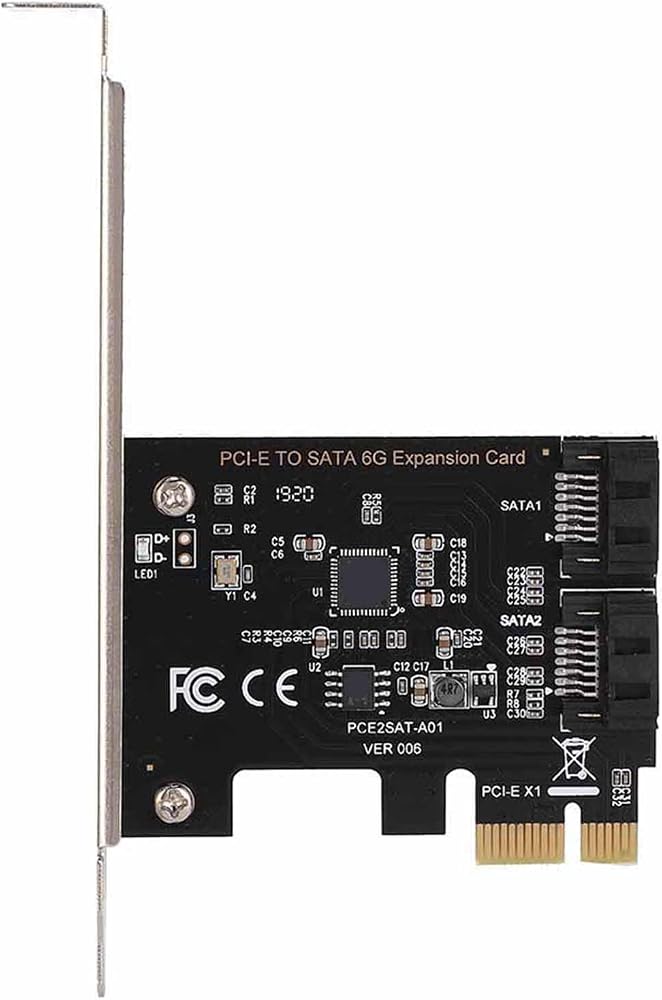
Master Chip: ASM1061
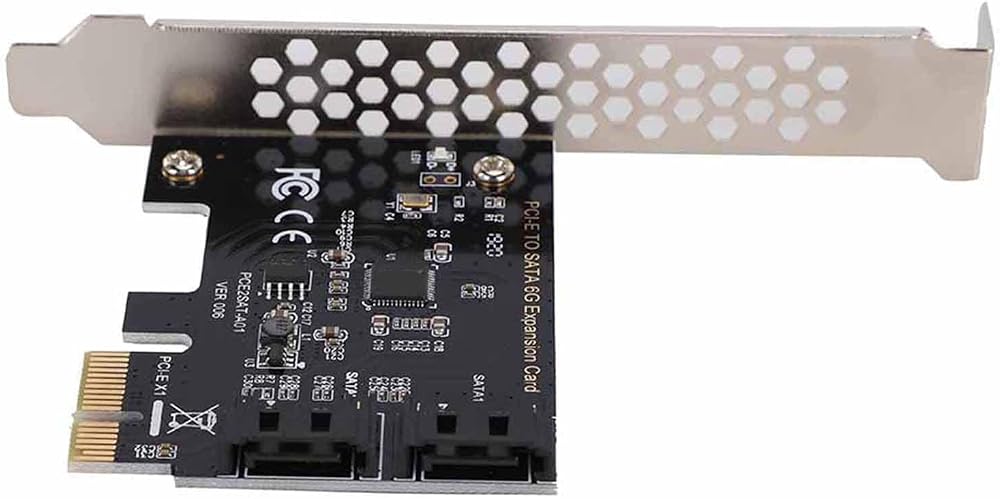
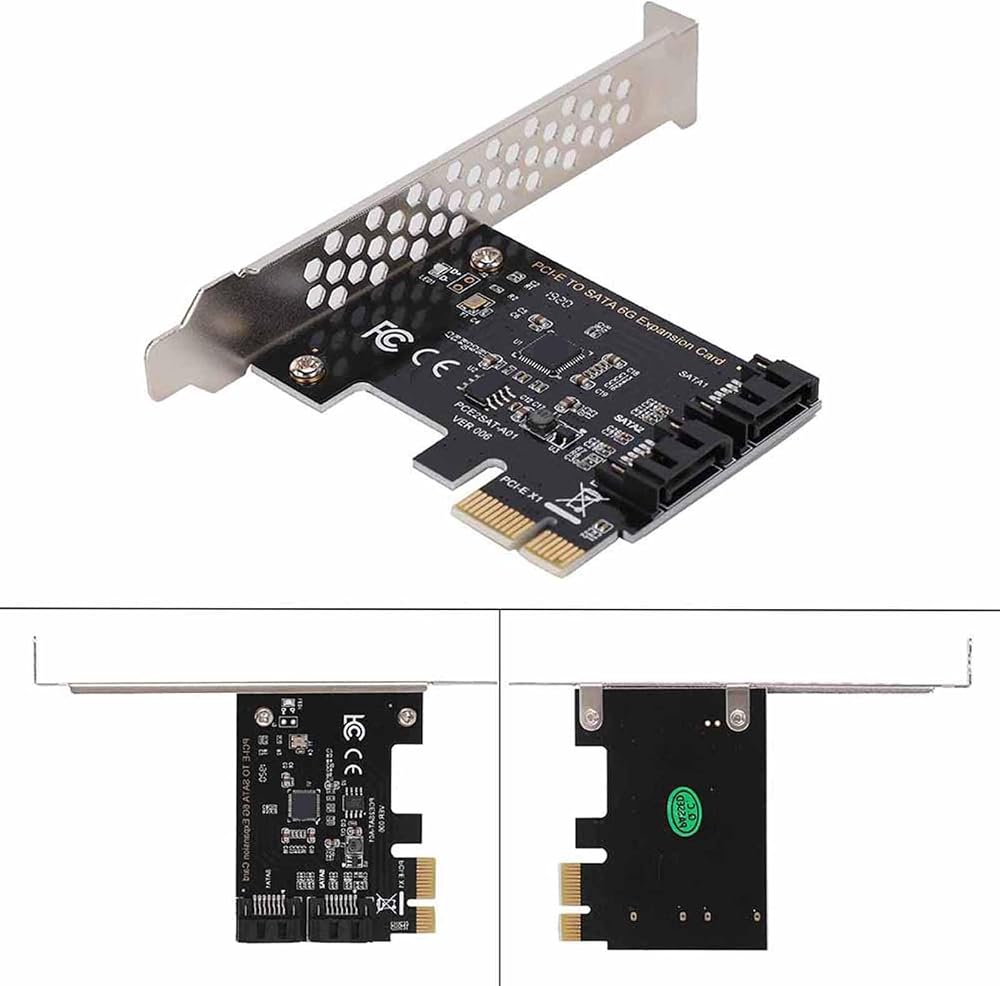
Product Interface: 2 X interface
Applicable Slots: PCI-E (1X 4X 8X 16X)
Support System: for / 7 / 8 / 10 / 11 (32 / 64bit)
Package Weight:80g
Package List:
1 x PCI-E to 3.0 Extension Card
1 x Bracket
1 x CD
Question: What caused the computer crash and blue screen after install the ASMEDIA driver program?
Solution: The blue screen has nothing to with the hardware. The system and driver may cause this problem, please download the driver again.
Note:
1: The fastest adapter card above PCI-E2.0 is 370-400M/S, and the fastest is 120-170M/S under PCI-E1.0.
2: Please confirm whether the adapter card supports PCI-E2.0 or above when purchasing (the old motherboard generally supports 16X).
How to Use:
The PCIE to adapter card can be used as follows:
(1). Connection Conditions and Solutions between the system disk and the PCIE to adapter card:
1. The interface mode of PCIE to is AHCI mode. If you want to insert the system disk on our card, the premise is that your system disk must be installed in AHCI mode when installing the system on the motherboard, otherwise, the system cannot be started through our card transfer card.
2, if it is determined that the system disk is inserted on the mainboard interface installation system is AHCI mode, you can directly insert the hard disk on our card, and then enter the mainboard BIOS to set the system disk as the first startup .
3, the above two conditions are met, if still can not start, or repeated restart, then it may be the motherboard's hard disk interface and our adapter card conflict, the solution is to enter the motherboard BIOS, the motherboard's hard disk interface option is set to Disabled, save the restart can start the system
(2). Connection conditions and Solutions for common disks and PCIE to :
1. When the system disk is inserted into the mainboard and the common disk is inserted into the PCIE to card, the conversion card information and the common disk model need to be detected during startup.
2, if the 1 condition is established, or can not start the system, then to enter the motherboard BIOS, the system disk can be set as the first boot.
(3). Connecting System Disks and common disks to PCIE and Solutions:
1, the premise,
PackageList:
1 x PCI-E to 3.0 Extension Card
1 x Bracket
1 x CD
 3 Barlow Lens, Magnetic Attachment Aluminum Alloy Frame 2X Zoom Wide Angle Lens with Storage Case for 3 Camera
SAR 114
3 Barlow Lens, Magnetic Attachment Aluminum Alloy Frame 2X Zoom Wide Angle Lens with Storage Case for 3 Camera
SAR 114
 1.25 Inch Diagonal Adapter Mirror Prism 45 Degree Dielectric Coating with Positive Imaging and Dust Covers for Astronomical Telescope and Terrestrial Viewing
SAR 66
1.25 Inch Diagonal Adapter Mirror Prism 45 Degree Dielectric Coating with Positive Imaging and Dust Covers for Astronomical Telescope and Terrestrial Viewing
SAR 66
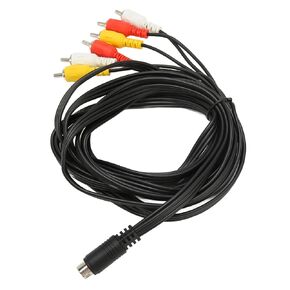 Mini DIN to 6 Cable 9 Pin to AV Cable Mini DIN 9 Pin 6 Composite with Clear Signal for Digital Camcorder TV AV Receiver Set Top Box
SAR 65
Mini DIN to 6 Cable 9 Pin to AV Cable Mini DIN 9 Pin 6 Composite with Clear Signal for Digital Camcorder TV AV Receiver Set Top Box
SAR 65
 Boat Underwater Light with IP68 Design | 27 LEDs, 120° beam angle, durable stainless steel, perfect for marine use
SAR 77
Boat Underwater Light with IP68 Design | 27 LEDs, 120° beam angle, durable stainless steel, perfect for marine use
SAR 77