- Shopping, made easy.
- /
- Get the app!
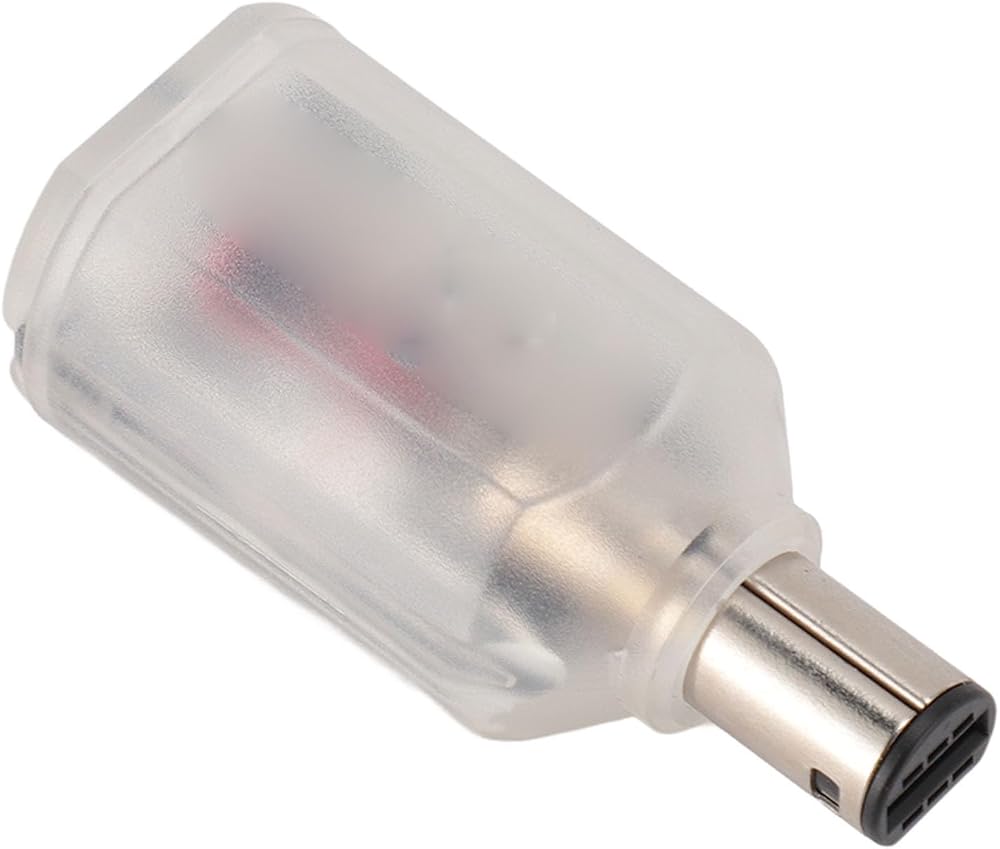
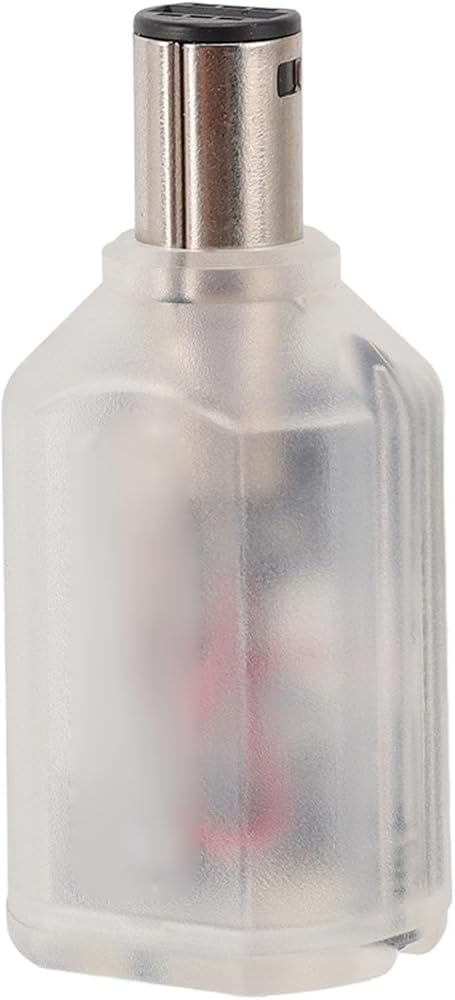
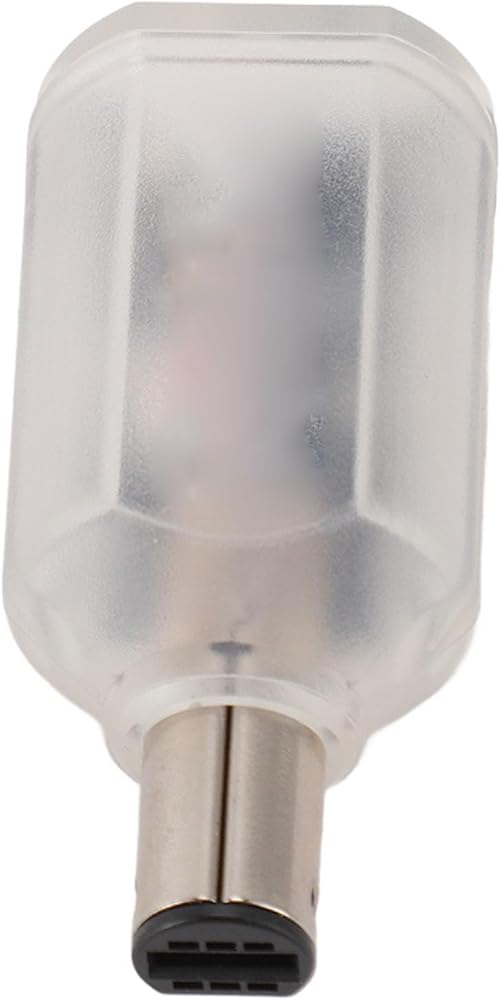
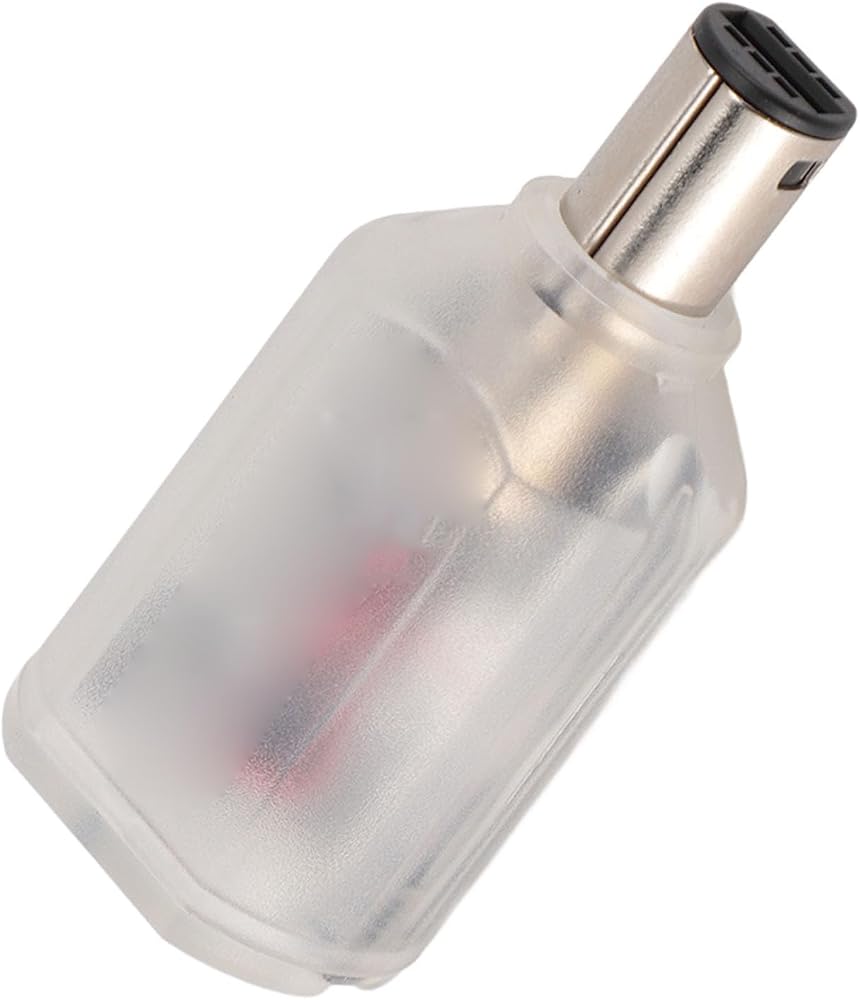
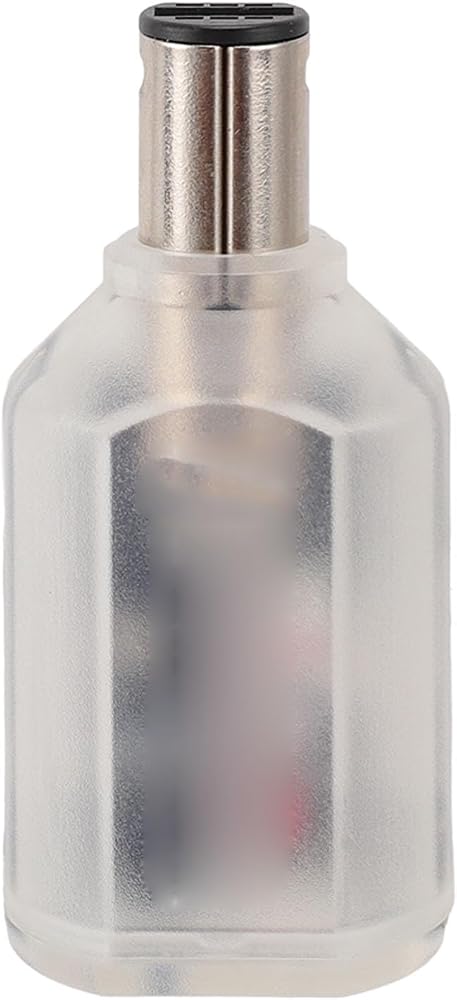
1. Compatible : wireless controller adapter allows you to connect for , , for , for , for , for Series X/S, for and other controller devices.
2. Stable connection: fast response, almost no latency, the latency of the controller using the adapter is less than 6 milliseconds, ultra low latency ensures a smooth gaming experience.
3. Firmware update support: Ensure your adapter is up to date with the latest features and improvements by easily updating the firmware. Stay ahead with improved compatibility and performance.
4. Support console accessories: Use your favorite input devices for gaming. Connect your keyboard, mouse or trackball to the adapter for a personalized gaming experience.
5. Easy to configure: The key value of the buttons can be configured via the web port for . Experience seamless gaming with this wireless adapter.
Specifications Specification:
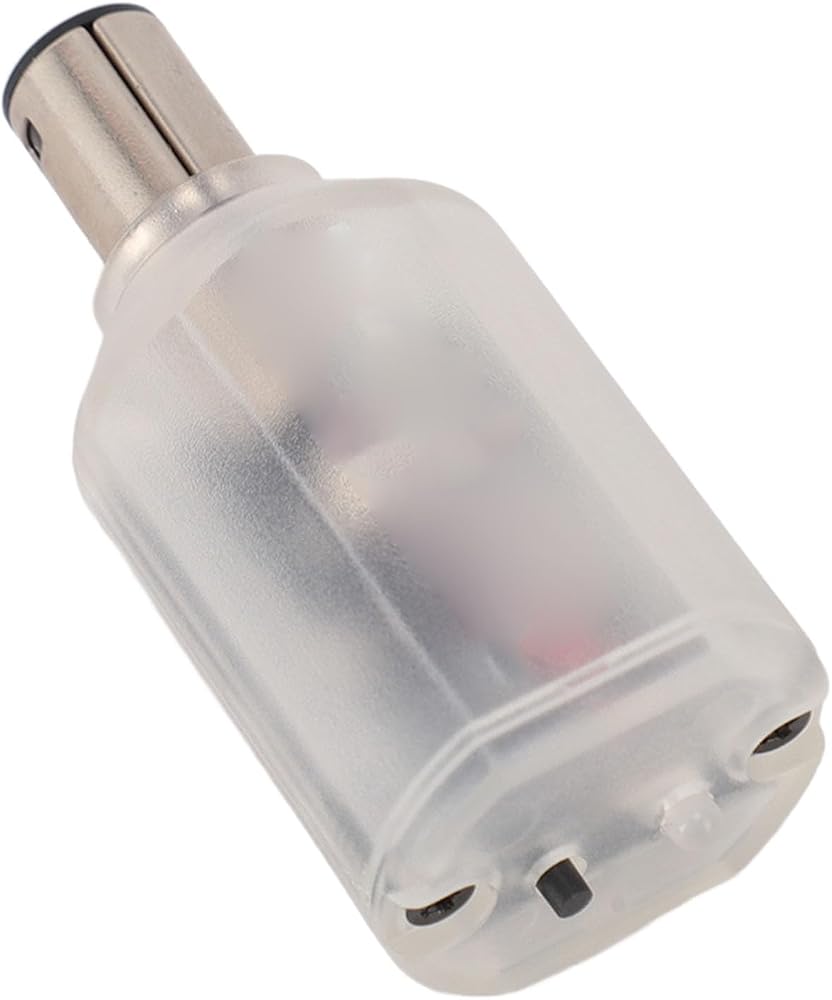
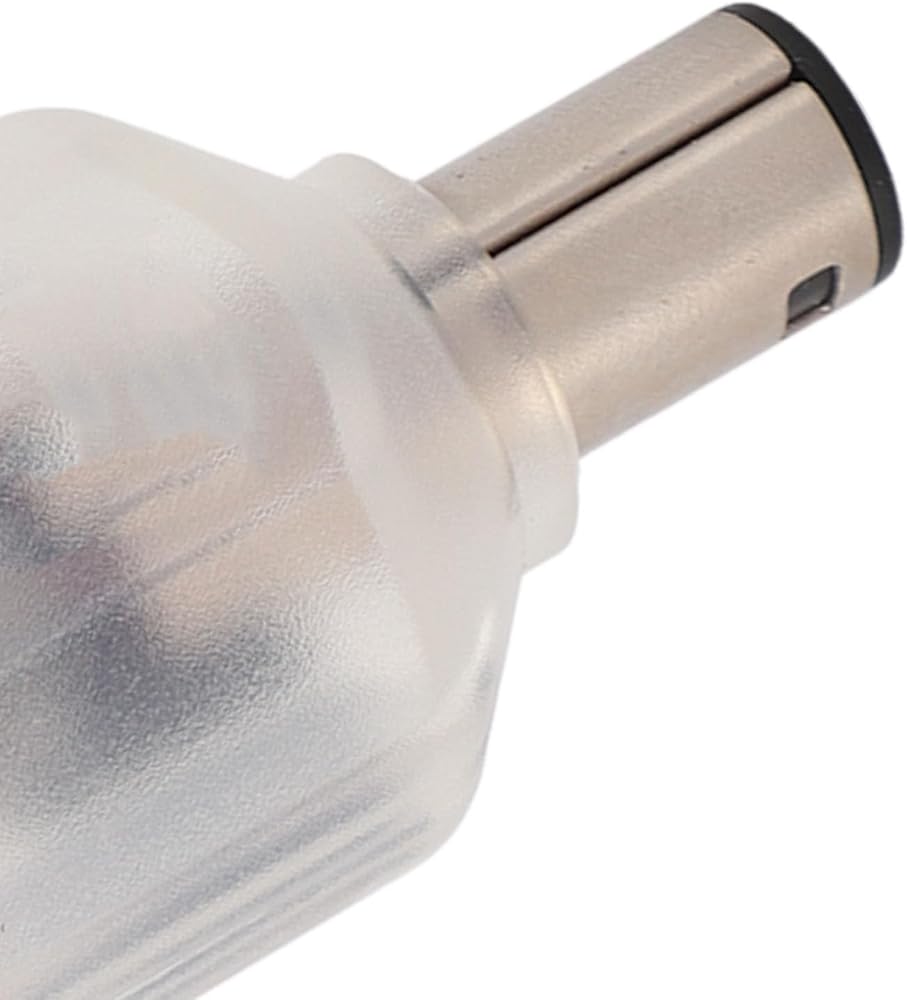
Item Type: Wireless Controller Adapter
Product material: ABS
Compatible wireless controllers: for S, for Series
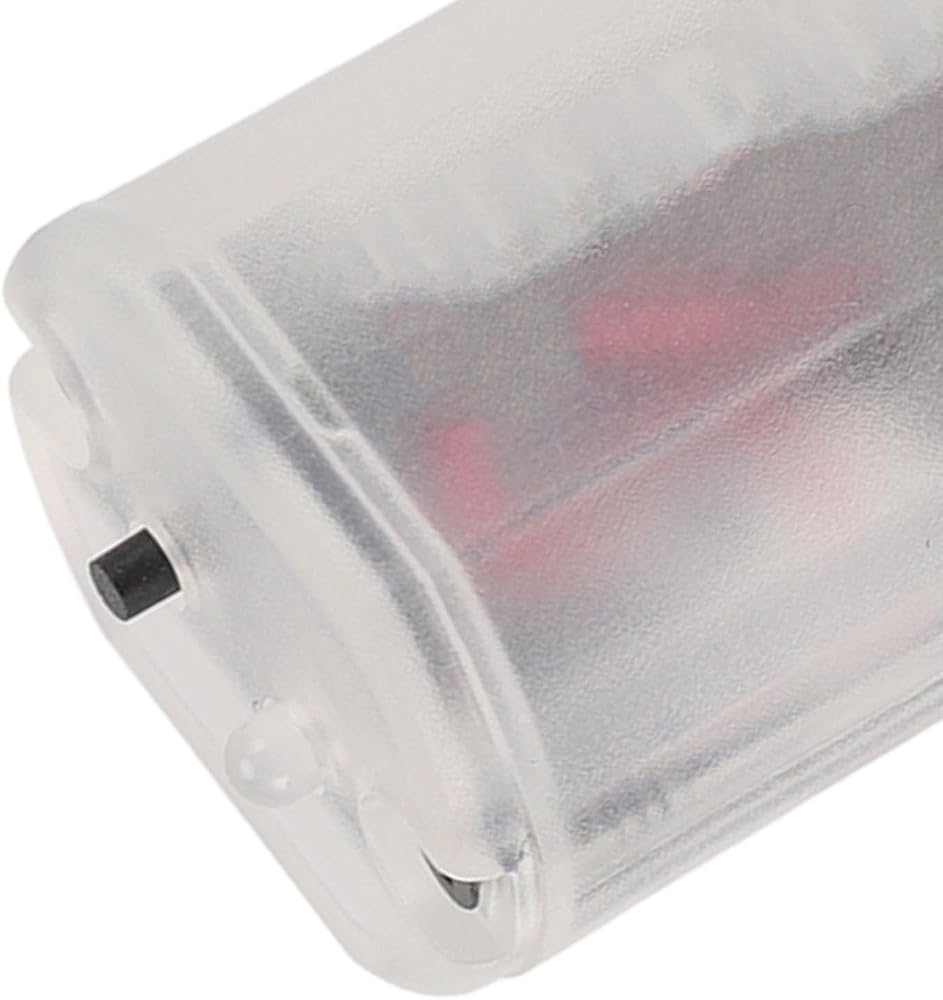
LED status:
Red LED fully lit: error
Red LED flashes: searching for wireless controller
Blue LED off: connection successful
Button used:
Short press: disconnect all devices and start a new pairing
Press and hold for 10 seconds: default configuration and clear pairing key
How to use:
Remove the product and use it. For Blueretro Firmware Upgrade Guide:
1. Connect the adapter to the mainframe and power on the mainframe.
2. Disconnect the linked controllers.
3. Turn on on your computer and go to the website.
4. Follow the prompts and select \'BlueRetro OTA FW Update\'.
5. Connect the adapter to the controller.
6. on.
Package List:
1 x Wireless Controller Adapter
1 x manual
Note:
This product may not be compatible with , Series X, and Series S consoles due to software updates.
1
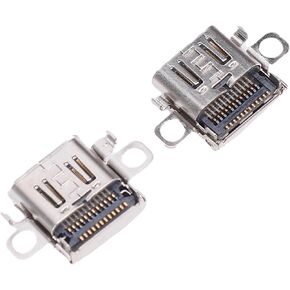 2 TypeC Console Ports, Replacement Charging Port, Reliable Quality, Convenient Charging for 2, Parts Console Jack for Users
SAR 34
2 TypeC Console Ports, Replacement Charging Port, Reliable Quality, Convenient Charging for 2, Parts Console Jack for Users
SAR 34
 SENECESLI Vertical Stand for Slim Console, RGB Vertical Support Stable with USB Interface, Console Base Stand with Anti Slip Foot Pad for Slim Disc and Digital (Black)
SAR 94
SENECESLI Vertical Stand for Slim Console, RGB Vertical Support Stable with USB Interface, Console Base Stand with Anti Slip Foot Pad for Slim Disc and Digital (Black)
SAR 94
 Thumb Grips Joystick Cap Analog Stick Cover for Thumb Grip Caps for XboxOne ()
SAR 29
Thumb Grips Joystick Cap Analog Stick Cover for Thumb Grip Caps for XboxOne ()
SAR 29
 Replacement Thumbsticks for Edge, for Pro Elite, for PS4, for Pro, for Xboxone, for XboxSeries, 6 x Thumbsticks Caps, 2 x Replacement Thumbsticks (Red)
SAR 81
Replacement Thumbsticks for Edge, for Pro Elite, for PS4, for Pro, for Xboxone, for XboxSeries, 6 x Thumbsticks Caps, 2 x Replacement Thumbsticks (Red)
SAR 81