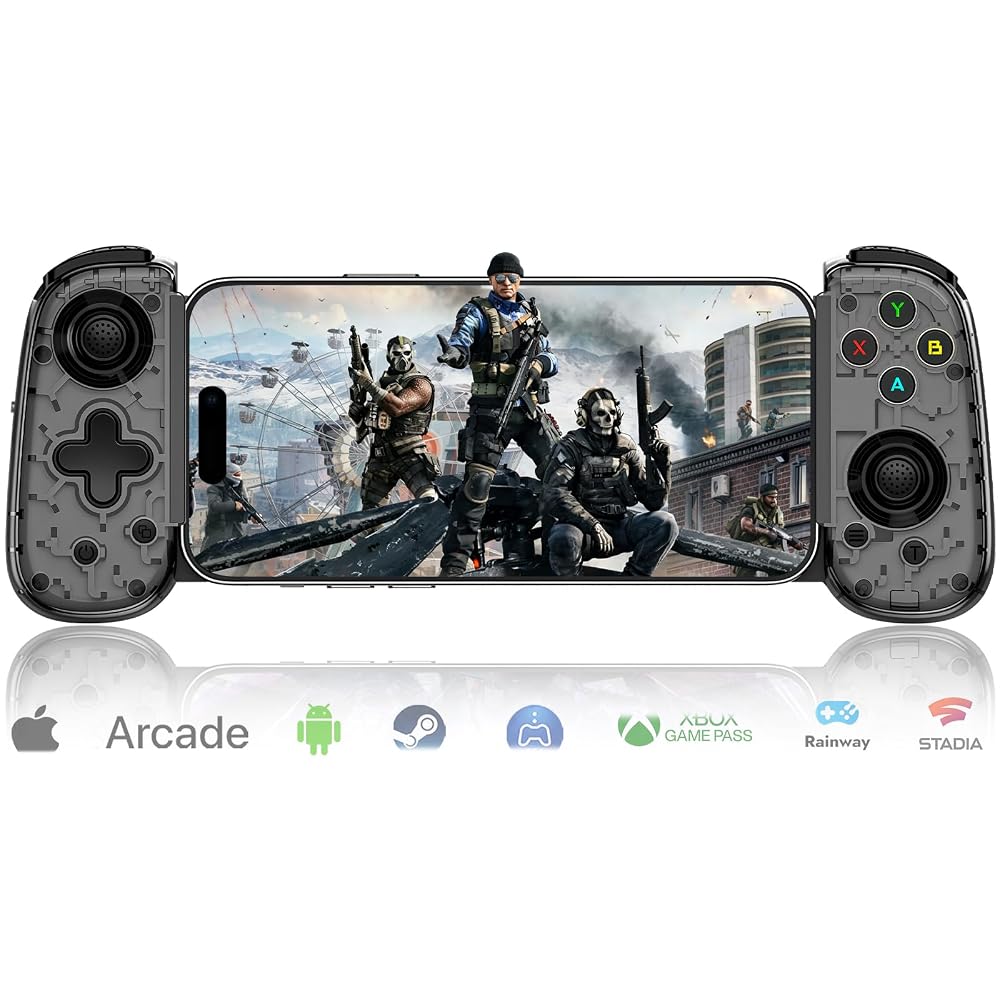
Mobile Gaming Controller for Android & ALL iPhone Series (Support USB-C & Wireless Connect) Phone Gamepad with Hall Effect Joystick, Turbo, Support Streaming, Cloud Gaming, Simulator, Plug & Play Black
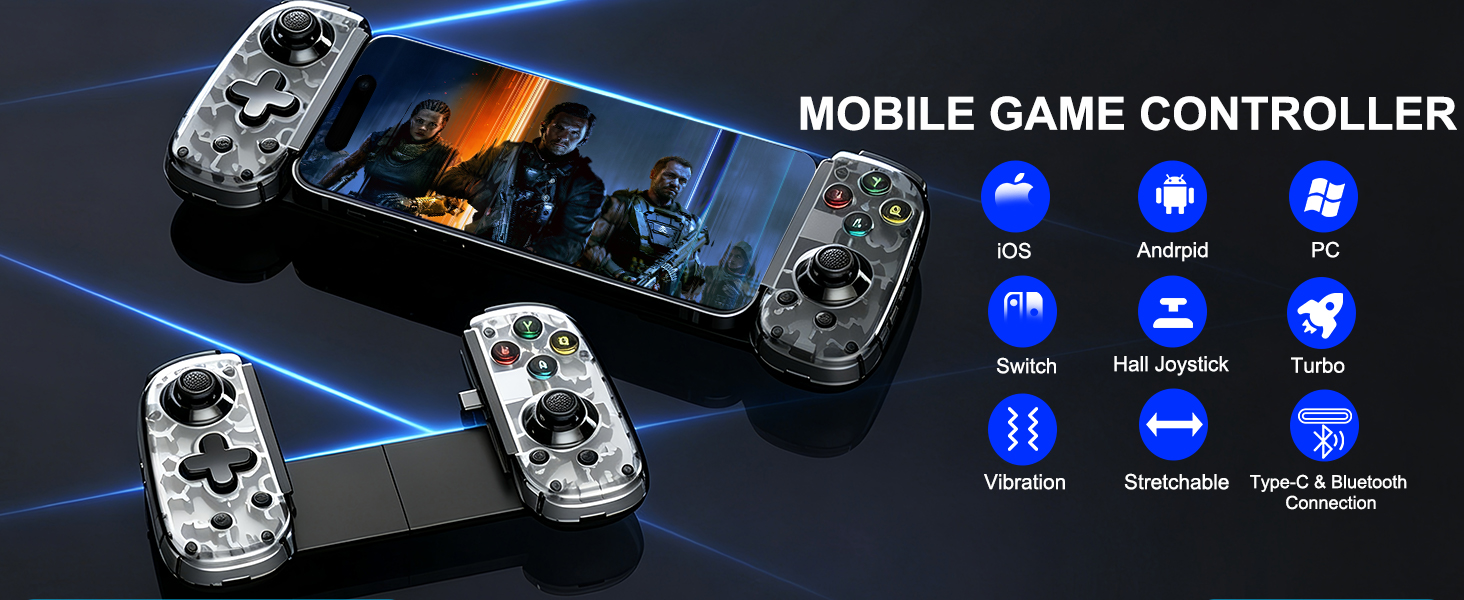
WIDELY COMPATIBLE:This mobile game controller is compatible with iOS 13.0+, Android 6.0+, and Windows 7.0+System. The phone game controller work with all iPhone models and most Android phones. It i also compatible with iPad, tablets, Switch, Switch 2 and PC [Note: The iPad/tablet/Switch 2 cannot be placed on the controller.]
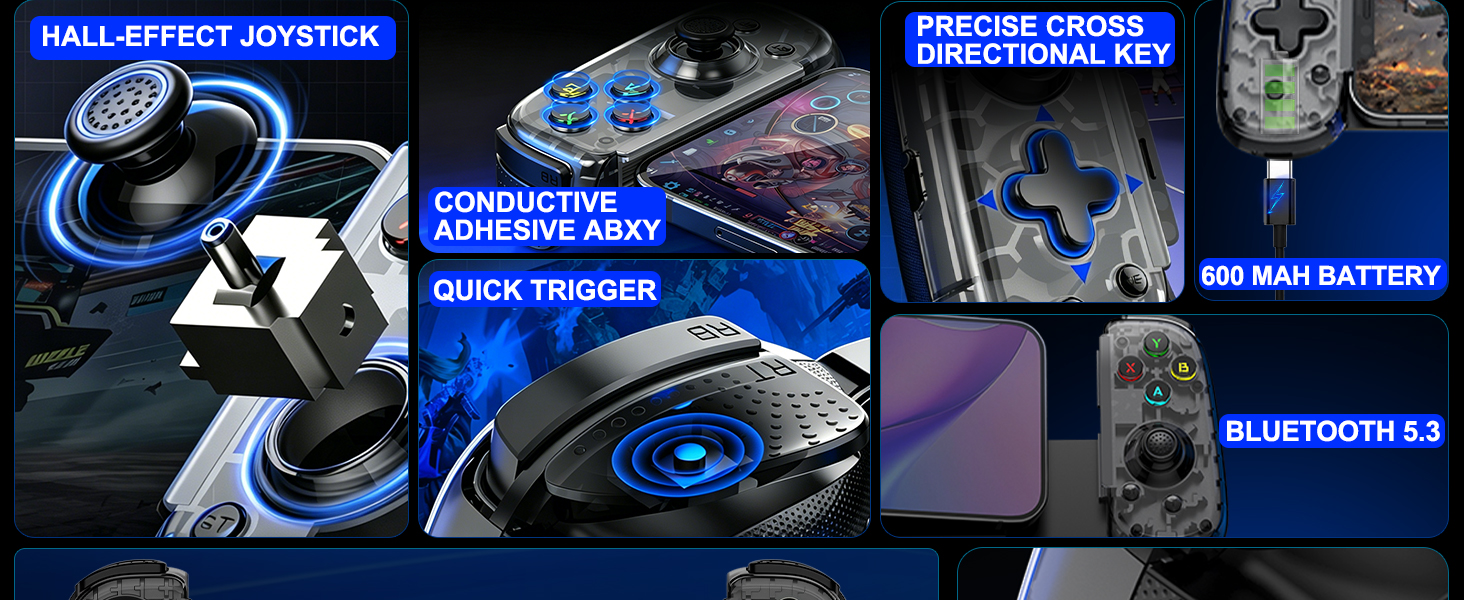
TWO CONNECTION MODES: This phone controller for iphone supports two connection modes: Type C interface connection and Bluetooth wireless connection. There is a foldable type-c interface on the right side of the controller, and simply connect the USB C interface smartphone to the type-c interface to play directly. This android gaming controller comes with Bluetooth 5.3, wireless connection of 32.8ft, stable connection, and achieves low latency gaming
HALL EFFECT JOYSTICKS: This wireless gaming controller hall effect sensing sticks deliver 360°seamless pinpoint control, provide the precision and durability that mobile gamers demand. And theQuick-response trigger offer unparalleled smoothness and responsiveness, giving you a competitive advantage in any game
TURBO & VIBRATION ADJUSTMENT: This android phone controller with turbo function. You can set A/B/X/Y/LB/RB/LT/RT keys to manual turbo function. Additionally, press the ‘T' button on the controller and move the right analog stick up or down to adjust the vibration intensity
PLAY VIRTUALLY ANY GAME, ANYWHERE: This ps portal remote player controller supports streaming from PS5/PS4, X-box one/X-box Series S/X and PC consoles via PS Remote Play APP, X-box official website and Steam Link App. Supports X-box Game Pass, Nvidia GeForce Now, Luna, Google Stadia, Rainway, A-pple Arcade, MFi games and emulators gaming & hundreds of popular mobile games including Call of Duty Mobile(CODM), Call of Duty: Warzone Mobile, Genshin Impact, Minecraft, Roblox, Diablo Immortal, Asphalt 9/8 etc
NOTE: (1)Please fully charge the controller before first use. (2)There is a 'Mode Switch Button' on the left side of the controller; Please switch modes according to the device. (3)For wireless connection: You must long press the power button for 5s to quickly flash the indicator light in order to search for Bluetooth pairing.(4)For USB-C connection: If the controller does not light up when the phone is connected to the controller, try removing the phone case
 13 in 1 PUBG Mobile Game Controller for Android Phone & iPhone | For Pubg/Call of Duty/Fortnitee, 4 fingers operation, max thickness: 13mm, with cell phone game finger sleeves
SAR 94
13 in 1 PUBG Mobile Game Controller for Android Phone & iPhone | For Pubg/Call of Duty/Fortnitee, 4 fingers operation, max thickness: 13mm, with cell phone game finger sleeves
SAR 94
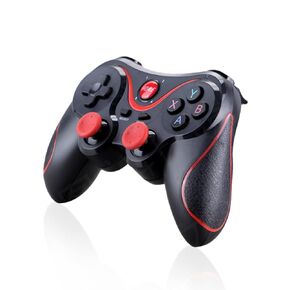 Yoidesu X3 Gaming Controller for Android for IOS Mobile Phone TV Computer CP VR, Dual Vibration Wired BT Game Remote Gamepad Joystick with Built in 400mAh Rechargeable Battery
SAR 210
Yoidesu X3 Gaming Controller for Android for IOS Mobile Phone TV Computer CP VR, Dual Vibration Wired BT Game Remote Gamepad Joystick with Built in 400mAh Rechargeable Battery
SAR 210
 Mobile Gaming Controller for iPhone/iPad/iOS/Android Phone/Tablet/PC with Green Light, Wireless Gamepad for Xbox Cloud Gaming, PS Remote Play, Steam Link, CODM, Genshin Impact, Roblox, Minecraft
SAR 170
Mobile Gaming Controller for iPhone/iPad/iOS/Android Phone/Tablet/PC with Green Light, Wireless Gamepad for Xbox Cloud Gaming, PS Remote Play, Steam Link, CODM, Genshin Impact, Roblox, Minecraft
SAR 170
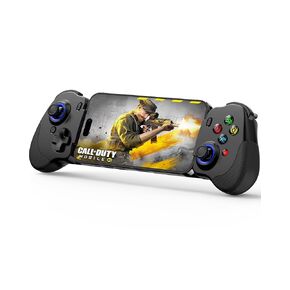 Crotrain Type-C Mobile Gaming Controller for Android & iPhone 16/iPhone 15 Series (USB C) Plug and Play Gamepad with Hall Effect Joysticks/Hall Trigger, for Xbox Cloud Gaming/PS Remote Play/PUBG/CODM
SAR 157
Crotrain Type-C Mobile Gaming Controller for Android & iPhone 16/iPhone 15 Series (USB C) Plug and Play Gamepad with Hall Effect Joysticks/Hall Trigger, for Xbox Cloud Gaming/PS Remote Play/PUBG/CODM
SAR 157

 Saudi Arabia