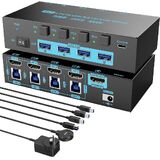
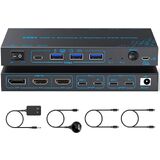
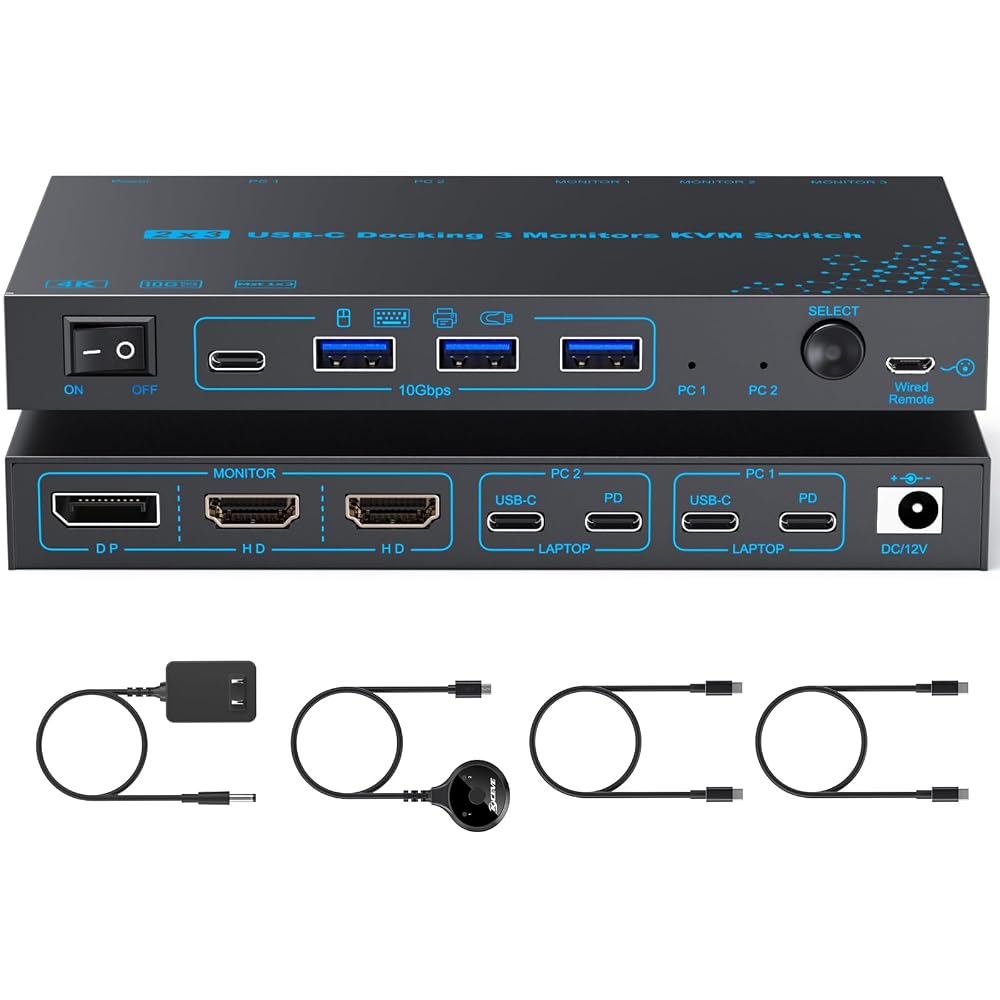
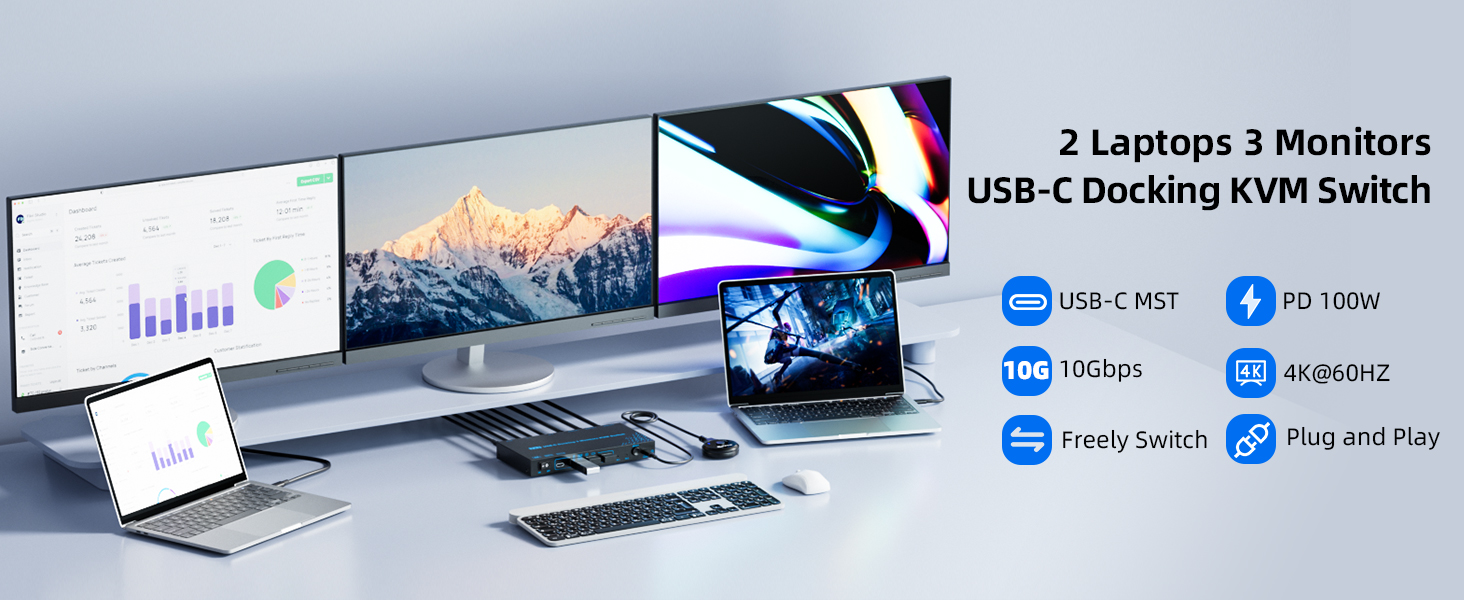
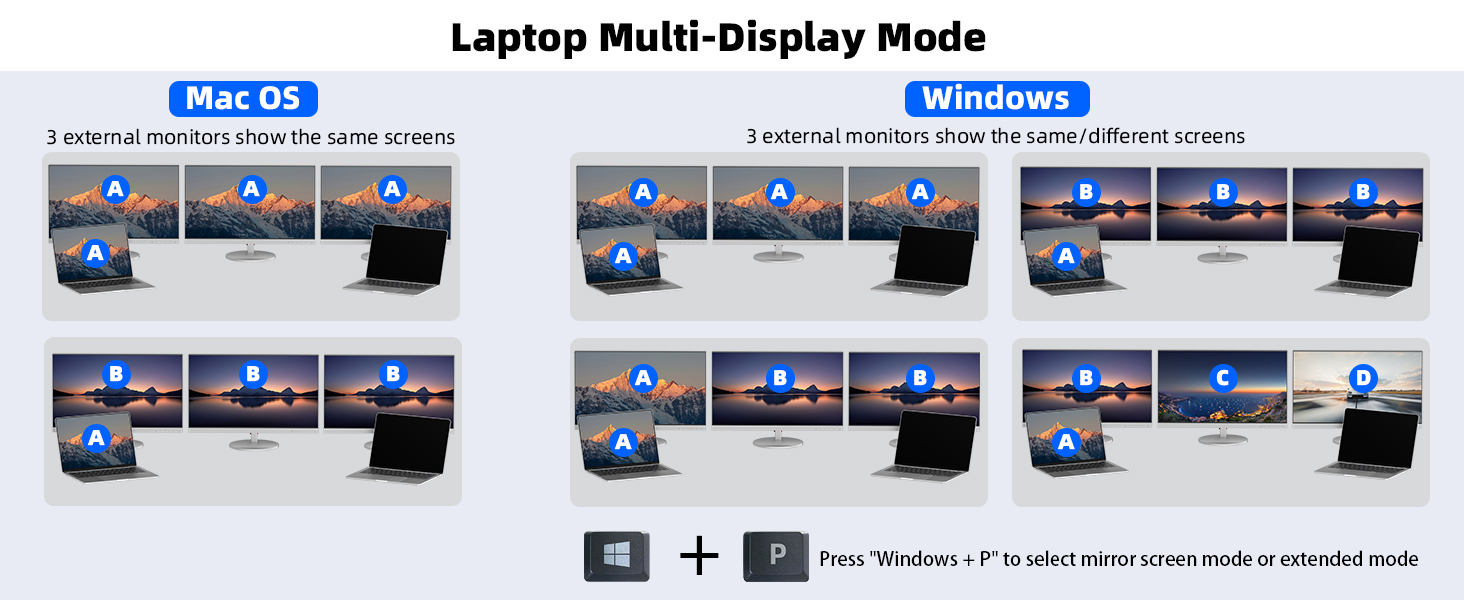
【KVM Switch 3 Monitors 2 Laptops USB-C Docking】 This 2 laptops 3 monitors USB-C docking KVM switch combines a powerful docking station with a 3-monitor, 2-computer KVM switch. Expand your laptop to three external displays (2× HDMI + 1× DP) and four USB 3.1 ports, while easily toggling between two laptops to share all 3 monitors and 4 USB 10Gbps peripherals. Save money, declutter your desk, and get more done. 𝙉𝙤𝙩𝙚: Extend Mode is NOT supported on Mac OS.
【MST Triple Display – Dual 4K@60Hz + 1080P@60Hz】The 2 laptops triple monitor USB-C KVM switch supports up to dual 4K@60Hz and one 1080P@60Hz output, turning one laptop screen into three. Plug and play – no drivers or software needed. Switch between personal and work laptops with a single press. 𝙉𝙤𝙩𝙚: Actual resolution depends on your laptop, monitor, and cable specs.
【10Gbps USB 3.1 Gen2 – Fast & Stable】The 2 port MST USB-C docking KVM switch has four USB 3.1 Gen2 ports deliver blazing 10Gbps transfer speeds for keyboard, mouse, printer, external drives, and more – significantly faster and more stable than USB 3.0. 𝙉𝙤𝙩𝙚: For best performance with high-power devices, connect the included 12V/1A adapter to the DC port.
【100W PD Fast Charging – Power Your Laptop】2 laptops 3 monitor USB-C KVM switch Built-in 100W Power Delivery port lets you charge your laptop right through the dock – just plug your PD 100W laptop charger into the PD port from socket. No more hunting for free USB-C ports. 𝙉𝙤𝙩𝙚: Actual charging power to the laptop is around 73–80W due to system and cable consumption.
【Universal Compatibility & Easy Switching】The 3 monitors 2 laptops KVM switch works seamlessly with Windows, macOS, Linux, and Chrome OS. Switch between laptops in seconds using the panel button or the included wired remote – with clear LED indicators showing which computer is active.
【Important Note – Read Before Purchase / Use】(𝟭) To get 3 screens output from laptops and make USB peripheral devices work properly, please ensure the USB-C port of the laptop supports DP Alt function(Video&Data&PD Transfer) and multiple-screen outputs; The CPU generation of laptop should be 11th or above; (𝟮) To avoid flickering or black screen, please use standard USB-C 3.1 Gen 2 cable within 1M; The length of DP and HDMI cables should be within 1.5M; (𝟯) For Mac Os, the 3 monitors only support displaying the same screen(Mirror or Extend ONE different screen from MAC), because MAC M1/M2 doesn't support MST (multi-stream transport)
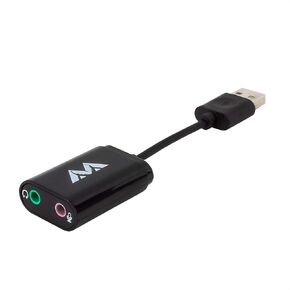 Antlion Audio Mic + Headphone External 3.5mm to USB-A External Sound Card
SAR 78
Antlion Audio Mic + Headphone External 3.5mm to USB-A External Sound Card
SAR 78
 RackChoice Server case MicroATX/Mini-ITX 2U Rackmount Server Chassis max 7x3.5 Bay / USB3.0 with 2.0 Adapter Support ATX PSU Either top or Side Cooling Depth 15.7"
SAR 512
RackChoice Server case MicroATX/Mini-ITX 2U Rackmount Server Chassis max 7x3.5 Bay / USB3.0 with 2.0 Adapter Support ATX PSU Either top or Side Cooling Depth 15.7"
SAR 512
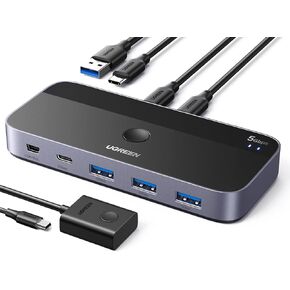 UGREEN USB Switch A & C Input for Computers - Share 4 Ports, Switcher Selector for PC, Laptop, Keyboard, Mouse, Webcam, Microphone - Adapter With 2 USB-C Data Cables and Remote
SAR 261
UGREEN USB Switch A & C Input for Computers - Share 4 Ports, Switcher Selector for PC, Laptop, Keyboard, Mouse, Webcam, Microphone - Adapter With 2 USB-C Data Cables and Remote
SAR 261
 USB Sound Card Virtual 7.1 Surround Sound USB to 3.5mm Jack Audio Adapter Cable External Sound Card for PC/PS4/PS5/Mac/Gaming Headset, with Mute/Volume Control, 6.5ft, Audio Control Box, Plug and Play
SAR 94
USB Sound Card Virtual 7.1 Surround Sound USB to 3.5mm Jack Audio Adapter Cable External Sound Card for PC/PS4/PS5/Mac/Gaming Headset, with Mute/Volume Control, 6.5ft, Audio Control Box, Plug and Play
SAR 94

 Saudi Arabia