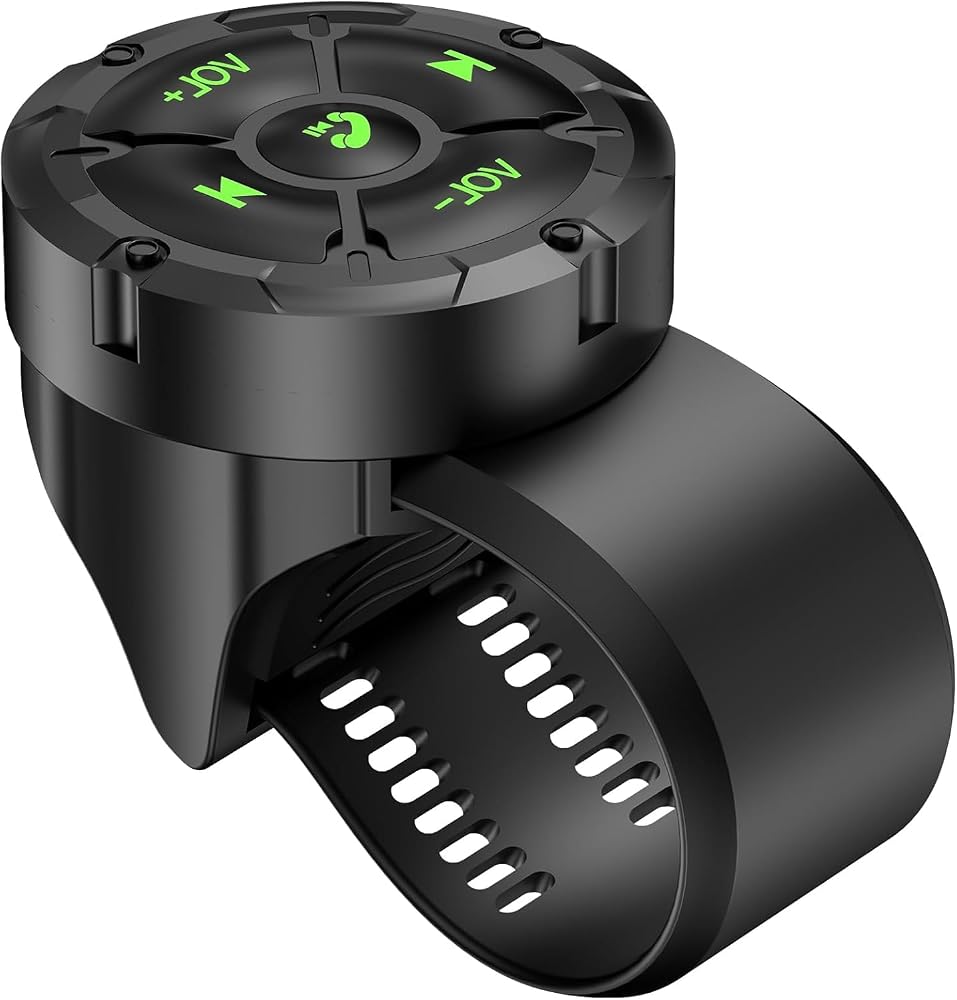
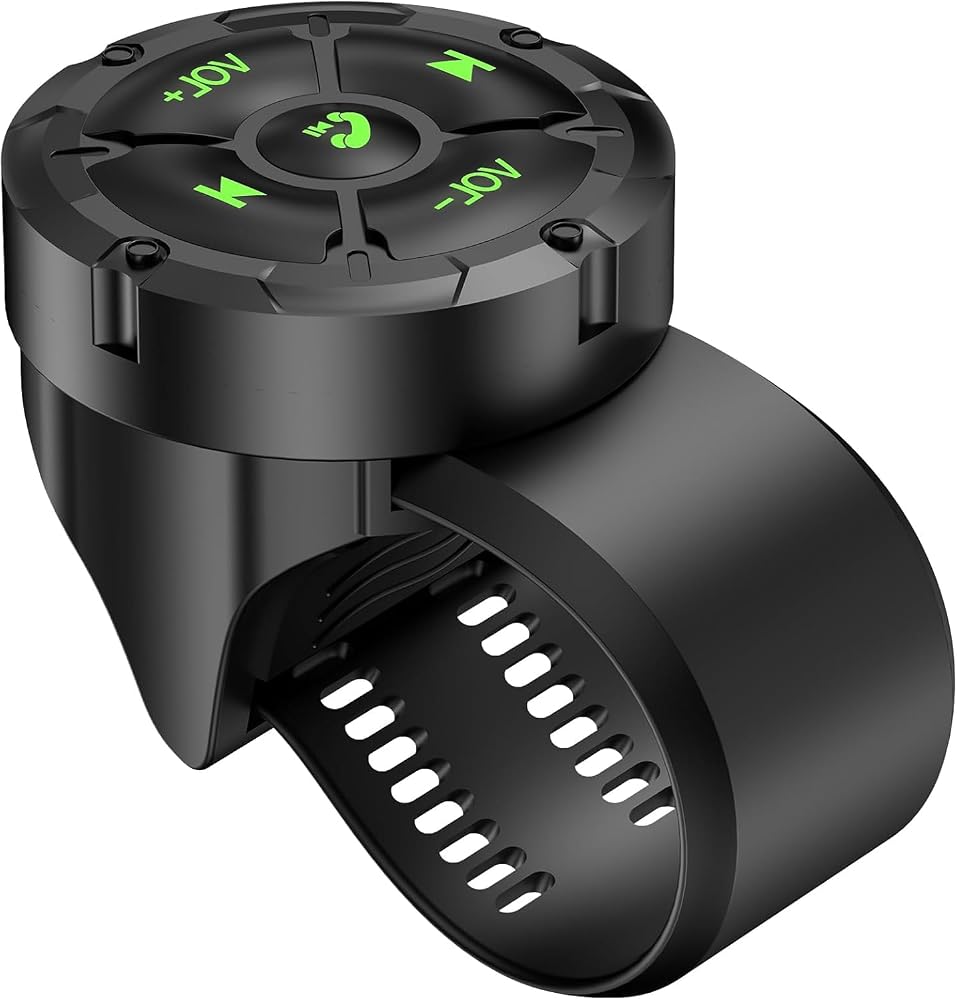
Bluetooth Media Button Remote Wireless Waterproof Music Controller | Wireless Bluetooth Steering Wheel Control Button Compatible for Smart Phone for Car Motorcycle Green
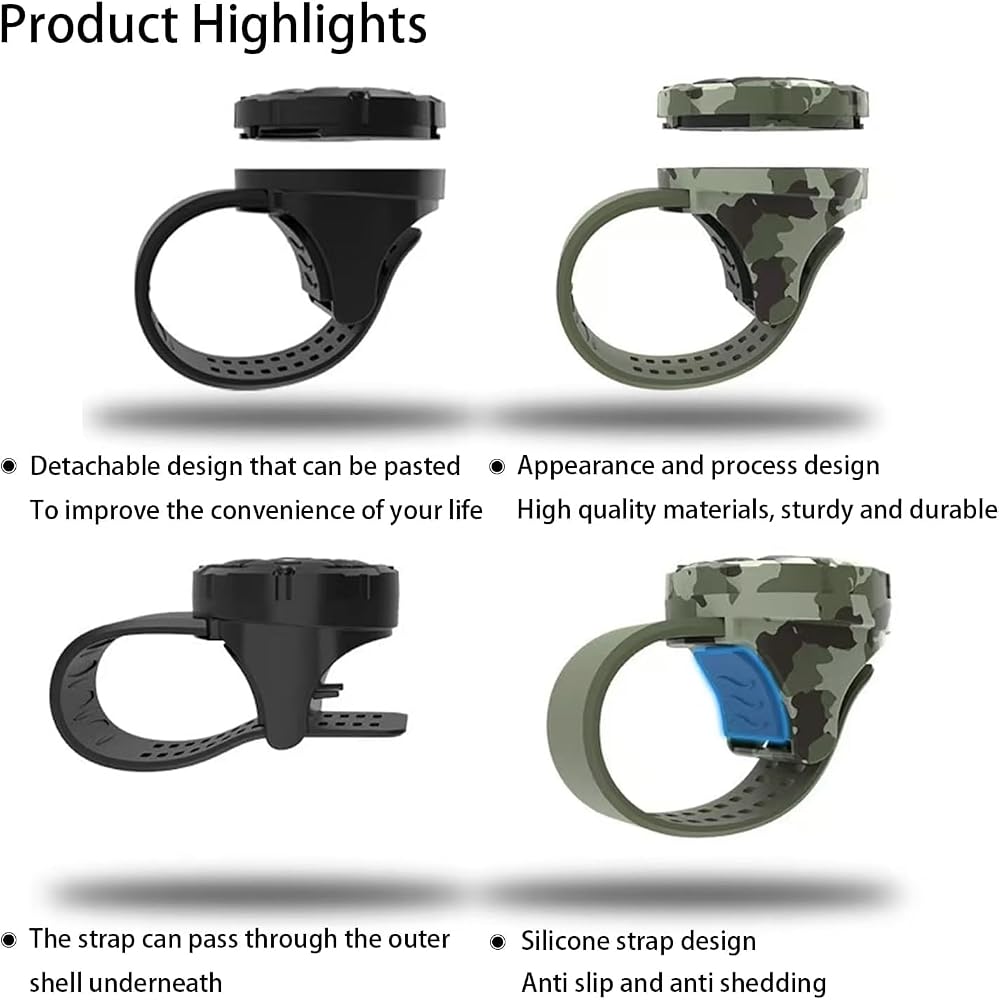
⭐ IMPORTANT NOTICE: To replace the battery of your Bluetooth media button remote control, please follow these steps: 1. Rotate the top border counterclockwise by about 30 degrees to separate it from the lower border. 2. Carefully unscrew the four small screws with a precision screwdriver. 3. Gently remove the circuit board - mark its orientation before removal to ensure proper installation during reassembly. 4. Replace with a new CR2032 battery. 5. Reinstall in reverse order to ensure that the printed circuit board is placed in the correct direction.
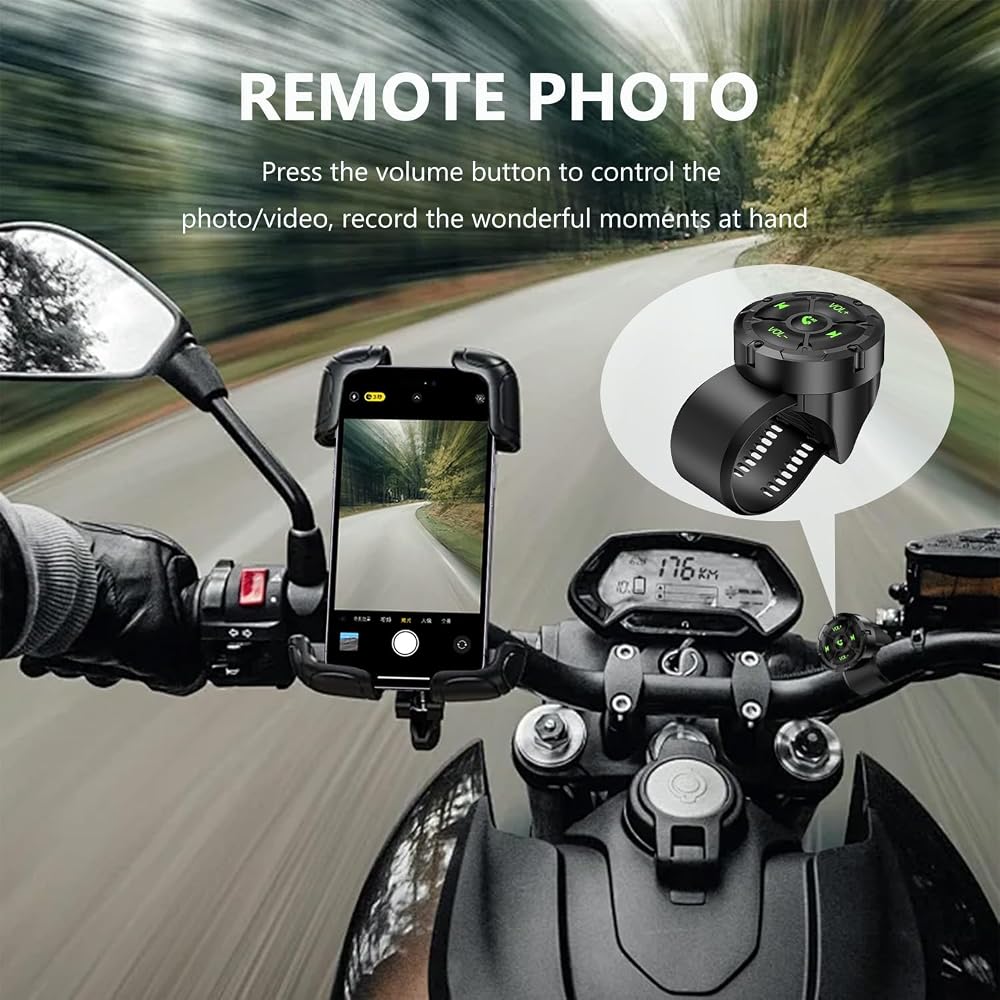
【Wireless Bluetooth Remote Control】 GLOBELEC wireless music Bluetooth control button, the remote control body is detachable, providing 4 directional adjustments The music Bluetooth remote control button is seamlessly compatible with various Bluetooth enabled devices. Quickly and easily pair with smartphones or mobile devices for instant control
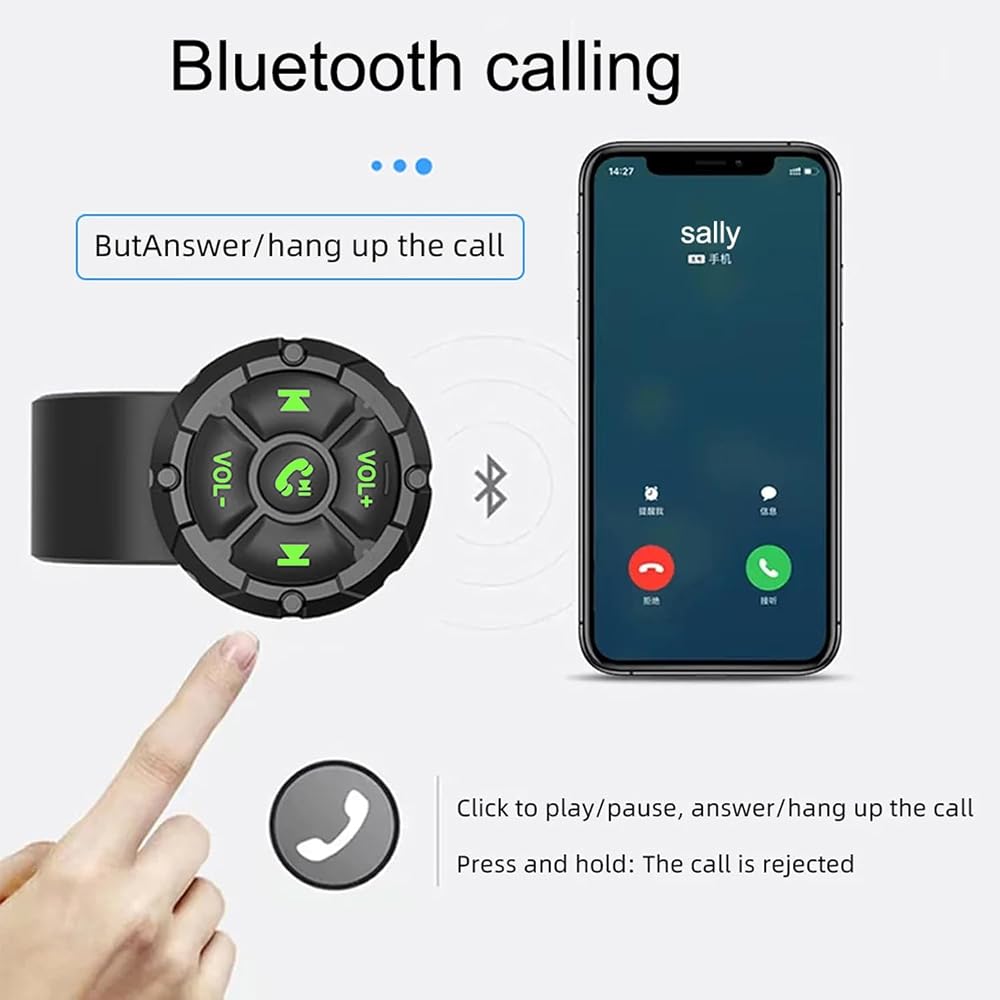
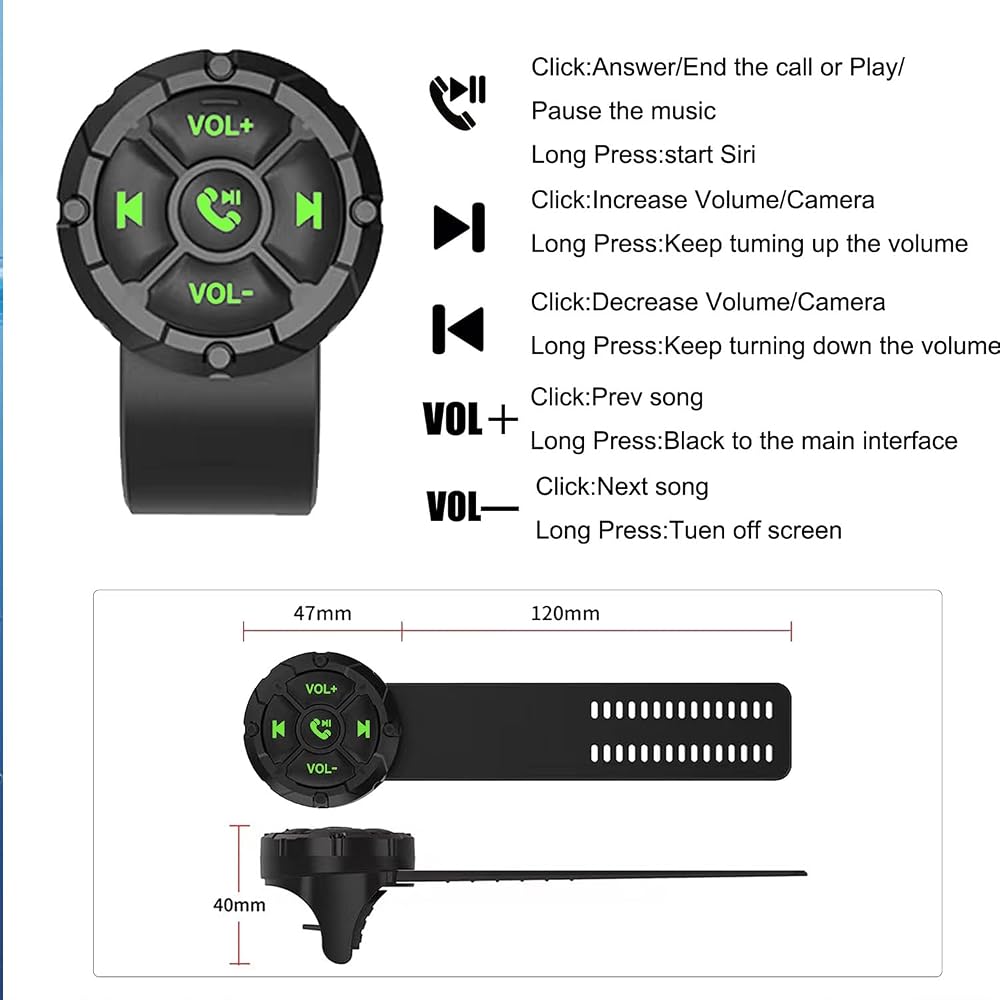
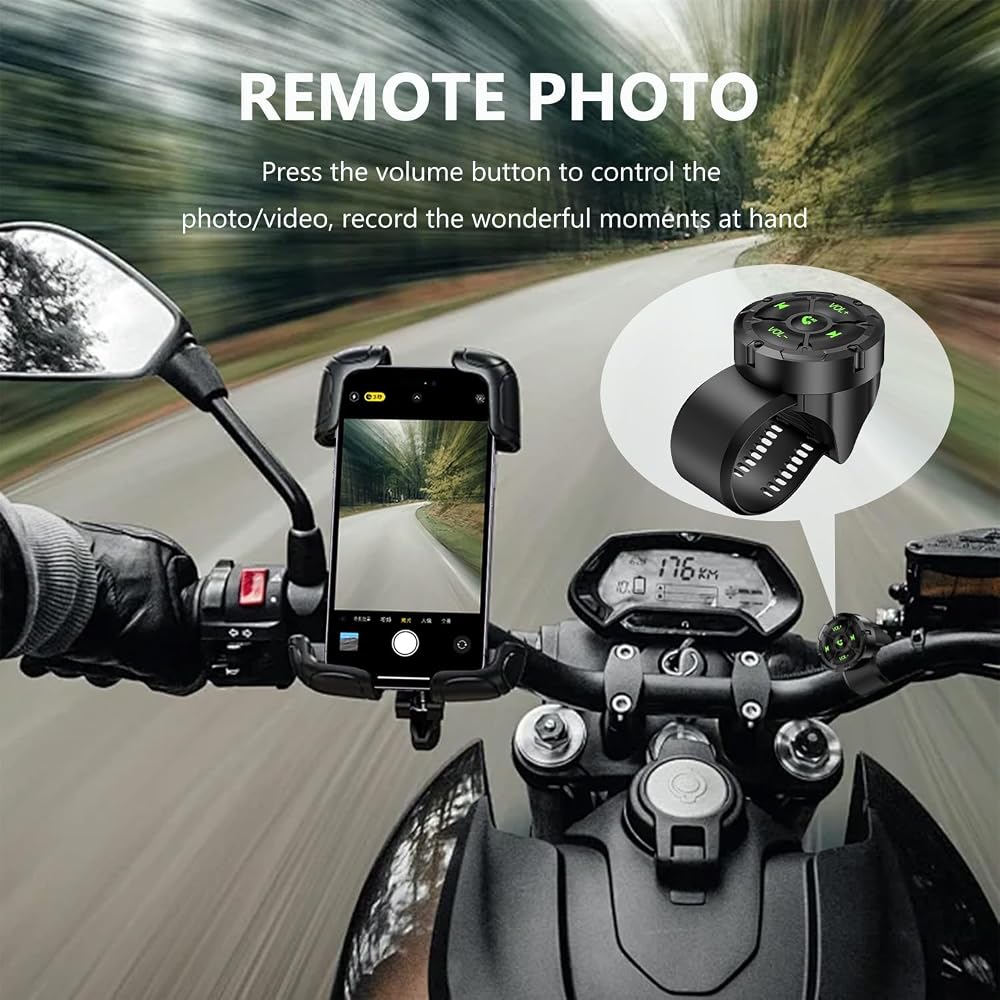
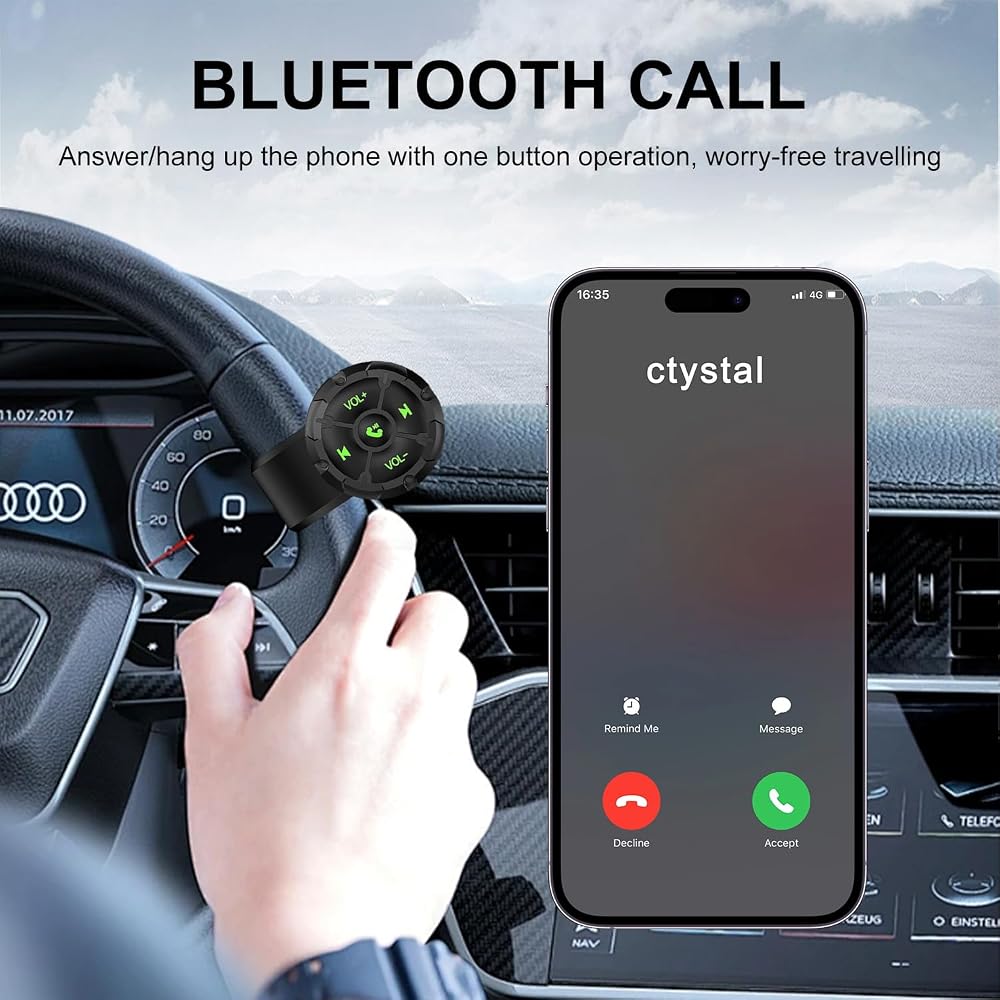
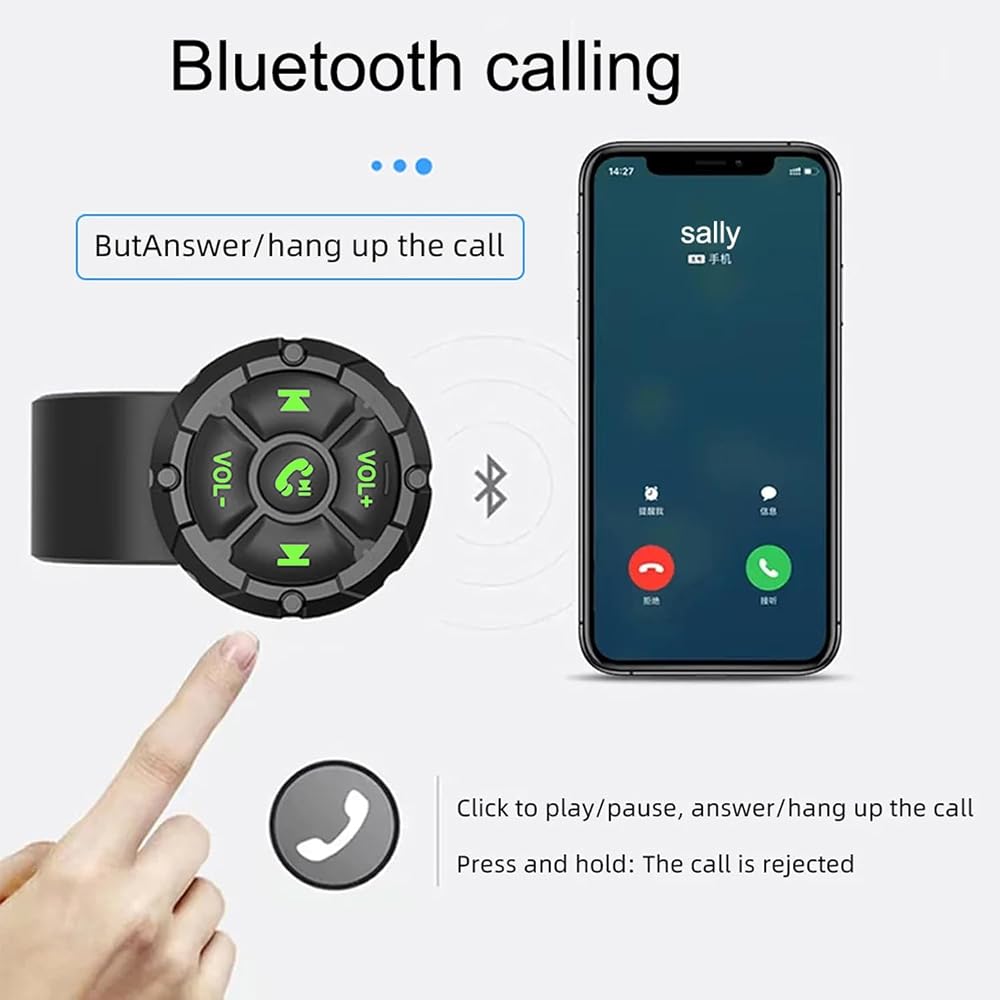
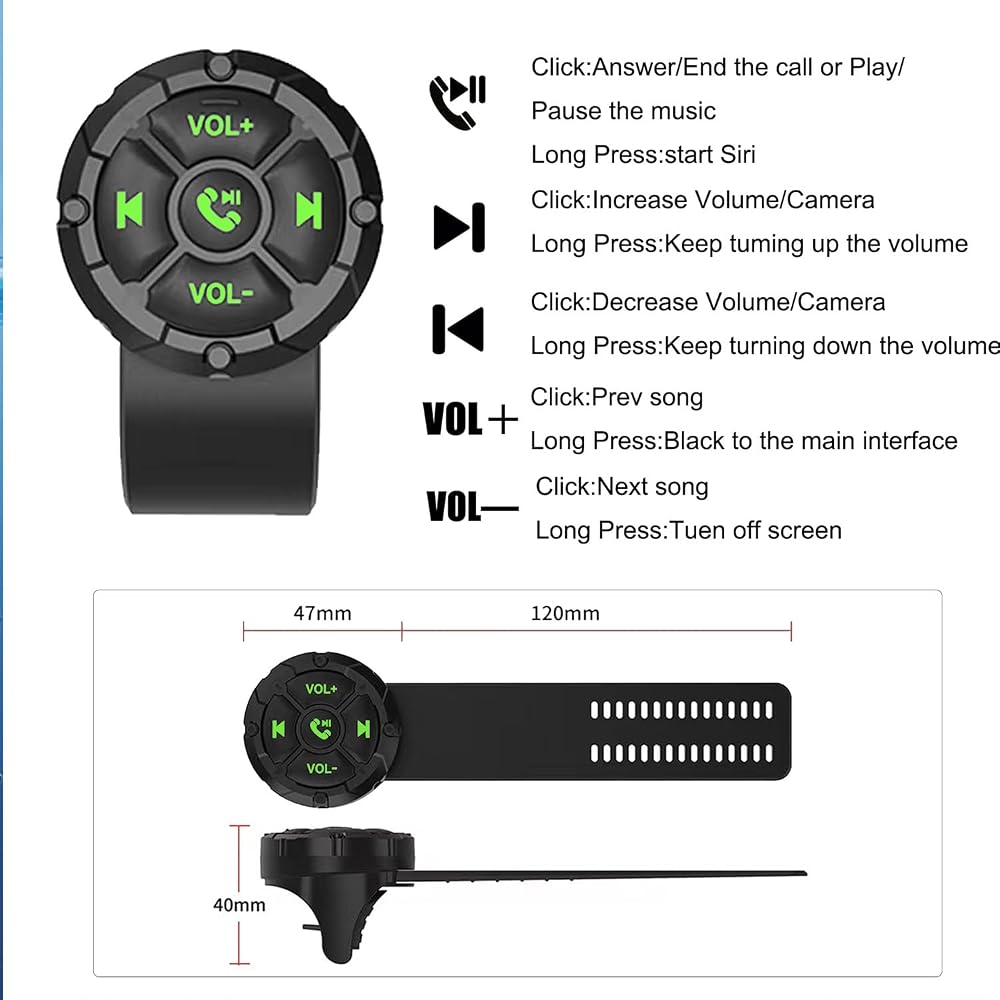
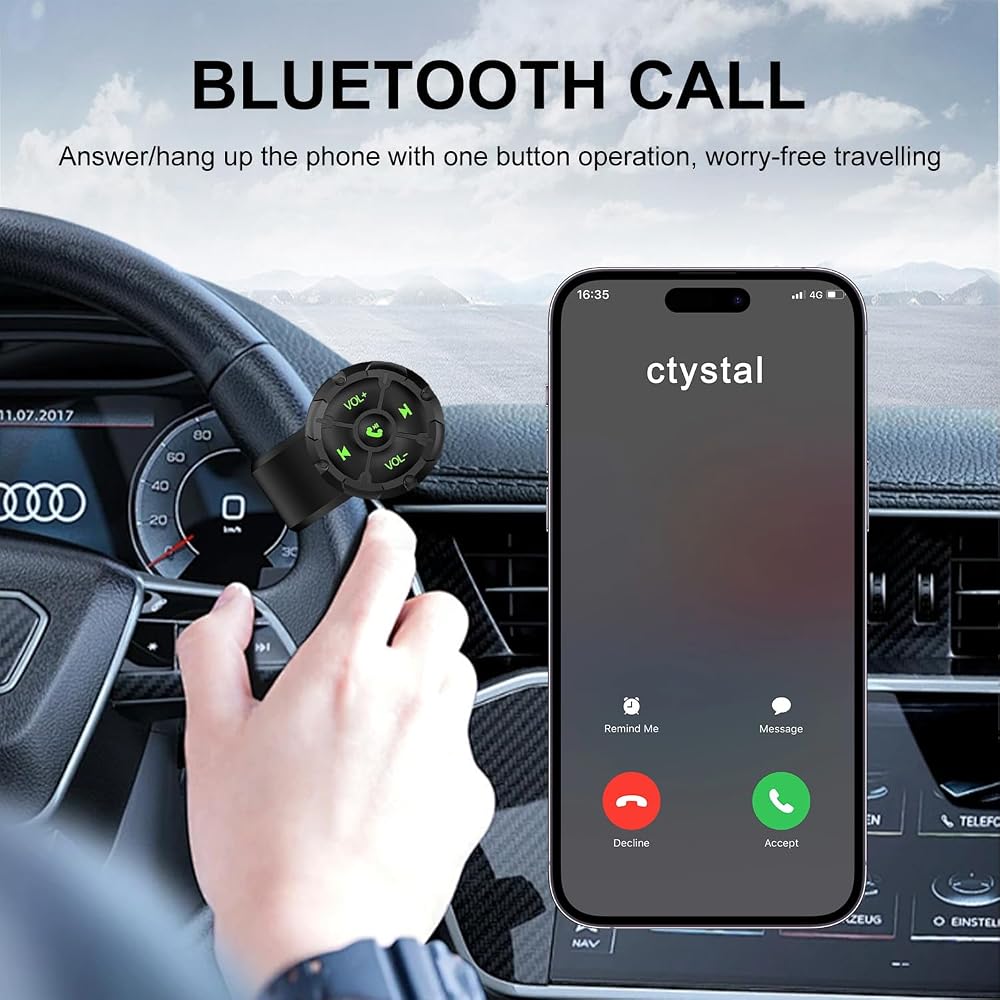
【 Compatible with Remote Control 】 The Bluetooth remote control is compatible with iOS and Android smartphones and can answer calls, adjust volume, switch songs, play/pause, wake up Siri, and take photos. When the Bluetooth remote control stops working, it will automatically enter standby mode. But when you press any button, it will automatically wake up and connect
【 Easy to use 】 The wireless Bluetooth button remote control is very easy to set up, you just need to press and hold the middle button to quickly match your phone. The controller and strap of the wireless media remote control can be rotated and disassembled. Convenient for you to replace the battery. It has four directional control buttons for easy use.
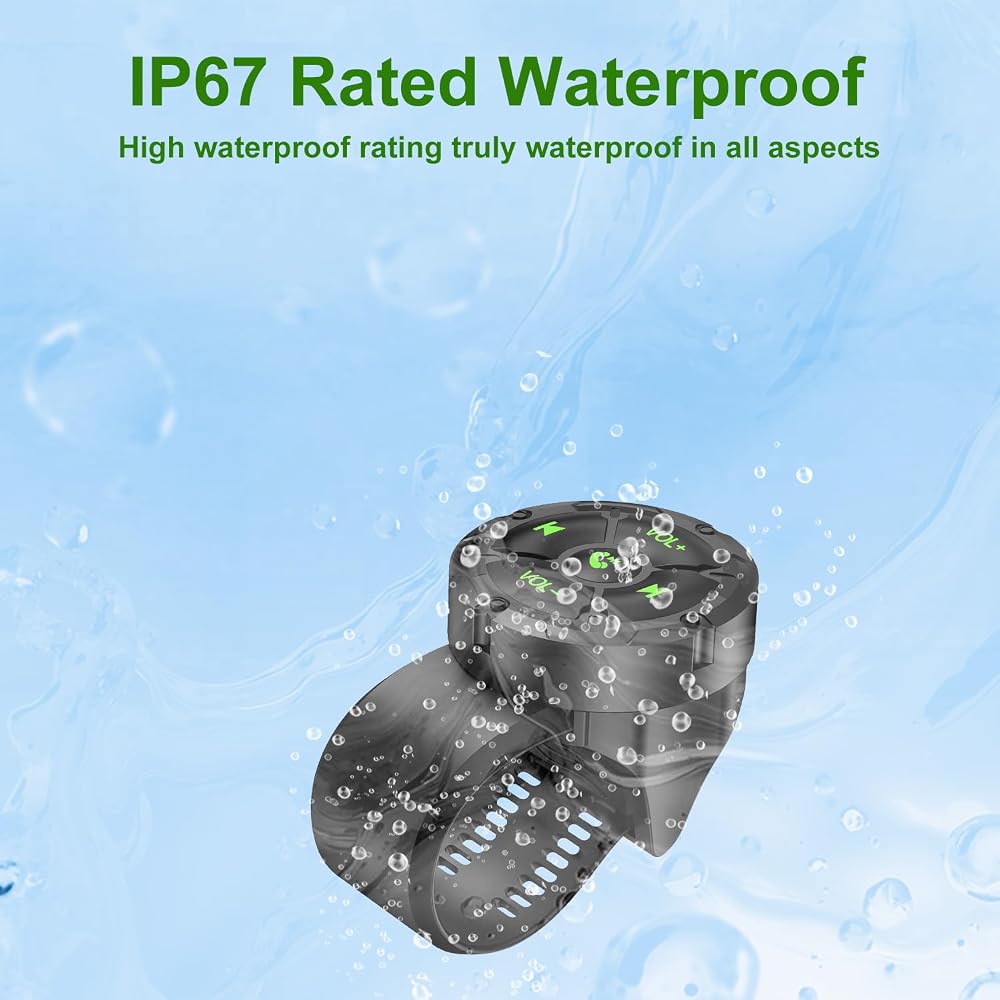
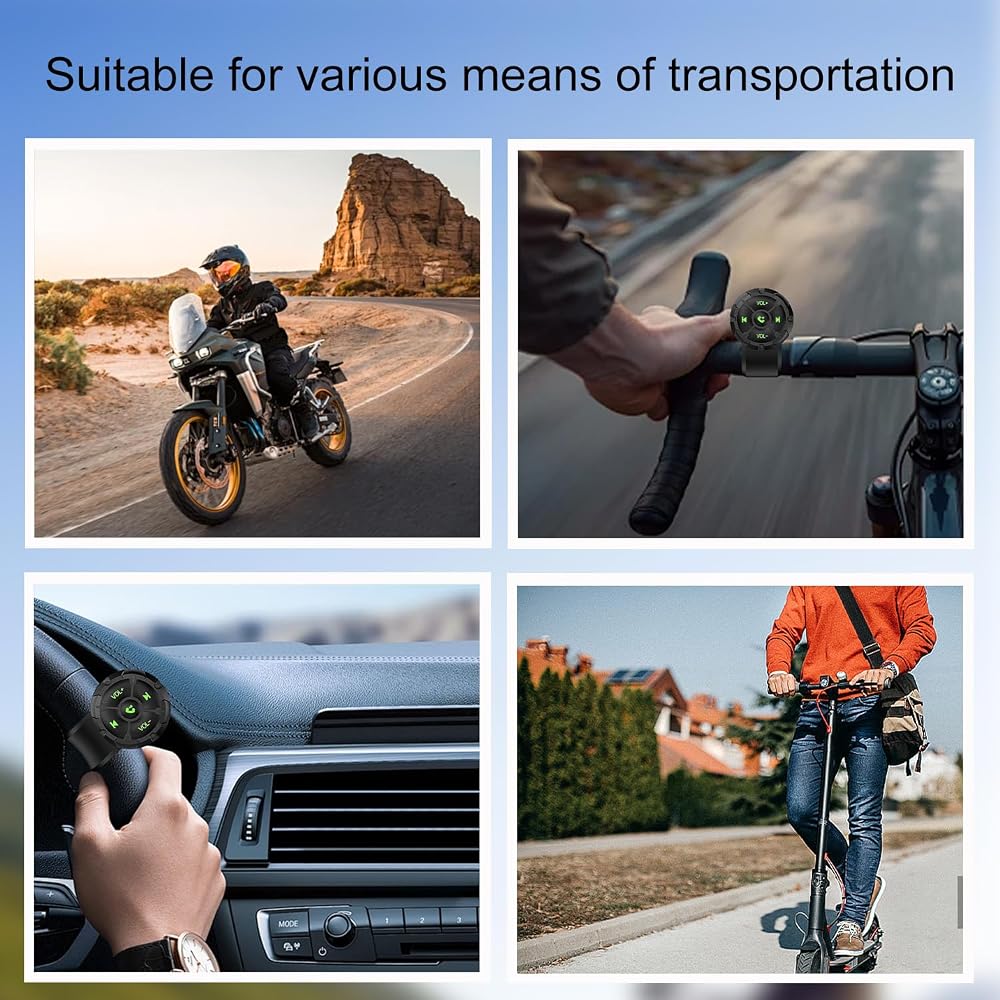
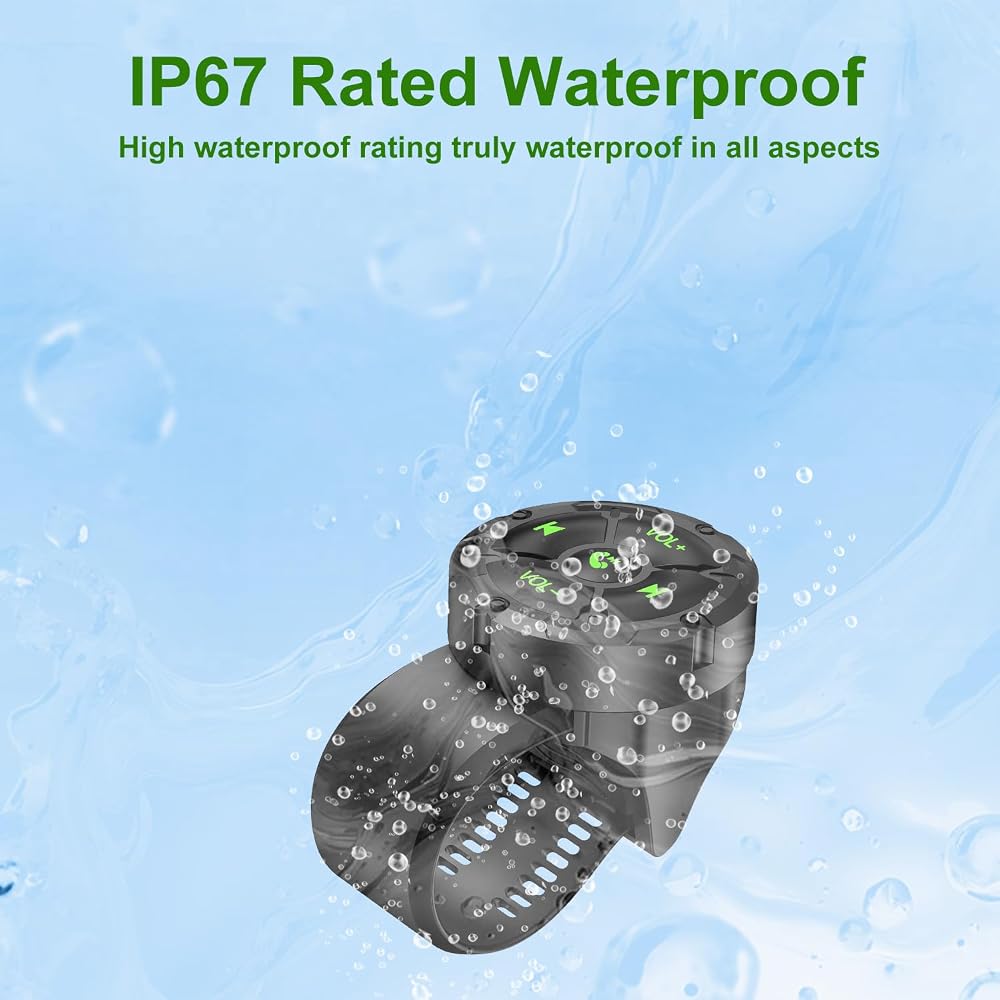
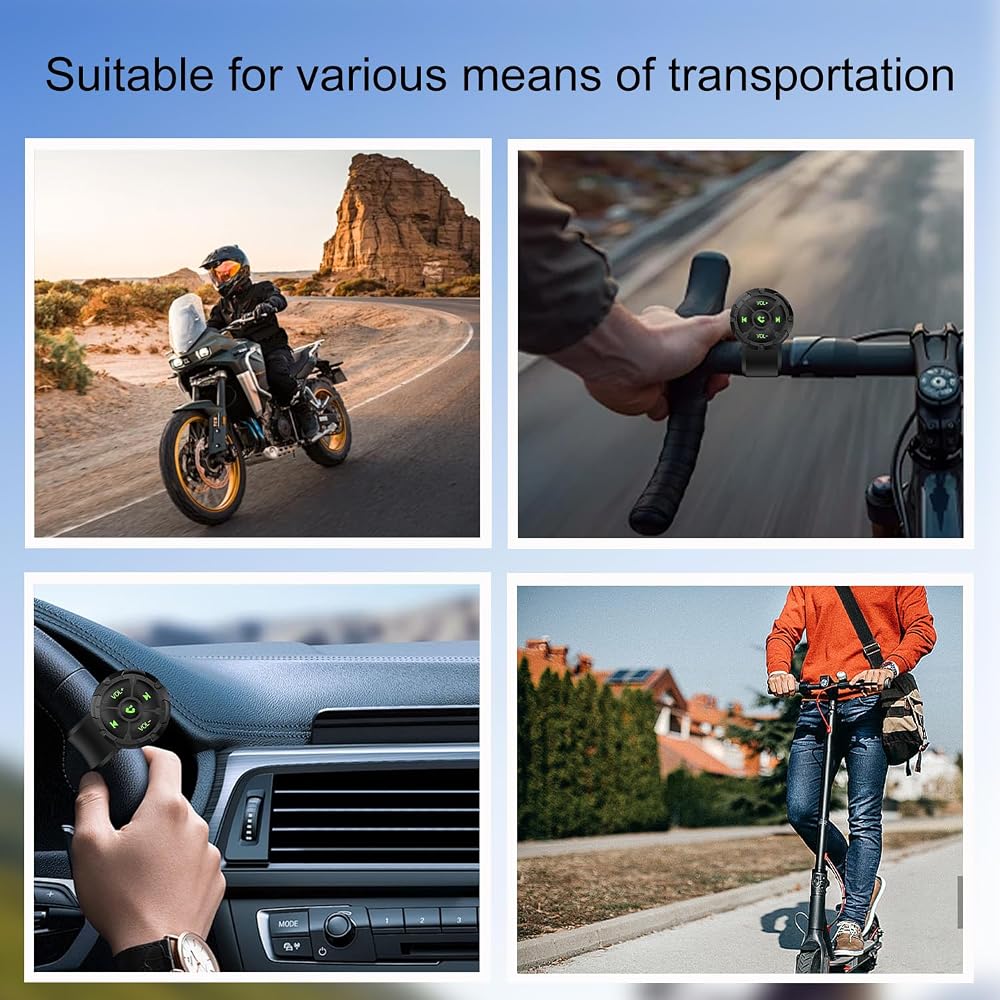
【Waterproof】Bluetooth remote control With IPX67 waterproof performance, it can be used in rainy or harsh environments; The backlight button ensures clear visibility for night operation. you can freely control music, volume, or answer calls while driving, cycling, or working
【Note】 When you connect your phone to CarPlay, you will not be able to adjust the volume using the button remote control or the volume buttons on your phone. CarPlay has taken over the volume control and integrated it into the car system for easier access while driving

 MOFEEZ Power Distribution Block Bus Bar, 4 x 5/16" Posts, 6 x #8 Screws Terminals, Max 48V 250A (Pair, Red & Black)
SAR 105
MOFEEZ Power Distribution Block Bus Bar, 4 x 5/16" Posts, 6 x #8 Screws Terminals, Max 48V 250A (Pair, Red & Black)
SAR 105
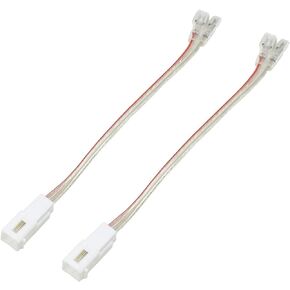 RED WOLF Front Dash Tweeters Speaker Wiring Harness Adapter Connector Plug Replacement for Dodge Ram Jeep Chrysler 2005-2022 Aftermarket Dash Tweeters Audio Cable Plug 2PC
SAR 73
RED WOLF Front Dash Tweeters Speaker Wiring Harness Adapter Connector Plug Replacement for Dodge Ram Jeep Chrysler 2005-2022 Aftermarket Dash Tweeters Audio Cable Plug 2PC
SAR 73
 Antenna Mast for Toyota Tundra 2007-2026 Black Automotive Antenna Replacement for Cars, Trucks & SUV - AM FM Radio Compatible - Car & Truck Exterior Accessories for Men & Women, 6 3/4"
SAR 105
Antenna Mast for Toyota Tundra 2007-2026 Black Automotive Antenna Replacement for Cars, Trucks & SUV - AM FM Radio Compatible - Car & Truck Exterior Accessories for Men & Women, 6 3/4"
SAR 105
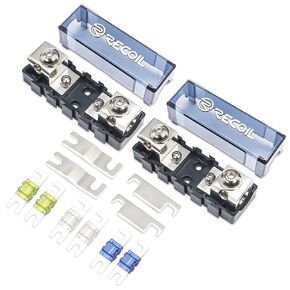 Recoil MFH12 2 Way Mini-ANL Fused Distribution Block Maximum Power Transfer | Solid Brass 1 X 0/2/4 Gauge In / 2 X 4/8 Gauge Out with 60A 80A 100A Fuses
SAR 94
Recoil MFH12 2 Way Mini-ANL Fused Distribution Block Maximum Power Transfer | Solid Brass 1 X 0/2/4 Gauge In / 2 X 4/8 Gauge Out with 60A 80A 100A Fuses
SAR 94