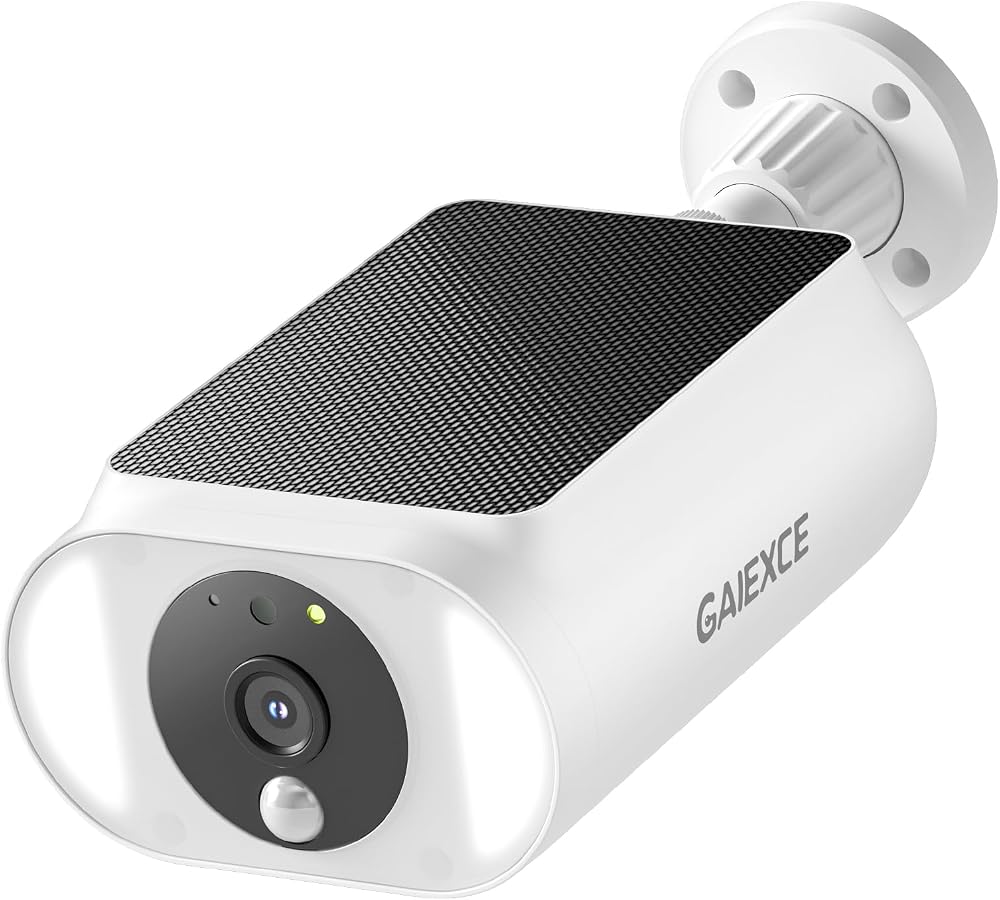
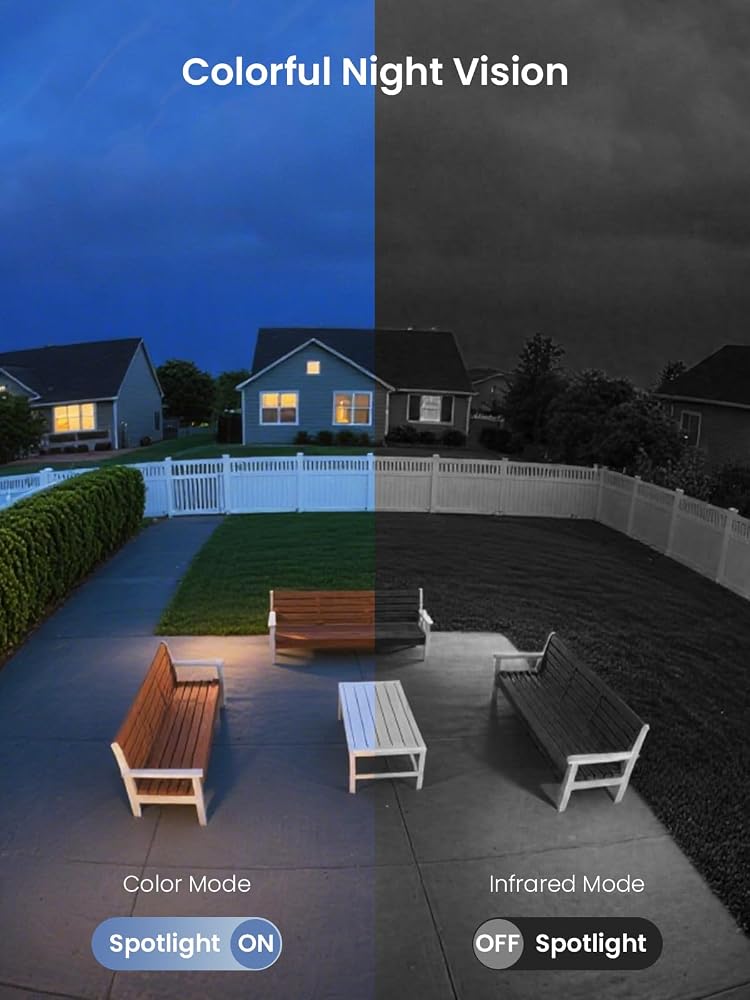
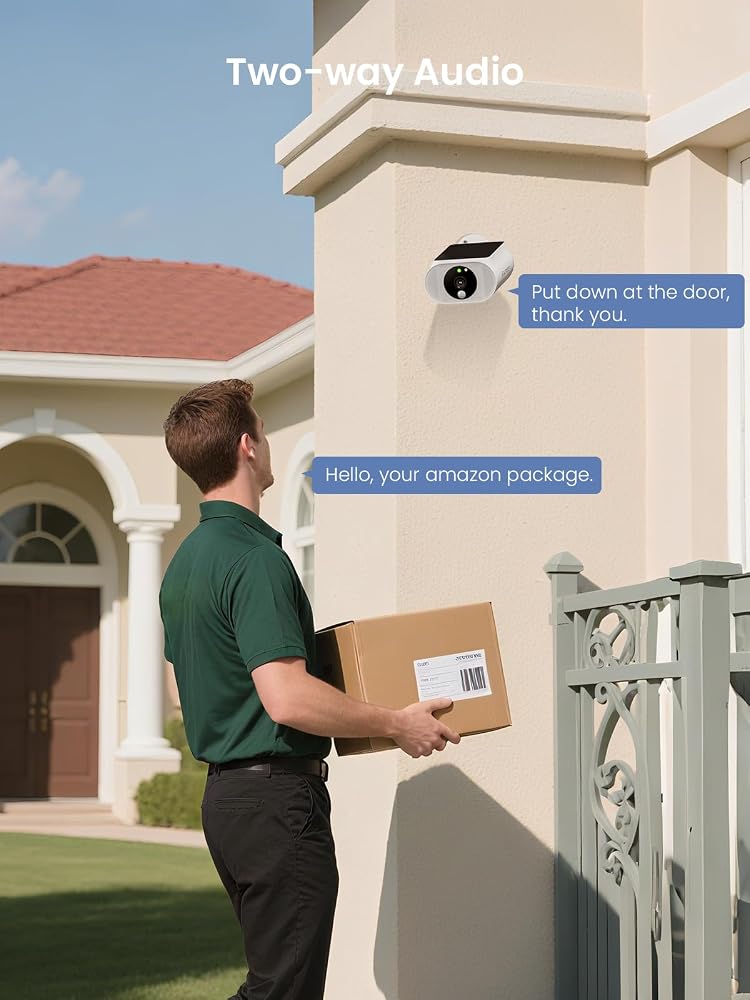
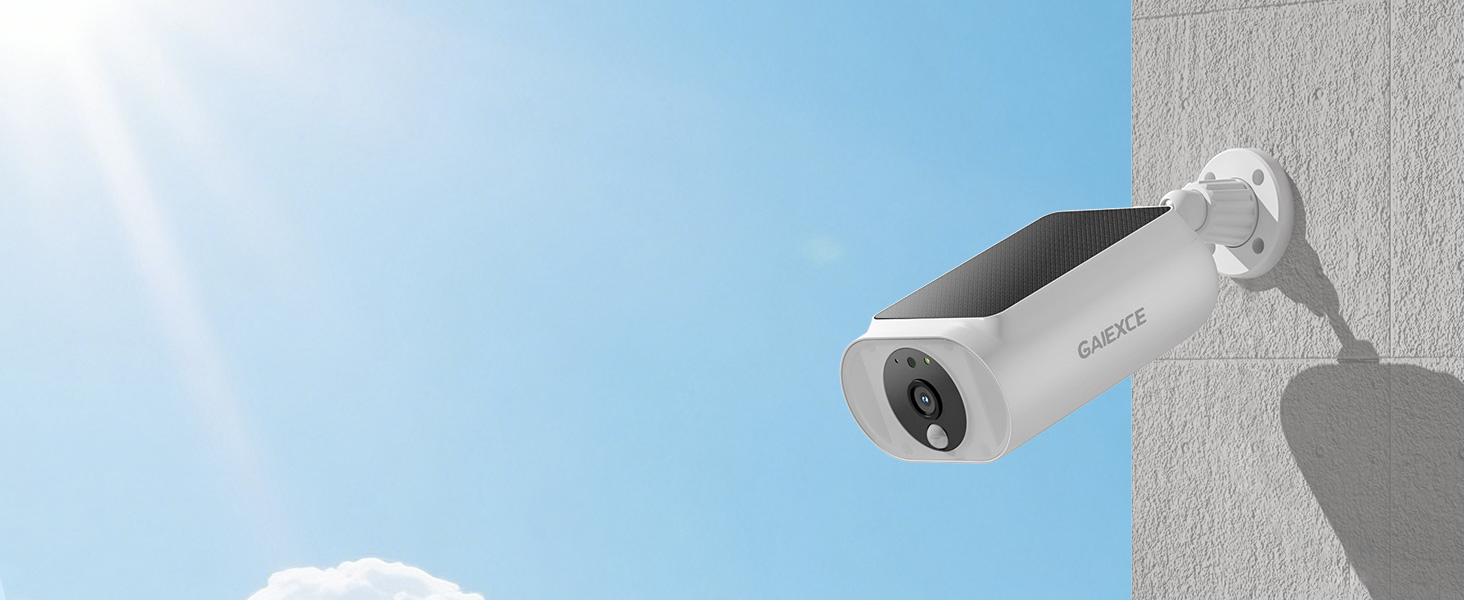
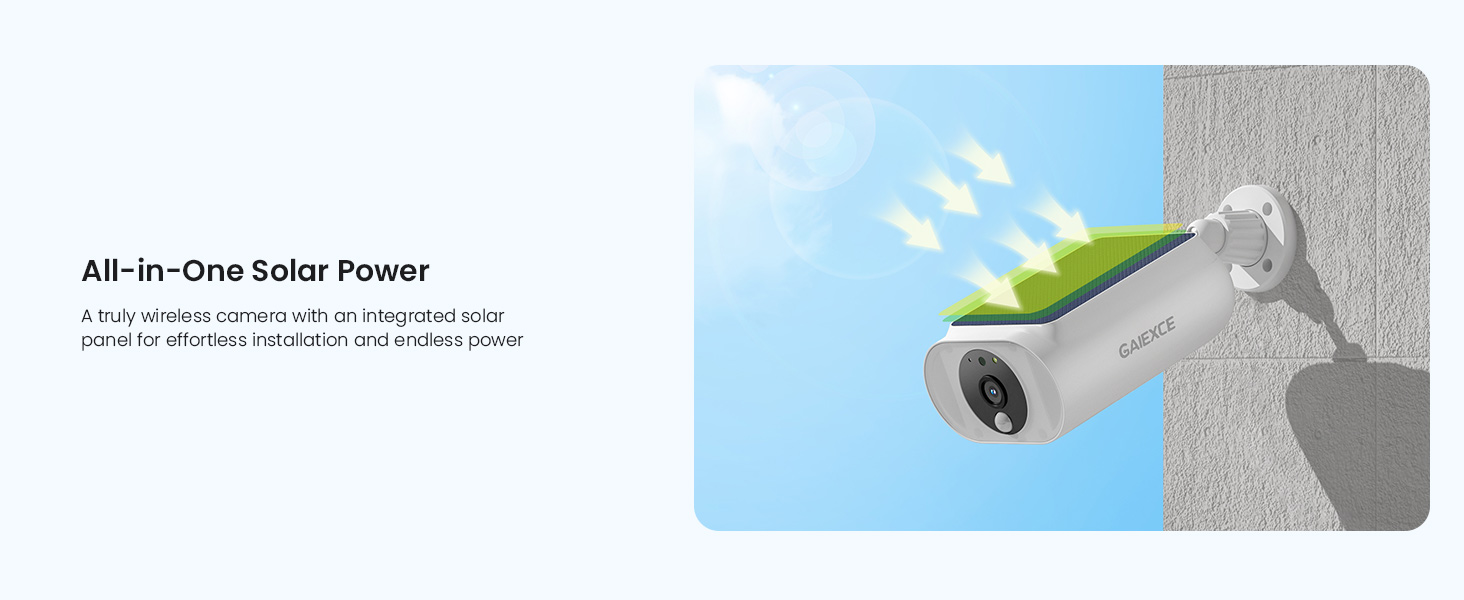
Solar Security Camera, Wireless Security Camera Outdoor, 2K with Integrated Solar Panel, 2.4/5 GHz Wi-Fi, for Surveillance, Need SD Card(NOT Included) Cloud Storage is Optional(Need Charge)
All electronics ship with US style plugs.You may need a voltage converter or a plug adapter.
Special Features
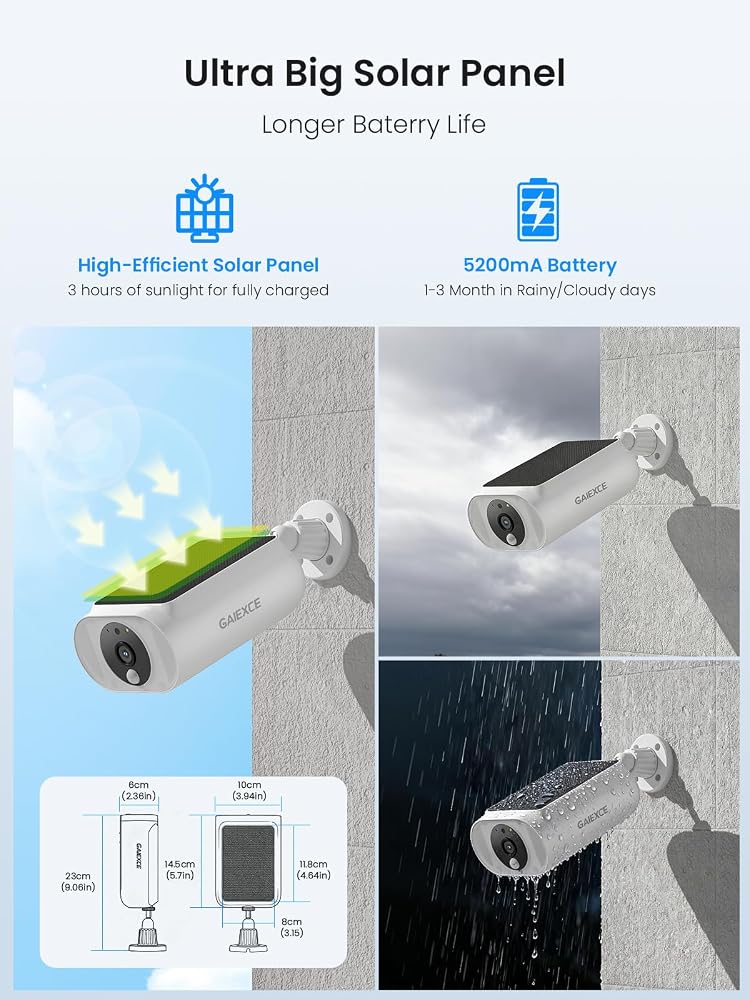
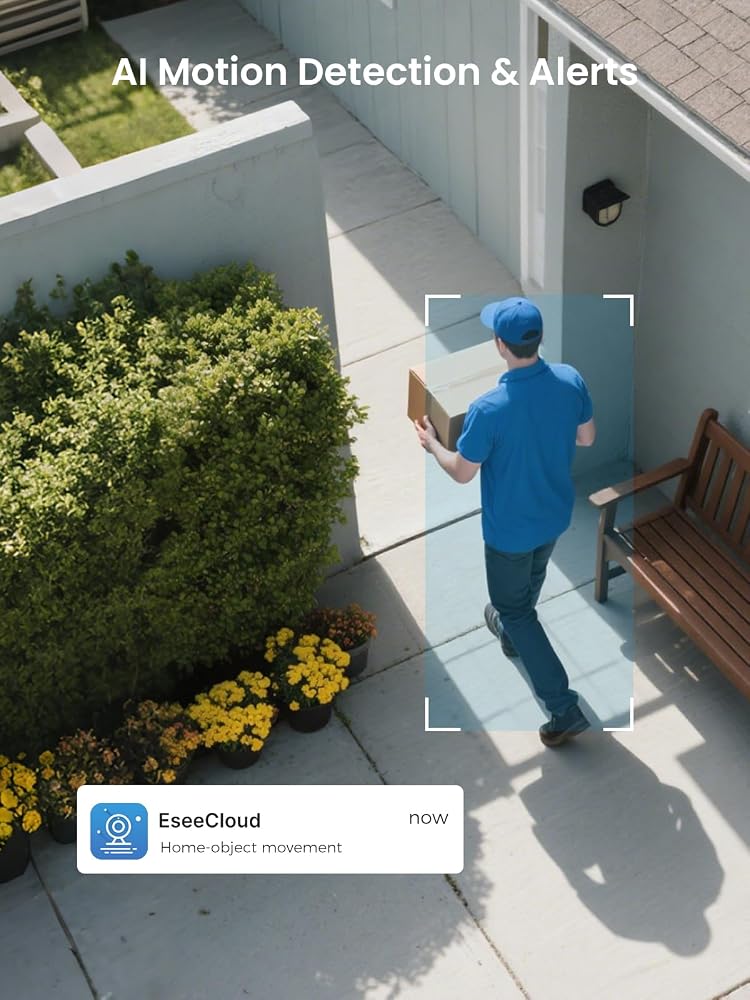
Size: 5.7*4*2.4 inches. Please install the camera in a position as perpendicular as possible to the direction of motions, otherwise detection will become difficult.
First time use, please RESET, RESET, RESET the camera.(use a needle to hold and long press the reset for 6-8s). And then open the app>> Upper right of the device page>> Add device(Turn on the bluetooth)>> Tap "add" after detecting the cameras. If cannot find the cameras, RESET the cameras or contact us.
Please insert an SD card, so the camera can store the videos after detecting motions and you can check the playback videos.NOTE: The cloud storage is optional, If you don't insert an SD card, please subscribe the cloud service for watching playback.
The camera will wakeup after detecting motions and record the video to the SD card (Please insert an SD card), and then sleep.There are three recording modes: Optimal battery life, Optimal surveilance and Uninterrupted recording. If select Uninterrupted recording, please use additional power supply to it because this mode consumes too much power. "Optimal surveilance" will store videos up to 3 mins.
If use the solar panel provides the power, please don't select the "Uninterrupted recording" (24/7 mode) because this mode consumes too much power. if not, please use additional power supply to connect the camera.
Please select HD when you watch the live on the lower left of the camera.
If you can't get the detection alerts instantly, please install the camera as close to WiFi as possible.
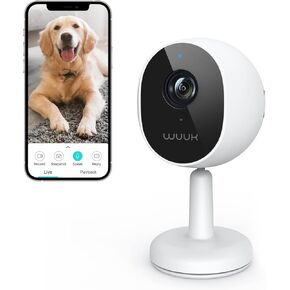 WUUK 4MP Indoor Wired Security Camera, Baby Monitoring, No Subscription | 24/7 Recording, Motion/Human/Crying Detection, Night Vision, 2 Way Talk, Magnetic Stand, Compatible with Alexa & Google
SAR 173
WUUK 4MP Indoor Wired Security Camera, Baby Monitoring, No Subscription | 24/7 Recording, Motion/Human/Crying Detection, Night Vision, 2 Way Talk, Magnetic Stand, Compatible with Alexa & Google
SAR 173
 AXIS Communications P1265 Pinhole Network Camera, 0927-001
SAR 2,113
AXIS Communications P1265 Pinhole Network Camera, 0927-001
SAR 2,113
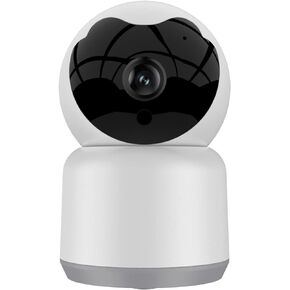 Home Security Camera, Tuya 3MP Indoor Pan-Tilt Smart Camera for Baby & Pet with Motion Tracking, 2-Way Audio, IR Night Vision, Siren, Compatible with Alexa & Google Home, 2.4GHz WiFi
SAR 136
Home Security Camera, Tuya 3MP Indoor Pan-Tilt Smart Camera for Baby & Pet with Motion Tracking, 2-Way Audio, IR Night Vision, Siren, Compatible with Alexa & Google Home, 2.4GHz WiFi
SAR 136
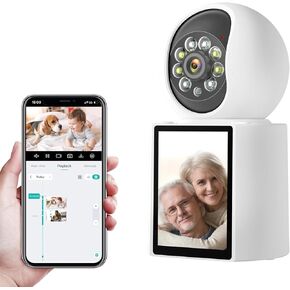 2K Security Camera Indoor, 360° Video Call Security Camera with 2.8" Screen for Home Security/Pet/Baby Monitor/Elder, Motion/AI Human Detection, Auto Tracking, Color Night Vision, Work with Alexa
SAR 0
2K Security Camera Indoor, 360° Video Call Security Camera with 2.8" Screen for Home Security/Pet/Baby Monitor/Elder, Motion/AI Human Detection, Auto Tracking, Color Night Vision, Work with Alexa
SAR 0