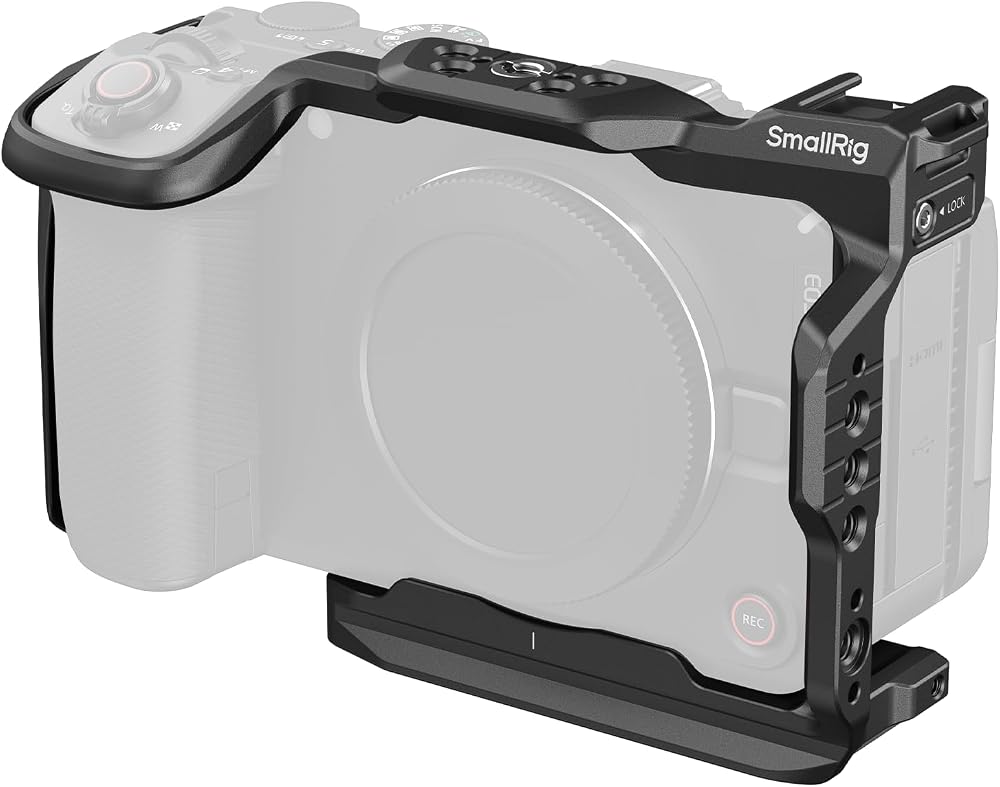
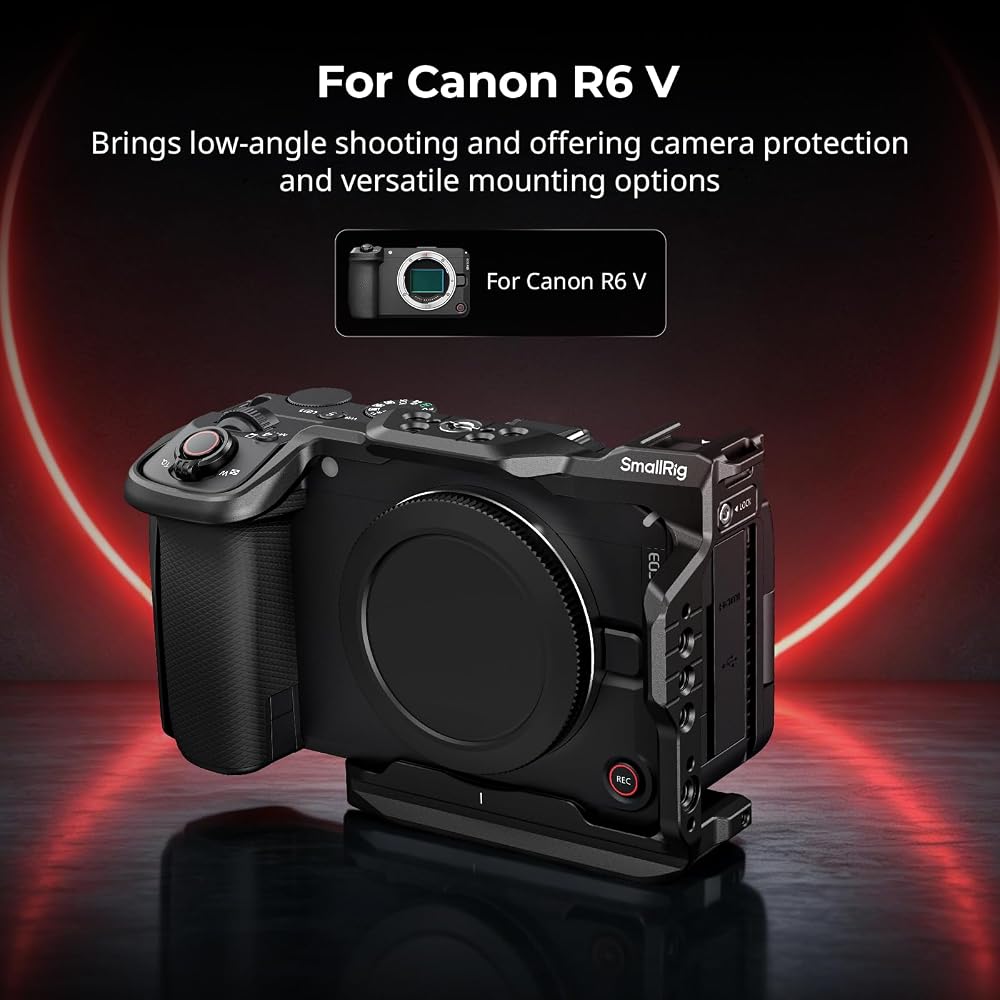
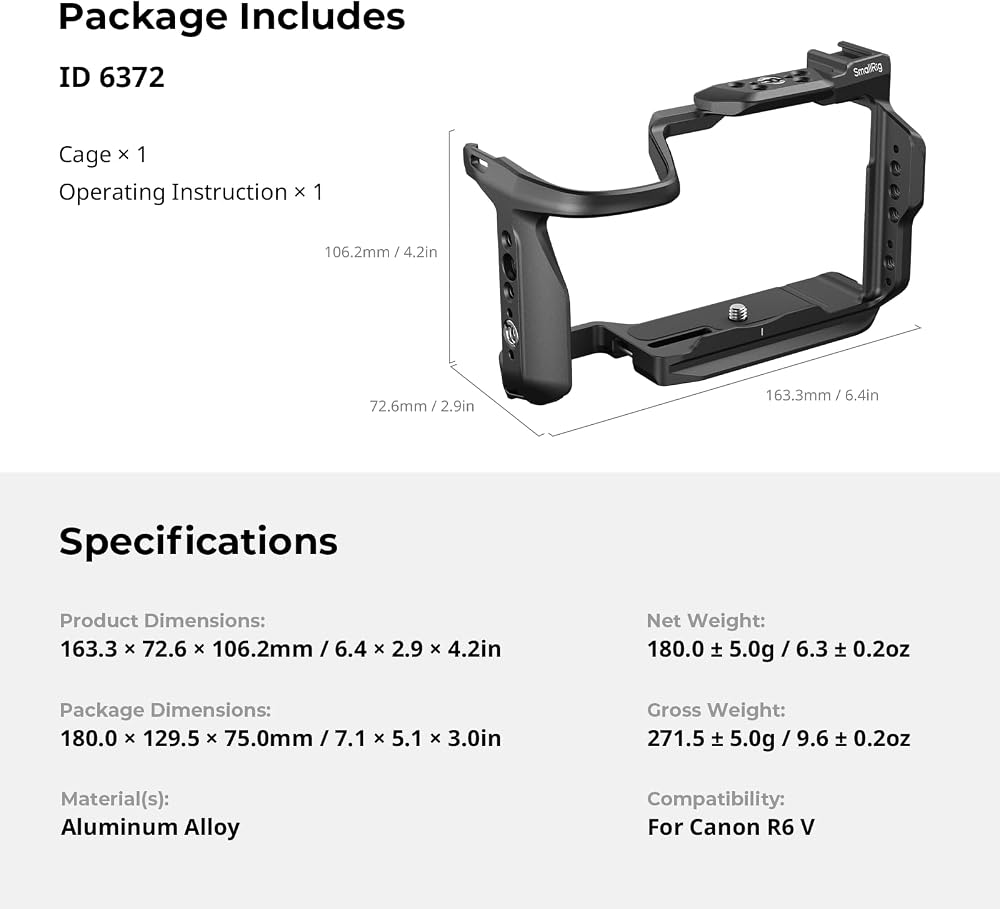
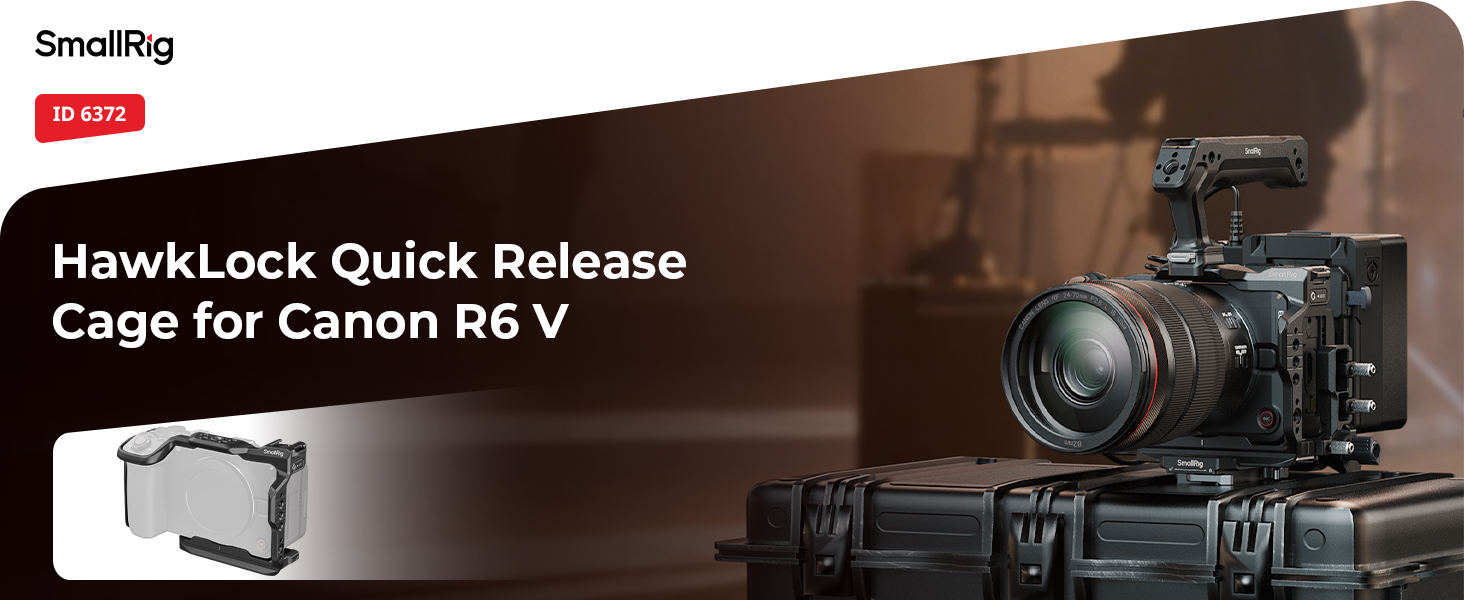
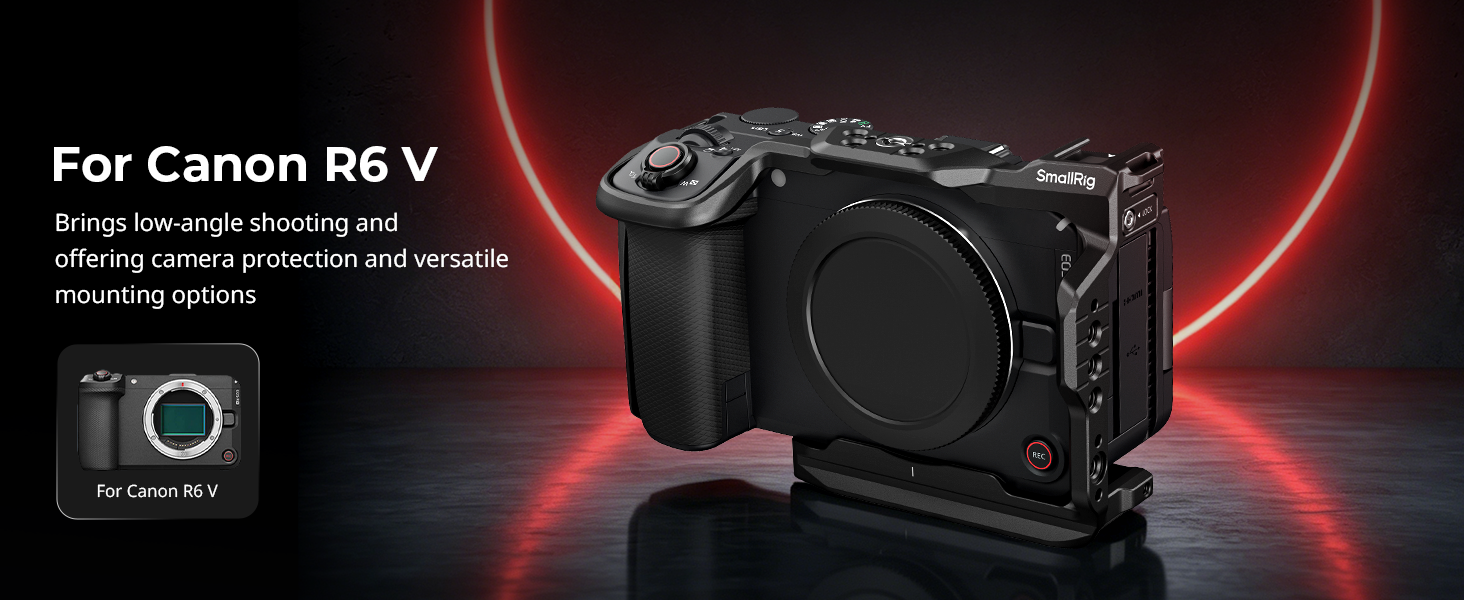
SmallRig R6 V HawkLock Quick Release Cage for Canon R6 V, Aluminum Alloy Full Camera Cage, Quick Release Plate for Arca & Cold Shoe Mount & NATO Rails, for DJI RS Stabilizer - 6372
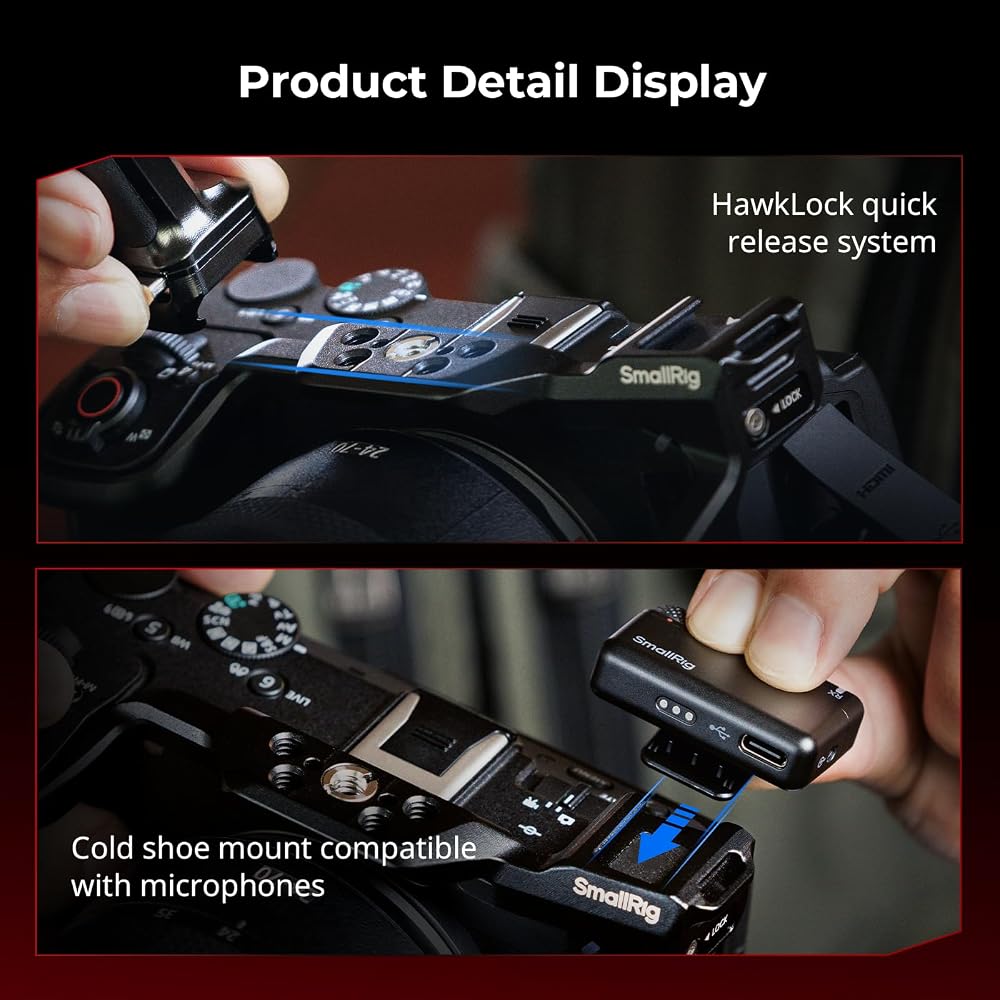
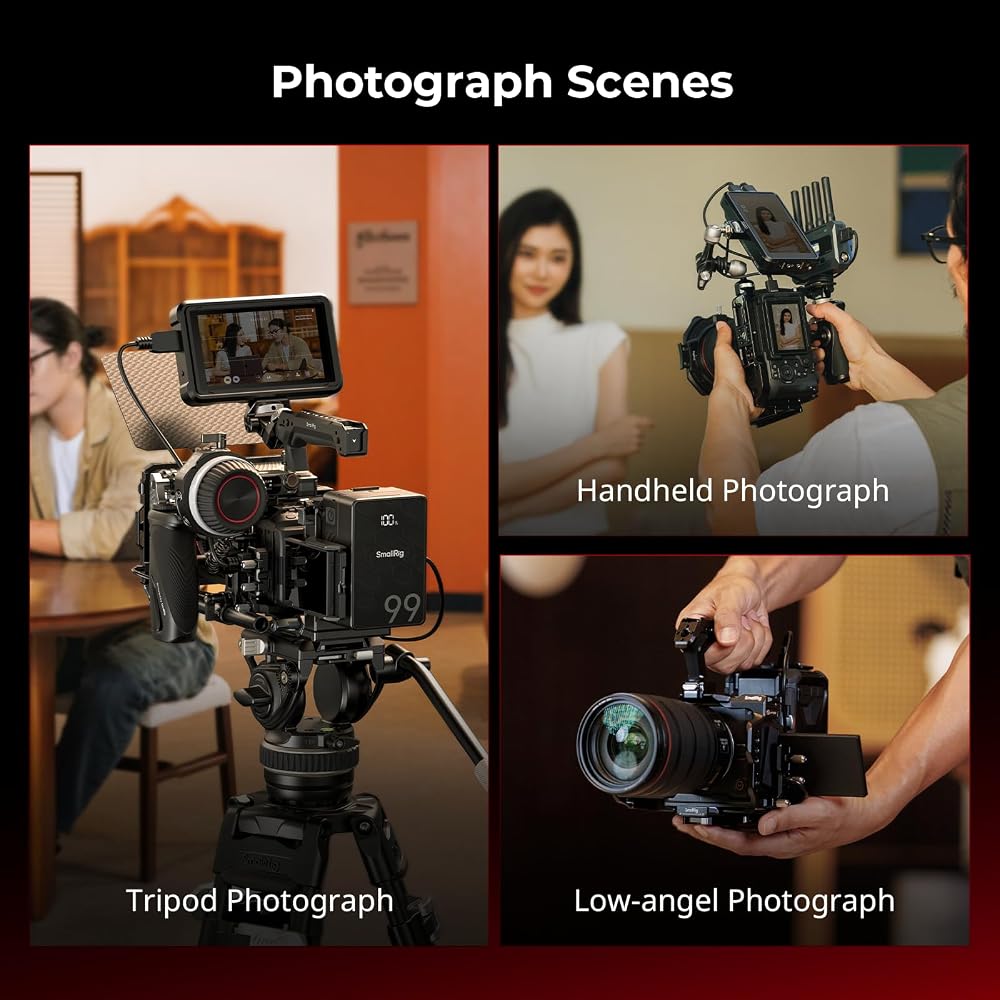
Designed for Canon R6 V: SmallRig hawkLock quick release cage 6372 is specifically designed for the Canon R6 V. HawkLock quick release system, it supports one-touch self-locking for rapid accessory assembly and disassembly without the need for further tightening. Built-in HawkLock NATO rail for instant attachment and detachment of compatible "HawkLock"accessories like side handles (ID 4485/5633), top handles (ID 4483/5632/3766), magic arm (ID 4489) and monitor mounts (ID 4487), for any shooting scenario.
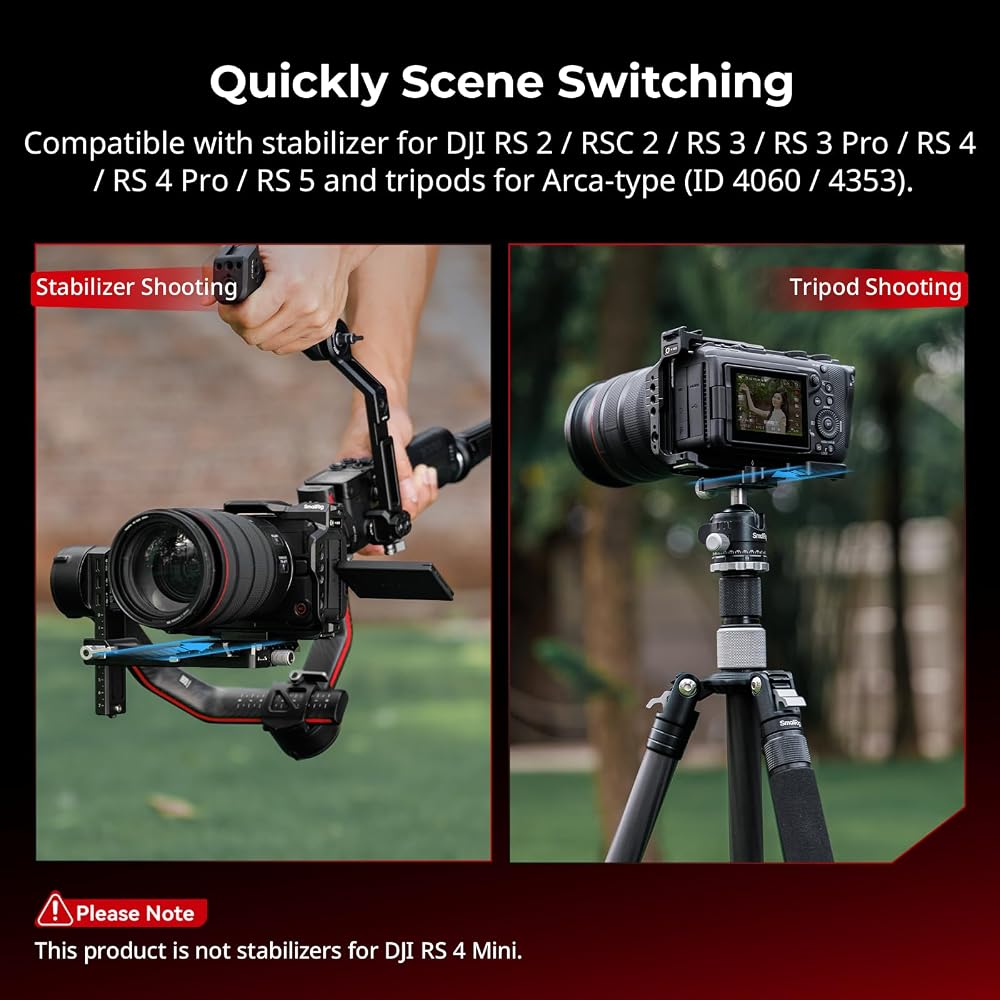
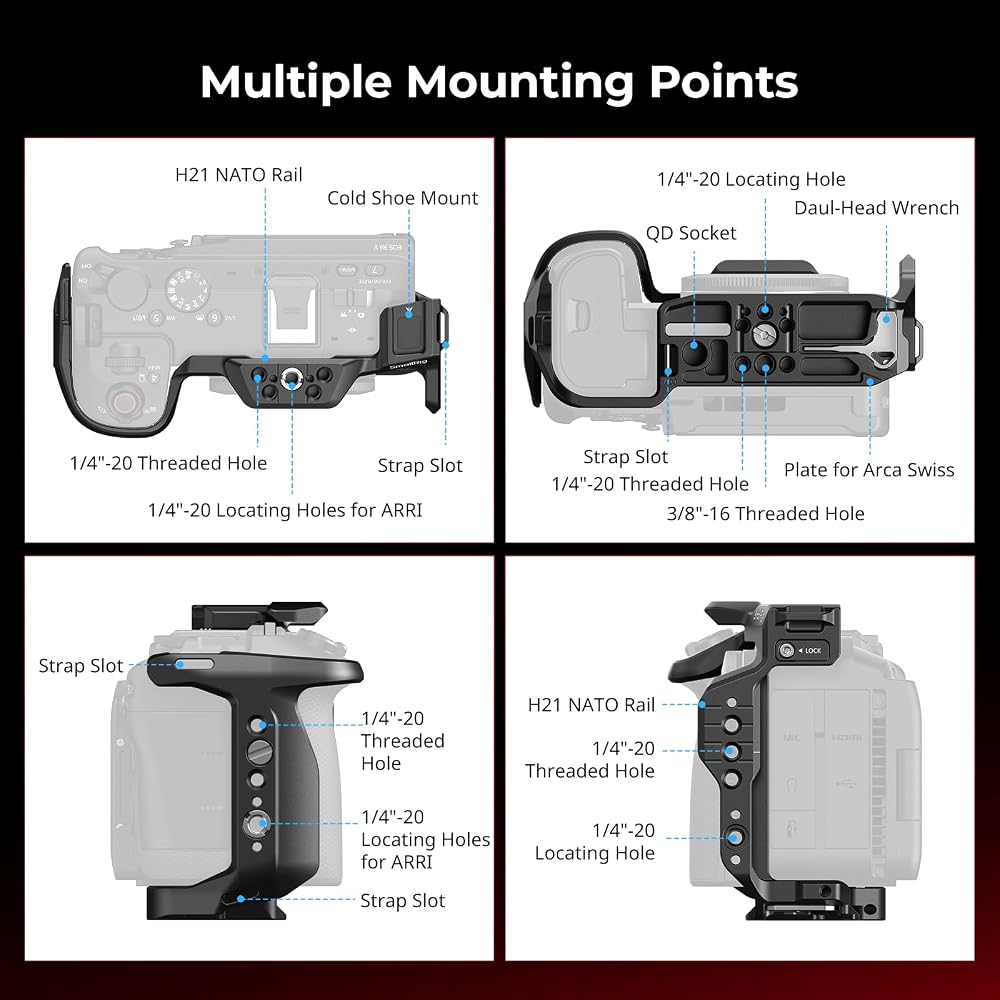
Quick Release Plate for Arca: The bottom of the cage has a built-in quick release plate for Arca, which can be seamlessly inserted into the direct-mount stabilizer bracket without disassembly. Tripods for Arca-type (ID 4060/4353) and stabilizers for DJI RS 2 / RSC 2 / RS 3 / RS 3 Pro / RS 4 / RS 4 Pro / RS 5, facilitating seamless transitions between handheld, tripod, and gimbal setups. Notes: This product is not stabilizers for DJI RS 4 Mini.
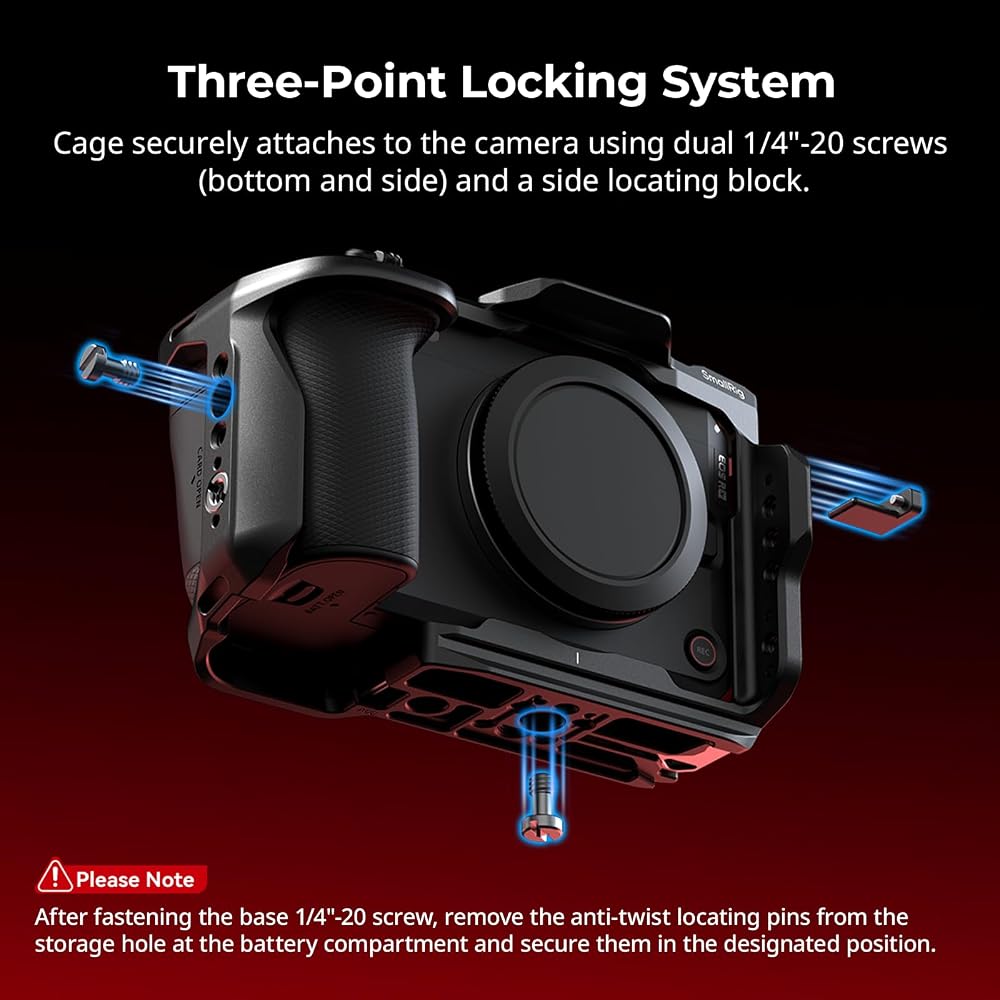
Three-Point Locking System: The cage utilizes a three-point locking system, cage securely attaches to the camera using dual 1/4"-20 screws (bottom and side) and a side locating block. Built-in pads offer comprehensive protection and prevent scratches, while precision cutouts ensure unobstructed access to camera ports, dials, buttons, and the battery compartment.
Multiple Mounting Points: Includes 1/4"-20 threaded holes, 1/4"-20 & 3/8"-16 locating holes for ARRI, accommodate accessories such as side handles (ID 4346), magic arms (ID 3874, 3875), and monitor mounts (ID 2904B). A built-in cold shoe mount allows for attaching devices for DJI Mic 2 and lights, while a QD socket at the base accommodates shoulder straps for enhanced portability. The base is also equipped with a magnetic Allen wrench for easy assembly and disassembly.
Precautions: 1. After fastening the base 1/4"-20 screw, remove the anti-twist locating pins from the storage hole at the battery compartment and secure them in the designated position. 2. Before installing the cable clamp for HDMI, open the camera's port cover.
 SmallRig Camera Cage Wrist Strap, Universal Quick Adjustable Secure Grip Camera Cage Handle Hand Wrist Strap PAC2456
SAR 63
SmallRig Camera Cage Wrist Strap, Universal Quick Adjustable Secure Grip Camera Cage Handle Hand Wrist Strap PAC2456
SAR 63
 SmallRig Action 5 Pro Action 4 Action 3 Camera Cage for DJI, Protective Cage Compatible for DJI Mic, Protective Frame for Osmo Action 5 Pro Action 4 Action 3-4119C
SAR 178
SmallRig Action 5 Pro Action 4 Action 3 Camera Cage for DJI, Protective Cage Compatible for DJI Mic, Protective Frame for Osmo Action 5 Pro Action 4 Action 3-4119C
SAR 178
 SmallRig R5 R6 Camera Cage for Canon EOS R5 and R6 Camera 2982
SAR 313
SmallRig R5 R6 Camera Cage for Canon EOS R5 and R6 Camera 2982
SAR 313
 SMALLRIG Camera Wrist Strap, Vintage Leather Camera Hand Strap for DSLR SLR Mirrorless, Adjustable Safety for Fujifilm X-T5 X-T4 X-T3 X-T30 X-E4 X100V and Other Compact Cameras, Brown - 3926
SAR 75
SMALLRIG Camera Wrist Strap, Vintage Leather Camera Hand Strap for DSLR SLR Mirrorless, Adjustable Safety for Fujifilm X-T5 X-T4 X-T3 X-T30 X-E4 X100V and Other Compact Cameras, Brown - 3926
SAR 75