- Shopping, made easy.
- /
- Get the app!
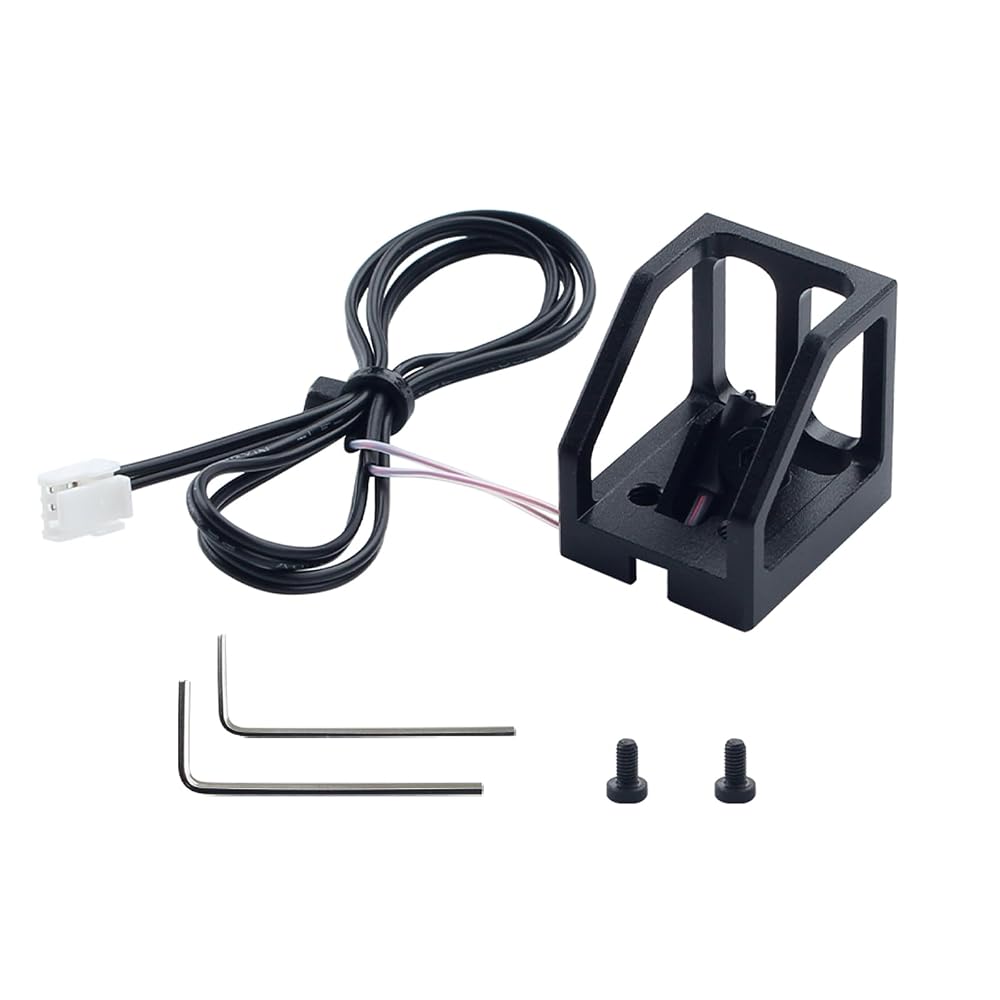
Package Include:
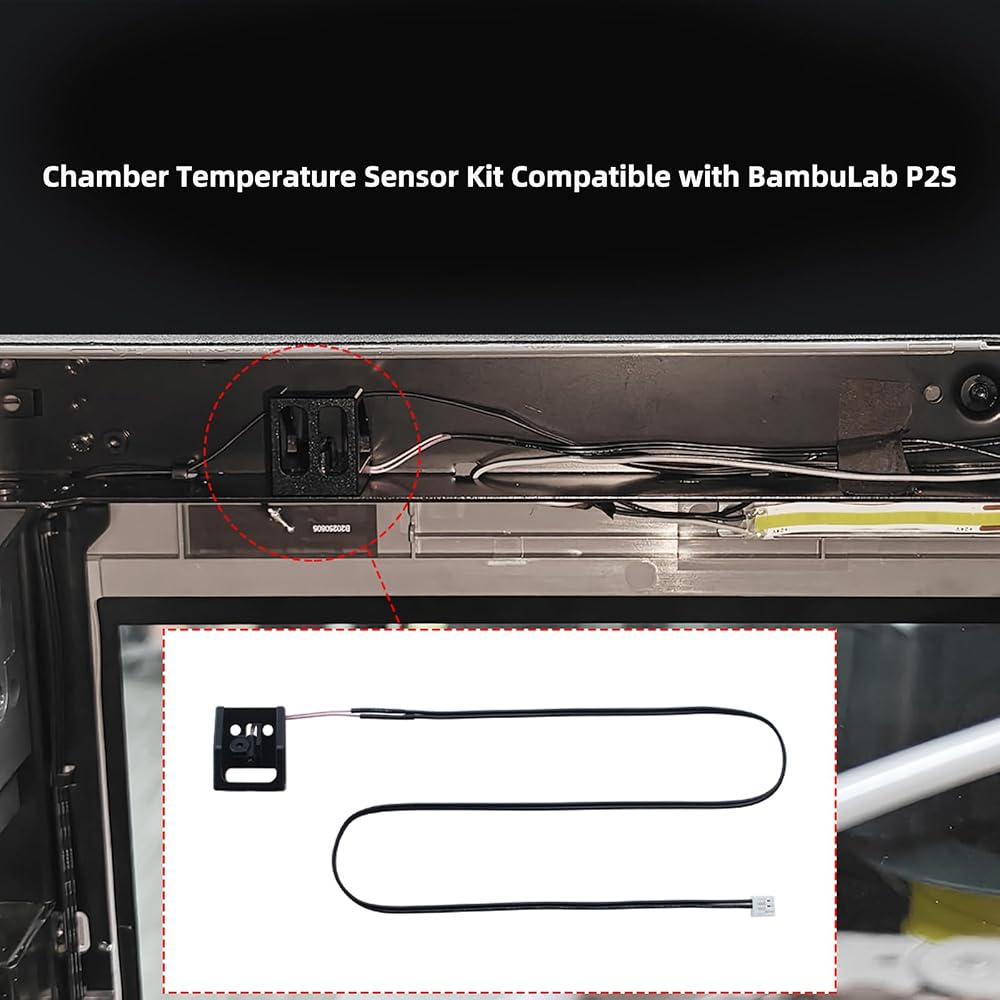
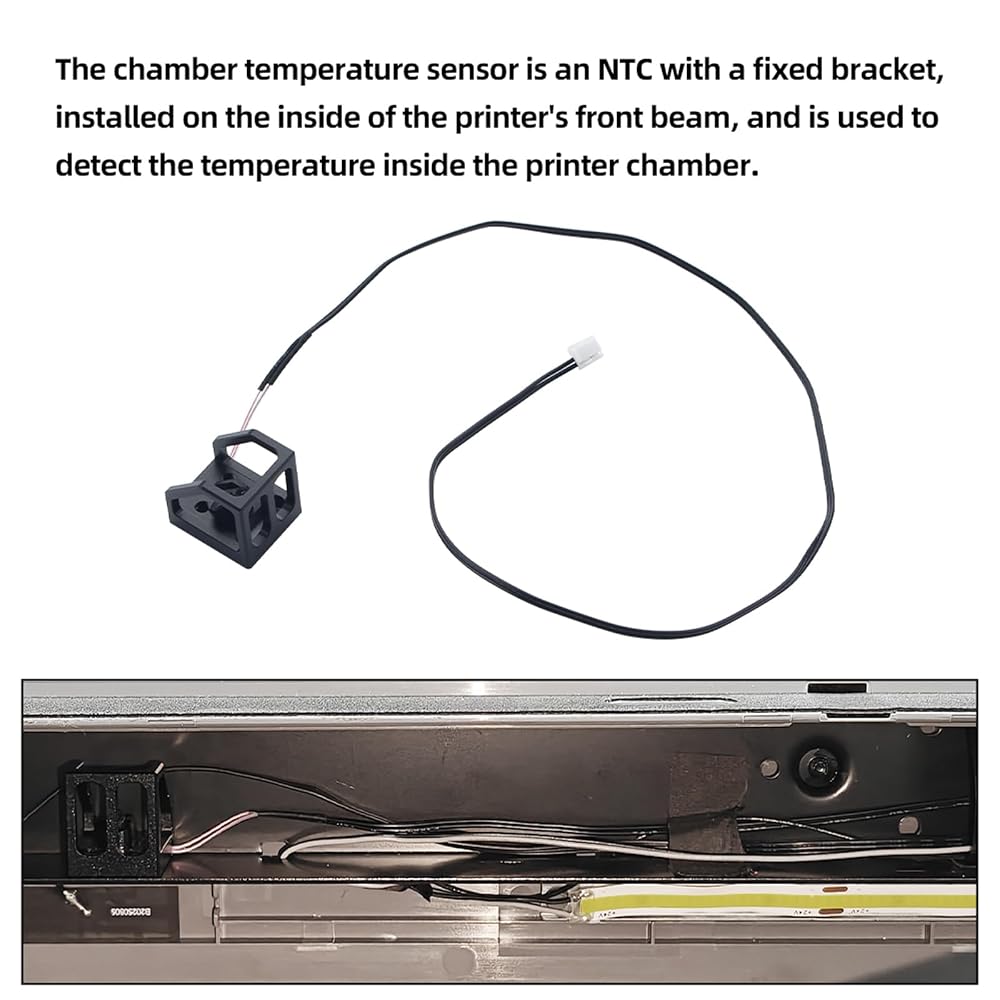
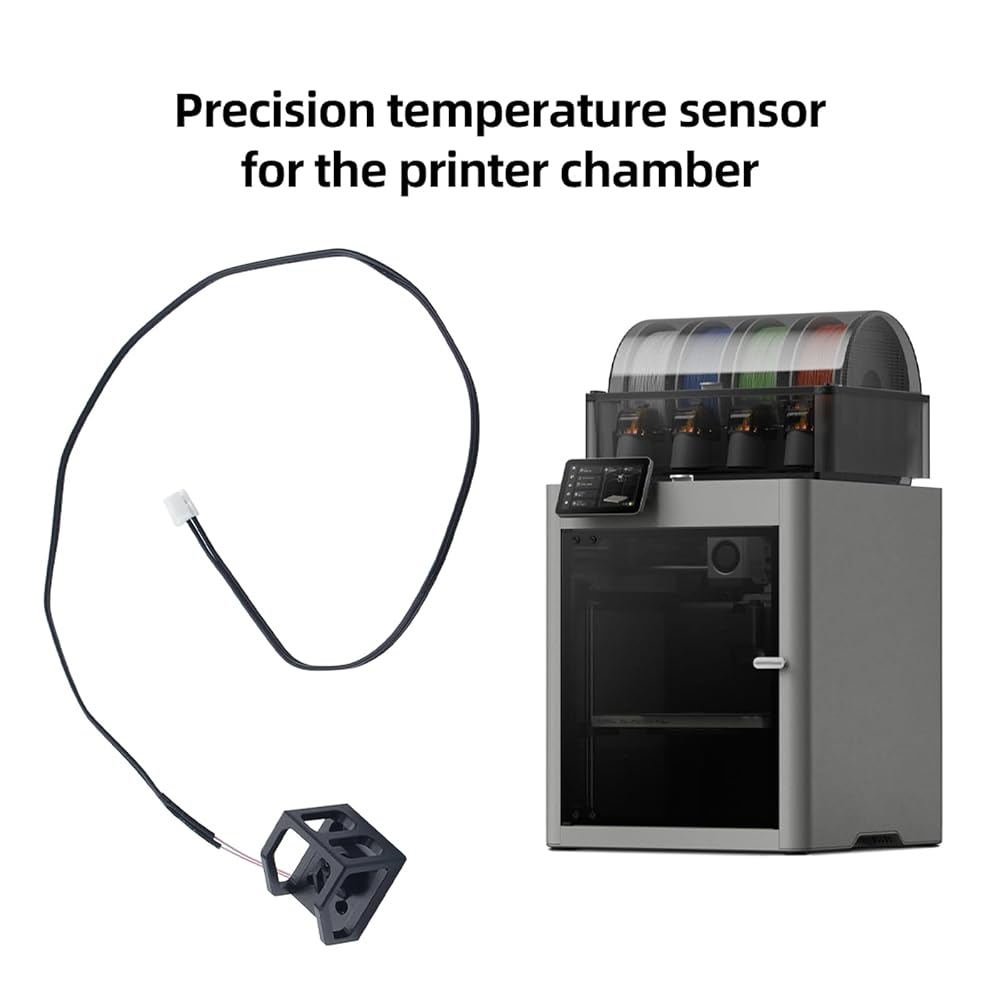
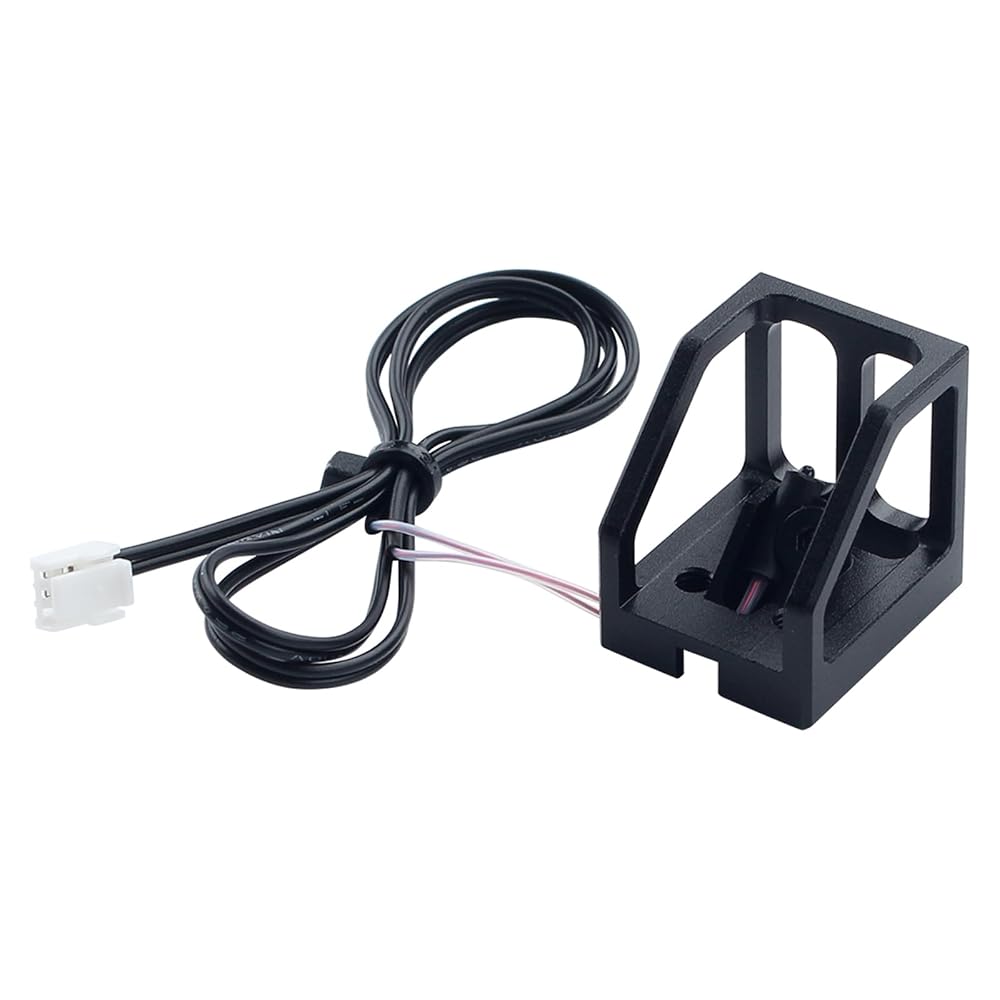
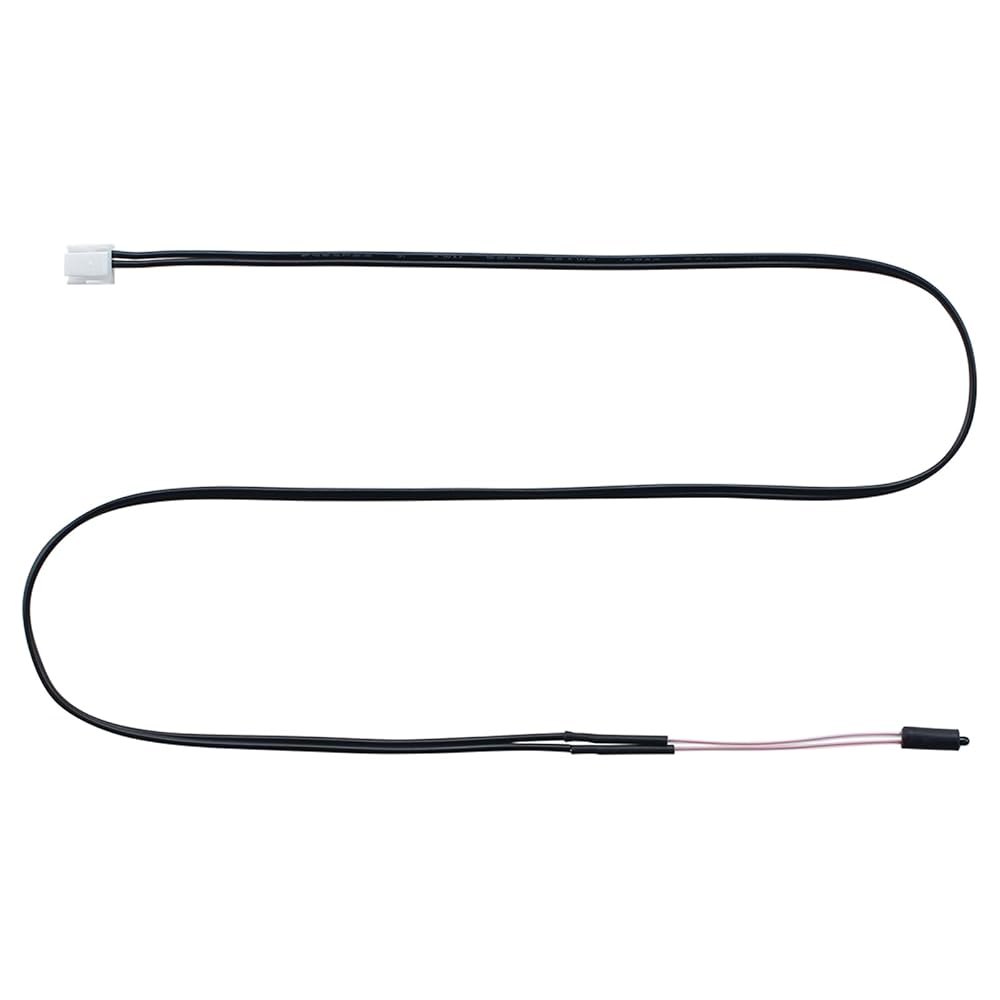
For P2S chamber temperature sensor with base*1
BT3x6 screws*2
spanner
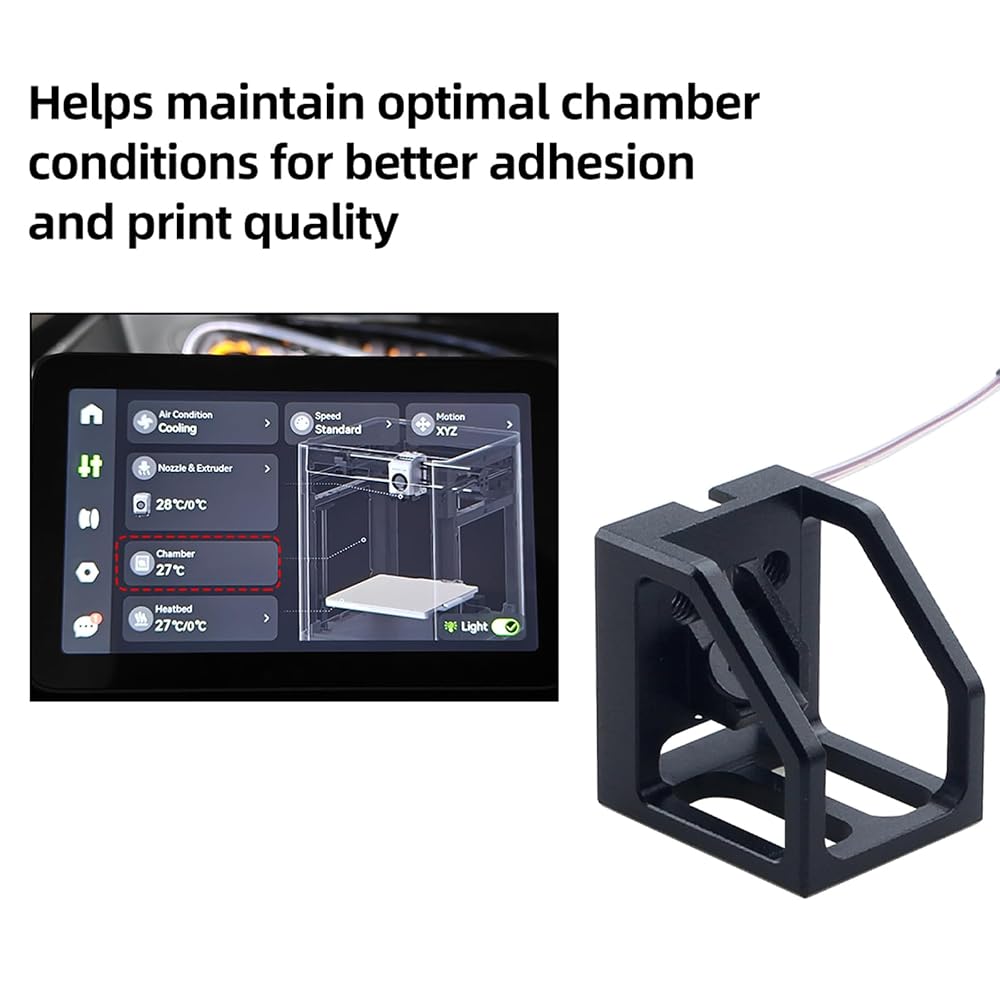
After installation: Connect the power supply and turn on the printer, then check whether the chamber temperature is normal
 3D Printer Accessories Single LED Magntic Control Switch Light: 3V White Lights 1Pcs Lamp Bead No Power Supply for 3D Printing DIY Project Model Lighting
SAR 47
3D Printer Accessories Single LED Magntic Control Switch Light: 3V White Lights 1Pcs Lamp Bead No Power Supply for 3D Printing DIY Project Model Lighting
SAR 47
 3D Printer Accessories Hall Switch Board Compatible with BambuLab X1 X1C X1E: Filament Sensor Replacement with Connection Cable for Detecting Presence of Consumables in Hotend Extruder
SAR 68
3D Printer Accessories Hall Switch Board Compatible with BambuLab X1 X1C X1E: Filament Sensor Replacement with Connection Cable for Detecting Presence of Consumables in Hotend Extruder
SAR 68
 3D Printer Accessories AMS Feeding Funnel Assembly PCB Board: Filament Detection Sensor - Ensure Precision Printing
SAR 53
3D Printer Accessories AMS Feeding Funnel Assembly PCB Board: Filament Detection Sensor - Ensure Precision Printing
SAR 53
 3D Printer Platform CryoNix 355x346mm Cold Build Plate for BambuLab H2D: Double Sided Textured Removable and Flexible Spring Steel Sheet Grey - Support Low Temp Printing
SAR 230
3D Printer Platform CryoNix 355x346mm Cold Build Plate for BambuLab H2D: Double Sided Textured Removable and Flexible Spring Steel Sheet Grey - Support Low Temp Printing
SAR 230